As an Amazon Associate we earn from qualifying purchases.
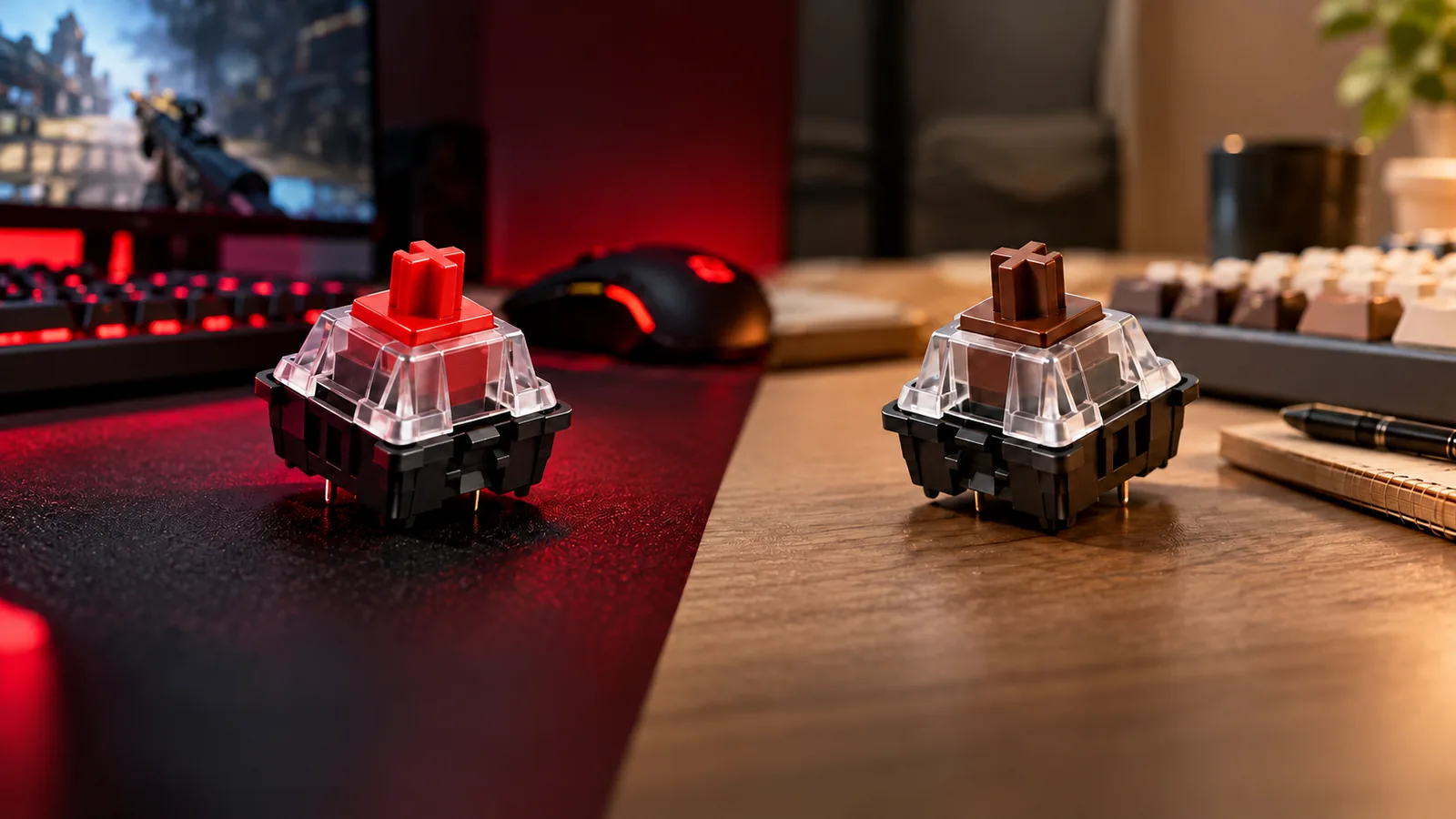
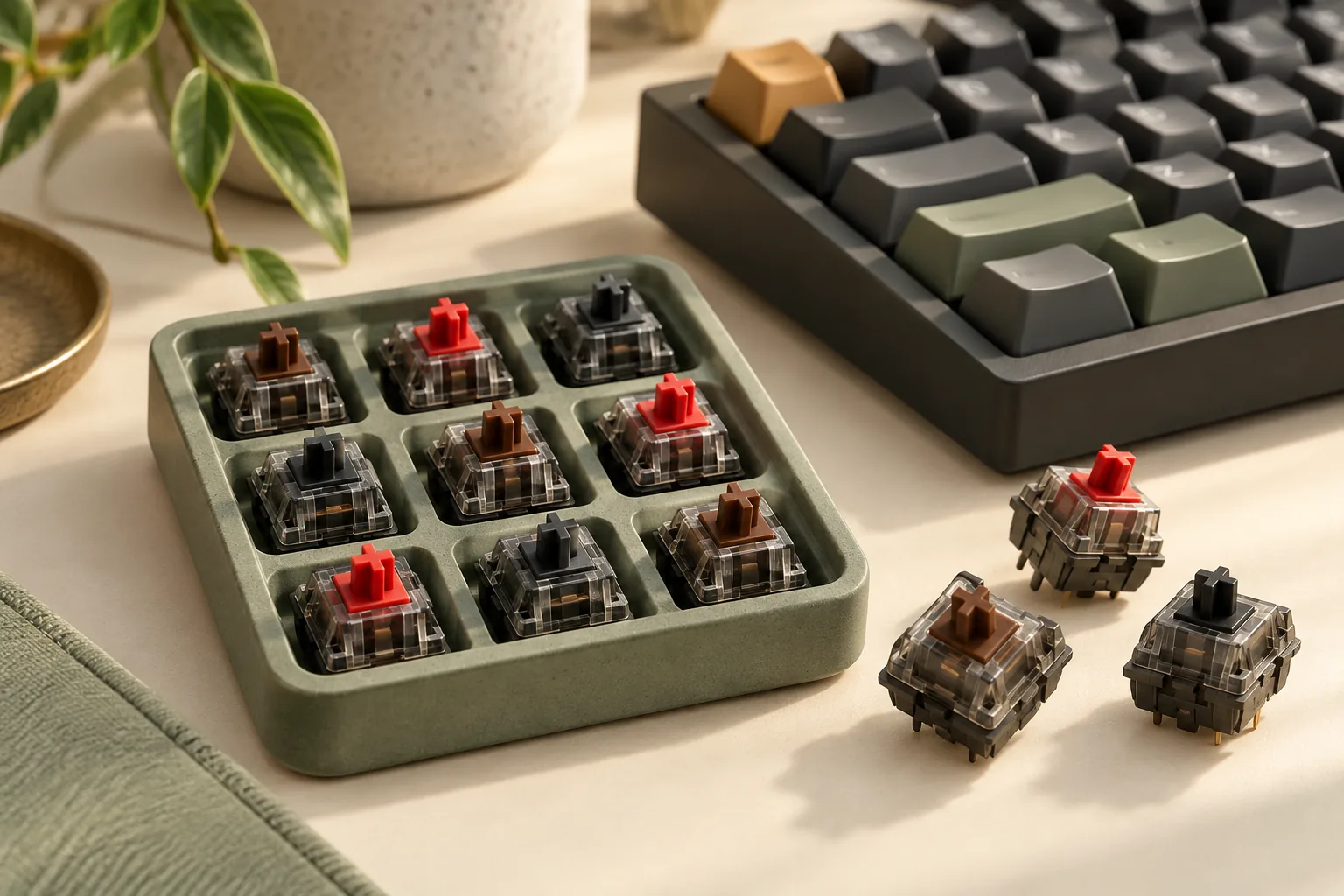
Choose Cherry Brown keyboard switches if you want tactile feedback—a noticeable change in resistance during a press—without a click mechanism. Choose MX2A Red if you prefer a linear press without that tactile bump and lower actuation resistance than MX2A Black. Choose Black when you prefer greater linear resistance. CHERRY documents these characteristics on its Brown, Red, and Black pages.
This guide is for buyers selecting replacement switches or comparing switch options for a keyboard build. Start with feedback preference, then verify the generation, complete manufacturer article code, and keyboard requirements before ordering.
Quick take: Brown provides tactile feedback; Red and Black are linear. The current Red and Black pages list 45 cN and 60 cN actuation force, respectively. Brown’s page contains conflicting force fields, so its force ranking remains unresolved. A color name alone does not establish keyboard compatibility.
Editorial method: This comparison uses CHERRY’s official product pages captured on October 15, 2026, plus dated manufacturer articles. Recommendations follow published characteristics; no hands-on testing was performed.
On this page: Specification comparison · Choosing the feel · MX versus MX2A · Compatibility worksheet · Sampling · Questions
Compare Cherry MX2A Red, Brown, and Black
The table describes the current MX2A product pages. Pre-travel is the distance before actuation; total travel is the full press distance. These distance specifications do not measure how quickly an assembled keyboard reports a keypress.
| Current model | Feedback | Published actuation force | Pre-travel / total travel | Preference to explore |
|---|---|---|---|---|
| CHERRY MX2A Red | Linear, no click | 45 cN | 2 mm / 4 mm | Lower actuation resistance than this Black model |
| CHERRY MX2A Brown | Tactile, no click | Unresolved; see explanation below | 2 mm / 4 mm | A noticeable tactile response |
| CHERRY MX2A Black | Linear, no click | 60 cN | 2 mm / 4 mm | Greater actuation resistance than this Red model |
Brown’s specification conflict matters: CHERRY’s Brown page lists 55 cN operating force in Highlights and 45 cN actuation force in Properties. The available information does not resolve the difference. Do not silently choose one value or reinterpret 55 cN as a confirmed tactile-peak measurement. Brown’s verified comparison points are its tactile response, absence of a click mechanism, and 2 mm/4 mm travel. See the manufacturer’s Brown page.
For a buyer, that means Brown belongs in the comparison because of its feedback type. It should not be placed between Red and Black on a settled numerical force scale.
Choose by feedback and resistance
Cherry Brown keyboard switches: choose tactile feedback
MX2A Brown is the candidate to sample when you want a noticeable response during a press. CHERRY describes it as tactile with no click, separating the physical feedback from an audible click mechanism. That distinction is the supported reason to consider it over Red or Black. Source: CHERRY MX2A Brown.
Ask yourself whether feeling that response is useful or distracting. A tactile preference is a more defensible selection condition than a blanket claim that Brown is best for office work, typing, or mixed use. Your task does not establish which feedback you will enjoy.
If a precise force threshold determines your purchase, request a datasheet matching the exact Brown article code before ordering. The unresolved manufacturer fields are especially relevant when you are trying to match an existing switch rather than explore a new feel.
CHERRY MX2A Red: choose the lighter of these two linears
Red is linear and has no click mechanism. Its listed 45 cN actuation force is lower than Black’s 60 cN, while both pages list 2 mm pre-travel and 4 mm total travel. Red is therefore the logical starting sample when you want linear feedback with lower actuation resistance than this Black model. Sources: CHERRY MX2A Red and MX2A Black.
That comparison does not demonstrate less fatigue, fewer mistakes, or faster gaming. Treat those as outcomes to assess in your own use after confirming compatibility. If you already know you dislike a tactile bump, comparing Red directly with Black makes more sense than choosing Brown because it is often described as an all-purpose option.
CHERRY MX2A Black: choose greater linear resistance
Black provides linear feedback with a listed 60 cN actuation force. Its greater actuation resistance relative to Red is a reason to sample it when a lighter linear response does not appeal to you. It is not evidence of better accuracy or a particular gaming advantage. Source: CHERRY MX2A Black.
Keep the feedback question separate from the resistance question: Red versus Black compares two linears, while Brown introduces tactile feedback. This gives you a practical sequence—decide whether you want a bump, then compare the relevant resistance options.
Read initial, actuation, and final force separately
CHERRY labels several force fields on the Red and Black pages. Preserve those labels when comparing specifications:
| Manufacturer field | MX2A Red | MX2A Black |
|---|---|---|
| Initial force | 30 cN | 30 cN |
| Actuation force | 45 cN | 60 cN |
| Final force | 100 cN | 110 cN |
The shared initial value does not make their actuation forces equal. Likewise, a final-force value should not be substituted for an actuation-force value. The different values also show why “linear” should not be read as “constant force throughout the press.” These page fields are specifications, not a complete measured force curve.
Identify original MX versus MX2A
The color name is only part of the product identity. CHERRY’s August 2017 MX overview predates the August 24, 2023 MX2A announcement. Use the older article for historical context rather than treating it as a current datasheet for every separately sold part.
The MX2A announcement describes factory-applied lubricant, a change to barrel spring geometry, a spring-centering stem, and polished guidance surfaces. It expressly excludes Blue from the lubrication and barrel spring changes for technical reasons. CHERRY also qualifies its lifespan claims by switch variant. Those exceptions make generation and variant identification necessary. Source: CHERRY’s MX2A announcement.
These documented design changes do not establish a measured sound reduction or assembled-keyboard latency advantage for your purchase. Similarly, the historical Brown force figure does not resolve the current Brown page’s conflicting fields.
For a concrete identification example, the current Red product page separately lists MX2A-L1NA as RGB and MX2A-L1NN as non-RGB, alongside other article codes. Record the complete code; do not assume that every suffix has the same housing, footprint, or fit.
Complete the keyboard compatibility worksheet
A switch can match your feedback preference while its fit remains unconfirmed. CHERRY’s historical overview describes the MX cross-mount for attaching a keycap, but that connection alone does not establish electrical, socket, plate, or complete keycap-set compatibility. Source: CHERRY’s MX overview.
Use this worksheet with the keyboard manufacturer’s documentation and the exact switch listing. Each row identifies a separate question to resolve.
| Check | What to record or confirm | When to pause the purchase |
|---|---|---|
| Keyboard identity | Exact model and hardware revision | The listing identifies only a broad keyboard family |
| Electrical platform | Explicit support for the proposed mechanical contact switch | Support is assumed from the CHERRY or MX name |
| Replacement method | Documented socketed replacement or required service procedure | You do not know how the board accepts replacements |
| Socket and footprint | Supported pin layout and socket dimensions for the exact part | Only the switch color is specified |
| Plate fit | Switch housing clearance and plate requirements | Compatibility depends on an unverified modification |
| Lighting | LED position, housing provisions, and physical clearance | “RGB” is the only compatibility information |
| Keycaps | Stem mounting plus the required key sizes and stabilizer arrangement | A cross-shaped mount is the only confirmed detail |
| Order identity | Generation, full article code, quantity, and seller documentation | The offered pack cannot be matched to the intended part |
The current Red, Brown, and Black pages describe RGB housing provisions for board-mounted SMD LEDs. That supports a lighting-related housing distinction; it does not confirm your board’s LED clearance or socket fit.
Before checkout, also confirm current price, stock, delivery, returns, and seller provenance. The linked manufacturer pages use the English UK locale, so their European shop references should not be treated as US fulfillment or warranty terms. If fit remains unknown, stop before ordering or modifying switches.
Sample before ordering a full set
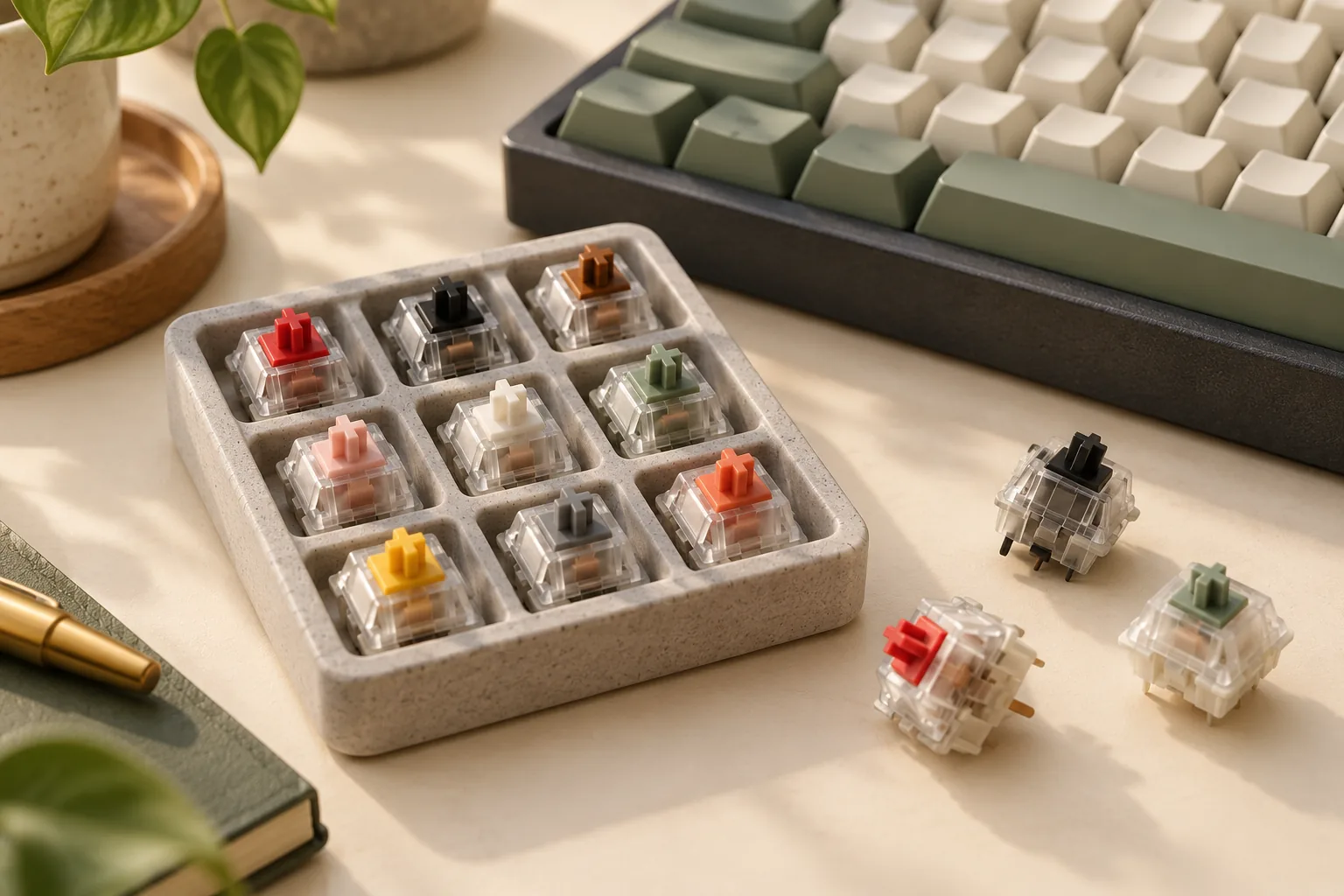
CHERRY’s MX Experience Box, article DMX2A-XC1X-2A, provides one switch each of ten different models. Its documented contents include mixed pin counts:
| Listed pin count | Included models, one each |
|---|---|
| 3-pin | Red RGB, Blue RGB, Brown RGB, Speed Silver RGB, Silent Red RGB, Black RGB, Ergo Clear RGB |
| 5-pin | Black Clear Top, Purple, Northern Light |
Use that assortment to explore preferences. It is not a matching ten-switch replacement set, and inclusion in the same box does not prove that every sample fits one keyboard. The pin counts above describe this particular assortment rather than every separately sold variant. Source: CHERRY MX Experience Box.
A useful sampling process is:
- Compare feedback first. Decide whether Brown’s tactile response or a linear response appeals to you.
- Compare Red with Black. Record which resistance you prefer without assuming either produces better performance.
- Record the sample identity. Keep the model, generation, lighting designation, and footprint with your notes.
- Verify the full-set part. Match the intended purchase to its complete article code and your keyboard documentation.
- Confirm quantity and terms. Check how many matching switches the pack contains and the seller’s current conditions.
For example, preferring the box’s Red RGB sample gives you a candidate to investigate. It does not settle whether a separately offered Red pack has the same footprint or fits your board.
The assortment also introduces other choices, including Blue and Silent Red. If sound reduction is your main requirement, make a separate comparison of silent variants; the “no click” label on standard Red, Brown, or Black is not a measured keyboard noise rating.
Frequently asked questions
Are Cherry Brown keyboard switches silent?
CHERRY specifies Brown as tactile with no click. That describes its feedback mechanism, not a guarantee of silent operation in a keyboard. The Experience Box separately includes a Silent Red model. If noise is the deciding factor, seek evidence for the exact silent variant and keyboard configuration. Sources: Brown and Experience Box.
Does Red actuate sooner than Black?
The current MX2A Red and Black pages both list 2 mm pre-travel and 4 mm total travel. Red has the lower listed actuation force, but these specifications do not demonstrate a keyboard latency advantage. Choose between them on your preferred linear resistance, then evaluate the complete keyboard separately. Sources: Red and Black.
Can I replace a broken switch with the same color?
Use the color as a starting identifier, then match the generation and complete article code. CHERRY lists multiple Red article codes, while its sample assortment contains both 3-pin and 5-pin models. Confirm the replacement against your keyboard’s documentation before purchasing; this guide cannot approve an unspecified board. Sources: Red and Experience Box.
Make your selection
For Cherry Brown keyboard switches, the supported attraction is tactile feedback without a click mechanism. Red and Black provide two linear alternatives, with lower and higher listed actuation resistance, respectively. Keep Brown’s force unresolved until a matching datasheet clarifies it.
Your next step is to complete the compatibility worksheet for your exact keyboard and proposed article code. If both feedback preference and fit remain uncertain, verify the requirements for a suitable sample before committing to a full set.