As an Amazon Associate we earn from qualifying purchases.
Red vs Brown Switches: Choosing Your Ideal Mechanical Keyboard Feel
Mechanical keyboards are highly valued for their responsive and customizable typing experiences, with the underlying switches being the primary determinant of how a keyboard feels and sounds. For many users, the initial choice often boils down to two prevalent types: linear red switches and tactile brown switches. These represent distinct approaches to keypress feedback, each catering to different preferences and use cases.
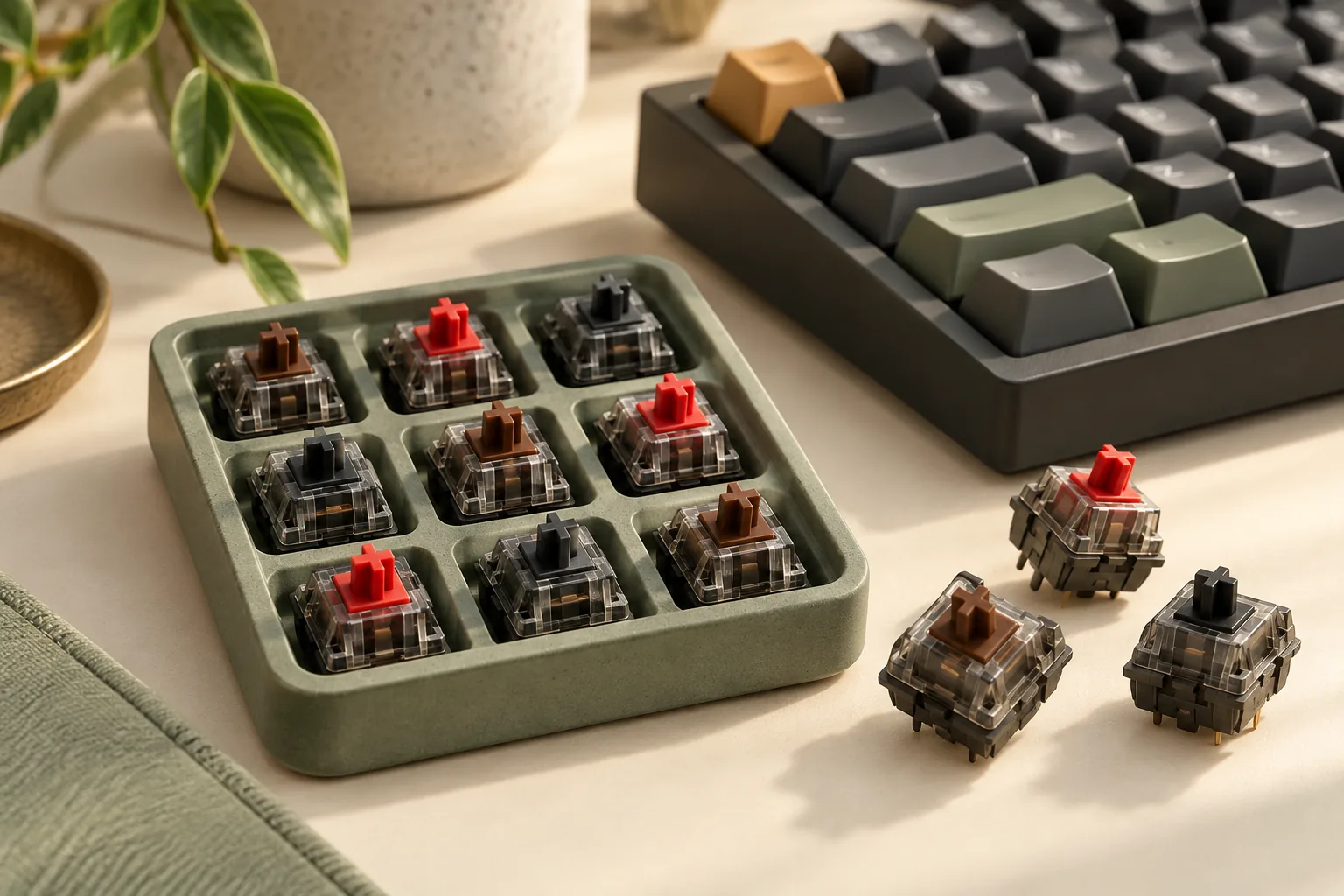
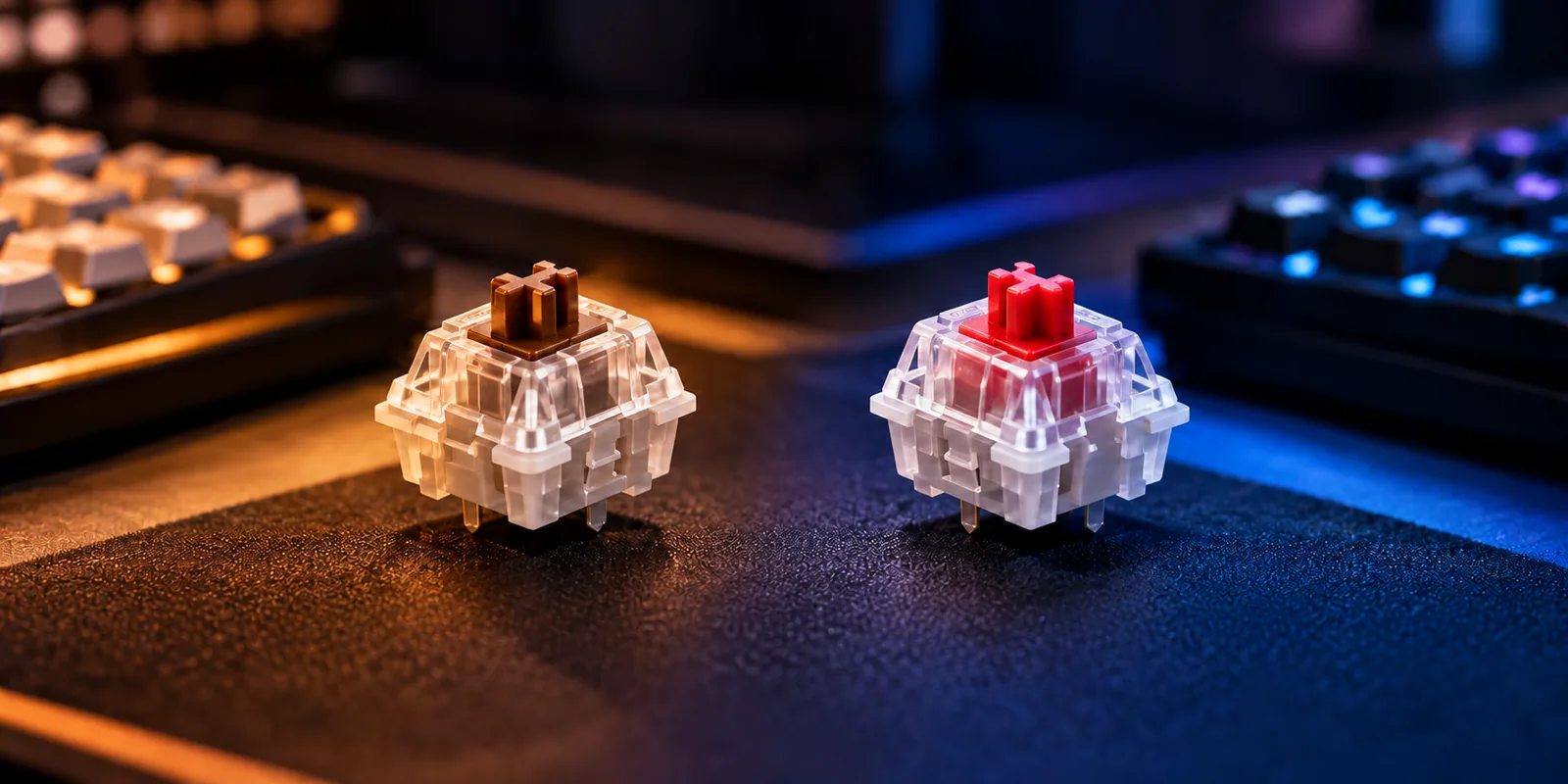
Red switches are characterized by their smooth, consistent travel from top to bottom, offering no tactile bump or audible click. In contrast, brown switches provide a subtle, non-audible bump partway through the keypress, signaling actuation without a loud click. Understanding this fundamental difference is crucial for anyone seeking to optimize their keyboard for specific tasks. This comparison will explore the practical implications of linear versus tactile feedback, guiding you to an informed decision based on your primary activities, such as gaming, typing, or general productivity.
Understanding Linear and Tactile: A Deep Dive into Red and Brown Switches
Mechanical keyboard switches fundamentally differ in the feedback they provide during a keypress. This feedback mechanism is categorized primarily into linear and tactile types, each offering a distinct user experience. Linear switches deliver a consistent, unimpeded stroke, while tactile switches incorporate a discernible bump that signals actuation. These core differences directly influence how a keyboard feels and performs for various tasks, making the choice between them a critical aspect of personalizing your setup.
Linear switches are characterized by a smooth, consistent travel path from the moment a key is pressed until it bottoms out. There is no tactile bump or audible click throughout the key's descent. This uninterrupted motion allows for rapid, fluid key presses, which can be advantageous in scenarios requiring quick, repetitive inputs. Conversely, tactile switches feature a distinct, non-audible bump partway through the keypress. This bump serves as a physical indicator that the switch has actuated, providing feedback to the user without the need to press the key all the way down. This characteristic can enhance typing accuracy and reduce the likelihood of accidental presses by clearly signaling the point of activation.
Red Switches: The Smooth, Fast Linear Feel
Red switches are the quintessential example of a linear mechanical switch. Their design prioritizes a smooth, consistent keystroke without any tactile feedback or audible click. When a red switch is pressed, the key travels directly down, offering uniform resistance from top to bottom. This linear motion makes them feel "loose" or "fast" as there is no physical obstruction in the key's path.
Typically, red switches feature a lighter actuation force and a relatively short travel distance to actuation. This combination allows for quick, effortless key presses and rapid resets, which can be particularly beneficial in certain applications.
-
Pros:
- Speed for Gaming: The smooth, unobstructed travel and lighter actuation force enable rapid, consecutive key presses, making them popular among gamers for quick reactions and double-taps.
- Relative Quietness: Lacking a click mechanism, red switches are generally quieter than clicky switches, which can be desirable in shared workspaces or during late-night use.
- Smooth Keystrokes: The consistent resistance throughout the key's travel provides a uniform and fluid typing experience across the entire keyboard.
-
Cons:
- Lack of Tactile Feedback for Typing: Without a physical bump to indicate the actuation point, typists may find themselves "bottoming out" keys more frequently, potentially leading to finger fatigue over long typing sessions or reduced typing precision if not accustomed to the feel.
- Potential for Accidental Presses: The lighter actuation force and lack of tactile feedback can make red switches prone to unintentional key presses, especially for users who rest their fingers heavily on the keys or are transitioning from heavier, tactile switches.
Red vs Brown: A Direct Comparison
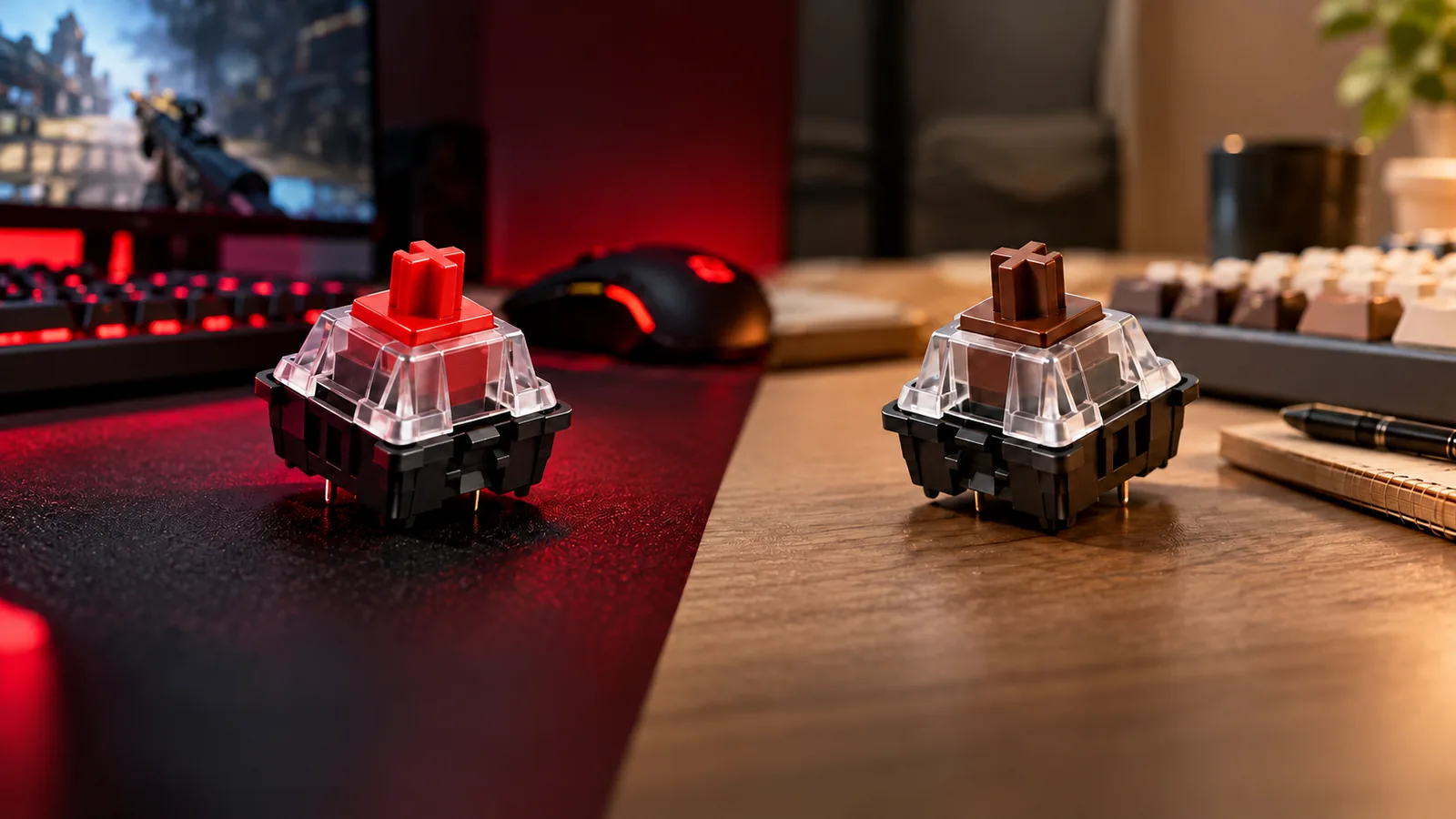
When evaluating mechanical keyboard switches, red and brown types represent the foundational choice between linear and tactile feedback, respectively. While both are popular for general use, their distinct characteristics significantly influence user experience, impacting everything from typing accuracy to gaming performance. Understanding these differences is key to selecting the switch that best suits your interaction style.
Red switches are defined by their linear operation. This means a keypress is smooth and uninterrupted from the initial press to the bottom-out point, without any tactile bump or audible click to indicate actuation. This consistent, light travel often results in a perceived sense of speed and responsiveness, making them a favored choice for activities requiring rapid, repetitive key presses. The actuation force for most red switches is typically light, contributing to their quick feel.
Brown switches, conversely, are tactile. They feature a subtle, non-audible bump partway through the keypress. This bump provides a physical cue that the switch has actuated, allowing users to potentially release the key before bottoming out. While still relatively quiet compared to clicky switches, the tactile event can introduce a very minor sound difference. The actuation force for brown switches is often slightly higher than reds, but still remains in a comfortable range for extended use.
The practical implications of these designs are notable:
- Gaming: Red switches are frequently preferred by gamers due to their linear travel and light actuation. This allows for quick, unhindered double-taps and rapid movements, which can be crucial in fast-paced games. The absence of a tactile bump means less resistance, potentially reducing finger fatigue during long sessions.
- Typing: For typists, brown switches often offer an advantage. The tactile bump provides clear feedback upon actuation, which can improve typing accuracy and reduce the likelihood of accidental key presses. This feedback helps typists know exactly when a key has registered without needing to fully depress it, leading to a more controlled and potentially ergonomic typing experience.
- General Productivity: Brown switches tend to be more versatile for mixed-use scenarios, balancing the responsiveness needed for gaming with the feedback beneficial for typing and data entry. Red switches can also be effective for productivity, especially for users who prefer a lighter touch and have adapted to typing without tactile feedback.
Here's a summary of their key distinctions:
| Feature | Red Switches | Brown Switches |
|---|---|---|
| Feedback Type | Linear (smooth, no bump) | Tactile (subtle bump, no click) |
| Actuation | Consistent, uninterrupted travel | Tactile bump indicates actuation |
| Actuation Force | Generally lighter | Often slightly heavier than reds |
| Sound Profile | Quiet, especially when not bottoming out | Relatively quiet, subtle sound from tactile bump |
| Perceived Speed | Fast, ideal for rapid presses | Responsive, clear actuation feedback |
| Best For | Fast-paced gaming, rapid input | Typing accuracy, mixed use, general productivity |
Choosing Your Ideal Switch: Personal Preferences and Use Cases
Selecting between red and brown mechanical keyboard switches ultimately hinges on your individual preferences and how you intend to use your keyboard. Each switch type offers a distinct feel that can significantly impact your experience across various activities. Understanding these nuances is key to making an informed decision that aligns with your primary tasks and personal comfort.
Consider the following factors when making your choice:
-
Primary Activity:
- Gaming: For competitive gaming, where rapid, repeated key presses are crucial, red switches are often favored. Their linear travel and lighter actuation force allow for swift, unhindered inputs, which can be beneficial for quick reactions and double-tapping.
- Typing & Coding: Brown switches, with their tactile bump, are frequently recommended for typing-intensive tasks. The bump provides a physical cue that a key has registered, potentially improving typing accuracy and reducing the need to "bottom out" the switch. This feedback can also be appreciated by coders who spend long hours typing.
- General Use: If your usage involves a mix of gaming, typing, and general productivity, brown switches offer a versatile middle ground, providing some feedback without the high actuation force or noise of other switch types.
-
Feedback Preference:
- Smoothness (Red): If you prefer a consistent, unimpeded keypress from start to finish, red switches deliver a smooth, linear motion without any tactile interruption. This can feel effortless and fluid.
- Tactile Confirmation (Brown): If you value a clear indication that a keypress has registered, the subtle bump of brown switches provides that tactile feedback without an audible click. This can offer a sense of control and precision.
-
Sound Sensitivity and Environment:
- Red switches, lacking a tactile bump or click, can be perceived as quieter, especially if you train yourself not to bottom out the keys.
- Brown switches also do not produce an audible click, but the tactile bump itself can generate a slight sound. Both are generally considered quieter than clicky switches, making them suitable for shared workspaces or quiet environments where loud keypresses might be disruptive.
-
Typing Style and Accuracy:
- Users with a lighter touch or those who prioritize speed might gravitate towards red switches. However, their light actuation force can lead to accidental key presses if you tend to rest your fingers heavily on the keys or have an imprecise typing style.
- The tactile feedback of brown switches can help mitigate accidental presses by requiring a more deliberate actuation past the bump, potentially enhancing typing accuracy for some users.
Ultimately, the decision involves a series of trade-offs: the uninhibited speed offered by linear red switches versus the reassuring feedback of tactile brown switches; and the potential for a quieter, smoother experience with reds against the distinct, non-audible tactility of browns. Your ideal switch will be the one that best complements your dominant activity and personal typing habits.
Beyond Red and Brown: Other Switch Considerations
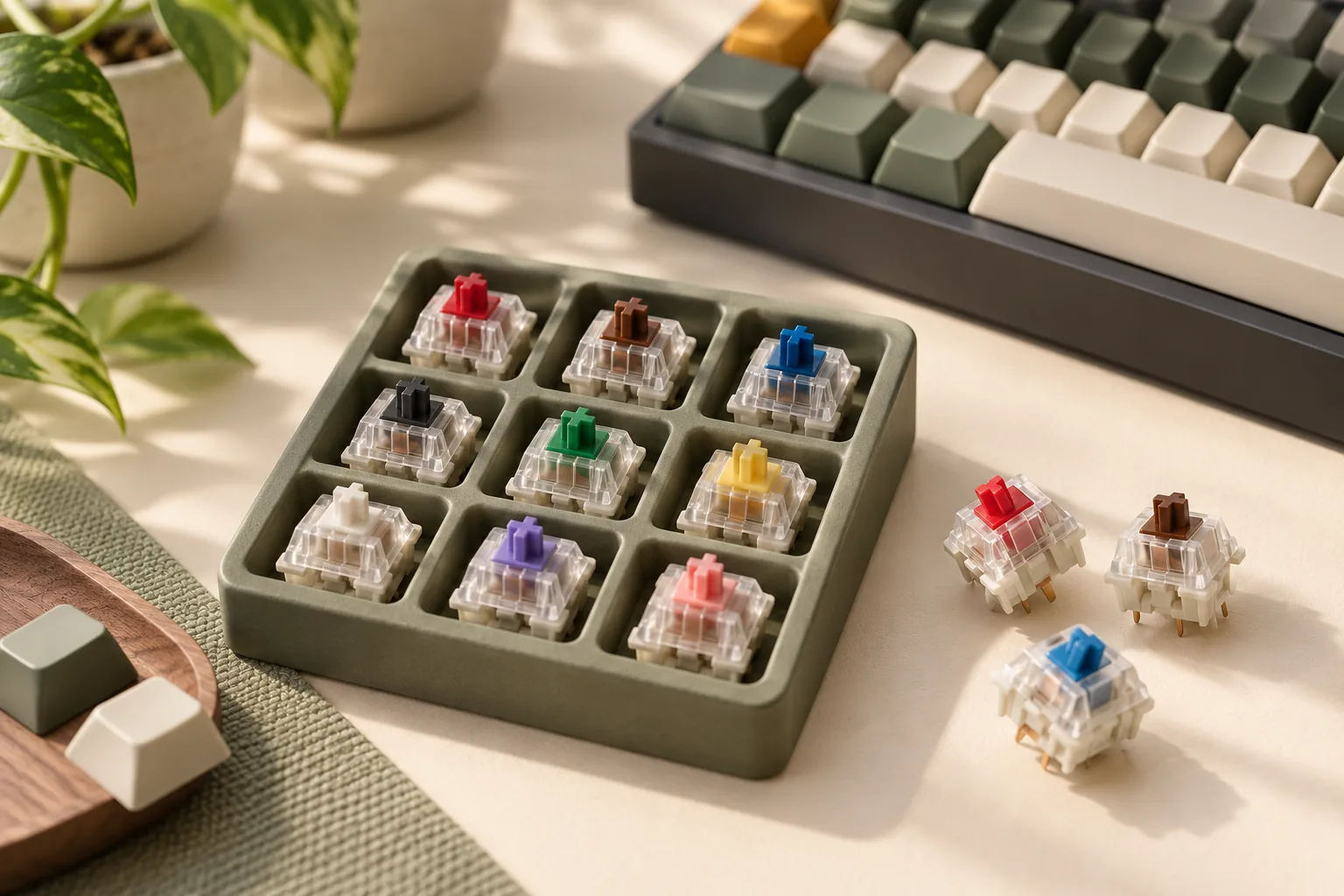
While red and brown switches offer a foundational understanding of linear and tactile feedback, the mechanical keyboard landscape extends far beyond these common types. Exploring other switch categories can reveal options better suited for specific preferences or environments. For instance, clicky switches, such as Cherry MX Blue, provide a distinct, audible "click" in addition to a strong tactile bump, offering unmistakable feedback often favored by typists who enjoy both sound and feel.
Conversely, for noise-sensitive environments, silent switches (available in both linear, like Silent Red, and tactile, like Silent Brown variants) incorporate dampeners to significantly reduce keypress sound. For competitive gaming or applications demanding minimal actuation time, speed switches are engineered with a shorter actuation distance, allowing for quicker input registration. This diverse array underscores that the ideal switch is highly personal; direct experience through switch testers or trying different keyboards remains the most reliable method for finding your perfect match.
Frequently Asked Questions (FAQs)
Choosing between red and brown switches often comes down to nuanced preferences and specific use cases. These frequently asked questions aim to clarify common concerns and guide your decision.
-
Are red switches better for gaming than brown switches? Red switches are often preferred by gamers due to their linear travel and lower actuation force. This smooth, unimpeded keypress allows for rapid, repetitive inputs and quick response times, which can be advantageous in fast-paced games. While brown switches can also be used for gaming, their tactile bump might be perceived by some as a slight impedance during very rapid key presses or double-taps. Ultimately, "better" is subjective and depends on individual gaming style and preference.
-
Are brown switches good for typing? Yes, brown switches are widely considered good for typing. Their defining tactile bump provides a clear physical signal of actuation without requiring the key to be pressed all the way down. This feedback can improve typing accuracy and reduce finger fatigue by allowing typists to "feel" when a keystroke has registered, potentially leading to a more efficient and comfortable typing experience compared to purely linear switches.
-
Which switch is quieter, red or brown? Both red and brown switches are generally considered quieter than clicky switches (like blue switches), as neither produces an audible click. However, red switches, being linear, can be perceived as slightly quieter than brown switches if keys are not consistently bottomed out. The tactile bump in brown switches can produce a subtle sound upon actuation. The overall noise level for both largely depends on typing force, keycap material, and keyboard construction.
-
Can I use red switches for typing and brown switches for gaming? Absolutely. Both switch types are versatile enough for mixed use. Red switches can be used for typing, though some users might initially miss the tactile feedback for accuracy. Similarly, brown switches are perfectly viable for gaming; many find the tactile feedback helpful for precise movements or avoiding accidental presses. Your comfort and adaptation to either switch type for any activity are key.
-
What are the main differences in feel between red and brown switches? The primary distinction lies in their feedback mechanism. Red switches offer a smooth, linear travel from top to bottom, meaning there is no bump or resistance change throughout the keypress. Brown switches, conversely, feature a distinct, non-audible tactile bump partway through the key's travel. This bump provides a physical cue that the switch has actuated, offering a point of feedback that linear switches lack.
-
Should I get a switch tester before buying a keyboard? For a definitive understanding of the feel difference between red and brown switches, a switch tester is highly recommended. It allows you to physically experience the linear smoothness of a red switch versus the tactile bump of a brown switch firsthand. This direct comparison, even on a small scale, can significantly inform your personal preference and help you make a more confident decision before investing in a full keyboard.
The Right Switch for You: A Personal Decision
Ultimately, the choice between red and brown mechanical keyboard switches hinges on individual preference and primary use. Red switches, characterized by their linear, smooth travel, excel in scenarios demanding rapid, uninterrupted key presses, often favored by gamers for their speed and potentially quieter operation. Brown switches, conversely, offer a tactile bump that provides clear feedback upon actuation, striking a balance between typing precision and gaming responsiveness, making them a versatile choice for mixed use.
There is no universally "superior" switch; the ideal selection aligns with your personal typing style and the demands of your daily tasks. To make the most informed decision, consider trying out various switch types, perhaps through a dedicated switch tester, before committing to a full keyboard. This hands-on experience can reveal subtle nuances in feel that written descriptions cannot fully convey, guiding you to the switch that genuinely enhances your interaction with your keyboard.
Decision checklist for red vs brown switches
- Confirm the layout includes the keys and navigation functions required by your daily workflow.
- Verify switch, socket, keycap, firmware, operating-system, and connection compatibility before ordering.
- Compare sound, typing feel, ergonomics, repairability, and desk-space tradeoffs rather than one headline specification.
- Read the current warranty, return policy, and manufacturer documentation before making a final choice.
Final verification for red vs brown switches
Before ordering
Confirm layout, switch type, socket and keycap compatibility, connection modes, operating-system support, and the current return terms.
Before daily use
Set up key mappings and ergonomics deliberately, then evaluate comfort, sound, and workflow fit during the return period.