
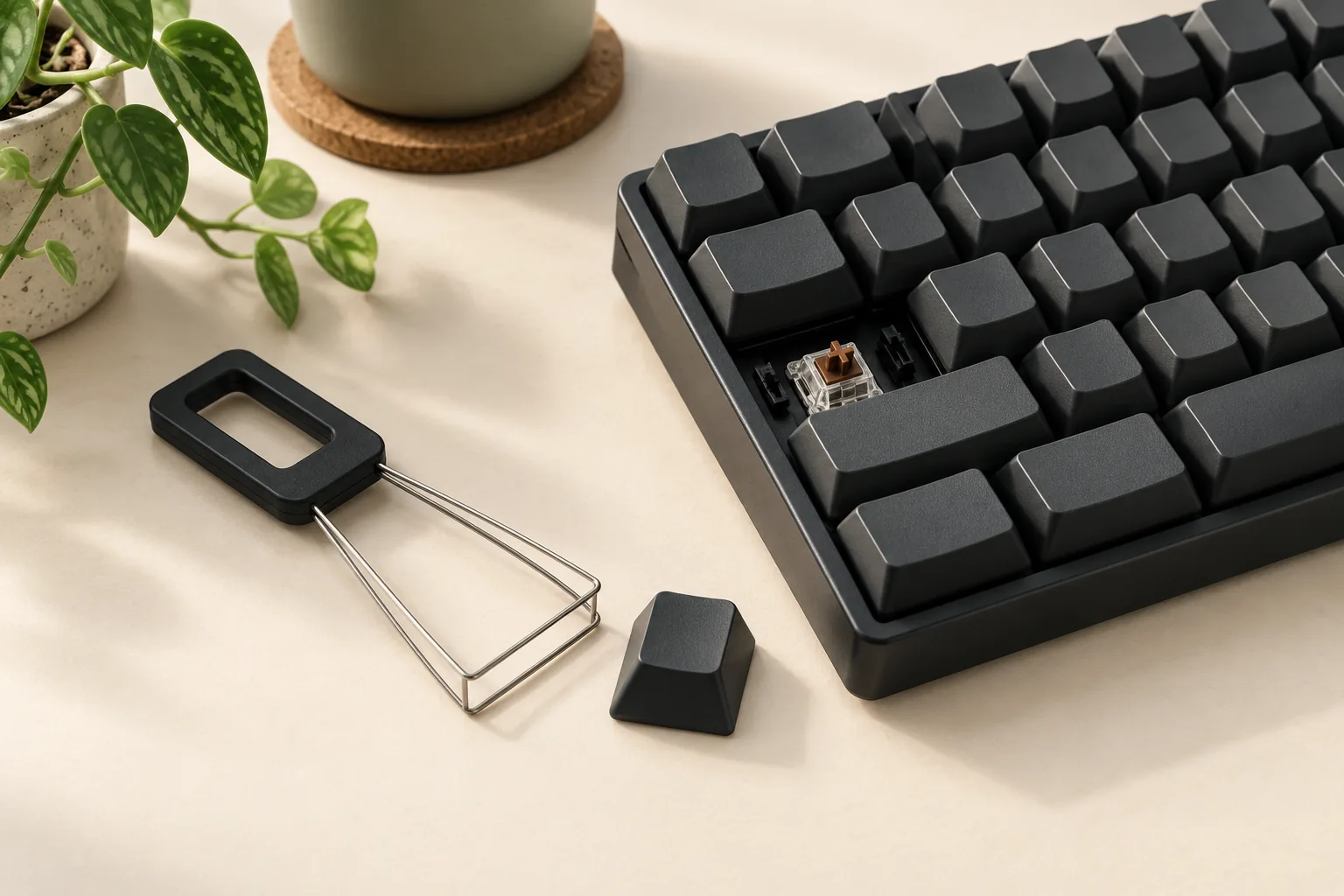
Keyboard Keycap Puller: How to Remove and Replace Caps
Choose a keyboard keycap puller, remove supported mechanical keycaps, and check replacement fit. Review Razer and Keychron model details before you start.
Category Archive
Choose your Logitech MX Mechanical keyboard by numpad, switch type, Mac layout, and wireless setup. Compare three models and check accessories before buying.
Choose a keyboard keycap puller, remove supported mechanical keycaps, and check replacement fit. Review Razer and Keychron model details before you start.
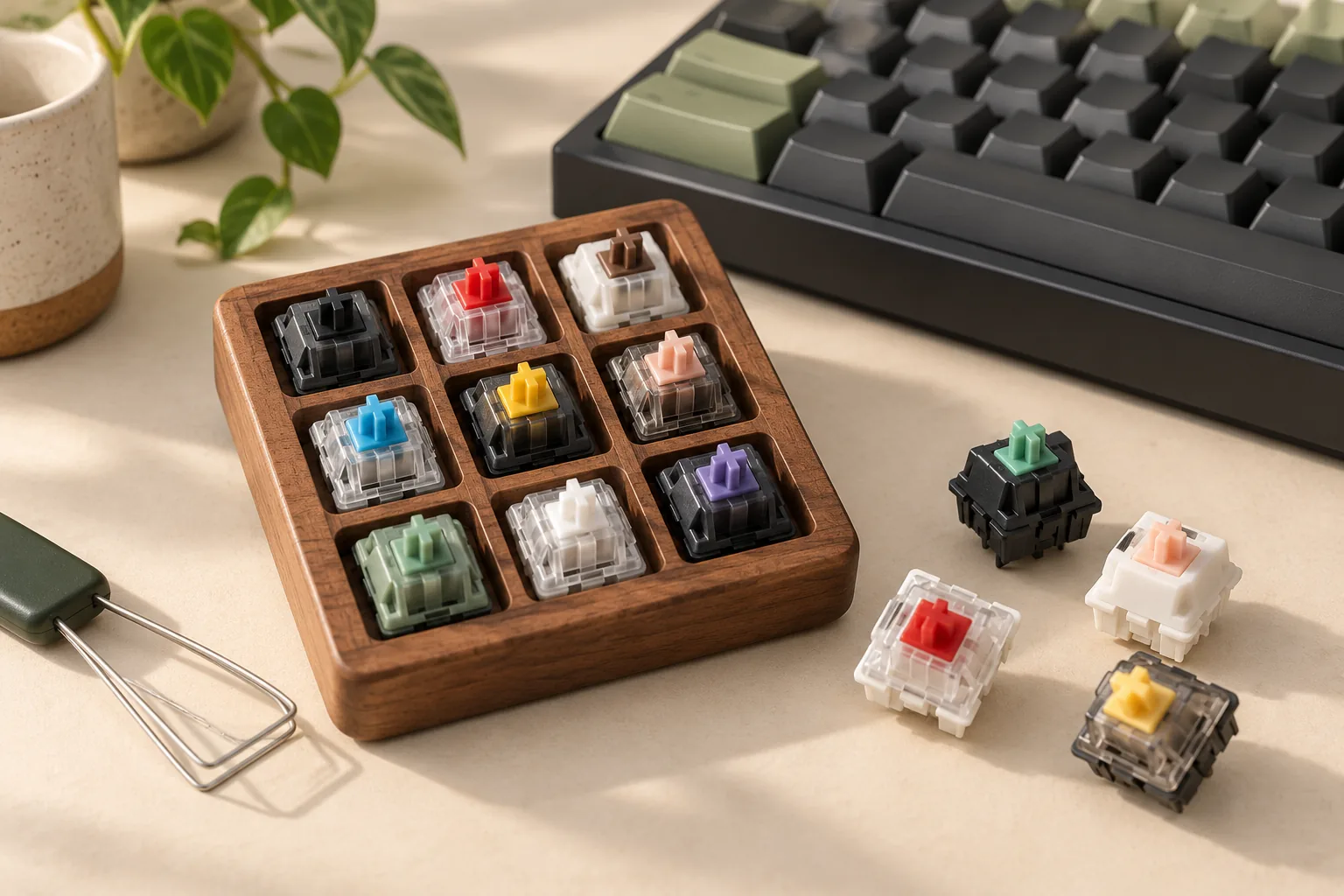
Find the best keyboard switches for gaming by checking board compatibility, force, actuation, and reset behavior. Use the checklist before buying a full set.
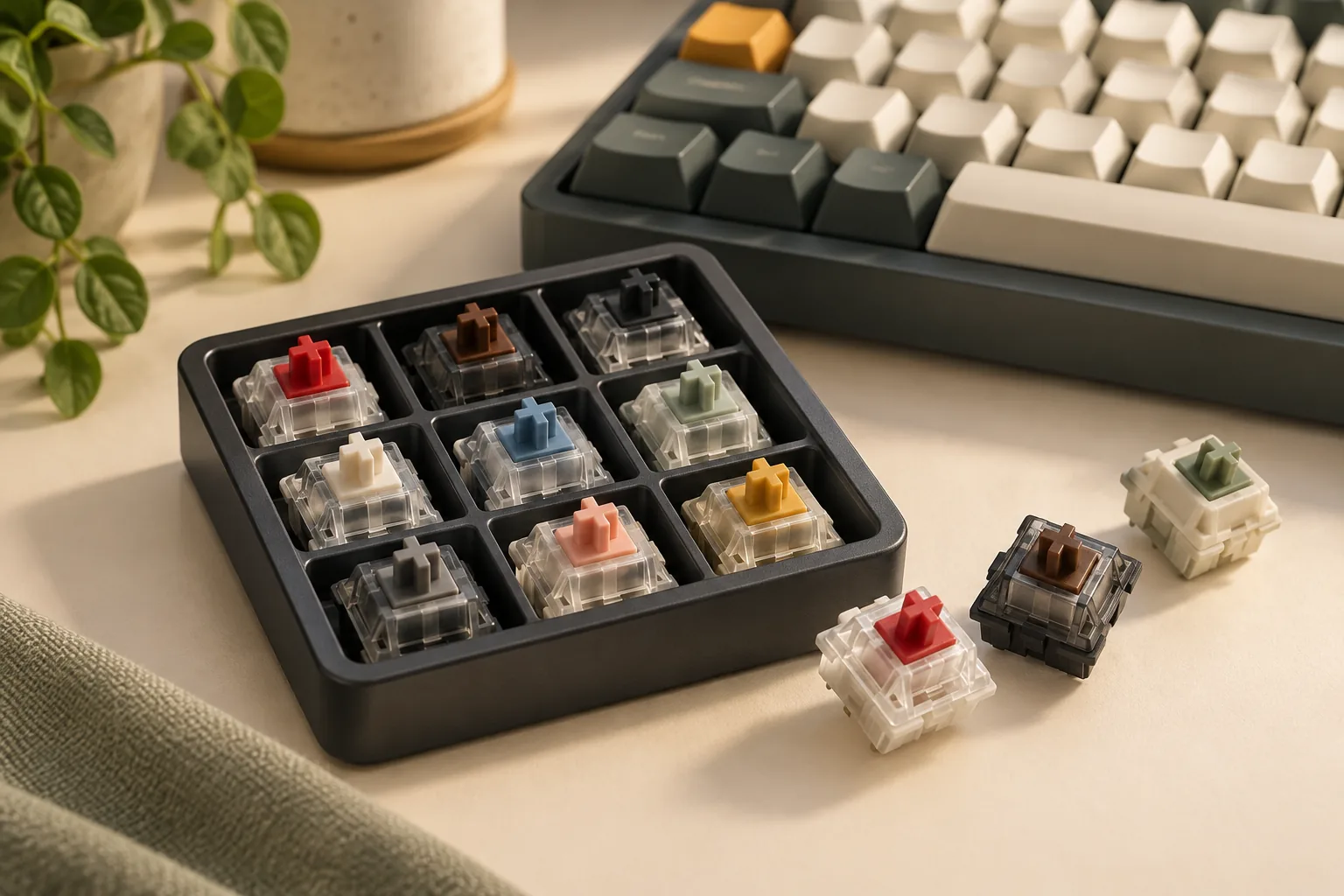
Find the best keyboard switches for typing by comparing Red and Brown feedback, force labels, and travel. Use a sampler and fit checklist before buying.
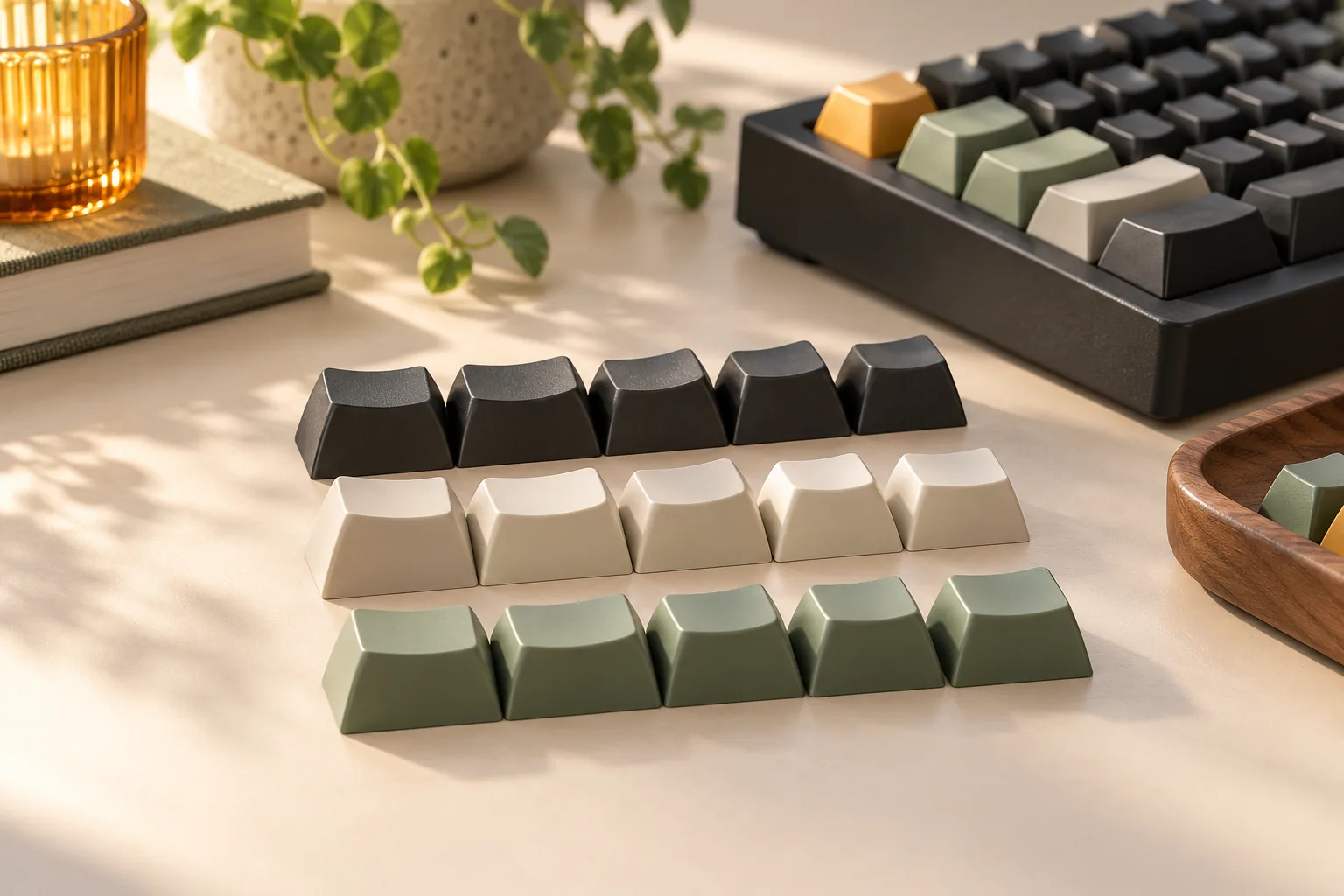
Compare KSA and OSA keycaps by shape, PBT construction, lighting, and exact kit coverage. Use the fit worksheet before choosing a Keychron or Lemokey set.
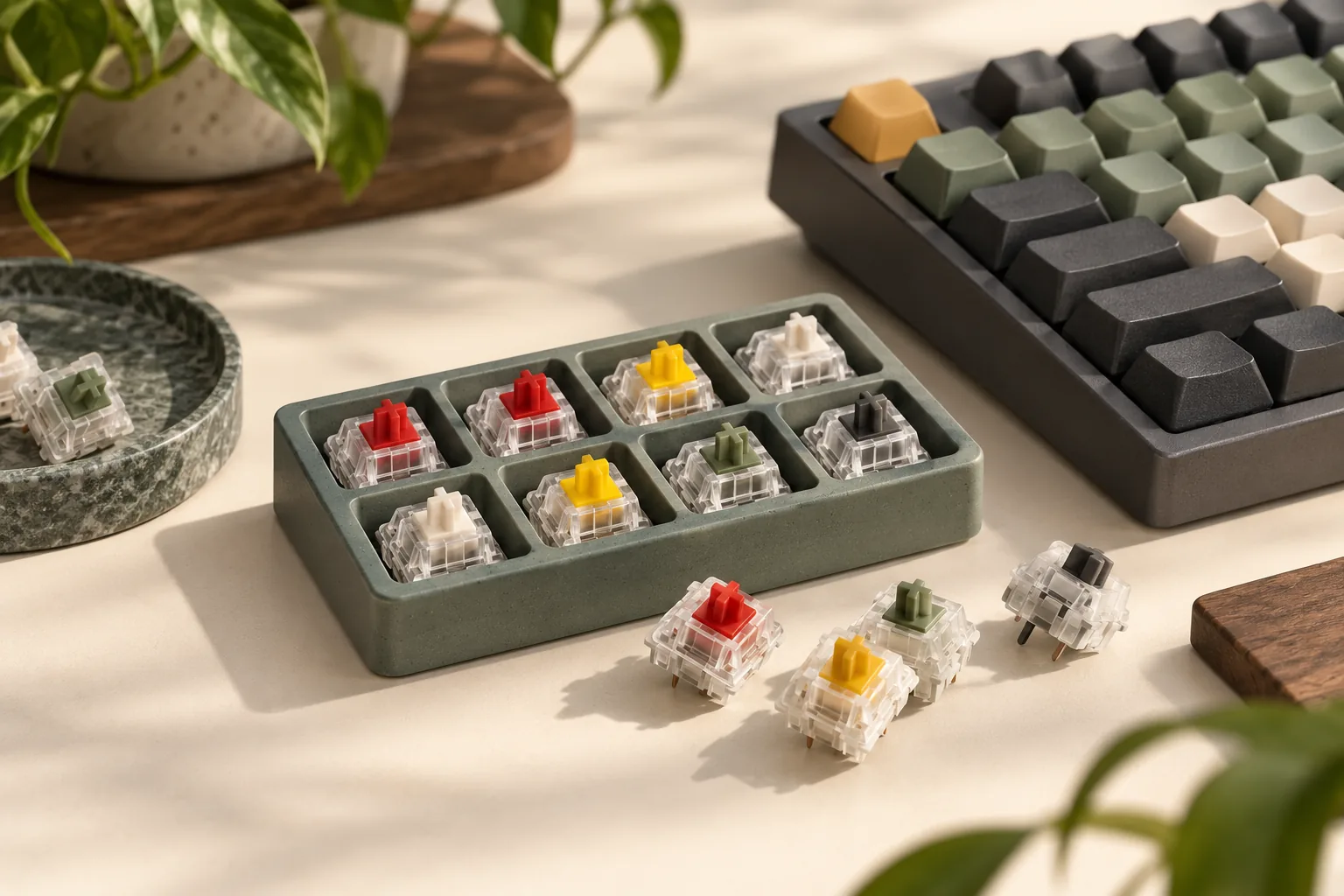
Choose the best linear switches for your keyboard. Compare Gateron G Pro 3.0 Red and Yellow force, travel, return feel, and fit before buying a full set.
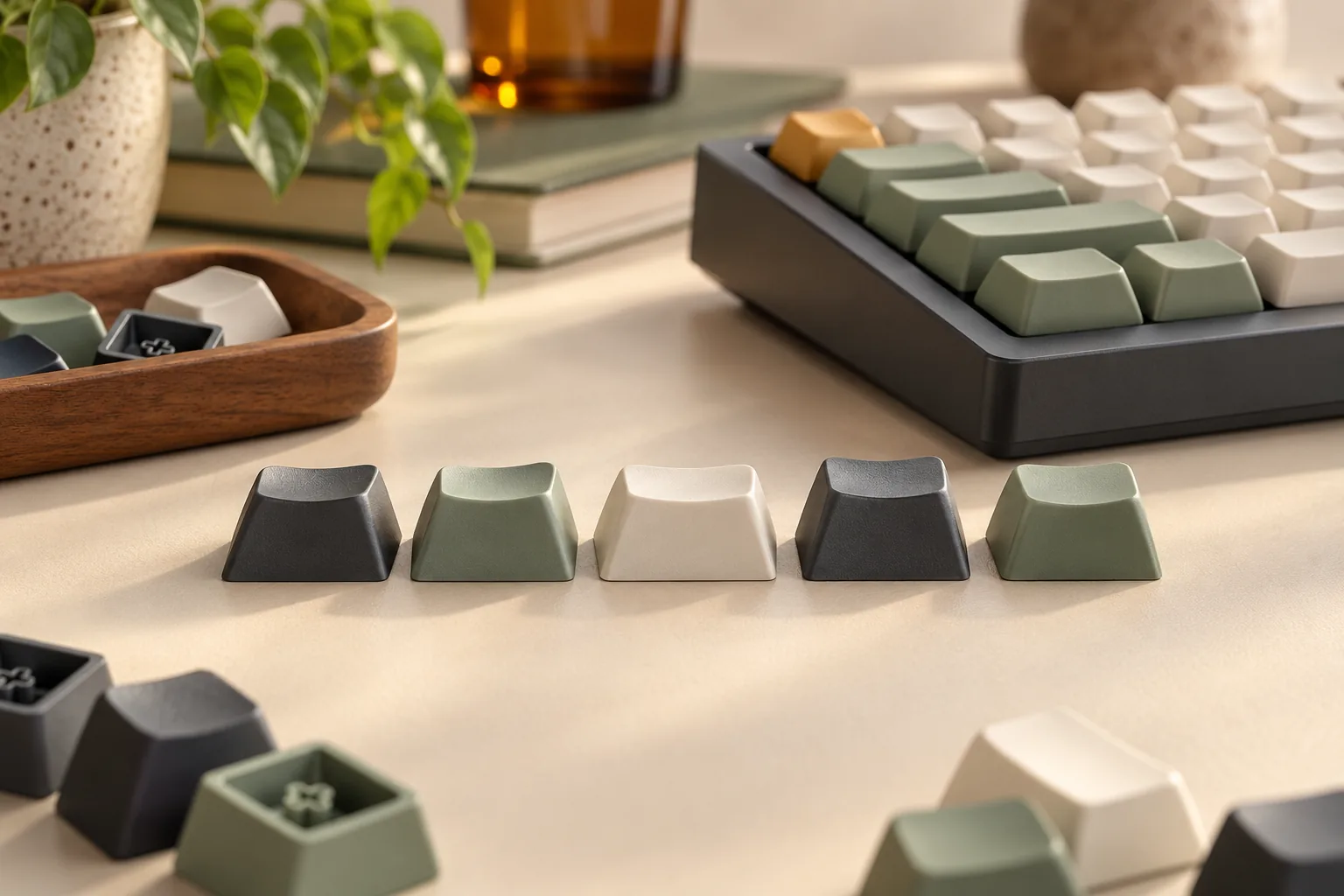
Shopping for LSA keycaps? Compare Keychron and resin split sets, then check keyboard revisions, legend lighting, stabilizers, and kit coverage before buying.
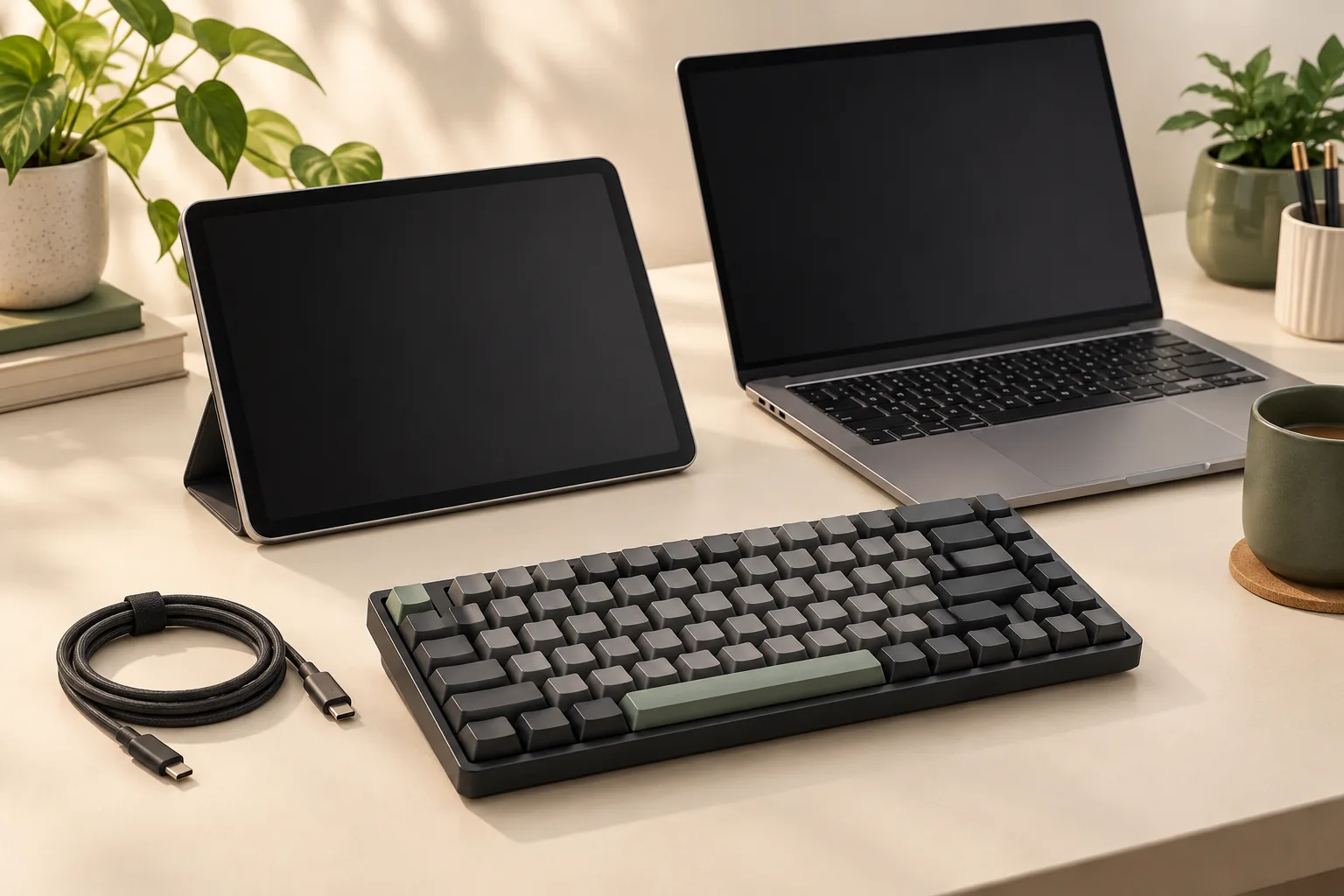
Choose an iPad mechanical keyboard with clear Bluetooth and USB checks. Learn pairing steps, Command shortcuts, and iPadOS limits before you buy.
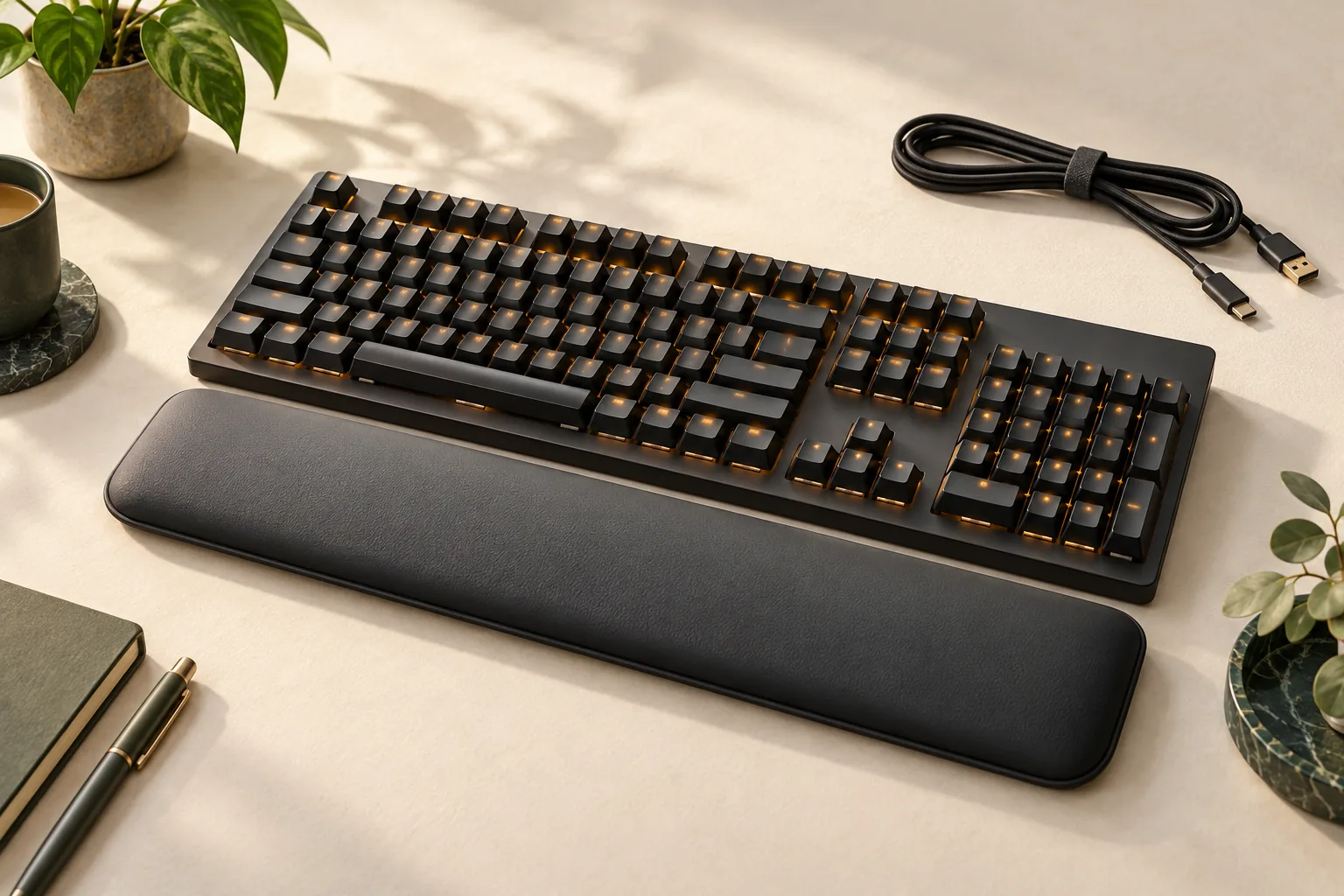
Shopping for a Razer keyboard with wrist rest? Check switch technology, software requirements, and exact US package contents with this buying checklist.
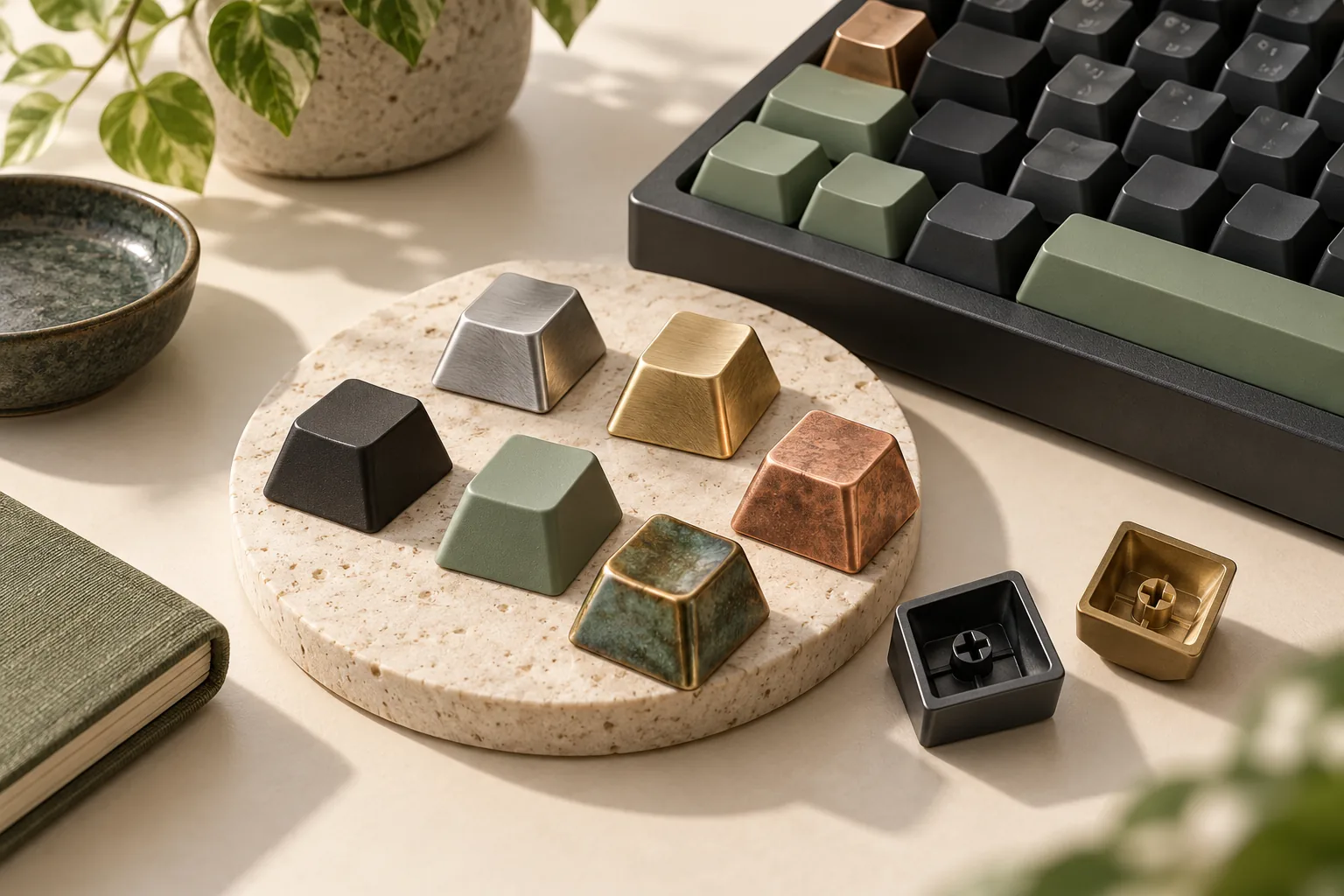
Compare aluminum keycaps, brass options, and copper-plated Awekeys sets. Check materials, kit coverage, fit, weight, and care before choosing your package.

Compare botanical keycaps with berry, sunset, and wave designs. Check documented profiles, materials, base kits, and layout requirements before choosing a set.