As an Amazon Associate we earn from qualifying purchases.
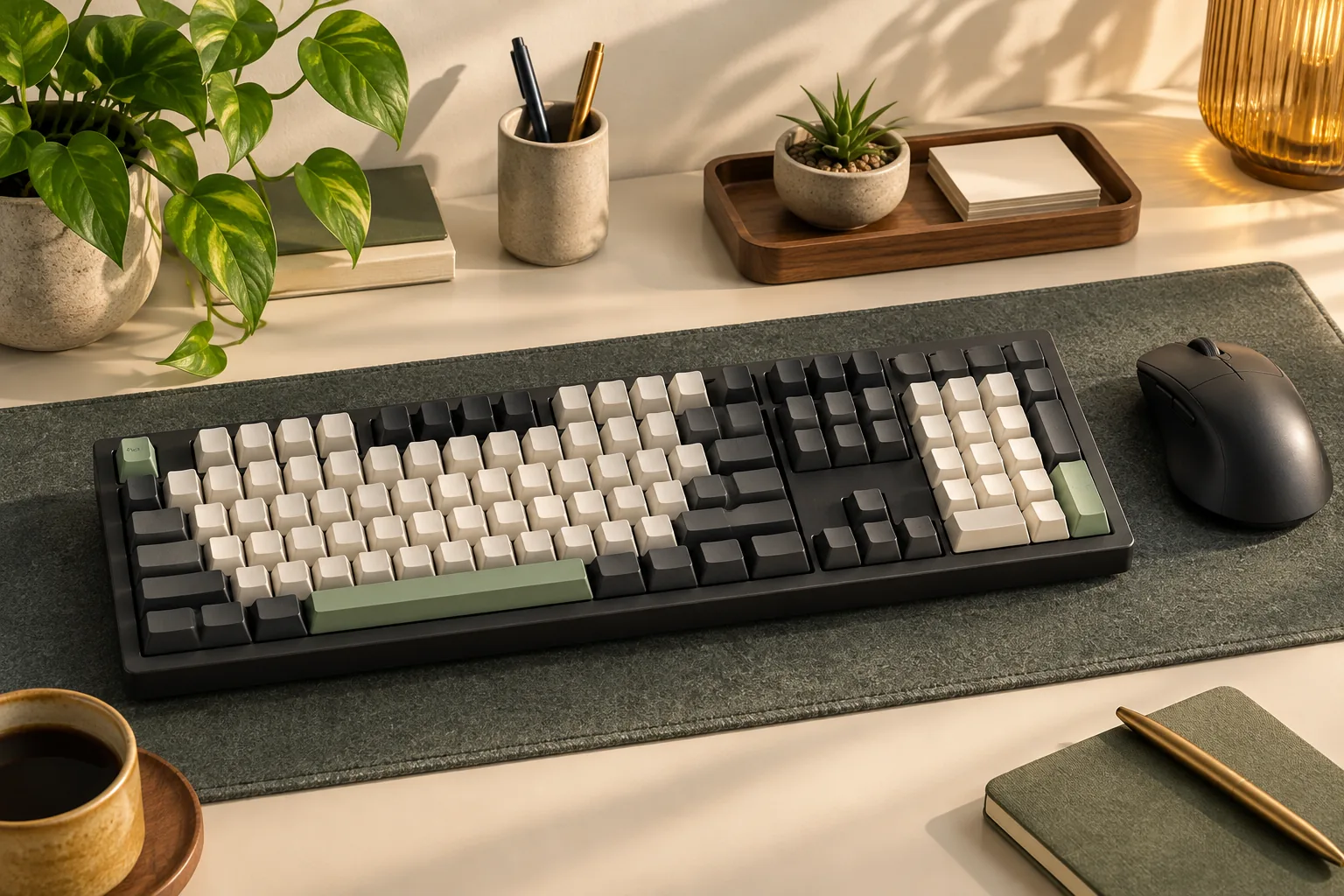
To choose a mechanical keyboard with Cherry MX switches, match the seller’s complete manufacturer part number to documentation that names the installed switches. Then confirm the switch color, any explicitly stated MX2A generation, and the keyboard layout. Treat “MX-compatible” wording as an unresolved identity question until the installed switch manufacturer is named.
This guide is for buyers who already want a complete keyboard with genuine CHERRY switches. It compares Blue, Brown, Red, and Silent Red configurations and shows how to verify the exact board before checkout.
Quick takeaways
- Start with the full part number and installed-switch specification.
- Choose the action and click characteristics you want, then locate a documented configuration.
- Keep “MX Silent” and “MX Silent Red” separate unless the exact keyboard documentation resolves the name.
- Confirm layout, connection, and replacement requirements independently.
Editorial method: This guide uses manufacturer page text and CHERRY-branded datasheet excerpts captured October 15, 2026. Recommendations are based on documentation; no hands-on testing or whole-keyboard sound measurements were performed. The configurations below are identification examples, with current prices and availability unverified.
On this page: Verify switch identity · Compare switch types · Match part numbers · Resolve Silent labels · Check the board · Checkout worksheet · FAQs
Verify a mechanical keyboard with Cherry MX
For this purchase, “genuine installed CHERRY switches” means the keyboard documentation identifies CHERRY as the manufacturer of the switches supplied in that configuration. A claim about MX compatibility alone does not establish that identity. Ask for the installed-switch specification tied to the complete keyboard part number.
CHERRY’s MX 2.0S product page explicitly describes original, in-house CHERRY MX switches. Its family-level switch table includes both MX and MX2A names for Blue, Brown, and Red. That establishes the family’s switch choices, but identifying a particular configuration still requires its part-number mapping.
Use this order when checking a listing:
- Find the manufacturer part number, also called the SKU. Record the complete code, including the regional suffix.
- Locate that exact code in manufacturer documentation. A matching family name is only the starting point.
- Read the installed-switch field. Preserve the wording, including “Silent,” “Red,” and “MX2A” when present.
- Resolve any disagreement before ordering. Ask which specification applies to the unit being sold.
A listing that says “CHERRY-style Red” or only “MX-compatible” needs clarification if CHERRY manufacture is a purchase requirement. You do not need to decide what the phrase might imply; you need an explicit answer about the installed switches.
Compare Blue, Brown, Red, and Silent Red
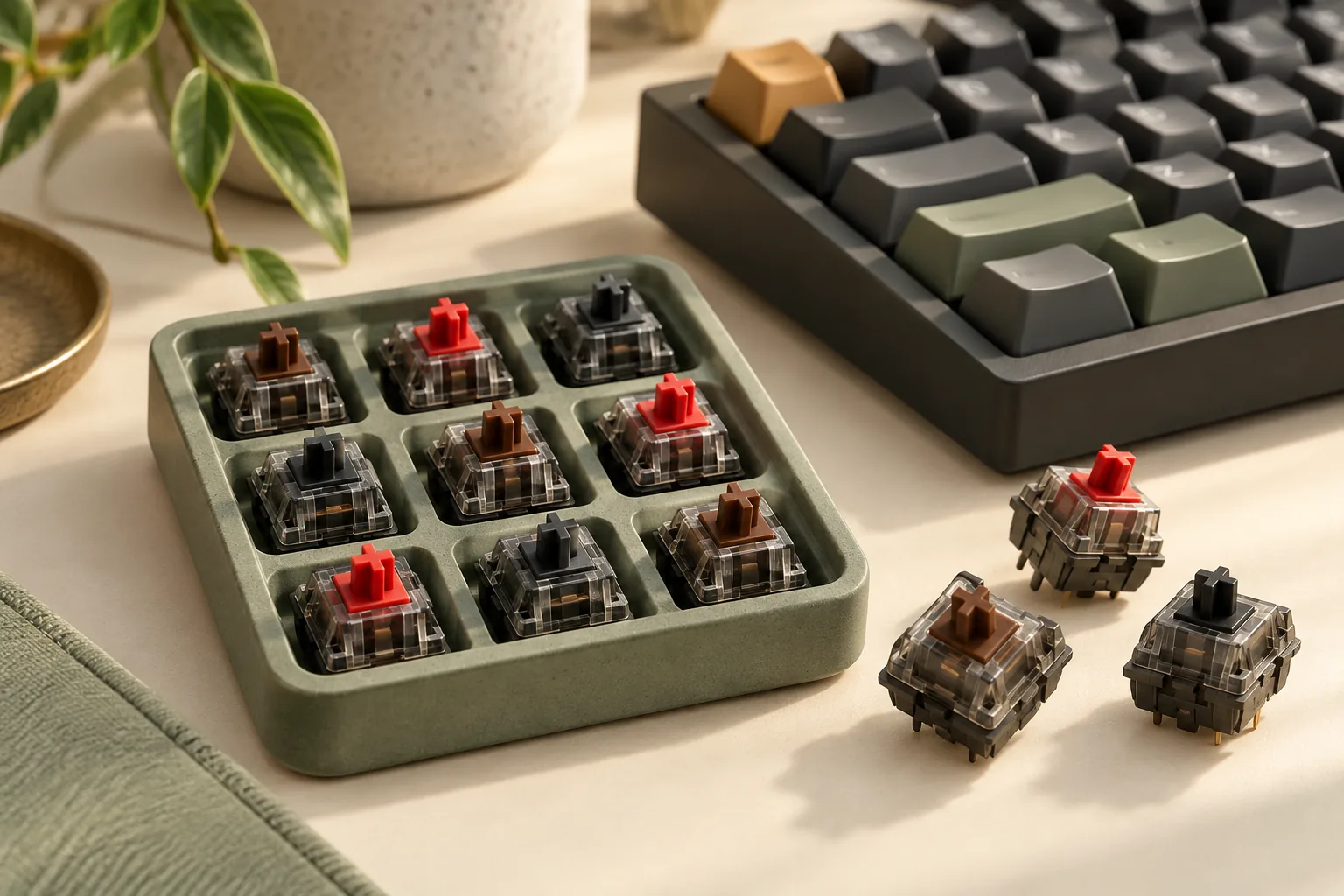
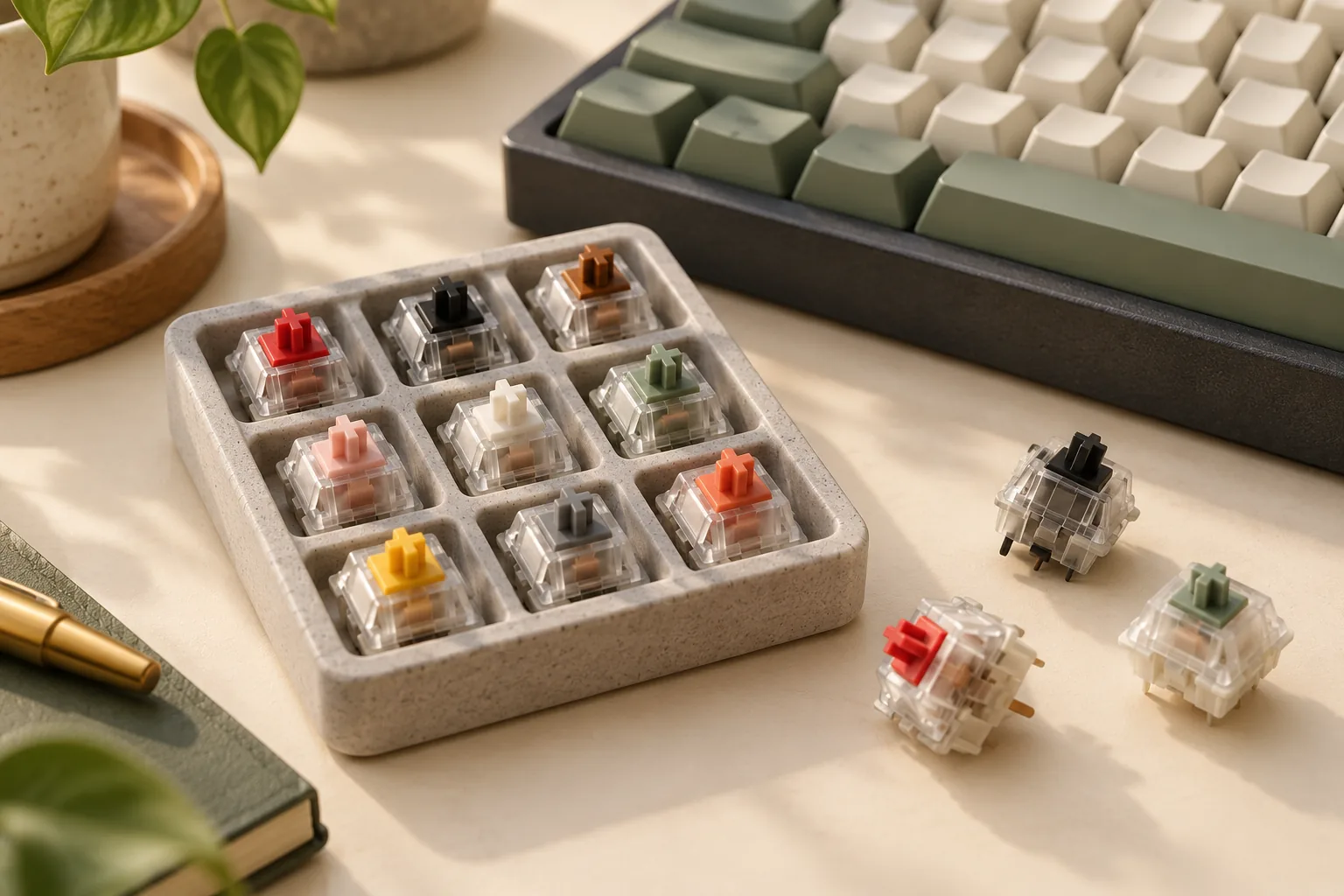
CHERRY’s MX 2.0S switch table distinguishes these options by action and click. Tactile switches provide noticeable feedback during the press; linear switches have no tactile pressure point. Use those characteristics to define your requirement before comparing complete keyboards.
| Switch requirement | Documented action | Click or damping description | Shortlist it when you want… |
|---|---|---|---|
| CHERRY MX Blue / MX2A Blue | Tactile | With click | Tactile feedback accompanied by a click |
| CHERRY MX Brown / MX2A Brown | Tactile | Without click | Tactile feedback without the Blue-style click |
| CHERRY MX Red / MX2A Red | Linear | Without click | Linear action without a tactile pressure point |
| CHERRY MX Silent Red | Linear | Without click, with noise damping | Linear action with a specifically documented damping design |
These are switch descriptions, not a ranking of complete-keyboard noise. In particular, “without click” and “with damping” describe different properties. Brown’s lack of a click does not make it the same switch requirement as Silent Red.
CHERRY’s Silent Red specification describes integrated noise damping and lists 45 cN operating force, 1.9 mm pretravel, and 3.7 mm total travel. Those figures describe the switch on that page. They neither identify which switch generation is installed in another keyboard nor establish how loud a complete keyboard will be.
If sound is a deciding factor, shortlist an explicitly documented damped configuration and seek a relevant demonstration or trial opportunity. The documentation here supports that shortlist, but it cannot determine which complete board will sound best in your room.
Match the complete keyboard part number
The following table preserves the switch labels supported for each exact configuration. MX2A appears only where a captured datasheet excerpt explicitly maps it to the part number. An MX label elsewhere does not establish an MX2A upgrade or a separately verified production generation.
| Complete keyboard and part number | Documented installed switch | Documented layout and finish |
|---|---|---|
| CHERRY MX 2.0S — G80-3821LDBUS-2 | CHERRY MX2A Blue | US, black, RGB |
| CHERRY MX 2.0S — G80-3821LIBUS-2 | CHERRY MX2A Brown | US, black, RGB |
| CHERRY MX 2.0S — G80-3821LXAUS-2 | CHERRY MX Brown | US, black, RGB |
| CHERRY MX 2.0S — G80-3821LYAUS-2 | CHERRY MX Red | US, black, RGB |
| CHERRY MX 2.0S — G80-3821LWAUS-2 | CHERRY MX Silent Red | US, black, RGB |
| Corsair K70 RGB MK.2 — CH-9109010-NA | CHERRY MX Red; generation unspecified | NA, black, full-size, 104 keys |
| Corsair K70 RGB MK.2 — CH-9109012-NA | CHERRY MX Brown; generation unspecified | NA, black, full-size, 104 keys |
| Corsair K70 RGB MK.2 — CH-9109011-NA | CHERRY MX Blue; generation unspecified | NA, black, full-size, 104 keys |
| Corsair K70 RGB MK.2 — CH-9109013-NA | CHERRY MX Silent; color and generation unspecified | NA, black, full-size, 104 keys |
| Corsair K70 RGB TKL Champion Series — CH-9119013-NA | CHERRY MX Silent Red; generation unspecified | NA, black, tenkeyless, 87 keys |
The CHERRY switch-to-part mappings above come from captured excerpts of CHERRY-branded datasheets hosted by Chipdip and ITscope, rather than full PDF inspection. The Corsair mappings come from the individual official product pages. NA denotes North America; retain that regional label when matching an offer and check its layout photo.
Why family-level MX2A wording is insufficient
The CHERRY MX 2.0S page advertises MX2A options while also listing other part numbers. Its variant table identifies layout, illumination, and color without attaching a switch name to every row. For example, it lists G80-3821LSAUS-2 as US, black, and RGB, but that row alone does not establish the installed switch generation.
If MX2A is mandatory, require an explicit mapping for the exact code you intend to buy. A general MX2A banner does not complete that check. Likewise, retain the MX Brown label for G80-3821LXAUS-2 and the MX Red label for G80-3821LYAUS-2 unless further documentation establishes a different configuration.
Resolve the Corsair Silent naming trap
Two similarly named Corsair configurations show why reading the specification matters.
The full-size K70 RGB MK.2 CH-9109013-NA names CHERRY MX Silent in its switch field. That supports the manufacturer and Silent label, but it does not explicitly name Red or MX2A. Keep those details unresolved for this SKU.
The K70 RGB TKL Champion Series CH-9119013-NA explicitly names CHERRY MX Silent Red in its technical specifications and describes Silent RGB Red switches in its product text. It also specifies an 87-key NA tenkeyless layout. That evidence belongs to CH-9119013-NA.
Consider a buyer who requires Silent Red and a full-size keyboard. The TKL configuration resolves the switch name but does not meet the full-size requirement. The MK.2 configuration meets the documented full-size requirement but leaves the Silent Red identity unresolved. Combining the two pages would create a configuration neither page establishes.
The next step is to ask for documentation resolving the full-size unit’s installed switch color, or continue looking for another exact configuration that documents both requirements.
Check the board around the switches
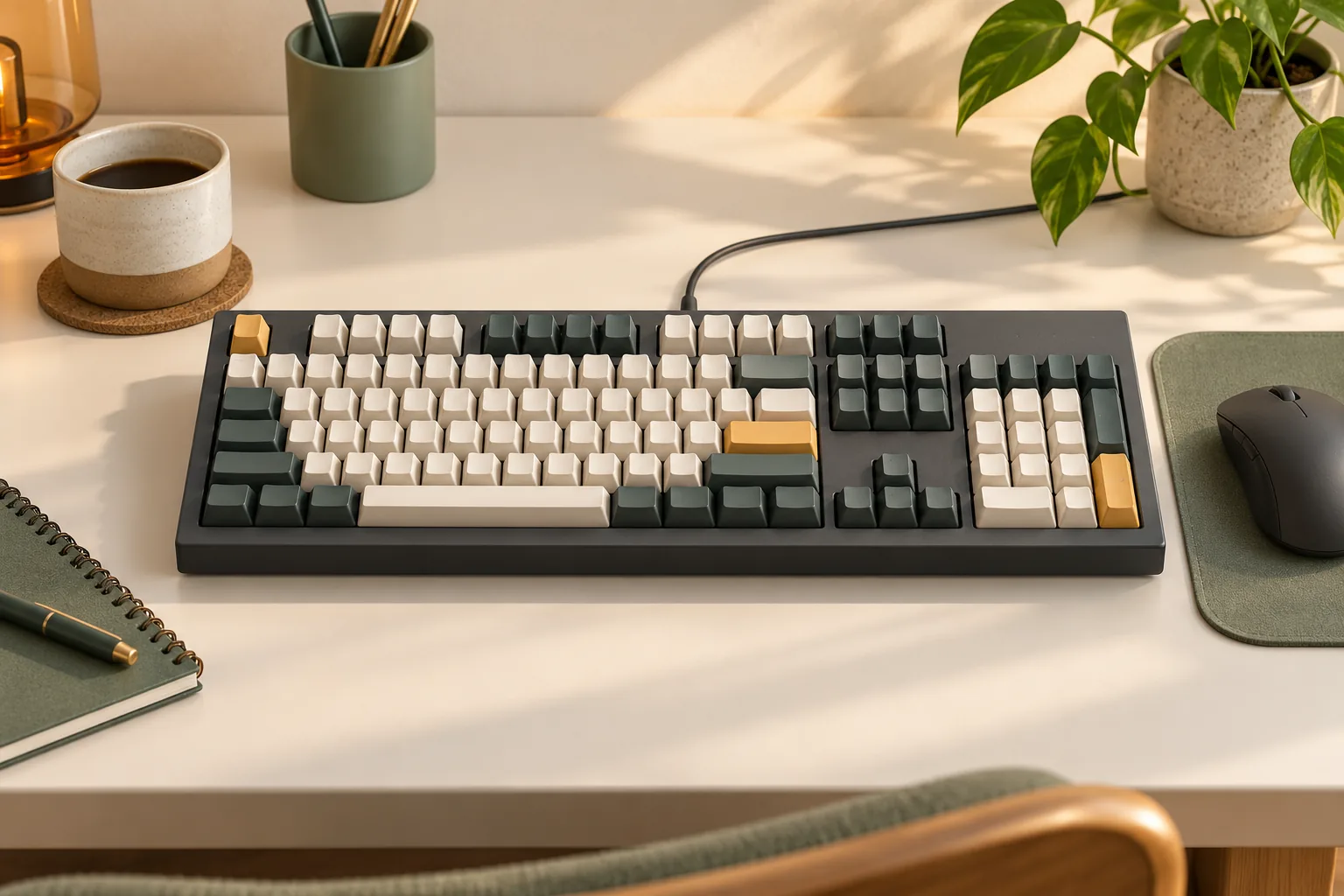
After confirming switch identity, verify the complete keyboard against your setup. A suitable switch does not settle the layout, connection, or future replacement question. For a Leopold candidate, use the Leopold layout and switch guide to check the exact configuration.
The four K70 RGB MK.2 configurations above document wired USB 2.0 Type-A connectivity and 104-key NA full-size layouts; the Red configuration’s specification shows these fields. The Silent Red TKL configuration instead documents 87 keys and wired USB 3.0 or 3.1 Type-A connectivity. Tenkeyless, abbreviated TKL, is the layout category used for that model.
For CHERRY MX 2.0S, the official properties section lists hot-swap: no. Do not choose it on the assumption that you can later pull out the installed switches and substitute your preferred color through hot-swap sockets.
If user-replaceable switches are essential, make documented hot-swap support and exact replacement requirements separate purchase conditions. Neither genuine CHERRY branding nor an MX compatibility phrase establishes them. Replacement compatibility remains a separate verification task for any keyboard you shortlist.
Use this checkout worksheet
Apply this worksheet to the selected seller variant immediately before ordering. Keep the manufacturer reference beside the offer so you can compare the same configuration throughout the process.
| Check | Record or compare | Pause the purchase when… |
|---|---|---|
| Complete part number | The seller’s full manufacturer code and the matching documentation | The seller supplies only a family name |
| Installed switches | CHERRY manufacturer name and exact switch label | The description says only “MX-compatible” or gives conflicting switch names |
| Generation requirement | An explicit MX2A mapping, if MX2A is mandatory | MX2A appears only in general family marketing |
| Layout and finish | US/NA label, key arrangement, color, and selected variant photo | Photos and specifications describe different variants |
| Connection | The exact keyboard’s connection specification and your computer’s ports | The connection requirement is unclear |
| Replacement requirement | Documented hot-swap status and replacement support, if needed | Replaceability is being inferred from switch branding |
| Checkout terms | Current price, stock status, condition, and applicable return terms | Any term necessary for your decision remains unclear |
When clarification is needed, ask: “Please confirm the complete manufacturer part number, regional layout, and exact installed CHERRY switch name for the unit you will ship. If it is described as MX2A or hot-swappable, please provide documentation for that exact configuration.”
Save the response with the offer details. If it conflicts with the manufacturer reference, seek an explanation that identifies the specific unit rather than accepting another general description of the product family.
Frequently asked questions
Does “MX-compatible” prove a keyboard has CHERRY switches?
No. For a purchase requiring genuine CHERRY switches, compatibility wording alone leaves the installed manufacturer unverified. Look for an explicit CHERRY switch name tied to the full keyboard part number. The CHERRY MX 2.0S documentation, for example, explicitly identifies original CHERRY switches at the family level.
Does a CHERRY MX Brown keyboard listing establish MX2A Brown?
No. Preserve the label documented for the exact part number. The ITscope-hosted datasheet excerpt maps G80-3821LXAUS-2 to MX Brown, while the Chipdip-hosted excerpt explicitly maps G80-3821LIBUS-2 to MX2A Brown. Match the complete code rather than transferring a generation label between variants.
Will a Silent Red keyboard be inaudible?
The evidence does not support that promise. CHERRY documents integrated damping for Silent Red, which supports selecting it when switch damping is a requirement. It does not provide a measured noise result for every complete keyboard using that name. Seek evidence for the exact board if sound is decisive.
Make the final match
Choose your preferred switch action, then verify the complete keyboard that supplies it. For a mechanical keyboard with Cherry MX switches, the deciding evidence is the exact part number linked to the installed-switch label and required layout. Use the worksheet on your selected offer, and resolve any conflict before placing the order.