As an Amazon Associate we earn from qualifying purchases.
To identify a Drop mechanical keyboard package, check the item type, exact SKU, and included-parts list before choosing a theme. A fully assembled keyboard, a barebones package, a keycap set, and a decorative case are separate purchases. Drop’s October 17, 2023 CSTM80 announcement explicitly distinguished assembled keyboards from barebones configurations and separately sold components.
This guide is for shoppers who want to know what will arrive and which additional purchases need confirmation. It uses manufacturer information captured October 15, 2026, including that historical announcement. The comparisons concern documented contents and specifications; no hands-on performance testing was performed.
Quick takeaways
- Choose an assembled keyboard when you want installed switches and keycaps, then verify the remaining accessories.
- Consider barebones only after documenting exactly what the selected package includes and what you must supply.
- Treat a theme as a design choice; confirm the keyboard and each matching accessory by their own SKU.
On this page: Identify the item · Black/Walnut example · Nuka-Cola products · Barebones packages · Buying worksheet · Support checks · FAQs
Identify the Drop mechanical keyboard item type
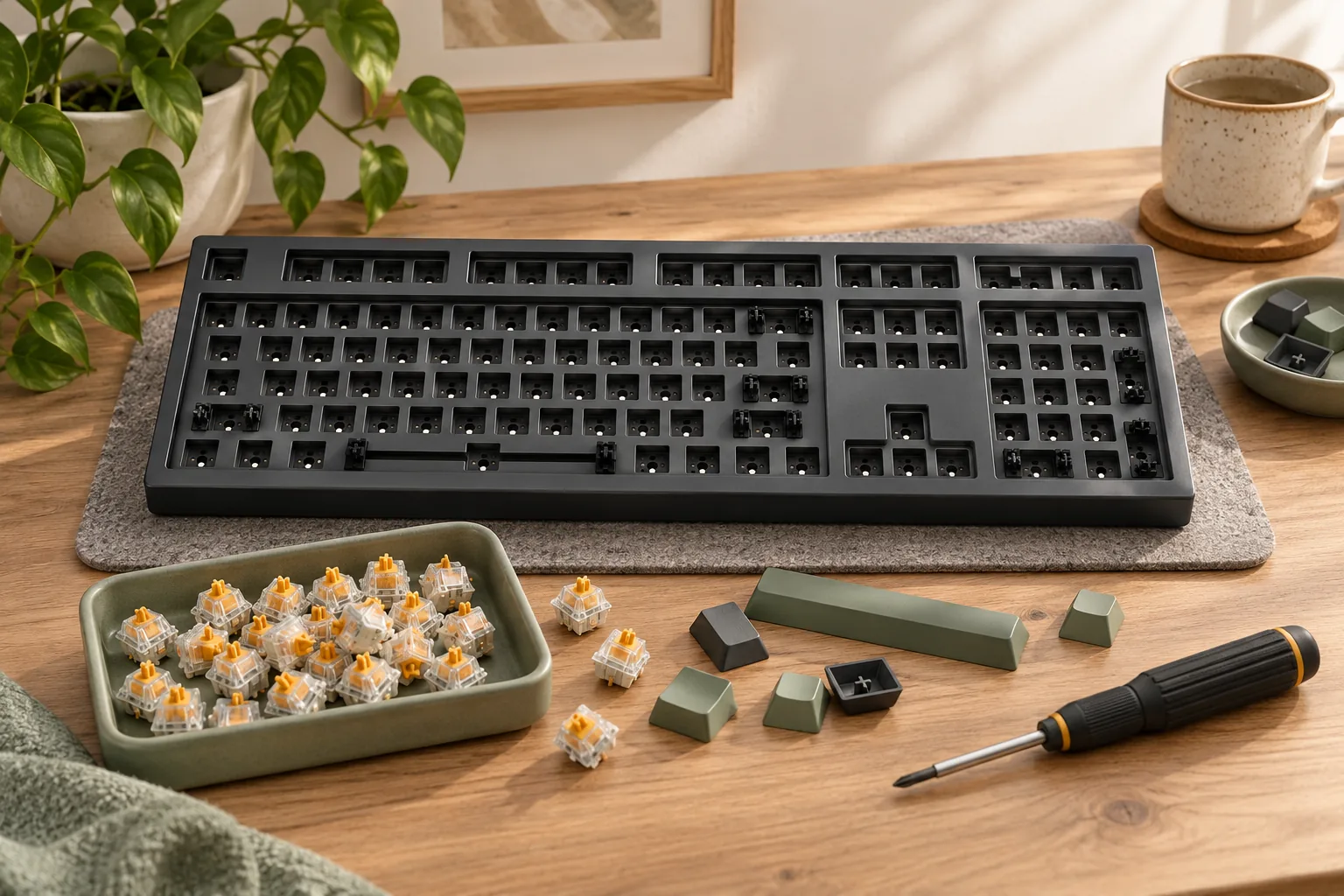
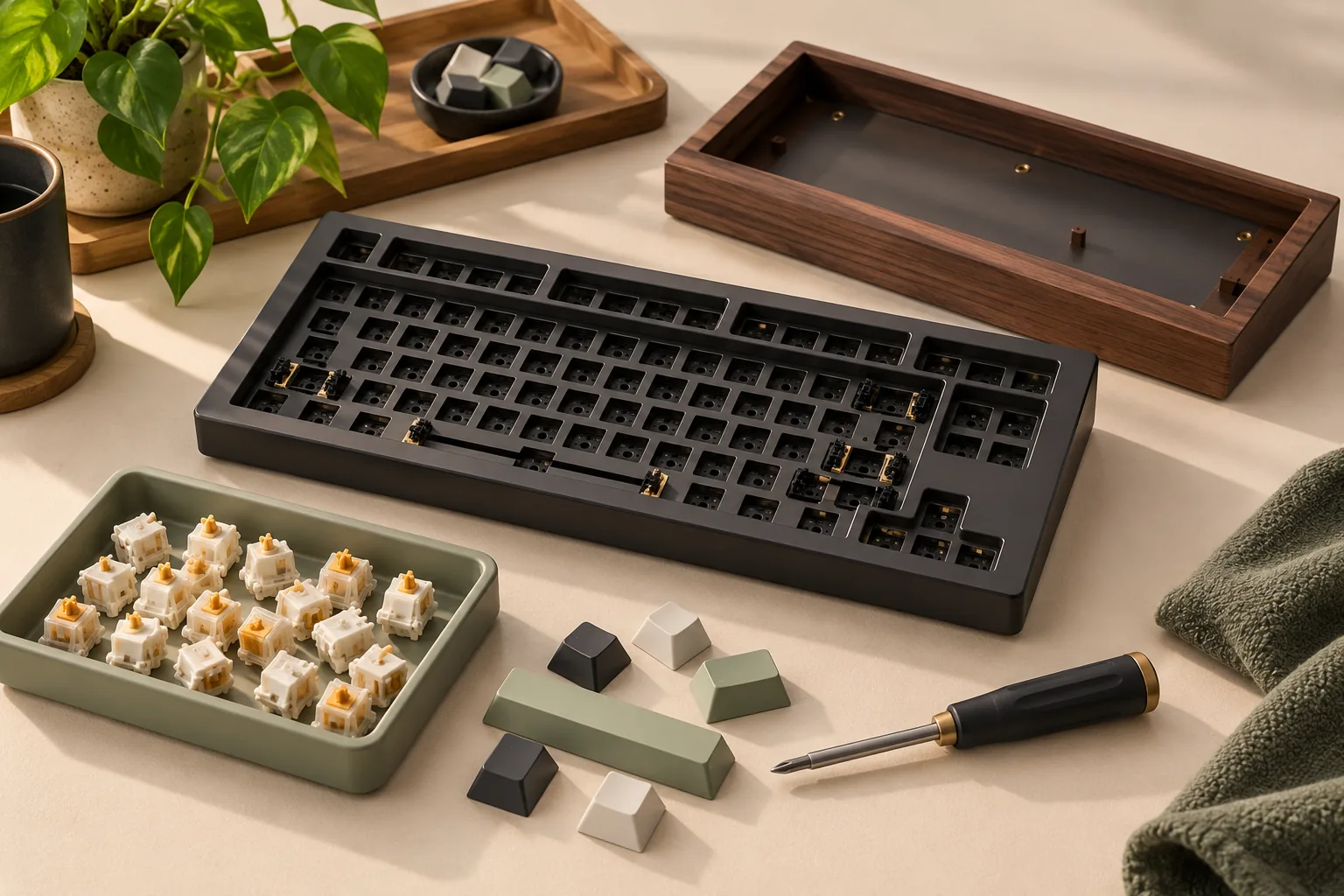
A complete keyboard is an assembled board with its typing components installed. Barebones describes a package intended for further completion, so its exact inventory needs checking. A keycap set supplies caps, while a decorative top case supplies an exterior component. The CSTM80 launch announcement documents these distinctions, but does not establish every present-day package.
Use the following comparison to decide which listing deserves closer inspection.
| Item type | Documented example | Purchase decision |
|---|---|---|
| Assembled keyboard | Black/Walnut CS-8901001 lists a keyboard and several accessories | Check the installed configuration and layout before treating it as a fit |
| Barebones configuration | The 2023 CSTM80 launch offered this package type | Obtain a current, exact contents list before choosing additional parts |
| Themed keyboard | Nuka-Cola MDX-38467-1 identifies installed switches, stabilizers, licensed keycaps, and a decorative top case | Verify the complete accessory list and regional configuration |
| Keycap accessory | Nuka-Cola MT3 MDX-38466-1 is a 169-cap set | Confirm fit with the keyboard you already own or plan to buy |
| Decorative case | The 2023 launch described separately sold CSTM80 cases | Confirm the exact supported board and whether the offer includes only the case |
Start by copying the selected SKU into your shopping notes. Keep each accessory on a separate line, even when its artwork matches the keyboard. That makes it easier to spot a cart containing accessories without the intended board.
Black/Walnut CSTM80: what the box list confirms
The CORSAIR ONE CSTM80 Black/Walnut page for CS-8901001 provides a useful package example. It lists:
- A mechanical keyboard
- A USB data cable
- A quick-start guide
- A keycap puller
- A switch puller
- Extra gaskets
The same page identifies ABS shine-through keycaps and an extra F13 key. It does not identify the installed switch variant in the captured information. If switch selection matters to your purchase, request confirmation for CS-8901001 rather than borrowing a switch specification from another CSTM80 edition.
There is also a layout-description conflict. The feature bullets say “tenkeyless,” while Package Contents calls the board a “75% Mechanical Keyboard.” The GTIN description identifies Drop CSTM80 Black/Walnut, with EAN 0840006690931. These details all appear on the same official product page.
Keep both layout descriptions in your notes and ask the manufacturer to confirm the exact regional key arrangement. Request the keycap sizes and stabilizer details relevant to any planned replacements. Neither category label resolves those questions by itself.
For a shopper seeking an assembled board, this example supplies a concrete box list. It still leaves configuration questions that should be answered before choosing it for a particular layout or switch preference.
Nuka-Cola keyboard and keycap set are separate items
The Nuka-Cola products show why the SKU matters more than matching artwork. The Drop + Nuka-Cola CSTM80 Mechanical Keyboard, MDX-38467-1, identifies officially licensed Nuka-Cola keycaps and a decorative top case. It also names Gateron KS-3 Milky Yellow Pro switches and Gateron stabilizers.
Those are documented specifications for that keyboard. Its page also lists hot-swappable switch sockets and VIA, VIAL, and QMK compatibility. These labels do not supply a complete accessory manifest, establish every replacement part’s fit, or identify the correct firmware procedure for an individual board.
The Drop + Nuka-Cola MT3 Keycap Set, MDX-38466-1, is a different product. Its specifications identify 169 PBT keycaps, dye-sublimated legends, a scooped and sculpted MT3 profile, and officially licensed Fallout Nuka-Cola artwork.
Keep those accessory specifications attached to MDX-38466-1. The keyboard page’s reference to licensed Nuka-Cola caps does not establish that its installed caps have the accessory set’s material, profile, or contents. Likewise, the accessory’s cap count does not prove coverage for every key in your intended layout.
If you want the themed keyboard, investigate MDX-38467-1 and its package. If you want to change an existing board’s appearance, investigate MDX-38466-1 and verify its fit. For either route, ask for the exact regional layout and relevant key dimensions before ordering additional parts.
What the barebones label establishes
The October 17, 2023 CSTM80 launch announcement offered barebones and fully assembled configurations. It described the assembled version as including the keyboard, keycaps, switches, stabilizers, and a black polycarbonate case. A footnote also warned that the keyboard, case, cables, and keycaps were otherwise sold separately.
That announcement explains the historical product choices. It does not provide a current barebones SKU’s exact inventory or establish present availability. Use it to understand why the package distinction matters, then obtain the selected listing’s own contents list.
Barebones is a reasonable route to investigate when you want to select components yourself and are willing to verify each purchase. An assembled listing is the more direct route to investigate when your priority is receiving installed typing components. In both cases, make the final decision from explicit contents and configuration information.
Complete your included-and-needed worksheet
For each row below, record one of these statuses: included and documented, separate purchase confirmed, or unresolved. Add the exact part or specification beside the status. If a listing omits a component, mark it unresolved until the manufacturer or seller clarifies the selected package.
| Component or requirement | What to verify | When a separate purchase may be needed |
|---|---|---|
| Electronics | The package includes the keyboard’s circuit board and required electronics | The selected item is only an accessory or an incomplete package |
| Case and plate | Which case components and plate are included | Your selected package explicitly excludes a required component |
| Stabilizers | Whether they are installed or supplied, and the required mounting details | They are explicitly excluded or your confirmed configuration requires different parts |
| Switches | Whether installed; exact model and required quantity | The package excludes them or you deliberately choose replacements |
| Keycaps | Whether included; profile, material, regional legends, and key sizes | They are excluded or do not match your confirmed requirements |
| Cable | Whether a data cable is supplied and suitable for the intended connection | It is excluded or your connection requires a different cable |
| Tools | Which pullers or other required tools are supplied | A planned task requires tools that the package excludes |
| Documentation | The correct guide and support path for the board revision | Obtain documentation before proceeding with customization |
This worksheet is a buying aid, not an assembly sequence. Complete the inventory first; use instructions matched to the exact board for any later work.
Worked example: record uncertainty without duplicating purchases
For CS-8901001, mark the keyboard, USB data cable, guide, both pullers, and extra gaskets as documented in the official package list. Record the installed ABS keycaps separately. Mark the switch variant and the conflicting layout descriptions unresolved.
Do not turn an unnamed switch variant into an automatic switch purchase. First ask which switches are installed. Similarly, the included pullers tell you which tools are listed; they do not establish the fit of replacement components you might buy later.
Once the parts ledger is complete, compare the total cost of the selected package plus confirmed additional purchases. Match the seller, condition, SKU, and contents for each offer, then check current stock, shipping, returns, and warranty terms at checkout. This guide does not verify a current offer.
Match support to the exact board
An indexed excerpt of the official CSTM80 Rev.02 quick-start guide, captured October 15, 2026, describes out-of-box macOS, Windows, and Linux support. It also identifies configurable keymaps and hotkeys, plus a 6KRO/NKRO toggle with 6KRO as the default. Only the captured excerpt supports those statements here.
Before customization, match your board’s model and revision to its documentation. Ask support to identify the appropriate configuration instructions and any required files for that exact board. A familiar CSTM80 name or software-compatibility badge does not establish which update file belongs to your unit.
Keep replacement-part questions equally specific. Provide the board SKU, revision if known, regional layout, and proposed component when requesting fit confirmation.
Frequently asked questions
Does “Nuka-Cola” mean I am buying a complete keyboard?
Check the SKU and item type. MDX-38467-1 identifies the CSTM80 keyboard, while MDX-38466-1 identifies the separate MT3 keycap set. Matching artwork does not make their packages or specifications interchangeable. Confirm the keyboard’s full contents before ordering.
Can I assume a barebones CSTM80 includes stabilizers and a cable?
Obtain the selected package’s explicit inventory. The 2023 announcement confirms that barebones configurations existed, but does not establish a current package’s complete contents. Record stabilizers and the cable as unresolved until their inclusion or exclusion is documented for the exact item you intend to order.
Is the Black/Walnut CS-8901001 tenkeyless or 75%?
The official page uses both descriptions: tenkeyless in its features and 75% in Package Contents. Ask the manufacturer to confirm the exact regional key arrangement using CS-8901001 and EAN 0840006690931. Preserve the discrepancy until you receive clarification.
Choose from a documented parts list
Choose your Drop mechanical keyboard by matching the item type and exact SKU to a completed parts ledger. Keep themed accessories separate, preserve unresolved specifications, and confirm the documentation for your board. Before ordering, send the manufacturer or seller your remaining questions and request an exact included-parts list for the selected package.