As an Amazon Associate we earn from qualifying purchases.
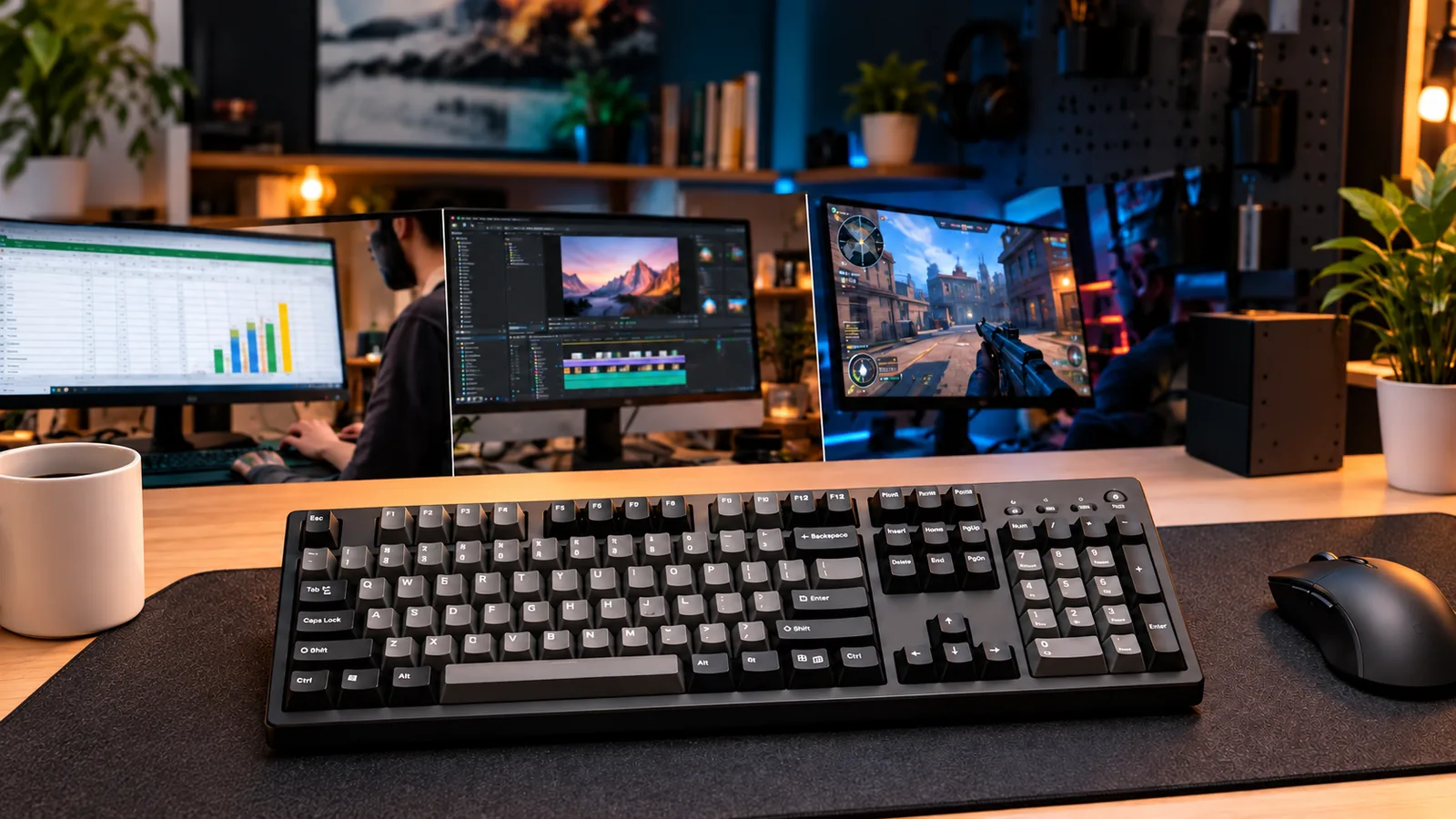
For a full-size barebones build, choose the exact layout first, then calculate the parts needed to complete it. The non-HE Glorious GMMK 3 100% mechanical barebones is a documented option: its guide specifies 104 keys and compatibility with 3- or 5-pin mechanical MX switches. Plan for 104 functioning compatible switches and a matching keycap set. Glorious GMMK 3 Product Guide
This guide is for builders who want a 100% barebones keyboard while preserving familiar number-entry, arrow, and navigation access. It uses that GMMK 3 as a worked purchasing example, with checks you can apply before choosing a kit.
Quick takeaways
- Approve the numpad, navigation cluster, arrows, and required default functions separately.
- Budget for a full switch purchase if you want matching switches throughout.
- Match keycaps by compatibility and layout, rather than total piece count.
- Keep the existing stabilizers in the initial build plan.
- Compare the cost of the completed keyboard, including optional spares.
Method: This research-based guide uses manufacturer specification excerpts captured October 15, 2026, and an attributed independent review. No hands-on testing was performed.
In this guide: Layout checks · Kit contents · Switch calculation · Keycaps and stabilizers · Desk fit · Completion cost · FAQs
Check the numpad, navigation cluster, and default functions
Start with a layout image of the exact version you intend to order. Treat a numpad as one requirement in a larger checklist: require separate navigation access and familiar arrow placement if those are part of your reason for buying full size. A product label alone should not settle those questions.
Use the following worksheet beside your current keyboard. The examples describe requirements to verify, rather than promises about every keyboard sold as full size.
| Your priority | What to inspect | Condition for proceeding |
|---|---|---|
| Frequent number entry | Numpad position, operators, decimal key, and Enter | The arrangement matches your working habits |
| Document editing | Insert, Delete, Home, End, Page Up, and Page Down | Required functions are available where you expect them |
| Arrow-key use | Arrow placement and separation from neighboring keys | You can identify the cluster easily in the layout image |
| Legacy shortcuts | Scroll Lock, Pause/Break, and other required functions | The manual confirms the defaults or an acceptable way to access them |
| Familiar typing layout | Regional layout and printed legends | The selected keyboard and keycap set match your preference |
The distinction between a key's position and its assigned function matters. In its April 2026 review of an assembled UK ISO Keychron V6 Max, KeebWorks describes a microphone shortcut replacing the traditional Scroll Lock position and a lighting function replacing Pause/Break. That observation applies to the reviewed configuration; it does not establish the contents or mappings of a US barebones version. KeebWorks: Keychron V6 Max
For example, if an application you use requires Pause/Break, write that requirement down before choosing a kit. Ask whether you need direct access or would accept a shortcut. Then verify the exact model's documentation before assuming a familiar physical position provides the familiar function.
Identify the exact GMMK 3 barebones kit
Keep the product identity consistent throughout your shopping list: GMMK 3, 100%, mechanical, non-HE, barebones. The official barebones listing describes this model as wired, hot-swappable, and equipped with a polymer case. Use those specifications when deciding whether it suits your build. Glorious GMMK 3 Barebones
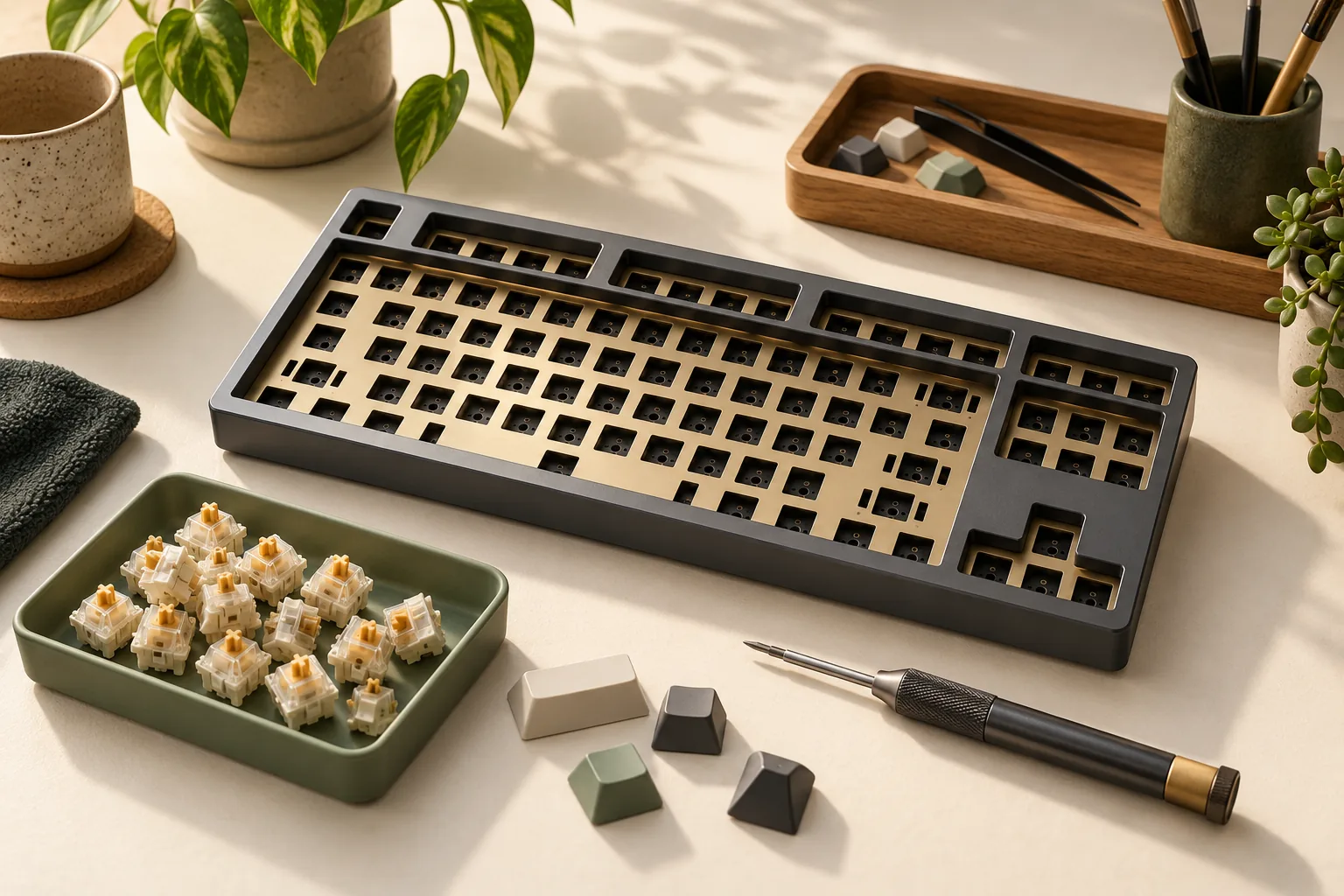
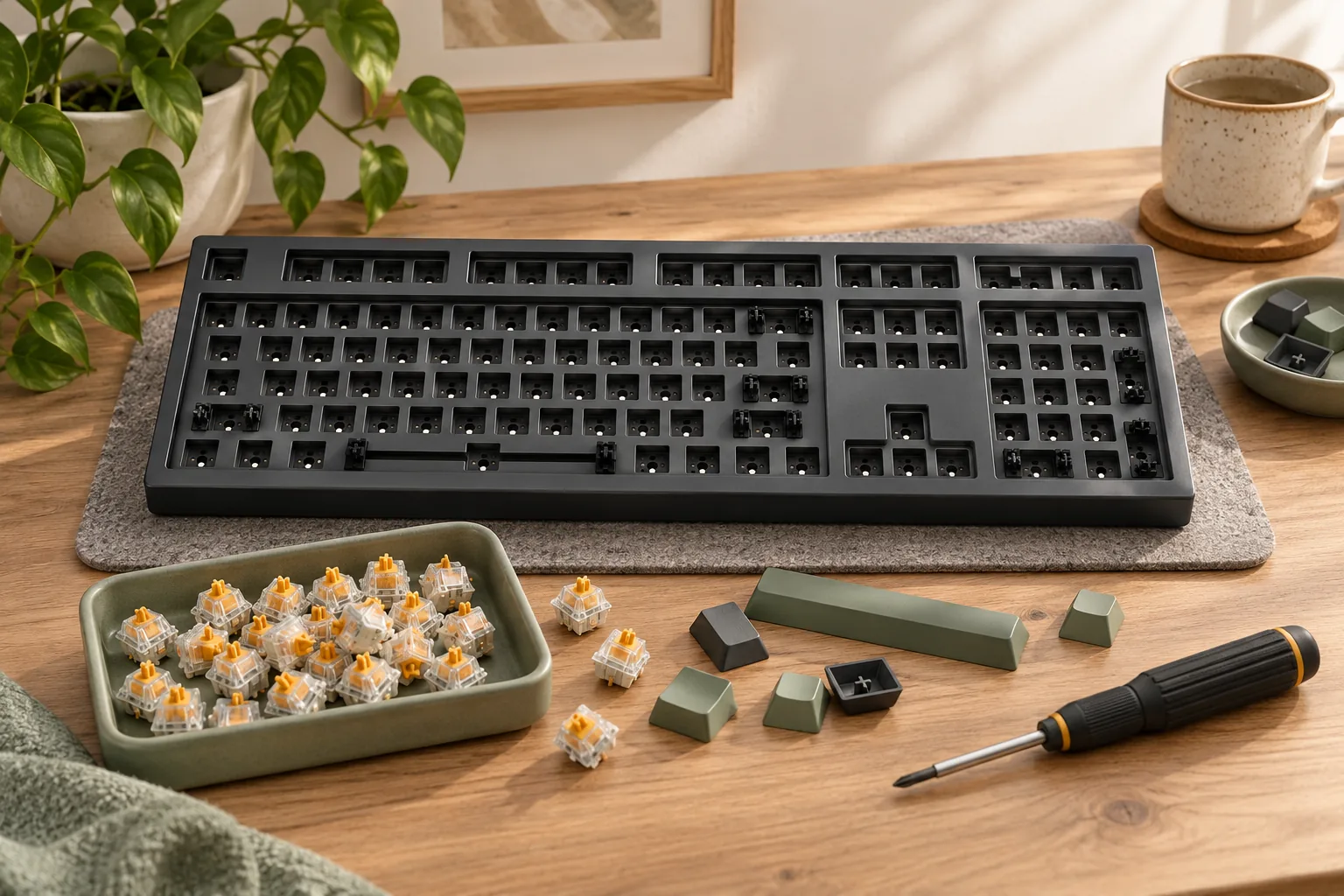
The GMMK 3 Product Guide lists the following contents and explicitly says the barebones version lacks a full set of switches or keycaps:
| Component | What the guide lists | What to put in your purchasing plan |
|---|---|---|
| Keyboard base | GMMK 3 or GMMK 3 Barebones | Select the 100% mechanical barebones version |
| Cable | One braided cable | Check whether the supplied connection suits your setup |
| Sample switches | Four sample switches | Budget separately for your intended full switch selection |
| Pullers | One switch puller and one keycap puller | Avoid automatically buying duplicate tools |
| Assembly tool | One screwdriver | Check the supplied tool before adding another |
| Extras | Extra screws and O-rings | Keep them with the kit |
| Documentation | One quick-start booklet | Use it alongside the model-specific guide |
| Full switch and keycap sets | Not included with barebones | Add compatible switches and a supported keycap set |
The same guide identifies alternate macOS keycaps as prebuilt-only contents. If those legends matter to you, check the keycap set you actually intend to buy rather than relying on the assembled keyboard's accessory list. Glorious GMMK 3 Product Guide
Do not carry this inventory into a cart containing an HE, PRO, earlier-generation, or different-size model. Return to the documentation for that exact product before calculating its missing parts.
Calculate switches for a 100% barebones keyboard
The GMMK 3 guide specifies 104 keys for the 100% version and 3- or 5-pin mechanical MX switch compatibility. Populating all 104 switch positions therefore requires 104 functioning compatible switches. That is the starting quantity; any spare allowance is your choice. Glorious GMMK 3 Product Guide
Use this calculation:
Purchase target = 104 positions + chosen spares − suitable switches you already own
Only subtract existing switches if you intend to use them in the finished keyboard. For a uniform build, they should match your chosen switch selection. Apply the same rule to samples: the four supplied samples do not justify automatically reducing a matching-switch order to 100.
Worked example: choose spares, then round to packs
Assume you want five spares and have no suitable switches to reuse. Your target is 104 + 5 = 109 switches. The pack sizes below are hypothetical examples to show the calculation; they are not current seller offers.
| Planning choice | Target quantity | Hypothetical pack size | Packs required | Switches purchased | Left after filling 104 positions |
|---|---|---|---|---|---|
| No deliberate spare allowance | 104 | 10 | 11 | 110 | 6 |
| Five desired spares | 109 | 10 | 11 | 110 | 6 |
| Five desired spares | 109 | 35 | 4 | 140 | 36 |
Three hypothetical 35-switch packs provide 105 switches: enough to populate the keyboard, but only one left over. If five spares remain your requirement, you need another pack or a different purchasing arrangement.
Compare both the checkout total and the leftover quantity. Decide whether you want those extra switches before treating a larger bundle as the better purchase. The manufacturer’s 104-position figure establishes the build requirement; the spare allowance and pack rounding are purchasing decisions.
Match keycaps and preserve the existing stabilizers
Choose a supported keycap family, then check the layout
Glorious states that GPBT Aura V3 fits all Glorious GMMK keyboards. That makes it a manufacturer-declared keycap-family match for this worked build. Confirm the selected set's layout and legends before checkout. Glorious GPBT Aura V3 Keycaps
For another keycap set, compare more than the advertised number of pieces. Keychron's compatibility guidance calls for checking the switch stem, keyboard layout, unusual key sizes, bottom row, and the set's compatibility chart. A set's total count does not establish that every required position has a matching cap. Keychron: Are Keycaps Universal?
Work through these checks in order:
- Stem compatibility: Confirm compatibility with the mechanical MX switches you selected.
- Regional layout: Match the keyboard layout and the set's supported configuration.
- Longer keys and bottom row: Compare the set's diagram against the exact keyboard layout.
- Numpad coverage: Check the number-entry and operator legends you need.
- Operating-system legends: Confirm the printed labels you prefer are included.
If a listing supplies only a piece count and a photo of loose keycaps, ask for a compatibility chart or model confirmation. Avoid filling that evidence gap with assumed key widths.
Keep the installed stabilizers in the initial plan
Glorious's GMMK 3 switch-plate instructions describe existing stabilizers attached to the plate and explain transferring them during a plate replacement. For an initial build that retains the plate, plan around those existing stabilizers. Glorious GMMK 3 Switch-Plate Guide
A separate replacement stabilizer purchase needs its own compatibility check. The available guidance does not establish a complete replacement shopping list with every required wire length and quantity. If you later change the plate, follow the GMMK 3 transfer instructions and verify replacement compatibility before ordering parts.
Check desk fit and the cable route
The GMMK 3 guide lists the 100% model at 462 × 152 × 44.5 mm, with a detachable wired USB-C connection. Use those dimensions for the worked build's desk-space check. Glorious GMMK 3 Product Guide
Mark a 462 × 152 mm rectangle where the keyboard will sit. Place your mouse, notebook, or other daily equipment beside that area, and check the arrangement in your normal working position. Include any wrist rest you intend to use in your own space plan.
Then trace a practical cable route to the computer. Check the supplied cable's connection against the ports you will actually use, and allow room for the connector and cable bend. If wireless operation is a requirement, this wired example does not satisfy your selection condition.
Price the completed build
Calculate the cost of a usable keyboard before comparing base prices:
Completion cost = barebones base + compatible switch purchase + matching keycap set + chosen extras + applicable shipping and tax
Count only parts you still need to buy. Suitable switches you already own can reduce the switch purchase, and included tools may eliminate duplicate purchases. Optional spare switches belong in your chosen budget; they are not part of the manufacturer's required 104-position count.
Keep a short checkout record with the exact base variant, switch type and quantity, keycap set, and delivery total. Verify the seller, current availability, and return conditions at checkout. This guide makes no current-price or stock claim.
Frequently asked questions
Does 100% mean I should buy exactly 100 switches?
For the worked GMMK 3, buy enough to fill 104 positions, then add any spares you choose. Its guide identifies the 100% version as having 104 keys. Calculate from the exact model's documented count rather than interpreting the percentage label as a switch quantity. Glorious GMMK 3 Product Guide
Can I subtract the four sample switches from my order?
Only if you intend to use those particular samples in the finished build. The guide lists four samples, but they do not establish a complete matching switch selection. If your goal is the same switch throughout, budget for 104 matching switches before adding optional spares. Glorious GMMK 3 Product Guide
Will any 104-piece keycap set fit?
The piece count alone cannot establish compatibility. Check the stem, layout, bottom row, unusual sizes, and compatibility chart. For this example, Glorious declares Aura V3 compatible with its GMMK family; still inspect the selected set's layout and legends. Keychron compatibility guidance · Glorious Aura V3 compatibility
Before you order
The non-HE GMMK 3 100% mechanical barebones is a documented candidate if its layout, wired connection, polymer case, and desk footprint meet your requirements. Complete the plan with 104 functioning compatible switches, your chosen spare allowance, and a supported keycap set while retaining the existing stabilizers. GMMK 3 guide · Barebones specifications · Stabilizer guidance
Before purchasing a 100% barebones keyboard, place the exact layout image beside your completed parts calculation. Proceed when both match the keyboard you want to use.