As an Amazon Associate we earn from qualifying purchases.
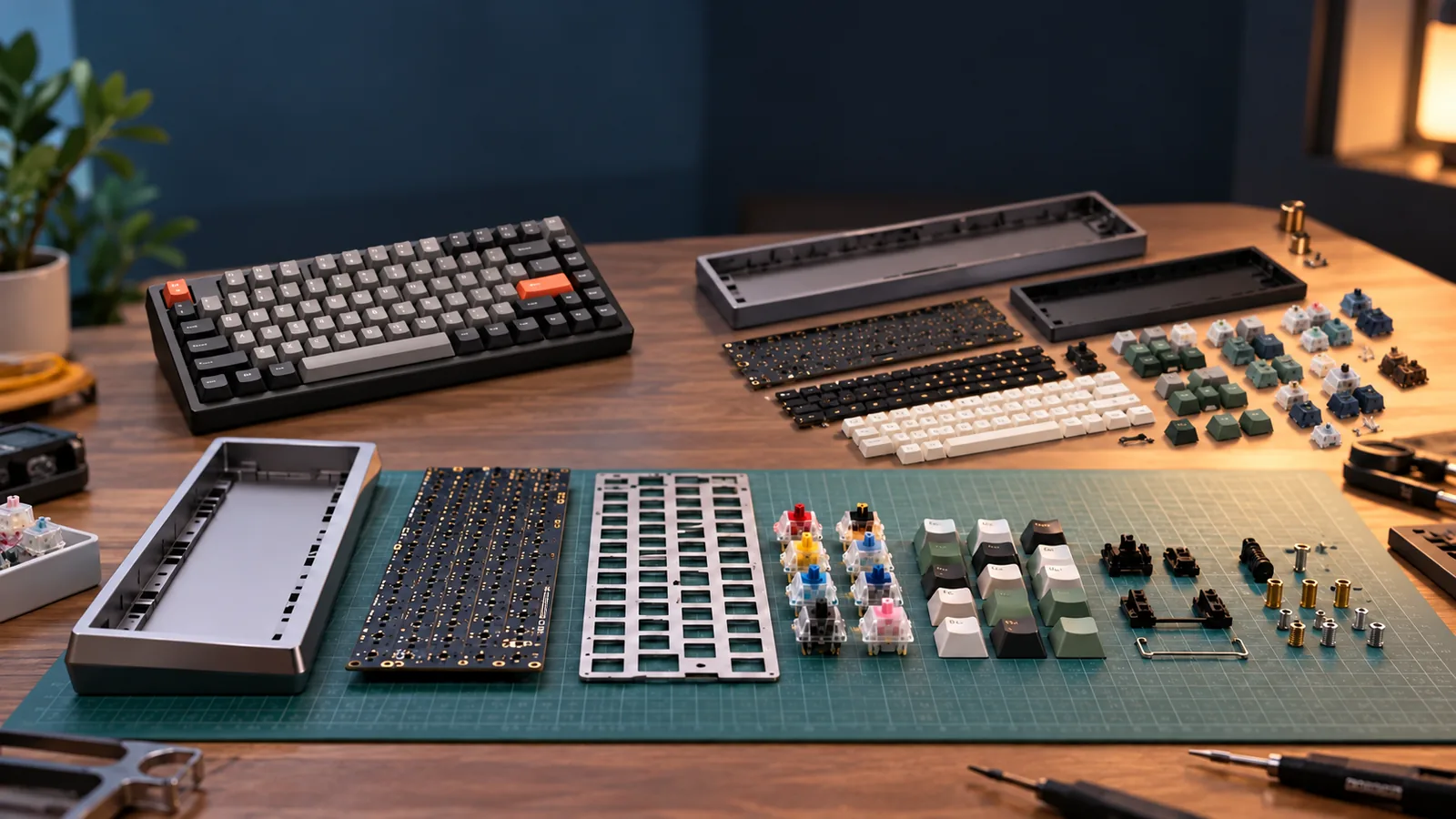
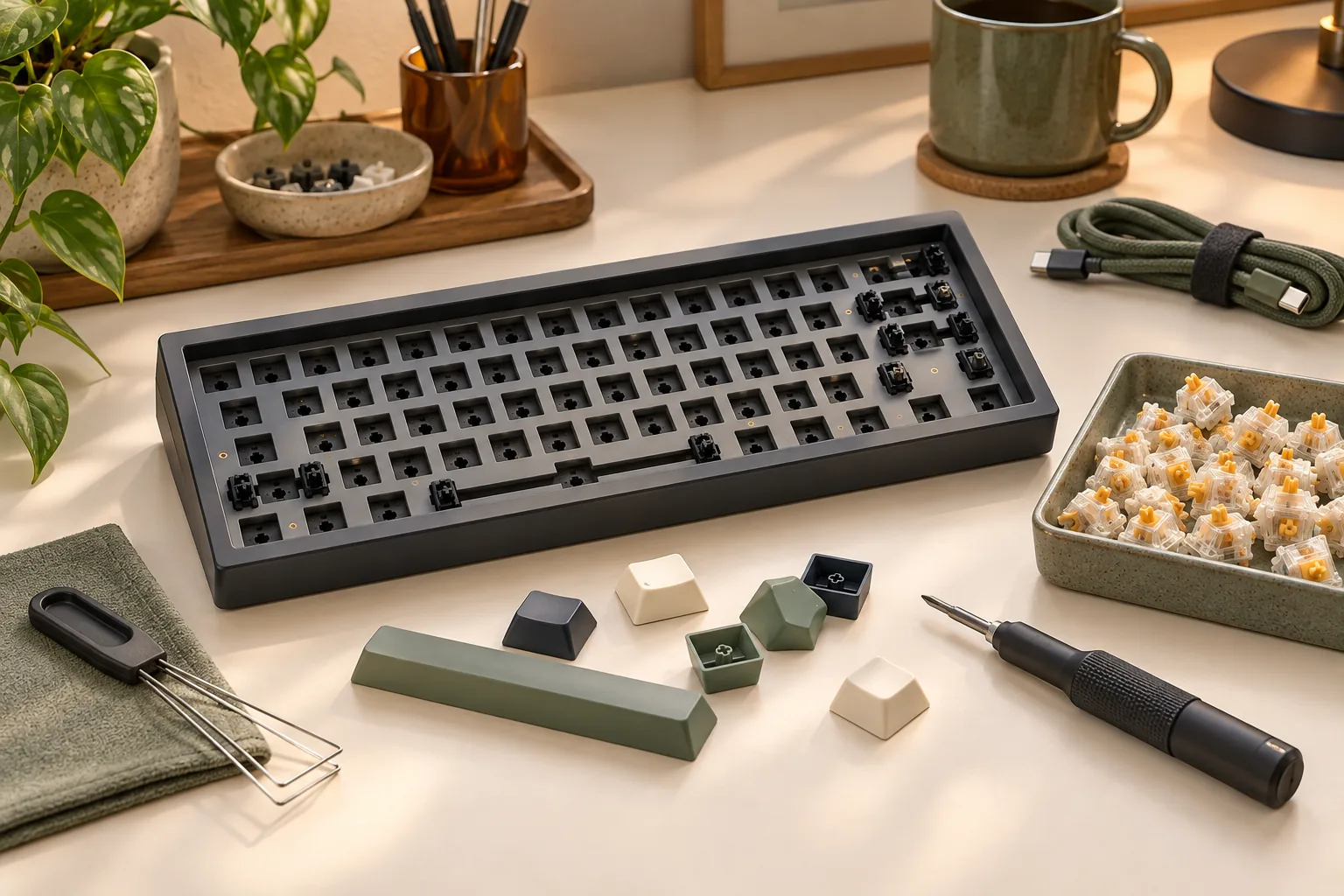
A barebones mechanical keyboard is a kit you complete with separately chosen switches and keycaps. Other contents depend on the package: verify the PCB, case, plate, stabilizers, cable, and tools individually. A keyboard sold without keycaps may already include switches, so its parts list determines what you still need. (Barebones explanation; supplier package examples)
For your first custom build, the best barebones keyboard is one whose included parts and compatibility you can verify before ordering. This guide helps you identify the package, check the components needed to finish it, and compare completion costs.
Quick takeaways
- Check switches and keycaps separately; either can be included or absent.
- Treat “keyboard base” as a label that needs an explicit contents list.
- Match components to the exact edition and layout.
- Compare the completed build cost, including only genuinely missing parts.
Editorial method: This guide draws on manufacturer and supplier search excerpts and an explanatory video transcript excerpt captured October 15, 2026. No keyboards were tested for this article. Model examples illustrate documented selection checks.
On this page: Package types · Keyboard base terminology · Parts ledger · Compatibility · Edition comparison · Completion cost · Ordering checklist · FAQ
Identify the package type
Start with the selected product option and its included-parts list. The captured Keychron selection video describes barebones as excluding switches and keycaps, while assembled versions include those parts. Use that as a starting definition, then check the actual package.
The iGK61 supplier listing shows why this matters. Its Custom Kit 1 lists switches without keycaps. Custom Kit 3 lists the PCB, case, plate with stabilizer, and cable without switches or keycaps.
| Package description | What the captured example establishes | Your next check |
|---|---|---|
| Barebones | The explanatory transcript describes switches and keycaps as absent | Confirm every other included component |
| Switches included, no keycaps | iGK61 Custom Kit 1 lists switches without keycaps | Check the supplied switches and keycap requirements |
| Neither switches nor keycaps | iGK61 Custom Kit 3 lists neither component | Verify compatible switches, their quantity, and keycap coverage |
| Fully assembled | The transcript describes switches and keycaps as included | Confirm the exact configuration selected |
| Keyboard base | The label alone does not resolve the package | Require a PCB and explicit kit contents |
If you want to choose both switches and keycaps, focus on packages that explicitly omit both. If the included switches suit your plans, a switches-included package leaves keycaps to resolve. If you want the selected switches and keycaps supplied together, check an assembled configuration. These are package-selection conditions, rather than performance rankings.
When does a keyboard base describe a kit?
“Mechanical keyboard base” needs clarification before you treat it as a barebones keyboard kit. MonsGeek uses the phrase “aluminum base kit” under “Keyboard DIY Kit” in its site text captured on a tag page. That establishes actual manufacturer usage of the term, but it does not identify the contents of every product called a base.
Apply this reading rule:
- PCB-equipped package with explicit contents: Continue through the kit-completion checks below.
- Case only: Treat the purchase as a case/build project and verify the remaining build requirements separately.
- Stand or desk support: Treat it as a keyboard accessory purchase.
- Unclear description: Ask the seller whether the PCB is included and request the complete parts list.
PCB means printed circuit board. Confirming its inclusion is the first gate; it does not prove that the package also contains the plate, stabilizers, switches, or keycaps. Record each component separately, as the iGK61 package lists demonstrate.
Make an included / needed / unknown parts ledger
Before choosing accessories, copy the exact product name, edition, layout, and selected package into your shopping notes. Give every component one status: included, needed, or unknown. Move an unknown item to another column only after the selected package documentation or seller confirms it.
The ledger below follows the component distinctions in the iGK61 listing and the documented accessories and stabilizers in the MonsGeek M1 V5 Non-VIA excerpt.
| Component | Record its status | Evidence to obtain |
|---|---|---|
| PCB | Included / needed / unknown | Explicit package listing |
| Case and plate | Included / needed / unknown | Included parts and plate specification |
| Stabilizers | Included / needed / unknown | Supplied type and supported mounting |
| Switches | Included / needed / unknown | Supplied model, socket compatibility, required quantity |
| Keycaps | Included / needed / unknown | Supplied set or exact layout coverage |
| Connection cable | Included / needed / unknown | Package contents and connection requirements |
| Switch and keycap pullers | Included / needed / unknown | Accessory list |
For example, the iGK61 Custom Kit 1 excerpt puts switches in the included column and keycaps in the needed column. Custom Kit 3 puts both in the needed column. Neither example establishes that a particular separately chosen keycap set fits; that remains a compatibility check.
Keep unknown separate from needed. An unanswered question should prompt verification before it becomes another purchase.
Check component compatibility before buying
Match switches to the exact socket specification
Look for an explicit switch type and socket specification on the selected edition. The captured M1 V5 Non-VIA manufacturer excerpt specifies hot-swap support for 3-pin and 5-pin mechanical switches. Hot-swap describes the switch-installation provision; it does not establish compatibility with every switch technology.
Write down the candidate switch model beside the board’s documented requirement. If the selected product documentation does not establish the match, resolve it before ordering. Do not extend this mechanical-switch specification to magnetic, optical, or low-profile components.
Also obtain the required switch quantity for the exact configuration. The documented examples here do not establish a complete switch count for a finished M1 V5 build, so leave that field unresolved until you verify it.
Check keycap stems and the full layout
The MonsGeek keycap compatibility guide, dated December 18, 2025, calls for both a stem check and an exact layout check. It identifies ANSI, ISO, and regional variants and notes that compact layouts can change key sizes or positions.
Compare the board’s layout diagram with the keycap set’s coverage diagram. Confirm the stem interface, regional layout, and any altered key sizes or positions. A percentage label alone is insufficient proof that every required key is supplied.
If you already own keycaps, run the same check before counting them as available parts. Ownership and compatibility are separate questions.
Confirm stabilizer mounting before adding replacements
The M1 V5 Non-VIA excerpt lists preassembled plate-mounted stabilizers and explicitly says screw-in stabilizers are unsupported. For that edition, put the supplied stabilizers in the included column. Do not add a screw-in set as a presumed upgrade.
For another edition, obtain its own mounting specification. A shared model-family name does not justify copying this restriction across products.
Compare the exact MonsGeek M1 V5 edition
The M1 V5 examples make edition checking practical. The captured manufacturer excerpts describe a Non-VIA barebone and a separate VIA product with barebone and assembled choices. Use the differences below to decide what documentation you need, rather than treating either as a verified complete component combination.
| Check | M1 V5 Non-VIA | M1 V5 VIA |
|---|---|---|
| Package options | Described as a barebone kit | Barebone and fully assembled choices listed; barebone explicitly excludes switches |
| Layout | ANSI listed | ANSI and ISO listed; verify the selected option |
| Switch support | 3-pin and 5-pin mechanical hot-swap support stated | Obtain the selected edition’s exact socket specification |
| Plate and stabilizers | PC plate; preassembled plate-mounted stabilizers; screw-in unsupported | Confirm independently for this edition |
| Software | MonsGeek Driver only; QMK/VIA unsupported | Use this edition’s own software and setup documentation |
| Mount and connections | Gasket mount; USB-C wired, 2.4G wireless, and Bluetooth listed | Gasket mount and tri-mode connectivity listed |
| Accessories | Switch puller, keycap puller, and USB-C cable included | Confirm the selected package’s accessory list |
Sources: MonsGeek M1 V5 Non-VIA and MonsGeek M1 V5 VIA, captured October 15, 2026.
If QMK or VIA is a requirement, the Non-VIA excerpt establishes a mismatch. Use the VIA edition’s documentation as your next step and verify the setup requirements for the selected version. Likewise, someone seeking ISO should investigate the VIA page’s listed options and confirm the actual selection before choosing keycaps.
Calculate the full completion cost
Compare candidates only after identifying their missing parts. The iGK61 configurations show how different packages change the shopping list, while the Non-VIA accessory list shows why tools and cables deserve their own check.
Use this blank worksheet for each candidate. Enter an additional cost only when the component is absent and necessary; record zero for a confirmed included item or a verified compatible part you already own.
| Cost line | Amount | What to verify |
|---|---|---|
| Selected kit/package | Exact edition, layout, and configuration | |
| Required switch packs | Compatible model, required count, pack quantity | |
| Keycap set or necessary coverage kit | Stem and complete layout coverage | |
| Missing stabilizers | Need and supported mounting | |
| Missing cable or required accessories | Package contents and documentation | |
| Necessary tools not supplied | Assembly instructions and included tools | |
| Shipping | Selected seller’s checkout | |
| Tax | Checkout total | |
| Optional extras | Keep separate from the required build |
Switch packs needed = required switch quantity ÷ switches per pack, rounded up to a whole pack. Use the verified required quantity, and list any optional spares separately.
Add the package, necessary missing components, tax, and shipping to obtain the completion total. Keep optional extras outside that total so they do not distort the comparison. This worksheet does not establish that barebones is cheaper than assembled; fill it out for the actual alternatives before deciding.
Before ordering and assembly
Finish the comparison by checking the selected seller’s offer and the exact edition’s instructions:
- Does the cart identify the edition, layout, and package you evaluated?
- Are switches and keycaps explicitly accounted for?
- Have you verified the switch quantity and complete keycap coverage?
- Are stabilizers, cables, and required tools included or budgeted?
- Does the documented software and connection support meet your requirements?
- Have you checked current stock, shipping charges, seller support, return terms, and any warranty terms?
Save the selected configuration and its documentation with your order details. Before assembly, follow that edition’s instructions and resolve any discrepancy between the package received and the contents you expected.
Frequently asked questions
Does a mechanical keyboard without keycaps include switches?
It can. The captured iGK61 Custom Kit 1 listing lists switches without keycaps, while Custom Kit 3 lists neither. Check the switch entry separately from the keycap entry. The phrase “without keycaps” answers only the keycap question and leaves the switch question open.
Is a mechanical keyboard base the same as barebones?
The label alone is insufficient. MonsGeek uses “aluminum base kit” in DIY-kit site text, but that wording does not establish another listing’s contents. Require a PCB and an explicit parts list before treating a base as a kit; handle case-only products and supports separately.
Can I reuse my existing keycaps?
Check their stem interface and exact layout coverage first. The MonsGeek compatibility guide identifies those checks and notes that compact layouts may alter key sizes or positions. Compare the set’s coverage diagram with the selected keyboard layout before removing keycaps from your completion budget.
Choose the best barebones keyboard for your build
Choose the package whose contents, compatibility, and completion cost you can account for. Barebones may leave both switches and keycaps to buy; a no-keycaps package may already include switches. For a product called a base, verify the PCB and kit contents first.
Your next step is to complete the parts ledger for one exact configuration. Resolve its unknowns, then use the cost worksheet to compare it with the alternatives.