As an Amazon Associate we earn from qualifying purchases.
Unlocking Your Ideal Keystroke: Tactile vs. Linear Switches Explained
At the core of every mechanical keyboard lies its switches, the small mechanisms beneath each keycap that translate your press into digital input. These components profoundly influence the entire user experience, dictating everything from the sensation under your fingertips to the auditory feedback of each keystroke. Choosing the right switch type is not merely a technical decision; it's about tailoring your keyboard to your personal preferences and primary activities.
This guide aims to clarify the fundamental distinctions between tactile and linear mechanical keyboard switches. Understanding these differences is crucial for anyone looking to optimize their setup, whether for competitive gaming, long typing sessions, or general daily use. We'll explore how these two primary switch categories impact typing feel, gaming performance, and sound profiles, empowering you to make an informed choice that aligns with your specific needs.
Understanding the Core Mechanics: Linear vs. Tactile Design
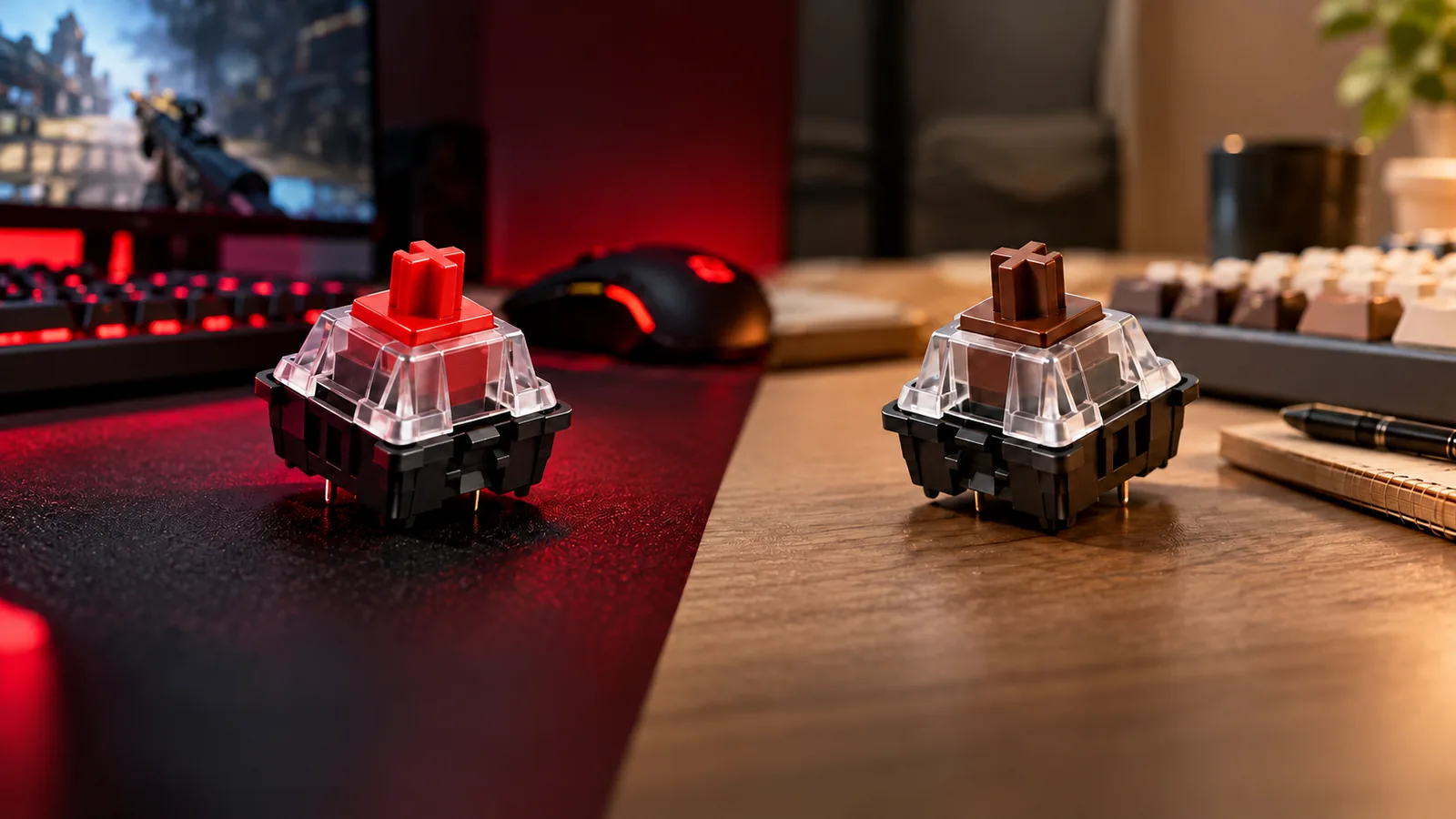
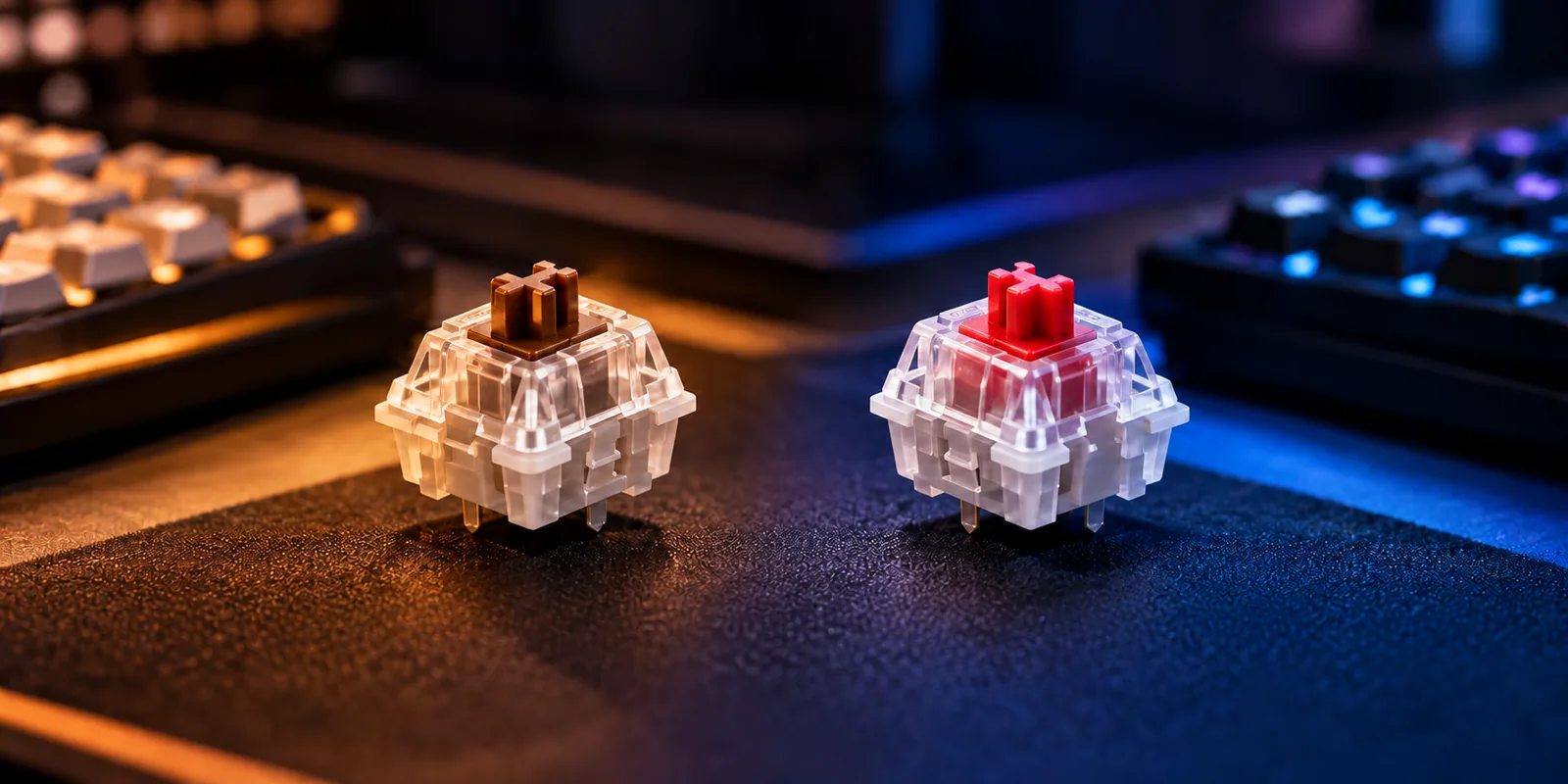
Mechanical keyboard switches operate on fundamental physical principles that dictate how a keystroke feels and sounds. Each switch type employs a distinct internal mechanism to translate a key press into an electrical signal, influencing the user's interaction with the keyboard. The primary distinction between linear and tactile switches lies in the presence or absence of a deliberate physical sensation during the key's travel.
Linear switches are characterized by a smooth, consistent keystroke from the very top of the press down to the bottom. There is no discernible bump, click, or change in resistance throughout the key's travel path. This design results in an uninterrupted, fluid motion, where the force required to depress the key remains largely uniform until it bottoms out. The actuation point—where the key press is registered—occurs without any specific physical feedback, making the entire travel feel like a single, seamless movement.
In contrast, tactile switches incorporate a distinct 'bump' or resistance point partway through the key's downward travel. This tactile feedback serves as a physical indicator that the switch has actuated, meaning the keystroke has been registered by the keyboard. Users can feel this subtle resistance overcome before the key continues its travel to the bottom. This design provides a clear signal to the finger, allowing typists to potentially release the key and move to the next without needing to fully bottom out the switch.
Both linear and tactile switches are available with a range of actuation forces, which is the amount of pressure required to register a keystroke. It's a common misconception that one type is inherently lighter or heavier than the other. For example, some tactile switches might actuate at around 55 centinewtons (cN), while certain linear switches might require 45 cN or even 60 cN. This variability means that within both categories, users can find switches tailored to preferences for lighter, quicker presses or heavier, more deliberate keystrokes.
The Feel Factor: How Each Switch Responds to Your Fingers
The most immediate and subjective difference between linear and tactile switches lies in the physical sensation they deliver with every key press. This "feel" is a primary determinant for user preference, influencing everything from typing speed to gaming performance. Understanding these distinct responses is crucial for aligning your keyboard with your personal interaction style.
Linear Switch Response
Linear switches are characterized by an uninterrupted, fluid motion from the moment a key is pressed until it bottoms out. There is no discernible bump, click, or change in resistance throughout the key's travel path. This design creates a consistently smooth keystroke, often perceived as fast and responsive, as there are no physical obstructions to overcome.
- Smooth Travel: The key descends without any tactile feedback or resistance variations.
- Direct Actuation: The switch actuates at a specific point without a physical cue, relying on the user's muscle memory to register the press.
- Potential for Bottoming Out: Due to the lack of feedback at the actuation point, users may find themselves pressing the key all the way down more frequently, which can lead to a firmer impact at the bottom of the key travel.
- Accidental Presses: The consistent, light force required can sometimes lead to inadvertent key presses, especially for users accustomed to switches with more pronounced feedback.
Tactile Switch Response
In contrast, tactile switches incorporate a distinct 'bump' or resistance point partway through the key's downward travel. This physical feedback serves as an indicator that the switch has actuated, confirming the keystroke has been registered. The intensity and position of this bump can vary significantly between different tactile switch types.
- Clear Feedback: The tactile bump provides a physical confirmation of actuation, allowing users to feel precisely when a key press has registered.
- Reduced Bottoming Out: With clear feedback, users may learn to release the key immediately after feeling the bump, potentially reducing the need to press the key all the way down.
- Prevention of Accidental Presses: The resistance of the bump helps prevent unintentional key presses by requiring a more deliberate action to overcome it.
- Enhanced Precision: The tactile feedback can contribute to a greater sense of control and precision, as users receive immediate physical confirmation of their input.
When considering control and precision, linear switches offer a consistent, unobstructed path for rapid, repeated inputs, where the user's control is purely based on force and timing. Tactile switches, however, provide an additional layer of feedback, allowing for a more deliberate and confirmed input, where precision is aided by the physical sensation of actuation. The choice between these two experiences ultimately depends on individual preference and the specific demands of your primary keyboard activities.
Audible Differences: Sound Signature and Noise Levels
The sound produced by mechanical keyboard switches is a significant factor for many users, influencing both personal satisfaction and consideration for those in shared spaces. The fundamental design differences between linear and tactile switches directly translate into distinct auditory profiles.
Linear switches are generally considered the quieter option among mechanical switch types. Their smooth, uninterrupted travel path means there's no inherent mechanism to generate additional sound during actuation. The primary sounds associated with linear switches typically come from the keycap hitting the switch housing at the bottom of the press (bottoming out) or returning to its resting position (topping out). Users who practice a lighter typing style, avoiding full bottom-out, can significantly reduce the noise output, making linear switches suitable for environments where minimal sound is preferred.
In contrast, tactile switches typically produce a slightly louder sound profile than linear switches. This increased auditory presence stems from the physical 'bump' mechanism designed to provide tactile feedback. As the key is pressed and this bump is overcome, it creates an additional sound component alongside any bottom-out or top-out noise. The intensity of this sound varies between different tactile switch designs, ranging from a subtle muted thud to a more pronounced click-like sound, even if they aren't "clicky" switches.
For both switch types, the act of bottoming out—pressing the key completely until it hits the switch housing—is a major contributor to overall noise. While linear switches can be remarkably quiet when bottoming out is avoided, the impact sound when the key hits the base can be quite distinct. For tactile switches, bottoming out adds to the sound generated by the tactile bump, often resulting in a more complex and generally louder auditory experience per keystroke.
When considering different environments:
- Quiet Office Settings: Linear switches, especially when used with a light touch, are often favored to minimize disturbance to colleagues.
- Home Use: Personal preference largely dictates the choice, as noise considerations are typically less stringent.
- Streaming or Recording Setups: Many content creators opt for linear switches to reduce keyboard noise captured by microphones, or they employ sound dampening techniques if using tactile switches.
Ultimately, the perceived loudness and character of a switch's sound signature are subjective and can be influenced by factors like keycap material, keyboard case construction, and the user's typing force.
Optimal Scenarios: Gaming, Typing, and Diverse Applications
The choice between linear and tactile switches often aligns with specific activities, though personal preference remains the ultimate determinant. Understanding these general inclinations can help users select a switch type that complements their primary use case.
-
For Gaming: Linear switches are frequently favored by gamers, particularly in fast-paced titles. Their smooth, uninterrupted keystroke, devoid of any tactile bump, allows for rapid, repetitive key presses without encountering additional resistance. This consistent travel can contribute to quicker reaction times and easier double-tapping, which are critical in competitive gaming where milliseconds matter. The absence of a physical actuation point feedback means the key travels smoothly from top to bottom, often perceived as a faster and more fluid input.
-
For Typing: Tactile switches typically find favor among typists. The distinct bump encountered during the key's downward travel provides clear physical feedback, signaling that the key has actuated. This tactile cue can help typists confirm keystrokes without needing to "bottom out" the switch, potentially leading to increased typing accuracy and reduced finger fatigue over extended periods. The feedback allows for a more deliberate and controlled typing rhythm, aiding in precision and comfort.
-
For General Use and Programming: For general computing tasks or programming, both switch types can be effective, and the optimal choice often hinges on individual work style and environmental factors. Programmers might appreciate the tactile feedback for its similarity to typing, which can aid in precision when writing code. However, if their workflow involves frequent hotkey combinations or rapid navigation, the smooth action of linear switches might offer a less fatiguing experience. For general users, the decision often comes down to whether they prefer the distinct confirmation of a tactile bump or the effortless glide of a linear switch. Considerations like noise level, especially in shared workspaces, can also influence this choice, as linear switches tend to be quieter unless bottomed out forcefully.
It's crucial to acknowledge that these are general preferences and not strict rules. Individual comfort, typing style, and gaming habits can significantly alter the perceived benefits of each switch type. Experimentation, perhaps with a switch tester, is often the most reliable way to discover which switch truly resonates with your personal interaction style.
Choosing Your Ideal Switch: Personal Preference and Practical Considerations
After understanding the fundamental differences between linear and tactile switches, the next step involves translating that knowledge into a personal choice. Selecting the ideal switch is less about finding a universally "best" option and more about aligning switch characteristics with your individual preferences, primary activities, and environment. This decision requires weighing various factors and acknowledging potential trade-offs.
Key criteria for your selection should begin with your primary use case. For activities demanding rapid, repeated key presses and minimal finger fatigue, such as competitive gaming, the smooth, uninterrupted travel of linear switches often proves advantageous. The lack of a tactile bump can facilitate quicker double-taps and continuous movements. Conversely, if your main activity is extensive typing, the distinct physical feedback of tactile switches can enhance accuracy and provide a clear indication of actuation, potentially reducing errors and improving overall typing comfort. For users with a mixed-use scenario, the decision might involve prioritizing one aspect or seeking a balance. Your desired feedback is also crucial; do you prefer a seamless, unhindered keystroke, or do you value the physical confirmation of a bump? Finally, consider your noise sensitivity and that of your surroundings. Linear switches are generally the quieter option, offering a smoother acoustic profile, while tactile switches, by nature of their bump mechanism, tend to produce a slightly more pronounced sound.
Making an informed choice also involves considering inherent trade-offs. For instance, the speed often associated with linear switches for gaming might come at the cost of typing accuracy for some users, as the absence of a tactile cue can lead to accidental key presses or "bottoming out" with more force than necessary. Conversely, the tactile feedback that boosts typing accuracy might be perceived as a slight impediment to the rapid, fluid movements desired in fast-paced gaming. Similarly, the quiet operation of many linear switches directly contrasts with the distinct, satisfying feedback of tactile switches. You must decide which balance of speed, accuracy, quietness, and feedback is most important for your daily interactions with the keyboard.
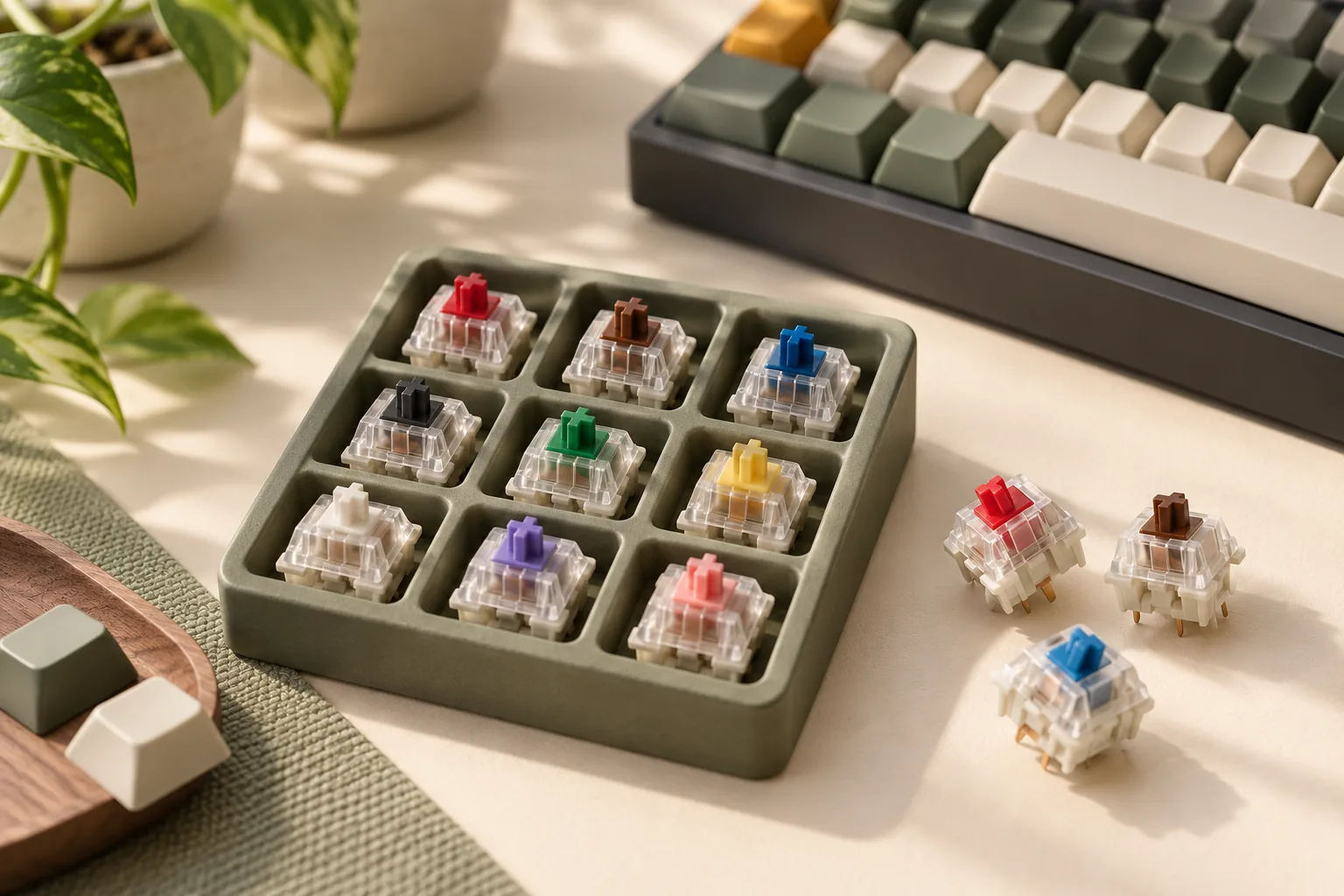
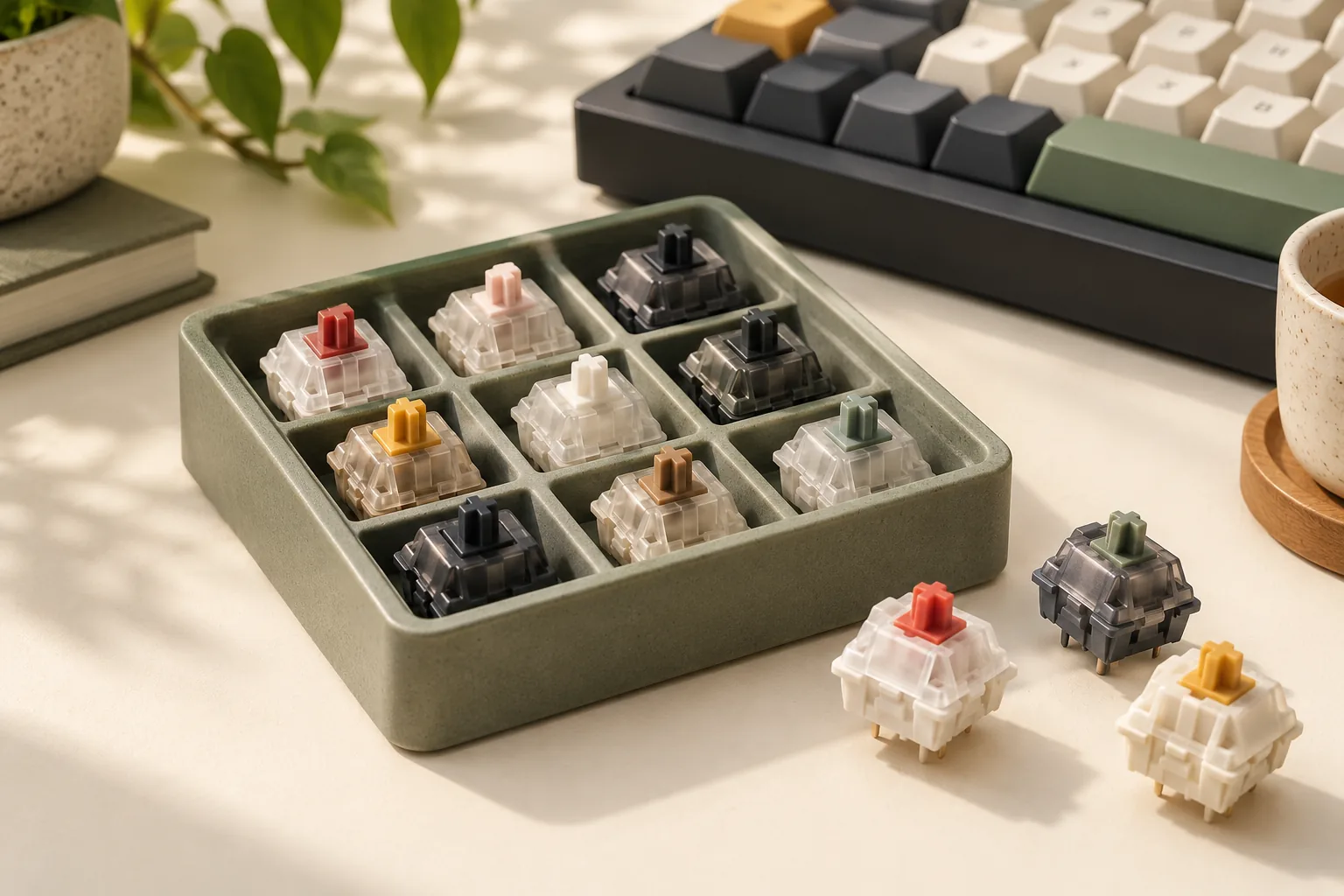
Ultimately, the perfect switch is a deeply personal choice. There is no single "best" switch type, only the one that best suits an individual's unique interaction style, auditory preferences, and primary tasks. To truly find your ideal fit, consider trying different switches firsthand. This can be achieved through switch testers, which provide a small sample of various switch types, or by experiencing different keyboards from friends, at local meetups, or in retail settings. This direct experience can provide invaluable insight that specifications alone cannot convey, ensuring your final decision leads to a satisfying and optimized keyboard experience.
FAQs: Clarifying Common Switch Selection Questions
Navigating the world of mechanical keyboard switches can raise several questions, especially when considering the nuances between tactile and linear types. Here are answers to common queries that can help refine your decision-making process.
-
Are linear switches always quieter than tactile? While linear switches generally produce less inherent noise due to their smooth travel without a tactile bump or click mechanism, their overall sound profile is heavily influenced by how you type. If you tend to "bottom out" keys—pressing them all the way down until they hit the keyboard plate—the impact can create significant noise regardless of whether the switch is linear or tactile. Tactile switches, with their characteristic bump, may introduce a slightly different auditory profile, but neither type is inherently silent if keys are consistently bottomed out.
-
Can I game effectively on tactile switches or type efficiently on linear switches? Absolutely. While linear switches are often favored by gamers for their uninterrupted key travel, potentially enabling faster double-taps, and tactile switches are frequently preferred by typists for the clear feedback at the actuation point, these are general preferences, not strict requirements. Many gamers perform exceptionally well on tactile switches, relying on muscle memory and the tactile bump for confirmation. Similarly, many typists find linear switches efficient, adapting to the smooth press and relying on visual cues or the bottom-out point for feedback. Your personal adaptation and skill level typically outweigh the marginal differences in switch type for most users.
-
What about 'clicky' switches in this comparison? Clicky switches represent a third distinct category, separate from both linear and tactile. They are characterized by an audible "click" sound in addition to a tactile bump, providing both auditory and physical feedback upon actuation. Clicky switches are generally the loudest of the three main types. This article focuses on linear and tactile switches because they represent the two primary non-clicky feedback mechanisms, offering a more direct comparison of feel without the added auditory component of a click.
-
How can I try different switches before making a purchase? To experience the feel and sound of various switches firsthand, consider acquiring a switch tester. These small devices typically feature a selection of different switch types mounted on a base, allowing you to press each one without committing to a full keyboard. This practical approach provides direct sensory feedback, helping you identify which switch characteristics align best with your personal preferences before making a larger investment.
Finding Your Perfect Keystroke: A Summary
The decision between tactile and linear mechanical keyboard switches ultimately centers on how you prefer your keystrokes to feel and sound, and for what primary activities you use your keyboard. These two fundamental switch types offer distinct experiences designed to cater to different user preferences and operational demands.
To recap the core differences:
- Feel: Linear switches provide a smooth, uninterrupted press from top to bottom, lacking any distinct bump or click. Tactile switches, conversely, feature a noticeable "bump" partway through the key travel, signaling the actuation point.
- Sound: Linear switches are generally quieter, offering a more subdued acoustic profile unless the key is consistently bottomed out. Tactile switches produce a slightly more pronounced sound due to the physical bump within their mechanism.
- Use Cases: Linear switches are often favored by gamers for their rapid, unhindered presses and consistent response. Tactile switches are frequently preferred by typists, as the feedback bump can aid in accuracy and provide a satisfying confirmation of each keystroke.
Your ideal switch is a personal choice. Reflect on your daily keyboard usage: Is precision typing paramount, or do you prioritize rapid, fluid key presses for gaming? The most effective way to discover your preference is to experience both types firsthand. This hands-on evaluation will empower you to confidently select the mechanical keyboard switch that perfectly aligns with your individual needs and enhances your overall computing experience.