As an Amazon Associate we earn from qualifying purchases.
Choose linear switches if you want travel without a tactile bump, tactile switches if you want a physical bump without an intentional click, and clicky switches if you want both bump feedback and a deliberate click. The linear vs tactile vs clicky switches decision starts with those preferences; overall keyboard noise also depends on the surrounding setup. MonsGeek explains these distinctions.
This guide is for anyone choosing a mechanical keyboard or exploring replacement switches. It explains feel, sound, specification labels, and a practical way to compare samples. Recommendations follow manufacturer descriptions and published methodology; they do not report hands-on testing.
Quick takeaways: Decide whether you want a bump, then whether you want an intentional click. For a quieter shared space, investigate silent linear or silent tactile options. Compare exact models and labeled specifications before choosing by color.
Jump to: Feel comparison · Linear versus tactile · Sound and scenarios · Force and travel · Testing worksheet · FAQ · Your next step
Linear vs tactile vs clicky switches at a glance
Linear switches have no tactile bump or intentional click. Tactile switches add a noticeable physical bump without an intentional click mechanism. Clicky switches combine tactile feedback with a deliberate click. These categories describe feedback; the exact switch and keyboard setup still matter when you compare resistance, travel, and sound. Source: MonsGeek.
| Switch type | Physical feedback | Intentional click | Start here if you want… |
|---|---|---|---|
| Linear | Travel without a tactile bump | No | An uninterrupted stroke |
| Tactile | A bump during the stroke | No | A physical cue without a deliberate click |
| Clicky | Tactile feedback plus a click mechanism | Yes | Both physical and audible feedback |
The table separates feel from the click mechanism. It does not rank whole keyboards by loudness. The following CHERRY examples show how those distinctions arise in specific designs.
Linear example: CHERRY MX2A Red
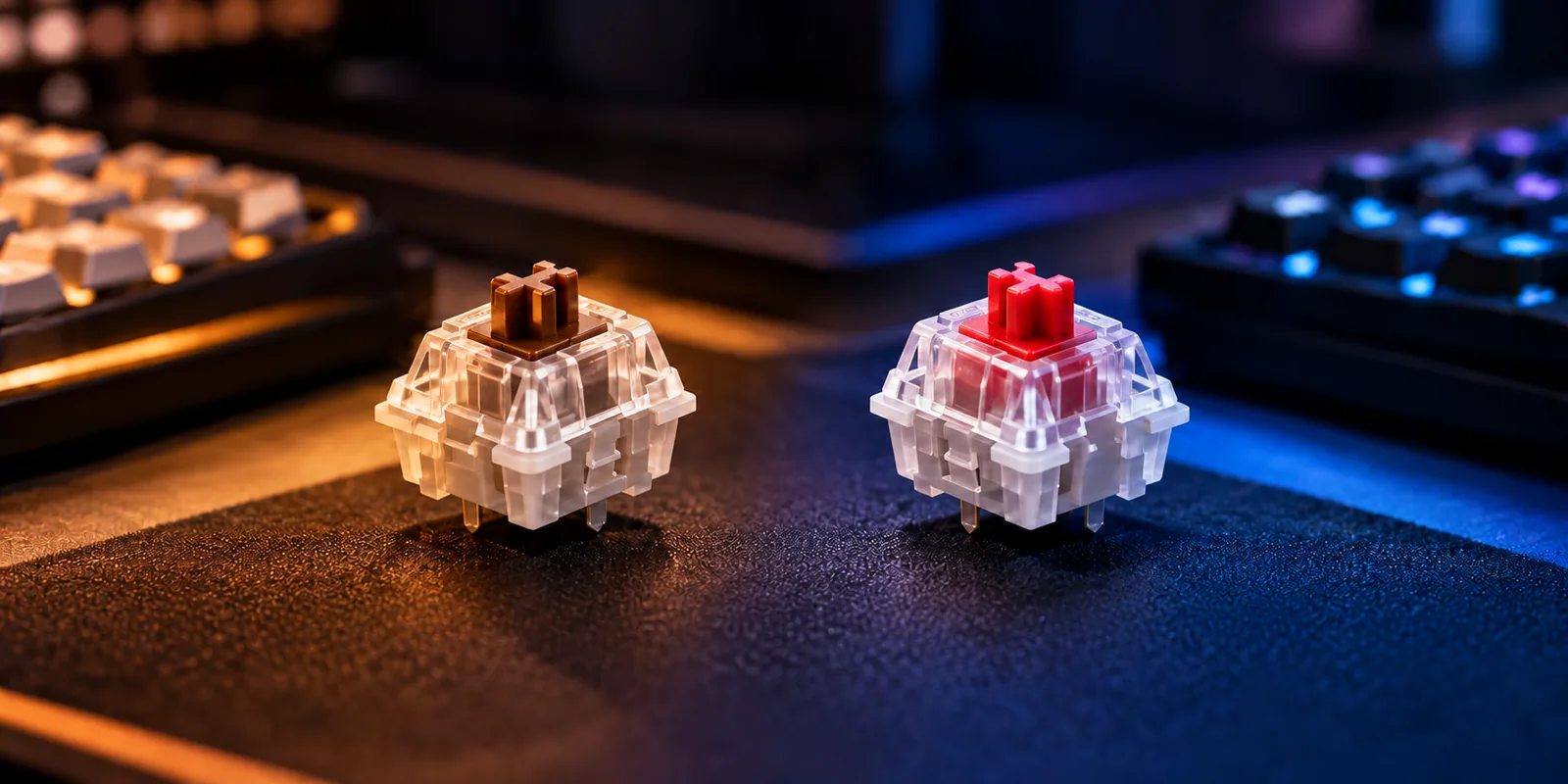
CHERRY describes a straight surface on the Red stem that produces its linear characteristic, with no pressure point or intentional click. Choose this kind of feedback if you prefer the stroke to continue without a tactile interruption. That description does not mean the force stays constant throughout the stroke. Source: CHERRY MX2A Red.
Tactile example: CHERRY MX2A Brown
CHERRY attributes Brown's tactile feedback to a bulge on the stem surface and explicitly labels it as having no click. The bump is something you feel; it does not require the intentional click of a clicky mechanism. This makes tactile a useful starting point when you want a physical cue while avoiding a deliberate click. Source: CHERRY MX2A Brown.
Clicky example: CHERRY MX2A Blue
CHERRY describes Blue's two-part stem as producing a click when a component strikes after the tactile point. It provides both physical and audible feedback. This mechanism explains the specific example; it does not establish identical bump, contact, and click timing for every clicky design. Source: CHERRY MX2A Blue.
Linear vs tactile switches: Which feedback do you want?
The difference between linear and tactile switches is the presence of a tactile bump. If you enjoy a stroke without that interruption, start with linear samples. If you want a noticeable change in resistance during the stroke, start with tactile samples. Keep that preference separate from how much resistance you want overall. Source: MonsGeek.
The CHERRY examples make this distinction concrete. Red and Brown both list 45 cN actuation force, 2 mm pretravel, and 4 mm total travel, yet one is linear and the other tactile. Matching these listed values therefore does not establish matching feel throughout the stroke. Sources: CHERRY Red and CHERRY Brown.
For your first comparison, ask:
- Do I enjoy feeling a bump each time I press the key?
- Does the resistance suit me at the beginning, through the stroke, and near the bottom?
- Would I still choose this switch if I ignored its color and category reputation?
For example, suppose you want a bump but dislike the resistance of one Brown sample. Keep tactile switches on your shortlist while comparing another exact variant. One sample answers whether you like that sample; it cannot settle your preference for every switch in its category.
Choose for your sound setting
No intentional click does not mean no keyboard sound. MonsGeek identifies keycaps, case, plate, mounting style, desk surface, and typing behavior as contributors to the result. It also describes silent linear and silent tactile switches that use internal dampening to reduce sound during pressing and releasing. Source: MonsGeek.
Use the matrix below to choose what to sample. These are conditional recommendations based on wanted feedback and sound tolerance, rather than measured acoustic rankings.
| Your situation or preference | Start by comparing | Check before committing |
|---|---|---|
| You want smooth travel and dislike deliberate clicks | Linear samples | Resistance and sound in the intended keyboard |
| You want a bump but no deliberate click | Tactile samples | Whether the bump is appealing during ordinary use |
| You enjoy an audible click in a private space | Clicky samples | Whether you still enjoy repeated clicking |
| You need less sound and prefer smooth travel | Silent linear samples | Press and release sound in the actual setup |
| You need less sound and want a bump | Silent tactile samples | Both bump feel and sound in the actual setup |
| You share a room or regularly use a microphone | Silent linear and silent tactile samples | What others hear nearby and through the microphone |
Suppose you like tactile feedback but work beside someone who needs quiet. Start with a silent tactile sample and assess the complete keyboard at that desk. If the setup is still distracting, record that result separately from whether you liked the bump.
Recordings can help you compare examples, but they have limits. In an excerpt from its December 3, 2025 methodology article, LTT Labs explains that recordings cannot fully reproduce how a keyboard resonates in your room. Use them to decide what to investigate, then check your own setting.
Read force and travel labels carefully
A force number needs its label. Actuation force describes the force at registration, while pretravel describes movement before registration and total travel describes the full stroke. Starting force, the tactile bump, and the end of travel are separate parts of the comparison. The LTT Labs methodology excerpt describes measuring these events with a force-travel setup.
Exact manufacturer examples
| CHERRY example | Actuation force | Separately labeled operating force | Pretravel | Total travel |
|---|---|---|---|---|
| MX2A Red | 45 cN | 45 cN | 2 mm | 4 mm |
| MX2A Brown | 45 cN | 55 cN | 2 mm | 4 mm |
| MX2A Blue | 50 cN | 60 cN | 2.2 mm | 4 mm |
These are the labels and values on the referenced manufacturer pages, captured October 15, 2026. Keep the operating and actuation fields distinct when comparing listings. The values describe these examples, rather than every red, brown, or blue switch.
Brown's distinct force events
A CHERRY MX2A Brown manufacturer datasheet excerpt identifies part MX2A-G1NW and lists:
- Initial force: 30 cN.
- Actuation force: 45 cN.
- Pressure-point force: 55 cN.
- Final force: 80 cN.
This example explains why a single “weight” number is incomplete: the same part has several force values tied to different events. Keep this datasheet example attached to its named part rather than transferring it to an RGB sample or another generation.
Those discrete values also leave questions unanswered. They do not supply a complete loading and return curve or establish exact reset timing. Avoid assuming that the tactile bump, electrical actuation, and release behavior all coincide simply because a switch is tactile.
Try switches with a repeatable worksheet
Use the following worksheet prospectively, with one record for each exact sample. Its controls build on MonsGeek's setup factors and the LTT Labs methodology excerpt's emphasis on repeatable comparisons. It is a personal comparison aid, not a laboratory measurement protocol.
| Record | What to write down or keep consistent |
|---|---|
| Switch identity | Manufacturer, full model, generation, RGB status, and part number when available |
| Sample condition | Stock or modified; spring variant and other known changes |
| Host | Exact tester or keyboard, case, plate, and mounting arrangement |
| Keycap and position | Same keycap and same key location where fit permits |
| Environment | Same desk, mat, room, and nearby listening position |
| Pressing and releasing | Slow strokes, ordinary presses, and release sound observed separately |
| Recording conditions | Same microphone, position, distance, gain, and processing settings |
| Feel observations | Bump preference and perceived resistance through the stroke |
| Sound observations | Intentional click, press sound, release sound, and acceptability in the room |
| Decision | Keep, compare another variant, or reject; give a specific reason |
First, confirm that the sample fits the intended host before installation. Next, compare slow strokes to identify the feedback, then use ordinary presses to judge your preference. If you have enough compatible samples for normal typing, try the same short passage with each arrangement.
Keep observations specific: “I liked the bump but disliked the release sound in this keyboard” is more useful than “tactiles are loud.” If you change the host or keycaps, start a separate record. That keeps a setup change from being mistaken for a switch difference.
What a one-of-each sampler can tell you
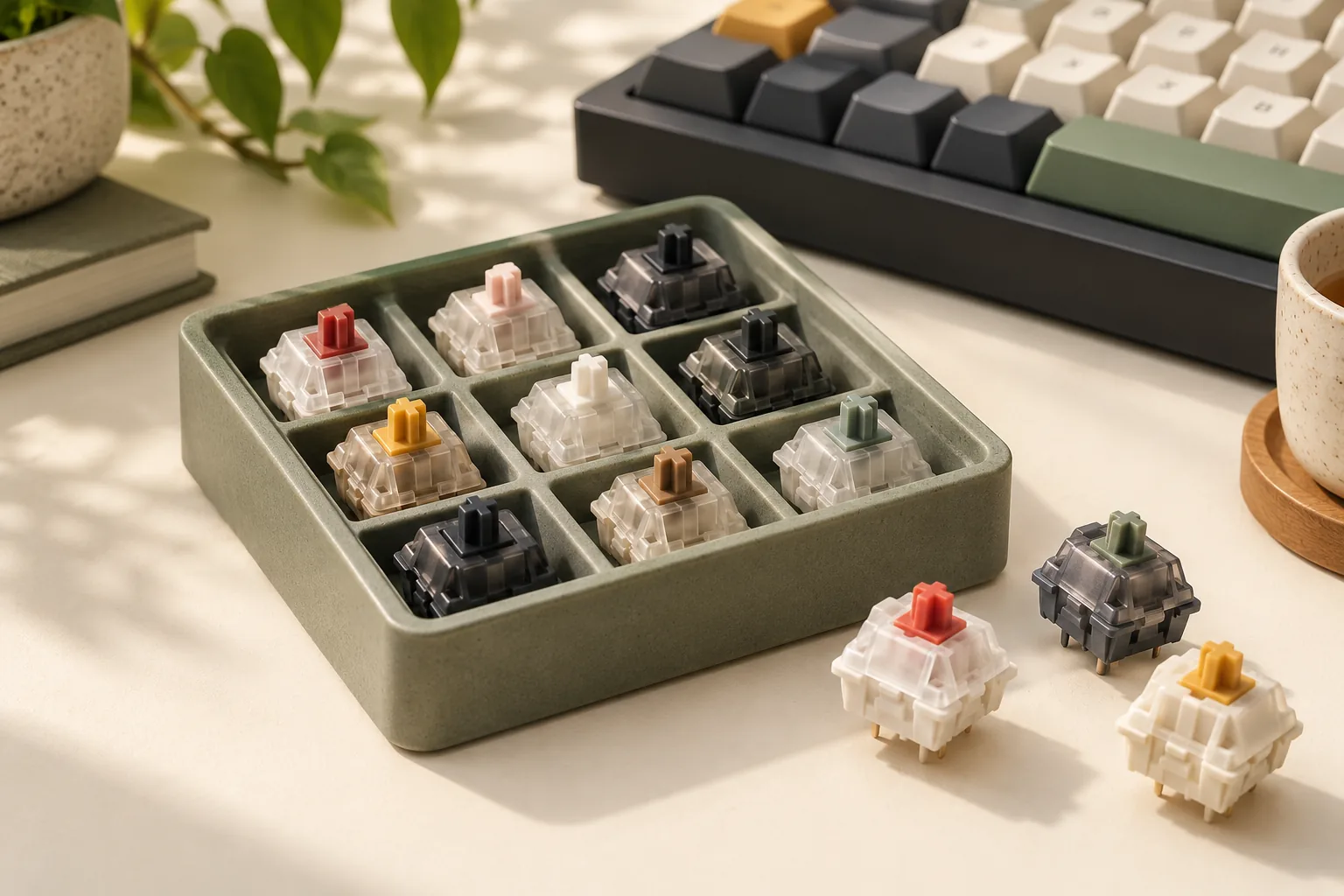
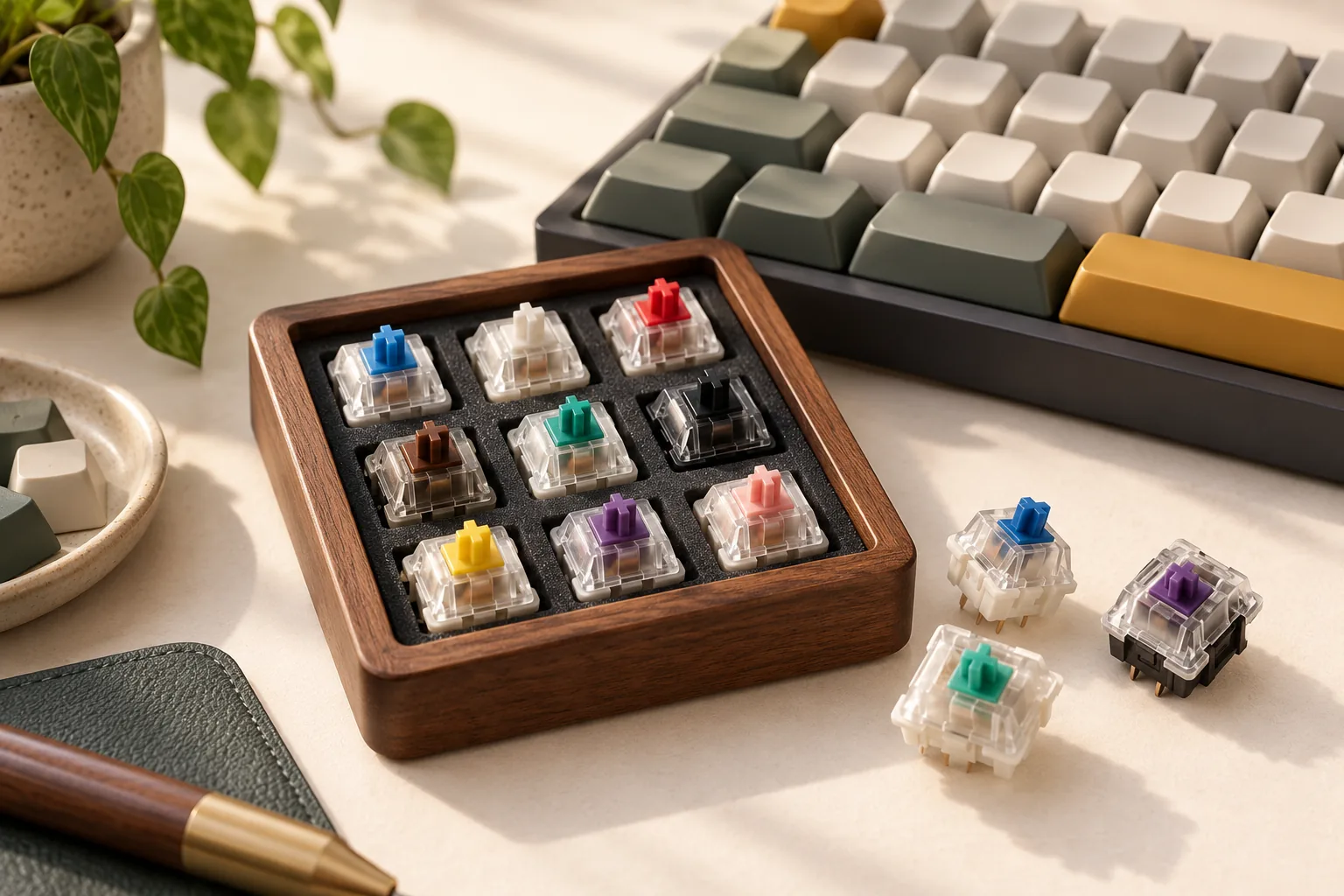
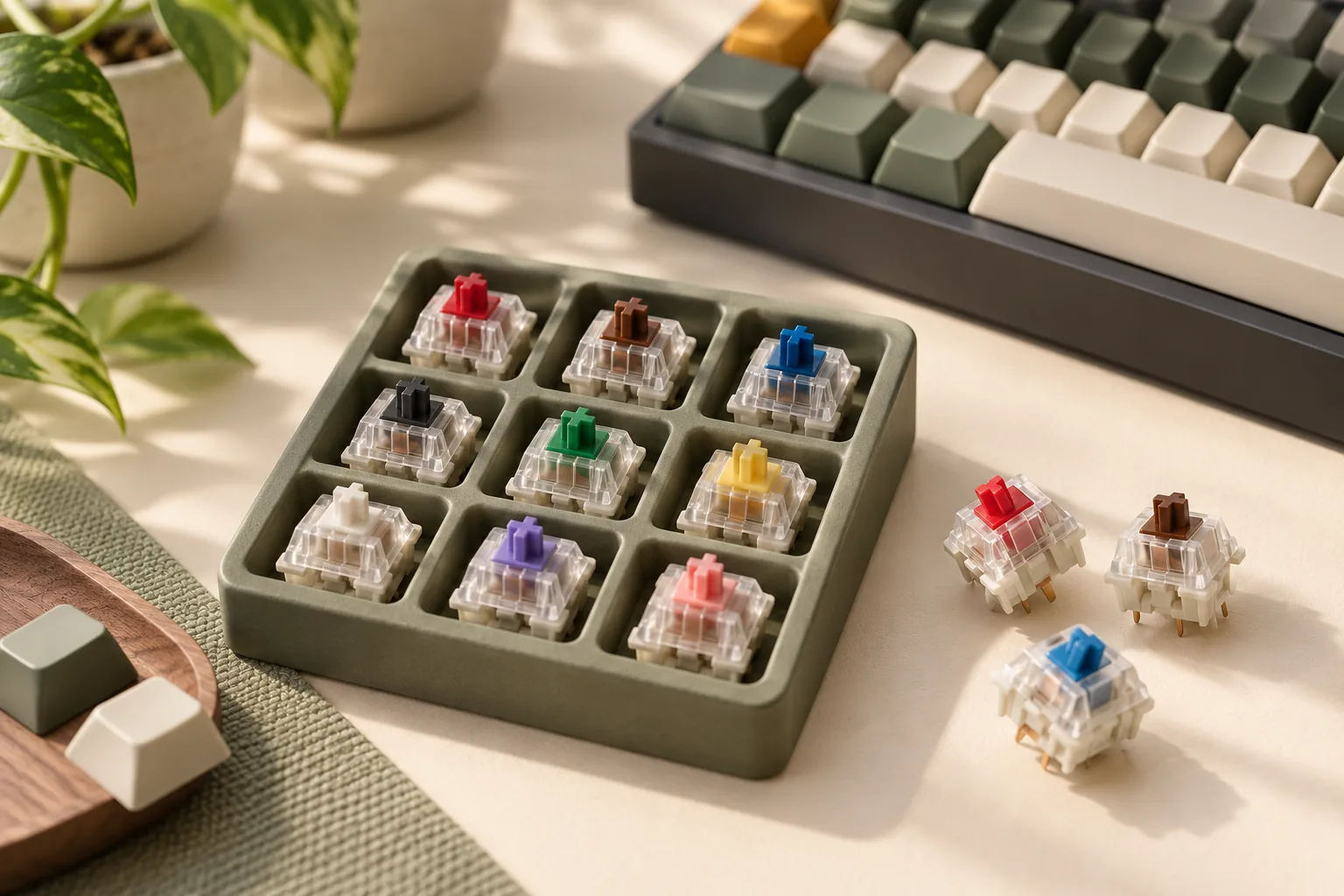
The CHERRY MX Experience Box, article DMX2A-XC1X-2A, contains one each of ten switches. Its listed RGB Red, Blue, Brown, Speed Silver, Silent Red, Black, and Ergo Clear samples are three-pin; Black Clear Top, Purple, and Northern Light are five-pin.
That makes it an example of mixed-pin sampling. It is a loose-switch package in cardboard packaging, rather than a full replacement set or a standardized whole-keyboard acoustic setup. Confirm the exact retail generation, socket, plate, and keycap fit before installing any sample; the box name alone does not establish compatibility.
Use a single sample to narrow your feel preference. A full typing or sound decision still calls for checking the intended keyboard arrangement.
Frequently asked questions
Are tactile switches clicky?
Tactile switches provide a physical bump without requiring an intentional click mechanism. Clicky switches add a deliberate click to tactile feedback. A tactile keyboard can still make sound from pressing, releasing, and its surrounding construction, so “no click” should not be read as a promise of silence. Source: MonsGeek.
Are linear or tactile switches better for gaming?
Choose according to the feedback you want during play: linear for a stroke without a bump, tactile for a physical cue. The evidence used here does not establish a category speed winner. Compare the exact sample's feel and specifications instead of treating the category as a performance guarantee. Examples: CHERRY Red and Brown.
Can I keep tactile feedback while reducing sound?
Yes. Silent tactile switches are an option if you want a bump with internal sound reduction; silent linear switches suit the corresponding smooth-travel preference. Check the finished setup because keycaps, case, plate, mounting, desk, and pressing behavior also contribute to sound. Source: MonsGeek.
Choose your next sample
For linear vs tactile vs clicky switches, choose your preferred physical feedback first and your tolerance for an intentional click second. Then compare exact variants using clearly labeled force and travel specifications. Use the worksheet to compare a small shortlist in consistent conditions, and make the final decision in the keyboard and room where you plan to use it.