As an Amazon Associate we earn from qualifying purchases.
Unlocking Your Ideal Typing Experience: A Guide to the Best Mechanical Keyboards
Mechanical keyboards stand apart from their membrane counterparts by utilizing individual mechanical switches under each key. This design delivers a distinct typing experience characterized by enhanced responsiveness, improved accuracy, and satisfying tactile or auditory feedback. Their robust construction and precise feel have made them a preferred choice for a wide range of users, from competitive gamers seeking rapid actuation to professional typists desiring a more engaging and less fatiguing workflow.
However, the sheer variety of options available can make selecting the "best" mechanical keyboard a complex decision. With different switch types, layouts, build materials, and connectivity options, what works perfectly for one person might be entirely unsuitable for another. This guide aims to demystify the mechanical keyboard landscape, providing you with the knowledge to navigate these complexities.
Our purpose is to empower you to confidently identify and select the mechanical keyboard that genuinely aligns with your individual typing style, gaming habits, or productivity demands. We will explore key criteria, common trade-offs, and how different features fit specific use cases, ensuring your final choice is an informed one tailored to your unique preferences.
Understanding the Core: What Makes a Mechanical Keyboard Tick?
Mechanical keyboards distinguish themselves from conventional membrane keyboards by employing individual mechanical switches beneath each key. This fundamental design choice is engineered to deliver a more responsive and accurate typing experience, a characteristic often valued by users seeking precision and speed, such as gamers or professional typists. Unlike membrane designs that register input when a rubber dome collapses, mechanical switches use a spring-loaded mechanism that actuates at a specific point in its travel, providing distinct feedback.
Beyond the switches, several other key components contribute to a mechanical keyboard's overall performance and feel. The keycaps are the plastic covers you press, influencing both the aesthetics and the tactile sensation of typing. Stabilizers are crucial for larger keys like the spacebar, shift, and enter, ensuring they depress evenly without wobbling. The overall build quality encompasses the materials used for the keyboard's case, its internal structure, and the precision of its assembly, all of which impact durability, acoustics, and the premium feel of the device.
For many, the appeal of a mechanical keyboard extends beyond mere functionality. The distinct feedback and sound of a well-engineered board can bring a sense of satisfaction to daily computer interactions. This experience often translates into a comfortable and highly customizable upgrade over the shallow feel of standard keyboards. The modular nature of many mechanical keyboards also offers significant upgrade potential, allowing users to swap out keycaps, switches, or even the entire case to tailor the device to evolving preferences and needs.
Key Considerations: Navigating Mechanical Keyboard Features and Trade-offs
Choosing a mechanical keyboard involves understanding a range of features, each with distinct impacts on user experience and associated trade-offs. Identifying the optimal keyboard means aligning these characteristics with your personal preferences and intended use.
Mechanical Switch Types
The switches beneath each key are fundamental to a mechanical keyboard's feel and sound. They largely dictate the typing experience, offering distinct feedback mechanisms:
- Linear Switches: These switches provide a smooth, consistent keystroke from top to bottom, without any tactile bump or audible click.
- Feel: Uninterrupted, fluid travel.
- Sound: Generally quietest among switch types.
- Common Applications: Fast-paced gaming where rapid, repeated presses are common, or for users who prefer an unhindered keystroke for typing.
- Trade-off: Lack of tactile feedback can lead to accidental key presses for some users who rely on a physical cue for actuation.
- Tactile Switches: Characterized by a noticeable "bump" partway through the keypress, indicating actuation, but without an accompanying click sound.
- Feel: A distinct physical resistance point.
- Sound: Quieter than clicky switches, with a subtle thud or muted clack.
- Common Applications: Typing-intensive tasks, programming, or general productivity where precise feedback helps reduce errors without being overly loud.
- Trade-off: The tactile bump can slightly slow down rapid key presses compared to linear switches.
- Clicky Switches: These switches combine a tactile bump with an audible "click" sound at the actuation point.
- Feel: Both physical and auditory confirmation of a keypress.
- Sound: Distinctly loud and sharp.
- Common Applications: Users who enjoy strong auditory feedback, often for typing, and those in private workspaces where noise is not a concern.
- Trade-off: The prominent sound can be disruptive in shared environments or for co-workers.
Form Factors and Layouts
The physical size and key arrangement, known as the form factor, significantly impact desk space and workflow. Common sizes include:
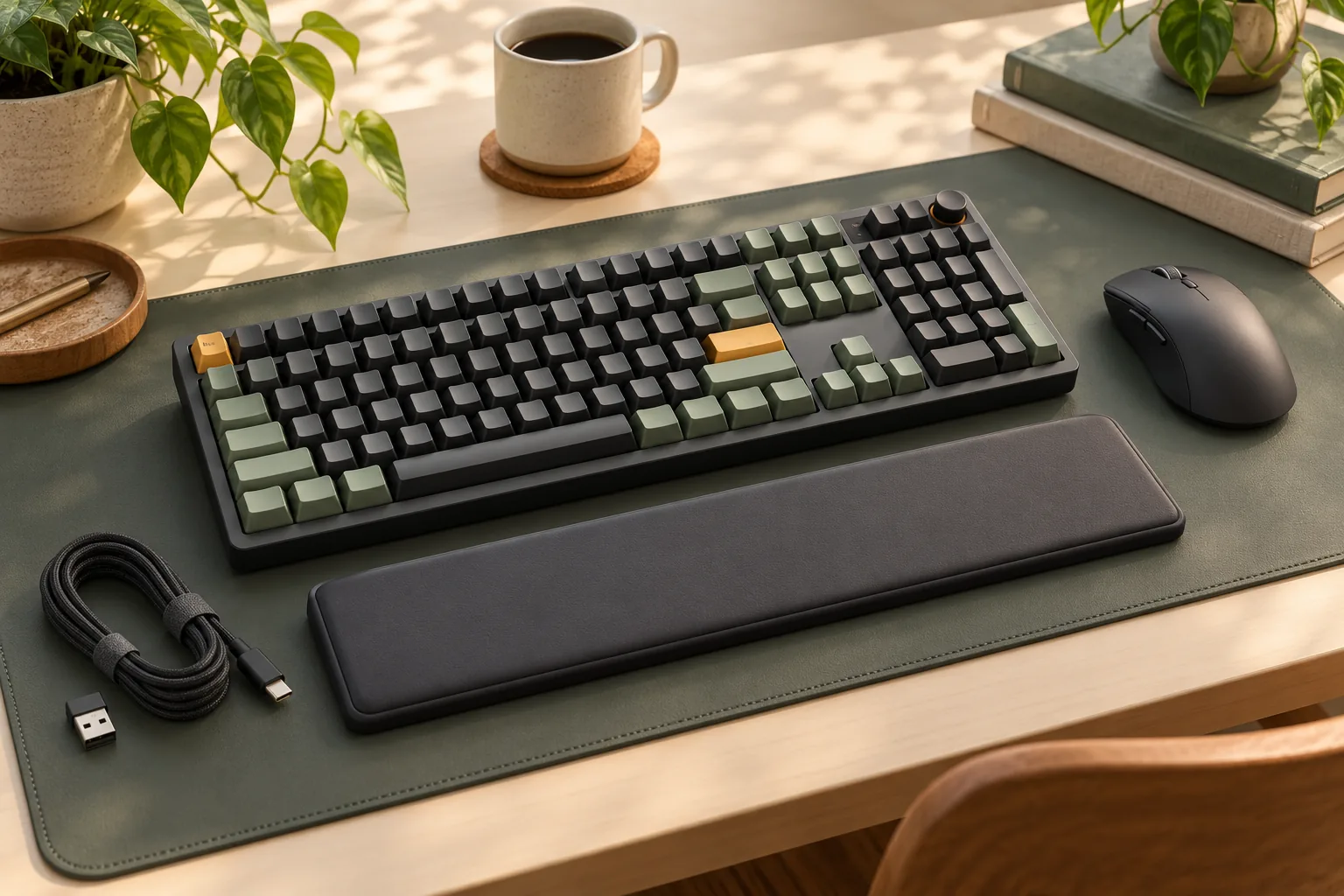
- Full-size (104/108 keys): Includes a dedicated number pad, F-row, and navigation cluster.
- Pros: Complete functionality for data entry and all standard tasks.
- Cons: Requires significant desk space, can position the mouse further away, potentially impacting ergonomics for some users.
- Tenkeyless (TKL, 87/88 keys): Omits the number pad but retains the F-row and navigation keys.
- Pros: Saves desk space, improves ergonomics by allowing the mouse to be closer to the keyboard.
- Cons: Lacks a dedicated number pad, which can be a drawback for intensive numerical input.
- 60% (61/62 keys): Removes the number pad, F-row, and navigation cluster, relying heavily on function layers for these commands.
- Pros: Extremely compact and portable, minimalist aesthetic.
- Cons: Steep learning curve due to reliance on function layers, can be less efficient for tasks requiring frequent use of missing keys.
- 75% (78-84 keys): A compact layout that typically includes the F-row and arrow keys, often by consolidating the navigation cluster.
- Pros: Good balance between compactness and functionality, retaining essential keys without a large footprint.
- Cons: Can have non-standard key sizes, making keycap replacement more challenging.
Connectivity Options
How your keyboard connects to your device affects latency, reliability, and portability:
- Wired (USB-A/USB-C):
- Pros: Lowest latency, most reliable connection, no battery management required.
- Cons: Cable management, limited portability.
- Fit: Competitive gaming, professional work where absolute reliability is paramount.
- Bluetooth:
- Pros: Wireless convenience, multi-device connectivity, high portability.
- Cons: Can introduce minor latency, potential for interference, requires battery charging.
- Fit: Productivity setups, multi-device users, mobile use.
- 2.4GHz Wireless (via USB dongle):
- Pros: Lower latency than Bluetooth (often comparable to wired for practical purposes), reliable connection.
- Cons: Requires a USB dongle, requires battery charging.
- Fit: Wireless gaming, users prioritizing low-latency wireless performance.
Keycap Material and Profile
Keycaps are the individual caps on top of each switch, influencing both the feel and long-term durability:
- ABS (Acrylonitrile Butadiene Styrene):
- Pros: Common, often vibrant colors, can be thinner for a "thockier" sound.
- Cons: Prone to developing a shiny, smooth texture over time from finger oils, less durable.
- PBT (Polybutylene Terephthalate):
- Pros: More durable, resistant to shine, often has a textured feel, thicker for a "denser" sound.
- Cons: Can be more expensive, historically fewer color options.
- Profile: Refers to the shape and height of the keycaps (e.g., OEM, Cherry, DSA, SA). Different profiles offer varying ergonomic feels and aesthetics, impacting typing comfort and speed.
Build Quality and Materials
The materials used in a keyboard's construction contribute to its durability, acoustic properties, and overall premium feel:
- Plastic (ABS, PC):
- Pros: Lighter weight, more affordable, can offer good sound dampening depending on design.
- Cons: Can feel less substantial, potential for more hollow sound resonance if not designed well.
- Aluminum/Steel:
- Pros: Significantly more durable, heavier, premium feel, often provides a denser, more satisfying sound profile.
- Cons: More expensive, less portable due to weight.
- Risk: Cheaper metal cases might still exhibit pinging sounds without proper internal dampening.
Customization and Hot-swappability
These features offer flexibility for users to tailor their keyboard experience over time:
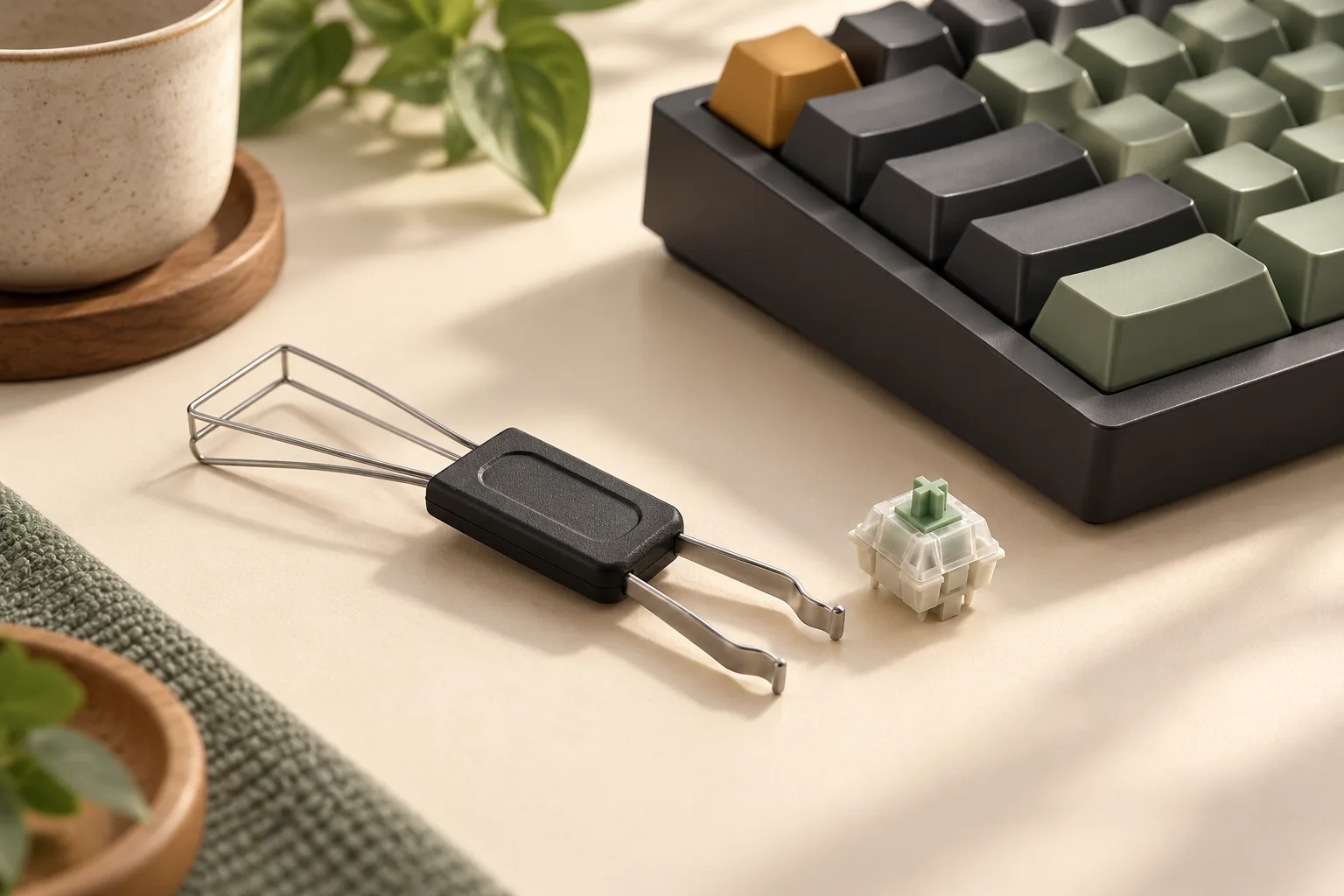
- Hot-swappability: Allows users to change mechanical switches without soldering.
- Pros: Easy experimentation with different switch types, simplified maintenance or replacement of faulty switches, future-proofing.
- Cons: Can add to the initial cost, some hot-swap sockets may have a limited lifespan or be less secure than soldered connections.
- Programmable Software: Enables remapping keys, creating macros, and customizing RGB lighting effects.
- Pros: Tailors the keyboard to specific workflows and preferences, enhances efficiency.
- Cons: Software can sometimes be complex or have compatibility issues, requiring a learning curve.
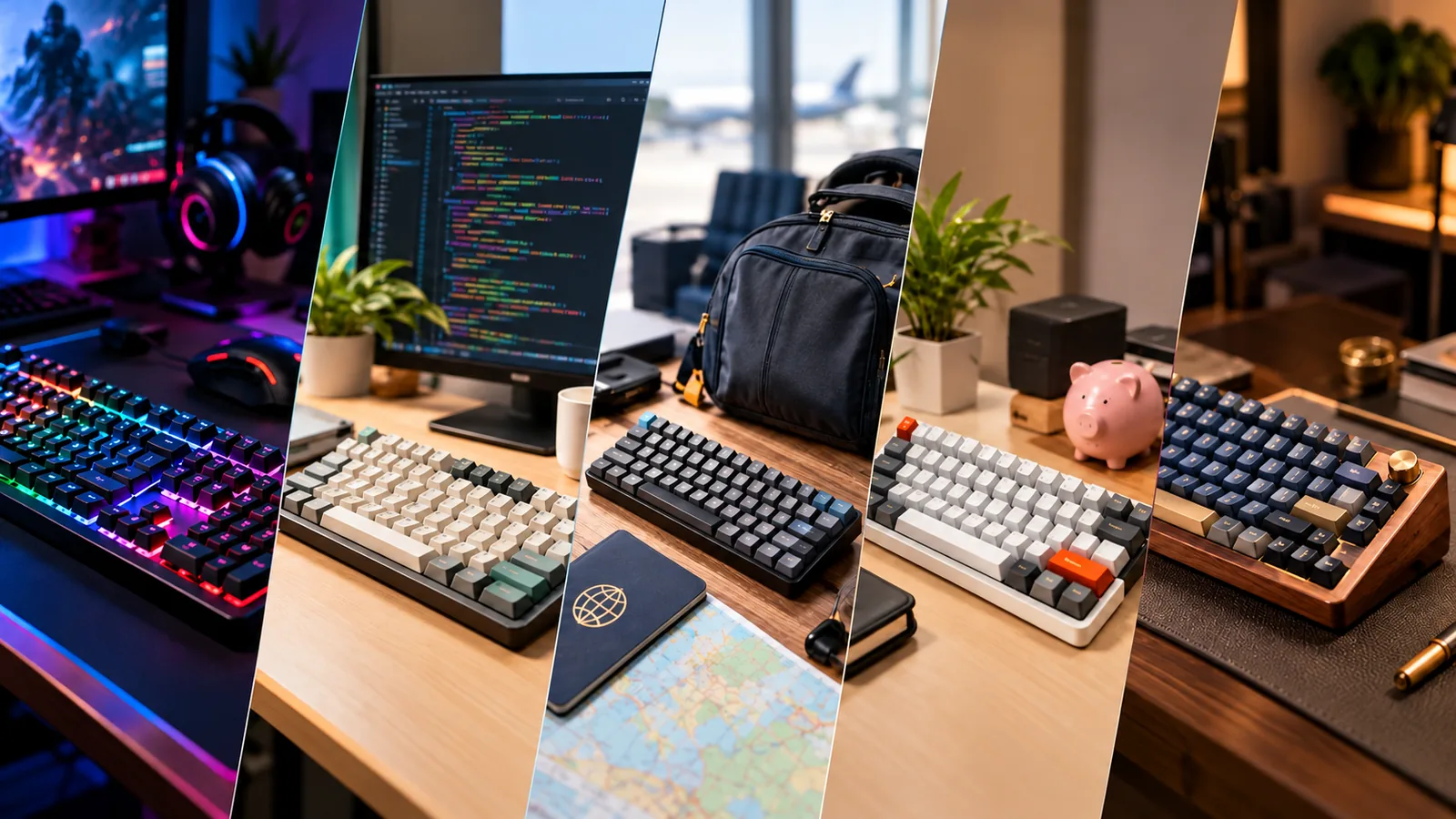
Finding Your Fit: Best Mechanical Keyboards by Use Case
The ideal mechanical keyboard is not a universal product; it's a tool tailored to specific activities and individual preferences. Understanding your primary use case is the most critical step in navigating the diverse mechanical keyboard market, as different needs prioritize distinct features and trade-offs.
-
For Gaming: Gamers often prioritize speed and responsiveness to gain a competitive edge. This typically means switches with a low actuation force and short travel distance, enabling rapid, repeated key presses. Features that enhance in-game performance are also key.
- Responsiveness: Look for switches designed for quick actuation, often linear types, which offer a smooth, consistent press without a tactile bump or audible click.
- Anti-Ghosting & N-Key Rollover (NKRO): Essential to ensure every simultaneous key press registers accurately, preventing missed inputs during intense gameplay.
- Programmable Macros: The ability to assign complex sequences of actions to a single key can be advantageous in certain game genres.
- Polling Rate: A higher polling rate (e.g., 1000Hz) means faster communication between the keyboard and your computer, reducing input lag.
-
For Typing and Productivity: Users focused on typing and general productivity benefit from a keyboard that promotes comfort, accuracy, and reduces fatigue over long sessions. The feedback from switches plays a significant role here.
- Tactile Feedback: Switches with a noticeable bump (tactile) or an audible click (clicky) can provide confirmation of actuation, potentially increasing typing accuracy and satisfaction.
- Ergonomic Considerations: Features like adjustable tilt, wrist rests, or alternative layouts (e.g., ergonomic splits) can improve comfort and reduce strain.
- Keycap Profile and Material: The shape and texture of keycaps can influence typing feel and grip. Durable materials like PBT plastic resist shine over time.
- Layout: Full-size or tenkeyless (TKL) layouts often provide all necessary keys, including a dedicated number pad for data entry, which is crucial for many professional tasks.
-
For Programming and Coding: Programmers require efficient access to a wide array of characters and functions, often relying on specific layouts and extensive customization.
- Layout Flexibility: Standard layouts are generally preferred, but keyboards with programmable layers or extensive macro support can streamline complex coding tasks.
- Dedicated Function Keys & Numpad: Access to F-keys and a numpad without relying on function layers is often a productivity booster.
- Customizable Key Assignments: The ability to remap keys or create custom macros can optimize workflow for specific programming languages or development environments.
- Durable Switches: Reliable switches that can withstand millions of keystrokes are important for heavy daily use.
-
For Portability and Travel: When space is at a premium or frequent movement is involved, compact form factors and reliable wireless connectivity become paramount.
- Compact Form Factors: Smaller layouts like 60%, 65%, or 75% reduce the keyboard's footprint, making it easier to carry.
- Wireless Connectivity: Bluetooth or 2.4GHz wireless options offer freedom from cables, but assess battery life and connection stability for your needs.
- Build Durability: A robust casing is important to withstand the rigors of travel.
- Integrated Features: Some portable keyboards include protective covers or multi-device pairing capabilities.
-
For Budget-Conscious Buyers: Entry-level mechanical keyboards offer a gateway into the experience without a significant financial commitment. The focus here is on core functionality and value.
- Essential Features: Prioritize models that offer solid build quality and reliable switches over extensive RGB lighting or advanced software features.
- Standard Layouts: Simpler, standard layouts often keep costs down while still providing a full typing experience.
- Reputable Brands: Seek out brands known for providing good value and support in the entry-level segment.
- Wired Connectivity: Wired keyboards are typically more affordable than their wireless counterparts and avoid battery management concerns.
-
For Premium Experience Seekers: Those seeking a premium experience often look beyond basic functionality, focusing on refined aesthetics, superior materials, and advanced customization.
- High-Quality Materials: Keyboards featuring aluminum, brass, or other premium metals offer substantial weight, durability, and an enhanced feel.
- Advanced Mounting Styles: Features like gasket mounts can improve typing feel and acoustics by isolating the PCB and plate from the case.
- Hot-Swappable Sockets: Allows users to easily change switches without soldering, enabling extensive customization of typing feel and sound.
- Refined Acoustics: Attention to internal dampening, switch lubrication, and keycap materials contributes to a more pleasing sound profile.
- Customization Options: Extensive software support for key remapping, lighting, and macro creation is often expected.
Common Pitfalls and How to Avoid Them When Buying a Mechanical Keyboard
Navigating the diverse mechanical keyboard market can present several challenges for buyers. Being aware of common pitfalls can help ensure a purchase that aligns with your expectations and provides long-term satisfaction.
- Buying Based on Aesthetics Alone: While a keyboard's visual design can be appealing, prioritizing aesthetics over functionality is a common mistake. As noted by MKB Guide, purchasing based solely on appearance without considering factors like layout, switch type, or build quality often leads to dissatisfaction. Focus first on ergonomic fit, switch feel, and intended use, then narrow down options by design.
- Ignoring Switch Preferences: The feel and sound of mechanical switches are central to the user experience. Neglecting to consider your personal preference for linear, tactile, or clicky switches can result in a keyboard that feels uncomfortable or too loud/quiet for your environment. If possible, test various switch types using a switch tester. If testing isn't feasible, research sound profiles and force curves through online resources to understand their characteristics before committing.
- Overlooking Build Quality for Price: A lower price point can be tempting, but overlooking the quality of materials and construction can lead to a less durable product. Keyboards with robust cases (e.g., aluminum, high-grade plastic), stable plates, and quality PCBs often offer a more consistent typing experience and greater longevity. A slightly higher initial investment in build quality can provide better long-term value and reduce the likelihood of premature wear.
- Neglecting Potential Operational Problems: Even well-regarded mechanical keyboards can sometimes encounter issues. Common problems include unresponsive keys, sticky switches, or connectivity issues. Many of these, however, can be addressed through basic maintenance. Regular cleaning can prevent debris from causing sticky or unresponsive keys, and ensuring drivers and firmware are up to date can resolve connectivity glitches. Understanding that some issues are fixable can mitigate frustration.
- Not Considering the Keyboard's Ecosystem: A mechanical keyboard is part of a broader ecosystem. Failing to consider aspects like keycap compatibility, software support, and community resources can limit future customization or troubleshooting. Check if the keyboard uses a standard layout for easy keycap replacement, if it offers robust software for remapping keys or macros, and if there's an active community for support or modification ideas. This ensures your keyboard can evolve with your needs and preferences.
Making Your Confident Choice: A Decision Path for Your Next Mechanical Keyboard
Navigating the diverse landscape of mechanical keyboards can feel overwhelming, but a structured approach can simplify the process. The "best" keyboard is not a universal product; it's the one that aligns most closely with your individual requirements and preferences. By methodically evaluating your needs against available options, you can make a selection with confidence.
Here’s a path to guide your decision:
-
Prioritize Your Specific Needs Before exploring models, define your primary use case. Are you a competitive gamer where rapid actuation and low latency are paramount? Is typing comfort for long hours your main concern, perhaps favoring a specific tactile or linear switch feel? Or do you need a compact, portable keyboard for travel? List your top 2-3 non-negotiable features. This clarity will serve as your compass, helping you filter out unsuitable options immediately.
-
Establish a Realistic Budget Mechanical keyboards span a wide price range, and your budget will directly influence the available features, build quality, and customization potential. Entry-level options can provide a solid introduction, while higher budgets often unlock premium materials, advanced connectivity (like robust wireless options), hot-swappable switches, and more refined acoustics. Determine what you're comfortable spending, understanding that value can be found across all price points, but expectations should adjust accordingly.
-
Engage in Thorough Research and Comparison Once your priorities and budget are set, delve into research. Consult reputable reviews and user experiences, paying close attention to how specific keyboards perform in scenarios similar to your own. Compare key specifications like switch types (linear, tactile, clicky), form factors (full-size, TKL, 60%), keycap materials (ABS, PBT), and connectivity options (wired, Bluetooth, 2.4GHz). Pay attention to common user feedback regarding build quality and potential issues, which can offer insights beyond initial impressions.
-
Consider Long-Term Value and Adaptability A mechanical keyboard can be a significant investment, so assess its long-term viability. Look for keyboards constructed with durable materials and reliable switches, which contribute to a longer lifespan. Consider customization options like hot-swappable switch sockets, which allow you to change switch types without soldering, or standard keycap layouts that enable easy replacement or aesthetic upgrades. The ability to maintain or adapt your keyboard over time can significantly enhance its value and ensure it continues to meet evolving needs.
Ultimately, your ideal mechanical keyboard is a personal choice, finely tuned to your unique typing style, gaming habits, and workspace. By following these steps, you can move beyond general recommendations and pinpoint the device that truly enhances your daily interactions.
Frequently Asked Questions About Mechanical Keyboards
Navigating the world of mechanical keyboards often brings up a few common questions. Understanding these can help clarify expectations and guide your selection process, ensuring the keyboard you choose aligns with your personal needs and preferences.
-
Are mechanical keyboards worth it? For many users, the investment in a mechanical keyboard is justified by the enhanced typing experience. They typically offer superior tactile feedback, faster actuation, and greater durability compared to membrane keyboards. This can translate to increased typing accuracy, reduced fatigue during long sessions, and a more engaging feel, particularly for gamers, programmers, and writers. However, the "worth" ultimately depends on your individual priorities regarding feel, sound, and budget.
-
How long do mechanical keyboards last? Mechanical keyboards are generally known for their robust construction and longevity. Individual mechanical switches are rated for tens of millions of keystrokes, significantly outlasting membrane alternatives. While components like keycaps or stabilizers might show wear over time, the core functionality of a well-maintained mechanical keyboard can last for many years. Some designs also allow for component replacement, extending their lifespan further.
-
Can I change the switches on my mechanical keyboard? It depends on the keyboard's design. Many modern mechanical keyboards feature "hot-swappable" sockets, allowing users to easily remove and replace switches without soldering. This offers significant flexibility for customization and repair. Keyboards without hot-swap sockets have switches soldered directly to the circuit board, making switch changes more complex and typically requiring specialized tools and skills.
-
What's the difference between a gaming mechanical keyboard and a typing one? While any mechanical keyboard can be used for both, distinctions often arise in optimization. Gaming keyboards frequently prioritize features like rapid actuation switches (often linear), customizable RGB lighting, dedicated macro keys, and high polling rates for competitive play. Typing-focused keyboards might lean towards tactile or clicky switches for distinct feedback, ergonomic layouts, and a more understated aesthetic. The "best" choice is determined by your primary use case and desired feedback.
-
Do mechanical keyboards make a lot of noise? The noise level of a mechanical keyboard varies significantly based on the type of switches used. "Clicky" switches are designed to produce an audible click, while "tactile" switches offer a bump without a loud click. "Linear" switches are generally the quietest, providing a smooth press without tactile or audible feedback. Additionally, factors like keycap material, keyboard case construction, and the presence of sound-dampening materials can influence the overall acoustic profile. It's possible to find quiet mechanical keyboard options if noise is a concern.
Your Perfect Keystrokes Await
The journey to your ideal mechanical keyboard is deeply personal, guided not by universal "best" lists, but by a nuanced understanding of your unique typing habits, gaming demands, and productivity needs. Throughout this guide, we've explored how factors like switch type, form factor, build materials, and connectivity options directly impact your daily interactions, revealing that optimal choice stems from aligning these features with your specific use case and preferences.
By diligently considering the criteria, weighing the inherent trade-offs, and recognizing the fit limits discussed, you've equipped yourself to navigate the diverse mechanical keyboard landscape with confidence. This informed decision-making process minimizes the risk of buyer's remorse and maximizes the potential for a truly satisfying purchase.
Embrace the enhanced experience that awaits. With your chosen mechanical keyboard, you're not just acquiring a tool; you're investing in a more responsive, comfortable, and engaging interface that promises to elevate every keystroke, whether for intense gaming sessions, demanding coding projects, or everyday communication.