As an Amazon Associate we earn from qualifying purchases.
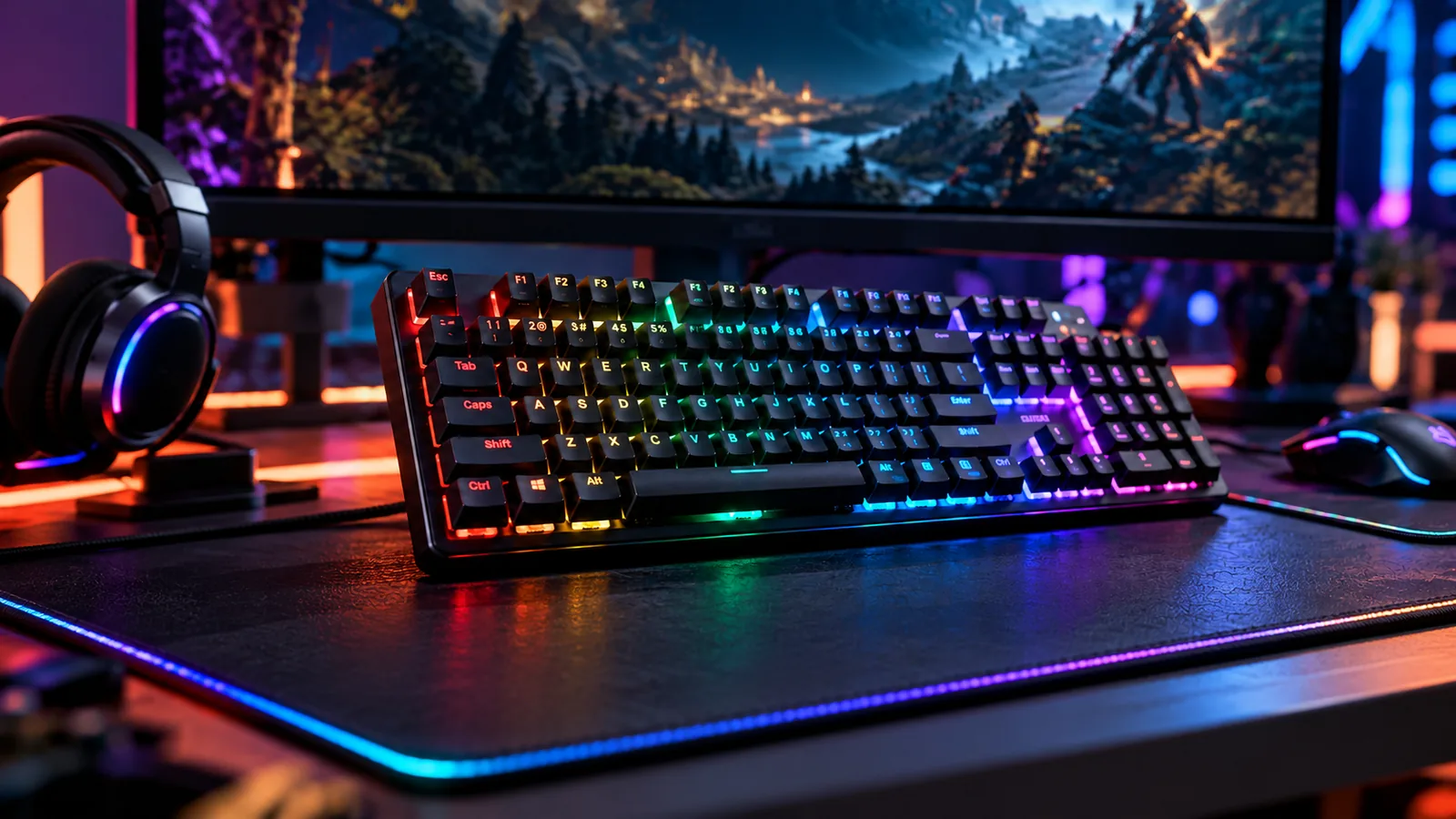
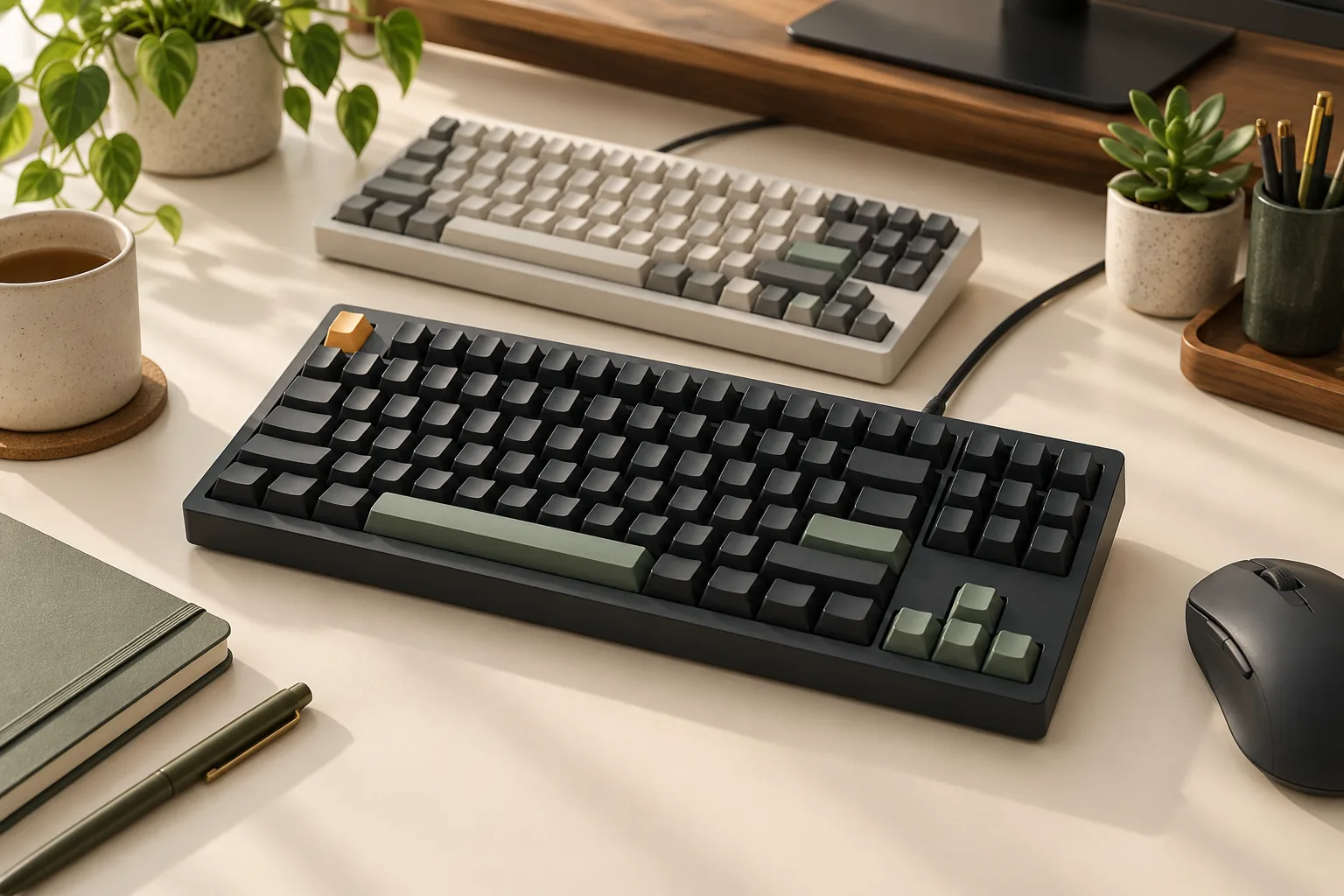
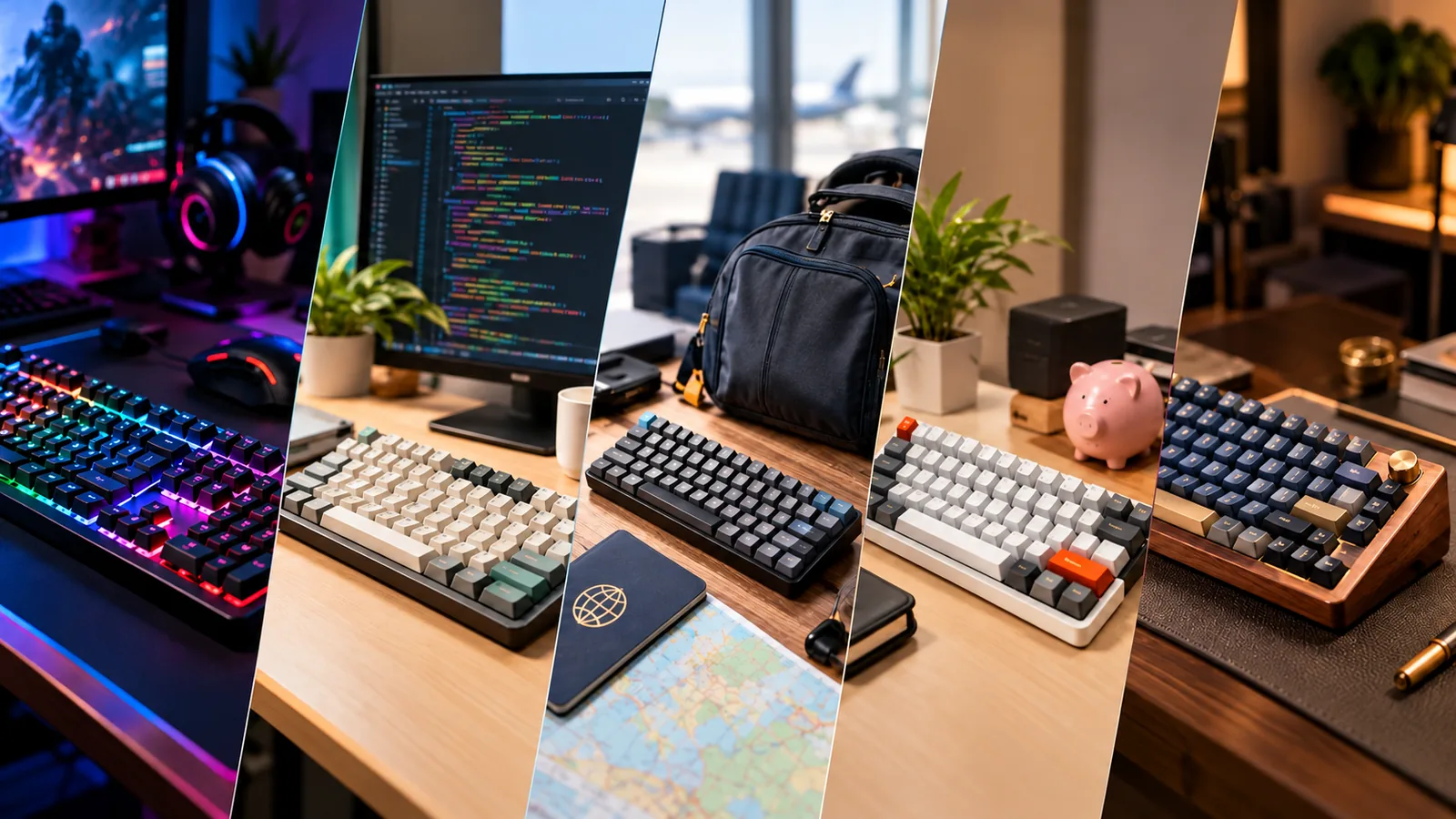
The best gaming mechanical keyboard for you has the keys your games require, the connection you intend to use, and software features that work in your setup. Pay extra for wireless modes, a wrist rest, or programmable controls when you can name a specific use for them. Treat game rules and settings that must work without software as requirements to verify before buying.
This guide is for players choosing a complete keyboard for gaming and everyday use. The Logitech models below illustrate documented feature differences; the recommendations come from manufacturer information and an attributed review, without hands-on testing or a measured performance ranking.
Quick choices
- One desk and a cable is fine: start with a wired model that meets your control needs.
- You need wireless: identify the exact wireless mode you will use.
- You want a wrist rest: verify inclusion and measure the combined desk space.
- You depend on custom controls: check software requirements, stored settings, and game rules separately.
In this guide: Map your controls · Compare examples · Choose a connection · Check software · Check game rules · Buying worksheet · FAQs
Start with the controls your games use
Open the control settings in the games you play most. Write down the keys you actually use, including menu controls and less frequent commands. Then identify anything you want to change about your current keyboard setup.
Separate a missing key from a shortcut you would merely enjoy having. For example, if your own bindings use the number pad, retain it as a requirement. If your problem is reaching a command, first check whether the game's own binding menu can solve it before paying for extra programmable controls.
| Your situation | Record before shopping | Feature worth considering |
|---|---|---|
| Your bindings use function keys or a number pad | The exact keys you need | A layout that keeps those controls accessible |
| You move the keyboard away from its usual position | Where and how you will connect it | A documented wireless mode |
| You want desktop shortcuts beside your game | The shortcut and intended application | Remapping or programmable keys |
| You want an included wrist rest | Available desk depth and package contents | A rest explicitly included with the selected product |
| You play on another computer | Which custom settings must follow you | Explicit storage documentation for those settings |
This worksheet establishes a useful spending rule: every optional feature should solve a recorded problem. If you cannot describe when you would use it, leave it below your requirements when comparing prices.
Compare documented mechanical gaming keyboard features
These examples show how connection, wrist-rest inclusion, and customization lead to different shortlists. The table describes the linked models, with unresolved details left visible.
| Exact model example | Documented connection | Rest or control feature | What still needs checking |
|---|---|---|---|
| Logitech G513 | Wired mechanical keyboard | Detachable memory-foam palmrest; USB passthrough; FN combinations for media, Game Mode, and lighting | Selected switch and layout, order-specific contents, and any required custom-setting behavior |
| Logitech G915 X LIGHTSPEED | LIGHTSPEED wireless, Bluetooth, and wired use through an included data cable; GL mechanical switches | KEYCONTROL remapping and macros on nine G keys | Settings available in your intended mode, software requirements, and the complete selected package |
| Logitech G PRO wired GX Blue Clicky | Wired tenkeyless model with a detachable Micro USB cable | F1–F12 macros through G HUB; explicitly documented onboard static lighting | Macro persistence without software and whether the selected package includes a rest |
The G513 is a useful starting example when wired operation and an included palmrest are priorities. The G915 X LIGHTSPEED illustrates a choice for someone who needs several connection options. The wired PRO illustrates a tenkeyless option for someone whose required keys fit that layout. These are conditional feature matches, not claims that one is faster or a better current deal.
Keep the full product identity on your shortlist. The cited wired PRO page describes GX Blue Clicky switches; its specifications do not establish features of another PRO X, optical, magnetic, or hot-swappable model.
Choose the connection you will actually use
When a wired mechanical gaming keyboard fits
Start with wired options if you expect to keep the keyboard connected by cable and have no specific wireless task. Both the G513 and the wired PRO provide documented examples. The PRO's detachable cable may also matter if removing the cable is part of your packing routine.
Check the route from the keyboard to your computer, the connector, and the space around the desk. If USB passthrough is on your requirements list, the G513 documents that feature. Confirm the connection requirements for your intended use rather than assuming every wired model provides the same ports.
When wireless modes are worth paying for
A wireless mechanical gaming keyboard deserves consideration when you have a specific reason to use it away from a cable. Write down whether you need a proprietary wireless connection, Bluetooth, or both.
The G915 X LIGHTSPEED manufacturer page lists LIGHTSPEED wireless, Bluetooth, and a wired connection through the included data cable. Those are separate connection options. Their presence does not establish equal latency or identical customization behavior.
For a hypothetical setup, you might want LIGHTSPEED at your gaming desk and Bluetooth for another device. That makes both modes relevant to your shortlist, but device compatibility and the settings you need in each mode still require confirmation. If response time determines your purchase, seek controlled results for the exact mode and model; this guide's sources do not support a latency winner.
Separate software features from onboard storage
Remapping changes a key's assigned function. A macro can assign a sequence of actions to a control. Onboard storage refers to settings retained by the keyboard itself; the useful buying question is which particular settings are documented as stored.
The wired Logitech G PRO page makes this distinction concrete. It describes programming F1–F12 actions through Logitech G HUB. Separately, it says static lighting designs can be saved to onboard memory. That lighting statement does not prove that the macros remain available without G HUB.
The G915 X LIGHTSPEED page documents KEYCONTROL remapping and macros assigned to nine G keys. It does not establish which exact custom settings persist without software across every connection mode.
Before relying on customization, answer these questions:
- Can you install and run the required software on the computer you will use?
- Is your required assignment supported in your chosen connection mode?
- Does the manufacturer explicitly document storage of that assignment?
- What happens after reconnecting, restarting, or waking the keyboard?
If a custom assignment must work on a computer where you cannot install software, treat confirmation as a purchase condition. A general reference to onboard memory is insufficient when the only documented stored setting is lighting.
Check game rules before enabling automation
A keyboard's ability to create a macro does not establish permission to use it in a match. Check the current rules for your game, server, and event before enabling input automation.
A search excerpt captured October 15, 2026, from Valve's Counter-Strike 2 “Side-stepping Skill” announcement says players suspected of automating multiple player actions from one game input may be kicked, initially exclusively on Valve official servers. The excerpt also advises disabling input-automation features such as Snap Tap Mode before joining a match.
That example concerns Counter-Strike and the behavior described in the announcement. It does not establish a rule for every game or permission for every other macro. Describe what your proposed assignment actually does when checking rules: a statement such as “this key triggers several movement actions” is more useful than the broad label “custom key.”
Evaluate an included wrist rest and desk fit
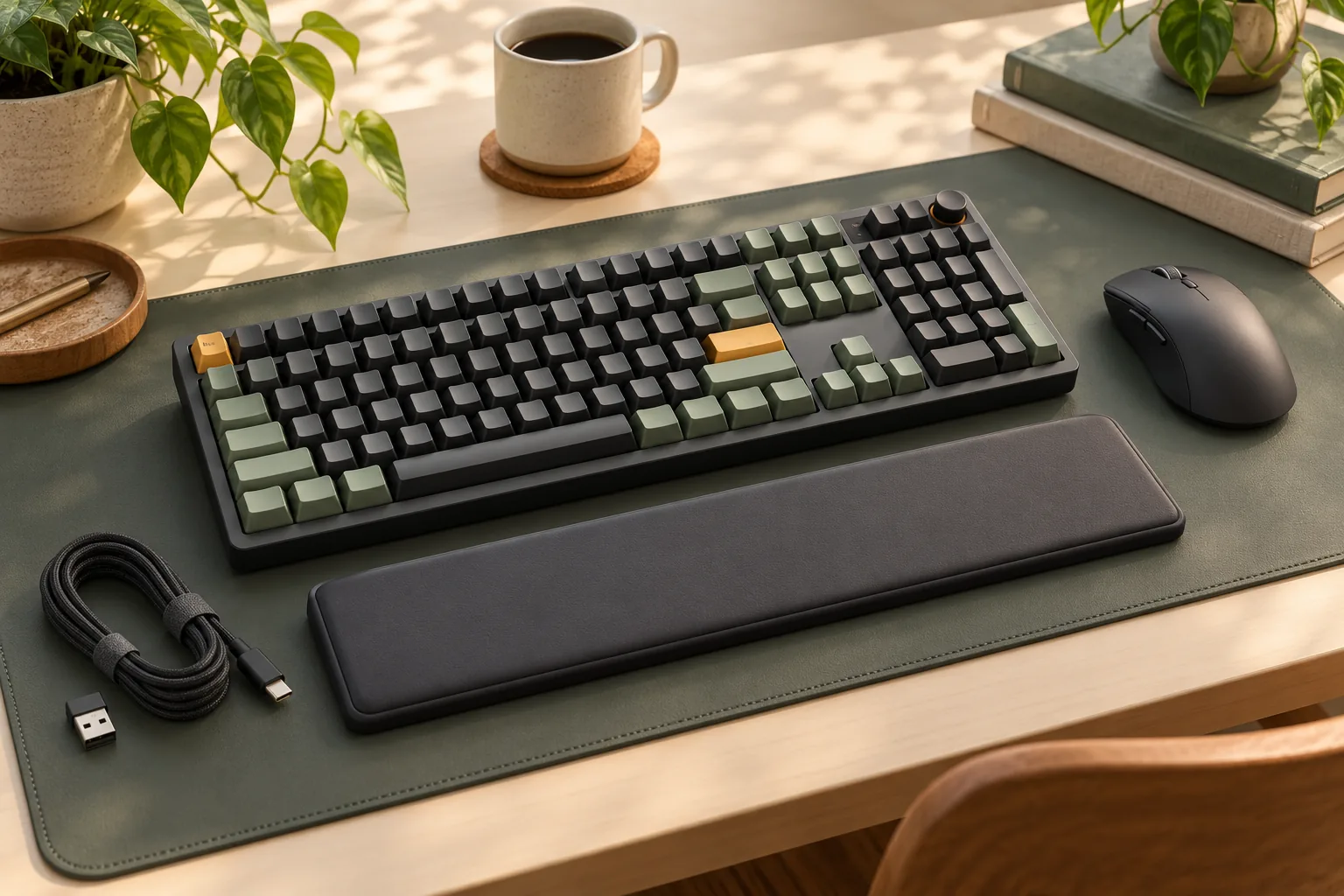
If you want a gaming keyboard with a wrist rest, make inclusion a separate comparison field. A product photograph alone should not settle the contents of your selected order.
The Logitech G513 page identifies a detachable memory-foam palmrest with leatherette covering. This gives you a documented example to consider when a bundled rest is a priority. It does not establish a health benefit or guarantee that you will find the rest comfortable.
Measure the available width and depth at your desk, then confirm dimensions for the exact keyboard and rest. Include the area where you move your mouse and where you intend to place the rest. If you already own a rest you prefer, evaluate whether another bundled accessory adds any value to your purchase.
Read reviews for the question they actually answer
Specific usage observations can help you decide whether programmable controls fit your routine. In his January 29, 2025, How-To Geek review of the Logitech G915 X LIGHTSPEED, Bill Loguidice describes assigning Page Down, a paste-and-Enter sequence, and shortcuts for switching audio devices. The audio shortcuts involved the SoundSwitch application, so they should not be treated as a self-contained keyboard feature.
Loguidice also reports a subjective delay while his presets returned after sleep. That is a reason to investigate wake behavior if you depend on custom assignments. It is not a controlled latency comparison between Bluetooth, LIGHTSPEED, and wired operation.
Look for the exact model, switch variant, connection mode, software, and procedure relevant to your question. A review describing useful desktop shortcuts supports a different decision from a repeatable gaming response-time test. Avoid carrying a reviewer's result into an unexamined mode or setup.
Complete your buying worksheet
Use this checklist to compare finalists. Write an answer for each requirement before treating a model as a match.
- Product identity: record the full generation, layout, switch option, and selected part.
- Game controls: confirm every required key and any planned reassignment.
- Connection: name the mode you will use and verify compatibility with the intended device.
- Software: confirm current operating-system requirements and installation access.
- Stored settings: identify which assignments must survive without software and obtain explicit confirmation.
- Game rules: check the intended automation against current game and event rules.
- Desk and accessories: verify dimensions, wrist-rest inclusion, and required cable or receiver contents.
- Order terms: check the seller, final price, availability, returns, and warranty for that exact order.
For example, suppose you keep one keyboard at one desk, want a bundled rest, and use only your game's existing bindings. A wired model with a documented rest belongs near the top of your feature shortlist. Paying more for wireless and extra programmable controls would need a separate justification.
Change the scenario to frequent connection changes and desktop shortcuts, and the shortlist changes with it. Keep any unconfirmed must-have as an unresolved requirement rather than quietly assuming it works.
Frequently asked questions
Is wired or wireless better for a mechanical gaming keyboard?
Choose according to the connection you need. Wired fits a setup where a cable is acceptable; wireless is worth considering when you have a specific use for it. The documented modes here do not establish a performance ranking. Compare measured results for the exact mode if latency is decisive.
Does onboard memory mean my macros work without software?
Check documentation for macros specifically. Logitech's wired PRO page explicitly documents onboard static lighting and separately describes G HUB macros. Those statements do not establish onboard macro storage. If assignments must work on another computer, verify the exact assignment and operating conditions before buying. Source: Logitech G PRO.
Is an included wrist rest worth paying for?
It is worth considering if you want that accessory and it fits your desk. The G513 documents a detachable memory-foam palmrest. Compare the complete package with your own needs, including any rest you already use; inclusion alone cannot guarantee comfort. Source: Logitech G513.
Choose the features you can justify
The best gaming mechanical keyboard for your setup satisfies your required controls, intended connection, desk fit, and software needs. Give wireless modes, a bundled rest, and programmable controls value only when they serve a task you have identified. Complete the worksheet, then use the linked manufacturer pages to verify the exact configuration before ordering.
Source information reviewed: October 15, 2026. Manufacturer features above come from saved product-page text; the Valve example comes from a captured search excerpt. The independent review was published January 29, 2025. This guide contains no affiliate links.