As an Amazon Associate we earn from qualifying purchases.
For a black keyboard with white keycaps, start with black-on-white legends if you want black lettering on white caps. For black keycaps on a white keyboard, look for white-on-black legends if you want white lettering. Then check the exact kit against your keyboard’s layout. Choose readability by examining the legends in your usual lighting; the evidence here does not establish a universal winner.
This guide is for keyboard owners choosing a monochrome arrangement and checking replacement keycaps. It covers case color, legend color, mixed arrangements, and the specifications to verify before ordering.
Quick takeaways
- BoW and WoB describe legends and keycap backgrounds. Record case color separately.
- Choose one cap color throughout or assign black and white to specific key groups.
- Check lighting support independently of color and construction.
- Compare required keys by size, row, and legend before choosing a kit.
This guide uses product descriptions captured October 15, 2026. Styling suggestions are editorial guidance; no hands-on readability testing was performed.
On this page: Color labels · Arrangement choices · Product examples · Fit worksheet · FAQs
BoW and WoB: What the Labels Mean
Black on white, or BoW, means black legends on white keycaps. White on black, or WoB, means white legends on black keycaps. Legends are the letters, numbers, and symbols printed or formed on the caps. These labels describe the cap and its markings; record the keyboard case color separately.
MonacoKeys’ MK Black on White description explicitly identifies black legends on white caps. Milktooth’s Wuque Studio WS PBT WoB listing expands WoB as White on Black.
That distinction matters when searching. “White keyboard with black keycaps” describes a case-and-cap pairing. “Black on white keycaps” describes the markings and cap background. Write your choice as three fields:
Case: black. Keycaps: white. Legends: black.
For a mixed arrangement, write separate entries for each key group. This keeps a product’s colorway name from standing in for your entire design.
Choose Your Case and Keycap Arrangement
Use the following arrangements as design options. The table describes proposed color placements, rather than measured readability or performance differences.
| Arrangement | Suggested color placement | Choose it when you want… |
|---|---|---|
| White keycaps on a black case | White caps with black legends across the board | A white key field framed by a black case |
| Black keycaps on a white case | Black caps with white legends across the board | A black key field framed by a white case |
| All-black cap arrangement | Black caps throughout; specify legend color separately | One consistent cap background |
| All-white cap arrangement | White caps throughout; specify legend color separately | One consistent white cap background |
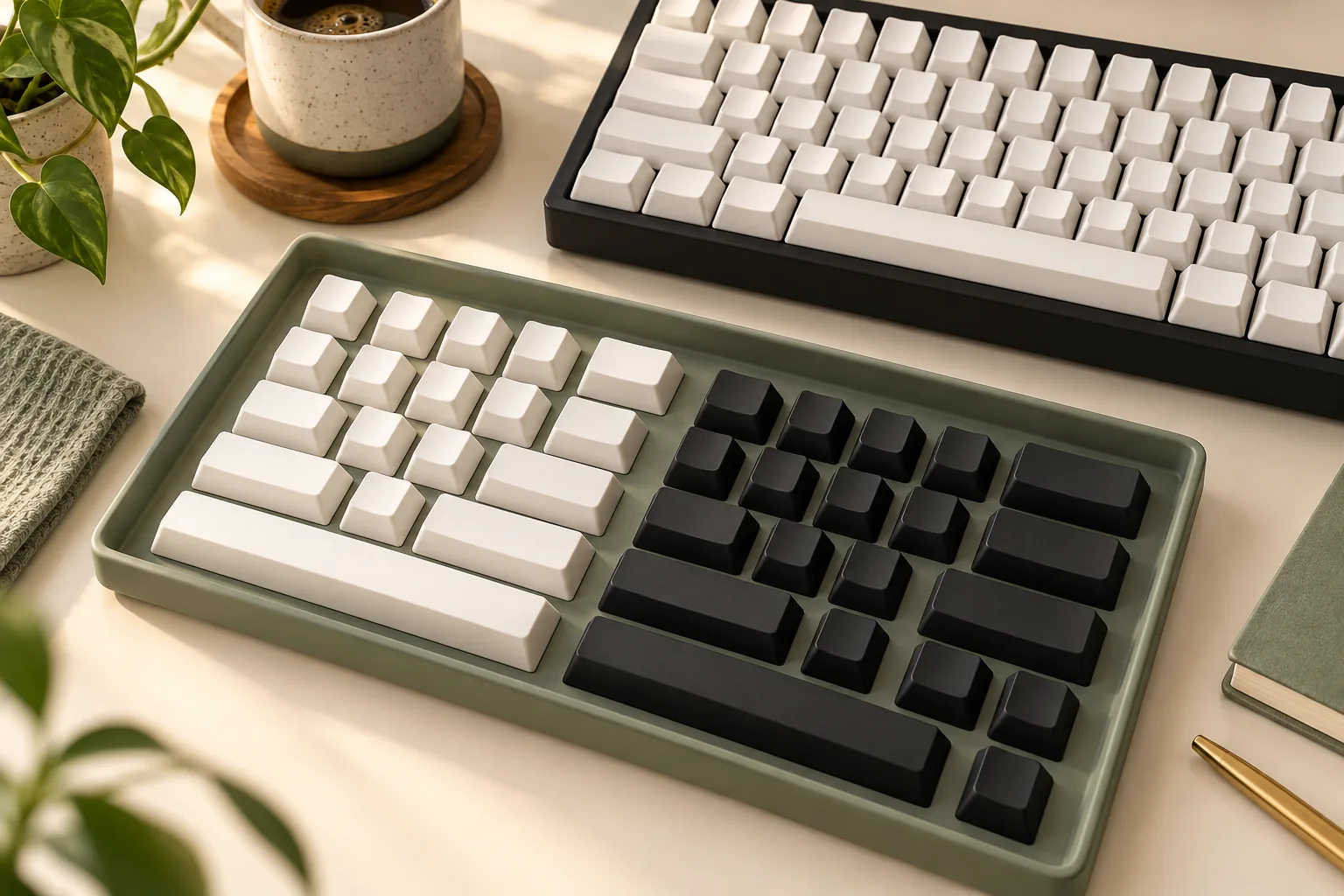
| Mixed or tuxedo arrangement | Assign black and white to named groups | Separate colors for letters, modifiers, or selected accents |
White Keycaps on a Black Keyboard
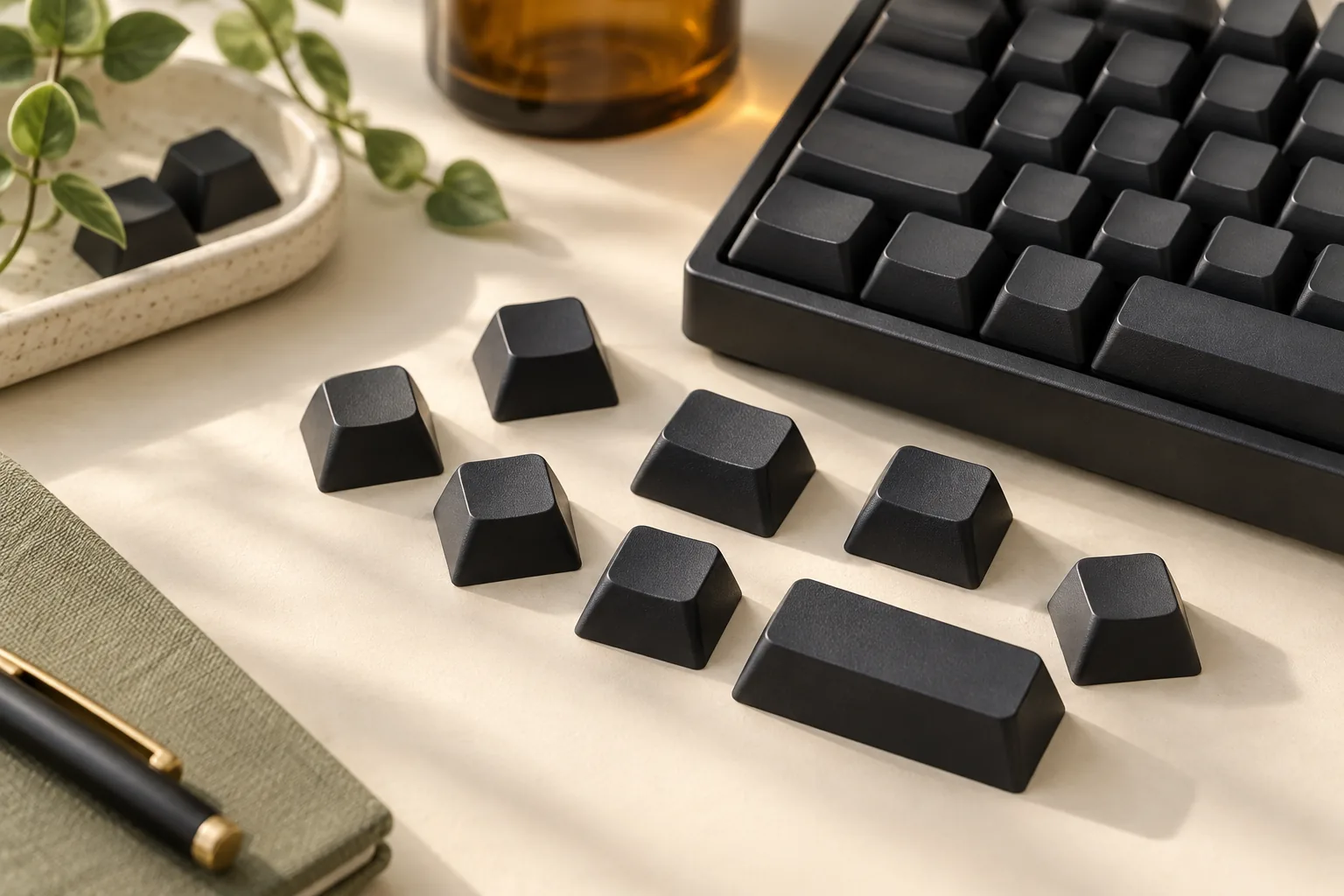
For a black keyboard with white keycaps, a BoW set is a starting point if you want black lettering. Decide whether every cap should be white or whether you want selected black keys, such as Escape or Enter.
Before choosing accents, mark their positions on a photo of your keyboard. Check that the selected kit supplies each accent in the required size and row. An attractive accent pictured elsewhere in the kit still needs to match its intended position.
Black Keycaps on a White Keyboard
For the reverse arrangement, specify a white case, black caps, and white legends. WoB describes that cap-and-legend combination, as illustrated by the Wuque Studio set listed by Milktooth. For a named WoB alternative, compare the GMK white-on-black kit guide against your layout.
Decide whether the spacebar and modifiers should remain black. If you want white accents, name those positions before shopping. This gives you a concrete kit requirement instead of a general request for “black and white.”
All-Black and All-White Keycaps
“All black keycaps” leaves the legend choice unresolved. Write down whether you want contrasting lettering, then separately record whether you need illuminated legends. Apply the same process to an all-white keycap arrangement. If you want no printed labels, consult the black blank-keycap guide.
To assess readability, examine the actual legend design at a useful image size. Ask whether you prefer its lettering, symbols, and modifier labels. If possible, inspect the caps under lighting similar to your desk setup before committing to an aesthetic choice.
Mixed and Tuxedo Keycaps
Treat “tuxedo” as a styling description and specify your own arrangement. For example, you could choose white caps with black legends for the alphas—the letter keys—and black caps with white legends for modifiers such as Shift, Ctrl, and Alt.
Complete the plan by assigning colors to the number row, arrows, function keys, spacebar, and any number pad. Avoid leaving these groups implicit. For a restrained mix, start with two cap colors and keep the legend treatment consistent within each group.
If combining separate sets, compare their documented profiles and row assignments before ordering. Also inspect product photos together and ask about color matching if it matters to you; this guide makes no promise that separately sourced whites or blacks will match.
Compare Documented Keycap Specifications
Color is only one purchase field. These examples show how construction, stem, profile, and kit descriptions differ among monochrome sets. They are specification references, not a ranked shopping list.
| Exact product and source | Documented specifications | Decision still requiring verification |
|---|---|---|
| Wuque Studio WS PBT WoB at Milktooth | White on Black; PBT; Cherry profile; All-in-One kit | Required stems, individual key sizes, and row coverage |
| MonacoKeys MK Black on White | Black legends on white PBT caps; dye-sublimation; MX-style switch compatibility; ISO-DE and ANSI-DE labels | Your required language legends, exact keys, and selected variant |
| Keychron India Cherry Profile Double-Shot PBT Full Set, Black on White | Double-shot PBT; MX-style stem; Cherry profile; 219 keys; non-shine-through legends; ANSI and UK ISO descriptions | Every required key’s size, row, and legend |
| Wuque Studio WS BoW at CannonKeys | Double-shot PBT; base-kit descriptions naming split spacebars, Terminal ISO, and 40s support | The particular sizes and row assignments your board needs |
The examples support a simple rule: record color, construction, and coverage separately. MonacoKeys identifies dye-sublimation for its MK set, while Keychron India and CannonKeys identify double-shot construction for the sets above. Those are product-specific descriptions, without a tested ranking of feel, sound, or durability.
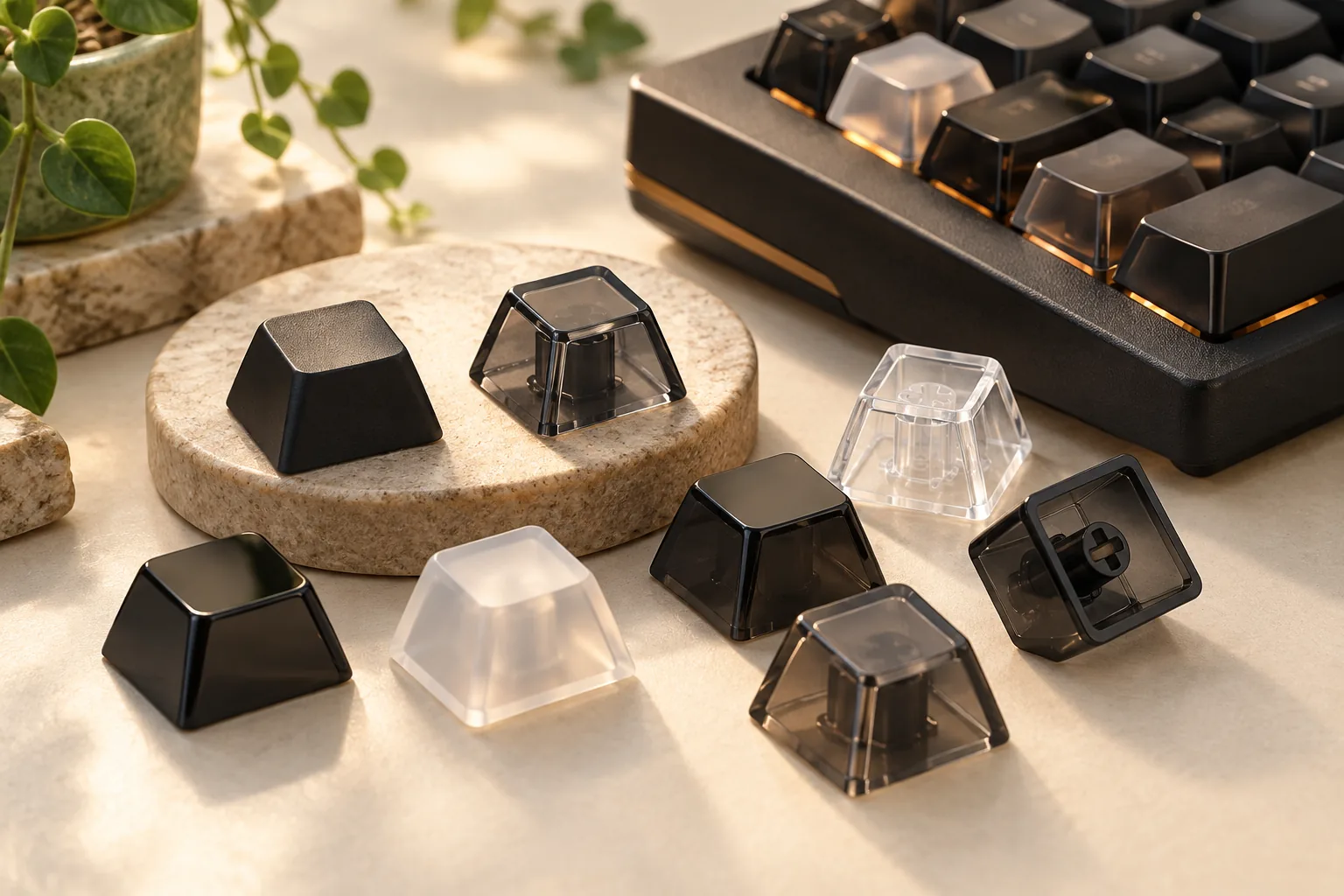
Check Whether the Legends Transmit Light
The Keychron India example explicitly states that backlight does not shine through its legends. It is also described as double-shot PBT, so that construction label alone does not establish illuminated lettering.
Ask two separate questions: “Do these legends transmit light?” and “Do I like their appearance with the lighting I normally use?” If illuminated lettering is essential, require an explicit specification for the selected set. Leave lighting support unresolved when the description does not establish it. The backlit-keycap guide can help separate legend transmission from the surrounding light effect.
Read Regional Layout Labels Literally
MonacoKeys’ MK description names ISO-DE and ANSI-DE. Keychron India’s description names ANSI and UK ISO. Preserve those regional distinctions when comparing products.
For a US layout, check the actual characters and modifier legends you require. A regional label or broad layout-family claim does not establish every key in your preferred language and arrangement.
Check Your Layout With a Keycap Worksheet
Before ordering a white keycaps set—or its black counterpart—compare your keyboard’s layout diagram with the selected kit’s contents. Use the worksheet below as a checklist. It asks for confirmation rather than assuming that a large kit covers your board.
| Field | Record from your keyboard | Confirm in the selected kit |
|---|---|---|
| Switch interface | Required stem interface | Explicit compatibility for that interface |
| Profile and rows | Intended profile and each position’s row requirement | Corresponding profile and row assignments |
| Spacebar | Required length, shape, and mounting arrangement | The specific matching spacebar |
| Right Shift | Required size and position | A matching key with your preferred legend |
| Enter | Required shape, size, and legend | The correct Enter key |
| Bottom-row modifiers | Each modifier’s size and label | Enough matching keys for the complete row |
| Arrows and navigation | Each position’s size, row, and legend | Coverage for every required position |
| Language and symbols | Required letters, punctuation, and regional markings | The exact legends you use |
| Color groups | Intended color at each position | Each required key supplied in that color |
Use this sequence:
- Document the board. Open its layout diagram or make a position-by-position list.
- Record requirements. Include sizes and row assignments wherever the keyboard or keycap documentation specifies them.
- Compare the exact kit. Use its contents diagram or written inventory, including the selected variant.
- Resolve gaps. Ask the seller about any key whose size, row, legend, or color remains unclear.
- Choose the arrangement. Keep only color plans for which you can confirm the required keys.
Why check this carefully? Milktooth describes its WS PBT WoB kit as All-in-One, with full-size coverage and more, but the available description does not enumerate individual sizes and rows. CannonKeys names several support categories, but those labels still need to be compared with your particular board.
Worked Example: A Mixed Arrangement
Suppose you want white letter keys and black modifiers on a black case. Begin with a list assigning every position to white or black, including the spacebar and navigation keys. Then compare each required key with the chosen kit’s contents.
If the kit includes a right Shift in the needed size but only in white, your proposed black-modifier arrangement remains incomplete. You could accept a white Shift, seek a documented matching black key, or choose another kit. This is a hypothetical decision example, not a compatibility finding for any listed product.
Before checkout, confirm the selected variant, included keys, total cost, and applicable return terms. For maintenance, follow the instructions supplied for the exact product.
Frequently Asked Questions
Is Black on White the Same as Black Keycaps on a White Keyboard?
No. Black on white describes black legends on white caps, as MonacoKeys defines its MK set. Black keycaps on a white keyboard describes the case-and-cap arrangement. For that arrangement with white lettering, specify white case, black caps, and white legends.
Are BoW or WoB Keycaps Easier to Read?
The evidence used here does not establish a readability winner. Choose by inspecting the actual legends and considering your lighting preferences. If you need illuminated lettering, check that requirement separately: the Keychron India BoW example explicitly has non-shine-through legends.
Does a 219-Key Set Guarantee That My Keyboard Will Fit?
A total count does not confirm every required size, row, and legend. Keychron India lists 219 keys for its example set, but you should still compare the selected kit with your board. Start with the spacebar, Enter, right Shift, and bottom-row modifiers.
What Should I Specify When Shopping for Tuxedo Keycaps?
List the colors of the letter keys, modifiers, number row, arrows, spacebar, and accents. Then specify the legend color for each group. This gives you a usable design brief and a way to check the kit’s contents without depending on a styling name alone.
Choose the Arrangement, Then Confirm the Keys
For a black keyboard with white keycaps, start with a BoW color plan if you want black lettering. For a white case with black caps, start with WoB if you want white lettering. A mixed arrangement works as a design choice when you assign colors to every key group.
Your next step is to compare your keyboard’s layout diagram with the exact kit’s contents using the worksheet above. Confirm the required keys and lighting behavior before ordering.