As an Amazon Associate we earn from qualifying purchases.
Choose an XDA keycap set by matching the exact package to your keyboard: its mounting interface, key widths, printed labels, and special keys. Uniform row height answers only the profile question. Before ordering, account for every key you need, including Enter, both Shift keys, bottom-row modifiers, and the spacebar.
This guide is for readers replacing a keyboard’s keycaps who want to verify a complete set or identify necessary extras. It draws on manufacturer listing excerpts captured October 15, 2026, and provides a worksheet for checking coverage. It includes no hands-on typing, sound, or fit testing.
Key takeaways
- Treat profile, material, printing, mounting interface, and package contents as separate fields.
- Use the exact keyboard model and selected keycap variant when checking compatibility.
- Resolve missing special keys before comparing complete purchase totals.
On this page
- Identify the exact set
- Understand uniform rows
- Check materials and legends
- Complete the coverage worksheet
- Separate main sets from add-ons
- Check photos and order details
- Frequently asked questions
Identify the exact set
Start with a manufacturer name, full product name, and selected package. Save the matching contents diagram alongside your keyboard’s exact layout. A similar theme name or an XDA label is not enough to establish that two listings contain the same product.
The Keychron XDA Profile PBT Retro Keycap Set provides a documented example. Its captured manufacturer specification separates the following fields:
| Field | Specification for this exact Keychron set |
|---|---|
| Material | PBT |
| Legend process | Dye-sublimated |
| Backlight transmission | Backlight does not shine through |
| Stem | MX style |
| Profile | XDA |
| Thickness | 1.5 mm |
Source: Keychron XDA Profile PBT Retro Keycap Set, manufacturer excerpt captured October 15, 2026.
Keychron’s captured compatibility list names Q1 Knob Version, Q2, V1, V2, K2, and K6. Preserve those names when comparing your keyboard. In particular, keep the Q1 Knob Version qualification; an unversioned K2 or K6 listing does not establish coverage for every HE, Max, Pro, or later variant. The selected layout still needs checking. Source: Keychron’s product specification.
Use that list as a starting point for this product. If your exact keyboard revision is unclear, resolve its identity before treating a family name as a compatibility match.
What uniform XDA rows tell you
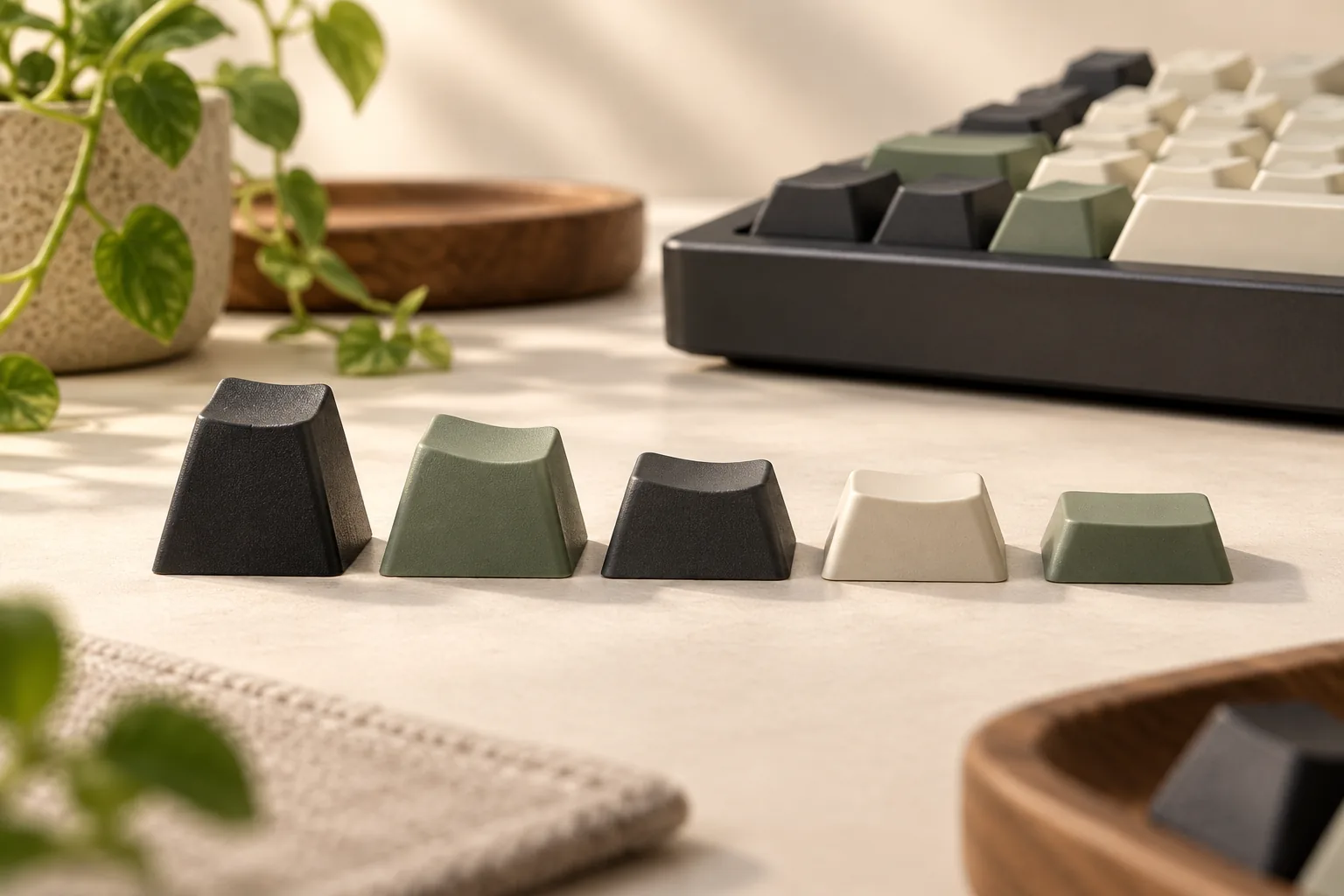
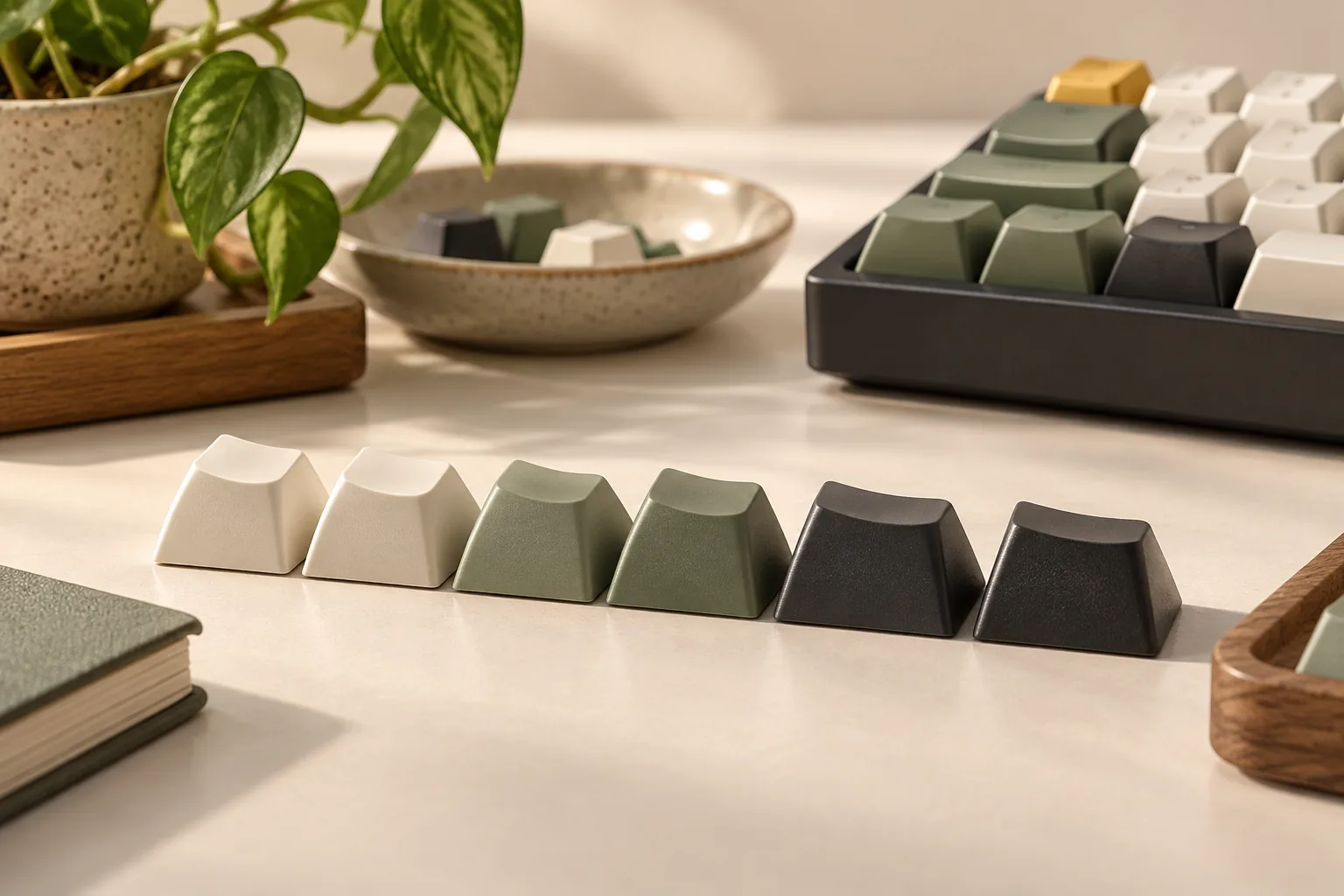
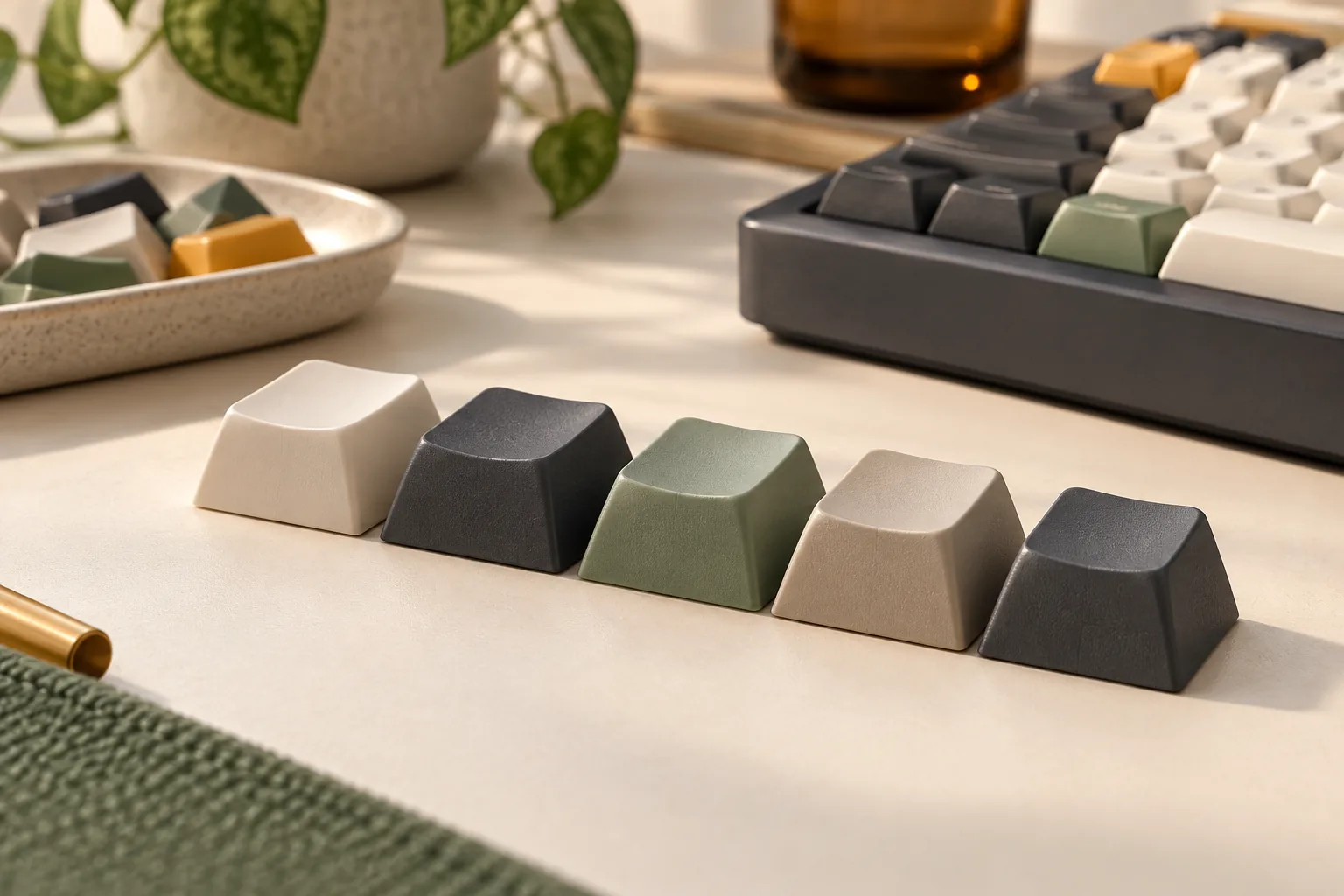
XDA is a keycap profile that Keychron describes as having flat, uniform key height and wide tops. For a buyer, that describes the shape across rows. It leaves separate questions about the correct printed labels, key widths, mounting interface, and spacebar or stabilizer coverage. Source: Keychron’s profile explainer. The keycap profile comparison separates uniform rows from top-surface shape.
A legend is the printed letter, symbol, or label on a keycap. When planning a position, check both the cap’s physical requirements and the legend you want there. A cap that appears suitable by profile alone may still leave your intended labeling unresolved.
For example, suppose you want a navigation label in a different position. Uniform row height addresses the height aspect of that plan. You must still locate a cap with the required width and label, then verify its mounting requirements. This is a selection check, not a guarantee that any cap can move anywhere.
Keep each intended position in your inventory even when its row height looks straightforward. That prevents a profile description from becoming an unsupported promise of complete layout coverage.
Read material, thickness, and legends separately
The Keychron Retro example documents PBT material, dye-sublimated legends, and 1.5 mm thickness. Those are specifications for that product. The thickness figure is not the keycap’s overall height, and it should not become a universal measurement for XDA sets. Source: Keychron Retro specifications.
Record the legend process separately from its lighting behavior. For this exact set, Keychron explicitly says that backlight does not shine through. If you require illuminated legends, this specification does not meet that requirement. It also does not measure how readable the printed labels will be under your desk lighting. Source: Keychron’s legend specification.
For a different set, look for its own material, printing, and backlight statements. Leave an absent field unresolved rather than transferring Keychron’s specifications to another XDA product.
Use production photos to assess whether you like the lettering style and placement. Request a clear view of the selected package if small symbols or modifier labels are hard to distinguish. Material and printing labels alone do not provide a measured verdict on readability, typing comfort, sound, or legend longevity.
XDA keycap set coverage worksheet
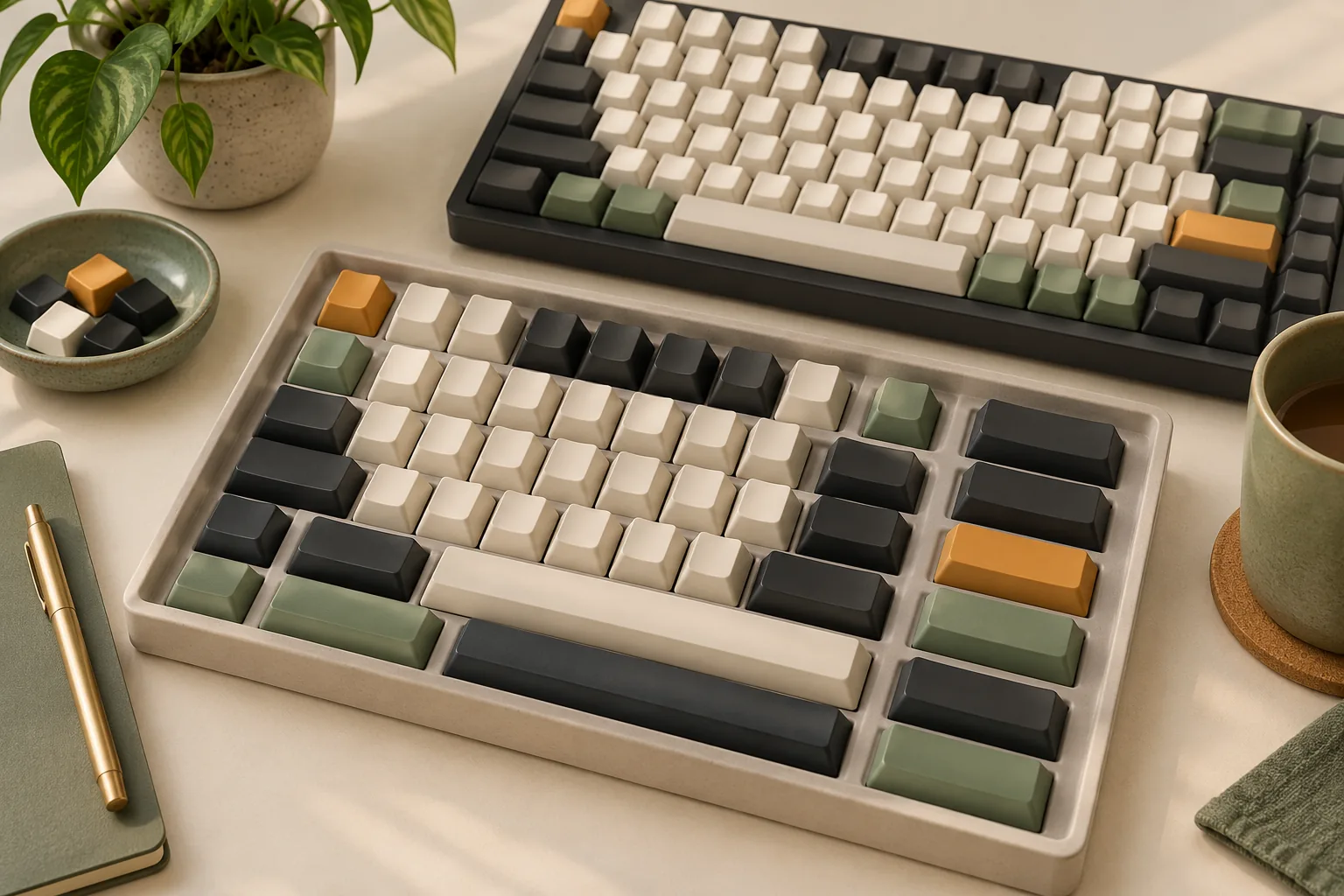
Place your host keyboard’s layout beside the exact kit diagram. Work across the keyboard by position, recording what the host needs and which included cap supplies it. Treat this as a purchase worksheet rather than a compatibility certification.
The worksheet separates the profile description from the product-specific mount and package questions documented by Keychron and the distinct kit types listed by YMDK.
| Key group | Record from your keyboard | Confirm in the selected package |
|---|---|---|
| Letters and number row | Each position and desired legend | A matching cap for every position |
| Function and navigation keys | Required labels and positions | The actual labels included, rather than theme photos alone |
| Enter | Regional layout, shape, and dimensions | The corresponding Enter cap |
| Left and right Shift | Each key’s width and desired label | Both required caps, checked separately |
| Bottom-row modifiers | Position, width, and desired label | A matching cap at every position |
| Spacebar or split spacebars | Required dimensions and arrangement | Each required bar in the selected kit |
| Switch mounting | Exact host switch interface | Product mount specification and underside evidence |
| Stabilized keys | Required underside socket arrangement | A diagram, photo, or explicit confirmation matching the host |
Copy widths as the host and kit diagrams state them. Do not turn a nominal key width into an assumed stabilizer-socket spacing. Where the diagram omits an underside detail, ask for that detail rather than treating a top-down image as confirmation.
Mark each position as confirmed, missing, or unknown
Confirmed means you can identify the required cap in the selected package and support the relevant fit details. Missing means the package does not supply it. Unknown means the available information does not settle the question.
These categories lead to different actions. A missing cap calls for a documented add-on or another main set. An unknown cap calls for better package evidence before you decide whether an add-on is necessary.
Worked example: two unresolved special keys
Suppose the letters and number row appear covered, but the right Shift and spacebar details remain unclear. Keep both positions marked unknown, even if the package advertises more keys than your keyboard has. Use the spacebar and modifier coverage checks to document those remaining special-key requirements.
Request the selected kit’s dimensions and spacebar underside information. If a seller proposes a blank replacement, check its physical requirements and decide whether a blank label is acceptable to you. Only then can you determine whether that replacement closes the specific gap.
Separate main sets from add-on packs
YMDK’s captured XDA catalog lists numbered sets alongside modifier and spacebar products. These are separate entries with different purposes. Their contents should not be combined into an imaginary single package. Source: YMDK XDA catalog, captured October 15, 2026.
| Catalog entry | What the captured listing establishes | What to verify next |
|---|---|---|
| YMDK 125 Shimmer Keycaps | A 125-key XDA set with dye-sub printing | Exact key inventory and coverage for your host |
| YMDK 133 Keys PBT Keycaps, Revelation Theme | A 133-key PBT XDA set with sublimation printing, described for MX mechanical keyboards | Selected package, special-key dimensions, and underside details |
| XDA Modifier Blank Spacebar Keycaps Sets | A separate blank modifier/spacebar entry naming 1.25u, 2u, 2.25u, and 2.75u options | Which option you are selecting and what that package includes |
| XDA Profile Convex Spacebar Kit | A separate nine-piece spacebar kit | Individual bar dimensions, mounts, and suitability for the missing positions |
All entries above come from the YMDK catalog excerpt. The named width options do not establish that every option arrives in one modifier package. Likewise, the nine-piece count does not identify the dimensions of those spacebars.
Use the numbered sets as candidates for your main package. Consider an add-on only after your worksheet identifies a specific gap. A blank modifier pack can be relevant if you accept blank labels, but its name alone does not prove the required dimensions or mounting details.
Keep a separate inventory for every package you plan to order. Compare complete purchase totals only after confirming which main set and extras you actually need.
Check photos and order details
Before checkout, verify the evidence against the selected seller and package. Use these questions to close the remaining decisions:
- Package identity: Does the selected option match the product name and contents diagram you checked?
- Legend visibility: Can you distinguish the letters, symbols, and modifier labels you need in clear production photos?
- Special-key evidence: Are Enter, both Shift keys, bottom-row modifiers, spacebars, and relevant underside sockets documented?
- Order terms: What are the current shipping destination, delivered total, return conditions, and process for reporting missing or incorrect caps?
If a detail is unresolved, ask a narrow question. “Please confirm the right Shift dimensions and show the spacebar underside for this selected package” is more useful than a general compatibility question.
Save the seller’s answer with the selected option. The official links here provide starting points for verification; this guide does not verify a current US offer, stock status, or seller terms.
Frequently asked questions
Does an XDA profile mean the set fits every MX-style keyboard?
No. The profile description concerns shape, while Keychron separately specifies an MX-style stem and a bounded keyboard compatibility list for its Retro set. A full-board decision still requires the correct key inventory, dimensions, labels, and stabilized-key details for your exact host. Sources: profile description and Retro specification.
Does the Retro set’s K2 listing confirm compatibility with K2 Pro?
The captured specification names K2 without a Pro qualification. That does not establish fit for K2 Pro, nor does it prove incompatibility. Treat the later model as unresolved and compare its exact layout and mounting requirements with the selected package before ordering. Source: Keychron’s compatibility list.
Can a blank modifier or spacebar pack complete my set?
It can be a candidate when your worksheet identifies a missing position and you accept a blank label. YMDK lists separate modifier and spacebar products, but the captured catalog does not establish a match to your keyboard. Confirm the selected pack’s contents, dimensions, and mounting details first. Source: YMDK catalog.
Before you choose
A suitable XDA keycap set combines the profile you want with documented coverage for your exact keyboard. Start with the named product and selected package, complete the host-to-kit worksheet, and resolve every missing or unknown special key. Your next step is to obtain the exact kit diagram and compare it position by position before ordering.
Sources
The following manufacturer search excerpts were captured October 15, 2026; full-page inspection is not claimed.
- Keychron XDA Profile PBT Retro Keycap Set: product specifications and named compatibility list.
- Keycap Profiles Comparison: Which One Matches Your Style?: XDA shape description.
- XDA Profile – YMDK: distinct set, modifier, and spacebar catalog entries.