As an Amazon Associate we earn from qualifying purchases.
The best low-profile mechanical keyboard depends on your layout, connection, and maintenance requirements. For typing, start with the keys and numpad arrangement you need. For wireless use, decide whether you want Bluetooth device switching or a dedicated receiver. For gaming, confirm that the keyboard supports the connection you intend to use before choosing by its slim appearance.
This guide helps typists, gamers, and people using multiple devices compare three documented configurations: the CHERRY KC 500 MX LP, CHERRY KW 550 MX LP, and CORSAIR K100 AIR WIRELESS. Recommendations use manufacturer documentation captured on October 15, 2026; they do not represent hands-on testing.
Key takeaways
- Verify the named mechanical switches; “chiclet” describes appearance without proving the mechanism.
- Compare height figures only when their measurement points and conditions match.
- Check cable data support, receiver inclusion, and maintenance restrictions before buying.
On this page: Mechanical construction · Configuration comparison · Height measurements · Connections · Maintenance · Buying checklist · FAQs
Identify a mechanical keyboard beneath the slim styling
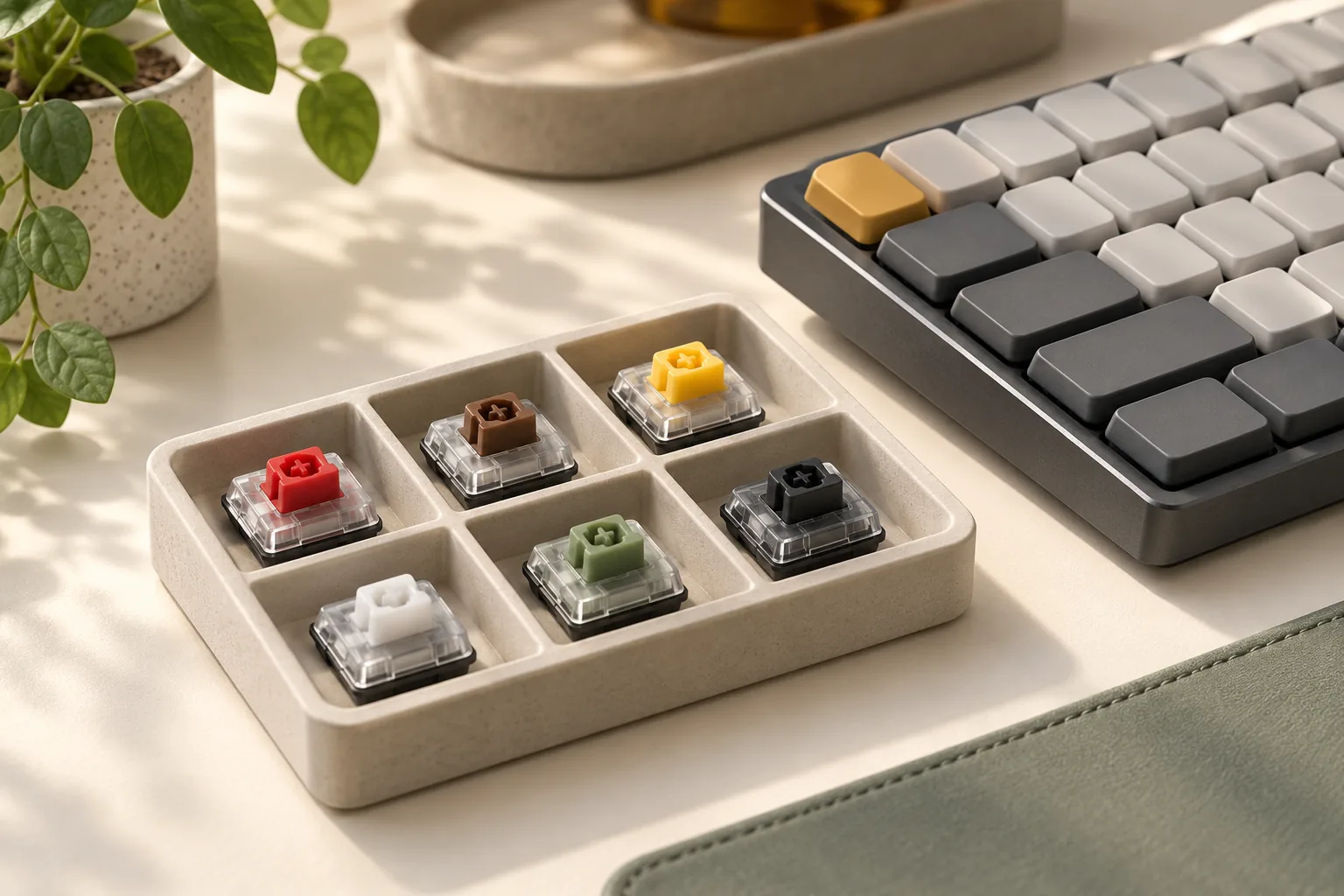
For this guide, a low-profile mechanical keyboard is a slim keyboard whose manufacturer identifies a mechanical switch mechanism. Words such as slim, flat, thin, and ultra-slim describe the design you are shopping for. The exact switch specification supplies the evidence that the board is mechanical.
For example, CHERRY identifies MX Low Profile 2.0 switches in its KC 500 MX LP. Corsair identifies CHERRY MX Ultra Low Profile Tactile mechanical switches in the K100 AIR WIRELESS. Those named mechanisms are more useful selection evidence than a product photograph.
Chiclet styling alone does not establish mechanical construction. ComputerLanguage’s definition emphasizes the shape of the keys, while Wikipedia’s historical overview describes the term’s use for membrane keyboards and later scissor keyboards. The practical conclusion is limited: a chiclet description is insufficient evidence of discrete mechanical switches.
Group your searches for a slim mechanical keyboard, thin mechanical keyboard, or flat mechanical keyboard around the same buying checklist. Then verify each candidate’s actual mechanism instead of treating those phrases as separate technical categories.
Compare the documented configurations
These examples illustrate different buying conditions. The table compares documented features rather than assigning performance scores.
| Documented model | Mechanical switches | Layout | Connections |
|---|---|---|---|
| CHERRY KC 500 MX LP | CHERRY MX Low Profile 2.0 | Full-size with numpad | Wired USB |
| CHERRY KW 550 MX LP | CHERRY MX Low Profile 2.0 | Compact 96% layout with numpad | Three Bluetooth 5.2 channels and one wired channel |
| CORSAIR K100 AIR WIRELESS, CH-913A01U-NA | CHERRY MX Ultra Low Profile Tactile | Full-size, 108-key NA layout | SLIPSTREAM wireless, Bluetooth 4.2, and USB wired |
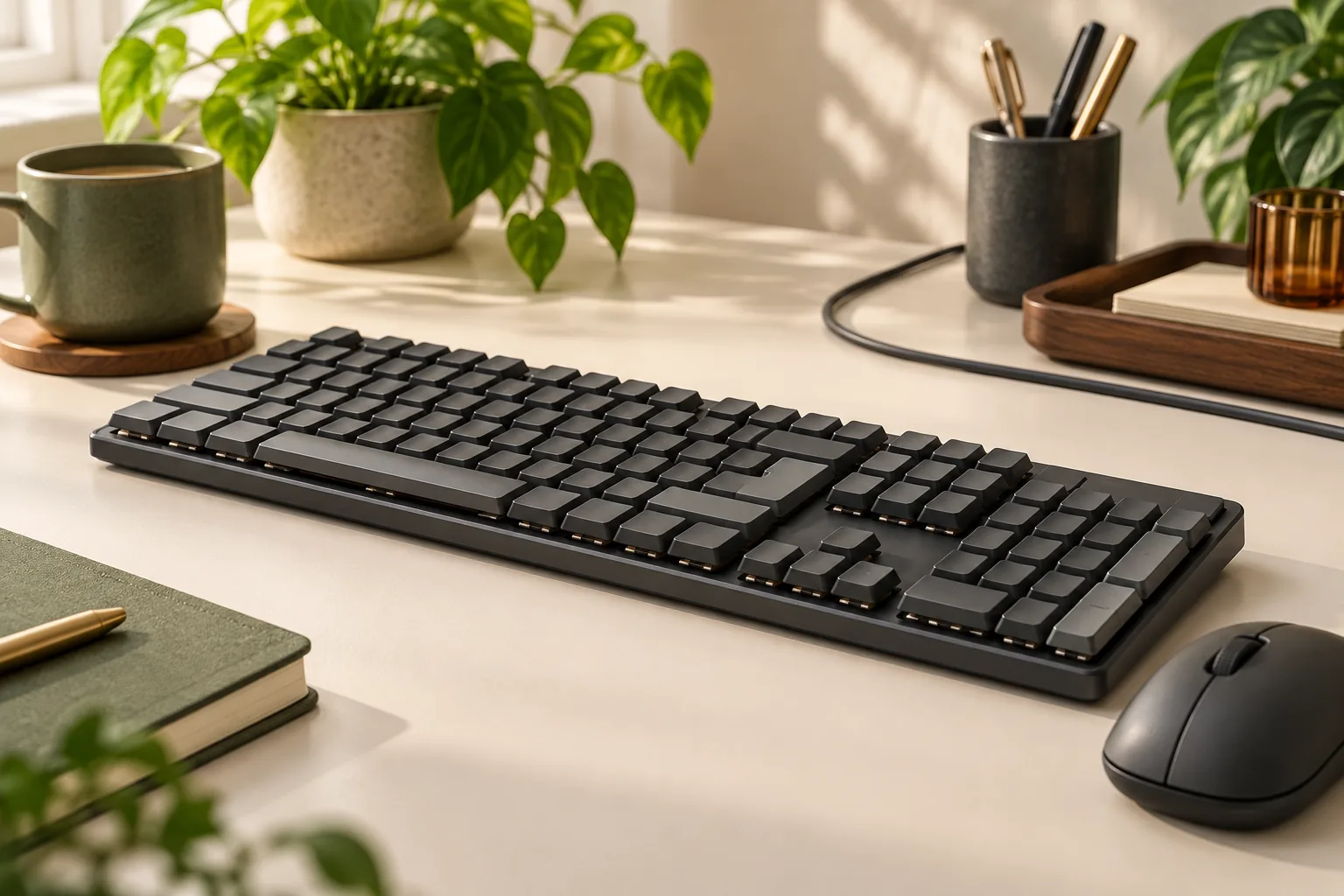
Start with the numpad decision. If you need one, all three configurations above retain it. The KW 550’s 96% designation refers to its compact arrangement, which still includes a numeric keypad; inspect the official layout to decide whether the key arrangement suits your work.
CHERRY also describes a separate KC 500 MX LP TKL model without a numeric keypad. TKL means tenkeyless; confirm that distinction when comparing listings on the KC 500 product page.
Next, eliminate configurations that lack your required connection. Maintenance requirements may narrow the list further, especially if you expect to change keycaps or want hot-swappable switches.
Read height numbers by their measurement point
A useful height comparison preserves the manufacturer’s measurement label. A front-edge figure, a product-height specification, and a slimmest-point figure answer different questions about the keyboard.
| Model | Manufacturer-reported height | How to use it |
|---|---|---|
| CHERRY KC 500 MX LP | 19.1 mm at the front; less than 22 mm at the rear; properties separately list 21.17 mm product height | Keep all three labels; the page does not reconcile their measurement conditions |
| CHERRY KW 550 MX LP | 25 mm product height | Use as the listed product height; a separate front height is not provided |
| CORSAIR K100 AIR WIRELESS | 11 mm at its slimmest point | Preserve “slimmest point”; do not substitute it for maximum or front height |
The KC 500’s figures should not be averaged into a new number. Its front, rear, and properties statements are manufacturer reports with unresolved measurement conditions. Likewise, the K100 AIR’s 11 mm figure does not establish that every part of the keyboard is that height.
If you have a clearance requirement, ask for the dimension that answers it: the highest point for an enclosure, or the front edge if that is your concern. Request confirmation of whether the measurement includes keycaps and whether adjustable feet are folded. Use matching definitions before comparing numbers or accepting a claim about the thinnest mechanical keyboard.
Choose wired, Bluetooth, or receiver connectivity
Wired use: start with the KC 500 MX LP
The KC 500 MX LP is the configuration to consider when you want a wired keyboard and a full-size layout. CHERRY documents wired operation and a detachable USB-A to USB-C cable on its official product page.
For a desk where you intend to leave the keyboard connected to one computer, this satisfies the connection requirement directly. Confirm that your computer has the appropriate port or that your planned connection arrangement is supported. The recommendation follows from its documented wired configuration; no comparative speed or reliability result is established here.
Bluetooth device switching: consider the KW 550 MX LP
The KW 550 MX LP fits a different requirement: retaining a numpad while switching among compatible devices. CHERRY documents three Bluetooth 5.2 channels plus a cable channel. Its removable USB-A to USB-C cable supports both data transfer and charging, and the package contents list a USB cable. See the KW 550 specifications.
For example, if you want to alternate between compatible Bluetooth devices and also use a wired connection at your main desk, those documented channels address that workflow. No 2.4 GHz receiver is listed in this configuration. If a dedicated receiver is mandatory, this documentation does not meet that requirement.
Receiver, Bluetooth, and wired use: consider the K100 AIR
Among these examples, the K100 AIR is the configuration to examine when a dedicated wireless receiver is part of your gaming setup. Corsair documents SLIPSTREAM wireless, Bluetooth 4.2, and USB wired operation for US SKU CH-913A01U-NA. Its package contents list both the SLIPSTREAM adapter and a USB data and charging cable.
That supports a recommendation based on available connection modes. It does not establish measured latency superiority over the CHERRY models. For a used or open-box offer, check that the seller includes the adapter and cable rather than assuming the original package contents remain complete.
Check keycaps and maintenance before buying
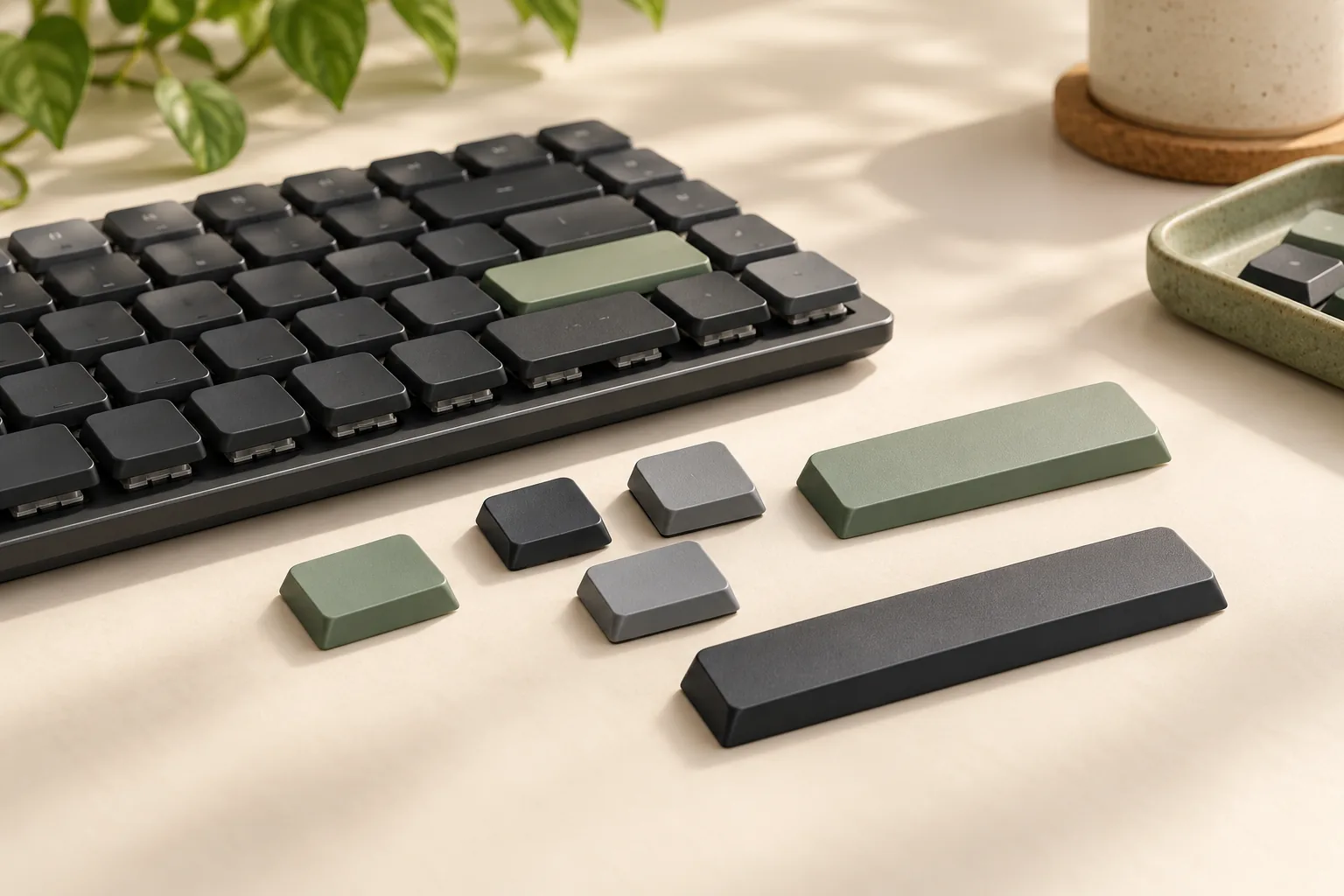
Separate keycap material, switch hot-swap support, and replacement-keycap fit when reading specifications. They answer different questions: the material entry describes the caps, while the hot-swap entry concerns switch changes. Neither entry alone confirms that an aftermarket keycap set fits.
CHERRY lists PBT as the keycap material and specifies no hot-swap support for both the KC 500 MX LP and KW 550 MX LP. If hot-swappable switches are a buying requirement, these documented configurations do not satisfy it. The no-hot-swap specification alone does not establish which other switch repair or replacement methods might be possible.
Exact replacement-keycap fit for these CHERRY boards remains unverified here. Before buying with customization in mind, obtain manufacturer confirmation for the exact keyboard and replacement set, including the stem, clearance, and stabilized keys. Do not treat the MX name or a “low-profile compatible” label as sufficient confirmation.
The K100 AIR has a specific restriction. A search excerpt captured on October 15, 2026, from Corsair’s official K100 AIR manual states that its ultra-low-profile keycaps are not designed for replacement and recommends leaving them attached to avoid potential keyboard damage.
If routine keycap changes are central to your purchase, that restriction is a reason to choose a different, explicitly documented configuration. Follow Corsair’s guidance rather than assuming that a third-party replacement listing establishes an approved removal procedure.
Choose the best low-profile mechanical keyboard for your setup
Use this checklist to turn the comparison into a shortlist:
- Specify the layout. Decide whether you need a numpad, then inspect the exact layout photograph for the keys you use most.
- Name the required connection. Write down wired USB, Bluetooth switching, or a dedicated receiver. Check the exact model against that requirement.
- Confirm cable function and accessories. For wireless models, verify data support as well as charging. Check whether the offer includes the documented receiver and cable.
- Record height with its label. Keep front, rear, product height, and slimmest point separate. Ask for a matching measurement if clearance determines the purchase.
- Resolve maintenance requirements. Check switch hot-swap support separately from keycap fit. Obtain exact replacement confirmation where customization matters; preserve the K100 AIR nonremoval restriction.
- Check the actual offer. Confirm the regional layout, seller, condition, current price, stock, and return terms before paying.
If none of the documented configurations meets your maintenance or layout requirements, keep searching rather than relaxing a requirement you know matters.
Frequently asked questions
Does a chiclet keyboard have mechanical switches?
The word alone does not establish that. Chiclet descriptions concern key appearance, and the term has been used for different mechanisms. Check the manufacturer’s named switch specification before buying a mechanical keyboard. The historical overview supports that limited distinction, rather than a universal mechanism claim.
Does a documented US layout mean the keyboard is available to buy?
No. CHERRY’s KC 500 page lists US-layout articles G8A-25500HOAUS-2 in black and G8A-25500HOAUS-29 in gray. Those identifiers document variants. They do not establish current US stock, a particular seller’s inventory, or the terms of an offer you find elsewhere.
Can I put regular MX keycaps on these keyboards?
Do not assume they fit. Exact replacement compatibility for the CHERRY examples is not established in this guide. For the K100 AIR, the captured excerpt from Corsair’s manual specifically advises against removing its keycaps. Obtain exact manufacturer guidance before planning customization.
Make your final choice
For a wired typing desk with a numpad requirement, begin with the KC 500 MX LP. For Bluetooth device switching while retaining a numpad, examine the KW 550 MX LP. For a gaming setup requiring a dedicated receiver as well as Bluetooth and wired options, examine the K100 AIR, keeping its keycap restriction in the decision.
The best low-profile mechanical keyboard for your setup is the configuration that meets those requirements. Open its official documentation and work through the checklist before evaluating a seller’s offer.