
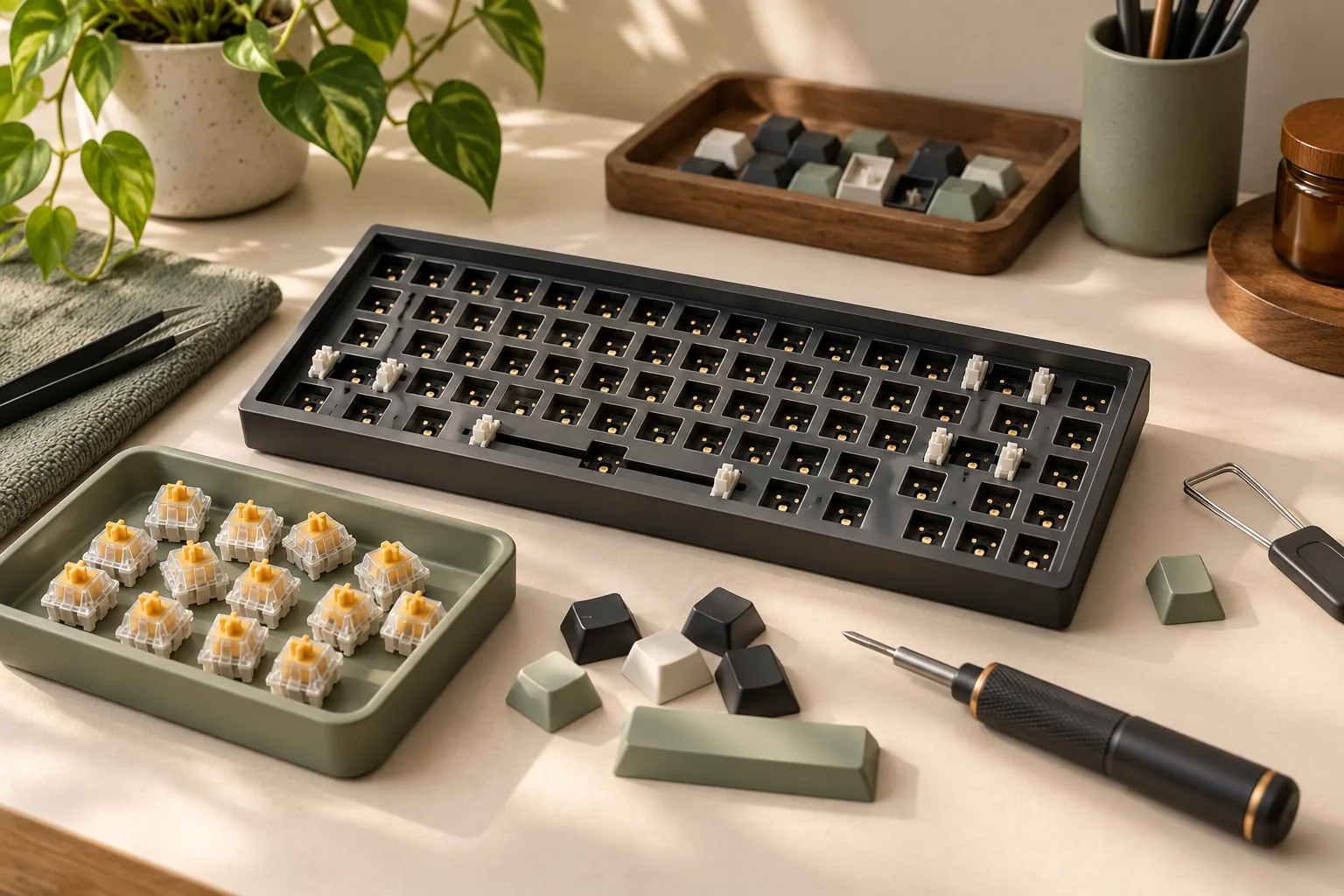
How to Customize a Mechanical Keyboard You Already Own
Customize your mechanical keyboard with supported remaps, compatible keycaps, and a hot-swap check. Follow the checklist before buying parts or opening the case.
Category Archive
Compare mechanical keyboards, switch types, layouts, keycaps, acoustics, and upgrade paths for work, gaming, and custom builds.
160 ARTICLES
Customize your mechanical keyboard with supported remaps, compatible keycaps, and a hot-swap check. Follow the checklist before buying parts or opening the case.
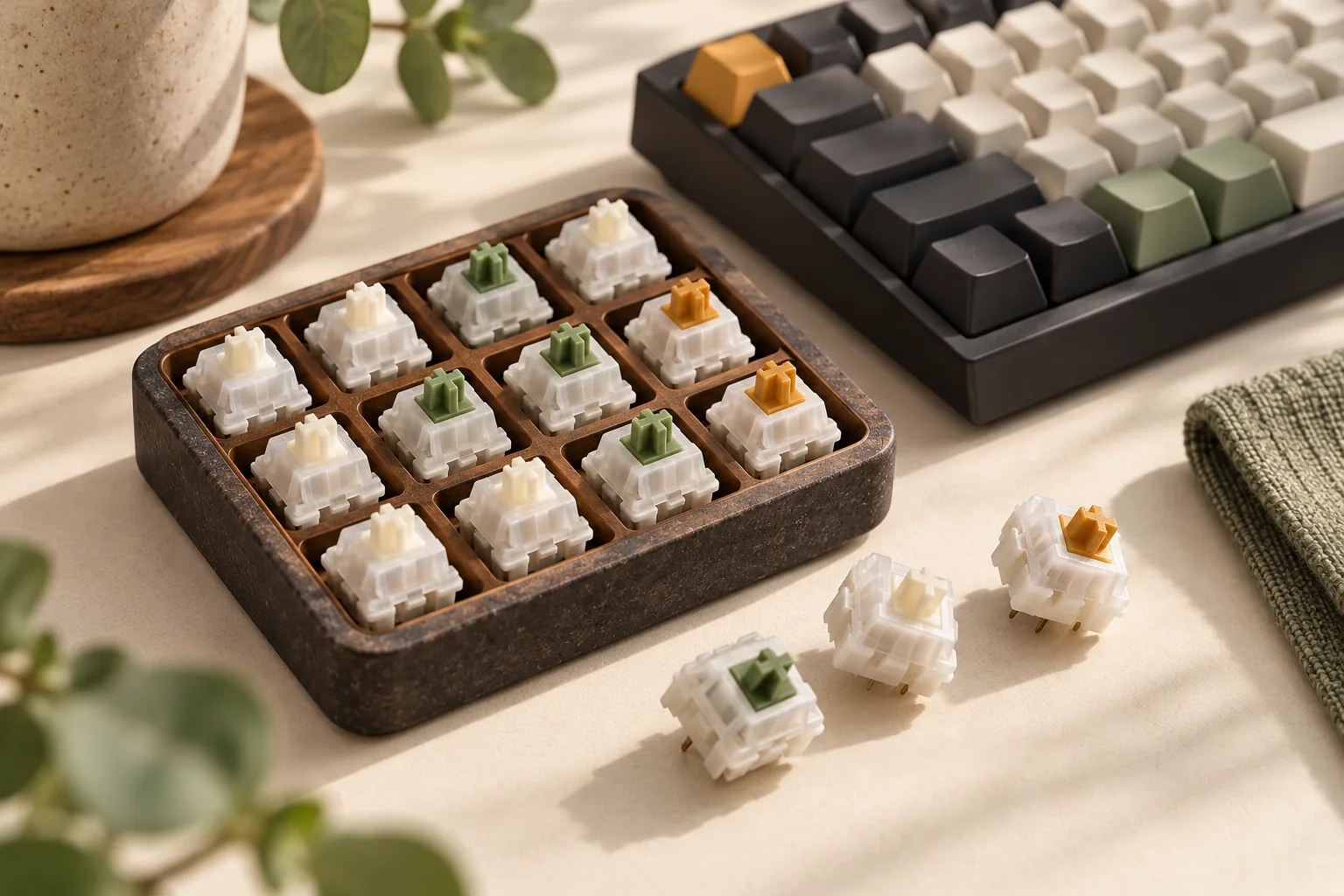
Compare Gazzew Boba U4 silent tactile switches with U4T for sound and feel. Check spring labels, exact revisions, seller condition, and fit before ordering.
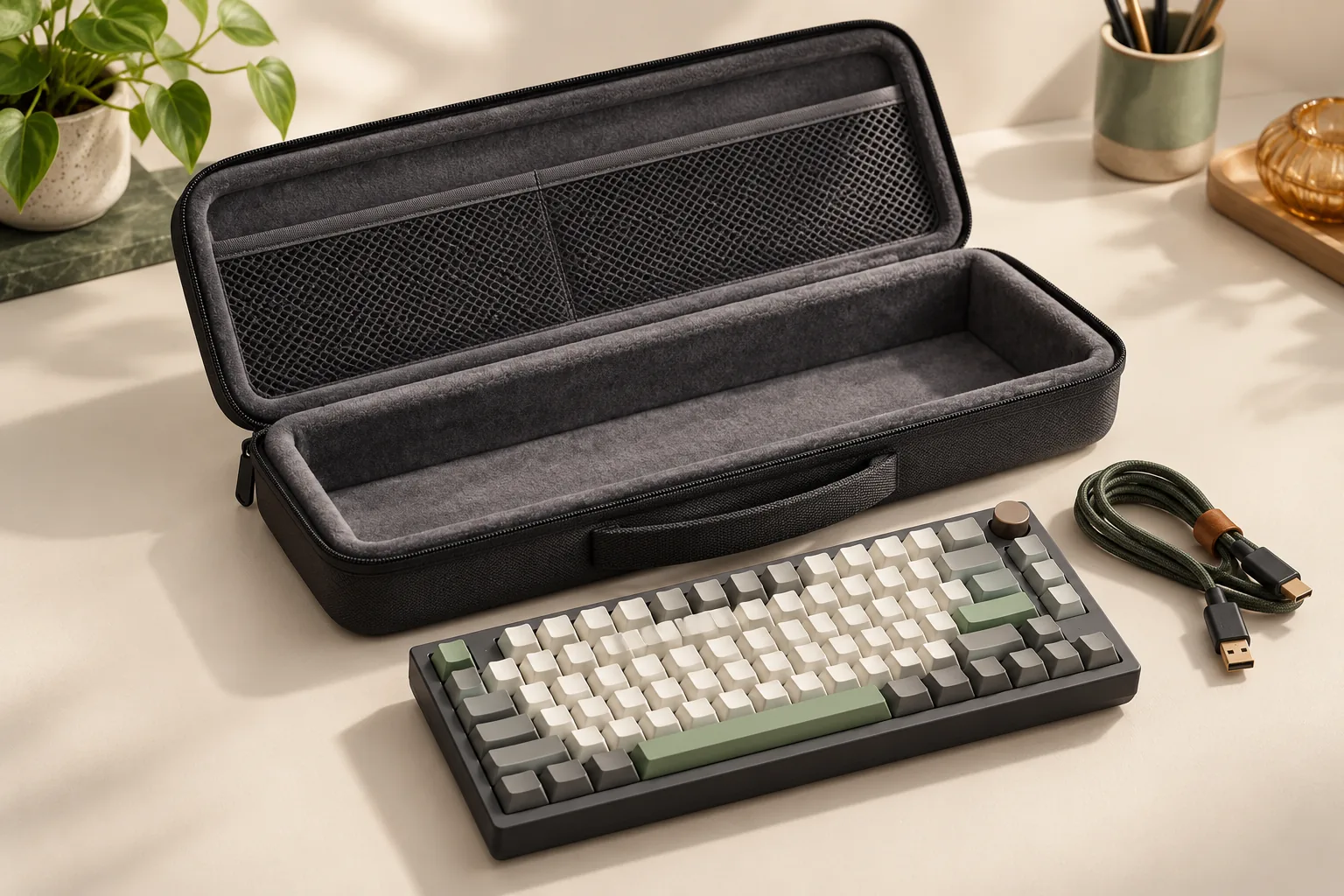
Choose a computer keyboard case by measuring keycaps, knobs, and accessories. Compare fit labels and Keychron warnings, then use a gentle closure check.
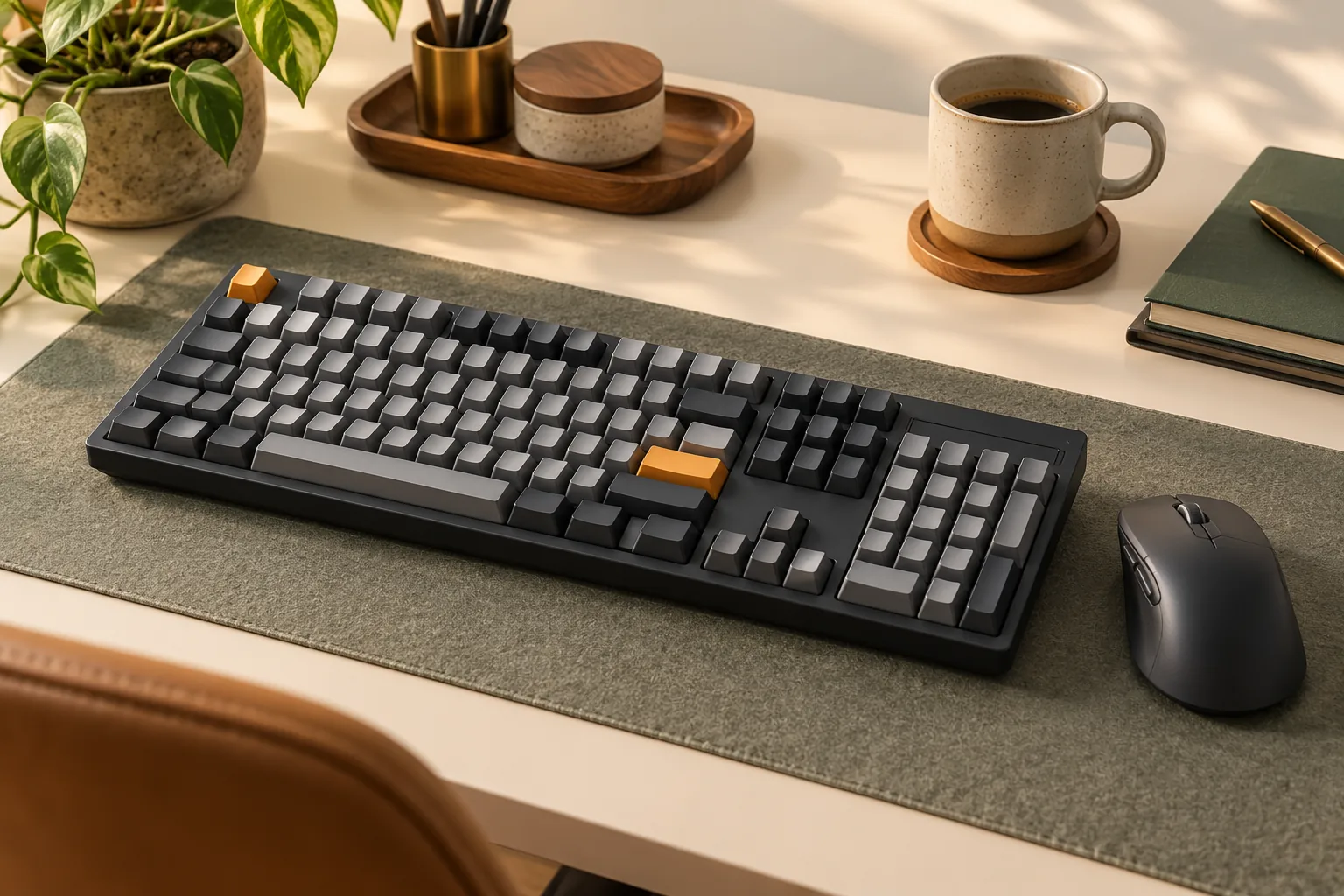
Compare the Keychron K10 wireless mechanical keyboard with the K10 Max. Check connections, remapping, and exact configurations before you buy.
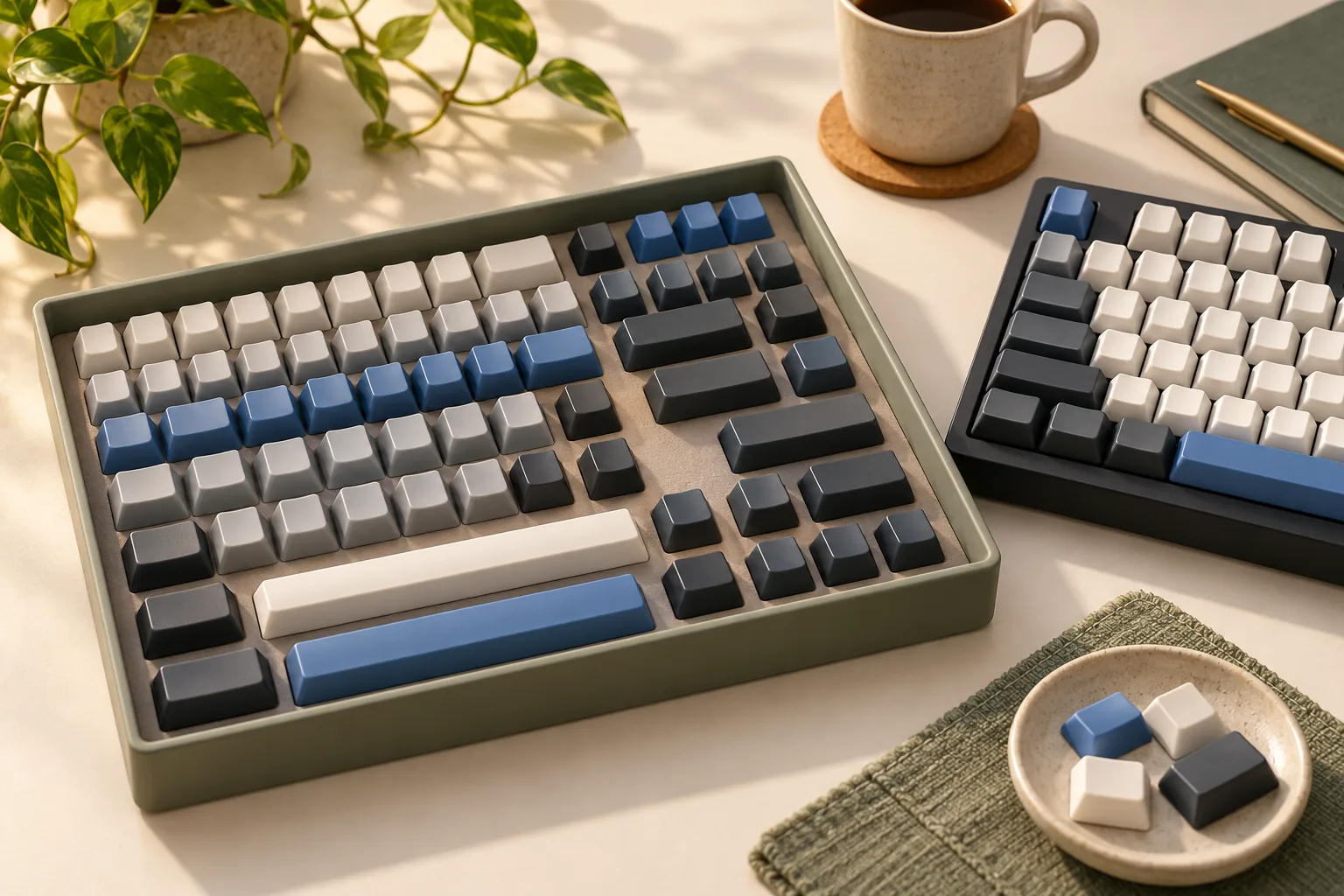
Compare Keychron PBT keycaps in Cherry and side-printed OSA profiles. Check exact specifications, model support, layout coverage, and lighting before buying.
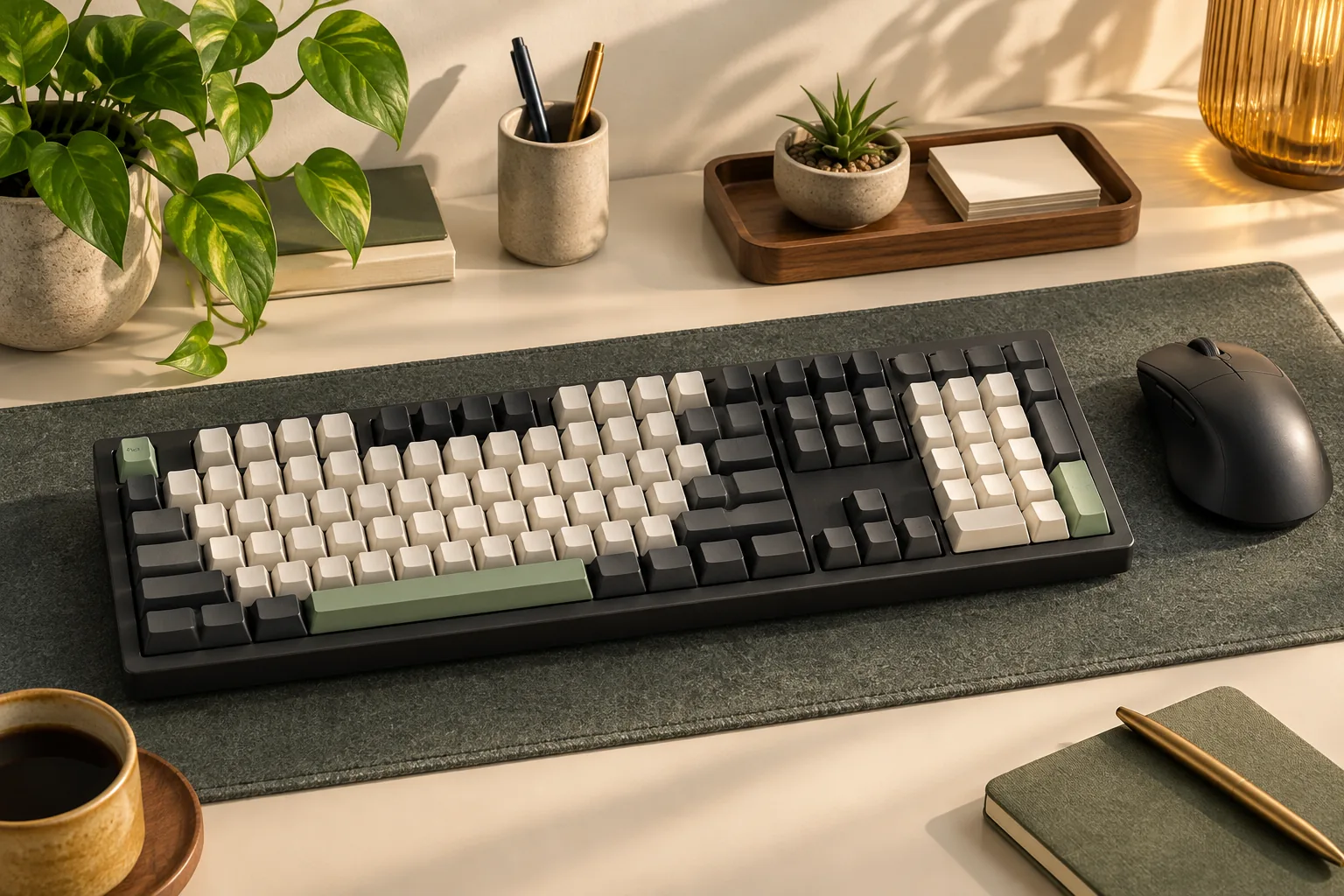
Compare Keychron Q6, Q6 Max, and Q6 Ultra 8K connections, firmware, switches, and package contents. Use the checklist to confirm your exact configuration.
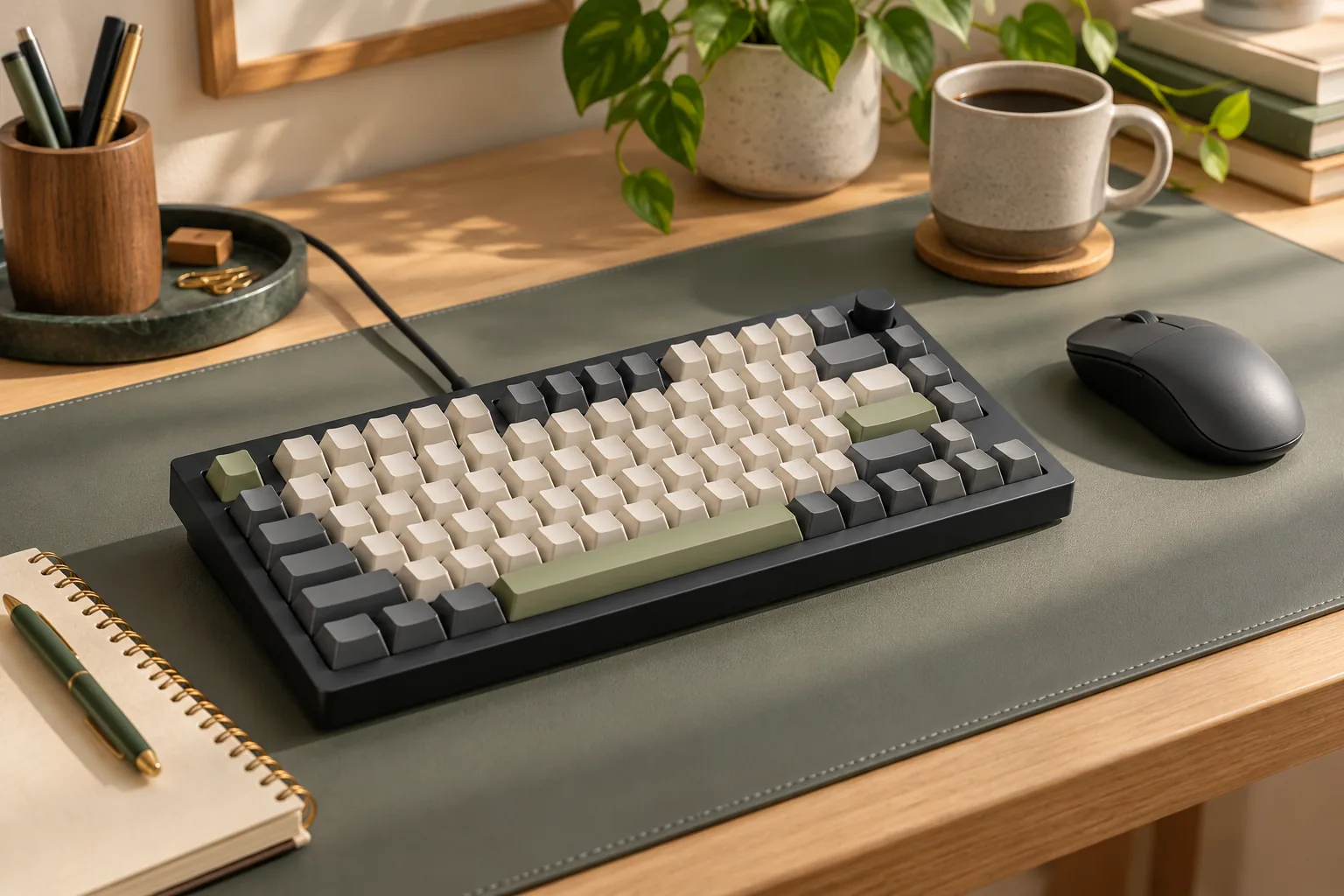
Check the original Keychron V1 mechanical keyboard's layout, remapping support, assembled vs. barebone contents, and upgrade limits before choosing your kit.
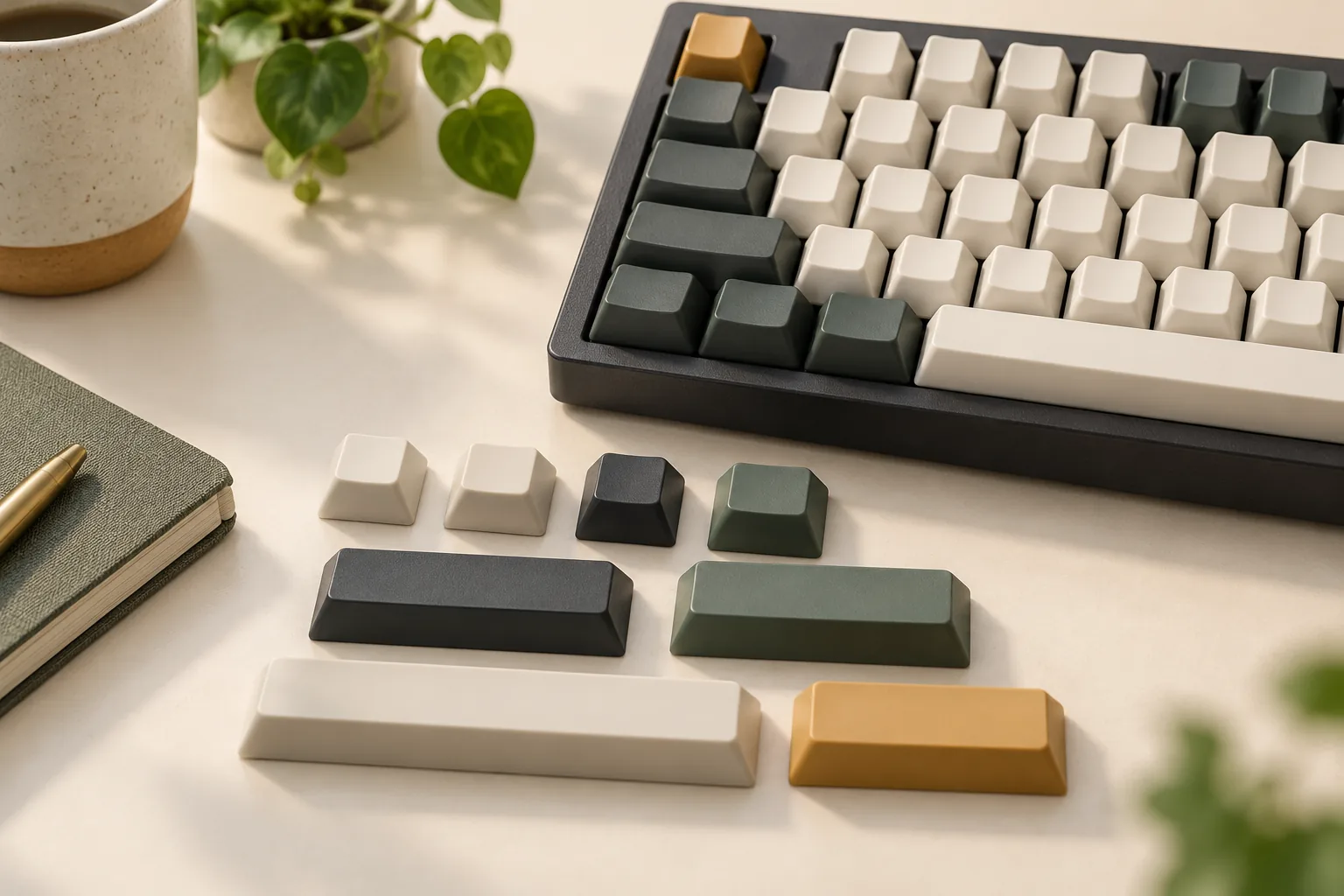
Choose Linux keycaps and plan Dvorak legends with checks for stems, rows, widths, and homing. Use the worksheet to separate physical fit from input setup.
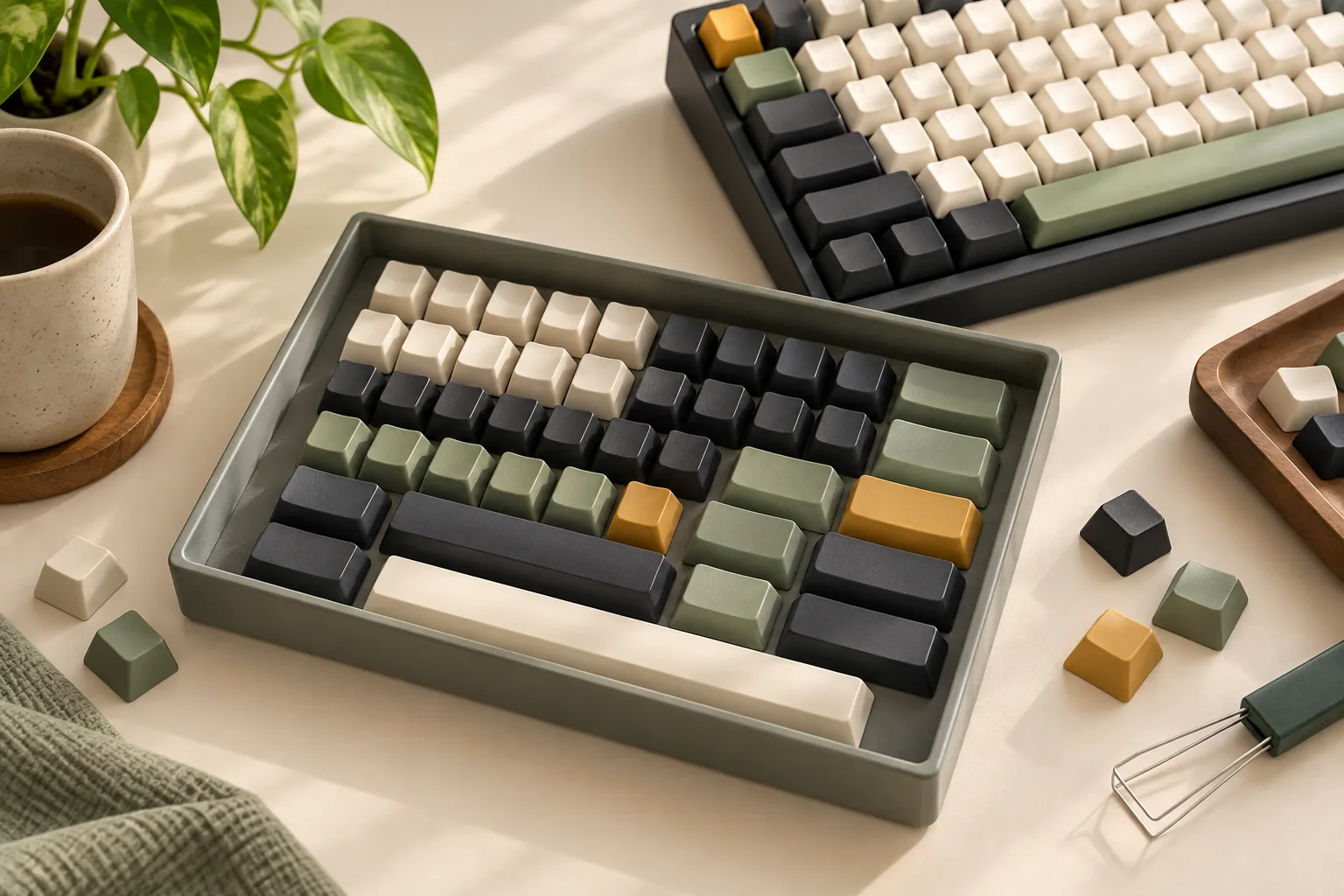
Compare NovelKeys keycaps by set, manufacturer, construction, and kit purpose. Use the fit worksheet and purchase checks before choosing your exact kit.
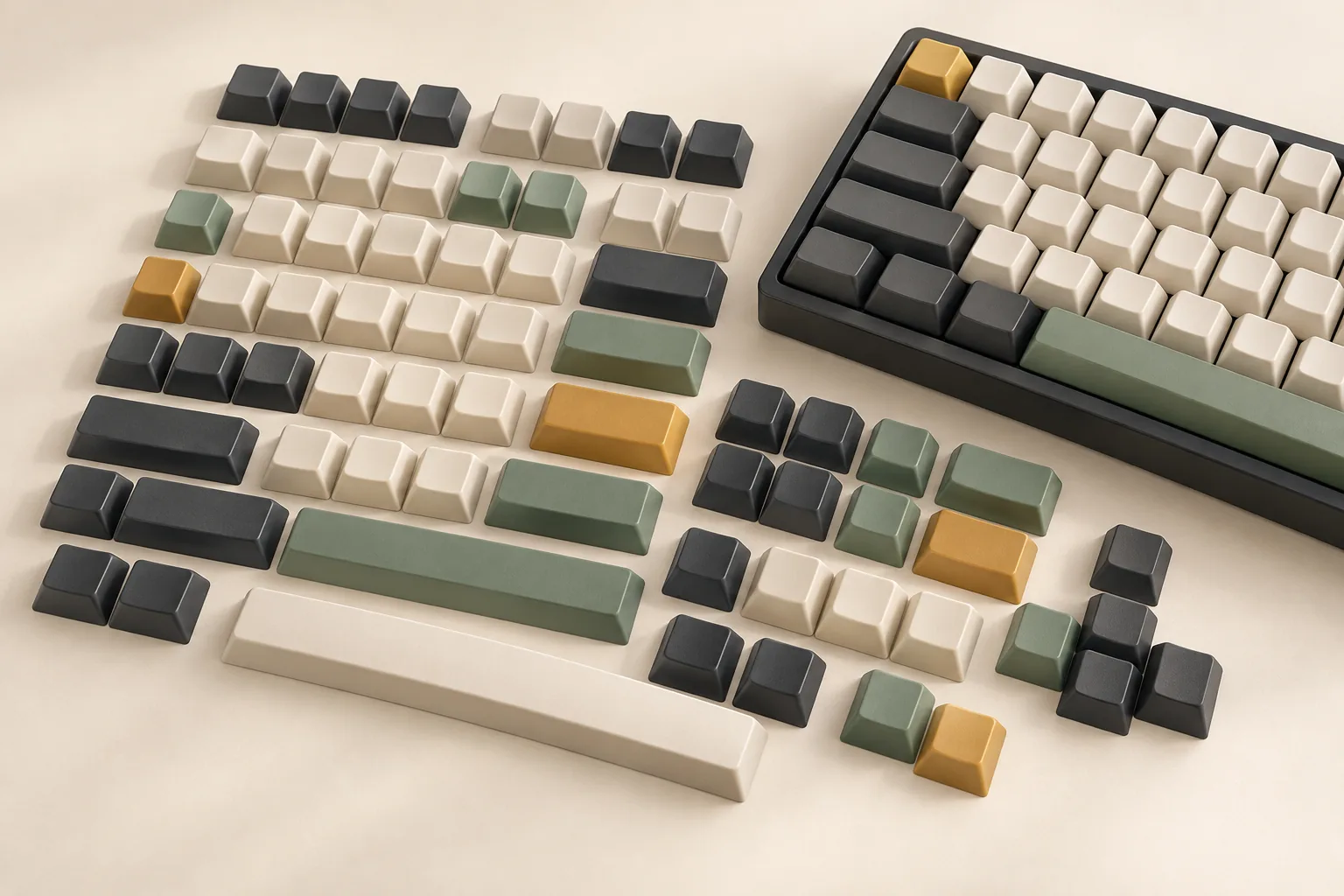
Compare Persona keycaps editions and Genshin, Zelda, and Skyrim listing evidence. Check kit contents, rights claims, layout coverage, and seller terms before buying.