As an Amazon Associate we earn from qualifying purchases.
To verify the original Keychron V1 mechanical keyboard, match the complete model name, knob option, physical layout, and package type before choosing software files or replacement parts. Keychron documents a wired 75% ANSI knob configuration with QMK firmware and Keychron Launcher remapping. Its configuration choices separately distinguish assembled and barebone packages. Keychron V1 specifications and options
This guide is for buyers identifying an original V1 and owners planning remapping or component purchases. The checks below connect the keyboard you select with its documented contents, matching support files, and separately verified upgrades.
At a glance
- Verify the original V1 name before using specifications from nearby product promotions.
- Record knob or non-knob and ANSI, ISO, or JIS when identifying support files.
- Barebone packages exclude switches and keycaps.
- Treat the documented 3-pin/5-pin hot-swap field as a starting point for checking replacement fit.
These distinctions come from Keychron's original V1 product information and V-series firmware and JSON listings.
Jump to: Model identity · Layout · Remapping · Package contents · Upgrades · Build worksheet · FAQ
Source basis: This guide uses excerpts from Keychron's product and support pages captured on October 15, 2026. It is a documentation-based guide; no hands-on testing or performance measurements are claimed.
Identify the original V1
Start with the full product name on the selected item. The relevant official listing is Keychron V1 QMK Custom Mechanical Keyboard. That page also contains promotions for V1 8K and V1 Ultra 8K, so a feature appearing somewhere on the page does not automatically describe the original V1. Original V1 product listing
For the original model covered here, the captured specifications identify wired connectivity, an ABS plastic housing, a tray mount design, and a steel plate. Use those documented fields to check whether the description you are reading still concerns the intended keyboard. They establish construction details, without establishing sound, comfort, or build-quality superiority. Keychron V1 specifications
Before proceeding, record the model name and selected configuration together. A useful note would read: “Original Keychron V1; Fully Assembled Knob; ANSI.” That is a hypothetical identification example, not a verified current offer.
If the selected item instead says V1 Max, V1 8K, or V1 Ultra 8K, use documentation specifically identifying that model. This guide covers the original V1's configuration and upgrade checks; specifications from those other models do not establish its features.
Check the layout against your daily work
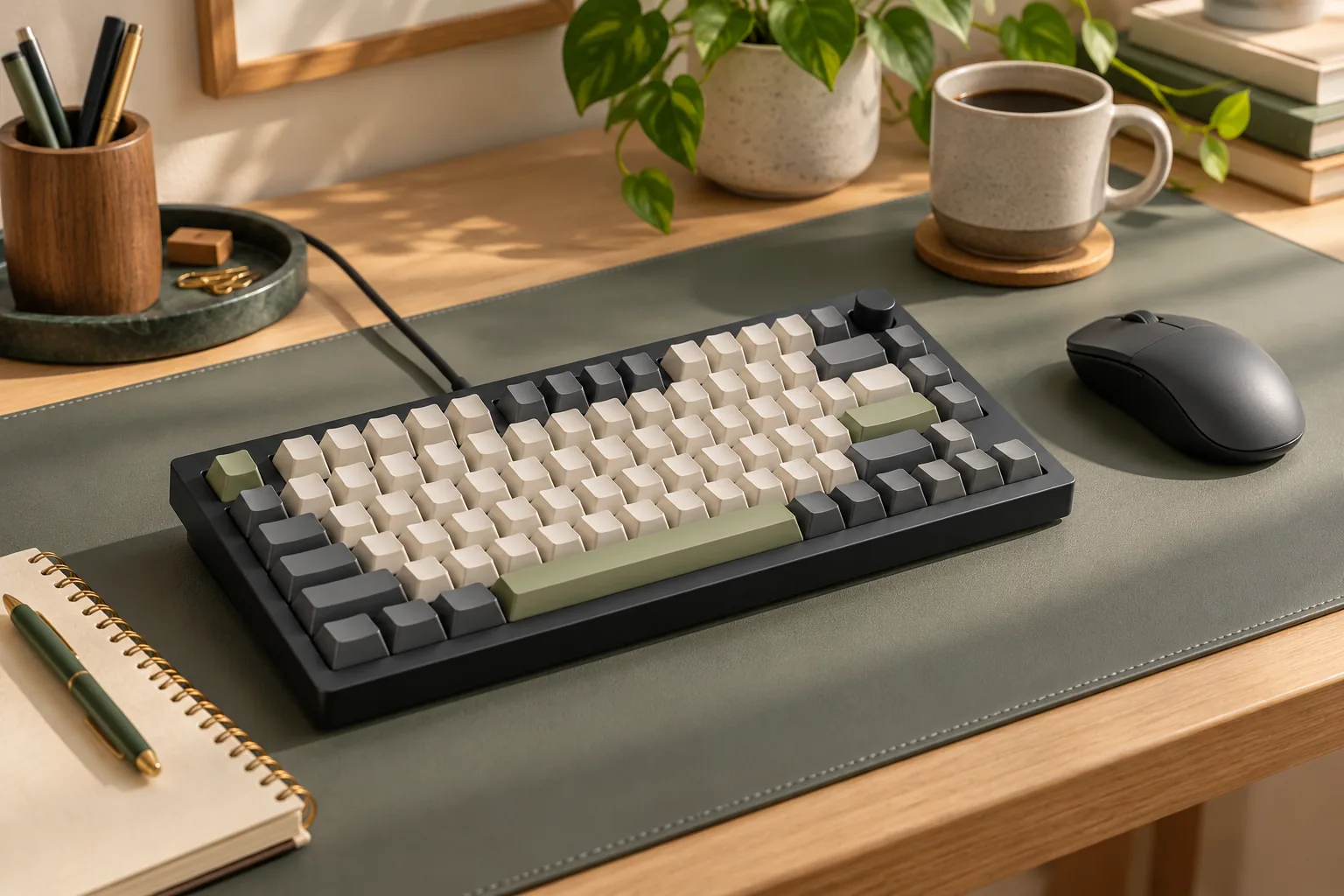
The documented product example is 75%, ANSI, with knob. Keep all three descriptors together: the percentage alone does not identify the regional layout or knob option. Keychron's separate support entries also distinguish original V1 ANSI, ISO, and JIS variants. Those entries establish documentation distinctions, not current purchasing availability. V1 specifications · V1 variant listings
Inspect the exact configuration's layout image against your working habits. Make a short list of the controls you use repeatedly, then locate each one in the pictured arrangement. Check navigation keys, modifiers, language legends, and whether you want the knob option.
For example, if your work depends on frequent Delete, Home, or End access, verify where you would reach those functions before ordering. This is a needs checklist, not a claim about the factory assignment of any particular V1 key. Resolve the physical arrangement first, then plan any remapping around the functions you need.
The assembled package description includes Mac and Windows keycaps. If you need particular language legends or a replacement set, compare those requirements with the exact package and keycap coverage rather than relying on a broad operating-system label. Assembled V1 contents
Match remapping support to your exact variant
Keychron lists QMK firmware and the Keychron Launcher web app for key remapping and macros, with macOS and Windows support. That supports considering the original V1 for changing key assignments. It does not establish that every custom behavior you might want has been verified. Keychron V1 software specifications
The official firmware page provides another identity check. Under the original V-series V1 section, it separates knob and non-knob firmware for ANSI, ISO, and JIS. Its VIA JSON listings—keymap definition files identified for VIA—make the same distinctions. Official V1 firmware and VIA JSON listings
Use that structure to organize your support search:
- Match the model: Find the original V1 section.
- Match the hardware option: Confirm knob or non-knob.
- Match the layout: Confirm ANSI, ISO, or JIS.
- Match the task: Distinguish remapping guidance, VIA JSON information, and firmware documentation.
For a hypothetical original V1 ANSI knob keyboard, the relevant listing would explicitly identify V1, knob, and ANSI. A non-knob ISO entry would leave two identifiers unmatched.
The existence of a matching firmware entry is not, by itself, a reason to update firmware. For a remapping goal, begin with Keychron's applicable software guidance. If identification remains uncertain, resolve the model and layout before selecting files; this guide does not provide flashing instructions.
Compare assembled and barebone packages
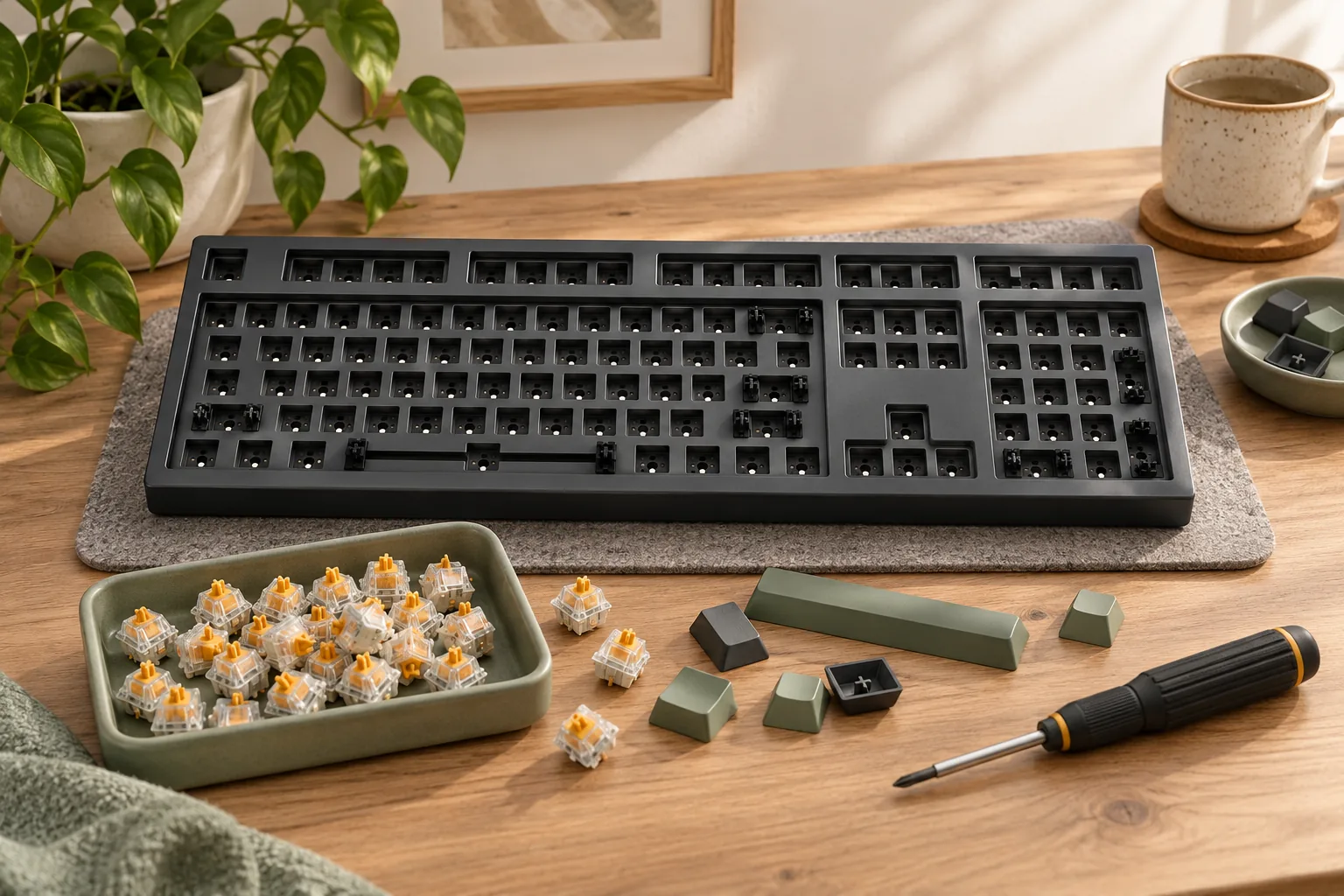
The original V1 page lists four package labels: Fully Assembled, Fully Assembled Knob, Barebone, and Barebone Knob. It explicitly says the barebone version excludes keycaps and switches. The package and knob decisions therefore need separate attention. Original V1 configuration choices
| Package label | Knob choice | Switches and keycaps | Selection condition |
|---|---|---|---|
| Fully Assembled | Non-knob option | Included in the assembled package description | Consider when you want the supplied components and this control arrangement |
| Fully Assembled Knob | Knob option | Included in the assembled package description | Consider when you want the supplied components and a knob |
| Barebone | Non-knob option | Excluded | Consider when you will supply compatible switches and keycaps |
| Barebone Knob | Knob option | Excluded | Consider when you will supply compatible switches and keycaps and want a knob |
Package comparison based on Keychron's original V1 contents and configuration excerpts; the table does not indicate current stock.
For the fully assembled version, Keychron's captured contents list includes:
- ABS plastic housing.
- Keyboard PCB, the circuit board.
- Screw-in stabilizers and a steel plate.
- Double-shot OSA PBT keycaps, including Mac and Windows keycaps.
- Keychron K Pro switches.
Source: Keychron V1 assembled package contents
Do not carry the assembled switches and keycaps into a barebone shopping list as included items. Check the selected barebone kit's itemized contents for the housing, PCB, plate, stabilizers, and any accessories you expect. The explicit switch and keycap exclusion is the essential difference to account for.
Choose assembled if the supplied components meet your requirements. Consider barebone when you already own suitable parts or have specific replacements in mind. Keychron's custom-keyboard guide supports checking and purchasing the necessary compatible components separately for barebone kits. Keychron custom-keyboard guide
Check upgrade fit component by component
The original V1 specification lists 3-pin and 5-pin hot-swap support. Treat that as a documented socket field, then check the exact replacement component. The captured specification does not establish universal compatibility across switch technologies, profiles, or housing geometries. Keychron V1 hot-swap specifications
Switches: verify more than the pin label
Before buying switches, seek confirmation that the exact switch model fits the original V1's socket and physical arrangement. Check its technology, pin configuration, profile, and housing geometry against applicable compatibility information. If the description provides only a generic pin count, ask for a specific compatibility confirmation.
This guide does not verify magnetic, optical, or low-profile replacements. It also does not recommend a switch-removal or modification procedure. An unresolved fit question is a reason to hold that component purchase while checking documentation.
Keycaps: verify complete coverage
For replacement keycaps, request a coverage diagram or itemized key list and compare it with your exact keyboard layout. Check every required position, size, mounting fit, and desired legend. A general “75%” label should prompt this comparison rather than end it.
The original assembled package supplies OSA PBT keycaps, but that fact does not certify an unrelated replacement set. Likewise, the listed screw-in stabilizers do not establish fit for a particular stabilizer upgrade. Keychron V1 assembled component description
Complete a finished-build worksheet
Compare the components you need to reach your intended finished keyboard. This avoids treating an incomplete kit as equivalent to a package that already contains switches and keycaps. Keychron's kit guide specifically calls for checking necessary compatible accessories when choosing barebone. Keychron custom-keyboard guide
Use the following worksheet with your selected configurations. Enter actual checkout amounts only when you have them; no current price or availability is assumed here.
| Item to record | Assembled route | Barebone route |
|---|---|---|
| Exact keyboard | Record original V1, knob option, and layout | Record original V1, knob option, and layout |
| Base package cost | Enter selected package amount | Enter selected kit amount |
| Switches | Keep supplied switches or record planned replacements | Identify compatible owned parts or enter purchase amount |
| Keycaps | Keep supplied caps or record planned replacements | Verify complete compatible coverage and enter any purchase amount |
| Other required items | Check itemized contents against your setup | Check itemized contents against your setup |
| Checkout total | Record the final amount shown | Record the final amount shown |
| Unresolved questions | Note any missing confirmation | Note any missing confirmation |
For example, a buyer starting without switches or keycaps should include both component purchases when evaluating barebone. A buyer who already owns compatible switches still needs to verify keycap coverage. Owned parts belong in the worksheet only after their fit is confirmed.
Do not assume barebone is the less expensive finished route. Compare each package plus all separately purchased parts you require, using the final checkout totals. Keep optional upgrades separate so they do not obscure the minimum needed for your intended build.
Frequently asked questions
Does the original Keychron V1 support wireless use?
The original V1 configuration documented here is wired. Use that connection specification when deciding whether it meets your setup requirements. Wireless language in nearby promotions does not establish wireless capability for the original model; confirm the complete selected product name before relying on a different connection claim. Original V1 specifications
Does a V1 barebone package include switches and keycaps?
No. Keychron explicitly excludes switches and keycaps from the original V1 barebone version. Plan compatible components separately and check the selected kit's remaining itemized contents. The switches and OSA PBT keycaps listed for the fully assembled package should not be counted as barebone inclusions. V1 package information
Which V1 firmware or VIA JSON entry should I identify?
Identify the entry matching the original V1, your knob or non-knob option, and your ANSI, ISO, or JIS layout. Keychron lists these distinctions separately. Finding that entry helps confirm variant identity; it does not establish that a firmware update is necessary for your intended remapping task. Official V1 support listings
Make your selection
Evaluate the original Keychron V1 mechanical keyboard in this order: identify the model, check the physical layout, match its support documentation, and account for package contents. Choose assembled when its supplied parts meet your needs; consider barebone when you can verify the separately needed components.
Your next step is to open the official original V1 listing and record the complete configuration alongside the finished-build worksheet before ordering.