As an Amazon Associate we earn from qualifying purchases.
Choose the original Keychron Q6 for its documented Type-C wired configuration. Choose the Q6 Max when you want 2.4 GHz, Bluetooth, and wired connections with QMK firmware—the keyboard's onboard software. Consider the Q6 Ultra 8K for its different ZMK firmware platform and manufacturer-specified 8,000 Hz polling in wired and 2.4 GHz modes. Its Bluetooth specification is 125 Hz. Original Q6 specifications · Q6 Max specifications · Q6 Ultra 8K specifications
For buyers comparing the Keychron Q6 Max QMK/VIA Wireless Custom Mechanical Keyboard with its relatives, the full model name is the first check. Plate material, supplied switches, keycaps, layout, and assembled status also matter. This guide helps you match those details before ordering.
Quick selection guide
- Wired setup: Start with the original Q6 if its steel plate and assembled or barebone options match your plans.
- Wireless plus QMK: Start with the Q6 Max, then confirm its exact layout and package.
- Mode-specific 8K requirement: Start with the Q6 Ultra 8K and confirm that you will use wired or 2.4 GHz mode.
These recommendations follow the documented configurations below. They are not measured performance rankings.
How this comparison was prepared: This research-based guide compares three exact product identities using saved excerpts of official Keychron product listings and captured text from Keychron's repositories, dated October 15, 2026. The comparison checks connections, firmware and tool labels, plates, switches, keycaps, layouts, and package contents. Product excerpts support only the details they contain; repository text supplies separate hardware and source-target evidence. Polling and battery figures are manufacturer specifications, and no hands-on testing or measured latency results are presented.
On this page: Comparison table · Original Q6 · Q6 Max · Q6 Ultra 8K · Firmware and layout · Buying checklist · FAQs
Compare the three exact models
Each row describes its own documented configuration. Read the component column alongside the connection column: these examples differ in more than their connection options. OSA and KSA are the listed keycap-profile names; steel and PC identify the listed plate materials.
| Exact model | Documented connections | Firmware identity | Plate and assembled configuration |
|---|---|---|---|
| Original Keychron Q6 | Type-C wired | QMK; separate layout and encoder source targets | Steel plate; OSA double-shot PBT keycaps and Gateron G Pro switches on the documented fully assembled version. Barebone excludes switches and keycaps. Product details · Source directory |
| Keychron Q6 Max | 2.4 GHz, Bluetooth, wired | QMK; Keychron Launcher listed for customization | PC plate; KSA double-shot PBT keycaps and Gateron Jupiter switch options. Fully assembled and barebone packages differ. Product details · Source directory |
| Keychron Q6 Ultra 8K | 2.4 GHz, Bluetooth 5.3, Type-C wired | ZMK; Keychron Launcher listed for customization | PC plate; KSA double-shot PBT keycaps and Keychron Silk POM switch options. The documented package is fully assembled with a knob. Product details · Hardware documentation |
The original Q6 documentation identifies a customizable 100% keyboard. The Max and Ultra product excerpts describe 100% ANSI configurations with knobs. ANSI is a layout label; additional regional layout identities appear in the repositories, but those files do not establish which retail variants are available to order. Original Q6 source · Q6 Max product details · Q6 Ultra 8K product details
Original Keychron Q6: wired and configuration specific
The original Keychron Q6 QMK Custom Mechanical Keyboard lists Type-C wired connectivity, a Type-C cable, and a Type-A-to-Type-C adapter. Its specifications list a CNC aluminum body, steel plate, and 1,000 Hz polling rate. These details belong to the original Q6. Keychron Q6 specifications
For the fully assembled version, Keychron lists OSA double-shot PBT keycaps that are not shine-through and Gateron G Pro switches. One captured selection is Q6-C1: Fully Assembled / Carbon Black - B / Gateron G Pro Red. That identifies a particular configuration rather than the contents of every Q6 listing. Assembled specifications and selected configuration
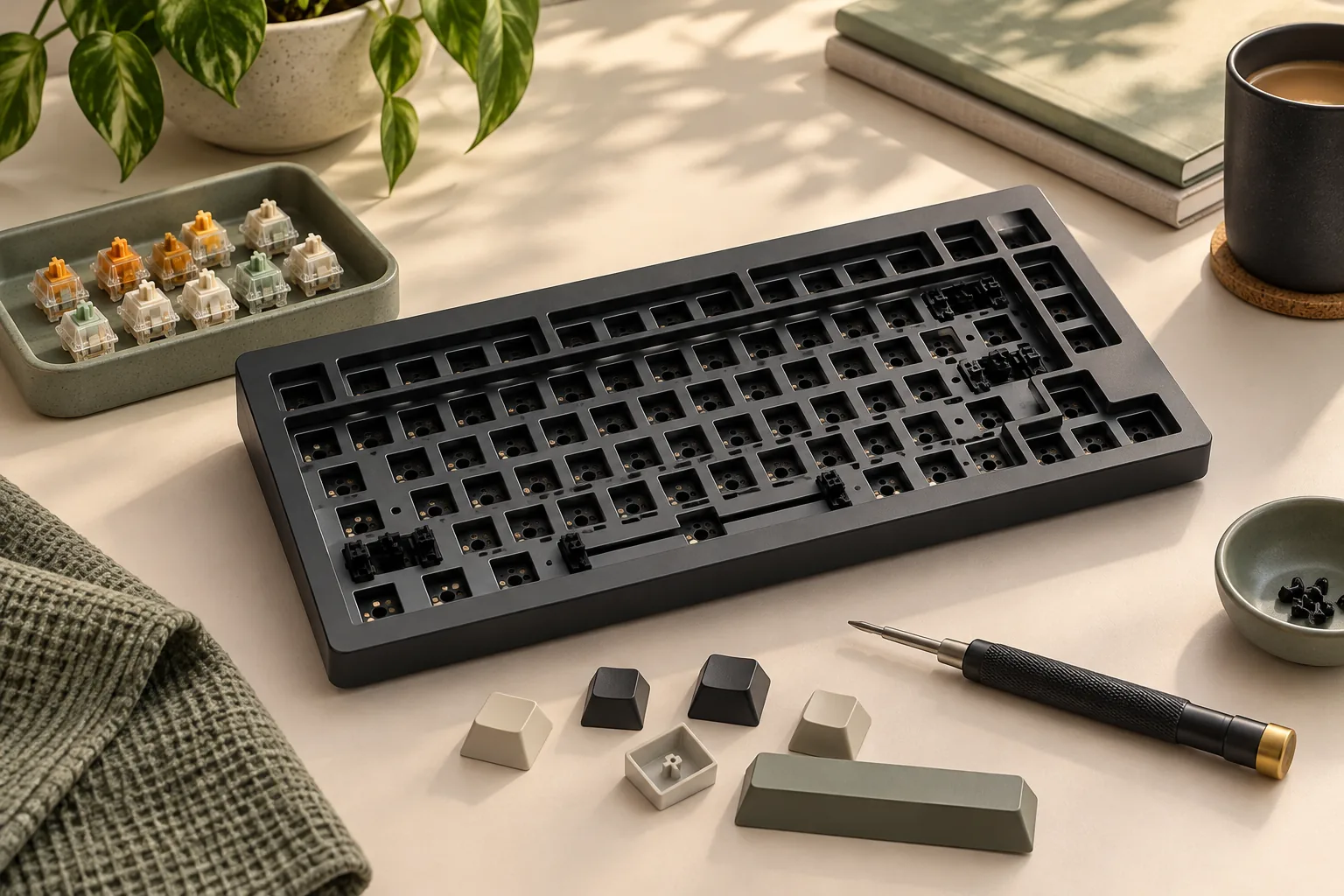
The original product options distinguish fully assembled, knob, and barebone choices. A barebone package omits switches and keycaps, so it suits a buyer who intends to supply those parts after confirming compatibility and layout coverage. The original Q6 also documents hot-swap support for 3-pin and 5-pin switches and PCB screw-in stabilizers. PCB means the keyboard's circuit board; these specifications should stay attached to this model. Package options and switch support
Choose it when: You want a wired Q6 and have confirmed the exact knob choice, layout, and included components. If you already own switches or keycaps, use the buying checklist below before treating a barebone offer as a complete purchase.
Keychron Q6 Max QMK/VIA Wireless Custom Mechanical Keyboard
The Q6 Max product excerpt lists 2.4 GHz, Bluetooth, and wired connectivity, together with QMK firmware and Keychron Launcher. Its documented full-size ANSI configuration has a knob, a PC plate, KSA double-shot PBT keycaps that are not shine-through, and Gateron Jupiter Brown, Banana, or Red switch options. Keychron Q6 Max specifications
A concrete captured selection is Q6M-M3: Fully Assembled Knob / Carbon Black / Gateron Jupiter Brown. The fully assembled package includes the keyboard PCB, case, PC plate, keycaps, and switches. The barebone version excludes switches and keycaps. Selected Q6 Max configuration and contents
The option list also includes a fully assembled knob version with side-printed keycaps. Check that wording in the selected offer if legend placement matters to you. The option list describes choices across the family; your order needs to identify the particular choice you want. Q6 Max configuration options
Keychron's captured specification includes a generic 1,000 Hz field. It does not qualify that figure separately for every connection mode, so it cannot establish a 1,000 Hz Bluetooth specification. Q6 Max specifications
Choose it when: You need wireless connectivity and want the documented QMK ecosystem. For example, a buyer requiring both QMK and 2.4 GHz can shortlist the Max, then decide between an assembled Jupiter configuration and a barebone build.
Keychron Q6 Ultra 8K Wireless Custom Mechanical Keyboard
The Q6 Ultra 8K is documented as a full-size mechanical keyboard with a CNC aluminum case, PC plate, and ZMK firmware with Keychron Launcher. Its product excerpt describes a 100% ANSI layout with a knob and 2.4 GHz, Bluetooth 5.3, and Type-C wired connectivity. Ultra product specifications · Official hardware documentation Use the model and firmware identification checklist before choosing a configuration or recovery tool.
The fully assembled package includes the keyboard PCB, case, PC plate, keycaps—including Mac and Windows keycaps—and Keychron Silk POM switches. Listed switch options are Brown, Red, and Banana, paired with KSA double-shot PBT keycaps. The captured description establishes this assembled package; it does not establish an equivalent Ultra barebone offer. Ultra configuration and contents
Read the polling specification by connection
Keychron specifies the following rates for the Q6 Ultra 8K:
| Connection | Manufacturer-specified polling rate |
|---|---|
| Type-C wired | 8,000 Hz |
| 2.4 GHz wireless | 8,000 Hz |
| Bluetooth | 125 Hz |
Source: Keychron Q6 Ultra 8K product specifications.
If you intend to use Bluetooth, make your decision using the Bluetooth row. The 8K name does not establish an 8,000 Hz Bluetooth connection. These specifications also do not establish a measured end-to-end latency advantage over either Q6 relative.
Keep the battery conditions attached
Keychron rates wireless working time at up to 660 hours with the backlight off and up to 200 hours with RGB at its lowest brightness. The captured product passage does not supply every connection, lighting-effect, and inactivity condition behind those limits. Treat them as qualified manufacturer ratings rather than a battery-life result you can directly compare with another model. Ultra battery specifications
Choose it when: You specifically want the documented ZMK configuration or 8,000 Hz specification in wired or 2.4 GHz mode. Confirm the intended connection before using polling rate as a reason to buy.
Match firmware, layout, and parts separately
The original Q6 and Q6 Max have distinct locations in Keychron's QMK repository, while the Ultra hardware documentation identifies ZMK. The Max and Ultra product descriptions both mention Launcher, but that shared tool name does not establish a common firmware file or update procedure. Original Q6 source · Q6 Max source · Ultra hardware documentation
For the original Q6, Keychron lists separate ansi, ansi_encoder, iso, and iso_encoder source directories. These distinguish layout and encoder variants in the source. The Q6 Max directory separately lists ansi_encoder, iso_encoder, and jis_encoder, alongside firmware and via_json directories. These names identify distinct source targets; they do not identify the layout or knob presence of an arbitrary keyboard being sold. Original Q6 layout targets · Q6 Max layout targets
The Ultra hardware index lists US, UK, and JP model, PCB, and plate assets. That gives you a reason to match the regional design carefully when consulting documentation. It does not establish current regional stock or cross-model parts compatibility. Ultra regional hardware assets
For an existing keyboard, start with its exact model and layout before seeking support. For a purchase, confirm those details in the selected offer. Obtain model-specific guidance before a firmware update or parts purchase; the family name alone does not establish compatibility.
Check the complete configuration before ordering
Use this worksheet to turn a model preference into a specific purchase. Its questions help you check a selected offer; they do not promise what a current seller includes.
| Check | What to confirm | Decision rule |
|---|---|---|
| Full name | Original Q6, Q6 Max, or Q6 Ultra 8K | Match the complete name to the comparison row. |
| Connection | The connection you will actually use | For Ultra 8K polling, confirm wired or 2.4 GHz use. |
| Layout and knob | Exact regional layout and knob choice | Match the selected configuration, photos, and package description. |
| Assembly | Fully assembled or barebone | For original Q6 and Max barebone packages, account for switches and keycaps. |
| Switches | Exact brand, family, and option | Preserve G Pro, Jupiter, and Silk POM identities. |
| Keycaps | Profile, legend placement, and layout coverage | Confirm the selected set rather than assuming the family default. |
| Connection accessories | Included receiver, cable, and adapters | Obtain the exact regional package list. |
| Checkout | Seller, condition, total cost, delivery, and return terms | Verify the selected offer before paying. |
The component distinctions come from the original Q6, Q6 Max, and Q6 Ultra 8K descriptions.
For example, a QMK buyer wanting wireless can begin with the Max. If that buyer chooses a barebone package, switches and keycaps remain separate requirements. A buyer choosing the documented fully assembled Ultra package has Silk POM switches and keycaps listed, but still needs to confirm the regional connection-accessory inventory. Max package details · Ultra package details
Compare complete costs after confirming those requirements: keyboard + required switches + compatible keycaps + any confirmed missing accessories + tax and shipping. Use current quotes for the exact items. This avoids comparing an unfinished barebone purchase with a fully assembled configuration as though their contents were equal.
Frequently asked questions
Does the original Q6 have wireless connectivity?
Keychron's captured original-Q6 specification lists Type-C wired connectivity. The Q6 Max and Q6 Ultra 8K descriptions list wireless connections separately. If wireless is a requirement, match the complete Max or Ultra model name to the selected offer before ordering. Original Q6 · Q6 Max · Q6 Ultra 8K
Does the Q6 Ultra 8K run at 8,000 Hz over Bluetooth?
Keychron specifies 125 Hz for Bluetooth on the Q6 Ultra 8K. The 8,000 Hz specification applies to wired and 2.4 GHz modes. Choose your intended connection first, then use the corresponding specification; the model suffix alone does not describe every connection. Ultra polling specifications
Which model fits a wireless QMK requirement?
The Q6 Max matches that documented requirement: its product description lists wireless connectivity and QMK firmware. The original Q6 is documented as wired, and the Ultra uses ZMK. After choosing the Max family, confirm layout, assembled status, switches, and keycaps in the exact offer. Q6 Max · Original Q6 · Ultra firmware identity
Can I assume the three models share replacement parts?
Cross-model interchangeability is not established by these specifications. Keychron documents different source targets and regional hardware assets, so a replacement purchase needs exact model and layout confirmation. Ask for compatibility with the specific board and part rather than relying on the shared Q6 name. Q6 source · Max source · Ultra assets
Choose the original Q6 for the documented wired configuration, the Max for wireless with QMK, or the Ultra for ZMK and its connection-specific 8K specification. Open the matching official product page and check the selected configuration against the worksheet before ordering.