As an Amazon Associate we earn from qualifying purchases.
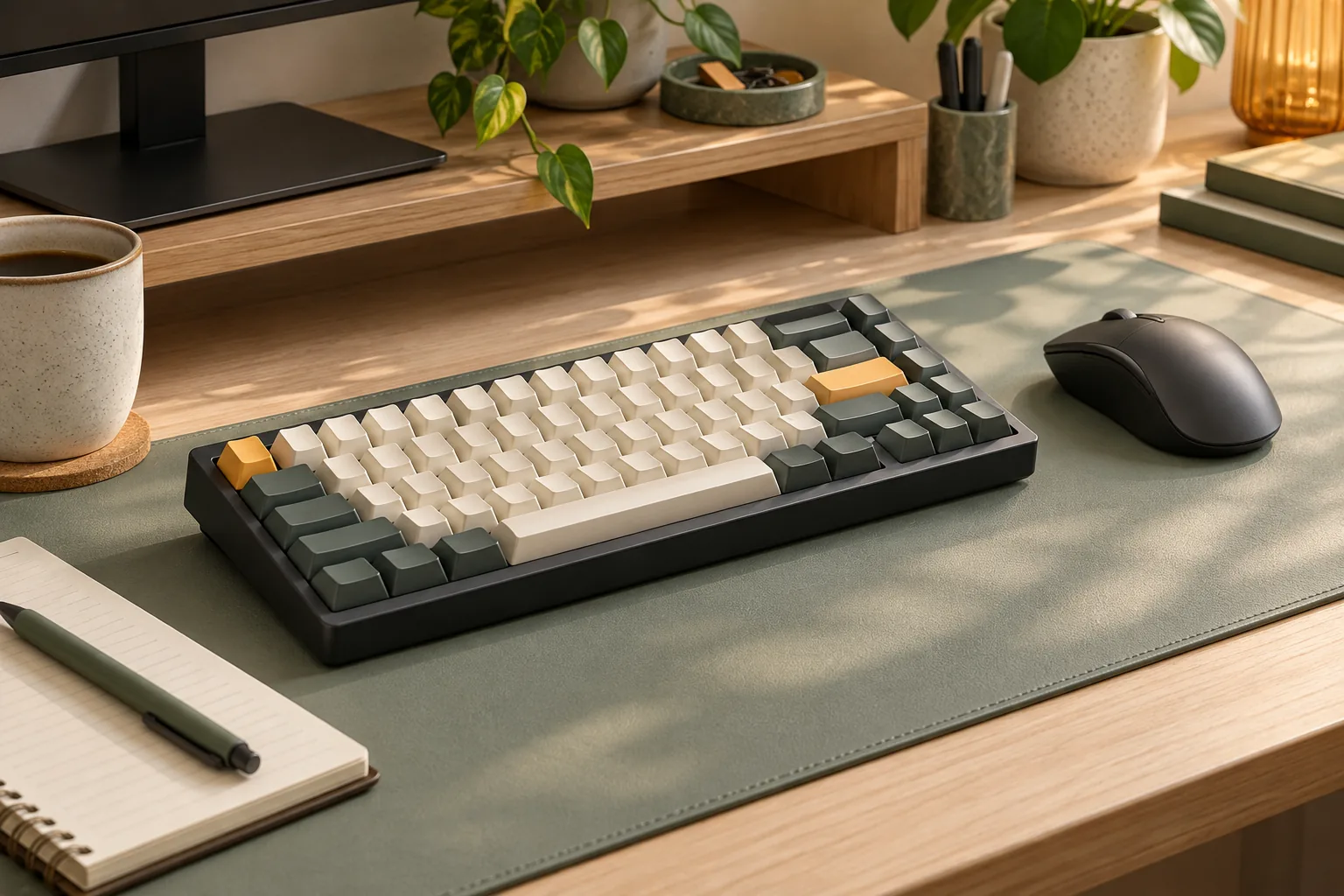
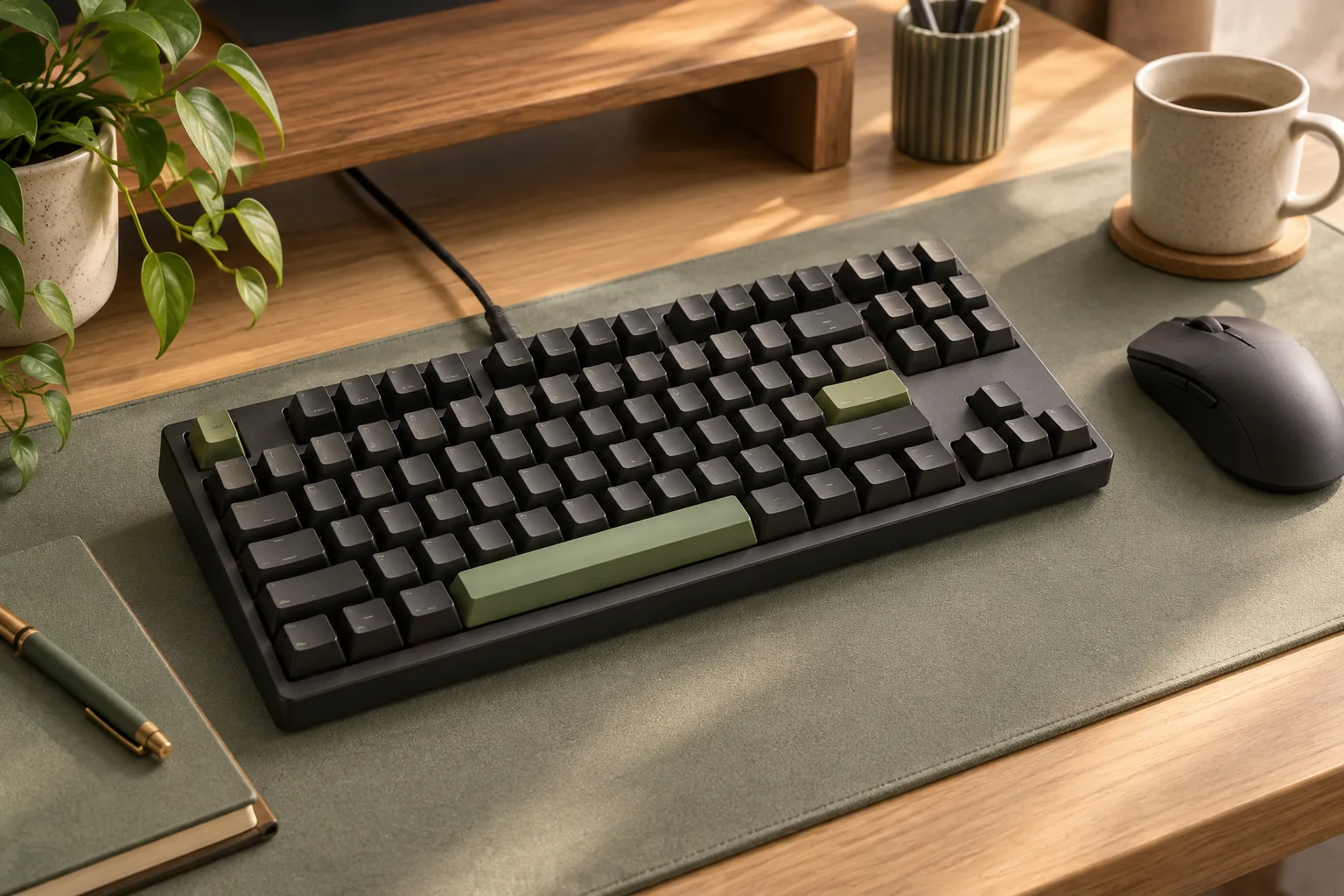
A tenkeyless, or TKL, mechanical keyboard removes the separate number pad while keeping the layout focused on typing, function keys, and navigation. The best TKL mechanical keyboard for you preserves access to your daily commands and fits beside your mouse. Check the exact regional layout rather than relying on an “80%” label or key count. Corsair’s K70 CORE TKL specifications provide one documented example.
This guide is for people moving from a full-size keyboard who want familiar controls in a narrower footprint. The two configuration examples are Corsair’s wired K70 CORE TKL CH-911911E-NA and the original Keychron V3 US ANSI. Choose between them by key access, desk fit, and documented customization features.
Quick takeaways
- Start with the commands you use: function keys, arrows, Home/End, Page Up/Page Down, and any less common shortcuts.
- Consider the K70 CORE TKL for its documented wired NA configuration and Fn/media controls; consider the original V3 when documented mechanical switch hot-swap is a priority.
- Measure the keyboard’s footprint beside your actual mouse movement before choosing.
Research basis: Sources were captured October 15, 2026. This guide uses Corsair’s product page and manual, plus captured excerpts from Keychron Germany, TweakTown, and APH Networks. Recommendations reflect documented features, not hands-on testing; the excerpt sources were not reviewed as full pages.
On this page: Key-access worksheet · Desk measurements · Configuration comparison · Replacement checks · Purchase checklist · FAQ
Check your key access before comparing products
Treat “tenkeyless,” “TKL,” “10-keyless,” and “80%” as starting points for finding candidates. Then compare the exact product’s layout diagram and manual with your current keyboard. Corsair identifies the selected K70 CORE TKL as an 87-key NA model, but its manual also assigns functions to Fn combinations. A key count alone does not establish how every command is accessed. Sources: Corsair product page, K70 CORE TKL manual.
Use this worksheet before deciding which product looks best. Mark each task as requiring a dedicated key, accepting an Fn combination, or needing further confirmation.
| Your daily task | What to inspect on the exact layout | Your decision rule |
|---|---|---|
| Use application function shortcuts | Function-row labels and any secondary actions | Require direct access to the function keys you use repeatedly |
| Move through text or spreadsheets | Arrow placement and separation from surrounding keys | Choose spacing you can identify from the layout diagram |
| Jump through documents | Home, End, Page Up, and Page Down access | Decide which commands need dedicated keys |
| Use Insert, Delete, Print Screen, Pause, or Scroll Lock | Each named key or its documented alternative | Verify each command separately |
| Enter long columns of numbers | Your reliance on a separate number pad | Keep a numpad requirement if changing the workflow is unacceptable |
| Control media or prevent accidental Windows-key presses | Physical controls, Fn shortcuts, and software requirements | Prefer controls that work in your intended operating mode |
For example, a document editor might require dedicated Home and End keys but accept an Fn combination for Scroll Lock. Someone entering numeric records throughout the day may decide the number pad matters more than reducing keyboard width. These are different priorities, even if both buyers initially search for a TKL mechanical keyboard.
If you are also considering a 75% keyboard, apply the same worksheet to its exact layout. Compare navigation spacing and command access directly. Keep full-size candidates in consideration when the number pad remains a requirement.
Separate physical keys, Fn shortcuts, and software controls
The K70 CORE TKL manual gives concrete examples of why these distinctions matter:
| Control | Documented K70 CORE TKL action |
|---|---|
| Fn + F1 | Toggle Scroll Lock |
| Fn + F2 | Cycle profiles; the profile source depends on operating mode |
| Fn + F3 / F4 | Decrease / increase lighting brightness |
| Fn + F5 / F6 / F7 / F8 | Stop / previous track / play-pause / next track |
| Fn + F9 | Toggle Win Lock |
| Fn + F12 | Cycle dial modes |
| Media button | Play/pause by default; customizable in iCUE |
These shortcuts come from the wired K70 CORE TKL manual. They establish access to those functions without establishing a universal dedicated-key arrangement for TKL keyboards.
The same manual distinguishes software mode, controlled by iCUE on Windows or Mac, from hardware mode, which uses settings saved onboard when iCUE is not running or supported. If you expect to use the keyboard without iCUE, check the saved settings you will need. Keep a worksheet entry unresolved until the exact manual or layout confirms it. Source: Corsair manual.
Measure the footprint and your mouse movement
Use model-specific dimensions rather than a general promise that TKL saves a particular percentage of desk space. The captured TweakTown K70 CORE TKL review excerpt reports dimensions of 366 × 135 × 39.4 mm. The separate APH Networks full-size K70 CORE review excerpt reports 445 × 134 × 39 mm.
The reported horizontal dimensions differ by 79 mm, calculated as 445 minus 366. These are different models described by different publications, rather than a controlled side-by-side measurement. The difference does not establish additional mouse travel or improvements in aim, posture, or comfort.
To check your own desk:
- Mark the candidate footprint. Use removable tape or a paper outline based on the exact model’s dimensions.
- Place it where you would type. Account for your monitor position and preferred keyboard angle.
- Move your mouse through normal tasks. Include the movements you make in your usual games or applications.
- Check nearby objects. Leave room for the cable, mouse pad, speakers, and anything else sharing the surface.
Repeat this with each candidate rather than assuming every TKL occupies the same space. Keychron Germany’s original V3 US ANSI specification excerpt lists a length of 366.70 mm and width of 140.56 mm. Its footprint therefore deserves its own outline. Source: Keychron Germany.
Which is the best TKL mechanical keyboard for your needs?
These two documented configurations offer different reasons to make a shortlist. The comparison below uses Corsair’s exact NA product page, the original V3 US ANSI excerpt from Keychron Germany, and the attributed TweakTown dimensions.
| Decision point | Corsair K70 CORE TKL CH-911911E-NA | Original Keychron V3 US ANSI |
|---|---|---|
| Configuration identity | Wired mechanical, NA layout, 87-key matrix | Original V3 US ANSI; distinguish assembled and barebone selections |
| Connection | Wired USB | Type-C cable connection |
| Report/polling rate | 1,000 Hz | 1,000 Hz |
| Documented switches | Main description: pre-lubricated MLX Red v2 linear; shorter specification field: MLX Red | Keychron K Pro switches for the fully assembled version |
| Documented keycaps | Double-shot ABS | OSA-profile double-shot PBT for the fully assembled version |
| Mechanical switch hot-swap | Not established by the selected official record | Documented support for 3-pin and 5-pin mechanical switches |
| Reported footprint | 366 × 135 mm, from TweakTown’s excerpt | 366.70 × 140.56 mm, from Keychron Germany’s excerpt |
| Main selection condition | You want this wired NA configuration and its documented control scheme | You prioritize documented mechanical switch hot-swap and the specified assembled components |
The shared 1,000 Hz specification does not establish equal measured latency or performance. Likewise, the listed materials are configuration facts, rather than a ranking of typing feel or sound.
Consider the K70 CORE TKL for its documented controls
The selected Corsair model is a useful candidate if its Fn shortcuts and media button match your worksheet. Keep the exact SKU, CH-911911E-NA, attached to your comparison. Its main product description names MLX Red v2 linear switches, while the shorter specification field says MLX Red; confirm the intended switch version if that distinction affects your purchase. Source: Corsair product page.
Corsair lists the keyboard, USB Type-C cable, safety leaflet, and warranty card as package contents, and states that a wrist rest is not included. Account for that package when comparing options. Do not assume specifications from another K70 model apply to this one. Source: Corsair product page.
Consider the original V3 for documented mechanical hot-swap
The original V3 US ANSI is the stronger documented candidate here when replacing mechanical switches is a purchase requirement. Keychron Germany’s excerpt specifies 3-pin and 5-pin mechanical hot-swap, screw-in PCB stabilizers, a tray mount, an ABS body, and a steel plate. Its fully assembled specification lists K Pro switches and OSA double-shot PBT keycaps. Source: Keychron Germany.
Match those details to the original V3 and the selected package. They do not establish specifications for V3 Max, V3 8K, or V3 Ultra 8K. The Germany-hosted documentation also does not establish current US stock or applicable US commercial terms.
Verify keycap fit before buying replacements
Keep replacement-keycap fit separate from the keyboard’s layout label and switch specifications. Neither the selected Corsair documentation nor the original V3 excerpt establishes all the dimensioned keycap and stabilizer geometry needed to recommend a replacement kit. The V3’s documented mechanical hot-swap support does not answer that separate fit question. Sources: Corsair product page, Keychron Germany.
Before buying replacement caps, obtain confirmation of:
- Exact layout and key widths, including the bottom row and space bar.
- Stem interfaces for the intended caps and switches.
- Stabilizer attachment and spacing for larger keys.
- Kit coverage, including the required legends and row profiles.
Leave compatibility unresolved when those details are missing. A replacement set marketed for “TKL” or “80%” should still be checked against the exact keyboard configuration.
Check the exact configuration before ordering
Use the manufacturer links as documentation starting points, then review the actual listing you intend to buy. Work through this final checklist:
- Match the model and region. Record the complete product name, SKU where available, layout designation, and generation.
- Confirm key access. Compare the listing’s layout diagram and exact manual with every required command in your worksheet.
- Confirm the package. Check assembled versus barebone status, switches, keycaps, cable, and any accessories you need.
- Confirm desk fit. Use the exact footprint and allow for the cable and your mouse movements.
- Review checkout terms. Check the seller, condition, total price, availability, return terms, and applicable warranty before paying.
If a listing mixes model names or leaves a required feature unclear, ask the seller or manufacturer to identify the exact configuration before ordering.
Frequently asked questions
Does an 87-key TKL guarantee dedicated Scroll Lock, Pause, and Print Screen keys?
No. Verify each function in the exact layout and manual. Corsair lists an 87-key matrix for this K70 CORE TKL, while its manual documents Scroll Lock through Fn + F1. That evidence does not establish dedicated physical positions for all three commands. Sources: Corsair specifications, manual.
Will a TKL give me more usable mouse space?
Check your desk arrangement. The cited K70 CORE TKL and full-size K70 CORE excerpts report a 79 mm difference in horizontal dimensions. That comparison supplies a footprint reference; it does not measure your available mouse movement. Mark the candidate’s outline and try your normal movements beside it. Sources: TweakTown, APH Networks.
Which example should I investigate for switch replacement?
Start with the original Keychron V3 US ANSI when documented mechanical hot-swap is required. Its specification excerpt lists 3-pin and 5-pin support. Then verify the exact generation, package, and intended switches. Replacement-keycap fit still requires separate geometry checks. Source: Keychron Germany.
Choose by commands, then confirm the configuration
The best TKL mechanical keyboard for your setup is the one that passes your key-access worksheet and fits beside your mouse. Use the K70 CORE TKL’s documented controls or the original V3’s documented mechanical hot-swap support to narrow the choice. Your next step is to compare the exact listing’s layout diagram and manual with your required commands before ordering.