As an Amazon Associate we earn from qualifying purchases.
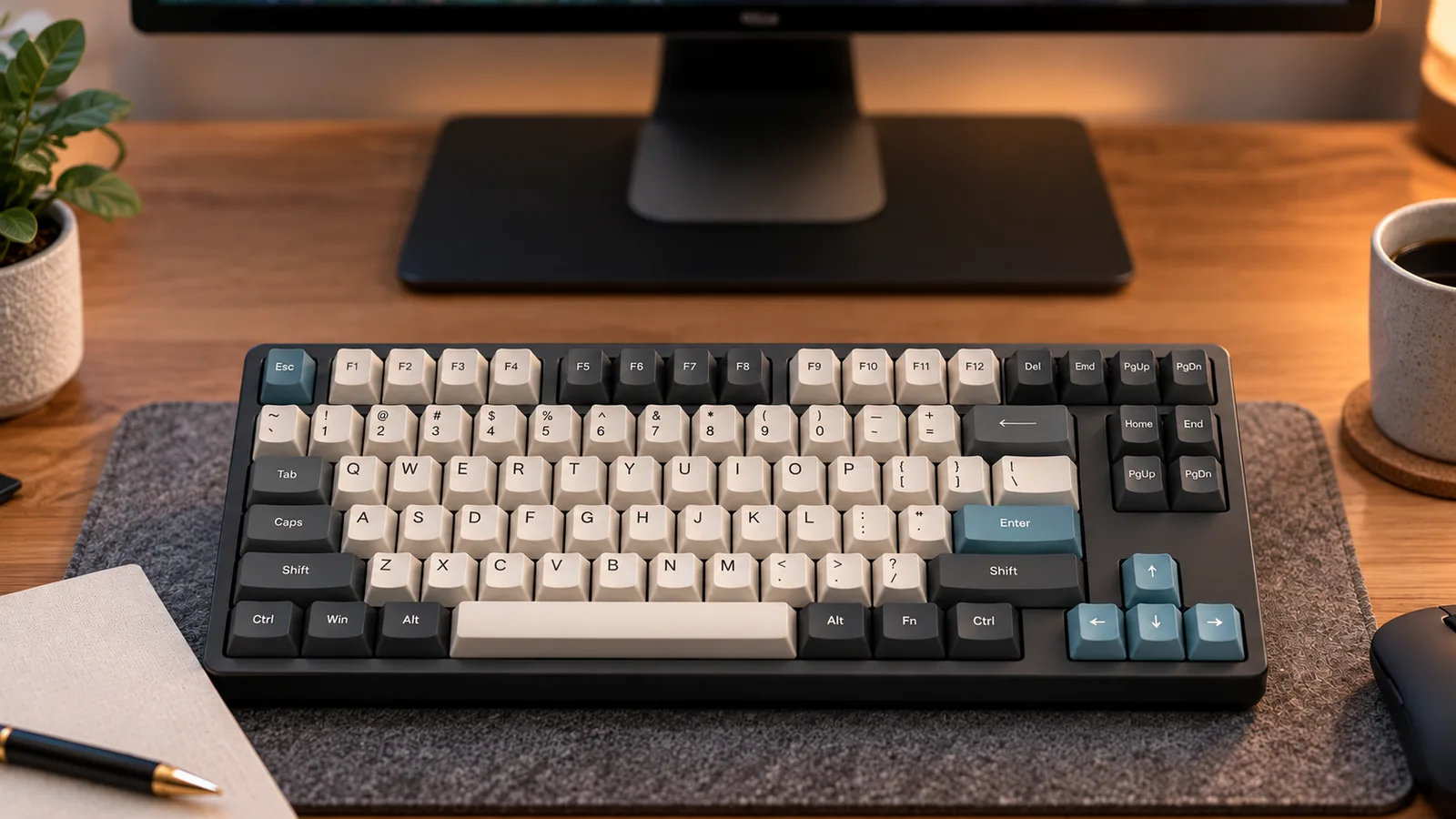
Before buying a 75% mechanical gaming keyboard, match your required commands to the exact model’s layout diagram and operating-system-specific manual. Check F1–F12, arrows, Delete, Home, End, Page Up, and Page Down individually. For commands that require Fn, the keyboard’s function modifier, record the accompanying key and check whether that combination already controls a keyboard feature.
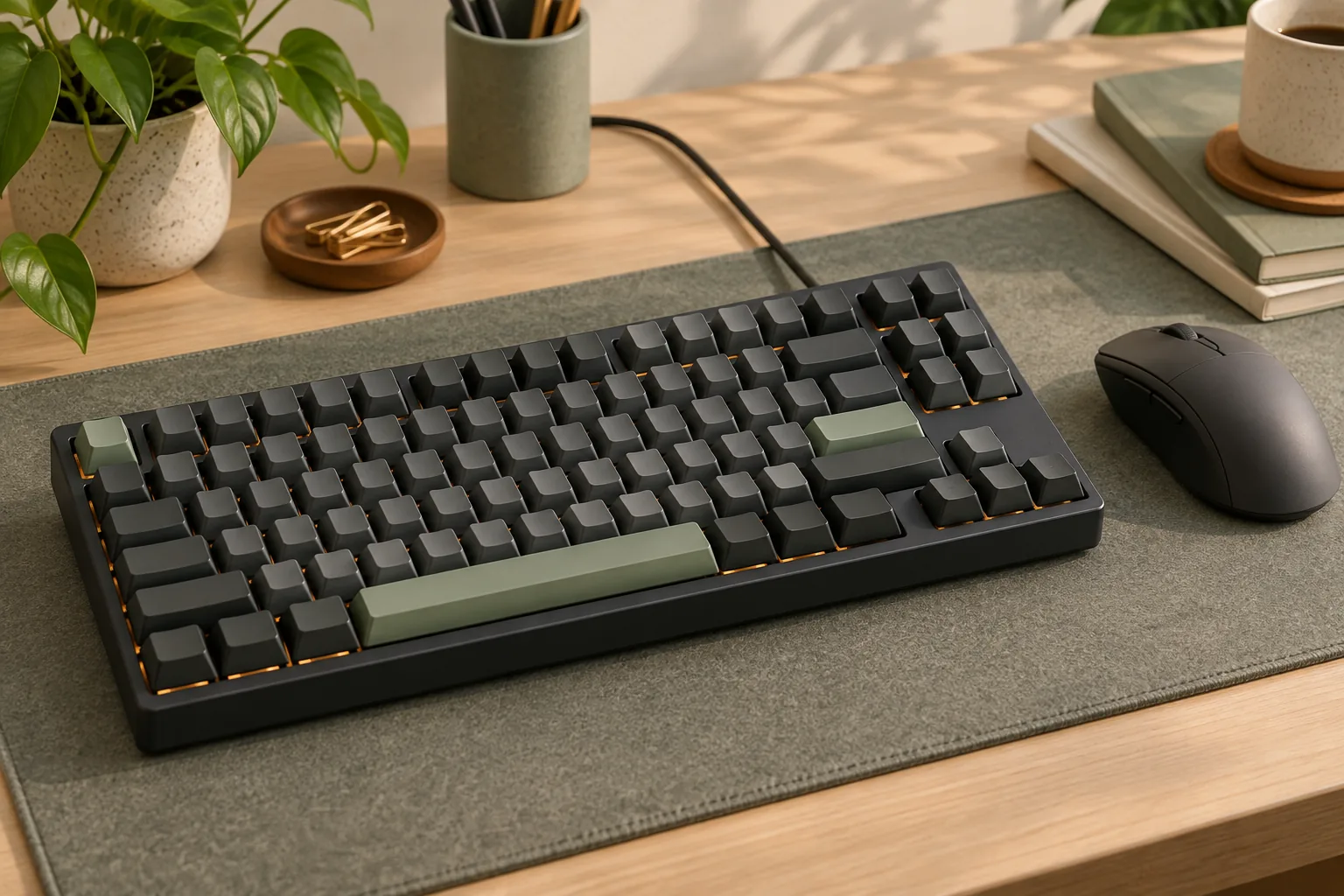
Treat 75% as a layout category and 84-key as a stated physical key count. Neither gives you a complete command map. Corsair documents key-count differences between the ANSI and ISO physical layout variants of its 75% K65 PLUS Wireless; Akko identifies its Ocean Star 3084 SP as both 84-key and 75%. Sources: Corsair overview, Akko product description.
This guide is for gamers who also need navigation commands for everyday work. Its examples use manufacturer documentation captured October 15, 2026. Recommendations concern command access and layout selection; no hands-on performance testing informs them.
Quick takeaways
- Start with the commands you use, then compare layouts.
- Verify each product’s edition, regional layout, and operating system.
- Separate dedicated keys, Fn commands, and custom assignments.
- Check reserved shortcuts before planning game bindings or macros.
- Compare case dimensions and keycap coverage separately from key count.
Jump to: Command worksheet · Layout labels · Corsair shortcut example · Game bindings · Keycap checks · FAQ
Build your command worksheet
List the commands you actually use before opening product listings. Include your games, text editor, browser, and any application with shortcuts you want to preserve. Mark a command as requiring a dedicated key if holding Fn would be unacceptable during that task.
For this worksheet, a dedicated key means a physical key that sends the required command without Fn. An Fn command requires holding Fn with another key. A custom assignment depends on a remap or macro you configure; record its requirements separately from the factory keymap.
| Command group | What to inspect | Your acceptance rule |
|---|---|---|
| F1–F12 | Physical F-row and behavior in your OS mode | Require direct access to every function key you use |
| Arrow keys | Exact positions and neighboring controls | Accept only a placement you are willing to use |
| Delete and Insert | Dedicated keys versus documented combinations | Decide separately whether either may require Fn |
| Home and End | Default assignments and any required modifier | Require direct access if these are frequent commands |
| Page Up and Page Down | Exact diagram and default keymap | Confirm both commands individually |
| Print Screen, Scroll Lock, and Pause | Documented access method | Record the actual shortcut if you need it |
| Game-specific bindings | Required keys and simultaneous combinations | Check against the keyboard’s reserved controls |
Use a simple decision rule: every required command needs a documented access method you accept. An unresolved command is a reason to pause that candidate and consult its manual or manufacturer support. A command you never use does not need to decide the purchase.
What 75% and 84-key labels tell you
The layout label starts your comparison; the exact edition determines which documentation to consult. ANSI and ISO are physical layout variants, so record which version you are considering before checking its keys or shopping for replacement caps. Corsair’s original K65 PLUS Wireless overview, last updated November 24, 2025, explicitly notes that key counts differ between these variants. Source: Corsair layout information.
Akko describes the Ocean Star 3084 SP as an 84-key, 75% wired mechanical keyboard with PBT side-printed keycaps. That establishes the identity of this particular model. It does not establish a shared navigation arrangement or shortcut table for every keyboard advertised with 84 keys. Source: Akko Ocean Star 3084 SP.
When comparing an 84-key mechanical keyboard with another 75% model, inspect each diagram separately. Locate the commands in your worksheet rather than assuming that matching labels mean matching placement. For the Akko example, confirm the default navigation keymap before making a purchase decision; the product description alone does not resolve every command.
Keep the exact product identity with your worksheet. Corsair’s North American product page identifies SKU CH-91D401L-NA and lists the keyboard layout as NA. Use that information to match a listing to the documentation you are consulting. Source: Corsair exact product page.
Read the K65 PLUS Windows shortcuts correctly
The original K65 PLUS Wireless provides a useful example of checking command access beyond the product name. Its standard-edition manual has a shortcut table explicitly labeled Windows Only. The following entries come from that table and apply to this edition and OS context. Source: Corsair K65 PLUS manual.
| Required command | Standard-edition Windows shortcut | Buying implication |
|---|---|---|
| Insert | Fn + [ | Decide whether a combination suits your Insert use |
| End | Fn + ] | Check whether frequent End access needs a dedicated key |
| Print Screen | Fn + /? | Keep the combination in your command reference |
| Scroll Lock | Fn + O | Check any application that requires this command |
| Pause/Break | Fn + P | Verify that this access method meets your needs |
The /? notation identifies the slash/question-mark key. These entries document access through Fn; they are not a complete physical key inventory. Continue checking F1–F12, arrows, Delete, Home, Page Up, and Page Down against the exact edition’s diagram and relevant manual sections.
The same manual contains separate material for the Apple Special Edition and Mac functions. Select the section that matches both your edition and operating-system mode before copying shortcuts into your worksheet. A familiar product name is insufficient evidence that a Windows shortcut table applies unchanged. Source: Corsair edition-specific manual.
Check game bindings against reserved shortcuts
For a 75% mechanical gaming keyboard, review the keyboard’s own controls alongside your game’s bindings. On the original K65 PLUS Wireless standard edition, the Windows table assigns Fn + arrow keys to rotary-dial mode selection:
- Fn + Up: volume mode.
- Fn + Down: scrolling mode.
- Fn + Left: keyboard-backlight brightness mode.
- Fn + Right: zoom mode.
The same Windows table assigns Fn + L to toggling Win Lock. Treat these combinations as reserved controls when planning your setup. These assignments come from the standard-edition Windows table and should not be transferred wholesale to another edition. Source: Corsair standard shortcuts.
Consider a hypothetical buyer who wants Fn + Left for an in-game action. That combination is already assigned to a dial mode in this example. The practical next step is to choose another binding or establish a supported configuration method before buying; the presence of macro support alone does not resolve the conflict.
Check the combinations used during play, too. If an action requires holding another key while reaching an Fn command, rehearse that sequence on your current setup as a planning exercise. This can help you decide whether to require a dedicated key, although it cannot establish the new keyboard’s reach or feel.
Macro support has specific boundaries
Corsair’s onboard recording procedure excludes reassignment of Fn itself and existing predefined Fn shortcut combinations. It also limits recording to standard keyboard functions rather than specialty onboard controls. These restrictions belong to that recording procedure; they do not establish what every other configuration method can do. Source: Corsair macro-recording instructions.
Write down the precise change you need, such as “assign End to an unused standard key.” Then verify whether the documented method supports that change. Avoid basing the purchase on an unspecified promise to rearrange the entire Fn layer later.
Separate software settings from onboard profiles
The K65 PLUS manual distinguishes two operating states. With iCUE, Corsair’s configuration software, running, the keyboard operates in software mode under iCUE control. Without iCUE running, or on a device that does not support it, hardware mode uses settings and profiles saved to onboard storage. The standard-edition manual also notes regional availability and compatibility qualifications. Source: Corsair software and hardware modes.
The exact North American product page lists four onboard profiles and zero dedicated macro keys. Those specifications describe storage and physical macro-key provision separately. For any essential custom command, verify its saved behavior in the mode you intend to use. Source: Corsair North American specifications.
A useful acceptance check after configuration is to try the required command with iCUE running, then repeat it with iCUE closed if hardware-mode use matters to you. If you plan to use another computer, include that environment in your check. Treat these as checks to perform, rather than assumed outcomes.
Compare the case and knob with your workspace
Use the manufacturer’s full dimensions when assessing desk fit. Corsair states 320 × 136 × 35 mm for the original K65 PLUS Wireless. Compare those measurements with your available space rather than estimating the footprint from the 75% label or key count. Source: Corsair dimensions.
Inspect the exact diagram for the knob’s position relative to keys you use. Then read its functions: the K65 PLUS standard-edition Windows example documents volume, scrolling, brightness, and zoom modes. A knob’s presence does not resolve whether Home, End, or another required command has an acceptable access method. Source: Corsair dial controls.
Keep physical fit and command access as separate acceptance decisions. A candidate should satisfy both before you compare optional features.
Verify keycap coverage and shortcut legends
Before ordering replacement keycaps, check the exact keyboard edition against the kit’s coverage diagram. Corsair’s guide specifically warns buyers to verify spacebar and ANSI/ISO coverage. It also explains that aftermarket caps may lack the original shortcut legends. Source: Corsair keycap and switch guide, updated November 24, 2025.
Use this checklist for a prospective kit:
- Confirm the keyboard’s ANSI or ISO version.
- Verify the exact right Shift size and bottom-row key sizes.
- Match the spacebar and any required stabilizer spacing.
- Check the keycap profile and row coverage.
- Decide how you will reference Fn shortcuts if their legends disappear.
Those are verification tasks, not confirmed fit specifications for either example here. If the keyboard or kit documentation leaves a required measurement unresolved, ask the manufacturer before ordering. Save your command worksheet alongside a photo of the original legends so your shortcut reference remains available after a cap change.
Frequently asked questions
Does an 84-key keyboard always have the same layout as a 75% keyboard?
Do not assume that it does. Akko identifies the Ocean Star 3084 SP as both 84-key and 75%, while Corsair notes ANSI/ISO key-count differences for its 75% model. Verify each candidate’s exact diagram and default keymap to establish where your required commands are located. Sources: Akko, Corsair overview.
Can I change every Fn shortcut if the keyboard supports macros?
Verify the documented configuration method before relying on that plan. The original K65 PLUS Wireless onboard macro-recording procedure excludes Fn and predefined Fn combinations from reassignment. Its macro support therefore does not establish unrestricted editing through that procedure. Check the exact assignment you need. Source: Corsair manual.
What should I confirm before ordering a specific board?
Finish your command worksheet, match the listing to the exact edition and regional layout, and verify any essential custom assignment in your intended operating mode. At checkout, check the seller, condition, total price, and return terms for that offer. The official links here support further product checks rather than availability promises.
Choose the layout that passes your worksheet
Choose a 75% mechanical gaming keyboard or 84-key model only after every essential command has an acceptable, documented access method. Give frequent commands dedicated-key priority, check reserved Fn combinations, and verify custom settings in the operating mode you will use. Your next step is to open the exact candidate’s manual and complete the worksheet before ordering.