As an Amazon Associate we earn from qualifying purchases.
Embracing Compactness: What is a 60% Mechanical Keyboard?
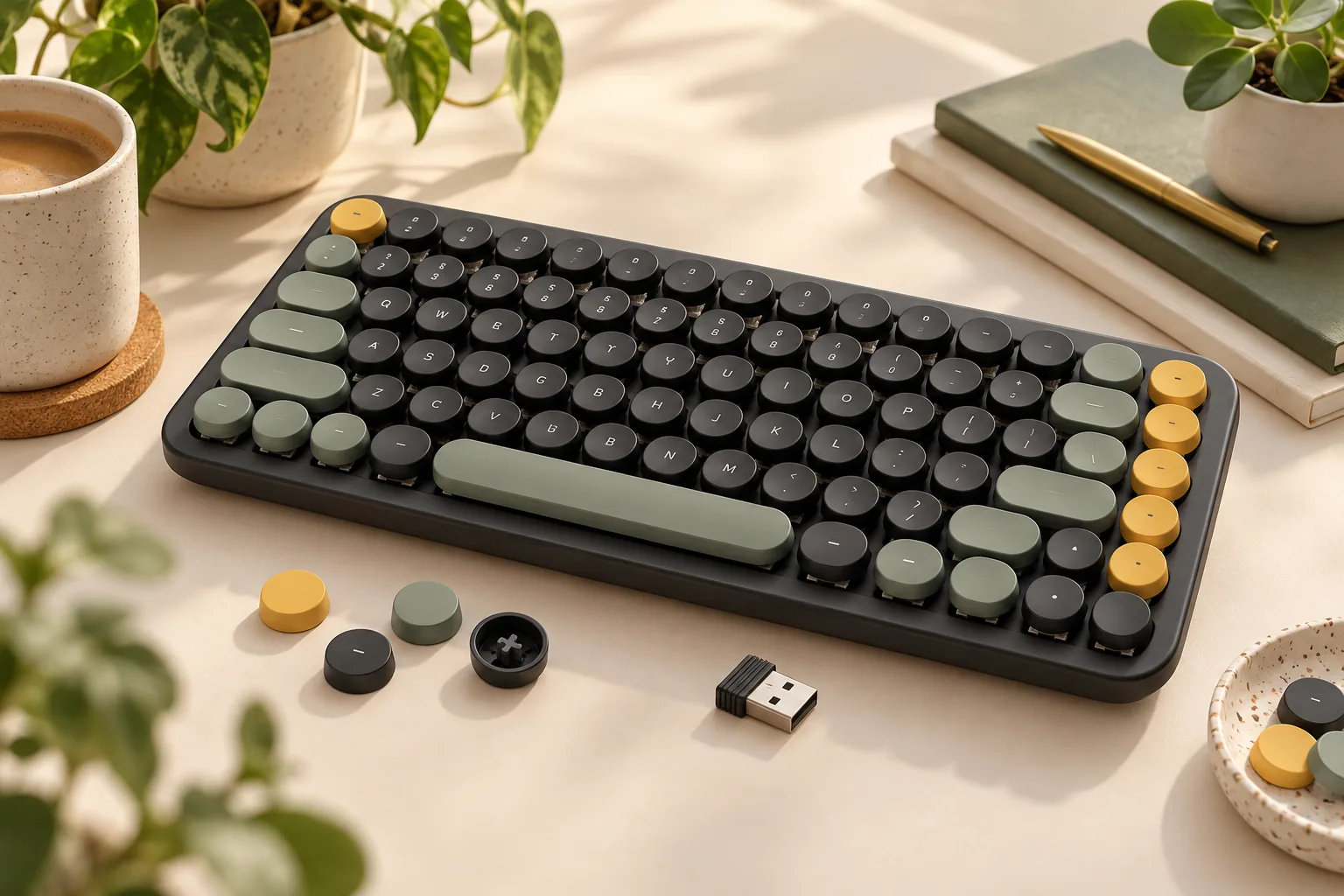
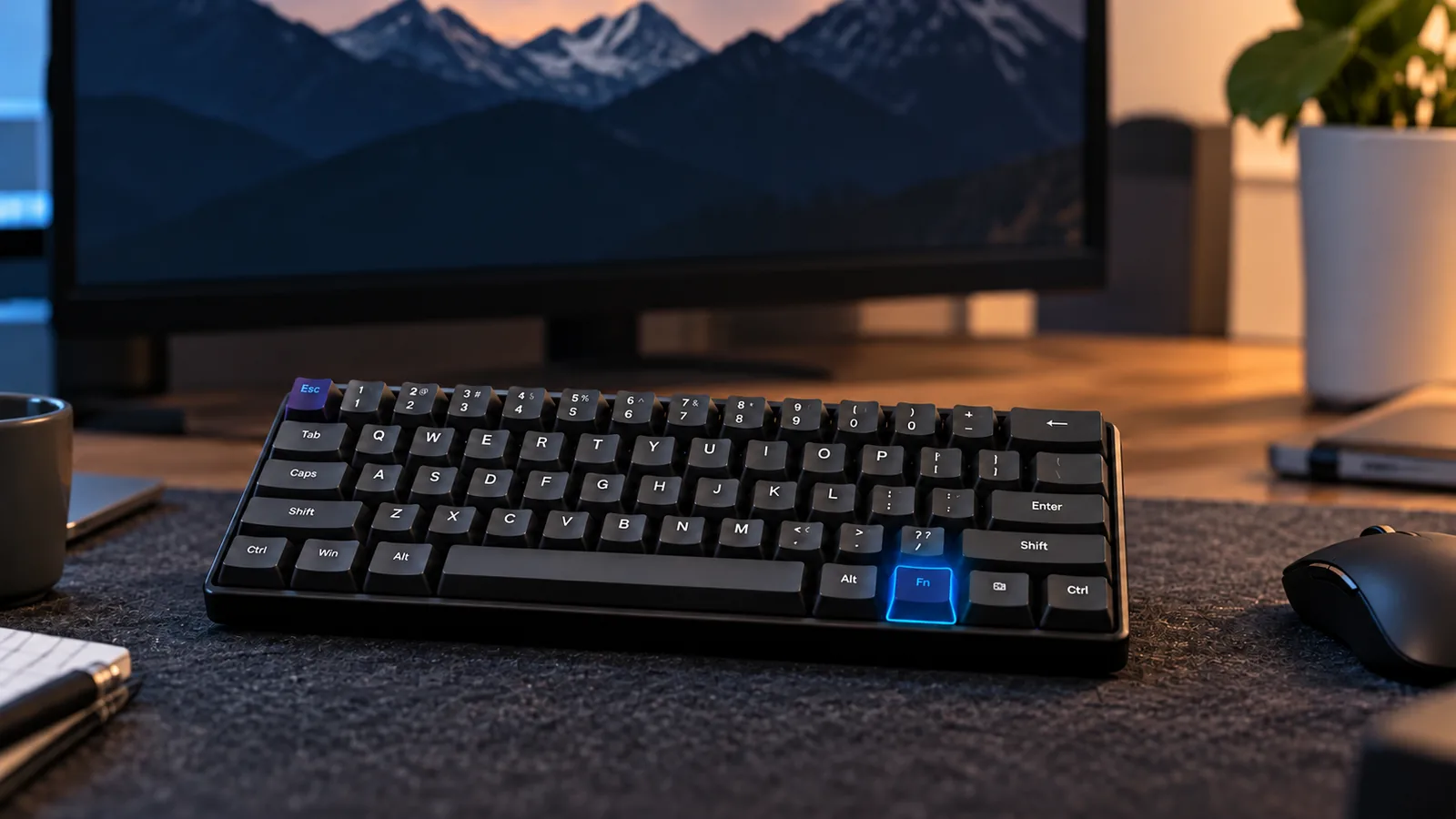
In the diverse landscape of mechanical keyboards, the 60% form factor stands out as a minimalist choice. These keyboards are defined by their extreme compactness, typically omitting the numeric keypad, the function (F) row, and often even dedicated arrow keys and navigation clusters like Home, End, Page Up, and Page Down. This streamlined design translates to a keyboard that occupies roughly 60% of the footprint of a full-sized model.
Users are drawn to this compact layout for several compelling reasons:
- Minimalist Aesthetic: The reduced size contributes to a clean, uncluttered desk setup.
- Enhanced Desk Space: Freeing up significant space on your desk, particularly beneficial for mouse movement in gaming or for smaller workstations.
- Portability: Their small footprint makes them easier to transport, fitting into smaller bags for on-the-go use.
However, this compactness is achieved by reassigning common functions to "layers." This means accessing missing keys like F1 or the arrow keys requires holding down a modifier key (often labeled "Fn") and pressing another key. While this system allows for full functionality, it introduces a learning curve and demands adaptability. Understanding this reliance on layers and the potential workflow adjustments is crucial for determining if a 60% mechanical keyboard is the right fit for your needs. This guide will help you navigate these unique characteristics to make an informed decision.
Understanding the 60% Layout: Missing Keys and Layered Functions
The defining characteristic of a 60% mechanical keyboard is its deliberate omission of several key clusters found on larger layouts. To achieve its compact footprint, these keyboards typically remove:
- Numeric Keypad: The dedicated block of numbers and arithmetic operators on the right side.
- Function (F) Row: The F1 through F12 keys, commonly used for system commands and software shortcuts.
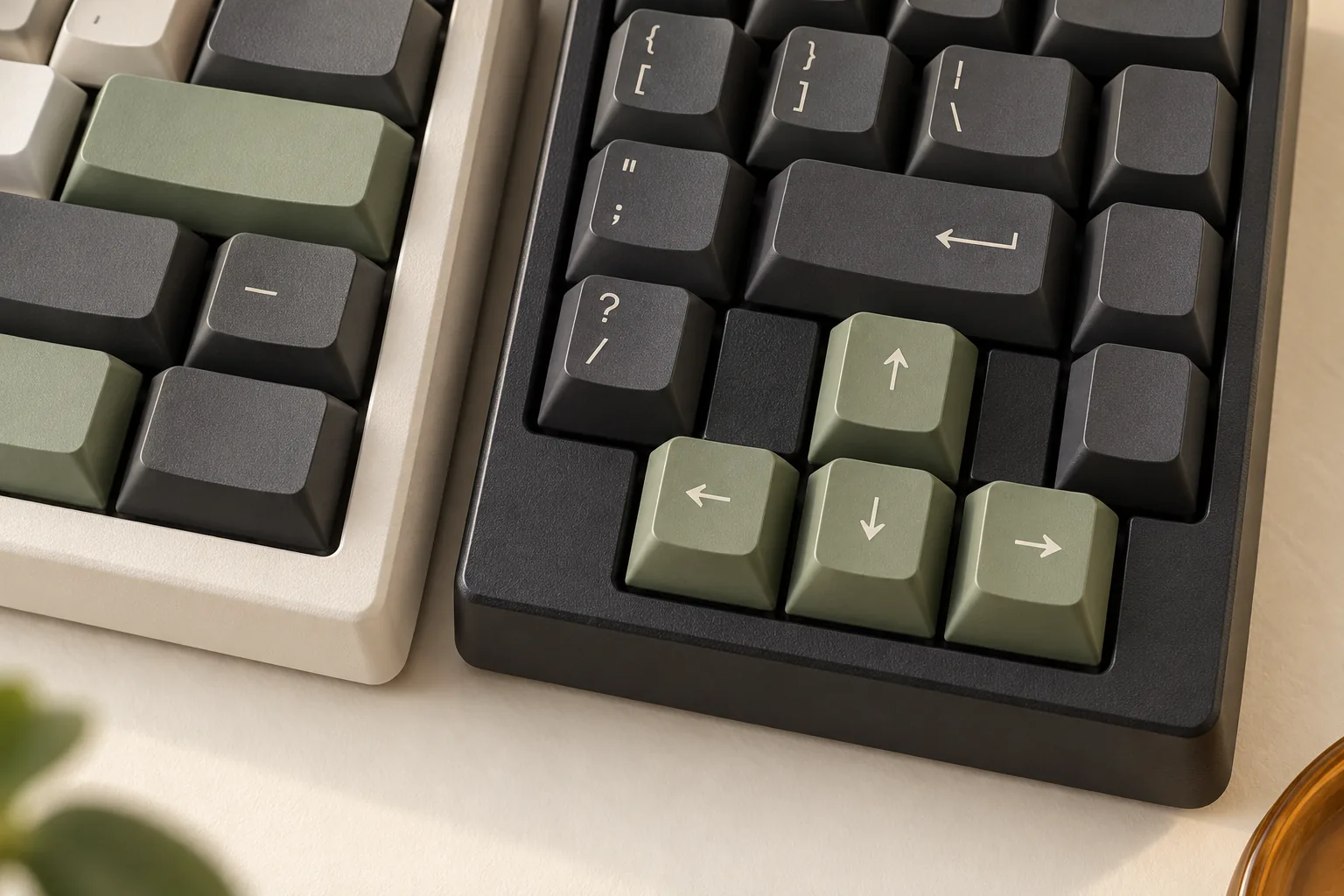
- Dedicated Arrow Keys: The cluster of four directional keys.
- Navigation Cluster: Keys like Home, End, Page Up, Page Down, Insert, and Delete.
While these keys are physically absent, their functionality is not lost. This is managed through the concept of "layers." A layer is an alternative set of functions accessible when a specific modifier key, most commonly labeled "Fn" (Function), is held down in combination with another key. For instance, pressing Fn + 1 might activate F1, or Fn + W/A/S/D could serve as arrow keys. This system allows the keyboard to retain full functionality within a significantly reduced physical size.
This minimalist design offers benefits beyond simply reclaiming desk space. The smaller form factor can promote better ergonomics by reducing the distance your hand needs to travel between the keyboard and mouse, potentially alleviating shoulder strain. Furthermore, the uncluttered aesthetic appeals to those seeking a clean, streamlined workstation. This layout is particularly favored by ultimate minimalists and individuals with very small desks, where every inch of surface area is valuable. However, adapting to the frequent use of layers requires a period of adjustment as muscle memory develops for these new key combinations.
Key Considerations When Choosing Your 60% Mechanical Keyboard
Selecting a 60% mechanical keyboard involves weighing several technical specifications and customization options to ensure it aligns with your specific needs and workflow. The compact nature of this form factor makes certain features particularly impactful on usability and long-term satisfaction.
-
Switch Types: The feel and sound of your keystrokes are primarily determined by the switches.
- Linear switches offer a smooth, consistent press without a tactile bump or audible click, often preferred by gamers for rapid, uninterrupted key presses.
- Tactile switches provide a noticeable bump mid-press, giving feedback without a click, popular among typists who value confirmation of actuation.
- Clicky switches combine a tactile bump with an audible click, offering both physical and auditory feedback for those who enjoy a more pronounced typing experience. Consider your primary use (typing, gaming, or a mix) and personal preference for feedback and sound profile.
-
Build Quality & Materials: The construction of the keyboard significantly impacts its durability, stability, and acoustics.
- Keyboards featuring a durable aluminum build typically offer a premium feel, greater stability on the desk, and can contribute to a more satisfying sound profile.
- Models constructed with mostly plastic can be lighter and more affordable, but may exhibit more flex and a different acoustic signature. Evaluate whether the cost savings outweigh potential compromises in feel and longevity.
-
Hot-Swappable Switches: This feature allows you to change the keyboard's switches without soldering.
- It provides immense flexibility for customization, enabling experimentation with different switch types to fine-tune your typing or gaming experience.
- It also enhances longevity, as individual faulty switches can be easily replaced, extending the life of the keyboard.
-
Connectivity Options: Consider how you plan to connect your keyboard to your devices.
- Wired connections offer the most reliable and lowest-latency experience, ideal for competitive gaming.
- Bluetooth provides wireless convenience and multi-device pairing capabilities, suitable for productivity and portability.
- 2.4GHz wireless via a dedicated dongle offers a low-latency wireless experience, often a good balance for gamers seeking a clean desk setup. Many models offer versatile wireless connectivity, supporting multiple modes for maximum flexibility.
-
Software & Customization: For a 60% keyboard, robust software is crucial for managing its layered functionality.
- The ability to remap keys is essential for assigning frequently used functions (like arrow keys or function row keys) to easily accessible layers.
- Effective layer management allows you to create multiple custom layouts, optimizing the keyboard for different applications or personal preferences. Look for software that is intuitive and powerful.
-
RGB Lighting: Beyond aesthetics, RGB lighting can offer practical benefits.
- Addressable RGB lighting allows for per-key customization, enabling unique visual effects and patterns.
- Backlighting improves visibility in low-light environments, which can be particularly helpful when navigating layers on a compact layout.
-
Budget Considerations: The market for 60% mechanical keyboards offers a wide range of prices.
- It's possible to find excellent affordable choices in the $60-$80 range that include many desirable features. However, these options may sometimes compromise on build materials or advanced software capabilities.
- Higher-priced models often feature superior build quality, more advanced customization software, and premium components. For instance, popular choices like the HyperX Alloy Origins 60 are often cited for their reliability and durable aluminum build, illustrating the quality attainable in this form factor.
Navigating the Trade-offs: Living with a Compact Layout
Adopting a 60% mechanical keyboard means embracing a significant shift from traditional layouts. While the appeal of minimalism and increased desk space is strong, understanding the practical implications of its compact design is crucial for a satisfying experience. This form factor achieves its small footprint by omitting dedicated keys, which introduces a learning curve and potential workflow adjustments.
The most immediate challenge is the learning curve associated with accessing missing dedicated keys. Functions like arrow keys, the F-row, and navigation keys (Home, End, Page Up, Page Down) are not physically present. Instead, they are accessed through "layers," typically by holding down an "Fn" (function) modifier key in combination with another key. This requires developing new muscle memory, which can initially slow down typing speed and introduce errors until the new key combinations become second nature.
For some users, the 60% layout presents significant use case limitations. If your daily tasks frequently demand dedicated arrow keys for navigation within documents or spreadsheets, or if you regularly use function keys (F1-F12) for software shortcuts, a 60% keyboard might not be the most efficient choice. Relying on modifier keys for these frequent actions can become cumbersome and interrupt your flow. Gamers who depend on quick, single-key access to specific functions might also find the layered approach less intuitive in fast-paced scenarios.
Mitigating these challenges often requires a willingness to engage in layer customization. Many 60% keyboards offer software or firmware (like QMK/VIA) that allows users to remap keys and define their own custom layers. This enables personalization, such as placing arrow keys in a more ergonomic or accessible location on a secondary layer. However, this demands a degree of technical comfort and time investment to set up and fine-tune your preferred layout. For users who feel uncomfortable with extensive layer usage or lack the desire to delve into customization software, the inherent limitations of the 60% layout can lead to significant frustration.
Strategies for adapting to a 60% layout include:
- Dedicated Practice: Consistently using the keyboard to build muscle memory for layered functions.
- Software Remapping: Utilizing available software to customize key assignments and layer configurations to better suit individual workflows.
- Custom Keycaps: Using keycaps with side legends to visually indicate layered functions, aiding in the learning process.
- Cheat Sheet: Keeping a small diagram of your custom layers handy during the initial adaptation period.
Ultimately, the decision to use a 60% mechanical keyboard involves weighing its aesthetic and spatial benefits against the commitment to adapt to a layered input system. It is best suited for minimalists, users with limited desk space, or programmers comfortable with extensive customization, but may prove challenging for those who rely heavily on dedicated keys without a desire to reprogram their workflow.
Maintaining Your 60% Keyboard: Tips for Longevity and Performance
Ensuring your 60% mechanical keyboard continues to deliver optimal performance and a satisfying typing experience requires routine care and attention. Its compact nature doesn't exempt it from common issues, but with a few practical steps, you can keep it in excellent condition for years.
-
Address Common Issues Promptly:
- Unresponsive Keys: This can frequently be traced back to accumulated dust or debris beneath the keycap or within the switch housing. Less commonly, it might indicate a switch malfunction.
- Connectivity Problems: For wireless models, this might involve re-pairing Bluetooth or checking battery levels. For wired connections, ensure the USB cable is securely plugged in and try different ports or cables to rule out external factors.
- Layout Inconsistencies: If keys aren't behaving as expected, verify you're not accidentally on a different layer. Outdated firmware or conflicting software profiles can also lead to unexpected key assignments.
-
Regular Cleaning is Essential: Dust and grime are the primary enemies of any keyboard. For 60% layouts, the close proximity of keys can sometimes make debris accumulation more noticeable.
- Tools: A keycap puller is invaluable for safely removing keycaps without damage. Compressed air is crucial for dislodging particles from between and under switches.
- Process: Periodically remove keycaps and use compressed air to clear away any dust, crumbs, or other foreign matter that could interfere with switch performance. Wipe down the keycaps and keyboard chassis with a soft, slightly damp cloth.
-
Keep Firmware Updated: Manufacturers frequently release firmware updates that can enhance functionality, improve compatibility with various operating systems, and resolve known bugs. Regularly checking for and installing these updates is vital for maintaining peak performance and ensuring your keyboard operates as intended. This is particularly important for 60% keyboards that rely heavily on software-defined layers and customization.
-
Basic Troubleshooting Steps: Before assuming a major fault, try these simple checks:
- Restart: Disconnect and reconnect the keyboard, or restart your computer.
- Test on Another Device: If possible, connect your keyboard to a different computer to determine if the issue lies with the keyboard or your primary system.
- Check Layers: Ensure you're on the correct keyboard layer for the functions you're trying to access.
-
Managing Potential Rattles: Some mechanical keyboard models, including certain 60% variants, might develop a slight rattle, especially with larger keys like the spacebar, Shift, or Enter. This sound often originates from the stabilizers beneath these keys. While advanced modifications can address this, ensuring the stabilizers are properly seated and free of debris can sometimes mitigate minor rattles.
Is a 60% Mechanical Keyboard the Right Fit for Your Workflow?
Deciding whether a 60% mechanical keyboard aligns with your needs requires a candid assessment of your daily tasks and willingness to adapt. This compact form factor offers distinct advantages but also demands a shift in muscle memory and workflow.
Ideal User Profiles
A 60% mechanical keyboard often proves beneficial for specific user segments:
- Gamers: Particularly those who prioritize maximum desk space for mouse movement and primarily use the core alphanumeric keys during gameplay. The absence of a numpad or extensive F-row can clear significant room.
- Minimalists: Individuals seeking a clean, uncluttered desk aesthetic will appreciate the small footprint and streamlined appearance.
- Programmers Comfortable with Layers: Developers who are proficient with keyboard shortcuts, text editors like Vim, or are willing to invest time in customizing key layers (e.g., via QMK/VIA firmware) can create highly efficient, personalized layouts.
- Users with Limited Desk Space: For small workstations, dorm rooms, or portable setups, the reduced size is a practical necessity, directly solving the problem of spatial constraints.
Less Ideal User Profiles
Conversely, a 60% layout might introduce friction for others:
- Frequent F-Key Users: If your workflow heavily relies on dedicated F1-F12 keys for software shortcuts, debugging, or system functions and you are unwilling to use modifier keys, the 60% layout can be cumbersome.
- Numpad Dependents: Professionals in data entry, accounting, or anyone who frequently inputs numerical data will likely find the absence of a dedicated numpad a significant hindrance.
- Users Needing Dedicated Arrow Keys Without Adaptation: While arrow keys are accessible via layers, those who constantly navigate documents, spreadsheets, or code and prefer immediate, single-key access may find the layered approach disruptive.
- Individuals Uncomfortable with Adaptation: If the idea of learning new key combinations and relying on modifier keys for common functions feels like a barrier, the 60% form factor may not be the most productive choice.
Problem-Solving and Selection Criteria
The 60% layout primarily solves the 'compactness' problem, offering a small footprint and a clean 'aesthetic preference' for many users. When shortlisting options, consider these criteria to ensure the keyboard meets your specific needs:
- Layer Customization: The ability to easily remap keys and program multiple layers is paramount. Look for keyboards with robust software support or open-source firmware compatibility (like QMK or VIA) to tailor the layout to your exact workflow.
- Build Quality: The overall construction, including the case material (e.g., aluminum for durability and weight, plastic for affordability), impacts both feel and longevity.
- Switch Type: While universal to mechanical keyboards, selecting switches (linear, tactile, or clicky) that complement your primary activity (e.g., linear for gaming, tactile for typing) remains crucial.
- Hot-Swappability: This feature allows you to change switches without soldering, offering flexibility to experiment with different feels and replace faulty switches easily, which can be valuable for long-term customization.
Ultimately, determining if a 60% mechanical keyboard is right for you involves a self-assessment of your current usage patterns and your comfort level with adapting to a layered input system. If you value desk space and aesthetics, and are willing to invest time in customizing and learning new key combinations, the 60% layout can be a highly rewarding and efficient tool.
Frequently Asked Questions About 60% Mechanical Keyboards
Potential buyers often have specific questions about adapting to the unique characteristics of a 60% mechanical keyboard. Understanding these practical aspects can help clarify if this compact form factor aligns with individual needs and preferences.
Is a 60% mechanical keyboard good for gaming?
Yes, a 60% mechanical keyboard can be excellent for many types of gaming. Its compact size significantly increases available desk space, allowing for wider, unrestricted mouse movements—a notable advantage in competitive gaming. For games that primarily use the left-hand side of the keyboard (like WASD movement and surrounding keys), the absence of a number pad or function row is often irrelevant. However, games requiring frequent use of dedicated F-keys or arrow keys might necessitate a brief adjustment period to utilize the layered functions effectively.
Can I use a 60% keyboard for programming or professional work?
A 60% keyboard is certainly usable for programming and professional work, but it demands a commitment to learning its layered functions. Programmers, for instance, frequently use F-keys, arrow keys, and navigation keys (like Home and End) for debugging, navigating code, or executing commands. On a 60% layout, these actions require holding down a modifier key (Fn) in combination with another key. While this can initially slow down workflow, many users find that with consistent practice and custom keymap configurations, they can achieve high efficiency and even benefit from the reduced hand travel.
How long does it take to get used to a 60% keyboard layout?
The adjustment period for a 60% keyboard varies significantly among individuals. For basic typing and common key presses, most users can adapt within a few days. However, becoming fully proficient with all layered functions, especially for less frequently used keys like the F-row or specific navigation commands, can take anywhere from one to two weeks of consistent use. The learning curve is largely dependent on how often you practice accessing these layered commands and your willingness to customize the keymap to suit your workflow.
What are the main disadvantages of a 60% mechanical keyboard?
The primary disadvantages of a 60% mechanical keyboard stem directly from its extreme compactness and the resulting reliance on layers:
- Learning Curve: Mastering the layered functions for F-keys, arrow keys, and navigation keys requires dedicated practice.
- Initial Workflow Impact: Tasks that heavily rely on dedicated keys, such as extensive data entry (due to the lack of a number pad) or certain software shortcuts, may initially feel slower.
- No Dedicated Keys: The absence of physical keys for arrows, the function row, and the navigation cluster can be a consistent hurdle for users unwilling to adapt to layered access.
Are 60% mechanical keyboards generally cheaper than full-size ones?
Not necessarily. While 60% keyboards use fewer materials due to their smaller size, their price is influenced by several other factors, often resulting in a comparable or even higher cost than some full-size models. Key elements driving the price include:
- Build Materials: Premium cases made from aluminum or other high-quality materials can increase the cost.
- Switch Quality: The type and brand of mechanical switches used play a significant role.
- Advanced Features: Features like hot-swappable switch sockets, advanced RGB lighting, wireless connectivity, and highly customizable firmware (e.g., QMK/VIA compatibility) can add to the price.
- Brand and Design: Niche brands or custom designs often command higher prices due to limited production and specialized components.
Embrace the Compact Revolution: Final Thoughts on 60% Keyboards
The journey into the world of 60% mechanical keyboards reveals a compelling blend of form and function. For those prioritizing a minimalist aesthetic, reclaiming valuable desk real estate, or seeking ultimate portability, these compact devices offer a distinct advantage. Their streamlined design not only enhances the visual appeal of any workspace but also provides a more ergonomic setup by reducing the distance your mouse hand travels.
While the initial adaptation to a key-sparse layout and the reliance on function layers might present a learning curve, mastering this system unlocks a highly efficient and personalized typing experience. The ability to customize key assignments and layer functions empowers users to tailor the keyboard precisely to their workflow, transforming a seemingly limited device into a powerful and intuitive tool.
Ultimately, a 60% mechanical keyboard is more than just a smaller peripheral; it's a statement of intentionality. For the discerning user who values efficiency, customization, and a clutter-free environment, and who is willing to invest a little time in adaptation, this form factor delivers a premium and deeply satisfying interaction. Your decision should align with your specific needs, workflow, and willingness to embrace a new way of typing, ensuring the chosen keyboard truly complements your digital life.