As an Amazon Associate we earn from qualifying purchases.
An aluminum barebones keyboard is worth its completed-build cost when the exact kit gives you the construction, finish, connectivity, and parts choice you want within your budget. Make that decision using the finished keyboard’s cost and specifications. The aluminum label alone cannot establish how the whole build will sound or whether its configuration suits you.
This guide is for buyers choosing a metal keyboard kit for a desk setup or regular transport. It focuses on construction, finish conditions, model identity, and completion costs. The examples use manufacturer documentation; recommendations are based on those specifications rather than hands-on testing.
Quick buying rule:
- Record the case, plate, mounting system, and foam separately.
- Confirm the exact wired or wireless version.
- Compare weights only when they describe equivalent configurations.
- Obtain written cosmetic and return terms before ordering.
- Price a usable build before adding optional modifications.
Jump to: Construction · Finish · Weight · Wireless · Included parts · Cost worksheet · Decision · FAQ
Separate the case from the rest of the build
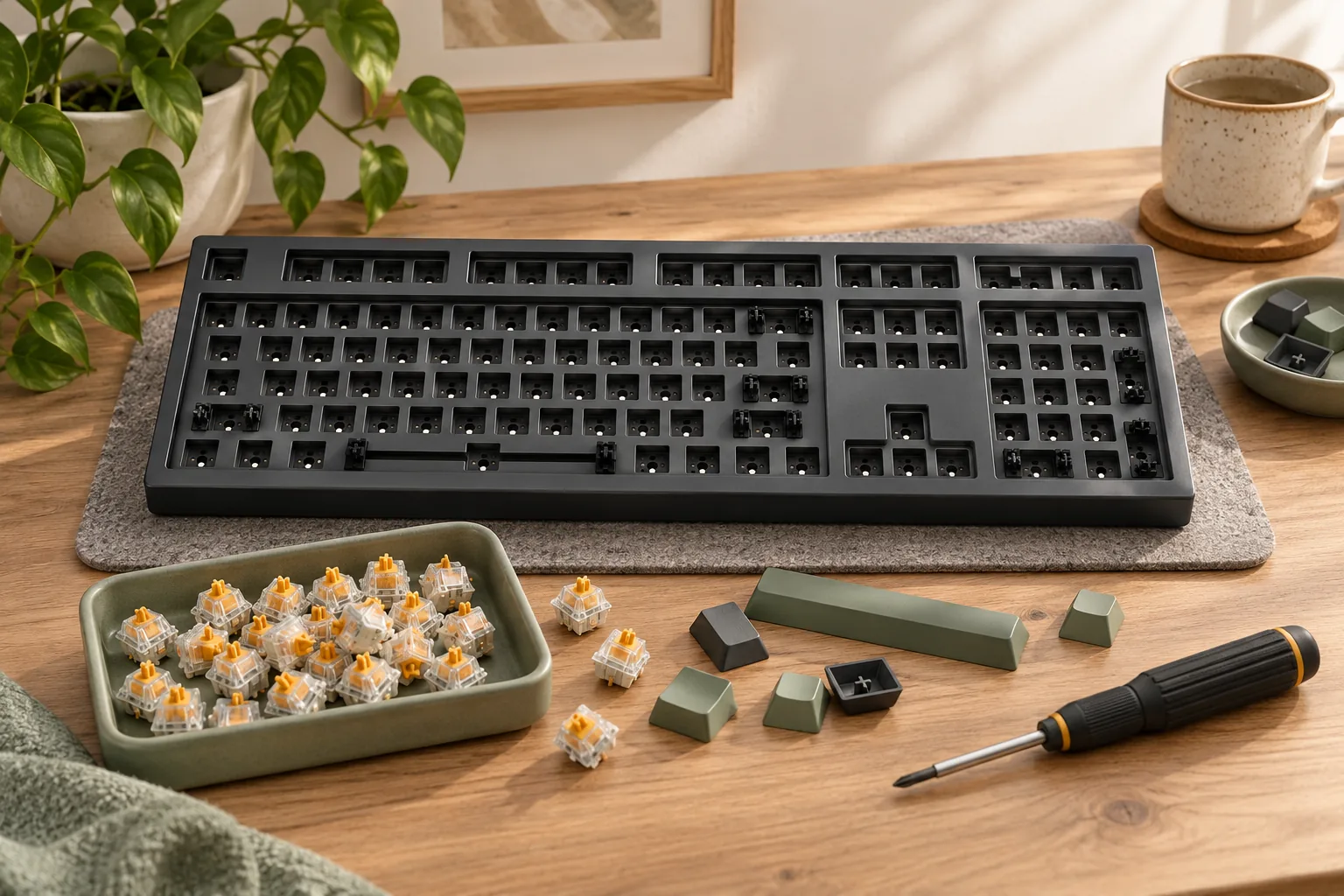
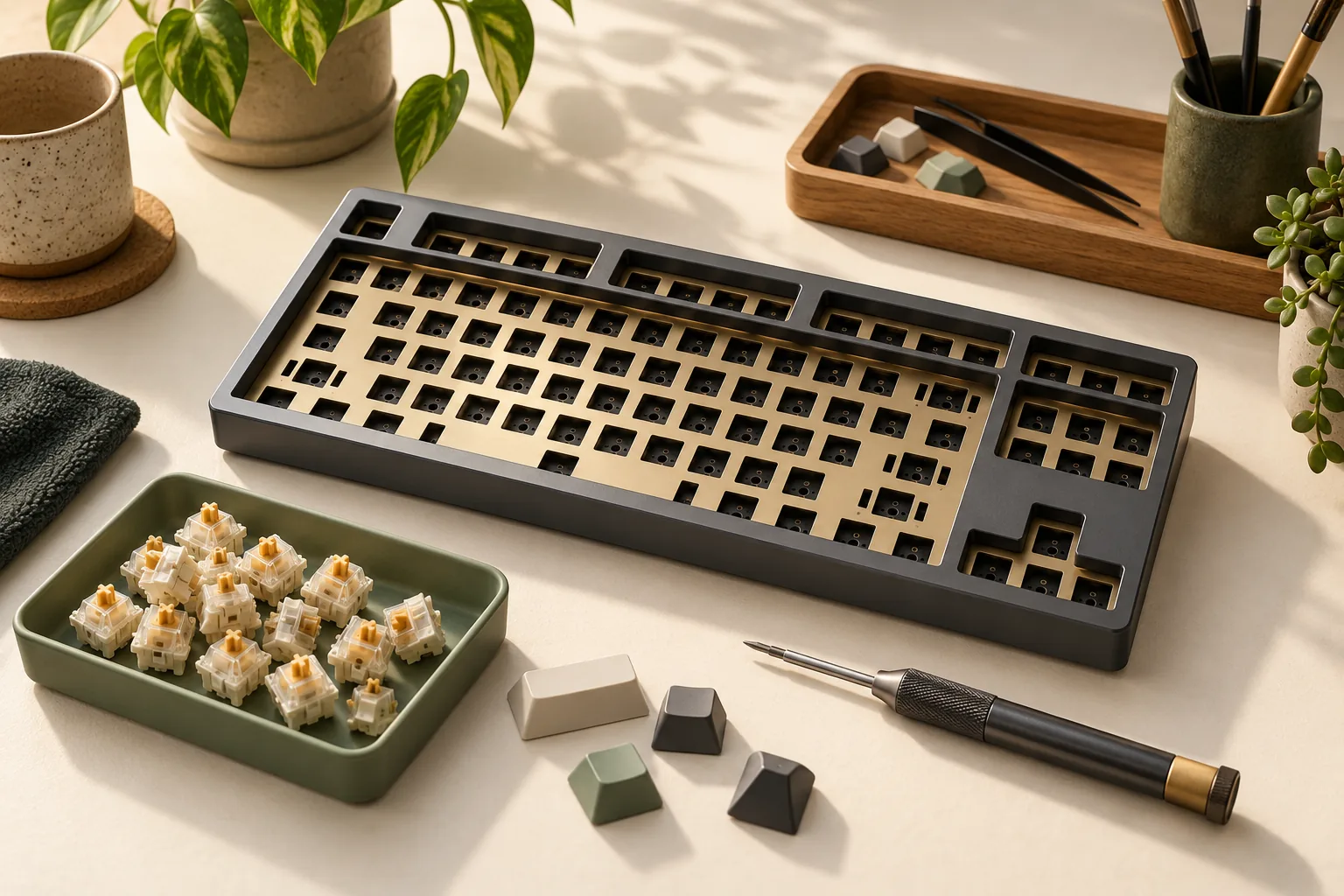
A barebones kit is a starting package whose contents you must check individually. For example, MonsGeek documents its international M3 as an aluminum TKL kit with 87 key positions, a PCB, plate, and other components, including stabilizers that require installation. Its package details make it a useful example of why the word “barebones” needs an accompanying contents list. Source: MonsGeek M3.
Use the following construction ledger to compare documented examples. The Glorious column refers to the original GMMK PRO, using its overview updated April 23, 2024. The MonsGeek column refers to the M3 international QMK version documented on its product page, captured October 15, 2026.
| Construction field | Original Glorious GMMK PRO | MonsGeek M3 international QMK version |
|---|---|---|
| Case | CNC-machined aluminum | CNC aluminum |
| Default plate | Aluminum | PC, or polycarbonate |
| Mounting | Gasket mount | Gasket mount |
| Foam or damping | Damping beneath the plate and PCB; EVA foam beneath the PCB | Plate and case foam documented; manufacturer warns foam affects sound and flex |
| PCB details | 5-pin, south-facing, hot-swappable | 5-pin hot-swappable; 1.2 mm PCB |
| Stabilizer details | Supports clip-in or screw-in stabilizers; third-party fit caveats apply | Akko screw-in stabilizers supplied pre-clipped but uninstalled |
Sources: Glorious GMMK PRO overview and MonsGeek M3 specifications.
These examples share aluminum cases while documenting different default plates and internal arrangements. MonsGeek specifically says thicker foam may reduce flex and that its foam affects the overall sound profile. That is a concrete reason to evaluate the documented combination before assigning a sound or feel to the case material. Source: MonsGeek M3.
For each candidate, write down the configuration you intend to use. If you change the plate or foam in your shopping list, record that change and its cost. Treat sound descriptions as configuration-specific information rather than a promise attached to every aluminum kit.
Check finish and return conditions
Choose the exact color, finish, and revision before evaluating cosmetic risk. The original GMMK PRO overview lists Black Slate and White Ice with anodized finish wording, but that dated description does not establish the cosmetic acceptance rules for a unit sold today. Source: Glorious GMMK PRO overview, April 23, 2024.
Ask the selected seller for written answers to these questions:
- Which marks or finish variations are accepted on exterior surfaces visible during normal use?
- Are hidden interior surfaces assessed under different criteria?
- What photographs or other evidence should you provide for a cosmetic complaint?
- Who pays outbound and return shipping if you dispute the finish?
- Does opening the case or installing parts change return eligibility?
- Are there inspection, restocking, or other deductions from a refund?
Keep the answers with the exact listing and order details. A policy that leaves you responsible for return shipping should enter your decision as a possible additional expense. If an immaculate exterior is a purchase requirement, resolve unclear acceptance criteria before committing.
The M3 product page points to a separate finish QC guide. Obtain and read the applicable document from the seller; the product description alone is insufficient to decide whether a particular blemish would qualify for a return.
Compare weight on the same basis
The original GMMK PRO overview reports approximately 1.6 kg, but does not specify whether that figure represents a bare kit or a completed keyboard. The M3 specifications explicitly report approximately 1,950 g barebones weight. Those descriptions do not support a direct portability ranking. Sources: Glorious GMMK PRO and MonsGeek M3.
For regular transport, ask for the completed keyboard’s weight with your intended switches and keycaps. Record whether the cable is included in that measurement, then account separately for anything else you plan to carry. Leave the comparison unresolved if a seller cannot identify what its weight includes.
Also check footprint and typing angle against your setup. The original GMMK PRO documentation lists a 332 × 135 mm footprint and a fixed 6-degree angle without case legs. Use those dimensions as fit criteria, without assuming that the angle will suit your posture. Source: Glorious GMMK PRO overview.
Verify wireless support by exact model
Connectivity belongs in the model and configuration fields of your comparison. The documented international MonsGeek M3 uses a USB-C wired connection. The Glorious family FAQ, updated May 22, 2025, lists both wired and wireless variants for the non-HE GMMK 3 PRO, alongside its full-aluminum body. Sources: MonsGeek M3 and Glorious GMMK 3 family FAQ.
Glorious also describes a specific case dependency: a wireless GMMK 3 needs the metal bottom case because its battery requires a different internal cutout. Apply that restriction to the documented family; it provides no compatibility approval for another keyboard’s case or battery arrangement. Source: Glorious GMMK 3 family FAQ.
If wireless is essential, confirm it before selecting switches or cosmetic upgrades. Save the complete model name and selected connection option with your quote. Similar family names deserve particular attention: the original GMMK PRO, GMMK 3 PRO, and GMMK 3 PRO HE should remain separate entries in your notes.
Audit what the kit actually includes
Divide the package into included, needed to complete, and optional. For the international M3, MonsGeek documents a PC plate, foam, a coiled cable, and pre-clipped Akko screw-in stabilizers supplied uninstalled: four 2u units and one 6.25u unit. Tape and Teflon pads are also documented as uninstalled accessories. Source: MonsGeek M3 specifications.
That package requires you to account for stabilizer installation when planning the build. Check the assembly instructions for the required tools before ordering. Keep optional tape or foam changes separate from the parts needed to complete the keyboard.
The original GMMK PRO overview’s packaging section lists a basic switch puller, USB cable, and extra gaskets. Use that as a documented list to check against the selected seller’s actual package, rather than assuming it matches the M3’s contents. Source: Glorious GMMK PRO overview.
Compatibility needs its own check. The original GMMK PRO overview discusses specific third-party stabilizer and plate tolerance issues, while the M3’s named 5-pin hot-swap specification does not establish support for magnetic, optical, or low-profile switches. Verify the intended switch type, stabilizer geometry, and keycap layout coverage before counting existing parts as reusable. Sources: Glorious GMMK PRO and MonsGeek M3.
Calculate your aluminum barebones keyboard build cost
Copy this worksheet for each candidate. Record the quote date, seller, exact model, layout, color, and delivery destination above it. The amount cells are intentionally blank for your own dated quotes.
| Cost category | What to record | Amount, USD |
|---|---|---|
| Selected kit | Exact version and package | |
| Compatible switches | Actual packs needed for the selected layout | |
| Compatible keycaps | Coverage for every required key size | |
| Missing completion parts | Stabilizers, cable, or other required items absent from the package | |
| Required tools | Items needed for the documented assembly that you do not own | |
| Optional changes | Alternate plate, replacement stabilizers, or other chosen extras | |
| Delivery | Shipping across all relevant orders | |
| Tax and applicable charges | Amounts shown for your destination | |
| Completed-build total | Sum of the purchase costs above | |
| Possible return exposure | Separately record nonrefundable charges and return shipping |
Completed-build cost = kit + switches + keycaps + missing parts + required tools + chosen extras + delivery + applicable tax and charges.
Use the price of the switch packs you would actually buy, rather than a per-switch calculation that assumes a different quantity. Enter no new purchase cost for parts you already own only after verifying that they fit. Keep possible return expenses separate from the purchase total so you can assess both the expected outlay and the consequence of rejecting the kit.
Make two totals if optional changes are substantial: the basic usable build and your preferred configuration. This makes the decision clearer when a replacement plate or stabilizer set is desirable but unnecessary for completion. It also prevents optional spending from disappearing into the kit’s headline price.
Compare an equivalent assembled keyboard
Create a second quote for an assembled option that meets the same requirements. Match layout, connectivity, switch and keycap suitability, case requirements, delivered cost, and return conditions. Record any mismatch that would require another purchase or a compromise.
If the assembled option meets your requirements at a lower total, decide whether choosing the kit’s individual components justifies the difference. If the kit appears cheaper, verify that the basket includes everything needed for use. Make any savings judgment from those matched quotes; the examples here do not establish a current price winner.
Decide whether the completed build is worth it
Choose the kit when its documented construction and finish satisfy your preferences, its exact connection option meets your needs, and the completed total is acceptable. Resolve any unclear compatibility or cosmetic terms before treating the purchase as ready.
Your use case determines which unresolved field matters most:
- A permanent desk setup: confirm footprint, angle, finish, and the configuration you intend to build.
- Regular transport: obtain a completed-build weight on a stated measurement basis.
- A wireless requirement: verify the selected variant before spending on other components.
- A strict budget: compare basic completion totals first, then assess optional extras.
A kit earns its place through the combination you will use. Paying extra solely because a listing emphasizes aluminum leaves the more consequential configuration and purchase questions unanswered.
Frequently asked questions
Can I use magnetic switches in an aluminum kit?
Case material does not establish magnetic-switch compatibility. Glorious says the non-HE GMMK 3 and GMMK 3 PRO support MX switches, while HE switches require HE variants. Check the exact PCB and supported switch system before buying; a metal case or hot-swap label is insufficient approval. Source: Glorious GMMK 3 family FAQ.
Does adding foam guarantee a better result?
Treat foam as a configuration choice with tradeoffs. MonsGeek says the M3’s foam affects sound and flex, and warns that thicker foam may reduce flex. Use its assembly guidance and your preferred configuration to decide whether to include optional foam; the documentation does not establish a universally better arrangement. Source: MonsGeek M3.
Should I replace the included stabilizers immediately?
Start by confirming what is supplied and what installation it requires. The international M3 lists pre-clipped screw-in stabilizers that are not preinstalled. Budget for completion first, then consider a replacement only after checking its fit and identifying a reason to change the documented parts. Source: MonsGeek M3.
Make the decision from the completed keyboard
An aluminum barebones keyboard is worth the cost when the finished configuration delivers the features and appearance you want at an acceptable total. Complete the worksheet for your preferred kit and one suitable assembled option. Then resolve the weight, compatibility, wireless, and finish-policy questions that could change your choice before ordering.