As an Amazon Associate we earn from qualifying purchases.
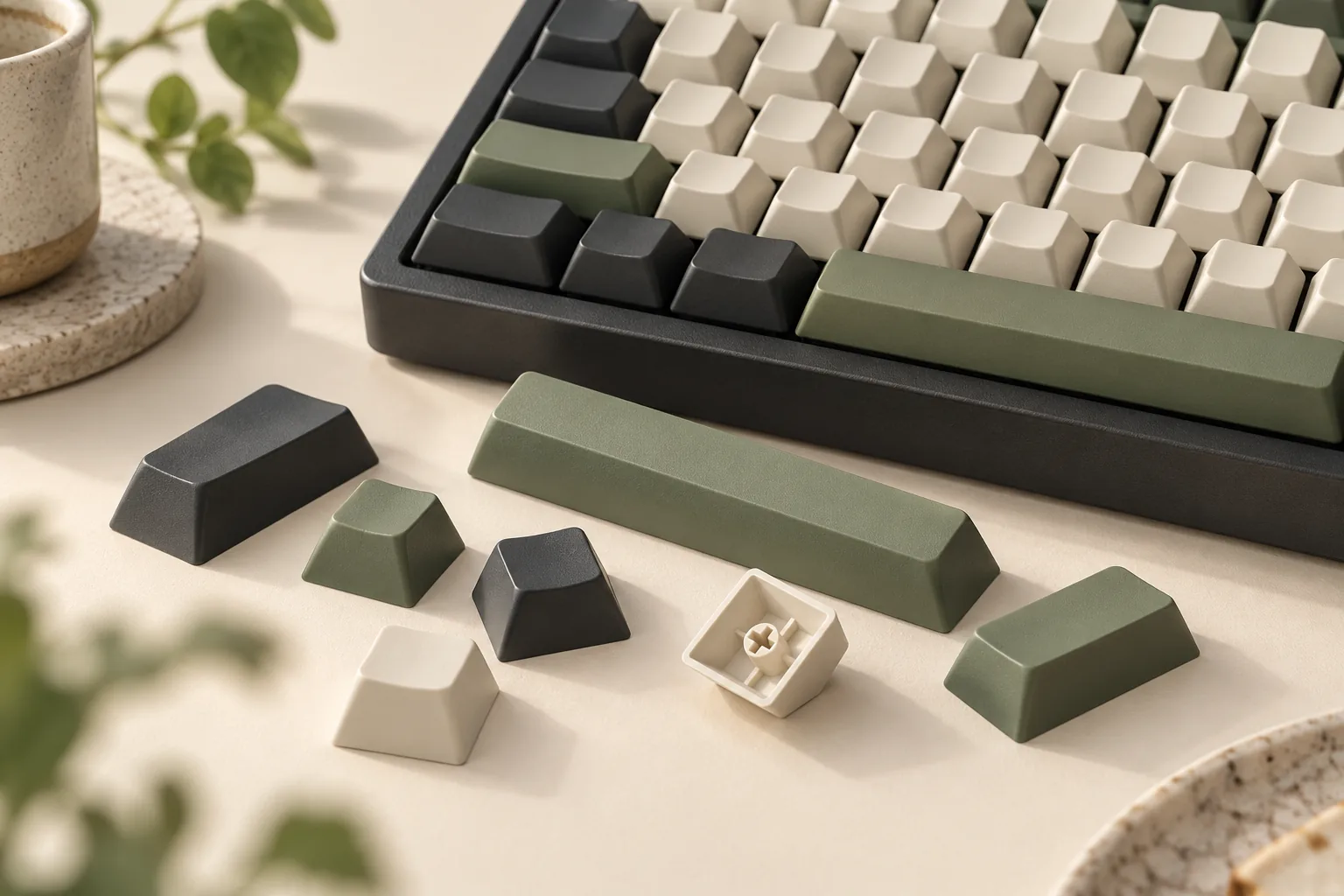
No. Cherry MX keycaps are not universal. A matching stem—the part of the switch that attaches to the cap—is only the first fit check. You also need the right keys for your complete layout, matching stabilizer attachments, and clearance throughout each keypress. Corsair’s compatibility conditions and Keebio’s clearance warnings explain why these checks belong together.
This guide is for keyboard owners choosing replacement keycaps. It uses manufacturer documentation and an attributed vendor guide to explain how to assess fit. The recommendations are based on those documents rather than hands-on testing.
Key takeaways
- Identify the exact switch family and generation before selecting a cap mount.
- Compare the keyboard layout with the kit’s individual keys, including the bottom row and spacebar.
- Verify stabilizer attachment positions and full-travel clearance before treating the combination as compatible.
On this page: Three fit checks · Switch identification · Layout coverage · Clearance · Examples · Worksheet · FAQ
Three fit checks for Cherry MX keycaps
Treat compatibility as three separate questions. This approach combines Corsair’s requirements for the mount, stabilizers, and bottom row with Keebio’s warning that a cap can share an MX interface yet collide with the switch housing. Sources: Corsair, Keebio.
| Fit check | Question to answer | Evidence to look for |
|---|---|---|
| Single-cap mounting | Does the cap’s underside match the exact switch interface? | Switch identification and cap-mount documentation |
| Complete-kit coverage | Does the package contain every required key in the correct size and position? | Keyboard layout and an individual-key kit diagram |
| Stabilizers and clearance | Do the extra attachments align, and can the cap move through full travel? | Stabilizer-position and profile-clearance documentation |
A positive answer in one row leaves the other rows unresolved. For example, successfully mounting a letter key tells you little about whether the supplied spacebar matches your keyboard.
Identify the exact switch and generation
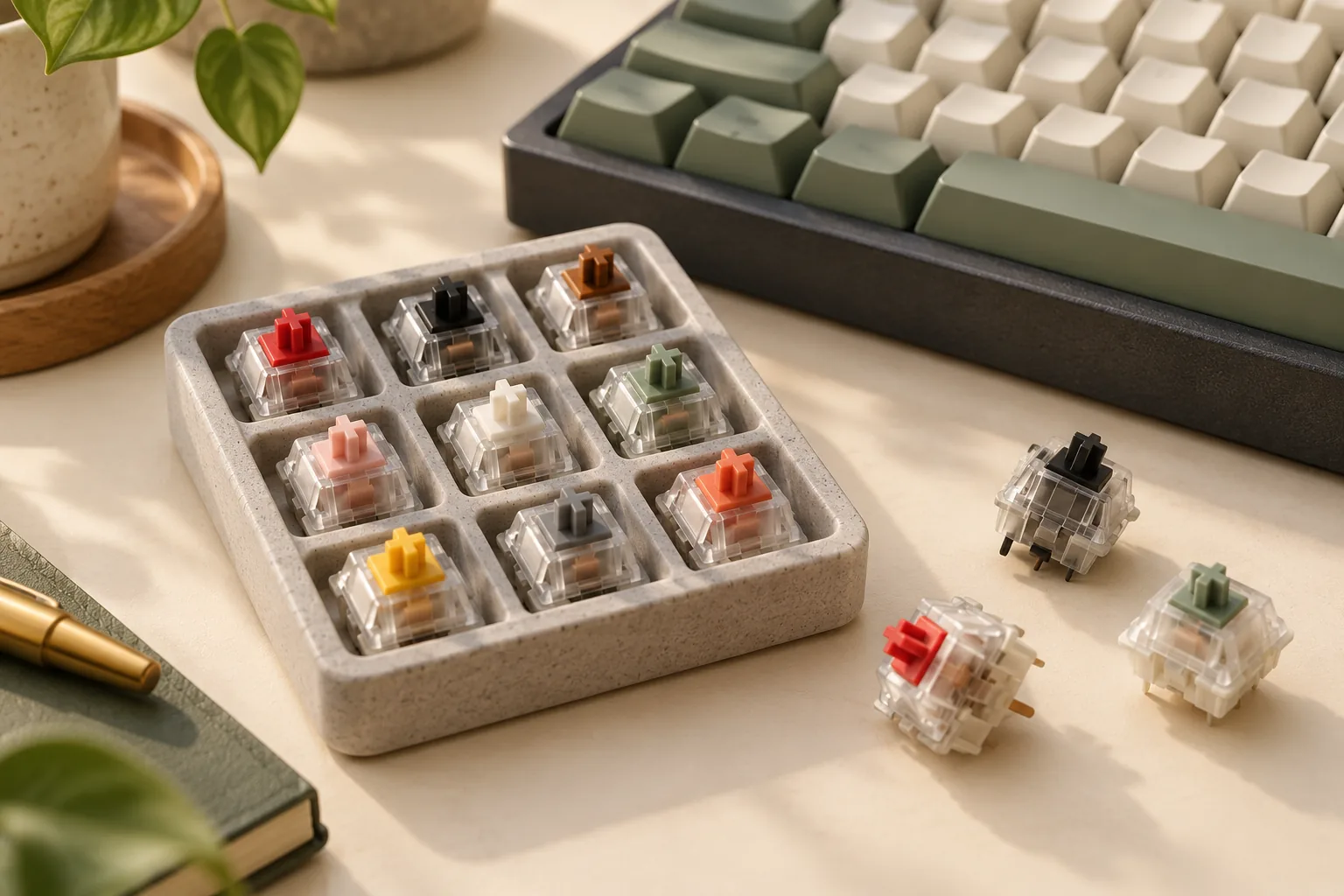
Start with the keyboard’s exact model, revision, and installed switch designation. Then find documentation for that switch family. A brand name or a description such as “mechanical” is too broad for a complete fit decision.
Kailh’s traditional Switch Set product description says those switches use the MX form and support MX-style keycaps. That is evidence for the named product family. The captured description does not establish compatibility across Kailh’s other switch families or revisions. Source: Kailh Switch Set product description.
A brief Choc V1 and V2 warning
In its March 23, 2026 guide, Keebio describes Choc V1 as using a proprietary two-prong interface and Choc V2 as using an MX-compatible stem. Keebio also warns that MX keycaps can encounter housing collisions and that stabilizer attachment positions need checking. The generation therefore matters even before you compare complete layouts. Source: Keebio’s low-profile compatibility guide. For a V1 build, continue with the Choc V1 keycap fit guide.
| Exact switch family | Documented cap interface | Stabilizer position | Bottom-row widths, spacebar size, and regional coverage |
|---|---|---|---|
| Kailh traditional Switch Set | MX form advertised by Kailh | Unknown for your keyboard | Unknown |
| Kailh Choc V1 | Proprietary two-prong interface, according to Keebio | Unknown for your keyboard | Unknown |
| Kailh Choc V2 | MX-compatible stem, according to Keebio | Unknown; check for offset positions | Unknown |
For all three rows, the chosen keycap profile’s row assignments and housing/LED clearance remain unknown until documentation addresses your particular combination.
Keep this cap-mount check separate from switch-to-circuit-board or socket compatibility. If you are also changing switches, assess that installation using the keyboard’s own documentation.
Match the complete keyboard layout
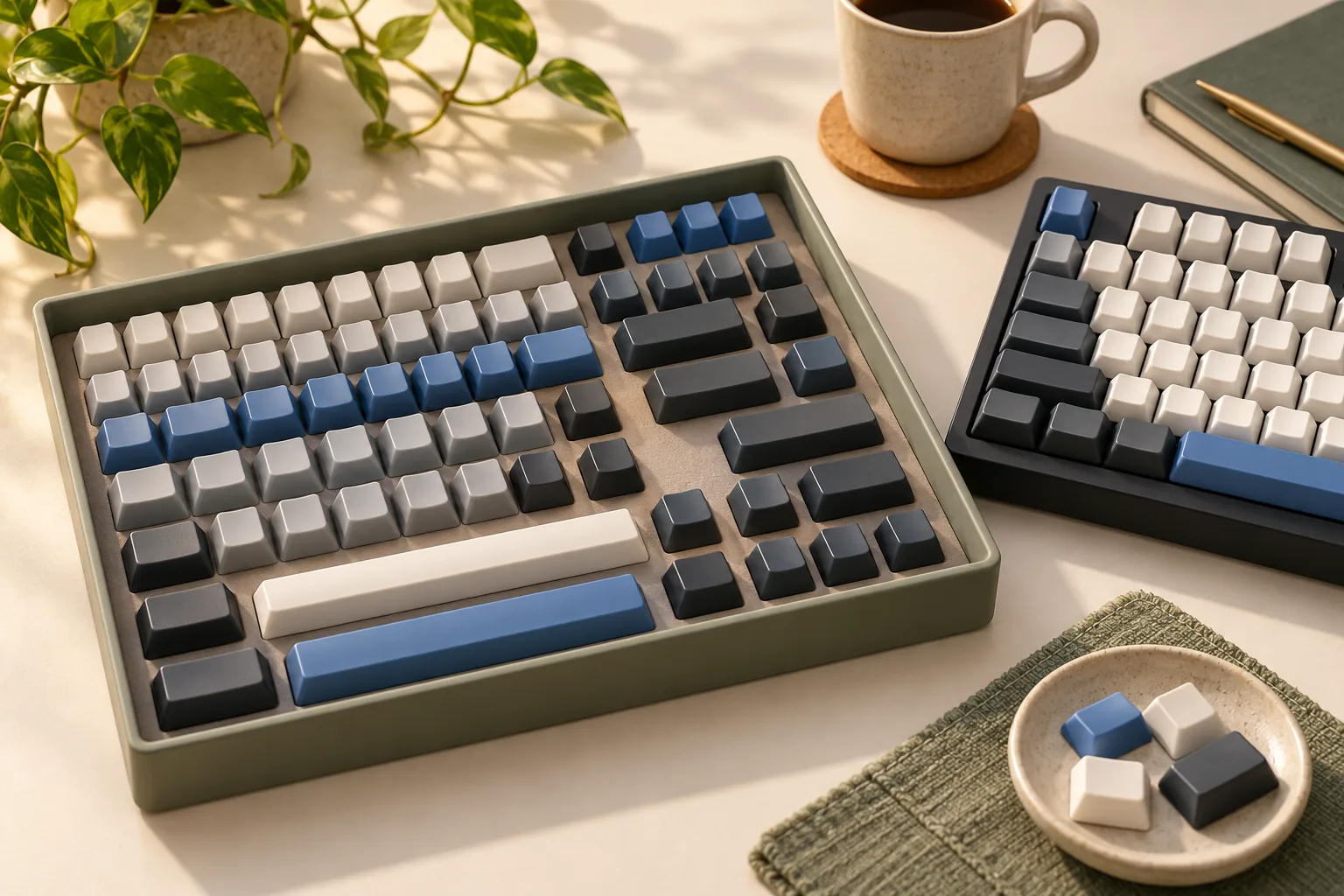
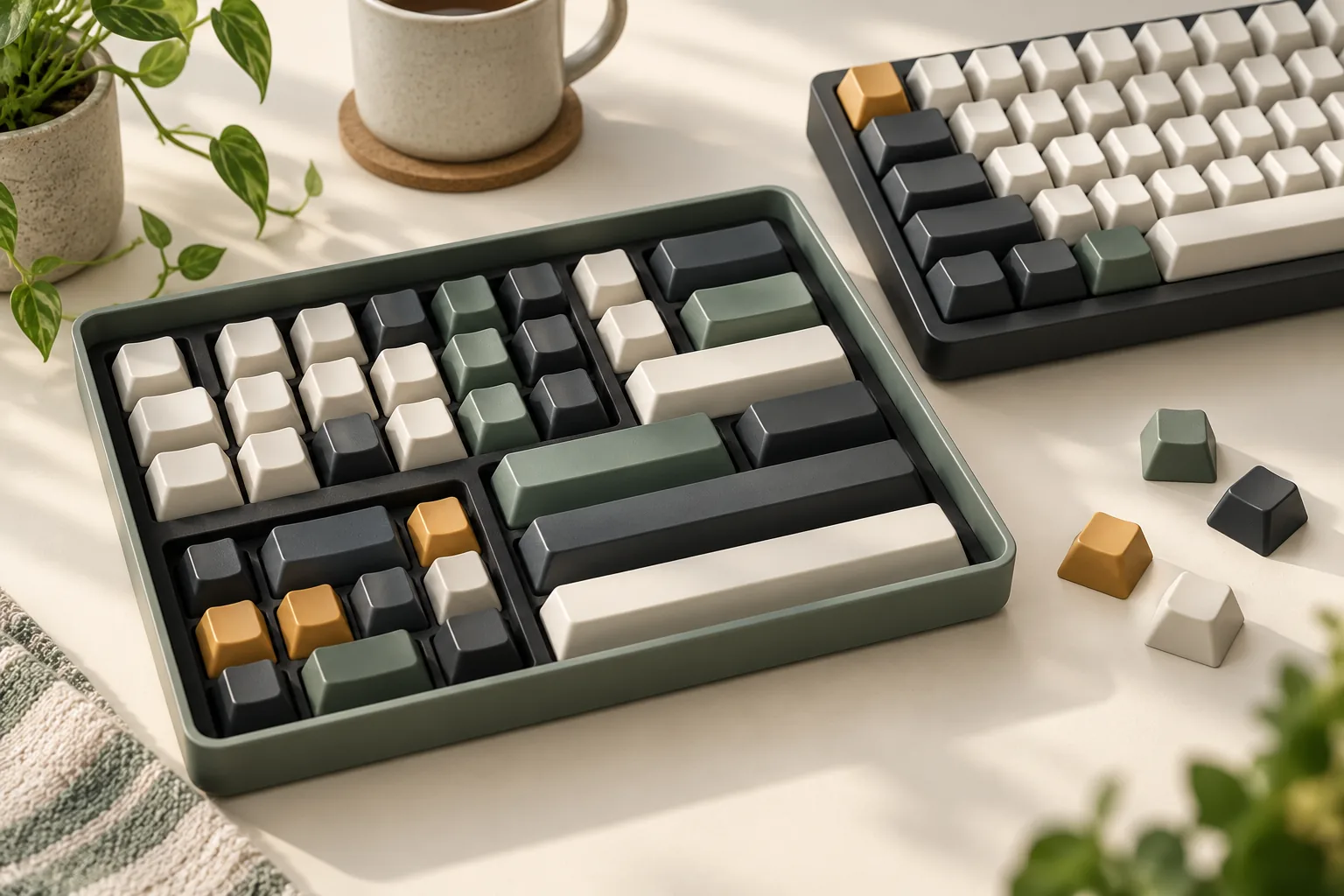
Put the keyboard’s layout diagram beside the keycap kit’s contents diagram. Work through every position, paying particular attention to modifiers, the spacebar, and regional keys. Record widths exactly as the diagrams label them, including any “u” key-width notation.
Use this comparison order:
- Bottom row: Match each modifier and the spacebar individually.
- Regional layout: Check the required ANSI or ISO Enter, Shift, and other regional keys against the actual kit diagram.
- Remaining keys: Confirm that every position has an appropriate cap, including any unusual modifiers.
- Row assignments: If the profile uses different shapes for different rows, verify that each required key is supplied for its intended row.
A package total is useful inventory information, but it cannot identify the sizes and positions of every included key. Keebio provides a concrete example: its custom THT Low-Profile MX 98-Key set omits several long spacebar sizes despite containing 98 keycaps. Source: Keebio’s THT set description.
Likewise, a regional label is a starting point for inspection. When considering an NA-labeled kit, compare its actual keys with your keyboard rather than treating that label as a complete ANSI/ISO coverage diagram.
Check stabilizers and full travel
Stabilizers provide additional support and attachment points for larger keys. Inspect the underside of the replacement cap and compare those attachment positions with the keyboard’s documentation. Keebio specifically warns that some keyboards use offset stabilizer positions, so matching the central switch stem does not settle this question. Source: Keebio’s stabilizer warning.
Profile clearance deserves a separate check. Keebio notes that some MX keycaps can collide with low-profile switch housings. Its warning supports checking the exact cap-and-switch combination; it does not establish that every full-height cap fails or that every low-profile cap succeeds. Source: Keebio’s profile discussion.
Before buying, look for documentation covering:
- The cap’s central mount and stabilizer receptacle positions.
- The selected profile’s clearance around the switch housing.
- Any possible LED obstruction for the exact keyboard and cap combination.
- Movement through the key’s full travel, including stabilized keys.
If LED clearance is not addressed, record it as unknown. Once you have a documented candidate, follow the keyboard maker’s installation instructions and check movement before replacing the entire set. Any interference needs resolving before you treat the installation as complete.
Two examples that expose incomplete fit claims
Corsair PRO: compatibility has conditions
Corsair’s Going PRO with PBT DOUBLE-SHOT Keycap Mod Kits guide conditions PRO-kit compatibility on standard MX-stem keyswitches and stabilizers, together with a standard bottom row. Preserve all of those conditions when evaluating a keyboard. A cross-shaped stem alone does not establish the rest. Source: Corsair’s PRO guide.
The exact PBT DOUBLE-SHOT PRO Keycap Mod Kit — Mint Green (NA), SKU CH-9911080-NA, lists 104 PBT double-shot keycaps, 120 O-ring dampeners, and a keycap puller. Those contents document what is packaged; they do not supply an individual-key layout or stabilizer-position map. Source: Corsair’s package contents.
The guide also directs owners of older models such as the K95 RGB PLATINUM XT and K70 RGB MK.2 to a separately named CORSAIR GAMING PBT DOUBLE-SHOT set. Keep that product identity distinct from PRO and from later similarly named variants. Source: Corsair’s older-model guidance. Use the Corsair replacement-keycap model guide to keep those families separate.
For either older model, obtain matching documentation for the stem, stabilizer positions, modifier widths, spacebar size, regional layout, row profile, and clearance. Those details remain unknown here; the product names do not fill them in.
Keebio’s 98-key example: check the required spacebar
Keebio describes its custom Tai-Hao THT Low-Profile MX 98-Key Keycap Set as designed for split staggered keyboards. It explicitly includes no 6u, 6.25u, or 7u long spacebar. Source: Keebio’s kit description. The spacebar kit coverage checks help identify the missing arrangement before choosing add-ons.
If your keyboard requires one of those long spacebars, that package alone leaves a required key uncovered. For another layout, compare the individual keys before reaching a conclusion. Stabilizer positions, regional coverage, row assignments, and clearance for your keyboard still need their own evidence.
These examples support a useful buying habit: compare the exact kit with the exact keyboard, one requirement at a time.
Complete this fit worksheet before buying
Create one copy for each keyboard-and-kit pairing. Record the source beside each answer so you can distinguish an explicit specification from an assumption.
Use documented when matching documentation answers the question, conditional when a compatibility statement depends on requirements you still need to verify, and unknown when the necessary detail is missing. An explicit mismatch should be recorded as does not meet requirement.
| Requirement | What to record | Starting status |
|---|---|---|
| Keyboard and switch identity | Exact keyboard variant, installed switch family, and generation | Unknown |
| Cap mount | Interface specified for both switch and cap | Unknown |
| Stabilizer attachment | Attachment type and receptacle positions for each stabilized key | Unknown |
| Bottom-row modifiers | Required widths compared with supplied widths | Unknown |
| Spacebar | Required width and attachment positions compared with the kit | Unknown |
| Regional coverage | Required ANSI/ISO keys and regional legends compared with actual contents | Unknown |
| Row profile | Required key in the correct row shape, where applicable | Unknown |
| Full-travel clearance | Evidence addressing housing and any LED obstruction | Unknown |
Worked example: For Corsair CH-9911080-NA and an otherwise unspecified keyboard, record the 104-cap package inventory as documented. Record mount, stabilizer, and bottom-row compatibility as conditional on Corsair’s stated requirements. Leave exact stabilizer positions, modifier/spacebar widths, regional coverage, row assignments, and housing/LED clearance unknown until matching documents establish them. Sources: Corsair guide, exact kit.
For an essential unknown, ask the manufacturer or seller a precise question: “Does this exact kit include the spacebar width and stabilizer receptacle positions shown in my keyboard’s layout diagram?” Include the model, revision, and kit SKU. At checkout, separately verify the selected seller’s current terms for a fit-related return.
Frequently asked questions
Do all keycaps fit all switches?
No. Keebio’s guide identifies different cap interfaces for Choc V1 and Choc V2: a proprietary two-prong mount versus an MX-compatible stem. Even a matching interface leaves complete-kit coverage, stabilizer alignment, and clearance to verify. Start with the exact switch family and generation. Source: Keebio.
Do Cherry MX-compatible keycaps fit Kailh switches?
Kailh advertises MX-form keycap support for its traditional Switch Set. That supports considering MX-style caps for that family, subject to the remaining fit checks. It does not establish support across the Kailh brand. Identify your particular series and generation before choosing a set. Source: Kailh.
Is a larger keycap set enough to guarantee coverage?
No. The individual keys matter. Keebio’s custom THT 98-key set has no 6u, 6.25u, or 7u long spacebar, while Corsair’s 104-cap inventory is a package count. Compare your keyboard’s required keys with the actual contents diagram. Sources: Keebio, Corsair.
Your next step
Choose Cherry MX keycaps by confirming the mount, complete layout coverage, and stabilized-key clearance together. Complete the worksheet for your exact keyboard and kit, then resolve every essential unknown with matching documentation before ordering.
Sources
The source material below was captured on October 15, 2026. Product details apply to the named items and passages.
- Corsair: Going PRO with PBT DOUBLE-SHOT Keycap Mod Kits — manufacturer guide.
- Corsair: Mint Green NA PRO kit, CH-9911080-NA — manufacturer package contents.
- Kailh: Switch Set — captured search excerpt of the manufacturer’s product description.
- Keebio: Low-Profile Keycap Options: What Works With What — vendor guide published March 23, 2026.