As an Amazon Associate we earn from qualifying purchases.
Choc V1 keycaps use a two-prong mounting interface. Kailh Choc V2 and Gateron KS-33 use an MX-style cross instead, so identifying the exact switch comes before choosing caps. Keebio identifies MBK as a Choc V1-only family, but matching that mount establishes only the first part of compatibility: your selected pack must also cover the layout and clear surrounding hardware. Source: Keebio.
This guide is for builders replacing or buying low-profile keycaps, especially those comparing MBK packs for a compact or split keyboard. It explains how to check a candidate against your board; a full-board fit verdict depends on your exact board revision and selected cap variant.
Quick buying rule: Confirm the mount, count every required key, then verify clearance through full travel. Keep an unresolved check marked unknown until the board or cap documentation answers it.
Editorial method: This guide uses vendor information captured October 15, 2026, including a search excerpt from FKcaps’ product listing. Recommendations are based on documentation, without hands-on fit testing.
On this page
- Identify the mounting family
- Choose Choc V1 keycaps and count the kit
- Separate cap dimensions from board spacing
- Complete the fit worksheet
- Questions to resolve before ordering
Identify the mounting family
A listing that says “Kailh low profile keycaps” needs a more specific compatibility statement. First establish whether the switch is a Choc model and which generation it belongs to. Use the board’s parts list or switch documentation, then compare the cap’s underside with the documented mounting interface. For a V2 shortlist, start with the low-profile keycap compatibility guide and obtain explicit product confirmation.
Keebio’s March 23, 2026 guide separates Choc V1’s two-prong interface from the MX-compatible stems used by Choc V2 and Gateron KS-33 Low-Profile 2.0. It also warns that MX stem compatibility does not establish housing clearance or correct stabilizer receptacle placement. Source: Keebio’s mounting and clearance guidance.
| Switch or listing family | Supported mounting description | Purchase decision |
|---|---|---|
| Kailh Choc V1 | Two-prong Choc V1 interface | Look for an explicit V1 compatibility statement; MBK is a documented candidate. |
| Kailh Choc V2 | MX-compatible cross stem | Check the exact cap profile, housing clearance, and stabilized keys. |
| Gateron KS-33 Low-Profile 2.0 | MX-compatible cross stem | Verify the selected cap and board combination independently. |
| Generic “Kailh Choc” listing | Generation unresolved from the name alone | Obtain generation confirmation before treating it as a V1 purchase. |
The family distinctions above come from Keebio; the unresolved generic-label example is the selected Keycapsss listing.
For every row, your board’s stabilizer spacing, bottom-row sizes, spacebar dimensions, regional layout coverage, and installed clearance remain unknown. A common brand or stem label cannot fill those fields.
Choose Choc V1 keycaps and count the kit
MBK has a documented V1 identity
MBK is a useful starting point when your board documentation confirms Choc V1. Keebio explicitly limits MBK to Choc V1 and excludes Choc V2, KS-33, and standard MX switches. Source: Keebio’s MBK section.
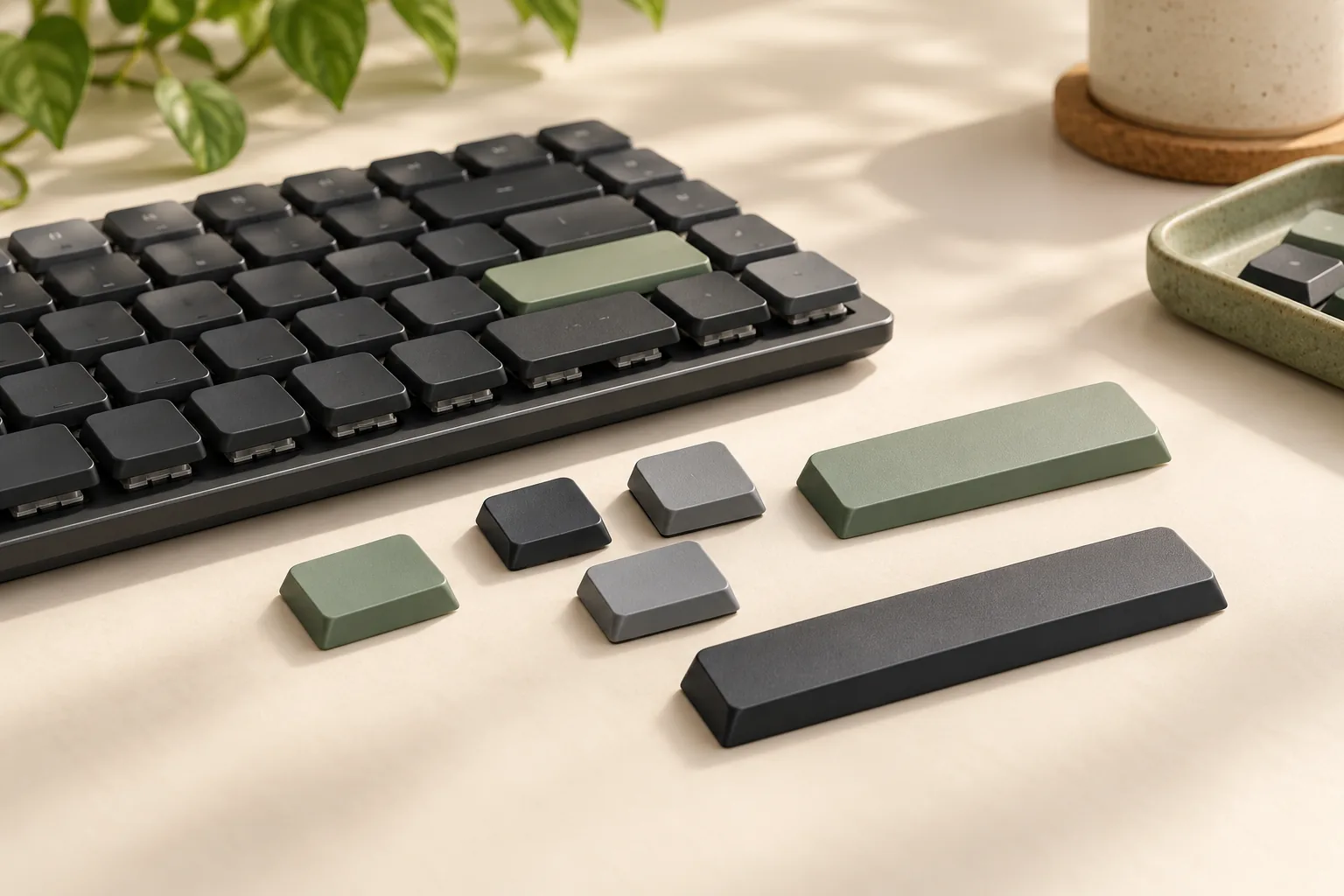
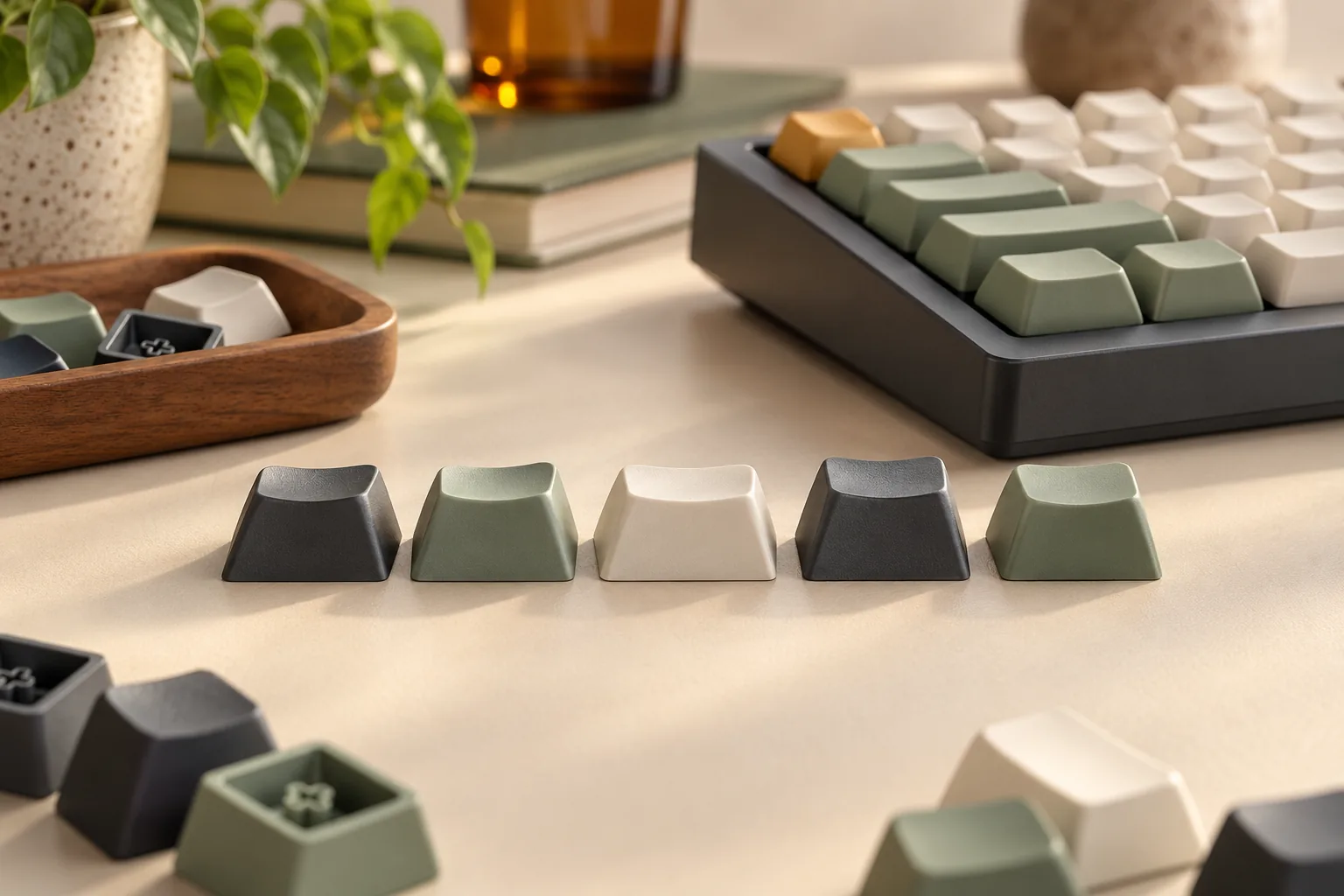
In kit labels, 1u means one key unit, a relative size designation; labels such as 1.5u and 2u identify wider sizes. Convex describes an outward-curving typing surface. Keebio describes MBK kitting as concentrated on 1u keys and selected wider convex forms, so a layout with many different modifier sizes needs careful inventory checking. Keep these size labels separate from actual millimeter dimensions. Source: Keebio’s MBK forms and kitting.
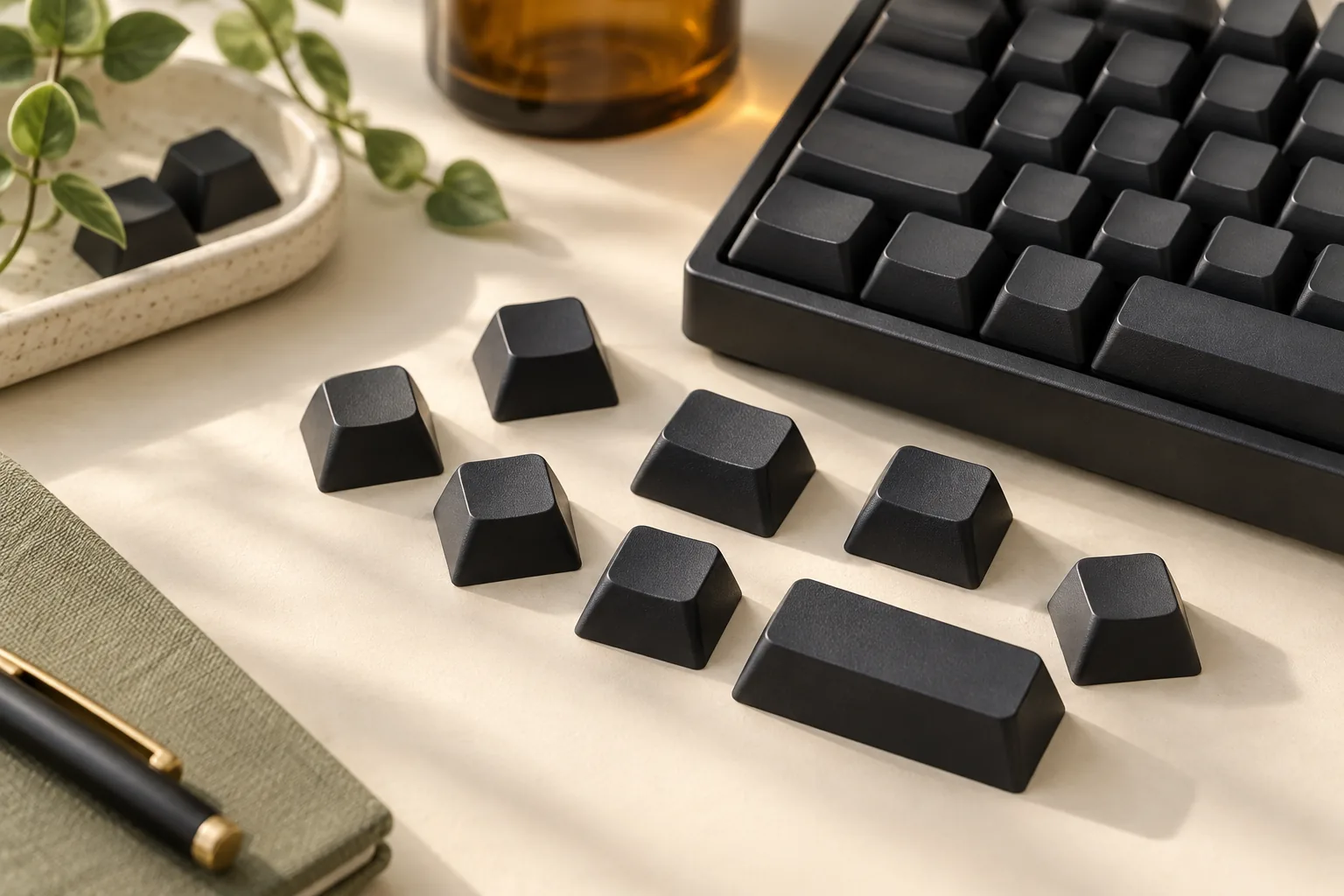
The captured FKcaps MBK Blanks product excerpt identifies the caps as made for Choc switches, excludes MX and Topre, credits designer Max Burger, and shows a White / 1u – 10 pcs option. That establishes a particular product and pack label. Keebio supplies the explicit V1-only distinction; the generic word “Choc” alone should not be expanded into a V2 compatibility promise.
Available forms and included contents are different
Keebio describes five MBK blank forms: 1u blank, 1u homing, 1u convex, 1.5u convex, and 2u convex. The homing form provides a tactile reference through a lip along the bottom edge, while the convex forms are presented as thumb-key options. These are available types in that vendor’s description, rather than a promise that every MBK order includes all five. Source: Keebio’s MBK blank inventory. Use the split-spacebar and thumb-key coverage to record each required thumb-key shape and width.
For a concrete set example, Keebio lists the following MBK Dot Glow contents:
| Cap type | Listed quantity |
|---|---|
| Standard 1u dot | 58 caps |
| Homing 1u dot | 2 caps |
| Convex 1u | 2 caps |
| Convex 1.5u | 2 caps |
| Total | 64 caps |
Source: Keebio’s MBK Dot Glow description, March 23, 2026.
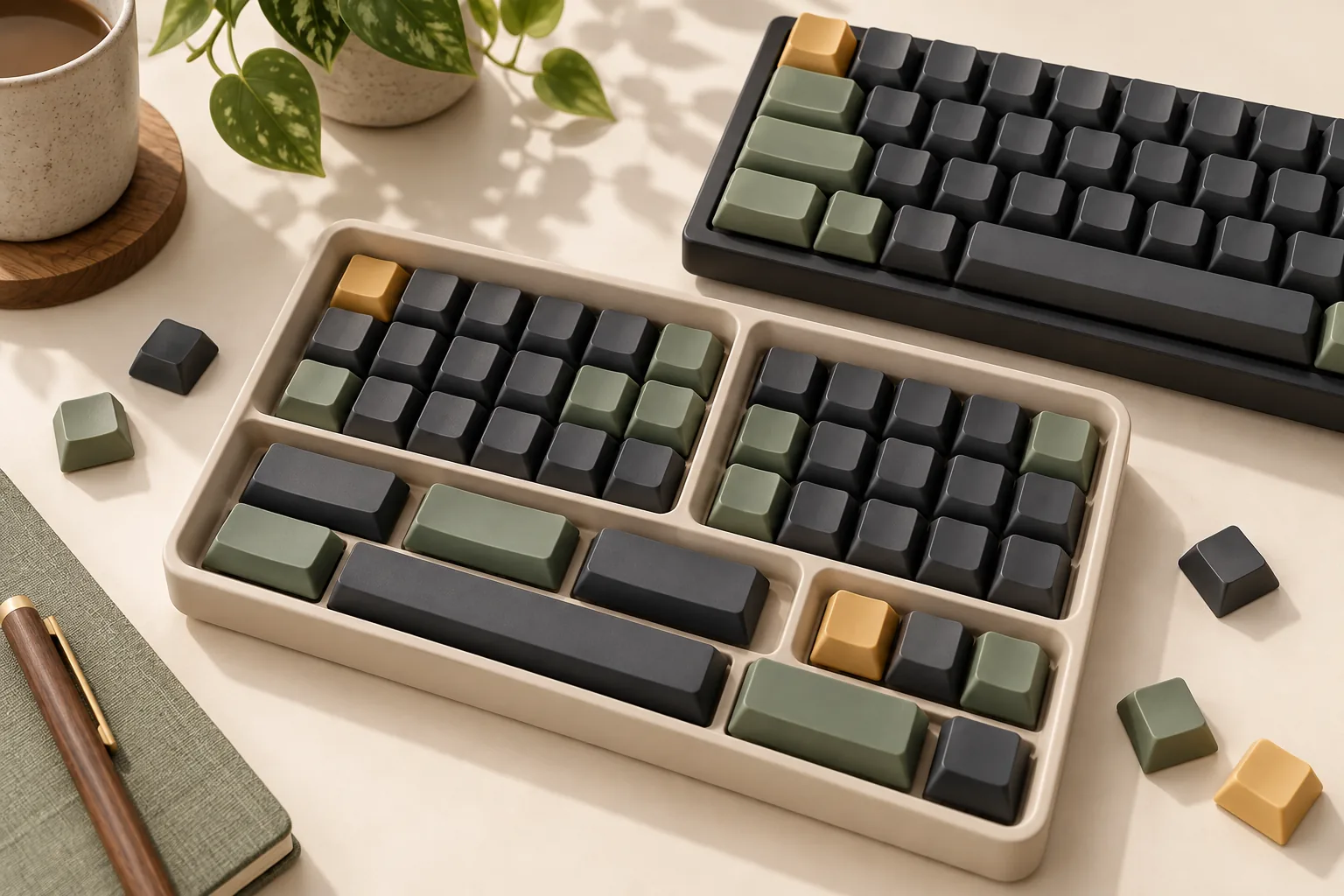
Count ordinary keys, homing keys, thumb keys, modifiers, and space keys separately. A total cap count can look sufficient while a required size is absent. For example, if your layout requires a 2u thumb cap, the listed Dot Glow inventory has no 2u entry; extra standard 1u caps do not satisfy that position.
The separately described 2u convex blank is a candidate to investigate for that gap. Its orientation, dimensions, mounting details, and any stabilizer requirements still need to match your board. Likewise, confirm regional legends and the physical keys required by your layout separately; blank caps do not establish physical ISO or JIS coverage.
Separate cap dimensions from board spacing
Cap footprint is the width and depth occupied by the cap. Board pitch is the center-to-center distance between neighboring switch positions, measured horizontally and vertically. Record those as separate fields, along with cap orientation; a cap measurement should never be copied into a board-pitch field.
The distinction matters in the historical beekeeb comparison, originally published June 6, 2023, with an update dated January 1, 2025. It presents CFX and MBK as Choc V1 examples and reports dimensions for particular caps. Those specimen footprints are useful context, but they do not supply your board’s switch-center spacing or a manufacturing tolerance drawing.
Bind dimensions to the exact color and variant
The selected Keycapsss product page identifies KC10225_1U-WH as White, 1U, 10 pieces. Its description gives different dimensions for opaque and clear 1u caps:
| Listed 1u variant | Width, labeled W | Second footprint dimension, labeled H |
|---|---|---|
| White or black | 17.7 mm | 16.7 mm |
| Clear | 17.5 mm | 18 mm |
Source: Keycapsss’ selected listing. Preserve the listing’s W/H orientation when comparing these values with board documentation.
Keycapsss warns that the clear caps do not fit some tighter grids designed for Choc switches. A color change therefore needs a fresh dimensional check rather than an assumption that every variant has the same footprint. The selected description says “Kailh Choc” without specifying V1, so its generation remains unresolved here. Source: Keycapsss’ dimensional warning.
The page also offers 1.5u and 2u single-piece variants separately. Their appearance in a selector does not put them in the selected white 1u ten-pack. Keep that product distinct from MBK listings and specifications, even when both appear on the same shopping page. Source: Keycapsss’ selected option and variant labels.
Complete the fit worksheet
Use this worksheet for one exact board revision and one selected product option. Have the board’s parts list, layout drawing, and selected pack inventory available. Repeat the checks when changing switch generation, cap family, color, or pack.
The worksheet applies to Choc V1, Choc V2, KS-33, and a generic Choc listing. Only the documented mounting-family information above is already established; none of these families supplies your board-specific measurements automatically.
| Check | Current status for your board and candidate | What resolves it |
|---|---|---|
| Exact switch model and revision | Unknown | Board parts list and switch documentation |
| Cap mounting interface | Unknown for the selected purchase | Explicit compatibility statement and underside drawing or photo |
| Horizontal and vertical board pitch | Unknown | Board drawing with both center-to-center measurements |
| Cap footprint and orientation | Unknown for the selected purchase | Exact variant dimensions and intended orientation |
| Standard 1u and homing quantities | Unknown | Board key map compared with selected pack inventory |
| Convex, thumb, and modifier keys | Unknown | Required shapes, sizes, orientations, and quantities |
| Stabilizer spacing and receptacle offsets | Unknown | Matching board and cap drawings for each stabilized position |
| Bottom-row and spacebar dimensions | Unknown | Exact widths, orientation, mounting points, and quantities |
| Regional legends and physical layout | Unknown | Selected kit inventory matched to your regional layout |
| Full-travel clearance | Unknown | Exact combination documentation or an appropriate fit check |
Check 1: The individual cap mounts
Match the documented interface before comparing colors or legends. An explicit Choc V1-only MBK description answers a different question from an MX-compatible stem description. If the selected listing leaves the generation unclear, ask the seller to confirm it for the exact product option.
Check 2: The selected order covers every position
Compare the board map against the pack line by line. Keep standard 1u, homing, convex, wider modifier, bottom-row, and spacebar requirements separate. Record a missing size as a gap even if the order contains more caps than the board has switches. For an unlabeled arrangement, apply the blank-keycap layout checks alongside the Choc-specific mount inventory.
A practical seller question is: “Does this exact option include the required quantities and orientations shown on my board’s layout?” Attach the layout and identify any stabilized positions. A photo of a completed keyboard should support your question, rather than replace an itemized contents list.
Check 3: Installed caps clear neighboring parts
Keebio warns that some MX caps collide with low-profile switch housings and that stabilizer receptacle locations can differ. That makes housing clearance and stabilizer alignment independent checks after the stem family matches. Source: Keebio’s compatibility cautions.
For the exact combination, also resolve clearance around neighboring caps, LEDs, and case edges throughout travel. Documentation or a seller’s confirmation should address those parts specifically. When following the board maker’s installation instructions, do not force a cap that resists seating or binds during movement.
Questions to resolve before ordering
Can Choc V1 keycaps fit Choc V2?
Choc V1’s two-prong caps and Choc V2’s MX-compatible stem belong to different mounting families. Keebio explicitly excludes Choc V2 from MBK compatibility. For a V2 board, start with a documented V2-compatible candidate, then check housing clearance, stabilized keys, and layout coverage. Source: Keebio.
Does an MX cross prove a low-profile cap will fit?
It establishes the stem family, but leaves other fit questions open. Keebio warns about housing collisions and differing stabilizer receptacle locations. Ask whether the exact cap clears your switch housing and whether each stabilized key matches your board’s mounting positions. Source: Keebio.
What should I verify at checkout?
Confirm the selected generation, color, size, pack quantity, and any separately needed keys. Then check the seller’s current delivered total, destination eligibility, and applicable return terms, including conditions for opened or fitted caps. Use the linked product pages to verify details for the option you intend to order.
For Choc V1 keycaps, MBK provides a documented mounting-family starting point. Complete the decision by matching every layout position and resolving clearance for your exact hardware. Before ordering, finish the worksheet and send the seller any remaining unknowns together with your board revision and selected product option.