As an Amazon Associate we earn from qualifying purchases.
Choose Corsair replacement keycaps by your keyboard’s full model name, part number, and regional layout. Corsair lists several K70 RGB, MK.2, LUX, and RAPIDFIRE models under its original PBT Double-Shot Keycap Kit, while K70 RGB TKL appears under the PBT DOUBLE-SHOT PRO Keycap Mod Kit. The shared K70 name does not establish that these sets are interchangeable. See Corsair’s compatibility list.
This guide is for Corsair keyboard owners replacing a damaged key or choosing a complete set. It combines manufacturer compatibility information and product details documented on October 15, 2026; no physical fit testing was performed.
Quick choice: Start with Corsair’s replacement-request route for a broken key, use the model selector below for a full set, and investigate the dedicated replacement set for K70 PRO MINI. Verify your exact layout before ordering.
On this page:
- Identify your keyboard
- Check the K70 selector
- Compare the two kit families
- Verify physical fit and coverage
- Handle K70 PRO MINI separately
- Use the buying worksheet
- Read common questions
Identify your Corsair keyboard first
Before shopping, record the full model name, keyboard part number, and regional layout. Keep suffixes such as RGB, MK.2, SE, TKL, and PRO MINI in your notes. Those distinctions matter because Corsair assigns named K70 variants to different keycap-kit groups in its official selector.
Take a clear photograph of the existing layout, including the bottom row and any secondary legends. If replacing a specific key, record its position and every symbol printed on it. Use that information when asking Corsair or a seller to confirm the replacement.
Choose your replacement route before comparing colors:
- One worn or broken key: Follow the request-form link in Corsair’s replacement guide. Check the current form for your model and applicable terms.
- A complete appearance change: Identify the appropriate kit family, then compare its exact regional package with your keyboard.
- A model-specific replacement: Search the official keyboard-parts catalog using the complete model name. The documented catalog includes a K70 PRO MINI WIRELESS keycap set.
Corsair’s guide separates replacement requests from full-kit upgrades. It does not establish that every request will be approved or that every model currently has replacement caps available.
Corsair K70 replacement keycaps: model selector
The table follows Corsair’s named compatibility groups. Here, legacy kit means the PBT Double-Shot Keycap Kit without PRO in its name. A listed kit family is a useful starting point; it does not provide a dimensioned inventory for every regional keyboard.
For every row, confirm the switch attachment and larger-key stabilizer connections on the exact keyboard. Unknown dimensions means bottom-row modifier widths, spacebar width, and stabilizer spacing are not established by the documentation used here.
| Exact model or family | Documented kit starting point | Switch and stabilizer check | Regional layout and dimensions |
|---|---|---|---|
| K70 RGB MK.2 SE | Legacy PBT Double-Shot | Verify exact keyboard and replacement mounts | Confirm region; dimensions unknown |
| K70 RGB MK.2 | Legacy PBT Double-Shot | Verify exact keyboard and replacement mounts | Confirm region; dimensions unknown |
| K70 RGB LUX & RAPIDFIRE | Legacy PBT Double-Shot | Verify exact keyboard and replacement mounts | Confirm region; dimensions unknown |
| K70 RGB | Legacy PBT Double-Shot | Verify exact keyboard and replacement mounts | Confirm region; dimensions unknown |
| K70 LUX & RAPIDFIRE | Legacy PBT Double-Shot | Verify exact keyboard and replacement mounts | Confirm region; dimensions unknown |
| K70 RGB TKL | PBT DOUBLE-SHOT PRO | Verify exact keyboard and replacement mounts | Confirm region; dimensions unknown |
| K70 PRO MINI WIRELESS | Investigate model-specific set; generic PRO has a partial-compatibility warning | Confirm attachment and larger-key mounts separately | Confirm legends and region; dimensions unknown |
| K70 CORE | Complete-set fit unverified here | Obtain exact-model confirmation | Confirm region; dimensions unknown |
| K70 MAX | Complete-set fit unverified here | Obtain exact-model confirmation | Confirm region; dimensions unknown |
| K70 RGB PRO | Complete-set fit unverified here | Obtain exact-model confirmation | Confirm region; dimensions unknown |
The PRO MINI row combines the official catalog listing with the warning in an excerpt from Corsair’s installation help. The final three rows identify cases requiring further model-specific confirmation; they are not incompatibility verdicts.
For example, an owner whose keyboard is labeled K70 RGB MK.2 should begin with the legacy family. An owner whose label says K70 RGB TKL should begin with PRO. Neither buyer should substitute another kit solely because its listing mentions “K70.”
Legacy vs. PRO: what the documented kits include
The two exact products below help distinguish the names. They are package references, rather than a ranking of feel, durability, or typing performance.
| Detail | Legacy White kit | PRO Mint Green NA kit |
|---|---|---|
| Exact SKU | CH-9000234-WW | CH-9911080-NA |
| Product description | PBT double-shot, backlight-compatible | PBT double-shot; standard-bottom-row compatibility description |
| Stated keycap coverage | Full 104/105-key set | 104-key set |
| Other documented contents | Complete accessory inventory not established here | 120 O-ring dampeners, keycap puller, quick-start guide, warranty card |
| Remaining fit question | Exact regional key inventory and mount geometry | Exact keyboard coverage; NA contents must not be transferred to another regional kit |
Sources: White legacy kit CH-9000234-WW and Mint Green NA PRO kit CH-9911080-NA.
Treat the key count as one package detail. For a purchase decision, match the actual keys supplied to the keys you intend to replace. Ask for the inventory or layout diagram for the exact SKU and region when the listing does not make that comparison possible.
The PRO product page describes compatibility with Corsair mechanical and optical-mechanical keyboards with a standard bottom row, plus Cherry MX-compatible keyboards. Corsair’s more specific compatibility FAQ requires a standard bottom row, MX-stem switches, and MX-stem stabilizers for non-Corsair boards. That combination does not establish fit for arbitrary optical, magnetic, low-profile, or Topre keyboards.
Check attachment, complete coverage, and clearance
Evaluate these three questions independently. A successful check at one stage should not replace the remaining checks.
Does the individual keycap attach correctly?
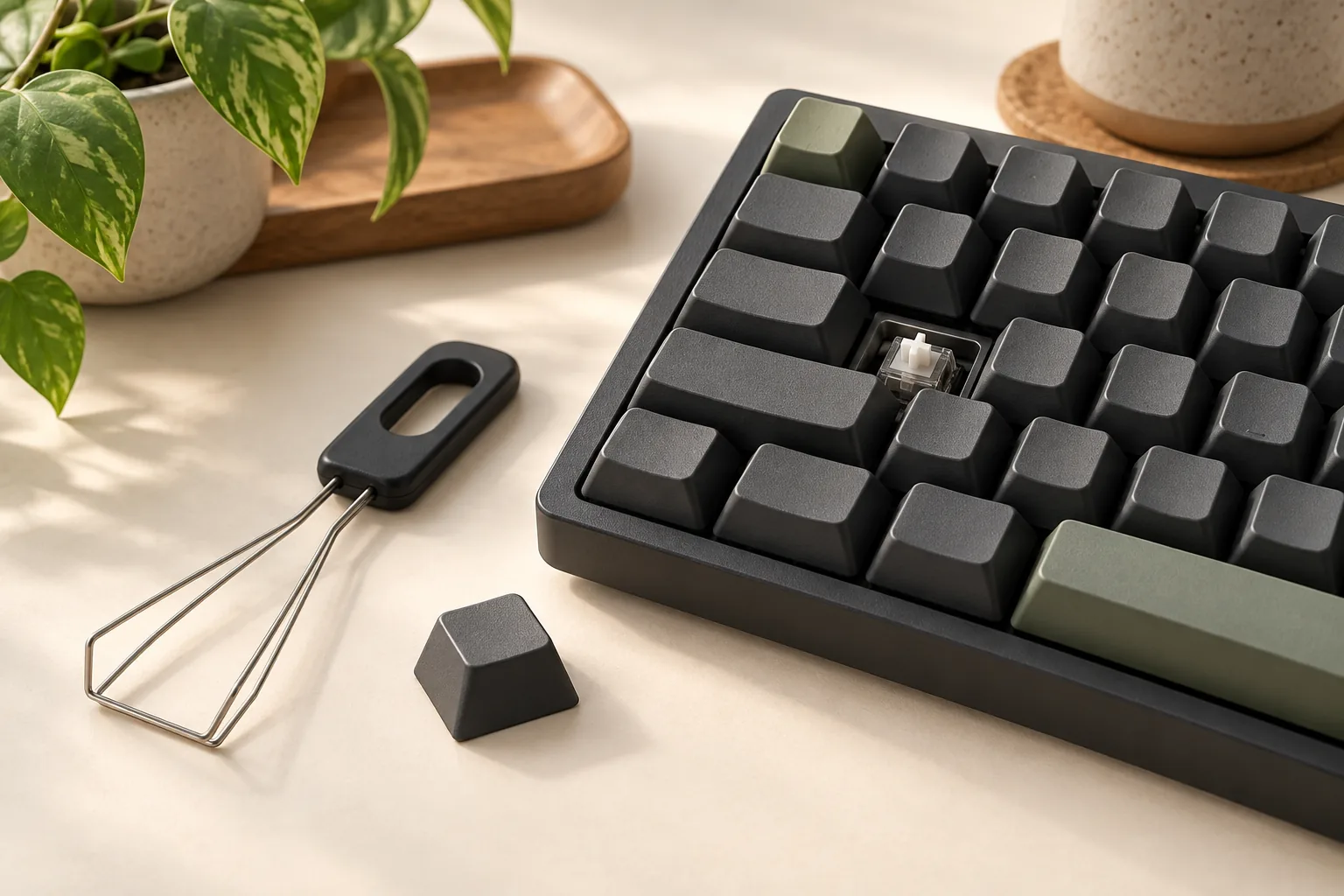
Corsair defines an MX stem as cross-shaped. Its FAQ also explains that larger keys, including Shift and the spacebar, use stabilizers, with MX-style stabilizers connecting through similarly shaped stems. Check both the central switch connection and the stabilizer connections on the replacement key. See Corsair’s stem and stabilizer explanations.
For a spacebar replacement, request confirmation of its width and stabilizer socket spacing for your exact keyboard. Those measurements remain unknown in this guide. A statement about the central stem alone does not resolve the larger key’s fit.
Does the set cover every key you need?
Compare your keyboard photograph with the selected package’s key inventory. Check each bottom-row modifier, the spacebar, larger keys, and the legends required by your regional layout. For compact keyboards, include secondary function legends in that comparison. The spacebar and bottom-row coverage helps record those requirements without assuming one bottom-row standard.
Use explicit questions when contacting support: “Does this SKU include the correct spacebar and all bottom-row modifiers for this keyboard part number and regional layout?” Ask separately about any unusual legends. The compatibility list supplies model groups, while the PRO MINI support excerpt demonstrates why legend coverage needs its own check.
Does it operate freely and preserve the lighting you need?
Corsair says these keycap legends are translucent and allow switch backlighting through. That establishes a shine-through feature; the FAQ does not establish identical brightness on every keyboard, compatibility with every LED position, or interference-free operation on every switch housing. Use the backlit-keycap selection guide to document the lighting result you require.
Request exact-model guidance if profile or housing clearance is uncertain. During installation, follow Corsair’s instructions and check normal movement and return before replacing the entire set. Treat an attachment match, complete key coverage, and satisfactory operation as separate requirements.
K70 PRO MINI needs a separate check
An excerpt from Corsair’s installation-help page calls generic PBT Double-Shot PRO kits partially compatible with K65 Plus Wireless, K65 Pro Mini, K65 RGB Mini, and K70 Pro Mini. It attributes the group’s limitations to additional legends, nonstandard bottom rows, or nonstandard layouts. It does not assign every cause to each model. Apply the individual replacement-keycap checks to every position left unresolved by the generic kit.
For K70 Pro Mini, the excerpt recommends the K70 Pro Mini Wireless PBT Double-Shot Keycap Set, if available, for correct legends. Corsair’s US parts catalog separately lists a black model-specific set.
Start with that model-specific route when your goal is to preserve the keyboard’s labeled functions. Confirm the selected set’s regional layout and contents before ordering. The catalog listing establishes a replacement pathway, without proving current availability or complete compatibility for every regional variant.
Replacement-keycap buying worksheet
Use this worksheet for any model in the selector, including one that requires further confirmation. It converts a broad compatibility claim into a specific purchase question.
| Check | Record or compare | Proceed when |
|---|---|---|
| Keyboard identity | Full model, revision, and part number | Confirmation applies to that exact keyboard |
| Regional layout | Layout name, symbols, and secondary legends | Supplied keys cover the intended legends and positions |
| Switch attachment | Original and replacement stem connection | Attachment is confirmed for the selected hardware |
| Stabilizers | Larger-key socket type and spacing | Replacement mounts match; unresolved spacing stays unknown |
| Bottom row | Every modifier width and spacebar width | Exact package covers each required position |
| Whole-set coverage | Package inventory against keyboard photograph | All keys you intend to replace are included |
| Operation and lighting | Model-specific guidance and installation checks | Movement, clearance, and lighting meet your needs |
| Selected offer | SKU, region, condition, contents, and current terms | The actual offer matches the confirmed replacement |
For a support inquiry, send your model and part number, layout photograph, the key or set you need, and the candidate SKU. Ask which fit details remain unresolved. This approach follows the separate model, stem, stabilizer, and layout considerations in Corsair’s compatibility information.
Before paying, check the selected seller’s current price, stock, package condition, delivery information, and return terms. For a replacement request, check the current support process and eligibility. These details are specific to the offer or request you submit.
Frequently asked questions
Will any Corsair keycap set fit a K70?
No blanket fit claim is supported. Corsair lists named K70 models under different kit families, including legacy PBT Double-Shot for several older variants and PRO for K70 RGB TKL. Match the full model and regional layout, then verify the selected package. Use the official compatibility list as your starting point.
Can I replace just one broken Corsair keyboard keycap?
Corsair’s replacement guide directs owners with worn or broken caps to a request form. Check that route before buying a whole set. Prepare your exact keyboard identity, regional layout, and key position, then confirm the current form’s options and terms; approval or availability is not established here.
Is the PRO Mint Green set a 105-key regional kit?
The documented CH-9911080-NA package specifies 104 keycaps and 120 O-ring dampeners, plus a puller, quick-start guide, and warranty card. Do not apply that inventory to a different regional SKU. Compare your layout with the exact Mint Green NA product before choosing it.
What if my exact K70 revision is missing from the selector?
Keep complete-set compatibility unresolved and ask Corsair for confirmation using the keyboard part number and layout. The named compatibility groups do not establish support for every K70 revision. Absence from this guide’s verified groups should prompt a model-specific check rather than a compatibility assumption.
Choose by exact model, then verify the package
For Corsair replacement keycaps, identify the keyboard first, use its documented kit family, and check attachment, complete coverage, and clearance separately. Give K70 PRO MINI its own model-specific check. Your next step is to compare your keyboard’s part number and layout with the selected kit—or send that information to Corsair before ordering.