As an Amazon Associate we earn from qualifying purchases.
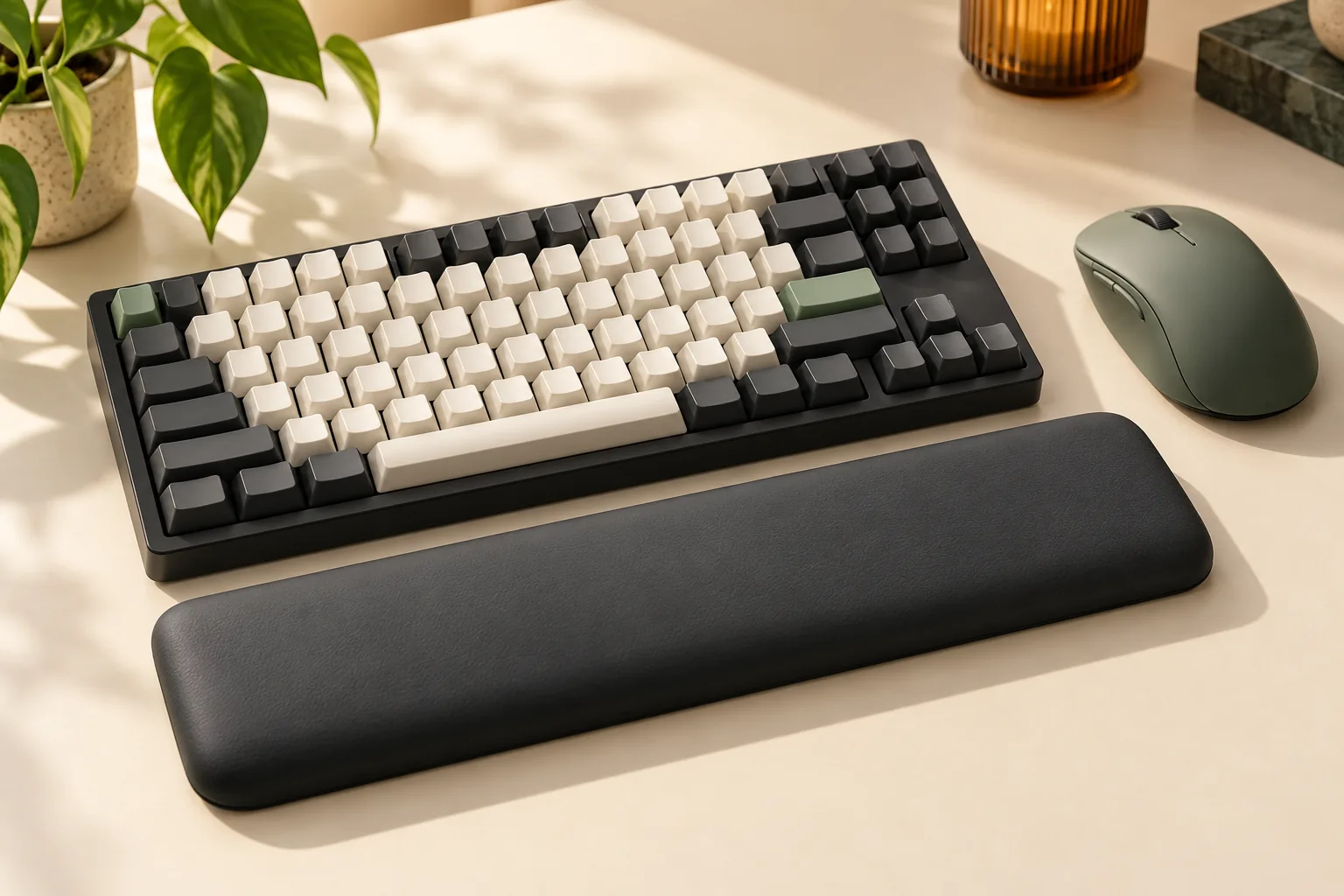
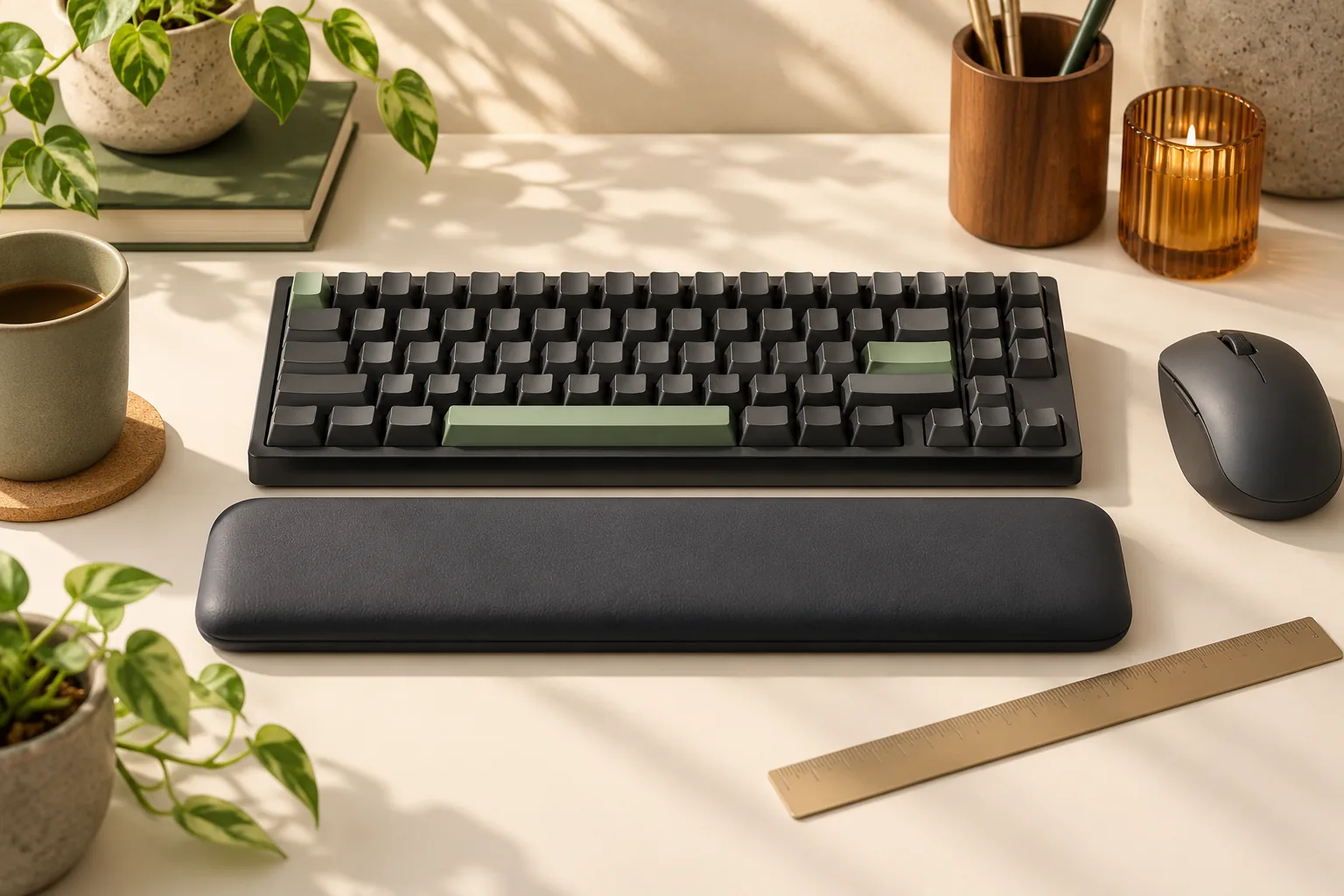
Choose a keyboard and mouse wrist rest set by checking each piece independently: match the keyboard support to the keyboard’s front edge, then confirm that the mouse support leaves room for your normal movements. Matching colors, materials, or advertised heights do not establish a suitable fit. Start with your desk layout and hand position before choosing a bundle.
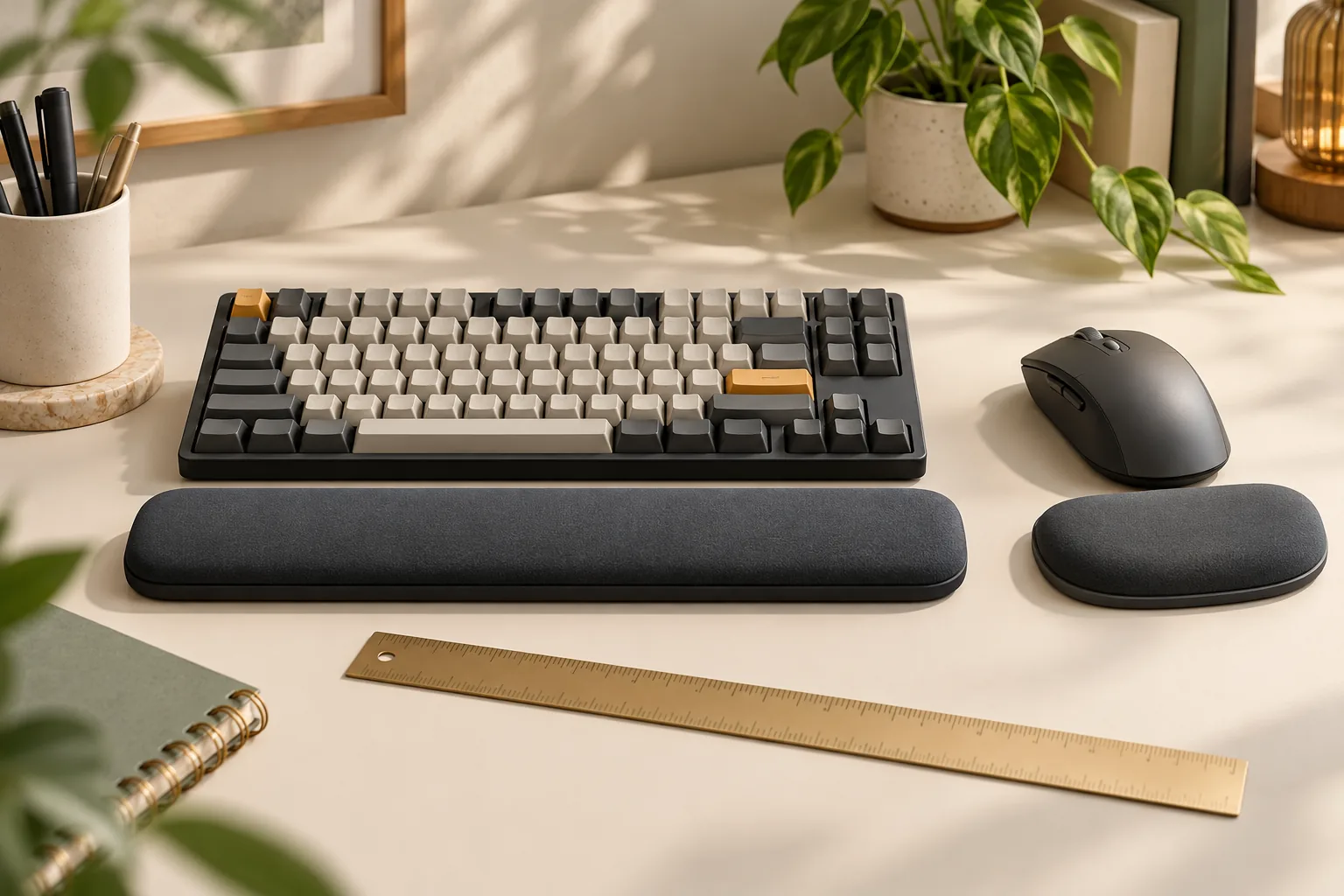
This guide is for people adding supports to an existing keyboard and mouse setup. A set pairs a long keyboard support with a smaller mouse support, sometimes built into a mousepad. The decision is whether both pieces suit their separate jobs: resting support at the keyboard and enough freedom around the mouse.
Quick takeaways
- Check support length, front and rear heights, and height under light resting pressure.
- Keep the mouse close to the keyboard at the same working level.
- Distinguish a mousepad’s total footprint from its usable tracking area.
- Treat incomplete component measurements as questions to resolve before buying.
These checks apply the Canadian Centre for Occupational Health and Safety’s wrist-rest guidance and workstation layout guidance.
Editorial method: This guide uses source excerpts captured October 15, 2026, rather than full-page reviews or hands-on testing. Product dimensions and materials below are attributed listing details; the fit checks are steps for your own setup.
In this guide: Support position · Measurement worksheet · Separate supports · Kensington gel example · HandStands beaded combo · Care and purchase checks · FAQs
Start with support position
The Canadian Centre for Occupational Health and Safety (CCOHS) advises keeping hands moving freely above a wrist or palm support while typing. During pauses, the support should contact the heel or palm of the hand. It also recommends matching the support’s width, height, and slope to the keyboard’s front edge and adjusting the workstation to maintain straight, neutral wrists. See CCOHS: Office Ergonomics—Wrist Rests.
Use that guidance to judge the assembled setup. Place your keyboard in its usual position, reach the keys, and check whether your hands can move freely. During a pause, check where the support contacts your palms and whether its height encourages your wrists to bend.
For the mouse, begin with placement. CCOHS workstation guidance places it close to the keyboard and at the same level. This describes the workstation arrangement; it does not establish that both support pieces should have identical heights. Evaluate the mouse piece with your actual mouse grip and movement.
How to measure a keyboard and mouse wrist rest set
Use a ruler or tape measure, paper for marking footprints, and your current keyboard and mouse. Keep the keyboard in the position and tilt you normally use. Complete the keyboard and mouse checks separately before judging the set as a whole.
Measure the keyboard side
Record the keyboard’s actual width and front-edge height. A layout label such as “60%” is not a substitute for those measurements when comparing a particular support. Also record how much desk depth remains between the keyboard and the desk edge.
For a candidate support, obtain its length, depth, and heights at the front and keyboard-facing edges. If you can try it, compare its height without pressure and under light palm-resting pressure. The purpose is to check its shape against your keyboard and resting hand position, following CCOHS’s width, height, and slope guidance.
Map the mouse side
Move your mouse through the actions you actually perform: reaching screen edges, dragging objects, and repositioning it. Mark the furthest positions on your desk or existing pad. Use that outline as your required movement area. If both pieces will sit on one mat, use the desk-mat sizing guide to check its full footprint.
Next, place a paper outline of the proposed mousepad beside the keyboard. Mark the integrated rest separately if its dimensions are available. Check whether your full movement fits while the mouse stays close to the keyboard, as recommended by CCOHS. If the rest’s boundary is unknown, reserve judgment until you can inspect it.
Use this measurement worksheet
| Check | Keyboard support | Mouse support or integrated pad |
|---|---|---|
| Length and depth | Compare with the actual keyboard and available front space | Compare with the full intended mouse movement |
| Front and rear heights | Compare both edges with the keyboard’s front profile | Check hand position while holding the mouse |
| Height under resting pressure | Observe with light palm contact during a pause | Observe without forcing a different grip |
| Contact position | Check that the resting contact is at the palm heel | Check placement throughout the intended movement |
| Base and attachment | Identify the backing or attachment and check for shifting | Check for shifting during mouse movement |
| Remaining desk space | Check the keyboard’s position after adding the support | Check clearance beside the keyboard and toward the desk edge |
This worksheet turns the CCOHS support and layout principles into separate purchasing checks. It does not set a universal height or clearance allowance.
Separate supports and coordinated sets
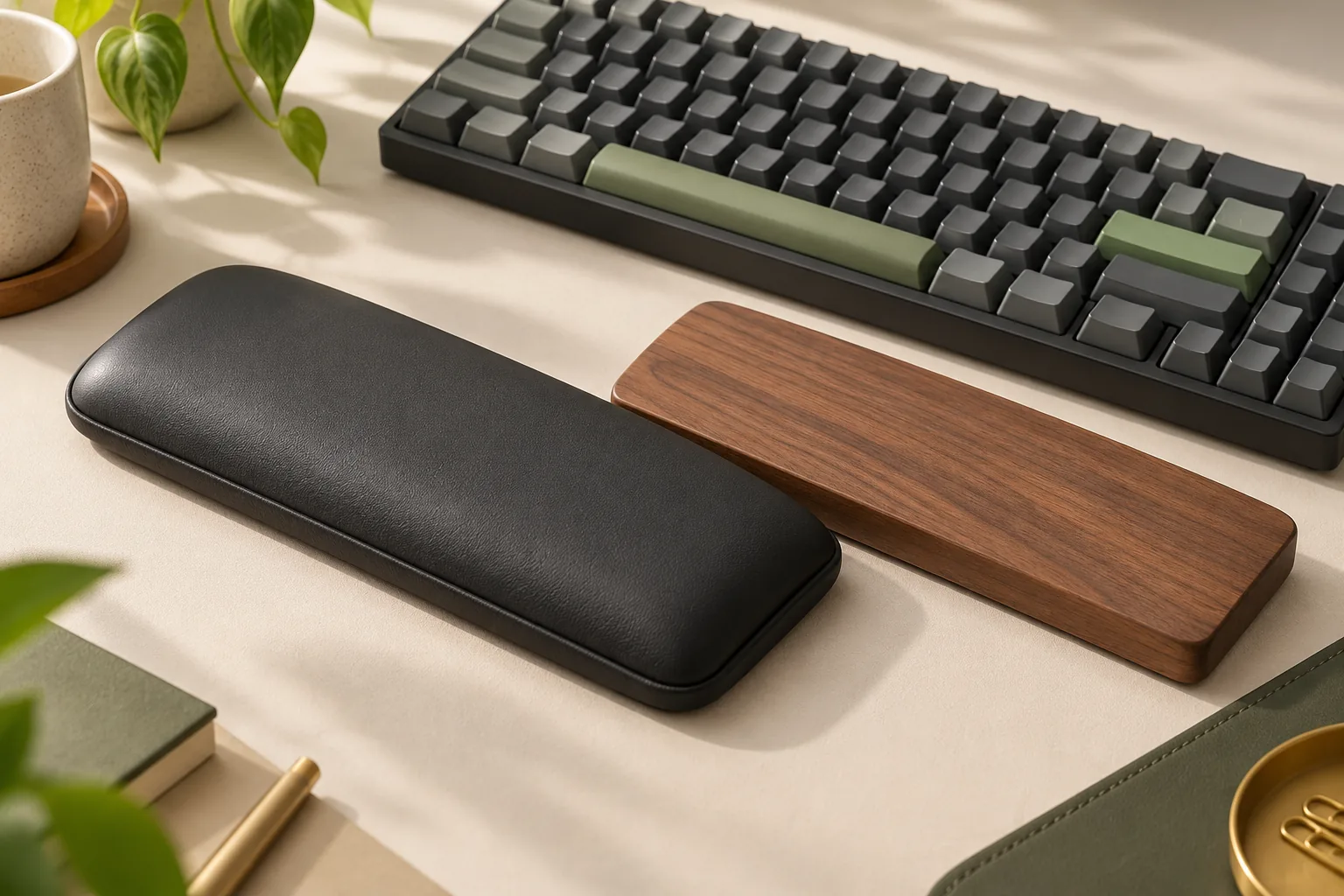
Separate pieces let you choose and position each support independently. That is a useful arrangement to investigate when one candidate keyboard support fits but its matching mouse piece does not. Compare each piece against the worksheet before deciding whether a coordinated set earns its place on your desk.
With an integrated mousepad and rest, assess the complete shape. The support’s position within the pad becomes part of the mouse-space decision. The Kensington example below shows why a total pad measurement alone cannot establish usable tracking space.
| Arrangement | When to consider it | What to verify |
|---|---|---|
| Separate keyboard and mouse supports | You want to select or position each piece independently | Both heights, both bases, and the remaining mouse area |
| Kensington Duo Gel bundle example | You are considering an integrated mousepad/rest with listed dimensions | Actual support profile and usable tracking area; captured dimensions |
| HandStands beaded combo | You are investigating the listed fabric-and-bead construction | Separate component dimensions and care label; identified combo listing |
These are selection conditions, rather than measured comfort rankings. Choose the arrangement whose individual pieces pass your checks.
Kensington Duo Gel: check the footprint
The captured Kensington Duo Gel bundle description lists a keyboard support measuring 19 inches long × 3⅝ inches wide × 1 inch high. It lists the mousepad as 7⅝ inches wide × 9⅝ inches long × 1 inch high and describes non-skid backing. A separate Amazon bundle listing excerpt corroborates the mousepad dimensions.
Those are nominal listing measurements. They do not document the support’s front and rear heights, its slope, or its height under resting pressure. The shared 1-inch figure therefore cannot establish that both pieces will suit your keyboard edge and mouse grip.
Calculate desk space without overstating mouse space
Multiplying the labeled mousepad dimensions gives:
7⅝ inches × 9⅝ inches = approximately 73.4 square inches.
That is the nominal rectangular footprint calculated from the listed dimensions. The integrated rest occupies part of it, so 73.4 square inches is not the usable tracking area. Compare the remaining surface with your marked mouse movement before choosing it.
For a practical preview, cut paper to the listed mousepad dimensions and place it beside your keyboard. This checks whether the overall rectangle fits your desk. It cannot confirm the actual rest boundary or whether your mouse movement fits around it; inspect those separately.
Keep the care claim narrow
The captured seller description describes a soft finish that is easy to wipe clean. Use that as a reason to check the selected item’s care instructions. It does not establish that the item can be soaked, washed, or cleaned with a particular chemical, and it provides no measured seam-durability result.
HandStands beaded combo: check each component
The HandStands Beaded Ergonomic Keyboard and Mouse Wrist Rest Combo listing, identified by ASIN B00M3BCPPC, names Spandex/Lycra cover material and polypropylene-bead fill. Its dimension row gives 44.5 × 8.9 centimeters. This evidence comes from an Amazon India listing and establishes no current US offer.
That single dimension row does not document both components’ dimensions. It supplies neither a separate mouse-piece footprint nor front, rear, or compressed support heights. Do not apply the row to both pieces or use it to calculate the complete set’s desk footprint.
Before selecting this combo, ask for:
- Separate length and depth measurements for the keyboard and mouse pieces.
- Front and rear heights, plus height under light resting pressure if available.
- Identification of each piece’s base and any attachment method.
- The selected item’s care label and delivered component list.
The listed fabric-and-bead construction gives you a material category to consider. It does not establish that this combo is more comfortable, more stable, or easier to clean than the gel example. Keep it as a candidate until the missing measurements can be checked against your setup. If you are comparing other support materials, use the foam, wood, and leatherette comparison separately from this bead-filled example.
Check cleaning, stability, and order details
The captured eBay seller description describes the Kensington example’s soft wipe-clean finish. Separately, the captured YouTube bundle description lists non-skid backing. These descriptions do not establish measured cleaning or grip performance. The HandStands record identifies cover and fill materials, but does not settle the selected item’s washing instructions or base grip.
If you can inspect either set, check seams, edges, and the base. Place each piece on the surface where you intend to use it and observe whether it shifts during normal use. Treat this as your prospective trial; the captured evidence contains no controlled stability or mouse-range testing.
Before ordering, confirm the exact components included, selected-item care instructions, and whether a single piece can be replaced separately. Also check current delivered cost, availability, and return eligibility. These are purchase questions to resolve with the selected seller, rather than established terms for either example.
Comfort is personal. Use your trial to judge the feel while keeping the support-position and movement checks in view; neither example is presented here as a treatment or a way to prevent disease.
Frequently asked questions
Should keyboard and mouse wrist rests be the same height?
Check each against its own task. CCOHS advises matching keyboard support width, height, and slope to the keyboard’s front edge, while placing the mouse close to the keyboard at the same working level. Identical advertised support heights do not establish both fits. See the support guidance and layout guidance.
Is an integrated gel mousepad large enough for my mouse movement?
Compare its usable surface with your actual movement. The Kensington example’s listed dimensions produce a nominal footprint of about 73.4 square inches, but the integrated rest occupies part of that rectangle. The dimension excerpt does not establish how much tracking space remains or whether your full movement fits.
Can I wash the HandStands beaded combo?
Follow the care label for the exact item you receive. The retained HandStands combo listing supports the cover and fill description, but does not establish washing instructions. Ask for the selected item’s label before buying if washing is part of your decision; do not infer instructions from the material names.
Choose after both pieces pass
A keyboard and mouse wrist rest set is worth considering when both pieces suit your setup independently. Check keyboard-edge alignment and resting palm contact, then verify the mouse support’s position and the full movement area. Complete the worksheet for your preferred set before ordering, resolving any missing component measurements with the seller.