As an Amazon Associate we earn from qualifying purchases.
The best keyboard wrist rest is one that suits your keyboard’s front edge, supports your palms during pauses, and leaves your hands free to move while typing. Start by adjusting your chair, desk, and keyboard; then consider a separate support if it provides a useful place to rest. Those priorities follow the Occupational Safety and Health Administration’s wrist and palm support guidance.
This guide is for desktop keyboard users comparing fit, surface feel, and everyday practicality for typing or gaming. It draws on manufacturer information and published guidance, with review observations attributed to their source. Products were not tested for this article.
Key takeaways
- Check the rest’s length, depth, both edge heights, and slope separately.
- During pauses, support the heel of your palm; keep your hands above the rest while typing.
- Treat foam, gel, and non-slip descriptions as features to evaluate against your preferences.
- Verify missing dimensions before treating any product as a fit for your keyboard.
On this page
- Decide whether you need a palm rest
- Check fit and positioning
- Compare product examples
- Evaluate materials and movement
- Use the buying checklist
- Read common questions
Should you add a keyboard palm rest?
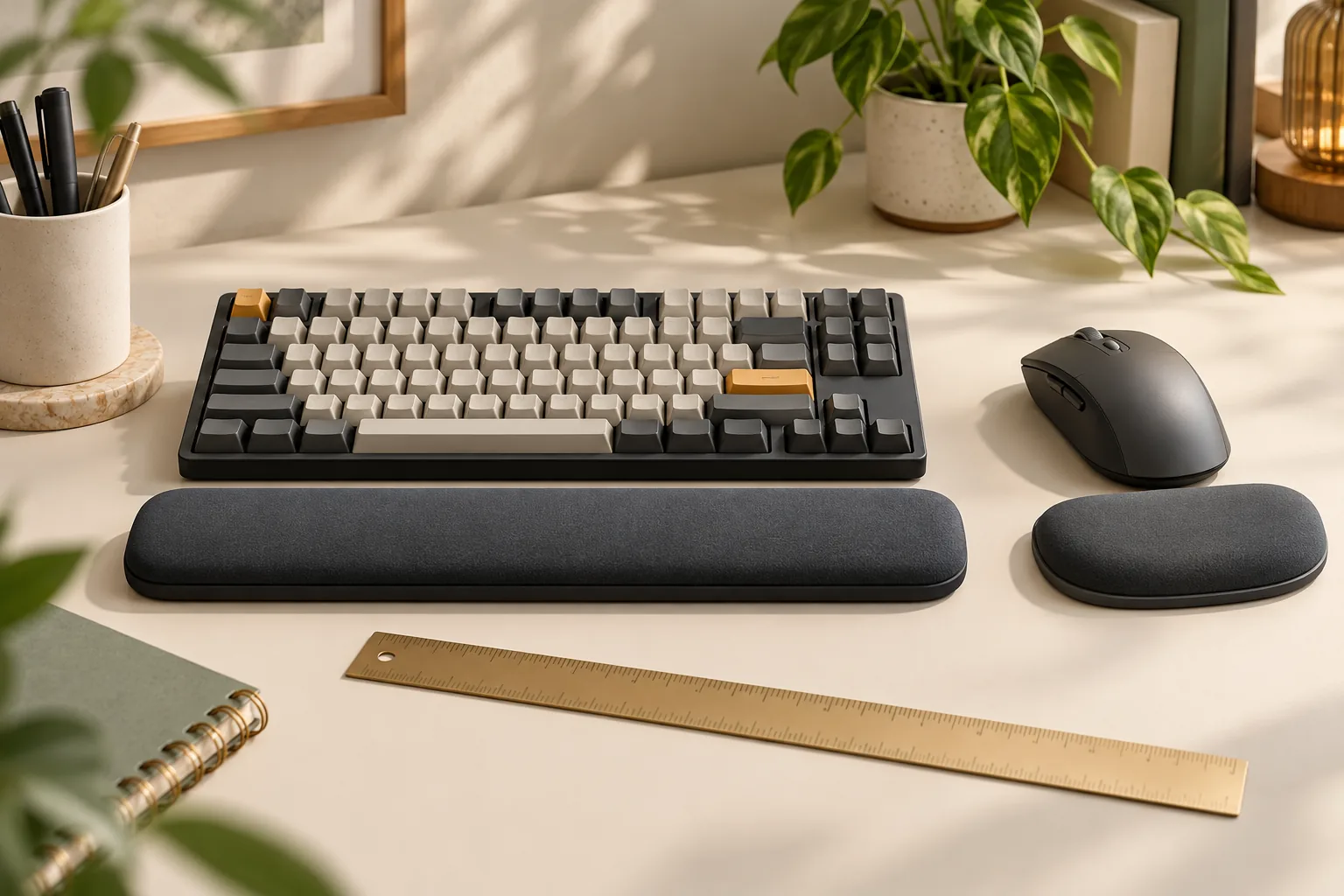
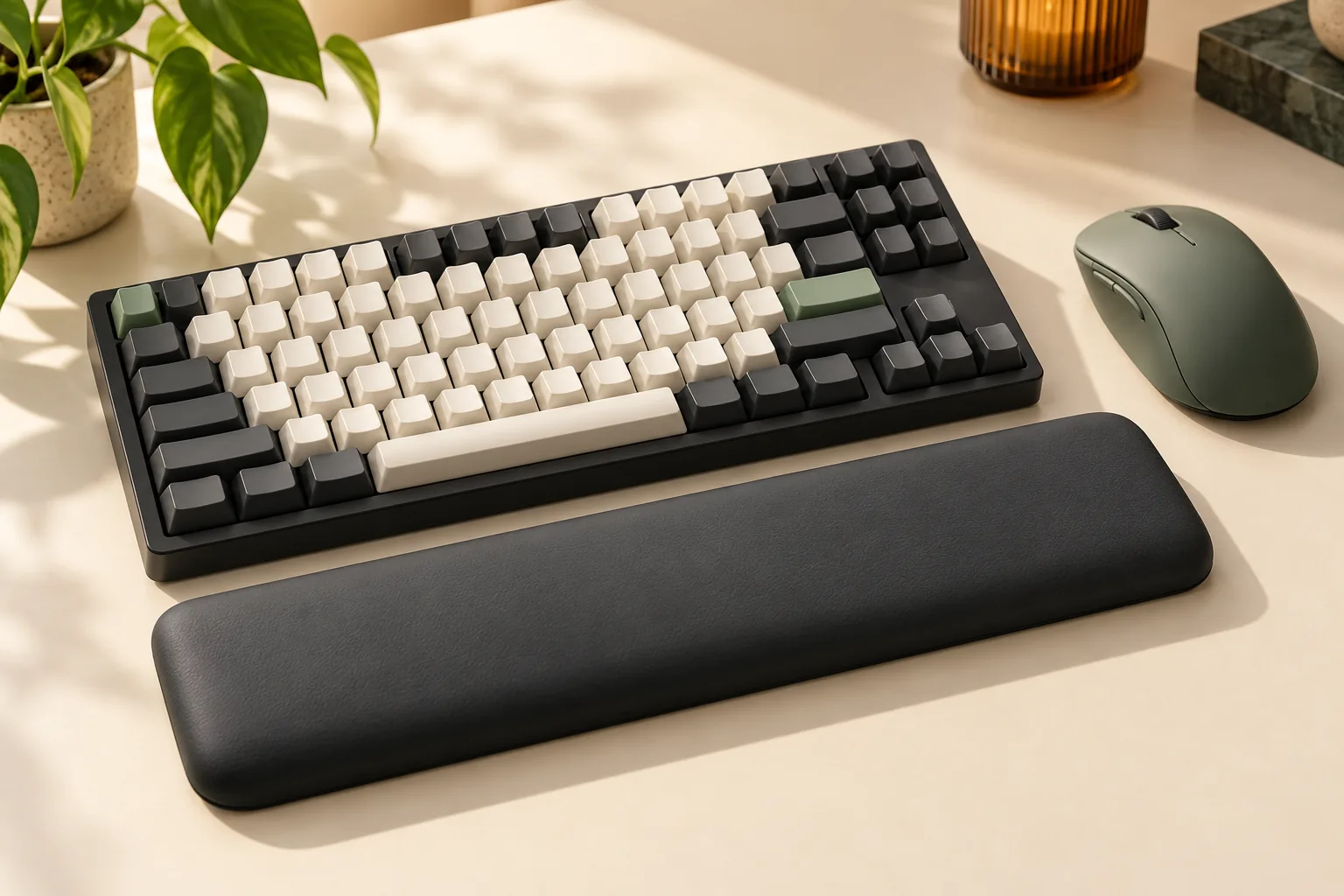
A keyboard palm rest is a support placed in front of the keyboard to give the heel of your hand somewhere to rest during pauses. Although products commonly use the name “wrist rest,” OSHA recommends palm contact when resting and hands moving freely above the support while typing. OSHA explains the distinction.
Begin with your existing arrangement. Check whether adjusting your chair, desk, or keyboard lets you keep your wrists in line with your forearms. OSHA recommends coordinating those workstation components before relying on a support to address positioning. A pad belongs within that arrangement, rather than serving as its only adjustment. See OSHA’s setup recommendations.
Consider a separate rest when you want a comfortable landing place between stretches of typing. Reconsider it if its position encourages you to keep your hands planted while reaching for keys. OSHA specifically cautions that resting on a support during typing can inhibit movement and contribute to awkward wrist positions. Read the design and use guidance.
For a practical comparison, try your usual typing motions with the space in front of the keyboard clear. If you already own a rest, repeat those motions with it in place and lift your hands during keying. Judge whether it provides useful support during pauses without getting in the way.
How to choose the best keyboard wrist rest
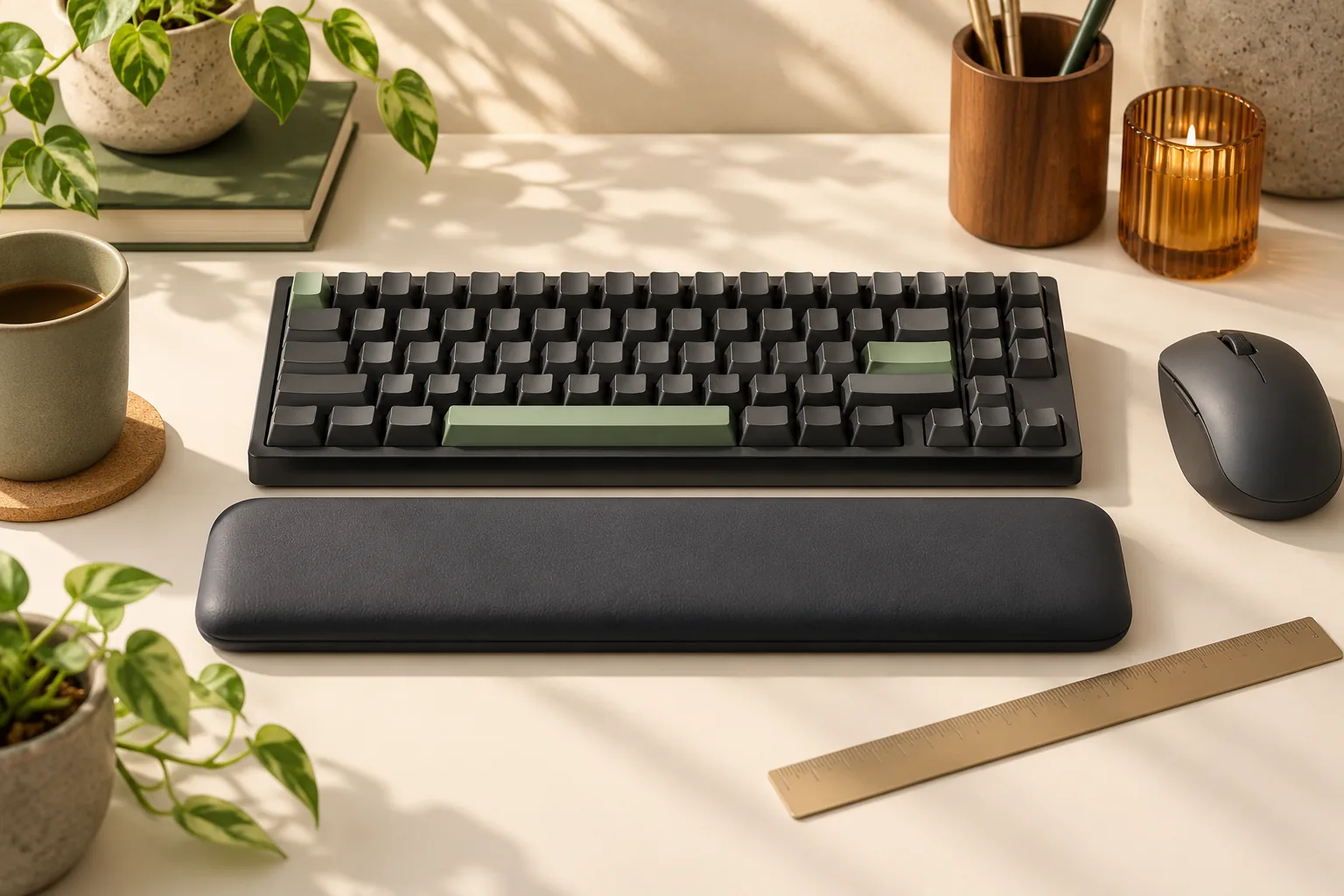
Use the keyboard’s actual front edge as your reference. OSHA recommends matching a support to its width, height, and slope, and choosing a fairly soft, rounded support at least 1.5 inches (3.8 cm) deep. That is general selection guidance, rather than approval of a particular product. Source: OSHA.
Work through these checks separately:
- Length: Compare the rest’s left-to-right span with your keyboard and the areas where you pause your hands. Include the number pad if you regularly move across to it.
- Depth: Check the space from the keyboard toward you. Consider both the product’s overall footprint and where its usable palm-contact surface begins.
- Front and rear heights: Request the height at the edge nearest you and the edge nearest the keyboard. Keep an unspecified “overall height” separate from those measurements.
- Slope and support position: Compare the rest’s profile with the keyboard front. During a pause, check that contact falls under the heel of your palm while your wrist remains reasonably straight.
- Fixation: Find out whether the rest is freely positioned or attached. For a separate rest, check whether its base stays where you place it during ordinary use.
- Remaining desk space: Check the arrangement with the keyboard, rest, and mouse in their working positions. Reject a placement that makes you reach around the support.
These checks turn OSHA’s matching and movement principles into a shopping process. A “60%,” “tenkeyless,” or “full-size” label does not supply the height and slope information those principles require. Use layout labels to narrow your search, then verify the actual geometry. Source: OSHA.
Product examples: what the specifications establish
The examples below show different kinds of useful product information. They are conditional starting points, with missing fit details identified alongside the supported features.
| Product or design example | Supported information | What to resolve before choosing |
|---|---|---|
| HyperX Wrist Rest — Keyboard — Full Size, 4P5M9AA | Width 457 mm, depth 88 mm, overall thickness 22 mm; the US excerpt describes a textured natural rubber underside and anti-fray stitching. HP specifications, HyperX US | Separate front and rear heights remain unverified. Compare the profile and palm-contact position with your keyboard. |
| Logitech MX Palm Rest | Logitech describes memory foam, a smooth surface, free positioning, slip resistance, and stain resistance. Logitech | Exact geometry and a specific cleaning procedure are not established by the available information. |
| Kensington ErgoSoft Wrist Rest for Standard Keyboards, K52799WW — discontinued design example | Kensington describes gel cushioning, a wipe-clean exterior, non-skid rubber backing, and intended keyboard-front heights of 10–20 mm. Kensington | The page accessed October 15, 2026, marks it discontinued. Use it to understand construction features rather than as a current buying recommendation. |
HyperX 4P5M9AA: a useful footprint, an incomplete profile
The exact model code matters here. HP’s Ireland specification page identifies 4P5M9AA and lists 457 × 88 × 22 mm overall dimensions, a weight of 311 g, and a wrist rest in the box. The 22 mm figure is overall thickness; it does not establish two separate edge heights. Source: HP.
A search excerpt from the HyperX US product listing identifies the same code, the 457 mm width and 88 mm depth, a textured natural rubber underside, anti-fray stitching, and one wrist rest. This supports comparing the product’s footprint and stated construction with your needs.
For example, use the 88 mm depth to check the available space in front of your keyboard. Then ask for the front and rear heights before deciding whether its profile suits the keyboard. The Irish specification page supports physical dimensions for that code; it does not establish US warranty or seller terms.
Logitech MX Palm Rest: positioning flexibility to investigate
Logitech describes the MX Palm Rest as a freely positioned support with memory foam and a smooth surface. That makes it worth investigating if you want to adjust the rest’s position independently of the keyboard. Its slip- and stain-resistance descriptions remain manufacturer claims, and the available information does not establish detailed geometry or a cleaning method. Source: Logitech.
Keep it on a conditional shortlist until you can confirm the dimensions of the exact item being sold. The product name alone does not resolve your height and contact-position checks.
Kensington K52799WW: a construction example
Kensington’s discontinued standard-keyboard model illustrates gel cushioning paired with a wipe-clean exterior and non-skid backing. Its stated 10–20 mm keyboard-front range is useful context for that specific design, rather than a rule for all gel rests. The discontinued designation makes it an example for comparing features, rather than a current recommendation. Source: Kensington.
Foam, gel, surfaces, and stability
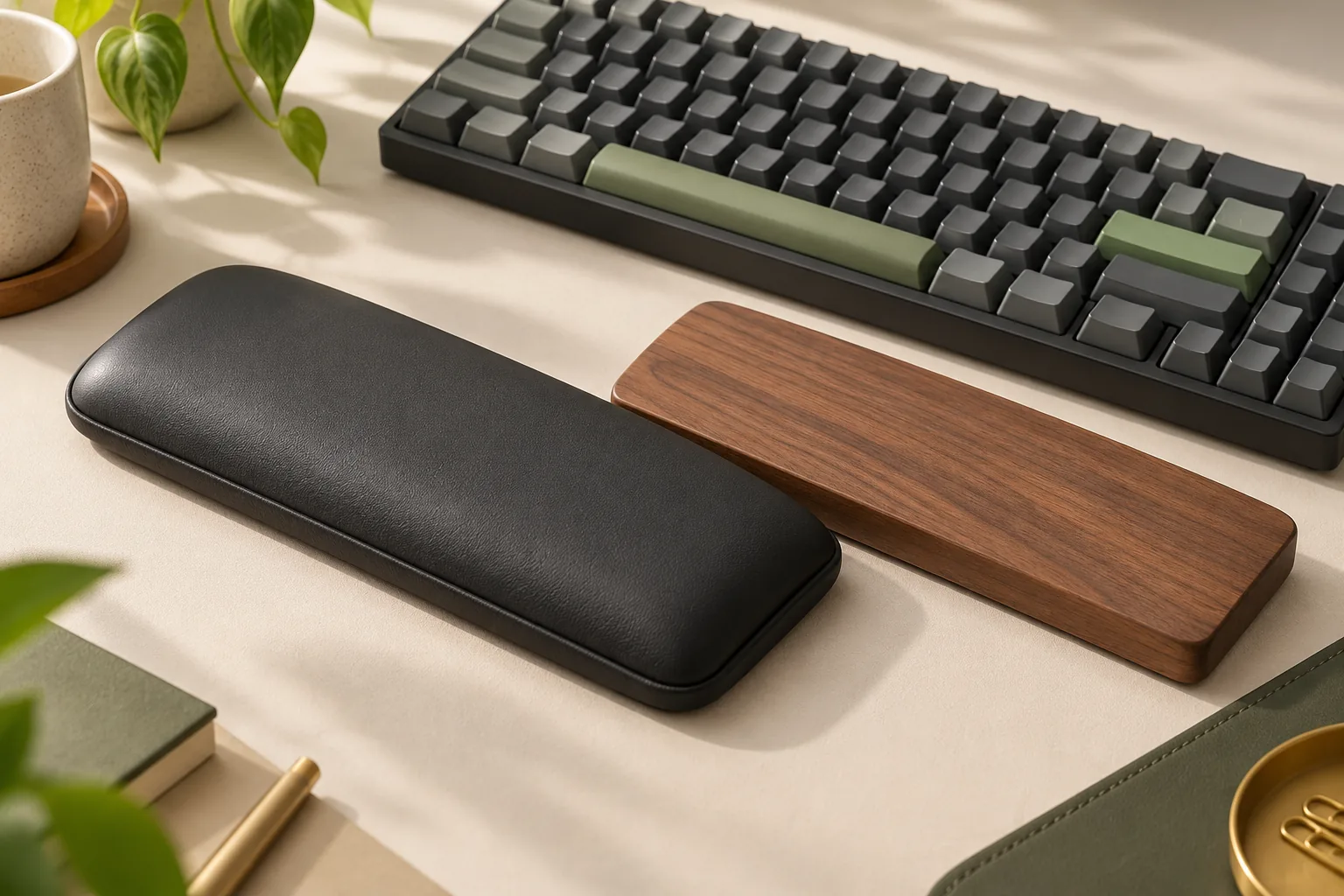
Compare the cushion, outer surface, and base as separate features. Logitech’s memory-foam description addresses cushioning; Kensington’s gel-cushioned example pairs that filling with an exterior described as wipe-clean. Neither description establishes which will feel better to you. Logitech, Kensington.
Surface behavior also deserves attention. In its review updated August 12, 2024, GearLab reported that the covering on its tested HyperX rest bunched during movement between the mouse, number pad, and typing position. That is an observation about its review sample, without a verified match to the exact code discussed above. Use it as a reason to check lateral movement rather than assuming softness tells the whole story. Source: GearLab.
For cleaning practicality, ask for instructions covering the exact product. “Stain resistant” and “wipe clean” are useful descriptions, but they do not specify approved cleaners or a complete care procedure. For stability, check whether the base holds its position while your hands remain free to lift and move. Logitech’s feature descriptions and OSHA’s movement guidance address those separate priorities.
Typing, gaming, and shared desks
For typing, check your transitions across the keyboard. Move from the main keys to navigation keys and the number pad, if present, then return to your usual position. During pauses, look for consistent palm contact without needing to rearrange the rest each time. GearLab’s reported fabric bunching makes these transitions a useful part of an evaluation. Source: GearLab.
For gaming, repeat the movements you actually use: reaching nearby controls, lifting your keyboard hand, and returning after using the mouse. Apply the same requirement for free hand movement that OSHA gives for typing. A gaming label does not replace a check of support position and keyboard-front geometry. Source: OSHA.
At a shared desk, have each user check the arrangement independently. A freely positioned design, such as Logitech describes, provides placement flexibility, but each person still needs to evaluate fit and obtain the applicable cleaning instructions. Source: Logitech.
Before-you-buy checklist
Use this short checklist to decide whether a candidate belongs on your shortlist:
- Confirm the exact model, size variant, condition, and package contents.
- Compare its length and depth with your keyboard and available desk space.
- Obtain both edge heights and inspect the profile against the keyboard front.
- Check palm contact during pauses and unrestricted movement during typing.
- Evaluate the surface during your usual sideways movements.
- Find the product’s cleaning instructions and confirm how its base is secured.
- Check the seller’s current price, stock, delivery details, and applicable return terms.
Treat a missing profile measurement as a question to resolve before buying. If the footprint works but the heights remain unknown, keep the candidate conditional. If the rest obstructs your movements, revisit its placement or consider leaving that space clear, consistent with OSHA’s free-movement guidance.
Frequently asked questions
Do mechanical keyboards need a wrist rest?
Decide from your workstation and keyboard’s front-edge geometry. OSHA recommends coordinating the chair, desk, and keyboard, then matching any support to the keyboard’s width, height, and slope. A mechanical keyboard wrist rest is worth considering when it offers useful palm support during pauses while allowing free movement during typing. Source: OSHA.
Should my wrists stay on the pad while I type?
Keep your hands moving freely above the support while typing. During pauses, let the pad contact the heel or palm of your hand. OSHA warns that resting on a support during keying can inhibit movement, so check your use habit as carefully as the product’s shape. Source: OSHA.
Is foam or gel the better choice?
Choose after checking fit, surface feel, and care requirements. The available manufacturer information describes memory foam for Logitech MX Palm Rest and gel cushioning for the discontinued Kensington example, but it does not establish a universal comfort winner. Investigate those features alongside your preferred support position and movement. Logitech, Kensington.
Does matching the keyboard’s width guarantee fit?
Width is one part of the decision. OSHA also calls for matching height and slope. Verify both edge heights and where the support contacts your palm; a matching length or layout label leaves those questions unanswered. The HyperX example shows why an overall thickness specification still leaves profile checks to complete. OSHA, HP.
Your next step
Choose the best keyboard wrist rest by resolving fit first, then comparing surface feel, stability, and care requirements. Add one when it provides useful palm support during pauses within an adjusted workstation. Start with your keyboard’s front edge and available desk space, then use the checklist to investigate a candidate’s missing specifications before buying.
Research sources accessed October 15, 2026. GearLab observations come from its review updated August 12, 2024. This guide addresses purchasing and setup decisions; it makes no treatment or injury-prevention claims.