As an Amazon Associate we earn from qualifying purchases.
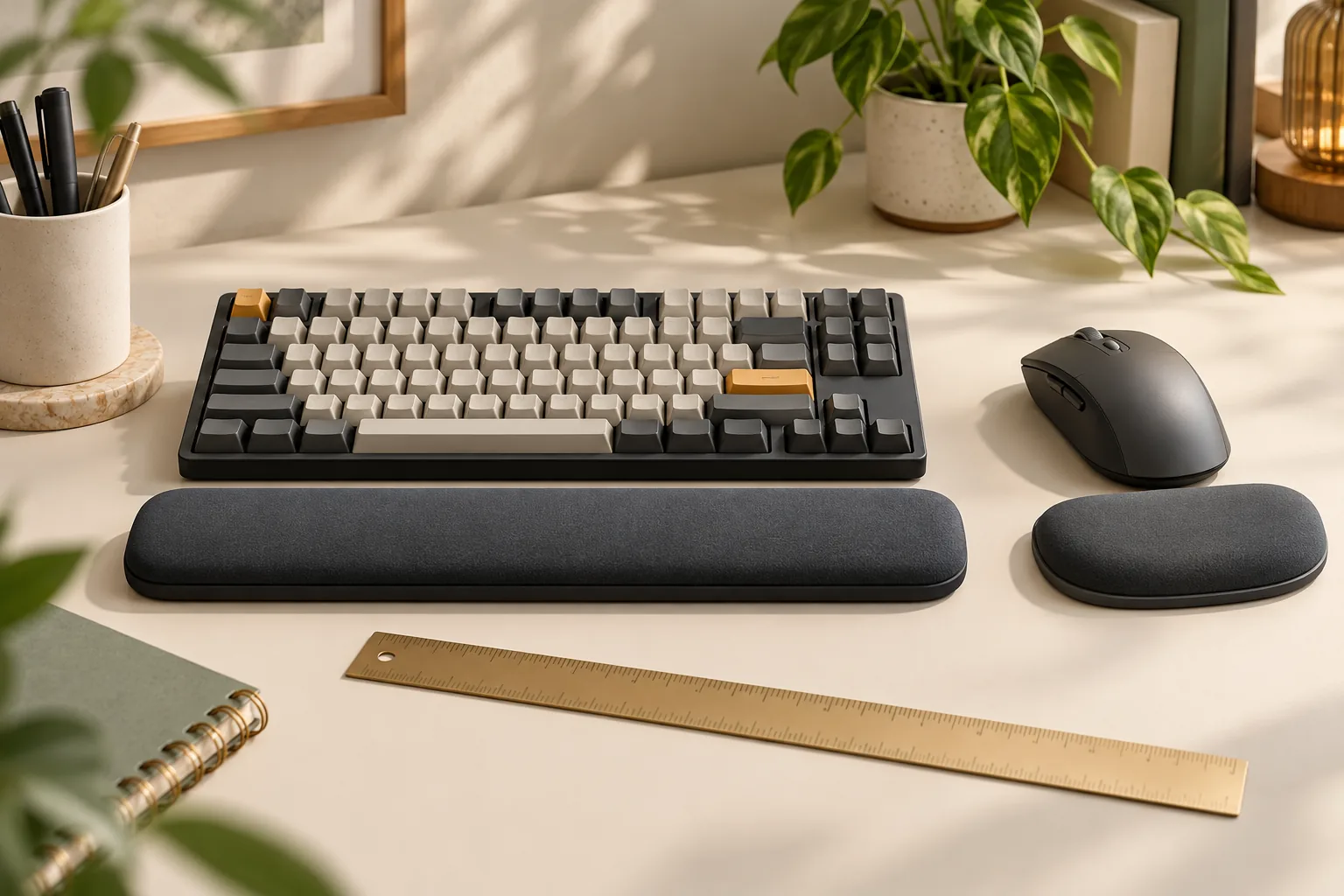
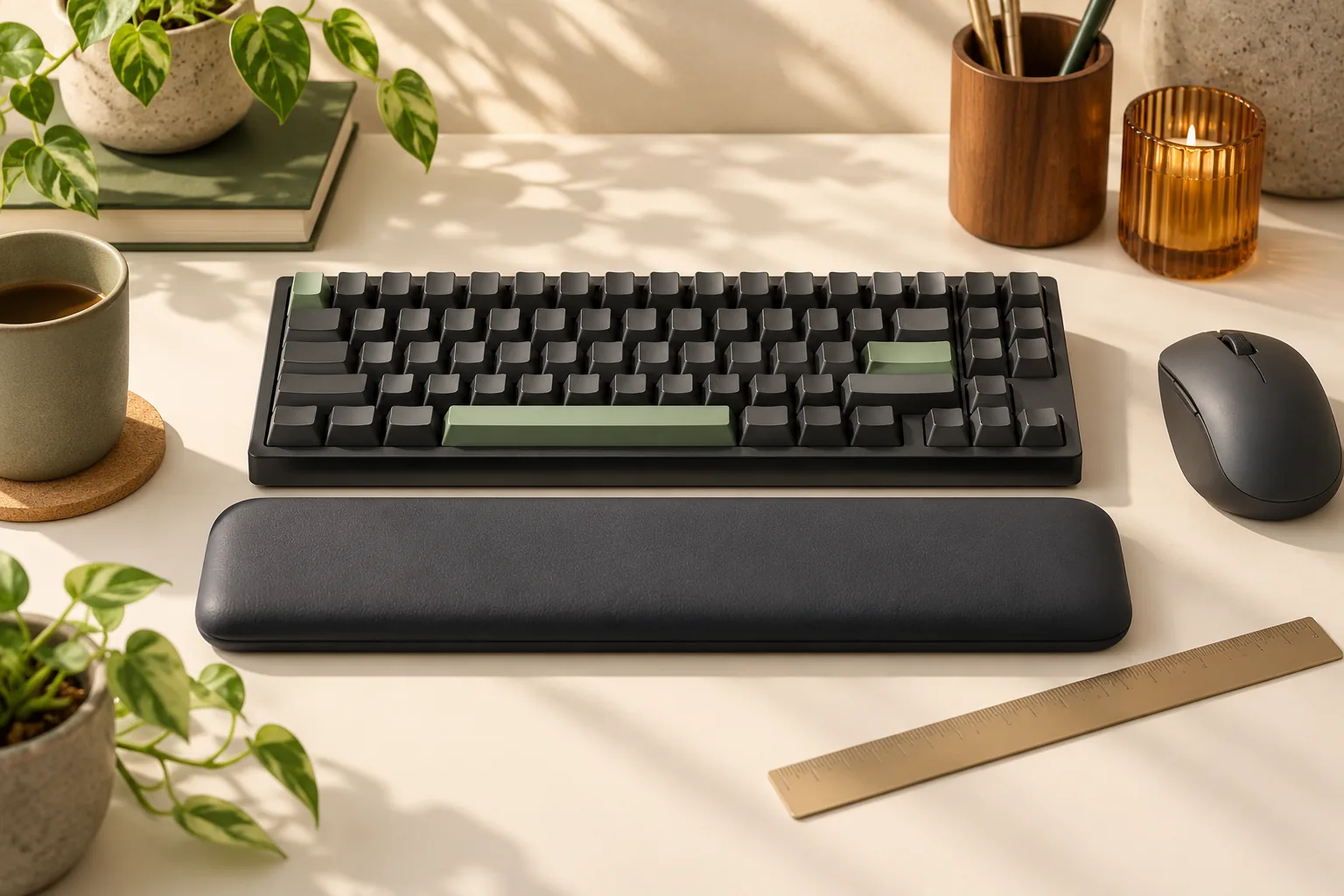
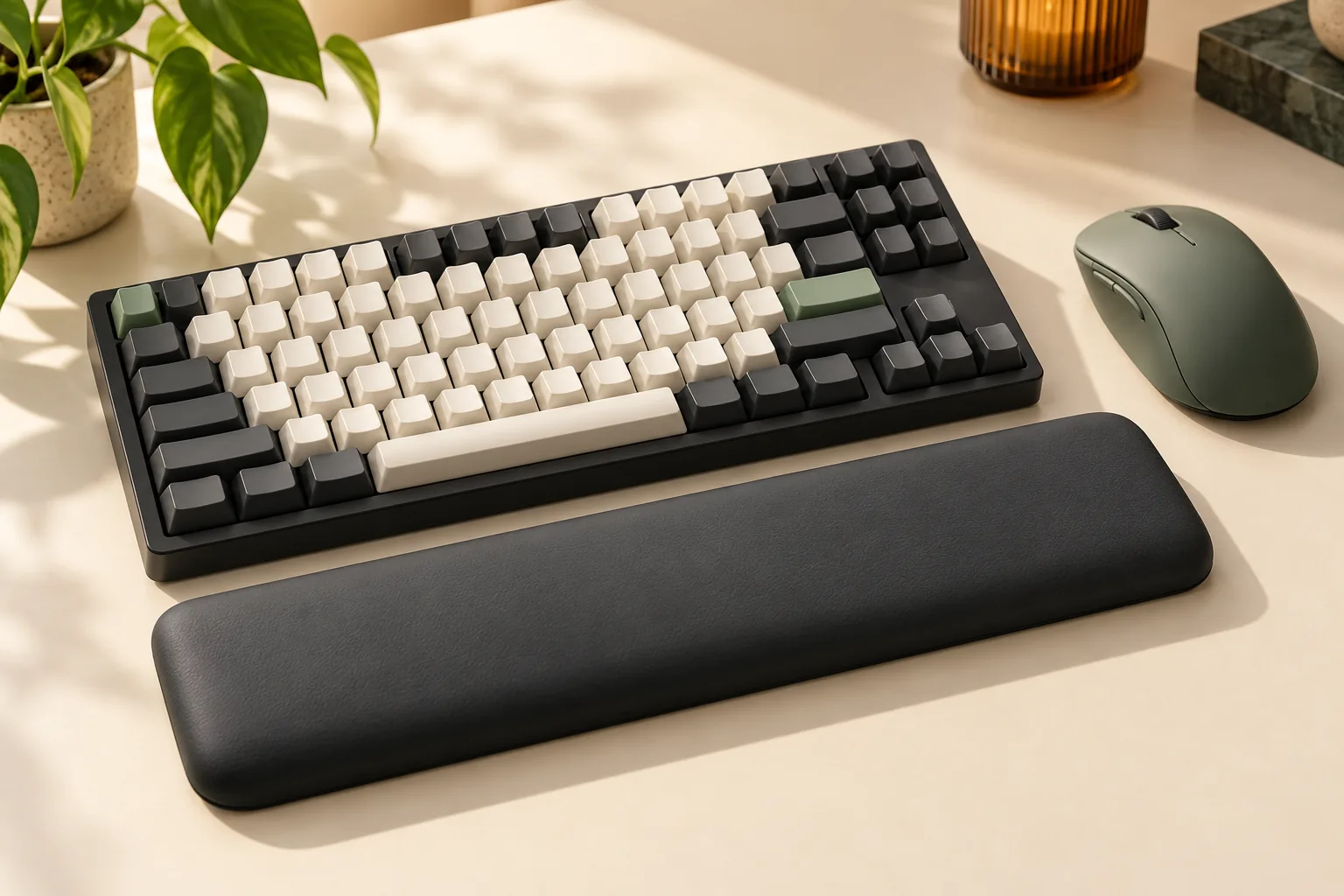
Choose a keyboard wrist rest by its actual length, depth, and support height, then check it against your keyboard and desk. For a 75% keyboard wrist rest—or a 60%, 65%, or full-size option—the layout label is a starting point. Published examples show different dimensions within overlapping layout categories. (Keychron specifications, HyperX Compact specifications)
This guide is for keyboard owners comparing a straight wrist rest for their existing setup. It combines published dimensions with a practical measurement worksheet. The comparisons use official-source excerpts captured October 15, 2026; they are research-based recommendations, with no hands-on product testing.
Key takeaways
- Compare the exact product variant with your measured keyboard width and intended support area.
- Record rest depth and separate front and rear heights; a single published thickness leaves part of the fit question unanswered.
- Check hand alignment, mouse clearance, and remaining desk space before ordering.
Jump to: Measurement worksheet · Size comparison · 60% · 65% · 75% · Full size · Buyer checks
Measure your keyboard and desk
For this comparison, length means the rest's left-to-right span, depth means its front-to-back footprint, and support height means the surface height where your hand actually meets it. Measure your keyboard in its normal position, with its feet or tilt set as you intend to use them.
Use a ruler or tape measure and record everything in millimeters. Measure the case width, then identify the span you want the rest to support. Decide whether your goal is coverage across the whole keyboard or across your usual typing position.
Next, measure the keyboard's front case edge above the desk. Keep that measurement separate from the height of the keys and from any wrist-rest specification. A case-height measurement is useful for comparison, but the final check is whether your forearms, wrists, and hands can remain straight and aligned, as described in the Occupational Safety and Health Administration workstation checklist.
Copy this worksheet for each candidate:
| Fit check | What to record | Decision question |
|---|---|---|
| Keyboard width | Actual outside case width | Where would each end of the rest sit? |
| Support span | Area beneath your usual hand positions | Does the rest cover that area in your preferred position? |
| Keyboard front height | Desk-to-front-edge height at your chosen tilt | What height must you compare with the rest? |
| Rest footprint | Exact variant's length and depth | Does it fit without crowding the desk edge or mouse? |
| Rest height | Published overall height, plus separate front and rear heights if available | Which measurements still need confirmation? |
| Support position | Where your hands meet the surface | Can you maintain straight alignment there? |
| Movement and attachment | Desired repositioning and any required fastening | Does the exact product support your preferred arrangement? |
| Remaining workspace | Desk depth and mouse movement area with everything positioned | Can you use the complete setup without rearranging it? |
If you cannot inspect the rest before buying, request missing dimensions from the manufacturer or seller. Leave an unanswered field marked unknown rather than filling it with a measurement from another variant.
Published wrist-rest dimensions
These are specific published examples, not universal dimensions for each keyboard layout. Keychron's figures come from the table for the product named Keychron Silicone Palm Rest; that captured table establishes dimensions and advertised layout groupings, not its material construction. (Keychron)
| Product or exact variant | Advertised layout grouping | Left-to-right span × depth | Published height or thickness |
|---|---|---|---|
| Keychron PR46 | 60% examples | 306 × 79.5 mm | 18 mm overall |
| Keychron PR43 | 65% / 75% examples | 317 × 79.5 mm | 18 mm overall |
| Keychron PR47 / PR67 | 65% / 75% examples | 327.5 × 79.5 mm | 18 mm overall |
| HyperX Compact 60%/65% | 60% / 65% | 318 × 88 mm | 22 mm thickness |
| HyperX Full Size | Full size | 457 × 88 mm | Not established by the captured specification |
Separate front and rear heights, and height under a user's hand, are not established by these excerpts. Treat the published height column as a comparison field, not a complete description of the support surface.
The practical lesson is visible in the numbers: the documented 60% options have different lengths, depths, and published heights. Likewise, Keychron's overlapping 65%/75% groupings include more than one length. A percentage alone cannot identify the right dimensions. (Keychron, HyperX)
Choosing a 60% keyboard wrist rest
Start with your case width and available depth. Keychron PR46 measures 306 × 79.5 × 18 mm, while HyperX Compact 60%/65% measures 318 × 88 mm with 22 mm thickness. Both are documented compact-layout examples, but they occupy different footprints. (Keychron, HyperX)
For a simple placement exercise, suppose your keyboard measures 306 mm wide. Centering a 318 mm rest beneath it would leave 6 mm extending beyond each side. That is a hypothetical geometry example, not a compatibility finding: decide whether that overhang works with your mouse position and preferred appearance.
Mark each candidate's footprint on paper and place it in front of the keyboard. This checks desk space only; it cannot establish support height or comfort. Compare the published height separately, request the front and rear measurements, and confirm how the rest stays positioned.
Choosing a 65% keyboard wrist rest
For a 65% keyboard, compare the exact case width with each candidate instead of treating the shared label as a size standard. Keychron PR43 is 317 mm long, while PR47/PR67 is 327.5 mm long; both appear in advertised 65%/75% groupings. HyperX's Compact 60%/65% entry is 318 mm long. (Keychron, HyperX)
Position your keyboard where you normally type, then compare where the ends of those rests would land. Check the support span under both hands and leave room for your normal mouse movements. If you frequently reposition the keyboard, include that movement in your footprint check.
Finish by comparing front height at your chosen tilt, rest depth, and the actual support position. Ask whether any attachment is included or required; a layout grouping does not answer that question.
Choosing a 75% keyboard wrist rest
A useful 75% keyboard wrist-rest comparison begins with two measurements: the outside case width and the span beneath your usual typing position. If your board has a knob, an uneven edge, or a projecting section, record it separately. Decide which outline matters for your intended placement before choosing a rest length.
Keychron PR43 and PR47/PR67 provide documented examples at 317 mm and 327.5 mm, respectively, within advertised 65%/75% groupings. Those examples demonstrate why the exact variant matters; neither length is a recommendation for every 75% board. (Keychron specifications)
Compare each footprint in the position you would actually use. A rest centered on the outer case may sit differently from one centered beneath your hands. Check both arrangements, then record front-edge height, remaining desk depth, and mouse clearance in the worksheet.
Treat alignment as a final selection condition. If the candidate's dimensions look promising but its support height remains unknown, ask for that information before deciding. OSHA's criterion is straight alignment of forearms, wrists, and hands. (OSHA evaluation checklist)
Choosing a full-size keyboard wrist rest
Measure the whole keyboard, including the numpad side, and decide where you want support during your normal work. Compare that with your typing position and any hand movement toward the numpad. This gives you a placement plan before you select a length.
HyperX Full Size publishes a 457 mm width and 88 mm depth. Those figures make it a documented full-size footprint to compare with your desk, but the captured specification does not establish its height. (HyperX Full Size specifications)
Do not transfer the Compact model's 22 mm thickness to Full Size. HyperX's support listing also has a separate tenkeyless entry measuring 362 × 88 mm, so check the entry heading as well as the brand name. (HyperX Support Center)
Lay out the complete keyboard, rest footprint, and mouse area together. Confirm the unknown height and any fastening requirements before treating the full-size label as sufficient.
Check alignment at the actual support position
OSHA says a provided wrist or palm rest should allow your forearms, wrists, and hands to remain straight and aligned. Its wrist/palm-support guidance also discusses neutral posture and contact stress. These are workstation checks, not evidence that a particular product prevents or treats a condition. (OSHA checklist, OSHA wrist/palm supports)
With a candidate available, check alignment where your hands actually meet its surface. Observe whether you bend your wrists upward, downward, or sideways to reach your usual keys. Review keyboard placement and tilt alongside rest placement rather than choosing from thickness alone.
For a padded candidate, record the support height during use separately from its advertised thickness. Do not estimate how far it compresses. Comfort remains a personal assessment, and a published dimension cannot settle it for you.
Construction, cleaning, and movement checks
HyperX describes its Compact model as using gel memory foam. The Full Size product description specifies gel-infused memory foam and a textured natural-rubber underside intended to provide anti-slip grip. These are manufacturer descriptions, not measured cooling, friction, or comfort results. (HyperX Compact, HyperX Full Size)
For the named Keychron product, the available excerpt establishes the size table. Confirm the actual surface, internal construction, and base separately before making a material-based comparison. Its product name alone is insufficient evidence for cleaning, compression, or grip conclusions. (Keychron product table)
Use these questions to compare the practical tradeoffs:
- Cleaning: What manufacturer-approved care applies to the contact surface and underside? Is a cover removable, and what care does it require?
- Stability: Does the rest stay where you want it on your particular desk or mat? Verify this during an allowed trial rather than assuming a base description guarantees it.
- Movement: Can you reposition it as often as you need? Check intentional movement separately from unwanted sliding.
- Fastening: Is it freestanding, or does the exact product require an attachment? Confirm what is included and compatible.
Prioritize resistance to unwanted movement if you keep a fixed arrangement. If you move your keyboard often, also check how easily the rest can be deliberately repositioned. The captured evidence does not establish which product performs better at either task.
Frequently asked questions
Can the same rest fit a 60% and a 65% keyboard?
It can be a candidate for both: HyperX labels its 318 × 88 × 22 mm Compact model for 60%/65% keyboards. Check each keyboard's actual width, front height, support position, and desk footprint before deciding whether that shared option works for your setup. (HyperX specifications)
Should the rest match the keyboard's width exactly?
Use exact width matching as a placement preference, then check your intended support span and surrounding space. A small overhang or uncovered case edge is something to evaluate in your arrangement. Neither matching width nor a layout label establishes suitable height or hand alignment. (Keychron dimensions, OSHA alignment guidance)
Is 22 mm the right height for every keyboard?
No universal height recommendation follows from these specifications. The 22 mm figure belongs to HyperX's Compact entry; it does not establish the right support height for your keyboard or hands. Compare actual support position with OSHA's straight-alignment criterion and request missing front and rear measurements. (HyperX, OSHA)
Make the final fit decision
Choose your 75% keyboard wrist rest—or another layout size—by completing the same worksheet: exact variant, length, depth, front and rear heights, support position, movement, and remaining workspace. Use the published examples to narrow the candidates, then resolve the measurements that matter to your setup.
Before ordering, confirm that the selected variant matches the dimensions you compared. Check the seller's applicable trial and return terms, including any conditions for an opened or used rest. Your next step is to measure the keyboard already on your desk and compare that record with the exact product specification.