As an Amazon Associate we earn from qualifying purchases.
Choose a mechanical keyboard switch sampler with identifiable switches that answer your specific buying question. Start with a mixed selection if you are exploring different feel categories; seek exact named finalists if you already know your preferences. Before ordering a full set, confirm the precise switch variant and compatibility with your intended keyboard.
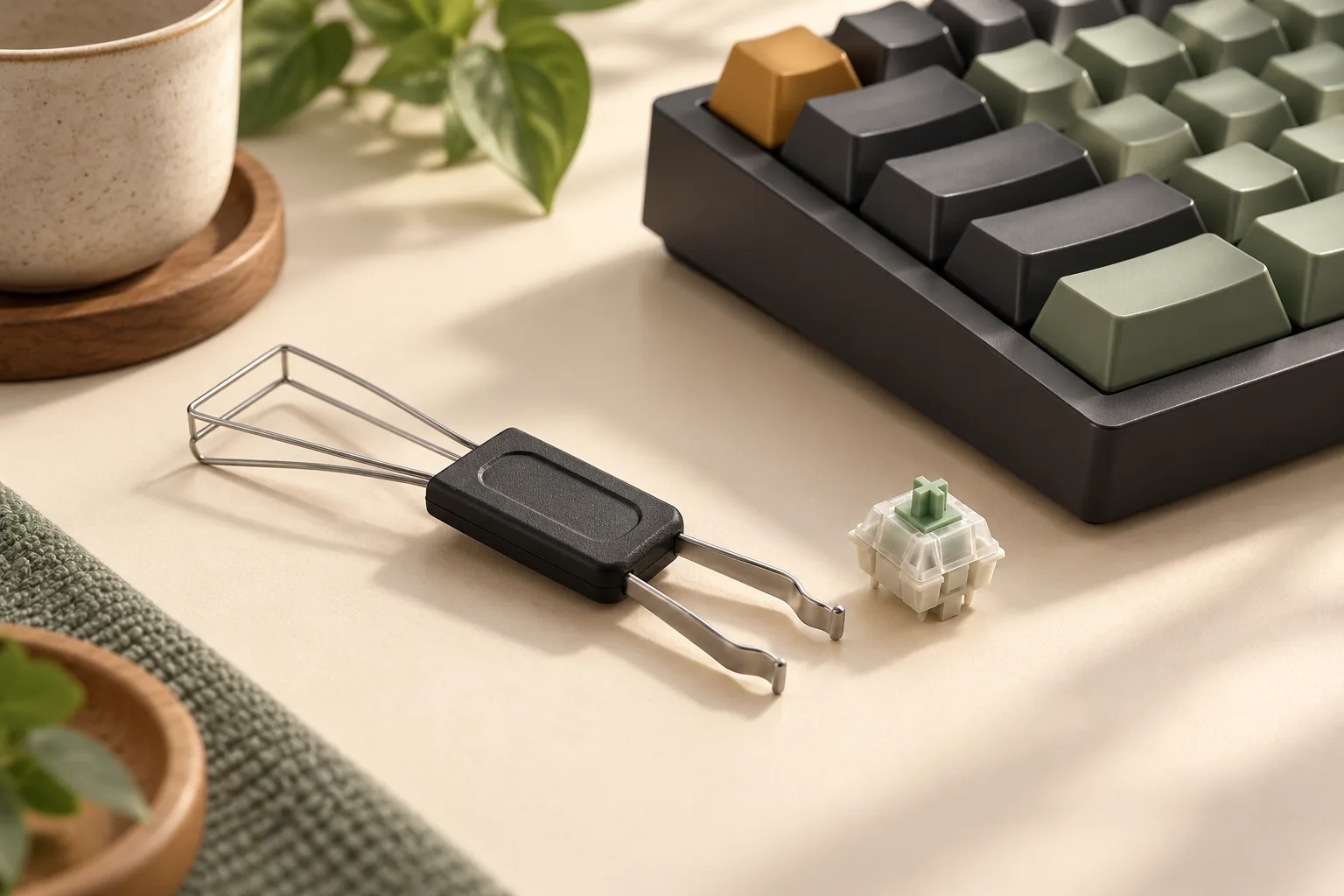
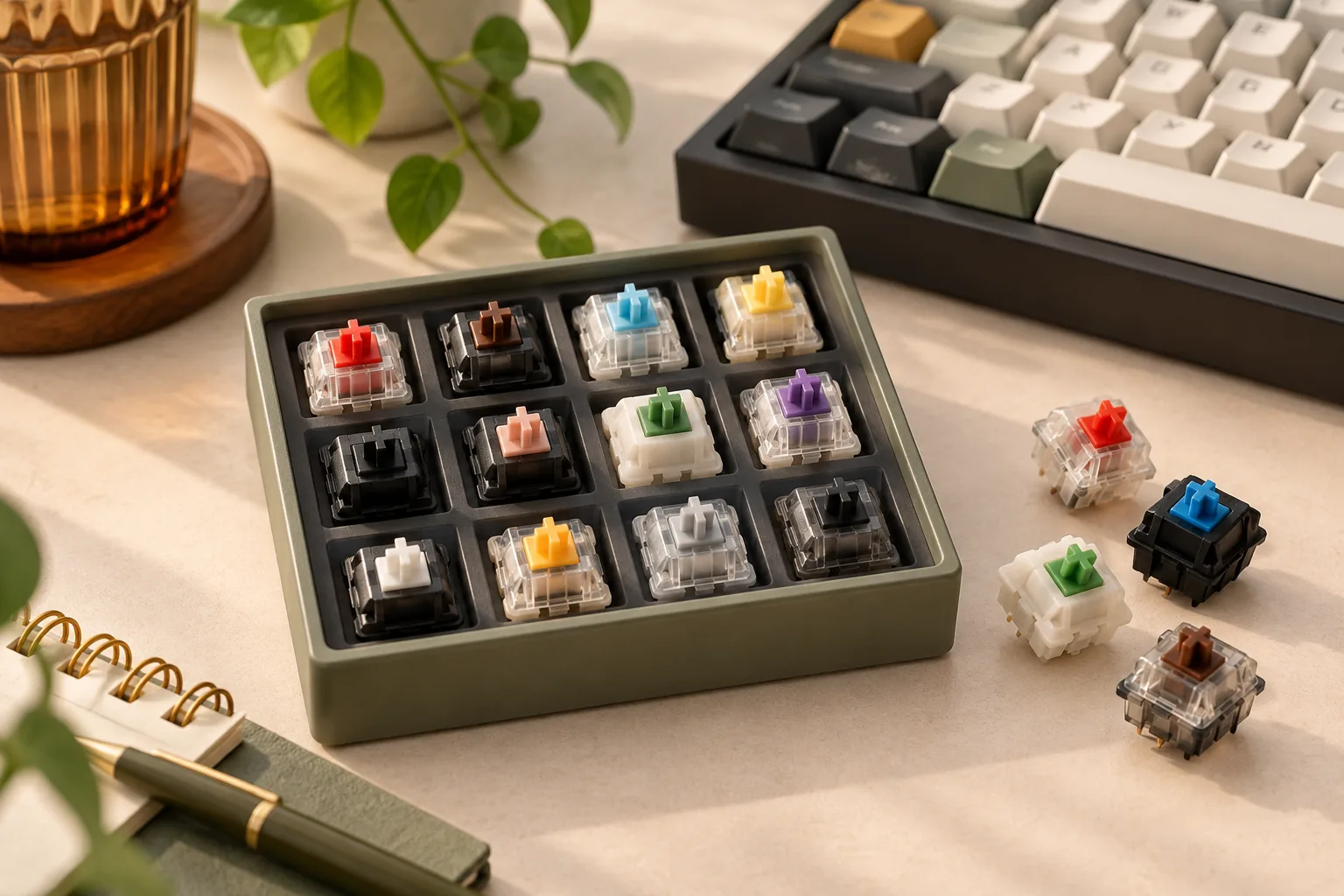
A switch sampler is a small selection of keyboard switches for comparing individual keypresses. Some products include a holder and keycaps; others supply switches in protective packaging. For someone choosing a full keyboard’s switches, its value comes from connecting a preferred feel to an exact, reorderable model. The product examples below show why contents matter.
Product information is dated October 15, 2026. This research-based guide uses manufacturer descriptions and Kinetic Labs’ switch guide. The comparison worksheet is a suggested method for your own use, with no claimed hands-on test results.
Quick selection rules
- Exploring your preferences? Look for an identified mix of feel categories.
- Comparing finalists? Require the exact models, revisions, and sample condition.
- Want a ready-to-press setup? Verify that a holder and keycaps are included.
- Ready to buy a full set? Confirm compatibility and test unresolved preferences in the intended keyboard.
On this page: Choose your comparison · Check product contents · Read the-cherry-manifest · Use the worksheet · Confirm keyboard fit · FAQs
Choose what your mechanical keyboard switch sampler should answer
Write down the decision you want to make before choosing a pack. “Do I like a tactile bump?” calls for a different assortment than “Which of these named tactile switches should I order?” This keeps extra samples from distracting you from the purchase you actually need to resolve.
For an initial comparison, the basic feel categories provide useful starting points. Linear switches have travel without a tactile bump; tactile switches provide a bump; clicky switches combine tactile feedback with an audible click. Kinetic Labs’ switch guide explains these distinctions.
If you already prefer one category, make a shortlist of specific candidates. Ask whether the sampler includes those exact switches and whether each can be identified after unpacking. A larger pack with uncertain contents cannot reliably answer a question about particular finalists.
For example, suppose you want to compare two specific tactile models. A mixed pack is useful for that decision only if both are confirmed inclusions. If the seller cannot confirm them, request those samples individually or choose an assortment with a documented roster.
Check the delivered contents before the switch count
A useful listing should connect every sample to a full product name. Ask for the model, revision, quantity, lubrication or modification state, and any substitution rules. Also ask how the samples are identified: a position map, labels, or another clear reference should let you connect your notes to the correct switch.
These are buying checks, not assumptions about what any particular pack supplies. Akko and Kinetic Labs illustrate different reasons to seek confirmation, while CHERRY provides a concrete named roster.
| Product example | What the official description establishes | What to confirm before choosing it |
|---|---|---|
| Akko 16-Key Switch Tester | Akko x MonsGeek acrylic 16-key tester; With Top Case and No Top Case options; displayed switch list labeled Updated April 2025 | Akko warns that updated tester versions may ship randomly. Obtain confirmation if particular switches are essential. |
| Kinetic Labs Keyboard Switch Tester Pack V2 | Nine switches, an acrylic base, and PBT keycaps; Beginner, Linear, and Tactile selections | The product description reviewed does not name the nine included models. Request the roster for your selected version. |
| CHERRY MX Experience Box | Ten named switches, one of each, with individual pin counts; switches and paper packaging listed as the delivery contents | Match the seller’s box to the documented article. A separate acrylic tester base and keycaps are not promised. |
Akko’s displayed list should therefore be treated as a reference to the page’s assortment, not a guaranteed shipment manifest. Its random-version warning matters most when a particular switch is the reason for your purchase. Check Akko’s product description and ask whether the seller can guarantee that inclusion.
Kinetic Labs’ V2 description answers the accessory question more clearly: it specifies an acrylic base and PBT keycaps. However, a selector labeled Linear or Tactile does not identify the exact switches you will compare. Use the V2 product page to confirm the selected pack, then request its current model list.
The practical distinction is between a convenient assortment for exploration and a confirmed assortment for a targeted decision. Either can be useful when its contents match your goal.
Read a complete manifest: the CHERRY Experience Box
CHERRY’s documented box offers a useful example of the detail to look for. Its page identifies article DMX2A-XC1X-2A, EAN 4025112119668, and lists one of each switch below. These names and pin counts follow the manufacturer’s inclusion list; they do not establish compatibility with your keyboard. Source: CHERRY MX Experience Box.
| Listed switch | Quantity | Listed pin count |
|---|---|---|
| MX2A RED RGB | One | 3-pin |
| MX2A BLUE RGB | One | 3-pin |
| MX2A BROWN RGB | One | 3-pin |
| MX2A SPEED SILVER RGB | One | 3-pin |
| MX2A SILENT RED RGB | One | 3-pin |
| MX2A BLACK RGB | One | 3-pin |
| MX2A BLACK CLEAR TOP | One | 5-pin |
| MX2A ERGO CLEAR RGB | One | 3-pin |
| MX2A PURPLE | One | 5-pin |
| MX2A NORTHERN LIGHT | One | 5-pin |
Use the article number and roster together when checking a seller’s offer. The manufacturer’s page also displays other CHERRY products elsewhere, so distinguish the explicit inclusion list from the wider product catalog. This box represents the ten listed samples, not every CHERRY switch.
The packaging distinction also matters. CHERRY says the box holds the switches to protect their contact pins, and its scope of delivery lists MX switches and paper packaging. It does not promise a separate acrylic holder or keycaps. If you want those accessories, confirm them separately rather than assuming that “Experience Box” means the same package format as a tester with caps. Source: CHERRY’s delivery description.
This makes CHERRY a documented manifest example, not an automatic recommendation for every shopper. It is relevant when the listed models match your shortlist and you have established how you will compare them.
Compare switch feel with a repeatable worksheet
Keep two records: an initial impression from the sample setup and a later check in the intended compatible keyboard. This separates what you noticed during isolated presses from what you have actually confirmed while typing. The worksheet below is a proposed preference record, not a laboratory test or a source of measured performance rankings.
Before starting, identify every switch and record its known condition. Where compatibility permits, use the same keycap and comparable setup for each candidate. If the setup differs, write that down rather than treating the comparison as controlled.
| Comparison point | During isolated sample presses | During intended-keyboard validation |
|---|---|---|
| Exact identity | Record the full model, revision if known, and sample condition. | Confirm that the installed finalist matches the sample. |
| Resistance | Describe whether the press feels light, firm, or excessive to you. | Check whether that preference holds during normal typing. |
| Tactile bump | Note whether you notice a bump and whether you enjoy it. | Check whether the feedback remains helpful during your usual tasks. |
| Return | Describe how the release feels under your finger. | Recheck during repeated presses in ordinary use. |
| Bottom-out | Record how reaching the end of travel feels to you. | Check whether that sensation remains comfortable at your usual pace. |
| Sound context | Record the holder and cap used for the impression. | Record the keyboard, cap, and desk setup used for the comparison. |
| Decision | Mark keep, reject, or unresolved, with a reason. | Record whether you have enough evidence to order the full set. |
Begin with slow presses to notice individual sensations, then compare at your normal pace. Alternate between finalists so your notes describe the differences you are trying to resolve. Use plain observations such as “bump feels distracting” or “prefer the release” instead of assigning a supposedly universal score.
If two samples remain tied, keep both on the shortlist. Your next question might be whether one feels better during actual typing or whether the sound works in your room. An unresolved result is useful: it tells you what to check before committing to a full order.
Treat sound recordings as context
A recording can help you form a shortlist, but it cannot promise your finished keyboard’s sound. Kinetic Labs identifies keycap material and profile, keyboard layout, case material, mounting style, room, desk, and microphone as factors affecting recorded results. Its sound guidance explicitly treats online tests as an indication rather than a guaranteed outcome.
Record those conditions whenever you use a clip to compare candidates. If the keyboard, caps, or recording setup differ, leave the sound comparison unresolved instead of declaring a switch the winner. The same caution applies to isolated presses in a sample holder: keep that impression attached to that setup.
For a sound-sensitive purchase, validate the finalist in the intended compatible keyboard and normal environment where feasible. A model name containing “silent” should not be converted into a claim of complete silence or a measured noise reduction.
Confirm fit before transferring samples or buying a full set
Check the keyboard’s documentation before moving any sample into it. Kinetic Labs’ guide distinguishes MX-style mechanical, optical, and Hall-effect technologies and explains that technology matching is part of compatibility. The exact keyboard and switch documentation must settle your particular pairing. Source: Kinetic Labs’ compatibility guidance.
A switch sitting in a passive holder establishes no electrical compatibility with your keyboard. Likewise, a listed 3-pin or 5-pin configuration is one detail to verify, not a complete fit guarantee. Do not assume that a pin modification will resolve every mismatch.
Before ordering the full set, confirm:
- Exact variant: The order matches the preferred sample’s full model and documented revision or condition.
- Switch technology: The keyboard explicitly supports the selected technology and model requirements.
- Physical fit: Socket, plate, pin configuration, and keycap fit are supported by the relevant documentation.
- Replacement method: The keyboard supports the planned switch replacement procedure.
- Quantity: The order covers the keys you intend to populate and any spares you choose to buy.
- Seller terms: Check the order total, shipping, substitutions, and return eligibility for opened, pressed, or modified samples.
Ask about return eligibility before using the samples. For Kinetic Labs, the official return policy is a starting point for checking applicable terms; obtain clarification if your intended use is not addressed. Budget for the sampler as a purchase rather than assuming it is a risk-free trial.
Frequently asked questions
How many switches should a sampler include?
Choose enough identified samples to cover your actual question. For exploration, prioritize meaningful differences between feel categories. For a targeted purchase, prioritize your named finalists. The Akko and Kinetic examples show why advertised count alone cannot establish whether the pack contains the exact switches you need.
Does a switch sample box include a tester base and keycaps?
Check the delivery list. Kinetic Labs’ V2 description specifies an acrylic base and PBT keycaps, while CHERRY’s documented box lists switches and paper packaging. A product’s “sampler” or “experience” name does not settle the accessory question. Confirm the contents of the exact version you plan to order.
Can I choose a full set from a recording alone?
Use recordings to identify candidates and questions for further comparison. Kinetic Labs documents several variables that affect recorded sound, including caps, case construction, the room, and microphone. For a sound-sensitive decision, check the finalist in your intended compatible keyboard before treating the recording as representative.
Make the next purchase specific
A useful mechanical keyboard switch sampler connects a preference to an exact switch you can identify and order. Choose the assortment around your question, confirm its delivered contents, and record which impressions still need keyboard validation. Before buying, ask the seller to confirm the named roster and version you need.