As an Amazon Associate we earn from qualifying purchases.
To find the best keyboard switches for typing, start by sampling the feedback you want: CHERRY MX2A Red for a linear press without a tactile pressure point, or MX2A Brown for noticeable tactile feedback. CHERRY describes both as having no click. Choose between them by personal preference, resistance, and room requirements rather than assuming either will improve accuracy. See the official Red specifications and Brown specifications.
This guide is for writers, office workers, and other frequent typists choosing samples before purchasing a full set. Recommendations draw on manufacturer specifications accessed October 15, 2026, and published research; they do not report hands-on testing.
Quick choice
- Want a press without a tactile cue? Put MX2A Red on your sample list.
- Want feedback you can feel? Compare MX2A Brown alongside it.
- Need a quiet shared room? Verify sound in the intended setup before committing.
- Unsure what you prefer? Check a sampler’s exact contents and your keyboard’s compatibility first.
On this page: Selection criteria · Red versus Brown · Research context · Sampler contents · Fit checks · Comparison worksheet · Buying a full set · FAQs
Choosing the best keyboard switches for typing
Start with the work you actually do. Drafting paragraphs, entering spreadsheet values, and writing code give you different text to evaluate, so include familiar tasks in your comparison. Write down whether your main concern is unwanted entries, missed letters, distracting feedback, or simply disliking how your current keyboard feels.
Make feedback a preference question. Red is a documented linear example; Brown is a documented tactile example, making them a useful starting pair for exploring that difference. CHERRY’s descriptions establish their feedback categories, but do not establish that all typists should prefer Brown or that Red produces fewer errors. Sources: CHERRY Red, CHERRY Brown.
Set a room requirement before shopping. For a shared office or calls, decide whose judgment of acceptable sound matters and arrange to check the intended setup. “No click” is not a quietness guarantee: CHERRY separately labels Silent Red as “no click + quiet,” while ordinary Red and Brown carry the no-click description. Source: CHERRY Experience Box comparison.
Compare Red and Brown with the source labels intact
The table preserves CHERRY’s labels because the Brown page uses different values for “operating force” and “actuation force.” Force is listed in cN, or centinewtons. Pre-travel describes the distance before actuation; total travel describes the full stroke.
| Specification | CHERRY MX2A Red | CHERRY MX2A Brown |
|---|---|---|
| Feedback | Linear; no click | Tactile; no click |
| Lubrication | Listed as lubricated | Listed as lubricated |
| Operating force, highlights | 45 cN | 55 cN |
| Actuation force, properties | 45 cN | 45 cN |
| Initial force, properties | 30 cN | 30 cN |
| Final force, properties | 100 cN | 80 cN |
| Pre-travel | 2 mm | 2 mm |
| Total travel | 4 mm | 4 mm |
| Full press/return behavior | Not established by these scalar specifications | Not established by these scalar specifications |
For Brown, keep 55 cN operating force and 45 cN actuation force visible together. The cited information does not resolve the relationship between those labels, and it does not justify calling 55 cN the tactile peak. Likewise, Red’s and Brown’s initial and final force values do not provide a complete force curve. Sources: Red properties, Brown highlights and properties.
Use these figures to identify the samples, then judge the resistance yourself. Avoid reducing the decision to “Brown is heavier” or treating the final-force values as a comfort ranking. If resistance is your deciding factor, record which sample feels preferable during your own comparison without inventing an explanation for the full stroke or return behavior.
What travel research can tell you
Both examples list 2 mm pre-travel and 4 mm total travel, so their travel specifications do not offer a shorter-versus-longer choice. They offer a way to compare different feedback descriptions while keeping those published distances the same. Sources: Red, Brown.
A 2019 study by Sarah M. Coppola and colleagues, Going short: the effects of short travel key switches on typing performance, typing force, forearm muscle activity, and user experience, provides useful context. Its discussion explains that travel alone did not predict outcomes and that commercially available devices combined differences in travel, mechanism, and force-displacement characteristics.
The study examined micro-travel mobile-device keyboards, rather than a modern MX linear-versus-tactile comparison. Its authors also cautioned that brief laboratory exposure may not represent long-term experience. Use that research to resist choosing by travel alone; it cannot establish which of these samples will make you faster, more accurate, or more comfortable over long sessions.
Identify the exact Experience Box
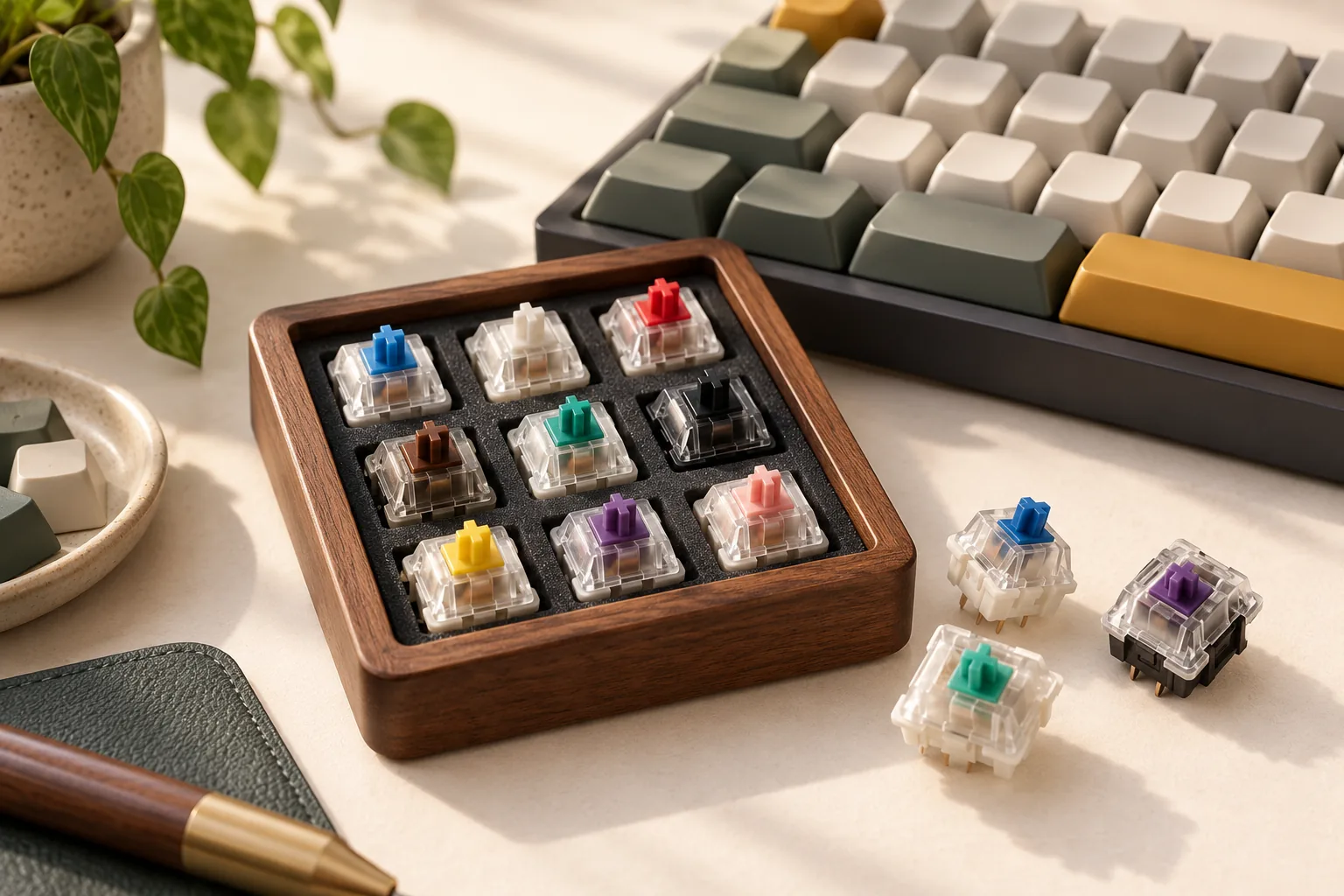
The CHERRY MX Experience Box is one documented way to explore several samples. Match article number DMX2A-XC1X-2A, EAN 4025112119668, to the listing you are considering. CHERRY’s product information lists ten different switches, one of each:
- 3-pin: MX2A Red RGB, Blue RGB, Brown RGB, Speed Silver RGB, Silent Red RGB, Black RGB, and Ergo Clear RGB.
- 5-pin: MX2A Black Clear Top, Purple, and Northern Light.
The listed delivery contents are switches and paper packaging. Treat this as ten individual samples; the description does not establish an included keyboard, keycaps, or an assembled tester plate. It also does not provide enough matching switches to populate a keyboard with one chosen variant. Source: Experience Box contents.
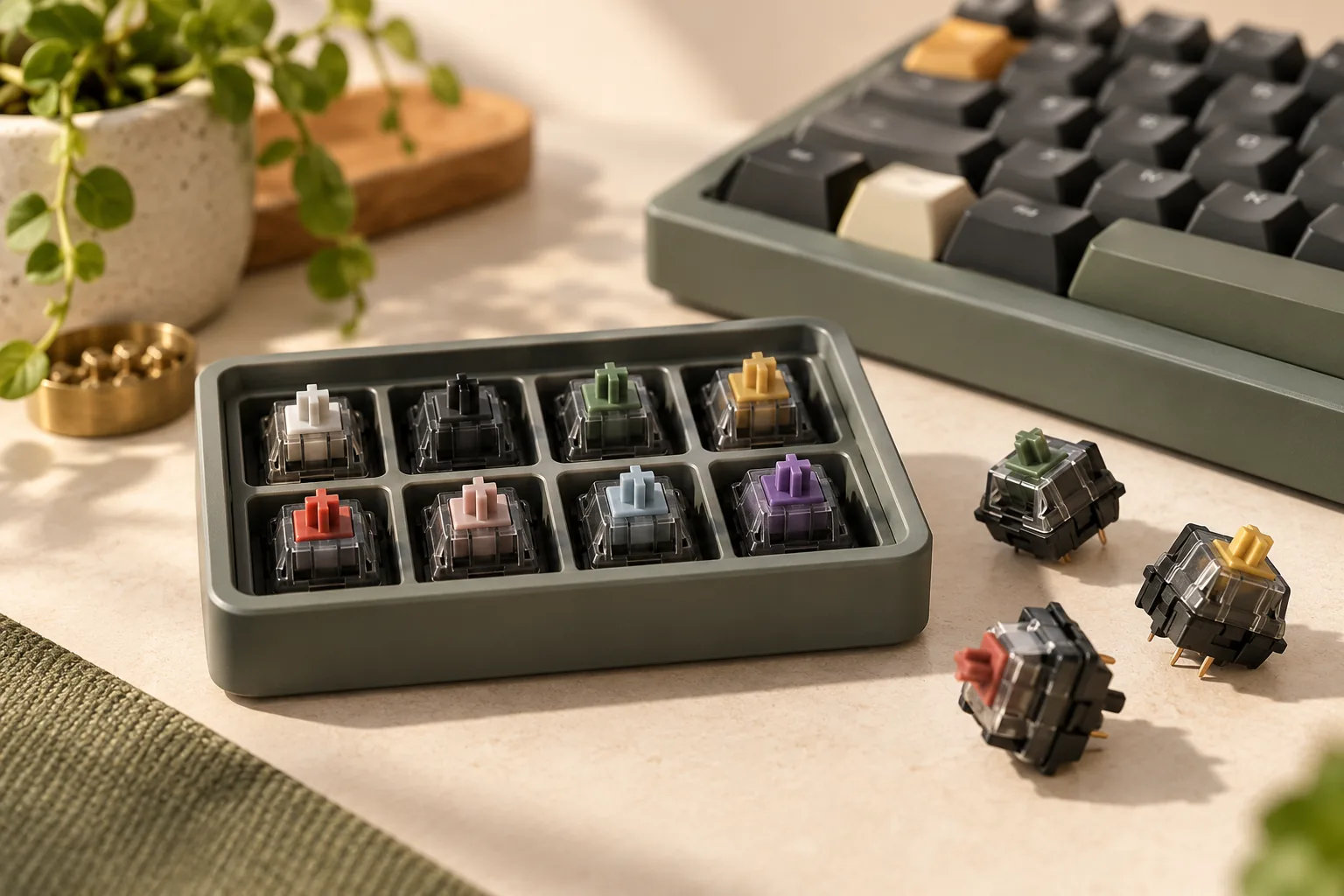
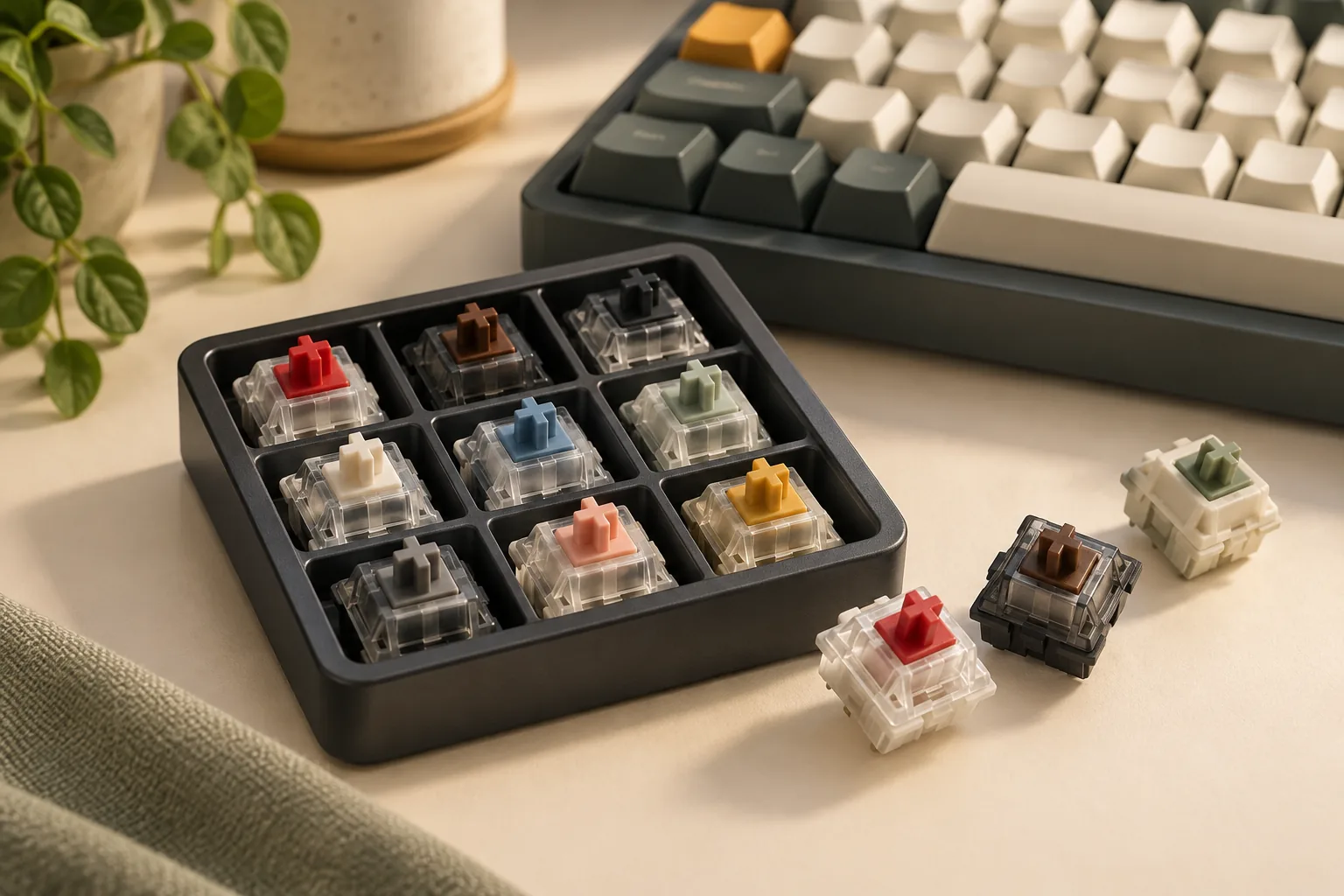
Check the actual lineup rather than relying on a generic sampler photograph. If a listing shows Green or Grey, ask whether its article number and generation match the box above. Keep the wider sampler as an exploration option; the detailed force-and-travel comparison in this guide applies specifically to Red and Brown.
Verify fit before inserting a sample
The Experience Box mixes 3-pin and 5-pin samples. That makes exact keyboard support a purchase condition, even if you only intend to try Red and Brown first. Its contents list identifies the samples; it does not establish that every included switch fits your board. Source: Experience Box pin specifications.
Use your keyboard manufacturer’s documentation or support channel to answer these questions:
- Exact keyboard: What model and hardware revision do you own?
- Switch replacement: Does the manufacturer support user replacement on that version?
- Socket and technology: Does the board support the exact switch technology and socket requirements of your sample?
- Pin support: Which of the sampler’s 3-pin and 5-pin variants does the board explicitly support?
- Complete assembly: Are the selected switch, mounting arrangement, and keycaps supported together?
A cross-shaped top stem alone is insufficient evidence of complete compatibility. Obtain confirmation before insertion if any answer is unclear, and follow the keyboard manufacturer’s handling instructions. Resolve fit through documentation rather than altering a sample to make it fit.
Compare samples and record your preference
Separate your first impression of a single switch from an assessment of actual typing. With the Experience Box’s one-of-each contents, begin by recording which feedback and resistance you want to investigate further. Reserve text-entry comparisons for access to enough matching switches in a verified compatible keyboard, such as an appropriate demonstration setup. Source for sample quantities: CHERRY Experience Box.
For a personal typing comparison, use the same board, keycaps, text, and session length where practical. Keep software settings consistent and record any setup difference you cannot remove. Repeat the comparison in a different order before treating an initial favorite as your purchase choice.
Personal comparison worksheet
Copy these prompts into a note for each sample or setup:
| Check | What to record | Decision it supports |
|---|---|---|
| Identity and fit | Exact variant, pin format, keyboard, and confirmation of support | Whether this is a usable purchase candidate |
| Feedback | Whether you prefer the presence or absence of the tactile cue | Which feedback style to explore further |
| Resistance | Your description of the press, using your own words | Whether the sample suits your preference |
| Text entry | Task, setup, corrections, unwanted entries, and missed letters | Whether a concern repeats in ordinary work |
| Sound | Intended room and whether the setup is acceptable there | Whether it meets your room requirement |
| Repeat comparison | Whether your preference persists when the order changes | Whether to proceed or keep sampling |
Keep error observations separate from explanations. A missed letter or correction in a personal session does not establish that a switch caused it, and a preference log is not a controlled speed or accuracy study. Record the task and conditions so you can understand what you actually compared.
For example, suppose you prefer Brown’s tactile feedback when pressing a single sample, but have only typed full passages on a Red-equipped keyboard. Record Brown as your preferred isolated feel and leave its typing assessment unresolved. That gives you a specific next step: find a compatible Brown typing setup before purchasing a full set.
Move from samples to a full set
Proceed when you can name the preferred variant, confirm its fit, and explain why it suits your own typing and room requirements. If those checks point in different directions, keep the unresolved question explicit. Liking one loose sample is a useful lead, but you can choose to gather more experience before committing to a full keyboard’s worth.
Before ordering, count the actual switch positions you intend to populate. Verify the selected product’s exact model, pin format, pack quantity, and condition, then check the seller’s current delivered cost and applicable return terms. Do not carry over the sampler’s quantity or assume that a bulk listing supplies the same variant.
Use the official Red, Brown, and Experience Box pages to confirm product identity before assessing a particular offer.
Frequently asked questions
Are tactile switches better for typing accuracy?
The cited specifications do not establish an accuracy advantage for tactile switches. MX2A Brown supplies a tactile option to compare with linear MX2A Red, but preference should remain personal. The cited micro-travel study also does not rank these modern MX switches. Log your own corrections without treating them as a guaranteed outcome. Sources: Brown, study.
Can I use the Experience Box for a full typing comparison?
The documented box contains one switch of each of ten variants, so it does not supply a complete typing set of Red, Brown, or another single model. Use it to narrow your sample preferences, then seek an appropriate compatible typing setup for the variant you want to assess further. Source: Experience Box.
Will every switch in the sampler fit my keyboard?
Do not assume so. The documented Experience Box mixes 3-pin and 5-pin switches, and no target keyboard has been established here. Check your exact board’s switch technology, socket, replacement support, and pin requirements with its manufacturer before inserting a sample. Matching the top stem does not settle the whole fit question. Source: sampler pin formats.
Your next step
Choose Red as a linear sample and Brown as a tactile comparison, keeping their published force labels intact. Finding the best keyboard switches for typing means resolving your own feedback, resistance, and room preferences alongside exact fit. Start by completing the compatibility checks, then use the worksheet to decide what deserves a fuller typing trial.