As an Amazon Associate we earn from qualifying purchases.
For the plain Keychron K3 mechanical keyboard, identify Version 2 and its switch system before buying. Keychron lists separate low-profile Gateron mechanical and Keychron optical configurations, and restricts hot-swapping to the low-profile Keychron optical version. Replacement switches, keycap sets, and firmware each need their own compatibility check. See the global K3 Version 2 product listing and same-version optical-only hot-swap note.
This guide is for buyers choosing a plain K3 Version 2 and owners planning replacement parts. It focuses on that model’s documented dimensions, configurations, connections, and support records.
Editorial method: This guide uses excerpts from official Keychron product and support pages captured October 15, 2026. Recommendations are based on that documentation; no hands-on testing was performed. Links are non-affiliate links.
Quick takeaways
- For desk fit: compare the published footprint and heights with your current setup.
- For switch changes: verify the optical hot-swappable configuration and the exact replacement switch separately.
- For keycaps: require explicit Version 2 compatibility and check exclusions.
- For firmware: match generation, regional layout, switch system, and backlight before selecting a download.
On this page: Identify the configuration · Measure desk fit · Check keycaps · Choose connections · Match firmware · Buying checklist · FAQs
Identify your Keychron K3 mechanical keyboard
Start with the full model designation: Keychron K3 Ultra-slim Wireless Mechanical Keyboard (Version 2). Its product listing names low-profile Gateron mechanical switches and low-profile Keychron optical switches as separate choices. The shared K3 product name does not establish that parts can move between those systems. Keychron’s Version 2 specifications provide the starting identity.
Hot-swapping means changing switches without soldering. For this model, Keychron’s Singapore product page explicitly limits that feature to the low-profile Keychron optical switch version; the global page also describes an optical hot-swappable option. Read that restriction alongside the selected configuration, rather than treating a general “hot-swappable” heading as a promise for every option. Keychron Singapore’s model-specific explanation supplies the explicit limitation.
| Decision point | Low-profile Gateron mechanical option | Low-profile Keychron optical hot-swappable option |
|---|---|---|
| Configuration identity | Gateron mechanical switch system | Keychron optical switch system |
| Hot-swap planning | Do not plan on hot-swapping this option; the manufacturer’s restriction is optical-only | Documented hot-swappable option |
| Replacement-switch decision | Do not infer a drop-in replacement from the Gateron name or low-profile label | Confirm that the exact replacement is listed for this K3 configuration |
| Keycap decision | Verify the complete set independently | Verify the complete set independently |
| Best selection condition | You want this mechanical configuration and do not require documented hot-swapping | You require documented hot-swapping and can verify the intended replacement switch |
The switch distinctions in this table come from the global Version 2 listing and optical-only restriction. The selection conditions are practical recommendations based on those distinctions.
Before comparing colors or accessories, save the complete configuration text from the offer. Record the generation, switch system, regional layout, and backlight. If an offer says only “K3,” resolve the missing identity before ordering parts for it.
Measure the low-profile fit
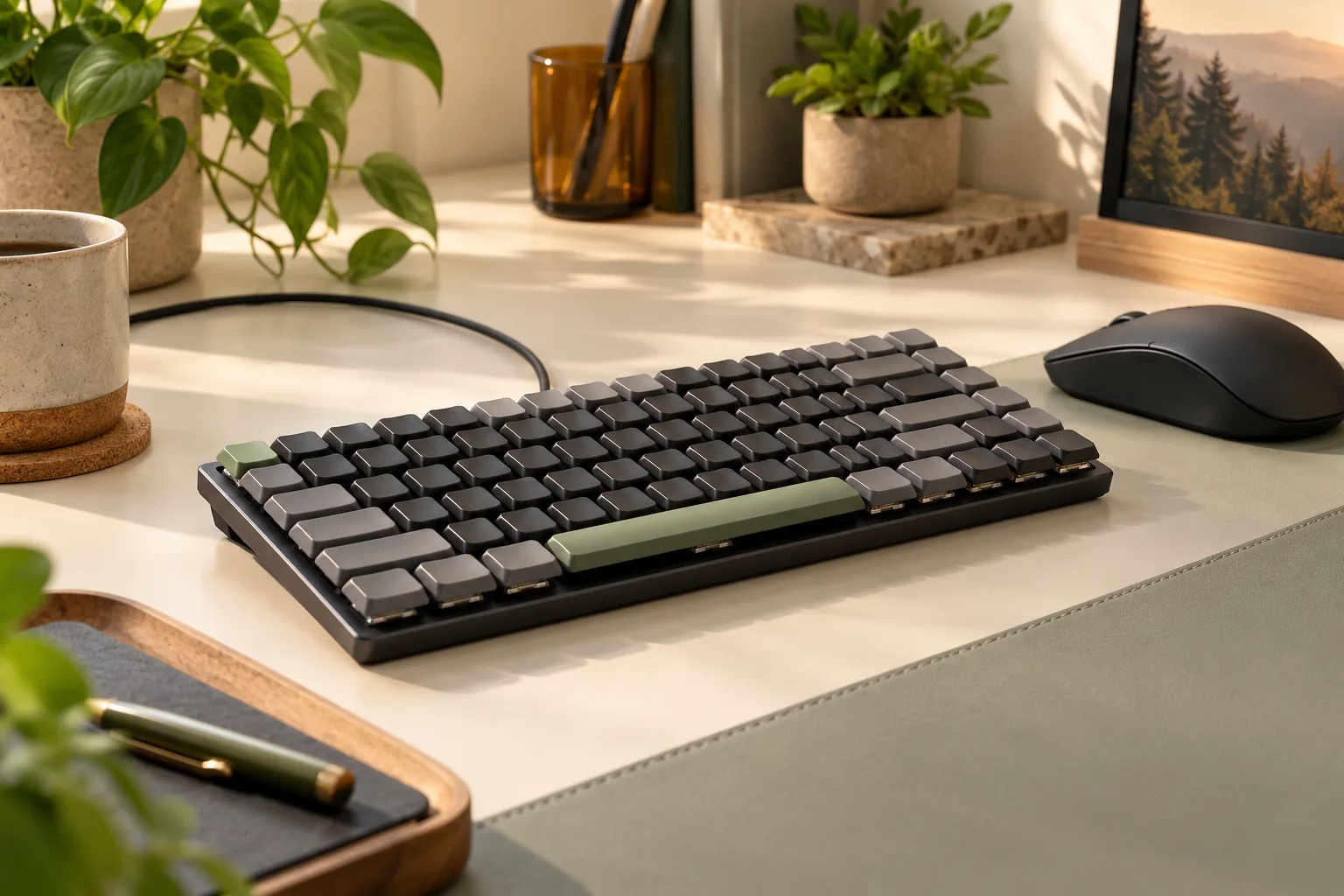
Keychron publishes a 306 × 116 mm footprint, a 17 mm front height, and a 22 mm rear height for the Version 2 product. Both height figures include the keycaps. These are manufacturer specifications, not measurements taken for this guide. The official product specifications are the source.
Use the footprint to check the space where the keyboard will actually sit. Mark a rectangle 306 mm wide and 116 mm deep on your desk or a sheet of paper, then place it in your normal typing position. Check mouse space, the distance from the desk edge, and whether your planned cable route has room.
For height, compare like with like. Measure your current keyboard at the front and rear with its keycaps installed, then compare those measurements with Keychron’s published figures. Comparing the K3’s keycap-inclusive height with another keyboard’s bare case height would give you an uneven comparison.
Keep the result specific: the measurements can help you judge space and relative height. They cannot establish how comfortable the K3 will feel during your workday. If comfort is your main reason for changing keyboards, use these dimensions to narrow the choice and check the seller’s applicable return terms before purchasing.
Check keycap sets by exact version
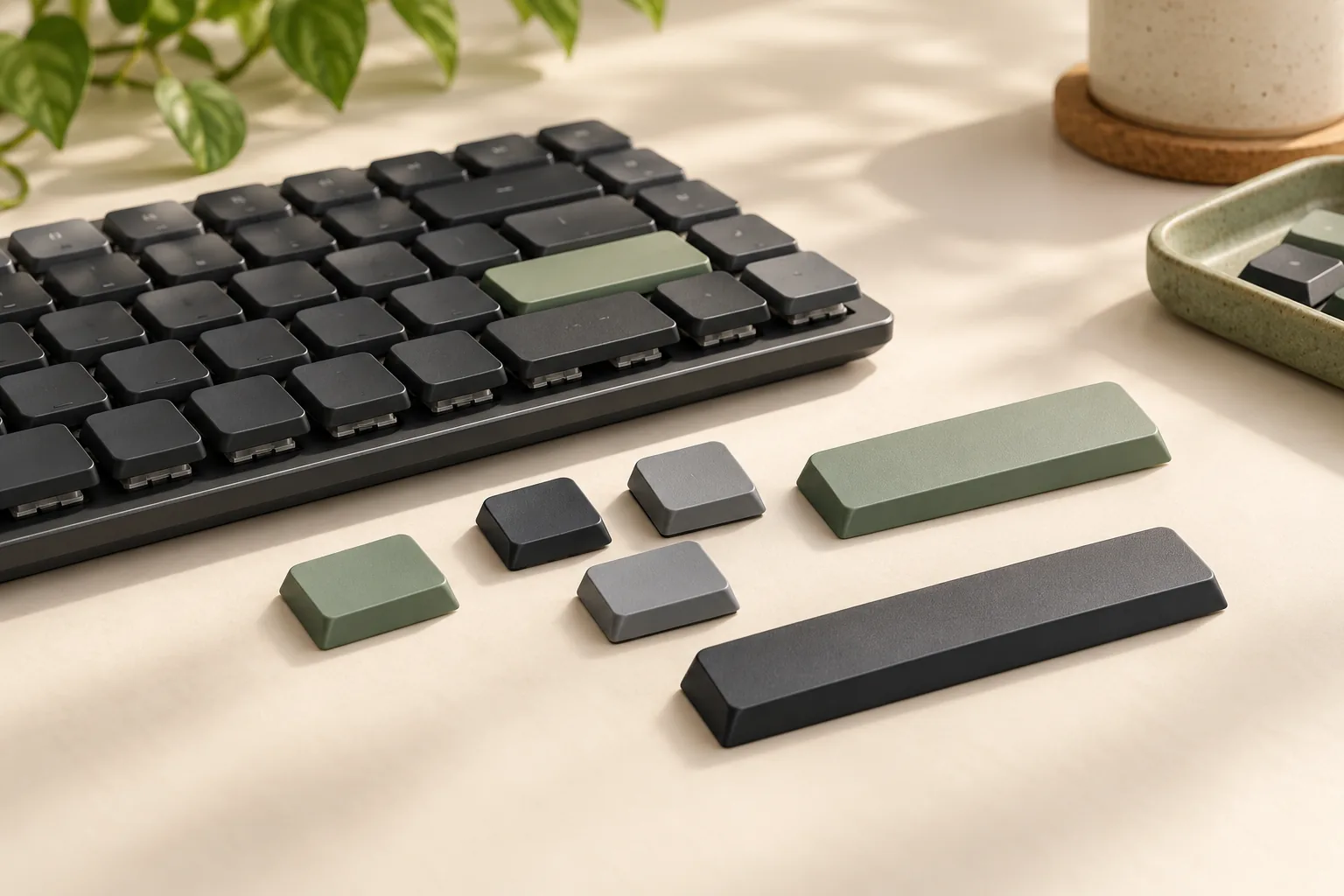
The Version 2 product lists ABS keycaps. If you want a different material or appearance, first establish complete-set compatibility. The presence of “low profile” or “MX style” in an accessory description is insufficient evidence of fit. Keychron’s keyboard specifications identify the original keycap material.
There is a useful, explicit exclusion: Keychron’s Low Profile Dye-Sub PBT LSA Full Set Keycap Set says it is incompatible with K3 versions 1 and 2. That same accessory description refers to low-profile keyboards and MX-style stems. Its specific exclusion therefore matters more than those broad labels when shopping for this K3. See the named keycap set’s compatibility note.
Verify the whole set
Use this sequence for any proposed replacement kit:
- Find explicit model coverage. Look for plain K3 Version 2 in the manufacturer’s compatibility information.
- Read the exclusions. Reject a set that specifically excludes your generation.
- Check regional layout coverage. Confirm that the kit covers the actual layout on your keyboard.
- Check larger keys. Request confirmation of key sizes and stabilized-key fit, including the spacebar, Enter, and Shift keys.
- Keep the written confirmation. Save the exact accessory variant and compatibility statement before ordering.
The documented LSA set exclusion supports this cautious selection process; it does not establish the physical cause of every possible mismatch. A matching stem description or a photograph of one installed letter key cannot settle complete-set coverage. If the manufacturer does not clearly confirm your configuration, leave the kit off the order until it does.
Match connections and operating system layout
The global K3 Version 2 product documentation lists Bluetooth pairing with up to three devices and a USB-C wired mode. Choose Bluetooth if your intended setup calls for pairing several devices; choose wired mode when you want to connect by USB-C. These are documented connection choices, rather than results from a connection-quality or latency test. Keychron’s connectivity description supplies both features.
For a desk shared between a work computer and a personal computer, list which device you intend to use through each connection mode. Then confirm that the selected offer is the same Version 2 configuration described here. That keeps the connection decision tied to the keyboard you are actually ordering.
Keychron also describes Mac and Windows compatibility, a Mac multimedia layout, and included keycaps for both operating systems. Use that information to check the key legends you want, while confirming the selected package’s contents with the seller. The product’s Mac and Windows section supports the platform and keycap description.
Match firmware to the exact keyboard
Keychron’s Firmware for K3 US Keyboard page states that its K3 firmware covers versions 1 and 2. That page-level coverage does not establish that every download on it is interchangeable across switch systems, layouts, and backlights. Begin with the K3 US firmware page when identifying support for a US-layout keyboard.
The separate Firmware for Keychron K3 Version 2 ISO Version page distinguishes Gateron and optical files, as well as white and RGB backlight files. It also warns that installing firmware for the wrong switch version can break the keyboard. That warning belongs to the Version 2 ISO support page; its files should not be transferred to a US-layout keyboard by assumption.
Before selecting a download, match the keyboard and support record on the same fields:
- Plain K3 generation.
- US or exact ISO regional layout.
- Gateron mechanical or Keychron optical switch system.
- Backlight configuration.
- Any operating system or firmware-type conditions stated by the exact support page.
If a field is uncertain, resolve it with Keychron support before proceeding. This is an identity check for choosing the correct support record, not a firmware flashing procedure.
Use this checklist before ordering
Work through the keyboard and accessories as separate decisions. A clear keyboard listing does not automatically verify a replacement part, and a part advertised for “K3” still needs generation-specific confirmation.
- Keyboard identity: The offer explicitly identifies plain K3 Version 2.
- Switch system: The selected option names Gateron mechanical or Keychron optical.
- Hot-swap requirement: If needed, the selected option explicitly identifies the optical hot-swappable configuration.
- Desk fit: The published footprint and keycap-inclusive heights work with your measured space.
- Replacement switches: The manufacturer confirms the exact replacement for the selected keyboard configuration.
- Keycap set: Compatibility information covers the generation, regional layout, and complete key set without an applicable exclusion.
- Support record: The firmware page matches the keyboard’s identity and configuration.
- Checkout details: The seller confirms the selected variant, condition, package contents, total cost, delivery terms, returns, and applicable warranty.
For example, suppose an offer identifies Version 2 with Gateron mechanical switches, but you want to change switches later. The manufacturer’s optical-only hot-swap restriction means that offer does not satisfy your requirement. Resolve the keyboard configuration first, then verify the replacement switch you intend to use. The same-version restriction is the deciding evidence.
Frequently asked questions
Is every plain K3 Version 2 hot-swappable?
No. Keychron explicitly limits hot-swapping to the low-profile Keychron optical switch version. The product also offers a low-profile Gateron mechanical configuration, so the K3 name alone is insufficient. Confirm the complete selected option before buying a keyboard for future switch changes. See Keychron’s restriction.
Will any low-profile MX-style keycap set fit?
Do not assume it will. Keychron’s Low Profile Dye-Sub PBT LSA Full Set Keycap Set describes MX-style stems but explicitly excludes K3 versions 1 and 2. Require generation-specific compatibility and complete layout coverage for any alternative set. The accessory’s exclusion is a concrete example.
Can a US K3 use the Version 2 ISO firmware files?
Do not select files that way. Keychron maintains separate US K3 firmware and Version 2 ISO firmware pages. The ISO page also separates switch and backlight configurations and warns about incorrect firmware. Match the exact keyboard to its support record before choosing a download.
Make the configuration your first decision
Choose the Keychron K3 mechanical keyboard by its exact Version 2 configuration. Use the published dimensions to check desk fit, the optical-only restriction to assess hot-swap plans, and explicit compatibility records to evaluate parts. Keep firmware selection tied to the same generation, layout, switch system, and backlight.
Your next step is to open the official K3 Version 2 listing, record the full configuration you are considering, and complete the checklist before ordering.