As an Amazon Associate we earn from qualifying purchases.
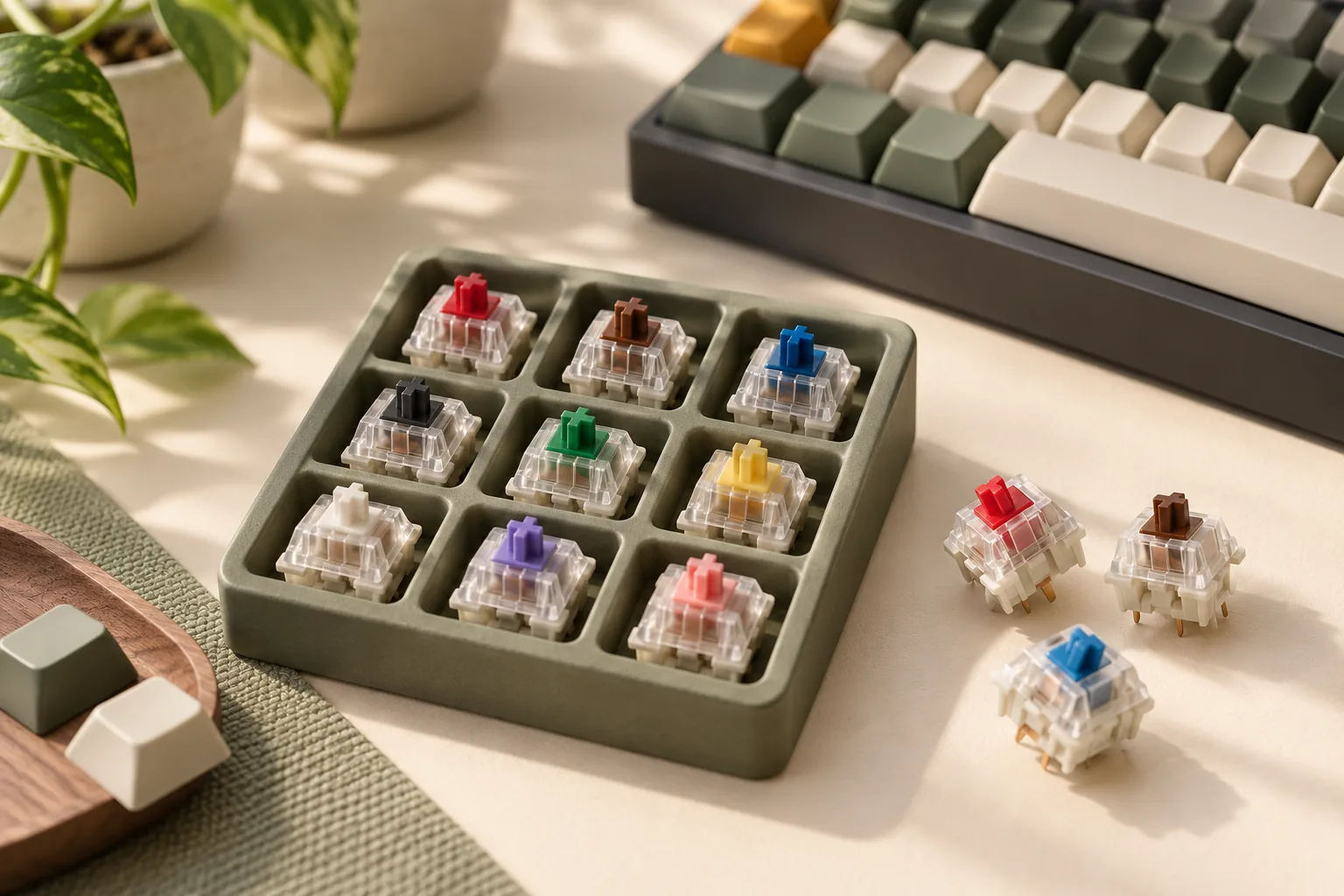
Choose clicky mechanical switches by sampling the click mechanism and checking the sound at your actual desk. CHERRY Blue, Kailh BOX Jade, and Zeal Clickiez provide three documented mechanisms to compare: a two-part stem, a thick click bar, and a dedicated click leaf. Your preferred feedback, comfortable force, and room conditions should determine the choice.
This guide is for buyers choosing switches for a keyboard build or replacement. It compares manufacturer specifications and provides an audition process; it does not report hands-on testing or listening impressions. The available evidence cannot establish which switch is the loudest.
Quick takeaways
- Compare mechanisms first, then audition the candidates that interest you.
- Keep actuation, tactile or peak, and bottom-out force labels separate.
- Evaluate recordings with matching keyboards and keycaps.
- Verify the exact switch, host keyboard, and keycap requirements before ordering.
On this page: Mechanisms · Force specifications · Room conditions · Recordings · Compatibility · Desk audition · FAQ
Compare clicky mechanical switches by mechanism
A clicky switch includes a mechanism designed to produce an audible click during key travel. That intentional feedback is one part of the sound you hear from a keyboard. CHERRY explicitly describes Blue as providing both tactile and audible feedback, with its two-part switching slide producing the click after the tactile point. Source: CHERRY Blue.
The following examples give you three mechanisms to sample. The selection conditions describe useful comparisons to make, rather than measured performance winners.
| Switch example | Documented click mechanism | Useful reason to sample it |
|---|---|---|
| CHERRY MX2A Blue | Two-part switching slide; the white component moves after the tactile point to produce the click | Establish a reference for whether you enjoy deliberate tactile and audible feedback together |
| Kailh BOX Thick Clicky Jade | Thick click bar | Compare a click-bar mechanism with Blue while assessing operation and tactile force separately |
| Zeal Clickiez | Dedicated full-sized click leaf | Explore a click-leaf design and choose between separately specified force options |
CHERRY Blue: a reference for coordinated feedback
CHERRY's explanation connects the click to movement within the two-part stem after the tactile point. That makes Blue a useful starting sample if your main question is whether a deliberate click helps you enjoy each keypress. During your audition, pay attention to both the felt event and the audible event. The manufacturer description establishes the mechanism, but your sample determines whether you enjoy it. Source: CHERRY Blue.
Kailh BOX Jade: a thick click-bar alternative
Kailh documents a thick click bar for its BOX Thick Clicky Navy/Jade product family. For Jade, the manufacturer lists operation force and tactile force separately, so there is more to evaluate than the single weight printed in a listing. Sample this exact Jade model if you want to compare a click bar with Blue's two-part stem; keep similarly named variants separate. Source: Kailh product excerpt.
Zeal Clickiez: a dedicated click leaf
Zeal describes Clickiez as using a dedicated full-sized click leaf. Its two labeled weight options also have distinct actuation and peak-force specifications. Sample the specific option you would purchase, and judge whether the resistance throughout the press suits your typing. A favorable impression of one option does not establish your preference for the other. Source: Zeal product excerpt.
Read force labels before comparing switch weight
A force specification is not a loudness measurement. Compare the name of the measurement alongside its value. CHERRY, Kailh, and Zeal use different fields, and combining them into one “weight” column would obscure the distinction.
| Exact model or option | Published force fields | How to use the information |
|---|---|---|
| CHERRY Blue | 60 cN operating force; 50 cN actuation force; 25 cN initial force | Preserve CHERRY's separate labels when comparing specifications |
| Kailh BOX Thick Clicky Jade | 50±20 gf operation force; 75±15 gf tactile force | Consider both fields and retain their stated tolerances |
| Clickiez 40g option | 40g bottom-out; 73g peak; 32g actuation | Recognize that the option name describes bottom-out force |
| Clickiez 75g option | 75g bottom-out; 95g peak; 58g actuation | Assess this as a separate force option during sampling |
Sources: CHERRY Blue, Kailh Jade excerpt, and Zeal Clickiez excerpt. Units and labels follow the manufacturers; Zeal's values retain its published “g” notation.
The Clickiez 40g option illustrates why labels matter: its published peak force is 73g, and its actuation force is 32g. Calling it simply a “40g switch” loses information relevant to the press. Likewise, Blue's 60 cN operating-force highlight and 50 cN actuation-force property should remain distinct. Sources: Zeal, CHERRY.
Travel is another separate consideration. CHERRY lists Blue at 2.2 mm pre-travel and 4.0 mm total travel; Kailh lists Jade at 1.8±0.4 mm pre-travel and 3.6±0.3 mm total travel. Use those specifications to decide what to investigate in a sample, without treating shorter travel or greater force as a sound ranking. Sources: CHERRY, Kailh.
Start with the room and microphone
Set your acceptance conditions before choosing a favorite. For a private desk, you might prioritize whether the click remains pleasant during normal typing. In a shared room, include the other person's listening position. For calls or streaming, include your normal microphone and application settings in the audition.
These are practical decision conditions, not universal noise thresholds. MKB Guide's recording methodology identifies the keyboard, keycaps, environment, typing technique, microphone position, and recording settings as variables to keep consistent. Apply that principle to the place where you will use the switches. Source: MKB Guide.
For example, suppose you enjoy deliberate clicks while writing but also type during video meetings. Make two acceptance checks: whether you like the feedback at the desk, and whether the resulting call audio meets your needs. If the second check fails, liking the first does not settle the purchase. A switch should pass every condition you consider essential.
For a shared workspace, ask the nearby listener to assess ordinary typing during the intended activity. Avoid deciding from a single isolated press. No manufacturer force value in this comparison establishes an office-safe sound level.
Use recordings to build a shortlist
Recordings are most useful when they let you compare candidates under matching conditions. MKB Guide distinguishes pitch, volume, sharpness, and resonance, while recommending consistent recording variables. Keep those descriptions separate in your notes: liking a sound's pitch does not answer whether its volume is acceptable. Source: MKB Guide.
Click and Thock's 2025 compilation describes 39 clicky switches tested on one keyboard with Cherry, MT3, and SA profile keycaps. The creator states that audio conditions remained consistent across the project. When using that resource, compare switches within the same keycap-profile condition whenever possible.
The accompanying page provides no numerical noise results, microphone calibration, or complete recording settings for each run. Its recording was not listened to for this guide. It is therefore a resource for your own audition, rather than evidence here for a loudest-switch ranking or a particular sound impression.
When evaluating any comparison, check:
- Keyboard and keycaps: Are they the same for the candidates you are comparing?
- Recording conditions: Are microphone position and settings disclosed and consistent?
- Typing: Does the comparison use similar technique and passages?
- Your notes: Are you judging pitch, sharpness, resonance, or volume?
Those checks follow the variable-control approach in MKB Guide. Use the resulting shortlist to select samples for your own desk.
Verify fit and sample quantity
Before ordering, match the exact switch variant to your keyboard documentation. Check the supported switch type and socket, pin arrangement, plate requirements, LED clearance, and keycaps. None of the specifications below establishes compatibility with every host keyboard.
Check the exact Blue variant
CHERRY's Blue page distinguishes RGB and non-RGB article numbers, but the captured variant table does not map every pin or socket configuration. An RGB designation alone is insufficient to settle fit. Match the exact article number and physical specifications to your host's requirements. Source: CHERRY Blue.
Treat the CHERRY box as a mixed sampler
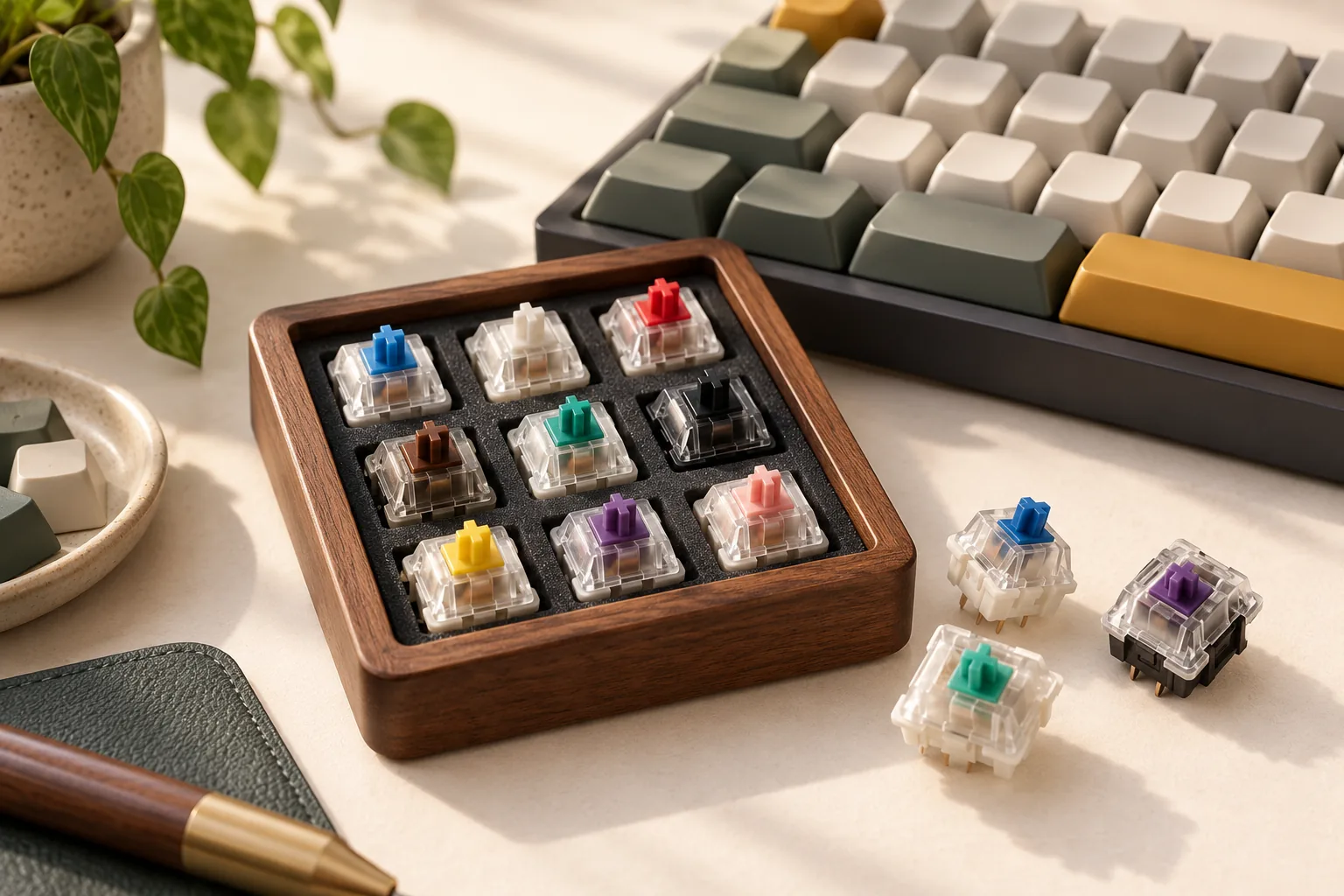
The CHERRY MX Experience Box, article DMX2A-XC1X-2A, contains ten different switches, one of each. It includes one three-pin Blue RGB alongside other switch types, including five-pin models. It is useful for exploring different feedback preferences; it is not a set of ten Blue switches or a whole-keyboard replacement set. Source: CHERRY Experience Box.
A single sample can help answer whether you enjoy pressing that switch. Reserve your final whole-keyboard sound decision for a representative keyboard audition.
Preserve Kailh and Zeal's specific conditions
Kailh specifies three pins and SMD LED support for the BOX Thick Clicky product. Verify those details against your board, and confirm that the selected item is the intended Jade variant. The shared Navy/Jade product page makes the exact selection worth checking. Source: Kailh excerpt.
Zeal conditions Clickiez compatibility with Cherry-profile keycaps on south-facing orientation, identified by the LED slot or Zeal logo facing south. Check whether your intended installation satisfies that condition; do not assume you can change the orientation independently of the board. Other host requirements still need verification. Source: Zeal excerpt.
Before checkout, confirm the variant, quantity, total cost, and seller terms directly. Count the switches required for your intended build and compare that number with the selected pack quantity.
Use this desk audition worksheet
The following process applies the recording controls discussed by MKB Guide to a purchase decision. It is a proposed personal comparison, not a completed test or calibrated measurement.
- Confirm compatibility. Use the keyboard manufacturer's instructions before installing a candidate.
- Hold the setup steady. Keep the board, keycaps, desk position, room, and recording setup consistent between candidates.
- Type normally. Use the same passage and similar technique. Include the kind of work you actually do.
- Check each listening position. Assess your desk experience, the shared-room position when relevant, and your usual microphone output.
- Record a decision. Write what passed, what failed, and what still requires a representative keyboard test.
Copy this worksheet for each candidate:
| Decision field | What to record |
|---|---|
| Identity | Exact switch model and force option |
| Fit | Host documentation checked; pin, LED, plate, and keycap conditions resolved |
| Feedback | Whether the click and felt resistance suit normal typing |
| Sound character | Separate observations about pitch, sharpness, and resonance |
| Acceptable volume | Your decision at the desk, nearby listening position, and microphone output |
| Scope of audition | Single sample or representative keyboard; remaining uncertainty |
| Purchase decision | Proceed, compare another candidate, or postpone |
If one candidate feels better but fails an essential room or microphone check, keep looking. If a candidate passes with one keycap set, repeat the relevant check before changing that set. The goal is a documented choice for your setup.
Frequently asked questions
Which are the loudest mechanical keyboard switches?
The available evidence does not establish a defensible winner. Manufacturer force specifications do not measure loudness, and the comparison page supplies no calibrated noise results. Use matching recordings to explore preferences, then audition candidates in your intended setup. Sources: Click and Thock, MKB Guide.
Is every loud keyboard using clicky switches?
Loudness alone does not identify the mechanism. Clicky refers to a switch designed to provide an intentional click, such as Blue's documented two-part switching slide. Whole-keyboard recordings also need consistent board, keycap, room, and recording conditions for useful comparisons. Sources: CHERRY, MKB Guide.
Can a switch sampler settle the purchase?
A sampler helps you explore feedback preferences, but its contents and fit need checking. CHERRY's Experience Box contains one Blue RGB among ten different switches. Use it to investigate whether you enjoy that mechanism, then evaluate acceptable sound in a representative keyboard setup. Source: CHERRY Experience Box.
Choose the feedback that passes your desk test
The right clicky mechanical switches are the ones whose feedback you enjoy, whose force suits your typing, and whose sound passes your actual use conditions. Start with a documented mechanism, verify fit, and complete the worksheet before committing to a full set.
Source information was captured October 15, 2026. CHERRY and the independent methodology pages were available as page text. Kailh and Zeal details were available as manufacturer search excerpts; their full pages were not reviewed for this guide.