As an Amazon Associate we earn from qualifying purchases.
To choose thocky or creamy switches for your keyboard, describe the sound you want, confirm compatibility, and try an identified sample in your intended board before buying a full set. Use sound recordings to find promising builds, then check whether their switches, revisions, and recording conditions match what you are considering.
This guide is for mechanical keyboard owners choosing switches by sound, including readers looking for thocky linear switches. It compares documented specifications for Gateron Oil King V2 and Akko Rosewood and provides a worksheet for evaluating samples. The recommendations are based on manufacturer documentation and recording guidance; no hands-on testing or listening comparison was performed.
Quick takeaways
- Translate “thocky” and “creamy” into specific personal preferences.
- Compare exact switch revisions and complete builds.
- Choose force and travel separately from your sound goal.
- Verify sampler contents, then assess an identified sample in your compatible keyboard.
On this page: Describe your sound · Compare linear examples · Build worksheet · Recording checks · Sampling · Purchase checks · FAQ
Describe your thocky or creamy sound
For this buying process, treat thocky and creamy as preference words rather than acoustic specifications. You might use thocky to mean a lower perceived pitch and a rounded impact. You might use creamy to mean an even, less sharp sound. Write down your own meaning before comparing products.
A useful description separates several questions:
- Pitch: Do you prefer a lower or higher perceived note?
- Loudness: How much sound is acceptable where you type?
- Sharpness: Do you enjoy a crisp attack or prefer a softer impression?
- Resonance: Do you like a lingering ring or a shorter sound?
- Unwanted noise: Are scratch, spring noise, or rattling what you most want to avoid?
These are prompts for your listening notes, not measured ratings. For example, “lower pitch, little ringing, and no distracting scratch” gives you clearer criteria than “the creamiest keyboard switches.” Keep feel in a separate sentence: “I also want a lighter press.”
Manufacturer language can suggest a sample worth investigating. Akko describes Rosewood as low pitched and thocky, while also explaining that it was developed for its MU01 wooden-case keyboard. That context makes it a lead for your shortlist, not a promise about your finished board. See the Akko Rosewood product description.
Compare two documented linear switches
If you want thocky linear switches, keep two decisions separate: which documented linear specifications suit you, and which sample sounds right in your build. The manufacturer pages below establish product identity and specifications. They do not provide a controlled acoustic ranking.
The table reflects manufacturer information captured on October 15, 2026. Each product heading links to its official source.
| Documented field | Gateron Oil King V2 | Akko Rosewood |
|---|---|---|
| Type | Linear | Linear |
| Operating force | 55 ± 5 gf | 40 ± 5 gf |
| Pre-travel | 2.0 mm | 2.0 ± 0.5 mm |
| Total travel | 4.0 mm | 4.0 mm |
| Stem | POM | Custom Nylon (Pro) |
| Top housing | Nylon | PA12 |
| Bottom housing | Ink housing material | PA6 |
| Factory lubrication | Yes | Yes |
| Pins | Five | Five |
When to sample Rosewood first
Rosewood is a reasonable first sample if its lower listed operating force suits your preference and you want to investigate Akko's advertised low-pitch sound. Its published operating force is 40 ± 5 gf, compared with Oil King V2's 55 ± 5 gf. Both list 4.0 mm total travel, so the force difference does not come with a shorter listed total travel. Sources: Akko and Gateron.
Use that distinction to prioritize sampling. It does not establish that Rosewood is deeper, quieter, or more comfortable for you. Those judgments require your own assessment under conditions relevant to your keyboard.
When to sample Oil King V2 first
Oil King V2 is a reasonable first sample if you prefer the higher listed operating force and want to evaluate that exact model. The captured Gateron product page explicitly identifies the product as Oil King V2. Use the Gateron family and version guide to retain the complete model name when checking the offered revision.
Keep “V2” in your notes. An older recording labeled only “Oil King” does not establish that it features this revision. Ask for confirmation before using that recording to justify a V2 purchase.
What the specifications cannot settle
The listed materials identify construction; this comparison does not establish a universal material-to-pitch rule. Likewise, factory lubrication is a documented product feature, not proof that either switch will sound creamy to you. Use the specifications to select candidates, then evaluate the sound separately.
Document the complete keyboard build
Treat your target sound as a goal for the complete keyboard you will use. Rosewood's documented MU01 development context is a concrete reason to ask what surrounds a switch in a sound demonstration. Akko's description does not establish an identical result in another case, plate, or keycap set. Source: Akko Rosewood.
Before comparing recordings or changing parts, copy the worksheet below into your notes. It is a comparison record, not a formula predicting how each component changes pitch. Record unknown details as unknown rather than filling them with assumptions.
| Item to record | What to write down | How to use it |
|---|---|---|
| Switch identity | Brand, full model, revision, and lubrication or modifications | Confirm that the demonstrated and purchased switches match |
| Keyboard structure | Board model, case, mounting system, and plate | Identify differences between the reference build and yours |
| Keycaps | Exact set, material, and profile | Keep the cap setup consistent during your own comparison |
| Stabilizers | Model, preparation, and which keys are demonstrated | Separate notes for ordinary keys and stabilized keys |
| Internal treatment | Foam and other installed treatments | Avoid overlooking changes between demonstrations |
| Desk setup | Desk surface and mat | Record the surface used for each comparison |
| Typing method | Same passage, keys, and intended typing pace | Make your own comparisons more repeatable |
| Listening notes | Pitch, loudness, sharpness, resonance, and unwanted noise | Judge against your original preferences |
For an initial comparison, keep your existing configuration and change only the candidate switch where the board permits it. If you also change keycaps, foam, and the desk mat, record the result as a comparison of builds. You would have less basis for attributing your preference to the switch alone.
Check recordings before trusting the comparison
Microphone setup belongs beside the keyboard specifications. In its August 1, 2019 recording guide, Samson explains how microphone placement and off-axis response affect the captured stereo image. It also discusses low-frequency falloff with distance and the capture of room ambience. These are music-recording examples, not tests of Oil King V2 or Rosewood. Source: Samson's stereo microphone recording guide.
Use that guidance as a reason to document the capture conditions. For any recording you might rely on, ask:
- Is the exact switch revision identified?
- Is the complete keyboard build listed?
- Are the microphone model, position, angle, and distance supplied?
- Are recording gain and any automatic level adjustments disclosed?
- Are equalization, compression, noise reduction, or other processing disclosed?
- Does the comparison use a repeated typing method?
For your own listening, use the same playback equipment and settings across clips. This is a consistency practice, not a way to recover missing recording information.
When details are absent, use the clip to identify what you like about that recording. Avoid turning it into a dependable ranking of the switches themselves. A useful note is: “I like the rounded impact in this build; the microphone distance and switch revision are unknown.”
Verify the sampler, then try your keyboard
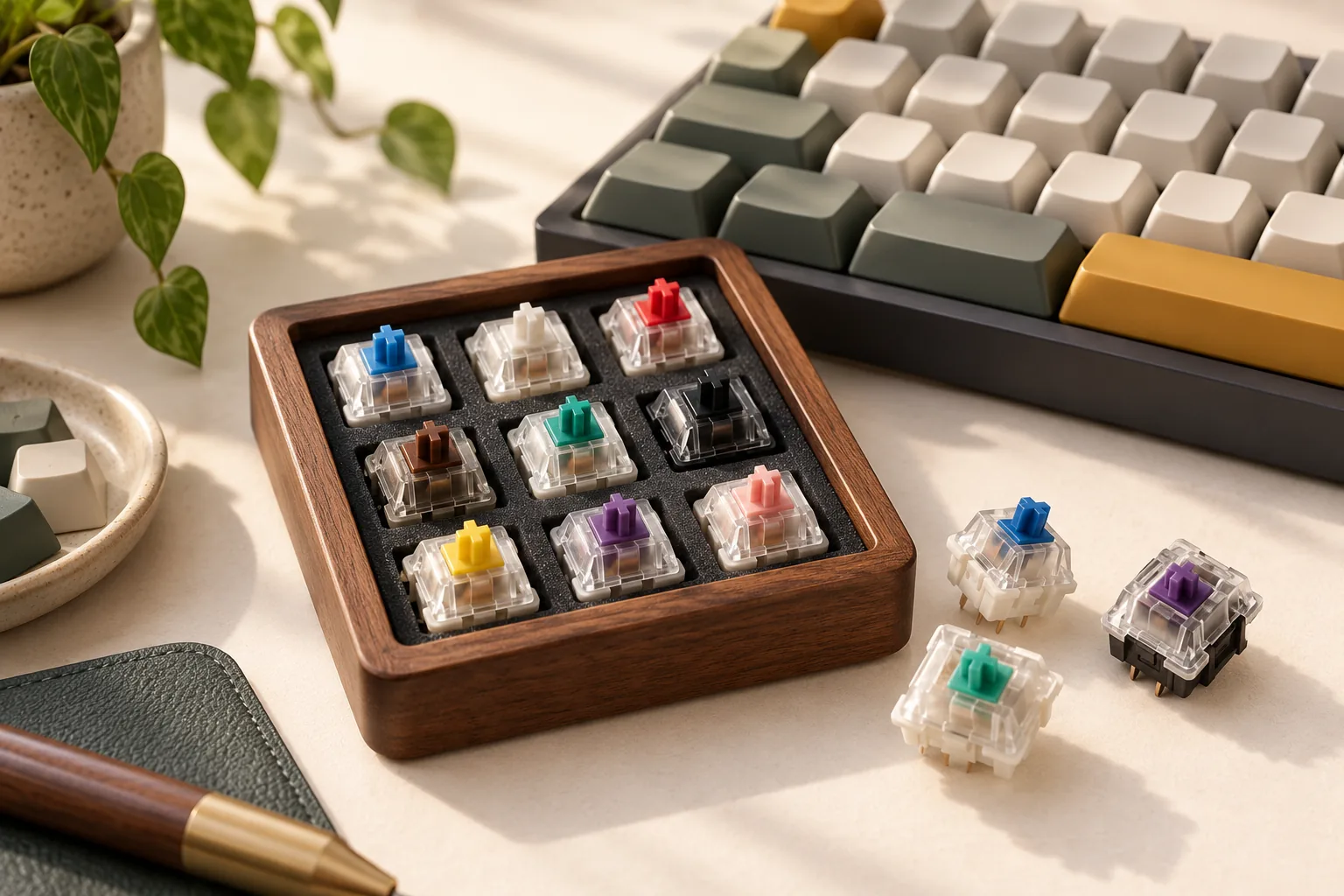
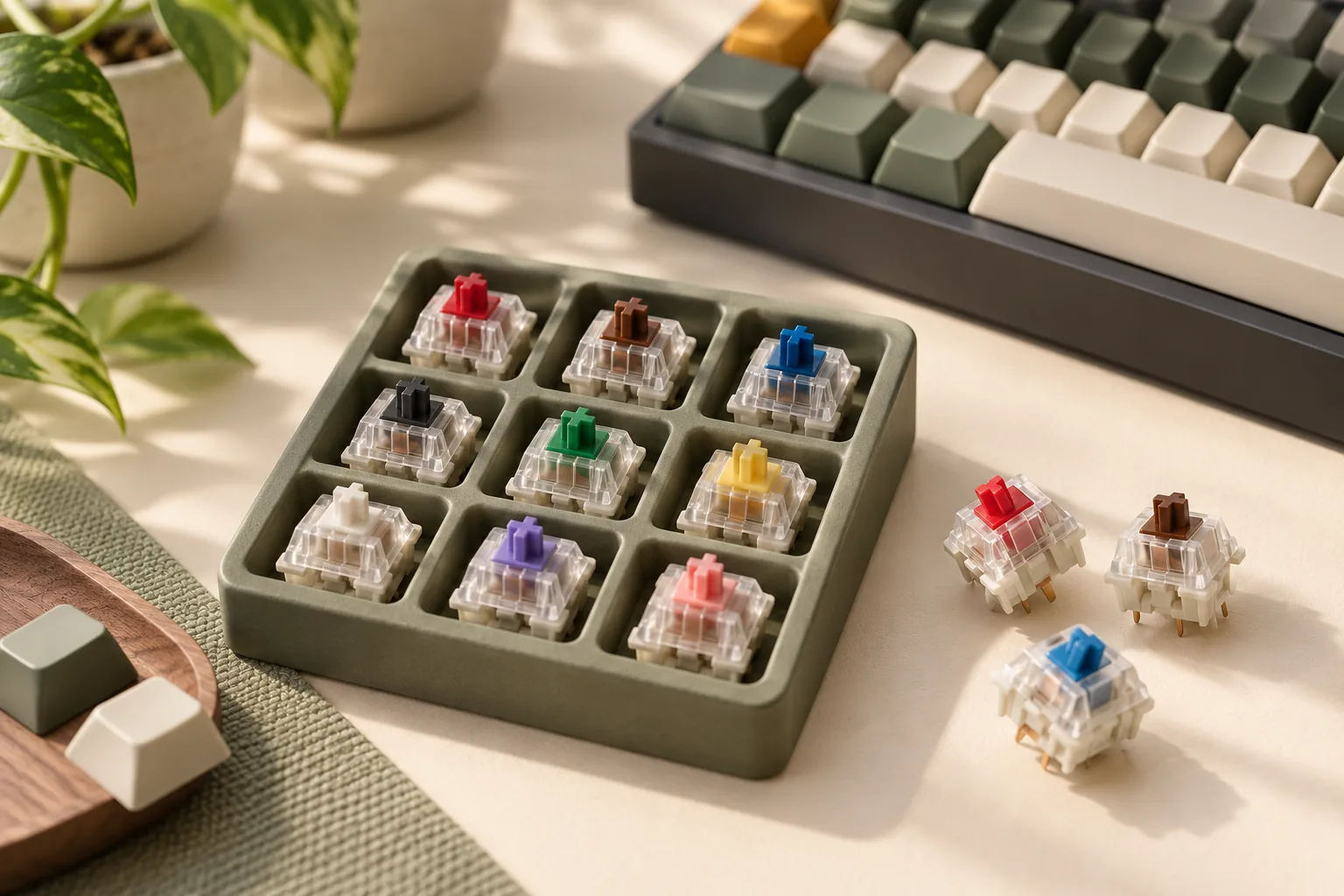
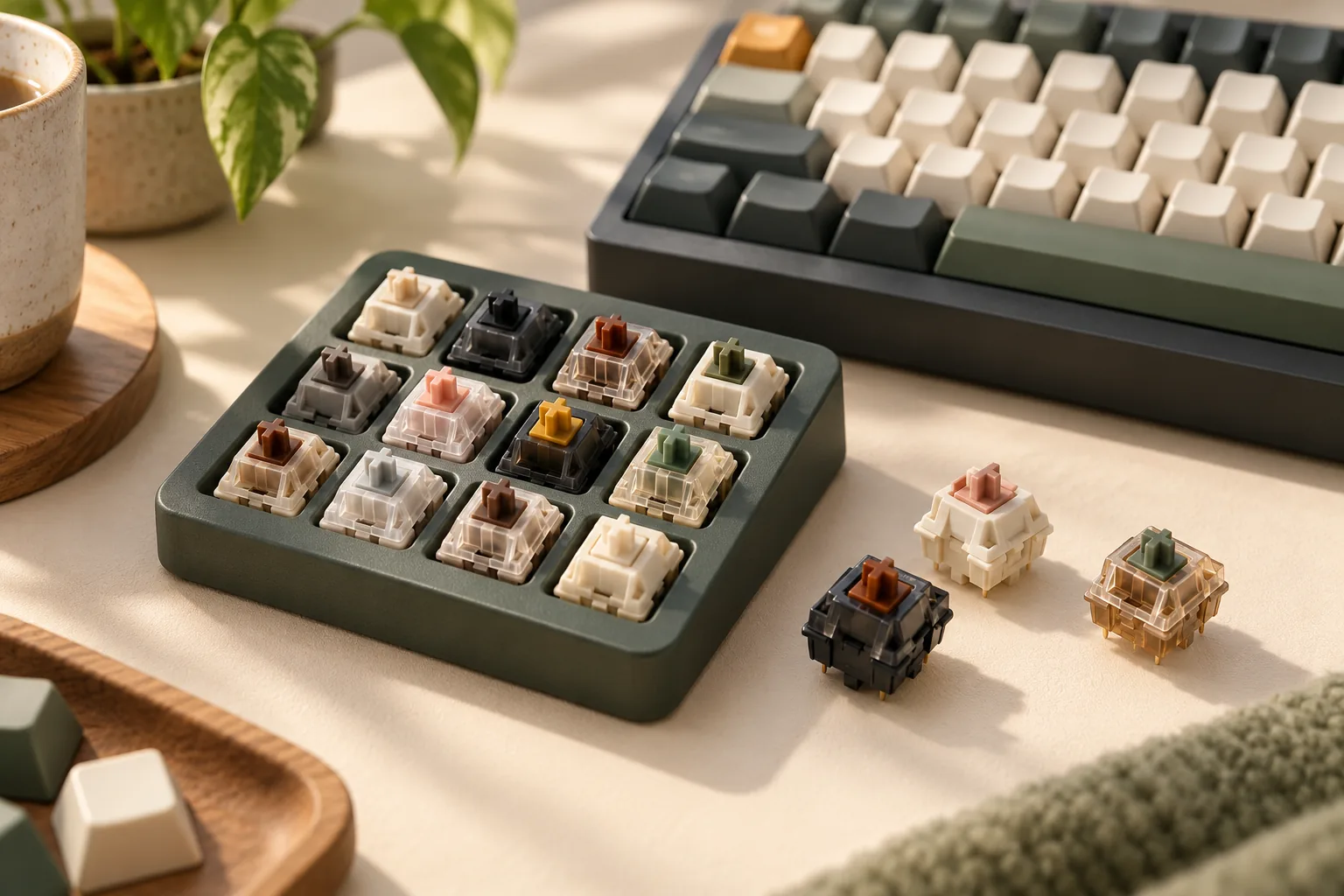
Check sampler identity before associating a favorite position with a product name. Akko's 16-Key Switch Tester page lists linear and tactile options, including Rosewood, but warns that different versions may ship randomly because of updates. Its displayed lineup is marked “Updated April 2025.”
That warning matters even if a photograph appears to identify every position. Confirm the delivered version and switch identities from reliable labeling or seller information. If a position cannot be identified, keep it as an unknown sample rather than ordering a full set under a guessed name.
Use the tester to narrow your feel preferences. The same Akko tester page lists different force and travel specifications among its linear options, so “linear” alone does not specify an identical press.
Once you have an identified candidate, follow this sequence:
- Verify fit. Check your exact keyboard's supported switch technology, socket specification, pin support, and replacement procedure.
- Confirm clearance. Check the intended switch, keycaps, plate, and LED arrangement together.
- Try a sample where replacement is supported. Use your intended keycaps and normal desk setup.
- Record separate judgments. Note sound preference, press preference, and any unresolved fit issue.
- Repeat under the same conditions. Decide whether the preference remains before committing to a complete set.
Gateron lists Oil King V2 as five-pin. Akko lists Rosewood as five-pin and compatible with standard-MX-structure keycaps. Those fields are useful starting points, but they do not approve either switch for an unspecified keyboard. Sources: Gateron and Akko.
Make the final purchase check
Consider a reader who wants a lower perceived pitch and a lighter press. Rosewood's listed operating force and Akko's sound description make it a sensible candidate to sample first. If the sample fits and feels right but the sound disappoints in that reader's board, the next step is to reassess the sound goal or candidate—not assume the advertisement settles the choice.
Before ordering a complete set, confirm:
- The selected listing names the same model and revision you evaluated.
- Your exact board and keycap combination is compatible.
- The pack quantity covers the switch positions you intend to populate, plus any spares you choose.
- The seller, total checkout cost, shipping conditions, and applicable return terms are acceptable.
Count the actual switch positions on your layout instead of choosing a pack from the keyboard's size label alone. Verify the quantity for the selected offer. The official product links here are specification references; this guide does not establish a current seller offer, price, stock level, or delivery promise.
Frequently asked questions
What keyboard switches are creamy?
Start by defining what creamy means to you: perhaps an even sound, less sharp impact, or little distracting scratch. Then compare identified samples against that description. This guide does not designate a creamiest switch because its evidence establishes specifications and comparison conditions, not measured or personally heard acoustic winners.
Which thocky linear switch should I try first?
Try Rosewood first if its lower listed operating force suits you and you want to investigate Akko's low-pitch description. Try Oil King V2 first if its higher listed operating force better matches your preference. Treat both as conditional sampling choices, with sound decided in your compatible build. Sources: Akko and Gateron.
Will the Akko tester definitely include Rosewood?
The published lineup includes Rosewood, but the manufacturer warns that different tester versions may ship randomly. Confirm the contents of the version being supplied if Rosewood is your reason for buying it. After delivery, verify the sample's identity before using it to select a complete set. Source: Akko's tester page.
Choose creamy switches for your keyboard by moving from a personal sound description to an exact, compatible sample. Keep revision, build, and recording details attached to every comparison. Your next step is to complete the worksheet for your own board and select the first identified sample to evaluate.