As an Amazon Associate we earn from qualifying purchases.
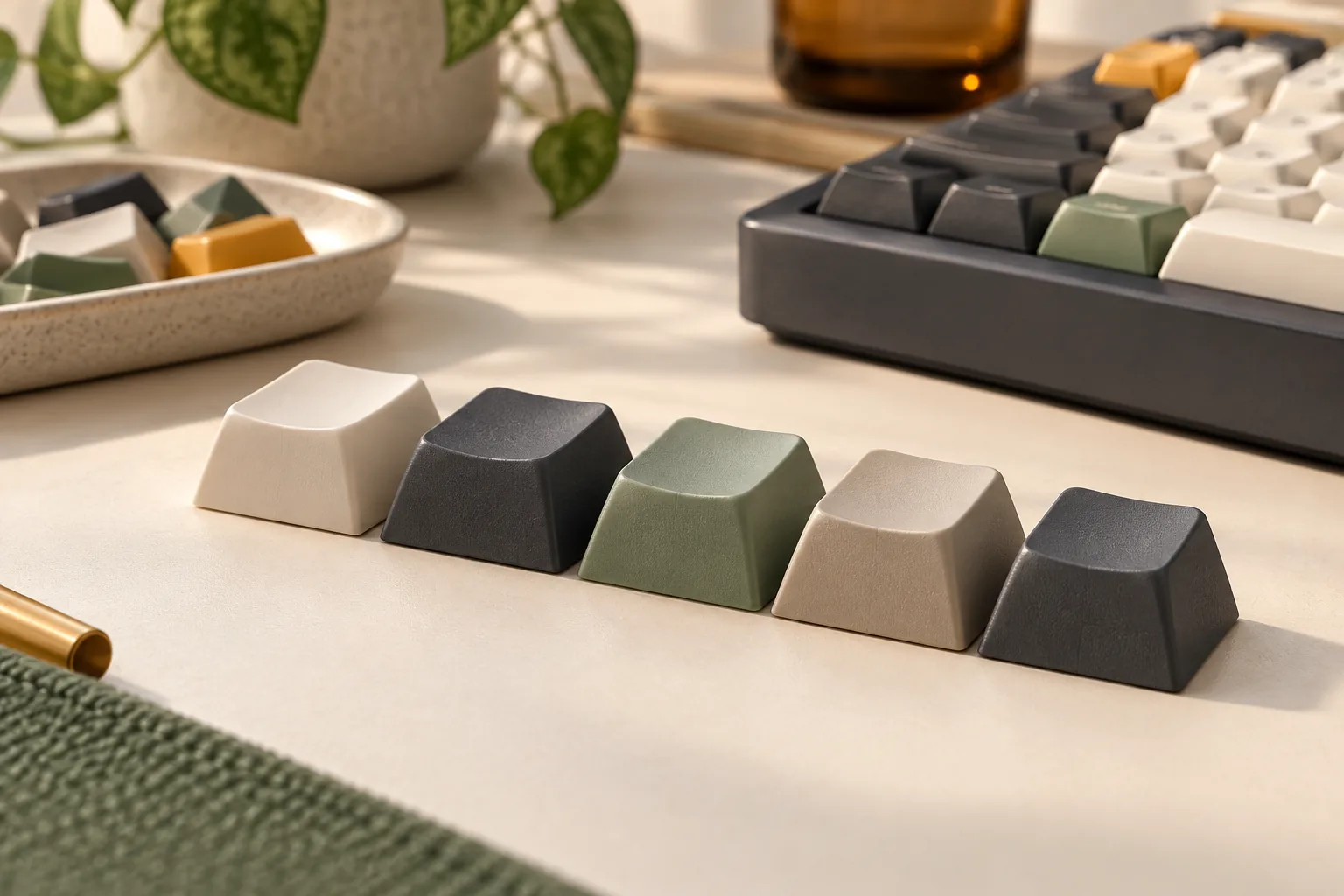
Choose a keycap profile by comparing height, row shape, and fingertip surface, then verify the exact kit against your keyboard. Cherry and OEM are starting points for sculpted rows with changing heights or angles; DSA and XDA are candidates for uniform rows with consistent geometry. SA offers a taller shape, with both sculpted and uniform variants described in published guides. These are shape categories, so fit still requires a separate check. The Keeblog’s overview explains these distinctions.
This keycap profile comparison is for keyboard owners choosing a replacement set or exploring a different shape. It focuses on geometry and fit; material comparisons, sound rankings, and individual product buying lists require separate decisions.
Quick takeaways
- Prefer different heights and angles across rows? Start by investigating Cherry or OEM.
- Want to relocate letter keys between rows? Investigate uniform DSA or XDA, then check widths and legends.
- Want a taller appearance? Investigate SA, checking whether the selected kit is sculpted or uniform.
- Before buying, confirm the mount, required keys, and clearance for your exact parts.
These recommendations draw on manufacturer descriptions and published guides captured on October 15, 2026. They are research-based selection suggestions; no particular cap, switch, and LED combination was physically tested for this guide.
On this page
- The three shape dimensions
- Profile comparison table
- Moving keys between rows
- Keyboard fit worksheet
- Choosing a shortlist
- Frequently asked questions
The three shape dimensions
A keycap profile describes the shape of the caps, including their height, the relationship between rows, and the surface beneath your fingertips. Compare these features separately: a uniform set can have scooped tops, while a sculpted set can combine changing row angles with cylindrical tops. The Keeblog separates these dimensions in its overview.
Height: what are high-profile keycaps?
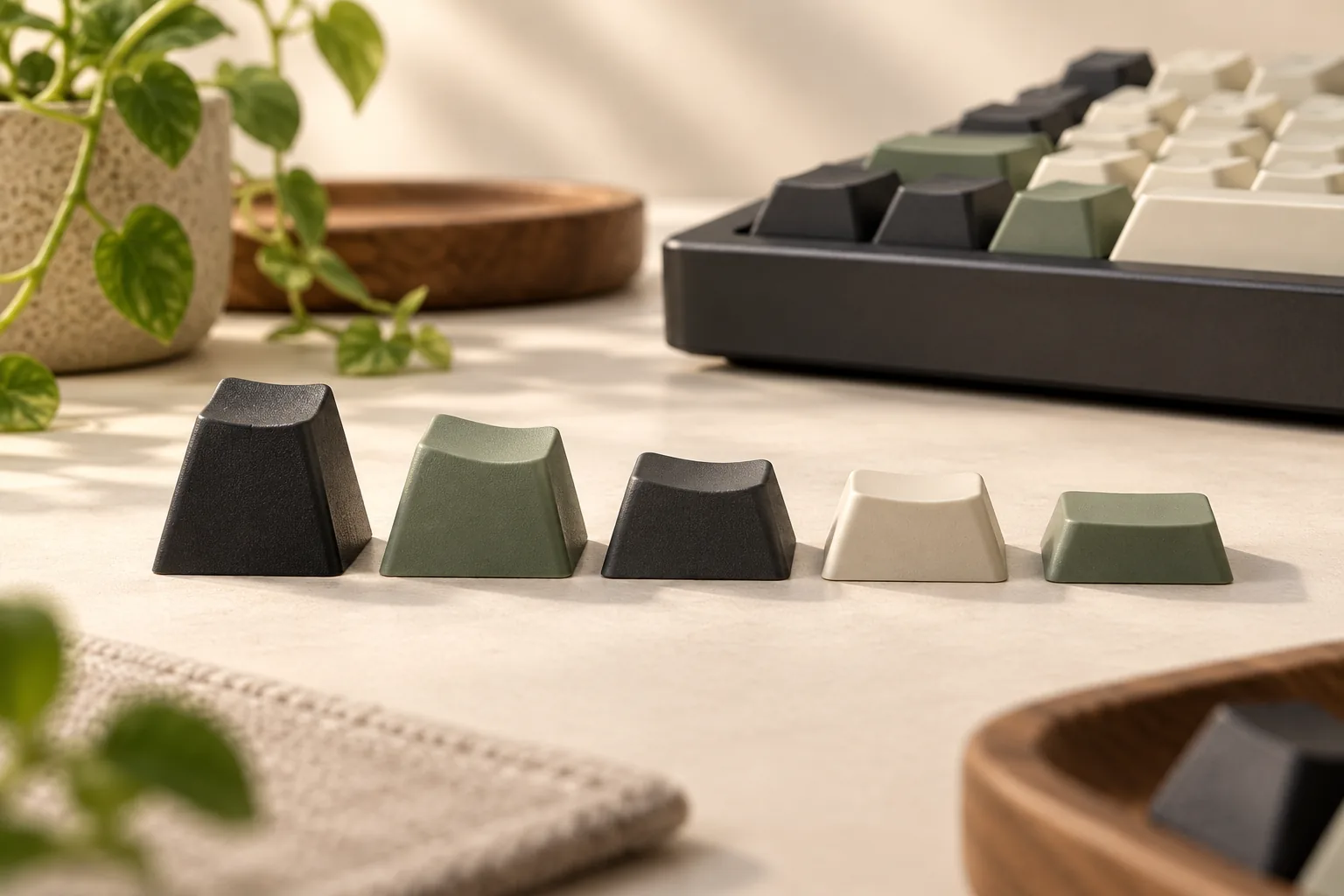
High-profile keycaps are relatively tall caps. SA is a common example in the published comparisons, but “high” is a descriptive category rather than a measurement shared by every manufacturer. A useful comparison identifies the exact product and row being compared. The Keeblog’s height discussion illustrates the distinction using SA and a shorter profile.
If a listing supplies a height, ask where that measurement starts and ends. Is it measured from the cap’s lower edge, a mounting reference, or another stated point? Does it end at the highest edge or the center of the top surface? Compare numbers only when the row and measurement reference match.
Keep cap height, cap wall thickness, and switch travel in separate fields. A description of a tall cap does not document the other two. Likewise, a cap’s height category alone does not establish compatibility with a keyboard sold as low profile. Check low-profile keycap compatibility separately before choosing caps for that hardware.
Row sculpt: uniform or changing across rows?
Sculpted profiles use different heights or angles across rows. Uniform profiles use a consistent row shape. This distinction describes the arrangement of the caps across the keyboard. Both Hirosart’s definitions and The Keeblog’s opening comparison explain that basic difference.
For a sculpted set, record the intended row for each key you need. For a uniform set, row placement becomes simpler, but width, mount, legends, and kit contents still need checking. Uniform describes one part of the fit decision.
Top surface: cylindrical, spherical, or flat?
Cylindrical tops curve primarily along one axis, like a shallow channel. Spherical tops curve inward in both directions, creating a bowl-like surface. A flat top has no comparable scoop; this is a different meaning of “flat” from a uniform arrangement across rows. The Keeblog’s surface-shape explanation distinguishes cylindrical and spherical curvature.
GMK provides a useful manufacturer example: it describes CYL as cylindrical and MTNU as medium-high with spherical shapes and curved edges. That supports a geometric comparison, without establishing which surface you will prefer. See GMK’s profile definitions.
Profile comparison table
Use this table to choose shapes to investigate. Heights are deliberately qualitative because the available evidence does not provide comparable manufacturer drawings for every family. The linked guides describe families; the selected manufacturer’s drawings and kit diagram should settle product-specific questions.
| Profile | Relative height | Rows and fingertip surface | Main selection check |
|---|---|---|---|
| Cherry, with GMK CYL as the manufacturer example | Generally shorter than OEM in the secondary comparison | Sculpted rows; GMK specifies cylindrical shape | Verify the exact mold, row inventory, and clearance. GMK, The Keeblog |
| OEM | Generally taller than Cherry in the secondary comparison | Commonly described as sculpted with cylindrical tops | Treat OEM as a family label; obtain the selected maker’s row details. The Keeblog |
| DSA | Described as relatively short | Uniform rows; spherical tops in KeyCapUS’s description | Check actual top shape, required widths, and included legends. KeyCapUS |
| XDA | Described as medium height in The Keeblog | Uniform rows; rounded-square tops in that guide | Examine the selected product’s top surface and kit inventory. The Keeblog |
| SA | Tall | Usually described as sculpted and spherical; all-row-3 uniform versions are also documented | Confirm whether the actual kit is sculpted or uniform. The Keeblog |
What are Cherry profile keycaps?
Cherry profile keycaps have sculpted rows with cylindrical fingertip surfaces. GMK describes its CYL range as the original Cherry profile, with different heights and angles. That gives a manufacturer-backed definition, but it does not establish one universal height for every product carrying the Cherry label. Source: GMK.
OEM is a useful comparison family, especially if you want to investigate a taller sculpted option. Ask for the actual side profile rather than applying one guide’s dimensions to every OEM set.
Also keep manufacturer and profile names separate. GMK lists both CYL and MTNU, and its catalog separates shape, material, and kit filters. “GMK” alone therefore does not specify the geometry or included keys. Source: GMK’s catalog.
Moving keys between rows
Uniform row shapes are useful to investigate if you plan to rearrange letter legends for an alternate layout. Moving a same-width cap between rows preserves the row shape when the relevant caps share that uniform geometry. This is a practical consequence of the uniform-row definition, rather than a promise that every required key is included. The Keeblog describes DSA and XDA as uniform.
With a sculpted set, check whether the desired legend is supplied in the row where you intend to place it. A key may have the right label and width while having a different height or angle from its new neighbors. Compare the proposed arrangement against the maker’s row diagram before ordering.
SA illustrates why the profile name alone is insufficient. The Keeblog documents both sculpted SA and sets using row-3 shapes throughout. That secondary-source example is a reason to inspect the actual kit, not confirmation that a current named SA set contains either arrangement. Source: The Keeblog’s SA section.
Keyboard fit worksheet
Build a key-by-key inventory before choosing a kit. GMK identifies the MX-cross mount and says layout, bottom-row size, and required key sizes determine compatibility. Its catalog also separates base, alphas, spacebars, international, and row-specific kits. Those distinctions support checking the selected package rather than relying on a profile label. Source: GMK.
Copy the following worksheet into your notes and complete it from the keyboard documentation and the exact keycap listing.
| Check | What to record | What remains unresolved if missing |
|---|---|---|
| Keyboard identity | Exact model, layout variant, and any changed switches | Which layout and hardware specifications apply |
| Keycap identity | Manufacturer, product, profile, mold or revision if stated, and selected kit | Whether a general description applies to this item |
| Mount | Documented cap mount and exact switch interface | Whether the cap can attach correctly |
| Row inventory | Required key position and the maker’s intended sculpted row, or confirmed uniform shape | Whether the row contour matches your arrangement |
| Width and quantity | Required width and count for each key, including the bottom row and right Shift | Whether the package contains enough correctly sized caps |
| Spacebar and stabilized keys | Required shapes, widths, and stabilizer attachment positions | Whether the long keys match the board |
| Legends | Desired language, symbols, and alternate-layout labels | Whether the physical arrangement has the labels you want |
| Material and legend process | What the exact listing specifies | Whether separate product descriptions are being confused |
| Clearance | Exact cap mold and row, switch housing, orientation, and LED arrangement | Whether surrounding parts clear during a press |
Check clearance for the actual combination
A matching stem does not finish the investigation. KeyCapUS describes possible contact between a Cherry-profile cap’s lower wall and a north-facing switch housing, and it also notes that some manufacturers have changed wall geometry. Those passages support checking the exact combination; they do not establish a universal safe or unsafe orientation rule. Source: KeyCapUS’s interference discussion.
Ask the manufacturer or seller: “Can you confirm clearance for this cap mold and row on my exact switch housing and LED arrangement?” Supply the part names and any available revision details. A reply about another cap, another row, or another switch leaves your combination unresolved.
Do not extend an MX-cross description into an assumption about Topre, Alps, optical, magnetic, or low-profile hardware. Obtain explicit documentation for your parts. GMK’s stated mount provides a starting point, not evidence covering every switch technology. Source: GMK’s compatibility answer.
Choosing a shortlist
Choose the feature you want to investigate first, then apply the worksheet:
- Changing row angles: compare a documented Cherry/CYL set with an OEM set whose row diagram is available.
- Flexible letter relocation: compare uniform DSA and XDA sets, paying attention to the top surface and included legends.
- A taller shape: investigate SA, confirming the actual row arrangement.
- A medium-high spherical example: examine GMK’s MTNU description and the selected kit’s documentation.
These suggestions follow the shape descriptions in The Keeblog and GMK’s catalog. They identify candidates rather than a tested winner. If samples are available, use them to compare your own preference for height, row contour, and top surface.
Worked example: rearranging letters on a compact board
Suppose you want to move letter legends between rows and replace the caps on a compact keyboard. Start with uniform DSA or XDA as candidates because their consistent row geometry addresses the relocation requirement. Then list the board’s modifiers, right Shift, spacebar, and other stabilized positions separately.
Next, compare that inventory with the selected kit diagram. If a required width is absent, the profile’s suitability for moving letters does not solve the missing-key problem. If clearance documentation is absent, keep that question open even when every required cap appears in the package. This example applies the uniform-row definitions and GMK’s layout checks; it is not a report of a tested build. The Keeblog, GMK.
Frequently asked questions
Are uniform keycaps flat on top?
Uniform describes consistency between rows, so it does not require a completely flat fingertip surface. DSA is described as uniform with spherical tops, for example. Check row geometry and top curvature as separate attributes when comparing an exact set. Sources: The Keeblog, KeyCapUS.
Can Cherry profile fit a north-facing keyboard?
The answer requires the exact cap and switch combination. KeyCapUS discusses potential housing contact and adjusted cap-wall geometry, but that does not verify your parts. Request confirmation for the specific mold, row, housing, and LED arrangement before treating the combination as compatible. Source: KeyCapUS.
Which profile should I choose for typing or gaming?
Start with documented fit and the shape you want to try. The cited comparisons do not establish a controlled, universal speed or comfort winner. Use the shape table to form a shortlist, then compare samples if available; keep sound and material preferences as separate purchasing questions.
Choose a shape, then verify the kit
A useful keycap profile comparison separates height, row sculpt, and fingertip surface. Investigate Cherry or OEM for sculpted rows, DSA or XDA for uniform rows, and SA for a taller option. Your next step is to complete the worksheet against one exact kit and your keyboard’s documentation before buying.
Sources
- GMK — KEYCAPS. Manufacturer definitions, mount information, and catalog filters; captured October 15, 2026. No publication date shown in the supplied capture.
- The Keeblog — Overview of Different Keycap Profiles. Originally dated November 26, 2019; the page also displays February 18, 2026. Captured October 15, 2026.
- Hirosart — Keycap Profile: An In-Depth Guide With Comparative Analysis. Dated August 27, 2024; captured October 15, 2026. Used for basic row-shape definitions.
- KeyCapUS — Keycap Profiles Explained: Cherry vs OEM vs XDA vs MDA vs SA [2026 Guide]. Dated April 9, 2026; captured October 15, 2026. Used selectively for qualitative descriptions and the interference discussion.