As an Amazon Associate we earn from qualifying purchases.
The best full-size mechanical keyboard for your setup should pass three checks: its numpad and navigation keys match your habits, its connection options meet your needs, and its case leaves enough room for your mouse. Start with the CHERRY KC 200 MX for a documented wired option, or the Keychron Q6 Max for documented wireless and wired modes. Logitech G915 X LIGHTSPEED and Corsair K70 RGB PRO offer specific gaming controls worth comparing below.
This guide is for people who want a familiar right-side number pad for everyday work and gaming. Recommendations compare manufacturer specifications captured October 15, 2026; they do not represent hands-on testing or measured performance rankings.
Quick choices
- Wired connection and a documented footprint: investigate the CHERRY KC 200 MX.
- Wireless options and an assembled ANSI configuration: investigate the Keychron Q6 Max.
- Wireless modes plus programmable G-key functions: compare the Logitech G915 X LIGHTSPEED.
- Wired gaming controls and iCUE remapping: compare the exact Corsair K70 RGB PRO CH-9109410-NA.
Jump to: Layout checks · Model comparison · Desk fit · Connections · Gaming controls · Purchase worksheet · FAQ
Check the numpad and navigation layout
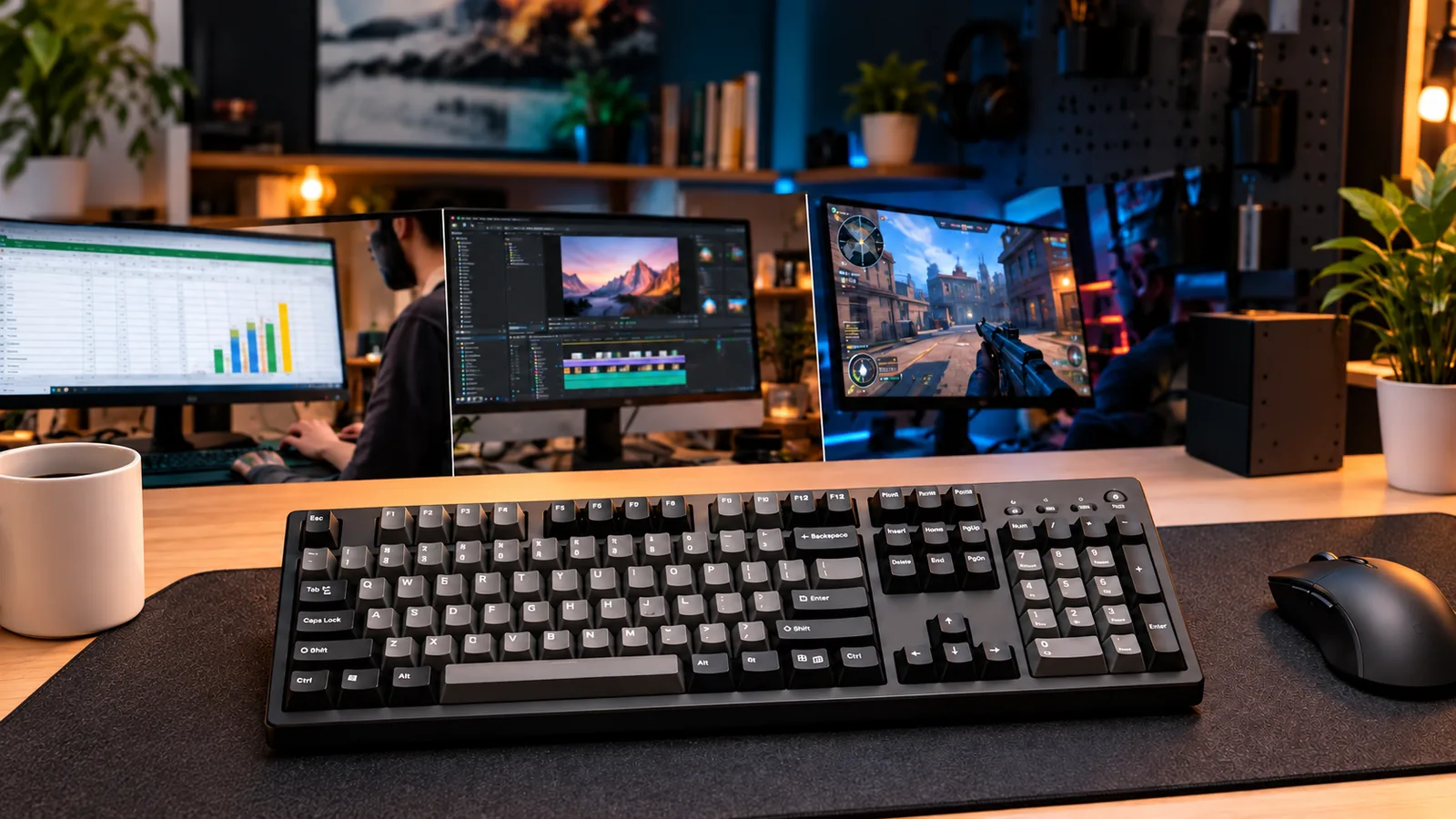
For this guide, the standard full-size layout you are looking for has dedicated typing keys, a function row, navigation keys, arrow keys, and a right-side number pad. Make familiar spacing and key placement purchase requirements, alongside the presence of the numpad itself. If Keychron’s K10 family is on your shortlist, use the K10 and K10 Max comparison to distinguish the versions before selecting one.
Inspect the exact US configuration before comparing switches or lighting. Check the positions of Insert, Delete, Home, End, Page Up, and Page Down, then compare the arrows and number-pad operators with your current keyboard. If you use numpad Enter or the decimal key repeatedly, include those positions in your inspection.
A key count alone does not settle this question. CHERRY lists the KC 200 MX as full-size with 104 plus four keys, while Corsair lists the selected K70 RGB PRO as full-size with 104 keys. Those specifications establish counts and manufacturer classifications; complete keymap diagrams were not available for this comparison. See the CHERRY specifications and Corsair specifications.
When a listing says 96%, 98%, or 1800, inspect the arrangement separately rather than assuming it meets your standard-layout requirement. This guide focuses on selecting a conventional full-size board; compact numpad layouts need their own comparison.
Compare full-size mechanical keyboard options
Use this table to build a shortlist by requirement. Dimensions are manufacturer specifications, not measurements taken for this guide. The Q6 Max specifications come from a captured excerpt of Keychron's official product page.
| Model or configuration | Documented connection modes | Documented desk footprint | Reason to investigate |
|---|---|---|---|
| CHERRY KC 200 MX, US Silent Red part G80-3950LHBUS-2 | Wired USB-A | 430 × 121 mm | Wired operation with a traceable US switch configuration |
| Keychron Q6 Max, fully assembled ANSI knob version | 2.4 GHz, Bluetooth, wired | 446 × 137 mm | Multiple connection options and an assembled version with switches and keycaps |
| Logitech G915 X LIGHTSPEED | LIGHTSPEED wireless, Bluetooth, wired data connection | — | KEYCONTROL remapping and manufacturer-described G-key macros |
| Corsair K70 RGB PRO CH-9109410-NA | Wired; USB 3.0 or 3.1 Type-A | — | iCUE remapping, dedicated media hotkeys, and a volume roller |
A dash means a verified footprint is unavailable in the evidence used here. It does not indicate a smaller case. Wireless mode support also does not confirm the receiver or adapter contents of a particular package.
CHERRY KC 200 MX: check the complete US part number
The KC 200 MX is a useful starting point when you want wired USB-A operation and published dimensions. CHERRY lists four extra calculator and volume keys above the numpad, plus F-key assignment through CHERRY KEYS software. Its published case dimensions are 430 mm long, 121 mm wide, and 39 mm high. Source: CHERRY.
For a specific US Silent Red configuration, match G80-3950LHBUS-2. The US product page lists that article number, and the captured official Korean-language table explicitly maps it to the US layout and MX2A SILENT RED switches. Use both the US listing and regional switch table to identify the configuration; retain the complete suffix when checking an offer.
That mapping identifies the switch, but it does not establish how the complete keyboard will sound in your room. Choose it because the documented configuration meets your requirements, then check the seller's configuration and return terms.
Keychron Q6 Max: select the assembled version
The captured Keychron Q6 Max product excerpt describes a 100% full-size ANSI layout with a knob, a 137 × 446 mm footprint, and 2.4 GHz, Bluetooth, and wired connections. It separately states that the fully assembled version includes switches and keycaps.
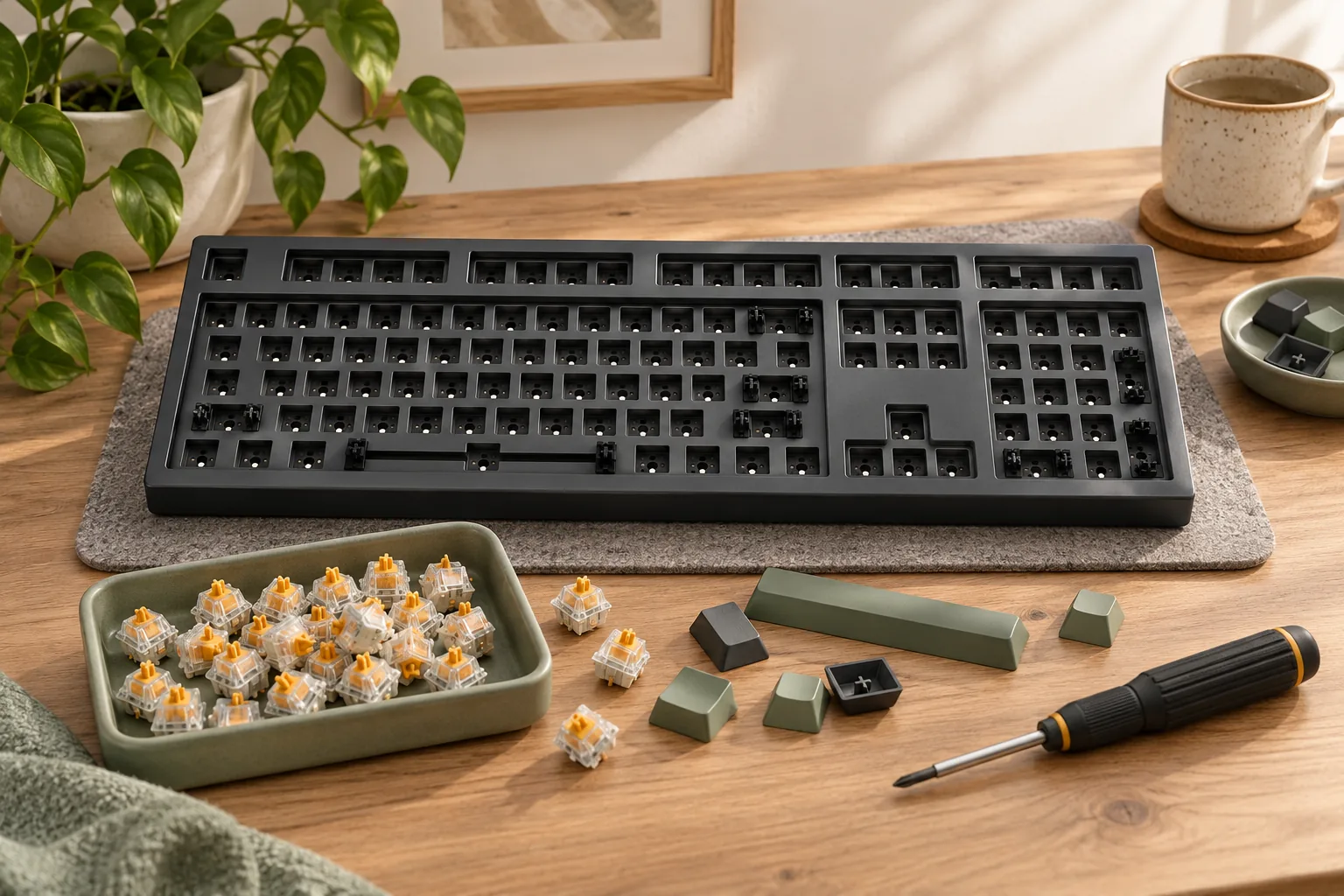
If you want a complete keyboard, select the fully assembled option and confirm the chosen switch and US keymap together. Keep barebone options separate from that purchase: the assembled version's contents should not be assumed to apply to every configuration. Confirm receiver and adapter inventory independently before relying on a particular wireless setup.
Measure the keyboard and your working space
Mark the case outline on your desk before deciding that a keyboard fits. Use 430 × 121 mm for the KC 200 MX and 446 × 137 mm for the Q6 Max, based on their manufacturer dimensions and manufacturer excerpt.
Arranged as width across the desk and front-to-back depth, the Q6 Max outline is 16 mm greater in each direction. That is an arithmetic comparison of the published footprints, not a finding about comfort or usable mouse space. Position each outline where you actually intend to type, then move your mouse through your normal work and gaming motions.
Check clearance in three places:
- Beside the case: preserve the mouse movement you need, including room near the numpad edge.
- Behind the case: allow for the actual cable route and connector position.
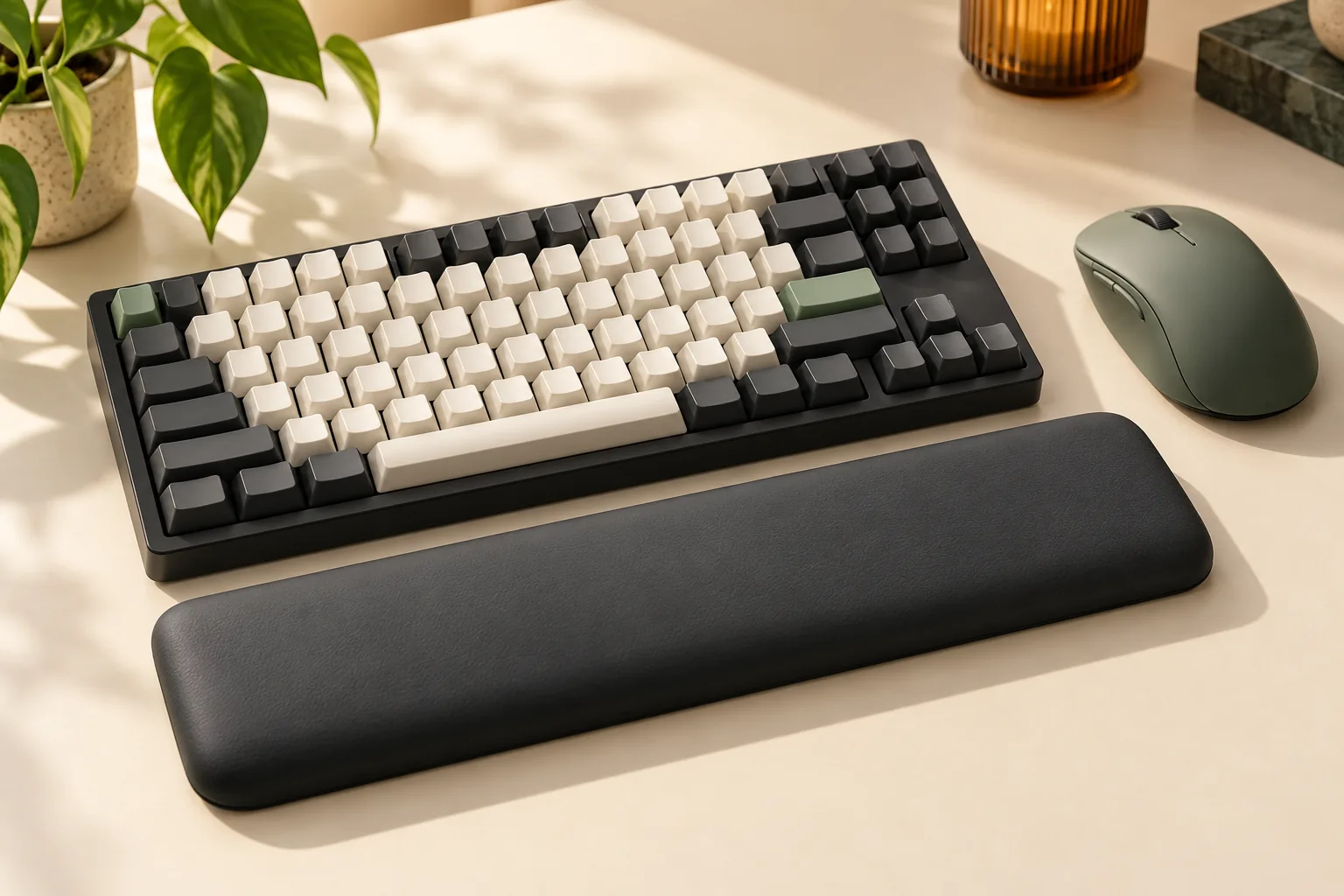
- In front of the case: include any wrist rest you intend to use as a separate footprint.
For example, if both case outlines fit but your mouse repeatedly enters one outline during your usual movements, reconsider that keyboard's position before ordering. A desk-fit decision should use your working arrangement, rather than total desk width alone.
Choose wired or wireless connections
Write down the connection you need for each computer. For a wired setup, verify the required port and your intended cable route. The KC 200 MX specifies USB-A; the selected K70 RGB PRO specifies USB 3.0 or 3.1 Type-A connectivity.
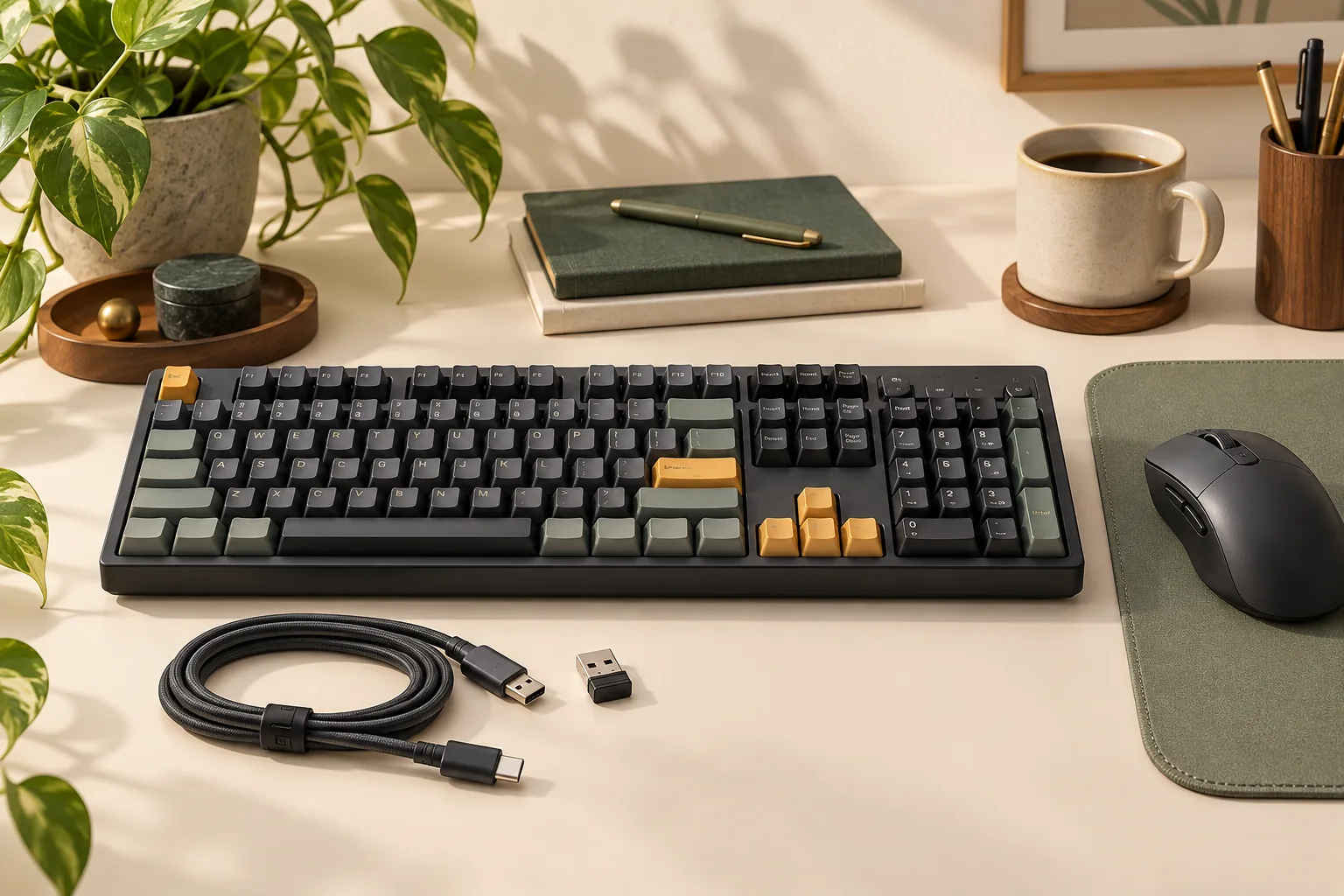
For a wireless full-size mechanical keyboard, distinguish the advertised modes. Keychron's captured Q6 Max excerpt names 2.4 GHz, Bluetooth, and wired operation. Logitech explicitly names LIGHTSPEED wireless, Bluetooth, and a wired connection using its included data cable for the G915 X LIGHTSPEED.
Treat connection support and package contents as separate checks. Ask whether the exact package includes the receiver and any adapter you need, then confirm that your computer supports the intended setup. The available evidence does not establish complete receiver inventories for these wireless candidates.
Keep the Logitech model name intact throughout your comparison. The documented modes belong to G915 X LIGHTSPEED; they should not be transferred to separate wired G915 X or TKL versions. No measured latency comparison is available here to rank the connection modes for gaming.
Match gaming bindings to the exact model
Start with the actions you want to assign: a replacement key, an application shortcut, or a macro sequence. Then check whether the model's documented software covers that requirement and whether you can use that software on your computer.
The manufacturers describe different controls:
- CHERRY KC 200 MX: F-key shortcuts and macros through CHERRY KEYS. CHERRY
- Logitech G915 X LIGHTSPEED: KEYCONTROL remapping and macros on nine G keys, as described by Logitech. Logitech G
- Corsair K70 RGB PRO: key remapping and macro programming through iCUE on Windows and macOS, with dedicated media hotkeys and a volume roller. Corsair
For example, if you want a function key to launch an application, investigate that assignment in the relevant software before buying. If you need a macro during play, check the game's or event's rules for that action. Software support does not establish permission to use a binding in every game.
Corsair also lists FlashTap as disabled by default and requiring the latest firmware through iCUE. Treat that as a feature requirement, without assuming a measured competitive advantage or game-rule approval. Source: Corsair.
Purchase worksheet
Complete these checks for the exact configuration you intend to order. An unresolved requirement should remain open until the manufacturer or seller confirms it.
| Check | What to record |
|---|---|
| Model identity | Complete model name, regional part number, and selected switch |
| Familiar keymap | US layout image, navigation block, arrows, and numpad positions |
| Complete keyboard | Fully assembled selection and confirmation of switches and keycaps |
| Connection | Required mode, computer port or wireless support, receiver, cable, and adapter contents |
| Desk fit | Case outline, mouse movement, cable clearance, and optional rest footprint |
| Gaming setup | Required bindings, software availability, firmware needs, and applicable game rules |
| Order terms | Seller, condition, current total, return terms, and exact package contents |
One package detail needs particular attention: Corsair's K70 RGB PRO specification table says a wrist rest is included, while its package list does not name one. Confirm the selected package before making a rest-dependent purchase decision. Source: Corsair.
Frequently asked questions
Does a 104-key mechanical keyboard guarantee my familiar layout?
Use the key count as an initial filter, then inspect the exact layout image. The selected Corsair model lists 104 keys, while CHERRY lists 104 plus four; neither count alone verifies every key position. Check the navigation block, arrow spacing, and numpad against your current board using the linked manufacturer pages.
Which wireless models also support a wired data connection?
The documented examples are the Keychron Q6 Max and Logitech G915 X LIGHTSPEED. Keychron's captured official excerpt lists wired operation alongside its wireless modes, and Logitech explicitly describes a wired connection through its included data cable. Confirm the exact model and package using the product links in the comparison table.
How should I choose switches for these examples?
Match the named switch option to the exact configuration. CHERRY's official regional table identifies G80-3950LHBUS-2 as US MX2A SILENT RED, and Logitech lists Linear, Clicky, and Tactile styles for G915 X LIGHTSPEED. Those labels identify choices; they do not establish a tested preference for you. See the linked manufacturer sources above.
Choose the best full-size mechanical keyboard for your setup
Shortlist the KC 200 MX when its wired connection and documented dimensions meet your needs; shortlist an assembled Q6 Max when you need its documented wireless choices. Compare G915 X LIGHTSPEED or the exact K70 RGB PRO when their gaming controls address a specific binding requirement.
Your next step is to complete the worksheet for your preferred configuration, starting with its exact US keymap and desk outline. Resolve package contents and connection requirements before placing the order.