As an Amazon Associate we earn from qualifying purchases.
Before buying a modular mechanical keyboard, verify three things separately: which switches its sockets accept, which modules detach, and which other components have documented replacement options. If you need a full-size layout, confirm the exact configuration first. A hot-swap claim alone does not establish that every part is replaceable, as the different Keychron, Glorious, and be quiet! examples below illustrate.
This guide is for US buyers comparing documented customization options before choosing a keyboard or replacement switches.
Quick buying takeaways
- For full-size switch swapping: Start with the Keychron Q6 Max 100% ANSI or the Glorious GMMK 3 100% mechanical configuration.
- For a movable numpad and media controls: Examine the be quiet! Dark Mount family, then confirm the exact US model and package contents.
- For changes beyond switches: Look for a component-specific manufacturer guide and an identifiable replacement part.
- For detachable accessories: Verify the connection requirements and replacement ordering route before relying on future expansion.
Editorial method: This guide uses manufacturer product and support excerpts captured on October 15, 2026. Its recommendations concern documented configurations and compatibility; they do not come from hands-on testing.
On this page: Types of modularity · Switch compatibility · Full-size choices · Detachable modules · Cables and support · Buying worksheet · FAQs
What a modular mechanical keyboard can actually change
Treat modularity as a list of specific capabilities. The examples here fall into three categories: changing switches through hot-swap sockets, repositioning detachable layout modules, and changing components covered by separate manufacturer instructions. These categories answer different buying questions.
For example, Keychron documents switch changes without soldering on the Q6 Max. Glorious separately lists GMMK 3 guides for switches, keycaps, the badge and knob, cases, plates, and modular gaskets. Dark Mount documentation describes a detachable Numpad and Media Dock. Those are distinct forms of customization, supported by their respective Keychron product passage, Glorious product guide, and be quiet! family description.
The following comparison separates the documented capability from the question you still need to resolve.
| Keyboard or family | Documented customization | Switch support relevant here | Buying condition |
|---|---|---|---|
| Keychron Q6 Max | Every switch can be hot-swapped without soldering | Almost all 3-pin and 5-pin MX-style mechanical switches | Confirm the intended replacement switch; preserve the manufacturer's “almost all” qualification |
| Glorious GMMK 3 mechanical | Switch changes plus separate guides for several other components | Guide specifies 3- or 5-pin mechanical MX switches | Match the guide, keyboard size, and exact replacement component |
| be quiet! Dark Mount family | Detachable Numpad and Media Dock that can attach on either side or be omitted | Hot-swappable 5-pin MX-style switches | Confirm the US model, included modules, and replacement ordering options |
| MOUNTAIN Everest Max | Numpad attaches on the left or right | Verify separately for any planned switch purchase | Follow the model-specific numpad extension-cable rule |
A documented component-change guide is useful evidence that the manufacturer addresses that change. It does not, by itself, establish that a replacement is currently sold separately or that every internal part is serviceable. Keep replacement-part identification on your checklist even when the keyboard is marketed as modular.
Match hot-swappable switches to the exact sockets
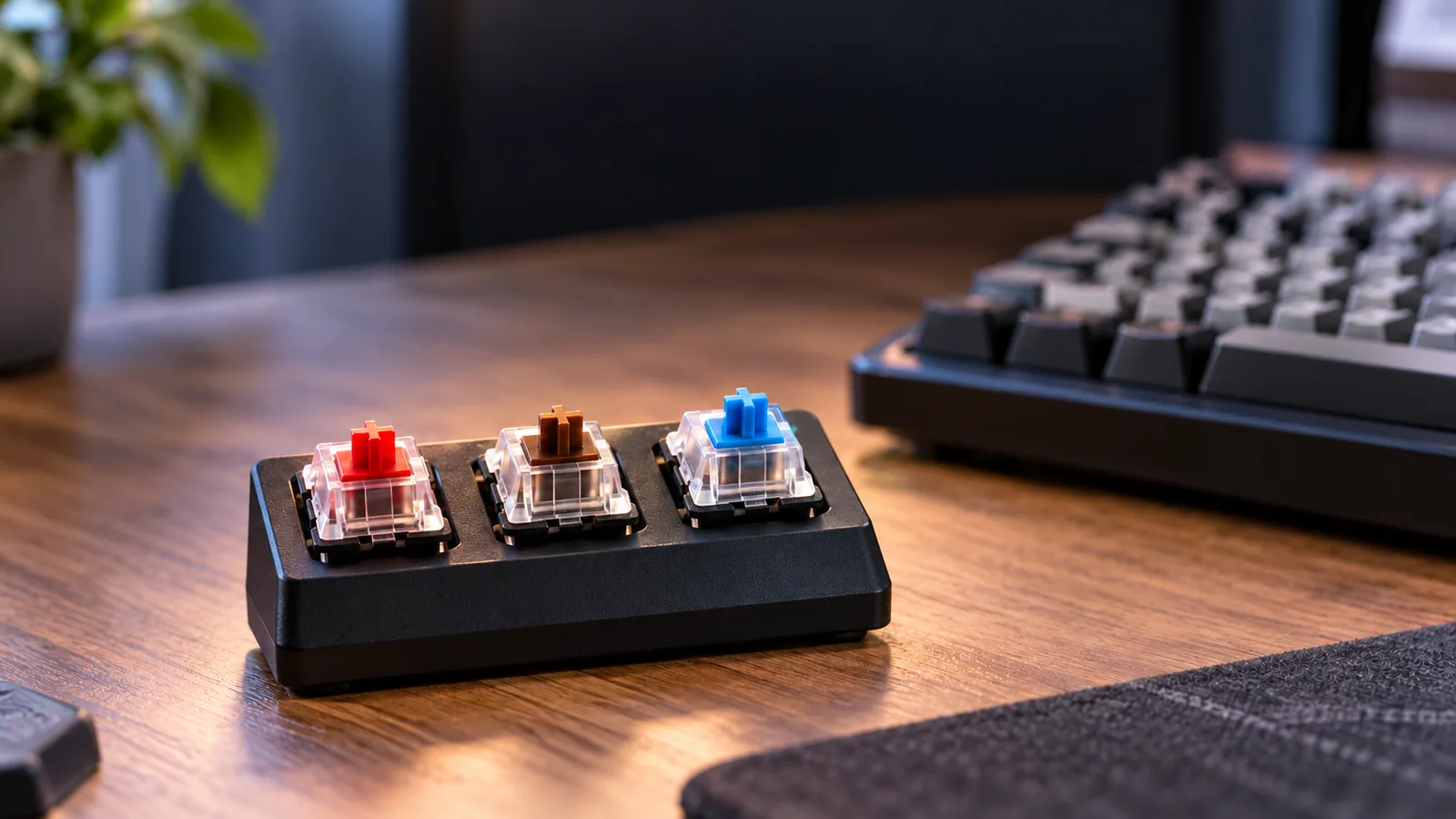
For a hot-swappable mechanical keyboard, start with the precise switch specification. Record the switch technology, supported pin configuration, and exact keyboard model. Then compare those details with the replacement switch you intend to buy.
Keychron Q6 Max: retain “almost all”
Keychron describes the Q6 Max as a 100% full-size ANSI mechanical keyboard and says every switch can be hot-swapped without soldering using almost all 3-pin and 5-pin MX-style mechanical switches. That provides a documented starting point for a full-size keyboard with swappable switches. It remains a qualified compatibility statement, rather than a guarantee for every switch bearing an MX-style description. See the Q6 Max product page.
If you already have a particular replacement switch in mind, make its exact model part of the purchase decision. Ask for confirmation when its compatibility is unclear instead of treating the supported pin count as the entire answer.
Glorious GMMK 3: keep mechanical and HE identities separate
The GMMK 3 Product Guide specifies compatibility with 3- or 5-pin mechanical MX switches. The GMMK 3 prebuilt specification table lists linear mechanical switches, 5-pin mechanical hot-swap support, and no Hall Effect support. Read those statements against the exact mechanical model being considered.
A listing for a similarly named PRO HE variant should not supply the compatibility promise for this mechanical prebuilt. Likewise, do not extend the documented mechanical MX support here to optical, magnetic, or low-profile switches without explicit confirmation for the exact keyboard and switch combination.
For each switch purchase, save the keyboard model, replacement switch model, supported technology, and pin specification together. If a detachable numpad is involved, verify its switch support separately instead of assuming the main keyboard's specification applies to every module.
Keep a full-size layout on your shortlist
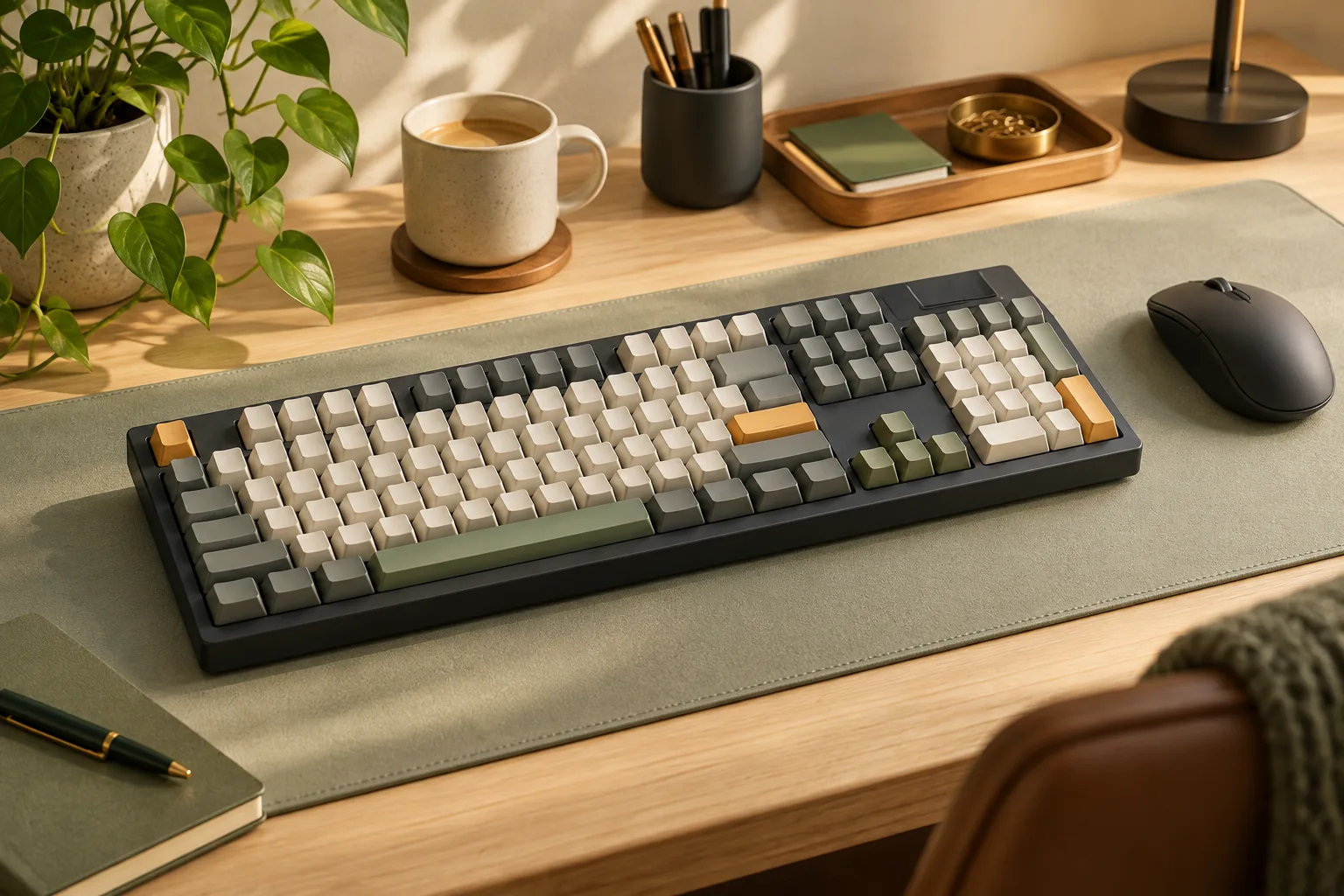
Apply your layout requirement before comparing customization options. If you want a conventional full-size keyboard, two documented starting points are the Q6 Max's 100% ANSI layout and the GMMK 3's 100% configuration with 104 keys. These specifications come from Keychron and the Glorious guide.
The GMMK 3 guide also distinguishes its smaller configurations: 65% has 65 keys, and 75% has 80 keys. Therefore, a product-family name alone does not preserve your full-size requirement. Check that the selected option is the 100% model before evaluating its switch or component choices. The same guide provides those layout counts.
For a detachable-numpad setup, compare the complete arrangement with your needs. Check the main keyboard's keys, the numpad's keys, the attachment position, and whether the exact package includes the required module. A photograph of an assembled setup should prompt a contents check before checkout.
For example, suppose you use a numpad every workday and only want the option to change switches. Keep the documented full-size models on your shortlist first. If moving the numpad between sides is a separate requirement, evaluate a detachable arrangement and confirm each component rather than assuming any modular bundle meets both needs.
Verify detachable modules and the US model
The Dark Mount family description identifies mechanical silent switches, hot-swappable 5-pin MX-style switch support, and a removable Numpad and Media Dock. The manufacturer says those modules can attach on either side or be left off. This makes the family relevant when repositioning controls matters to your purchase.
Regional identity deserves its own check. The exact Dark Mount Silent Linear US ANSI page identifies article BT001US and lists other regional versions separately. Match that article number and layout description to the seller's selected item if this is the version you want.
Use the family description to understand the modular concept, then use the exact-model information and seller's contents list to confirm the purchase. Ask whether the Numpad and Media Dock are included in that particular package and whether replacements can be ordered for it. Keep dimensions, pricing, and coverage questions tied to the US item instead of borrowing answers from an ISO regional listing.
This distinction also helps clarify what you value. If your goal is changing switches, concentrate on switch compatibility. If your goal is moving the numpad or media controls, require a documented attachment arrangement as well.
Check module cables and replacement support
The Everest Max provides a specific reason to verify accessory connections. Its official support page says the numpad can attach on the left or right. For an extension connection, it directs owners to its specified cable and states that other USB Type-C-to-Type-C cables are incompatible.
That restriction applies to the documented Everest numpad extension connection. A matching connector shape does not override the manufacturer's compatibility rule. If an extended numpad position is part of your intended setup, confirm the required cable and an ordering route before depending on that arrangement.
Replacement support also needs a current answer. In the excerpt captured on October 15, 2026, MOUNTAIN's home-page notice says its remaining online-store inventory has sold through and its online store will be discontinued. The notice concerns that store; it does not establish that every retailer lacks inventory or that all support has ended.
Before buying an Everest Max package, ask who can supply the required cable or replacement module and which exact part is compatible. If that answer remains unresolved, evaluate the package as it is offered now. Avoid making the purchase depend on a later accessory order you cannot confirm.
Use this pre-purchase worksheet
Copy this worksheet into your shopping notes for each candidate. Fill it with exact model information and manufacturer or seller answers. Treat an unresolved must-have as a reason to pause that candidate.
| Check | What to record |
|---|---|
| Exact identity | Manufacturer, complete model name, article number or SKU, and regional layout |
| Full-size requirement | Selected layout, key count where specified, and the keys you need |
| Switch compatibility | Mechanical technology, supported pins, and the proposed replacement switch model |
| Module compatibility | Each detachable module and its own applicable specifications |
| Package contents | Keyboard, required modules, and model-specific connection accessories |
| Other component changes | The manufacturer's guide for the exact component you plan to change |
| Replacement ordering | Compatible part number, ordering contact, and an answer about current supply |
| US coverage and purchase terms | Exact-model answers about the planned modification, warranty coverage, and seller terms |
For a switch-focused full-size purchase, the Q6 Max or GMMK 3 100% can provide the documented layout and mechanical switch starting point described above. Your remaining work is to match the exact purchase configuration and intended replacement switches. See the Q6 Max specifications and GMMK 3 guide.
For a movable-numpad purchase, add the attachment arrangement, package contents, and cable requirements to that comparison. Dark Mount supplies a documented detachable-module example; Everest Max supplies a documented cable restriction. Neither establishes that spare modules are currently available separately. Refer to the Dark Mount family page and Everest Max support page.
A useful support question is: “For this exact US model, can you confirm compatibility with this switch or replacement-part number, whether it is included or ordered separately, and how the planned change affects my coverage?” Keep the response with your purchase records.
Frequently asked questions
Does hot-swap mean every keyboard component is replaceable?
No. Switch hot-swap establishes the documented switch-changing capability. Other changes need their own evidence: Glorious lists separate GMMK 3 component guides, while be quiet! describes detachable Dark Mount modules. Check the component you intend to change and confirm a compatible replacement through the Glorious guide or Dark Mount information.
Which full-size hot-swap configurations should I examine first?
For the documented mechanical options here, examine the Keychron Q6 Max 100% ANSI and the Glorious GMMK 3 100%/104-key configuration. Choose between them by matching your planned changes to their documentation, then confirm the exact selected package. The relevant specifications are on Keychron's page and in Glorious's guide.
Can I use a spare USB-C cable for the Everest Max numpad?
For the numpad extension connection, follow MOUNTAIN's specified cable requirement. Its FAQ explicitly says other USB Type-C-to-Type-C cables are incompatible. Confirm the correct cable and where to obtain it before choosing a setup that needs an extended connection. See the Everest Max support page.
Choose the upgrade path you can verify
Choose a modular mechanical keyboard by matching its documented changes to your actual requirements. Preserve the full-size configuration if you need it, verify the intended switches against the exact sockets, and check detachable modules as individual components. A planned future change should have both applicable documentation and a confirmed replacement route.
Before checkout, complete the worksheet for your preferred configuration and resolve every must-have with the manufacturer or seller.