As an Amazon Associate we earn from qualifying purchases.
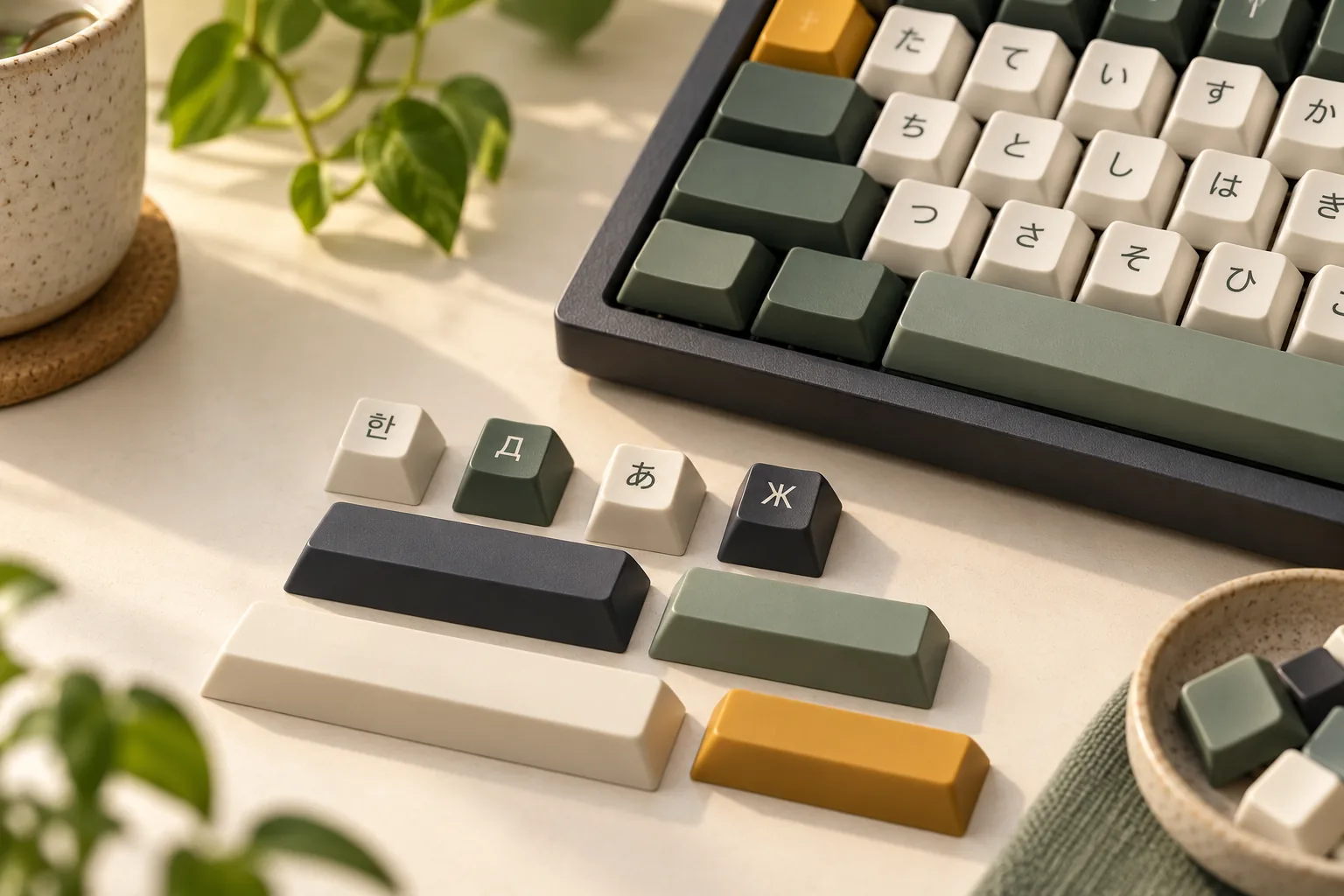
Choose Korean keycaps, Cyrillic legends, or Japanese designs by confirming your software input layout first, checking the printed characters second, and verifying the exact kit’s physical coverage third. Replacement keycaps do not install an input method or select your software mapping; those are separate settings, as Microsoft’s Windows keyboard layout guidance explains.
This guide is for buyers adding another script to an existing keyboard. It draws on Microsoft documentation and Miami University guidance available October 15, 2026. No individual keycap set was tested or certified for this guide.
Before you buy:
- Record the exact language, layout, and input method you intend to use.
- Obtain readable artwork for the selected kit and check its legends against that layout.
- Confirm every required key’s physical specifications and inclusion before checkout.
Jump to: Software settings · Hangul · Cyrillic · Japanese · Script comparison · Artwork proof · Physical worksheet · Questions
Start with your software input layout
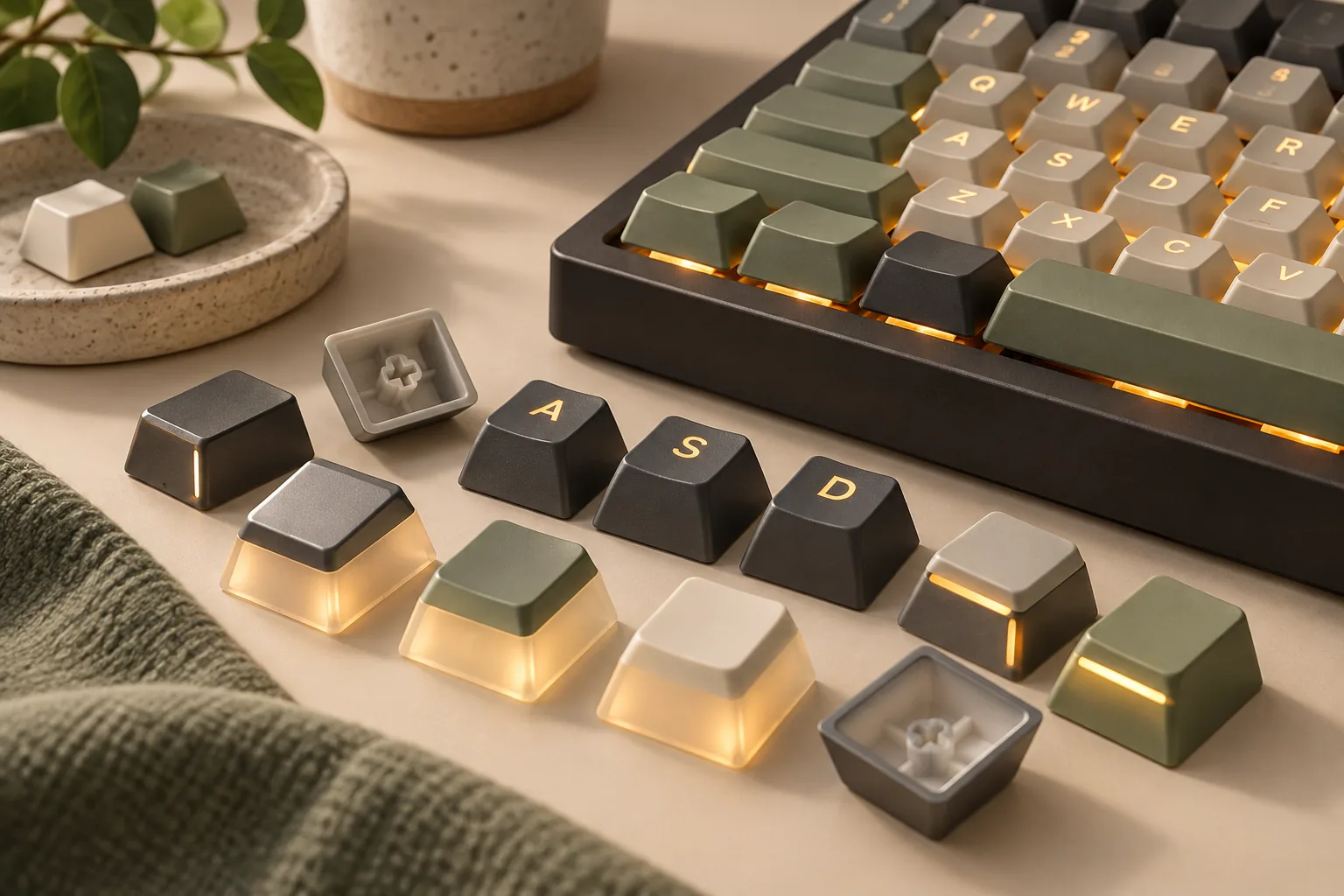
Treat the software layout, printed legends, and physical key inventory as separate purchasing decisions. Here, legends means the characters printed on the caps; sublegends means additional printed characters alongside the main legends. Your software settings determine how keystrokes are interpreted. Microsoft documents alternate keyboard layouts as settings that enable entry of characters beyond the current display language’s layout in its Windows support guidance. For another layout change, the Dvorak legends and mapping guide applies the same separation.
Before browsing designs, write down the exact layout name shown in your settings. Include the input method editor, or IME, where applicable, and any customized key assignments. Microsoft’s Japanese IME documentation specifically describes configurable key functions, making those customizations relevant to your legend check.
Use this short record for each candidate: language; software layout; input method and mode; custom assignments; keyboard model and physical layout; selected kit name. Fill it out before comparing artwork. If you cannot name the mapping you want the legends to represent, resolve that software choice first.
Korean keycaps: Check the intended Hangul layout
For Hangul keycaps intended to represent Korean two-set input, begin with a broad arrangement check. An excerpt from Miami University’s Interactive Language Resource Center guidance describes two-set as placing consonants on the left and vowels on the right. That gives you an initial screening question, rather than a complete character map.
Ask the seller which Korean layout the artwork represents. Then compare each printed character with the layout you selected, including any printed shifted characters and punctuation. A design that passes the left/right grouping check still needs this closer review; the grouping alone does not establish every glyph’s position or accuracy.
Keep the input method’s name in your record, too. Microsoft’s keyboard identifier reference separately lists Korean Microsoft IME and Microsoft Old Hangul IME. A listing labeled simply “Korean” leaves you with more questions than an exact layout declaration does.
Proceed when the intended layout is identified and you can compare readable artwork against it. If you are learning Hangul and cannot confidently distinguish a glyph, request review from a fluent reader familiar with that layout before treating the legends as a typing reference.
Cyrillic keycaps: Name the language and layout
Specify the language before accepting “Cyrillic” as a sufficient description. Microsoft lists Kyrgyz Cyrillic as a named keyboard layout, while Miami University’s Russian guidance distinguishes layouts within Russian itself. These distinctions are reasons to ask for an exact mapping rather than approve a kit by its alphabet label.
Russian standard versus Russian mnemonic is a useful example. The available excerpt from Miami University describes the standard Russian keyboard separately from a mnemonic keyboard whose keys are mapped phonetically. Consequently, a Russian legend arrangement cannot be assumed to represent both.
Write your requirement as a specific language and layout combination, such as “Russian, standard” or “Russian, mnemonic,” using the name in your software settings. Ask the seller to identify the arrangement shown, then compare the artwork with your chosen mapping.
If you use another Cyrillic language, use that language’s selected layout as your reference. Do not substitute a Russian diagram merely because a product title says “Cyrillic.” Leave an unidentified arrangement unresolved until you receive enough information to check it.
Japanese legends: Separate input mode from hardware
For Japanese, record whether you intend to use Romaji or Kana input before deciding how the printed kana should serve you. Microsoft documents switching between those input modes and customizing key assignments in its Japanese IME guide. The printed design should be evaluated against your intended setup.
Keep hardware identification separate from that input-mode choice. The same Microsoft guide distinguishes Japanese keyboards with 106/109 keys from English keyboards with 101/102 keys. It also states that ImeOn and ImeOff keys are available on specific Japanese hardware keyboards.
Printed Japanese sublegends therefore do not establish Japanese hardware coverage or create those additional hardware keys. Check your actual keyboard and the selected kit’s inventory independently. If your purchase depends on a particular Japanese input key, require confirmation of the corresponding hardware and included cap rather than relying on a photograph of kana legends.
Black Japanese keycaps: Apply color after the mapping check
Use black Japanese styling as an appearance preference after documenting your input mode and required legends. Ask for close, readable images of the exact black variant so you can assess whether its characters are legible to you. Keep glyph accuracy, software mapping, and physical coverage as separate questions. If you decide to omit printed legends, compare the black blank-keycap guide before choosing the physical kit.
A black colorway supplies no evidence that a kit matches your selected Kana arrangement or includes Japanese hardware-specific keys. Apply the same artwork and inventory checks you would use for another color.
Compare the script-specific checks
Use this table to identify the first question to settle for each script. The last column describes the limit of that initial check.
| Intended legends | First check | What still needs verification |
|---|---|---|
| Hangul for Korean two-set | Look for the consonant-left, vowel-right grouping described by Miami University. | Every character, printed shifted legend, and punctuation position. |
| Cyrillic | Name the language and exact layout; Russian standard and mnemonic are distinct examples. | Whether the actual artwork matches your chosen arrangement. |
| Japanese, including black sets | Record Romaji/Kana mode and actual hardware; Microsoft documents both distinctions. | Printed kana placement, custom assignments, and required physical keys. |
Verify the exact kit’s artwork
Request a readable image or artwork sheet tied to the kit and variant you would actually order. Use the following purchase-proof workflow; it is a proposed checking method, not a certification of any product. If commissioning the script, use the custom-keycap artwork checklist to approve the exact characters and positions.
- Identify the candidate. Record the seller, kit name, selected variant, and the artwork supplied for that selection.
- Name the reference. Write down your software layout and input mode, including custom assignments. Use a reference that matches that configuration.
- Compare every printed position. Work across each row, checking base characters, printed shifted characters, punctuation, and additional legends. Mark mismatches explicitly.
- Resolve uncertain glyphs. Ask for a clearer image or seek help from a fluent user familiar with the intended layout. Leave unreadable characters unresolved.
- Keep the result. Save the artwork and seller’s clarification with your purchase record. If a printed state is absent, record that absence rather than interpreting it as a verified match.
For example, suppose you use Russian mnemonic input and find a Cyrillic kit whose seller identifies its artwork as standard Russian. That identification answers a useful question, but it does not establish a match to your setup. Return to the layout comparison before approving the legends; Miami University’s standard/mnemonic distinction is the reason for this extra check.
Complete a physical-fit worksheet
After the artwork review, compare the actual kit inventory with your keyboard’s documentation. The worksheet below lists information to request; it supplies no specifications for an uninspected product. Record unknown fields as unknown until you obtain an answer for the selected kit.
| Field | Information to request and compare | Purchase record |
|---|---|---|
| Material | Stated material for the exact variant and any separately specified keys. | Record the specification or “unknown.” |
| Printing | Method used for the main legends and additional script legends. | Record each method separately if stated. |
| Stem interface | Documented cap interface and compatibility with your keyboard’s switches. | Require an explicit match. |
| Profile and rows | Profile name and row designation for every required position. | List unresolved positions. |
| Key widths | Width of each required cap, including modifiers. | Match requirements individually. |
| Enter and Shift | Required shapes, widths, row positions, and included alternatives. | Identify the exact included caps. |
| Spacebar and stabilizers | Required dimensions and mounting details; compare with documented kit contents. | Leave unspecified details unresolved. |
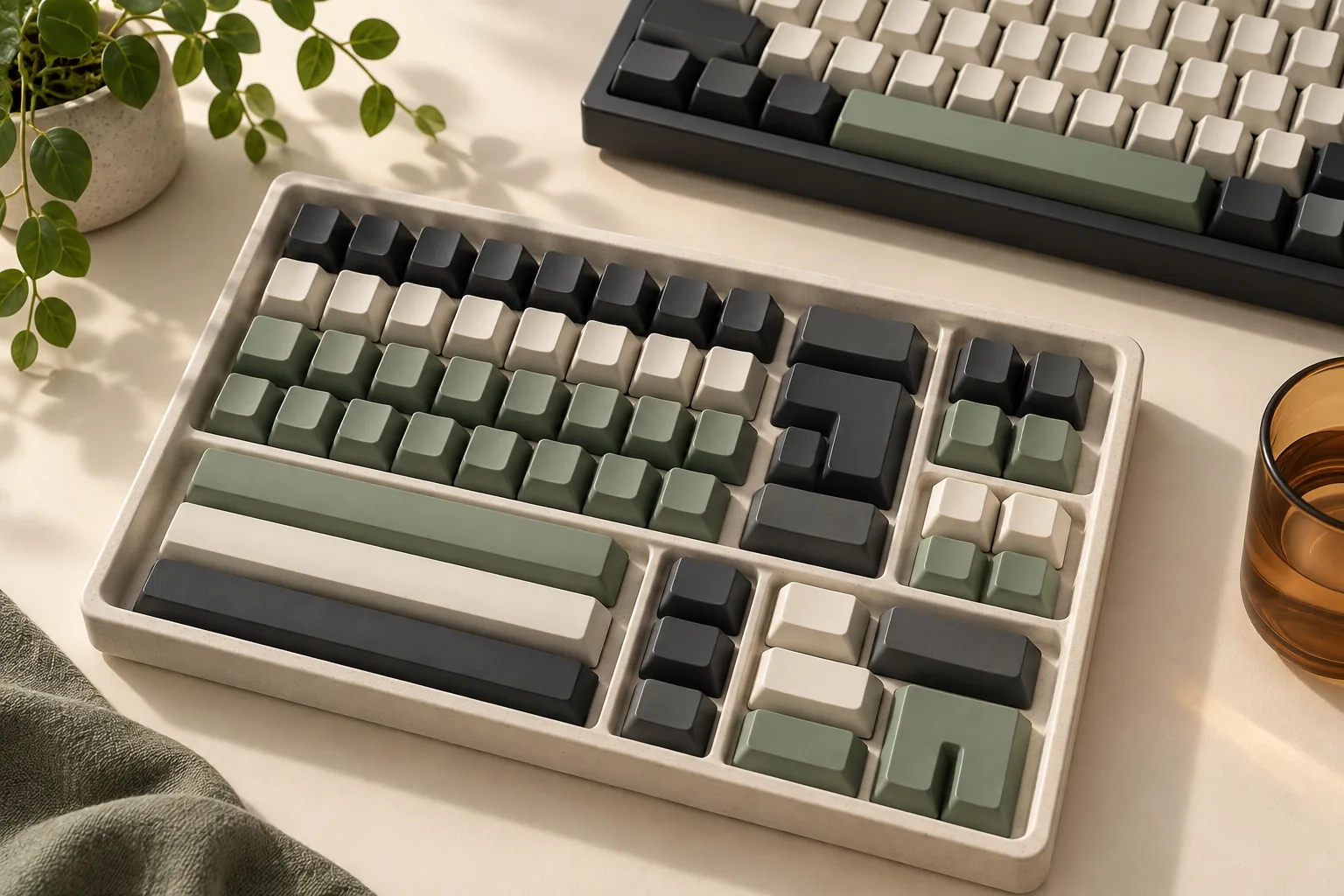
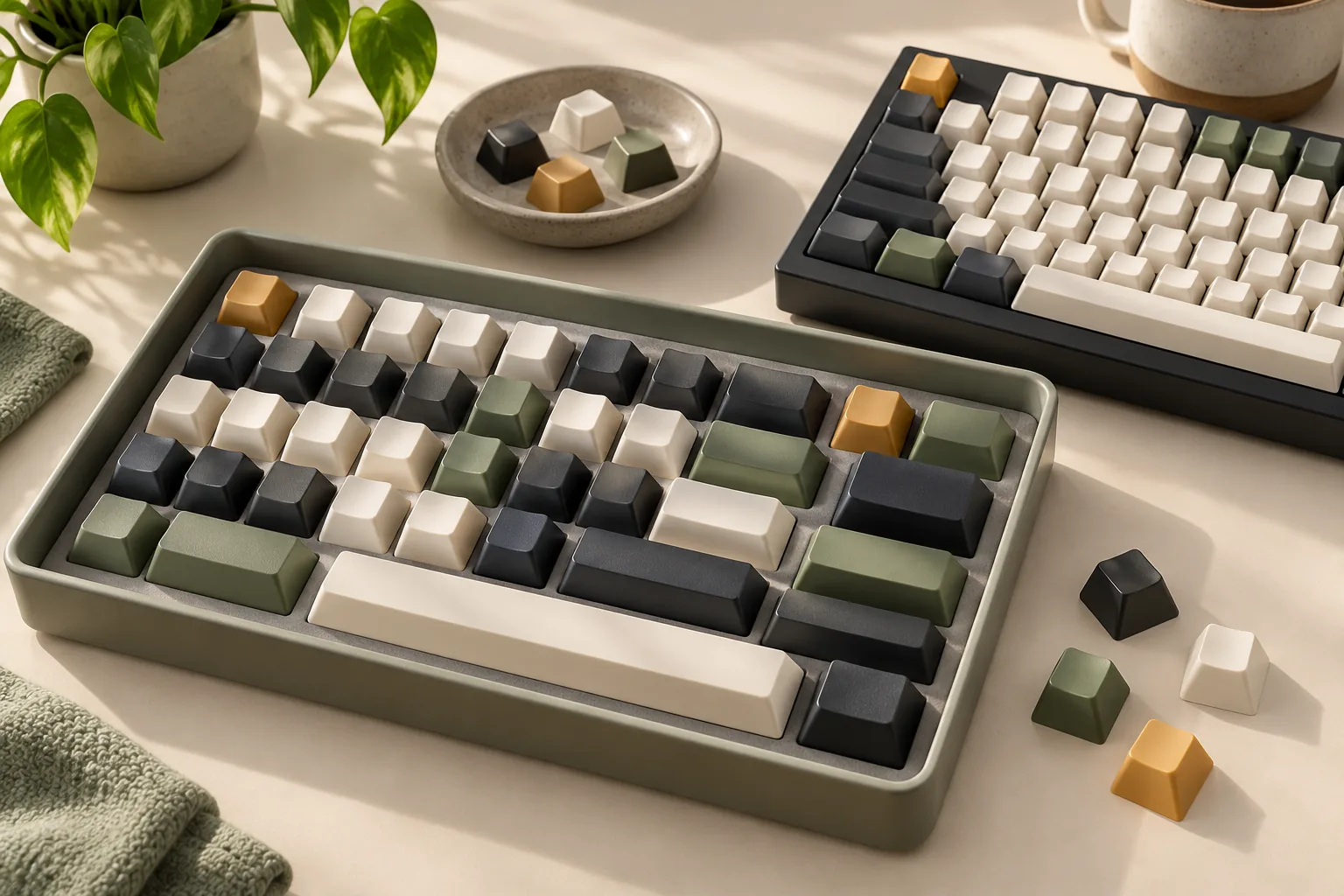
| Full coverage | Every key you intend to replace, including any required language-specific keys. | Mark included, missing, or unknown. |
Keep construction claims separate from the language check. Ask which material and printing process apply to the actual variant, but do not infer its sound, feel, or durability from this guide. Those outcomes have not been evaluated here.
Use a position-by-position inventory as your final coverage test. For each required key, record its legend, width, row, interface, and inclusion. This gives a seller a concrete question to answer when a general compatibility statement leaves a particular key uncertain.
Questions to settle before checkout
Will Hangul keycaps make my keyboard type Korean?
You still need to configure and select the intended software input method. Replacement legends do not perform that setup. Microsoft’s Windows layout guidance treats alternate layouts as software settings. Complete that step first, then check whether the Hangul artwork represents the mapping you intend to use.
Can one Cyrillic legend arrangement be assumed to match standard and mnemonic Russian?
No. Miami University’s Russian guidance distinguishes standard Russian from the phonetically mapped mnemonic layout. Identify which one you selected in software, then compare the candidate artwork against it. A Cyrillic product label alone does not resolve that distinction or establish the mapping for another language.
Do Japanese sublegends make a keyboard Japanese 106/109 hardware?
No. Microsoft distinguishes Japanese 106/109 and English 101/102 keyboards and identifies ImeOn/ImeOff keys as available on specific Japanese hardware. Replacing printed caps does not add those hardware keys. Verify the keyboard itself and the selected kit’s included keys separately from the kana design.
Make the purchase decision
Choose Korean keycaps, Cyrillic legends, or Japanese designs once you have resolved the software mapping, checked the exact artwork, and confirmed the required physical inventory. Keep material, printing, and appearance preferences in that record without treating them as proof of language accuracy or fit.
Before paying, confirm the currently selected kit, seller, package contents, and applicable return terms. If a required character or key remains uncertain, send the seller your specific unresolved question and request readable artwork or inventory confirmation before ordering.