
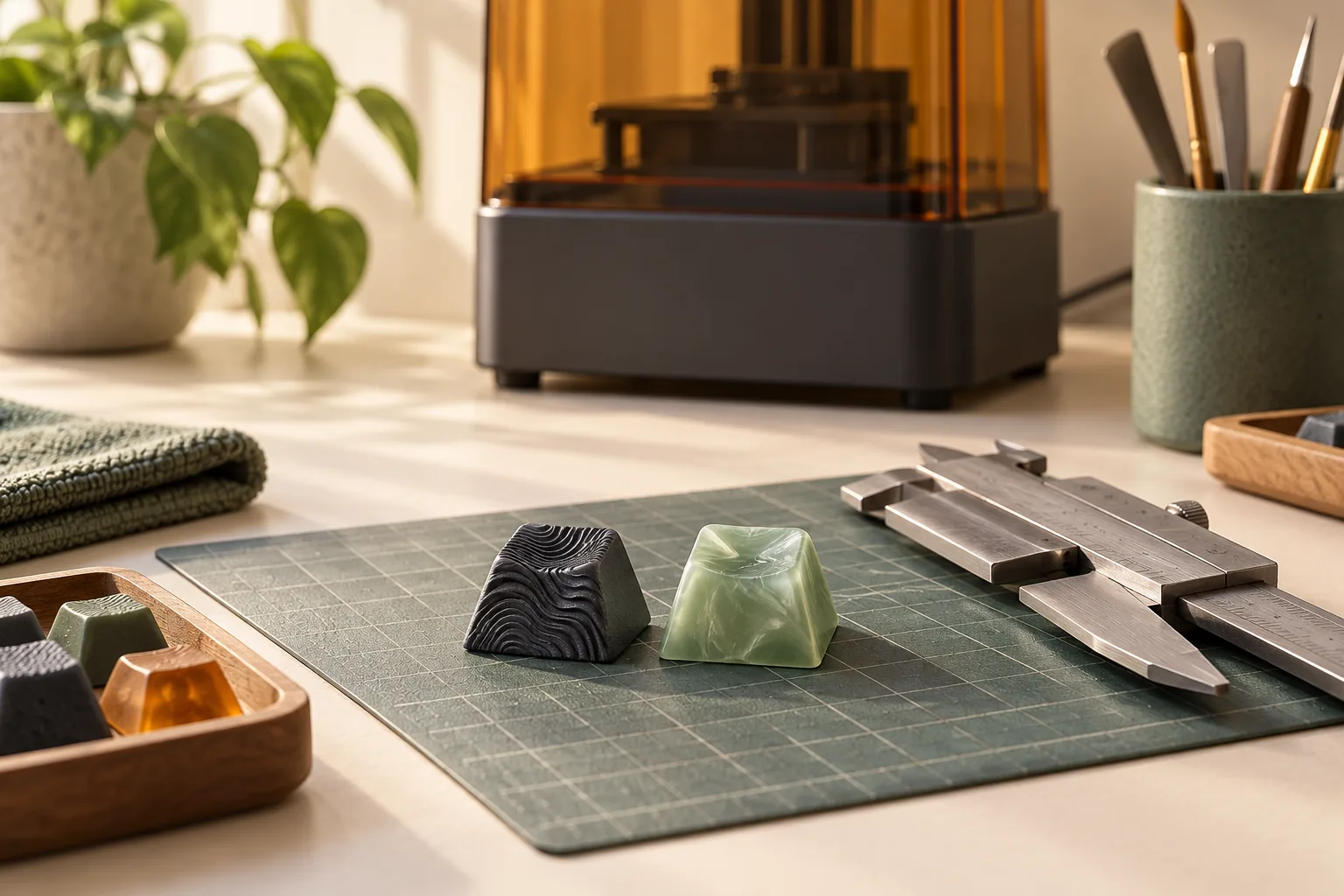
Buying 3D Printed Keycaps: Materials, Finish, and Fit
Buying 3D printed keycaps? Check materials, finish photos, mounting details, and custom-order terms. Use the seller checklist before placing an order.
Category Archive
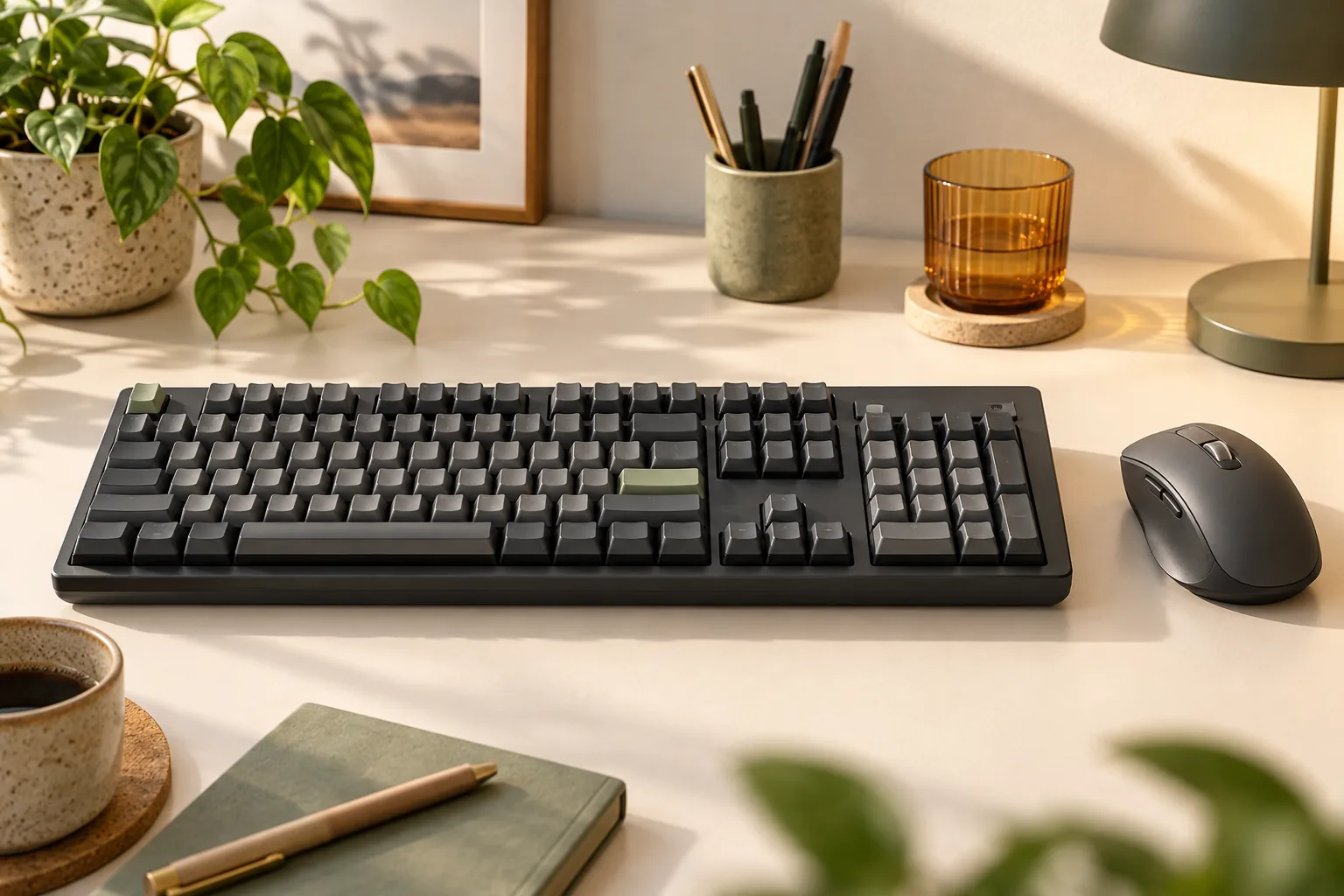
Choose your Logitech MX Mechanical keyboard by numpad, switch type, Mac layout, and wireless setup. Compare three models and check accessories before buying.
Buying 3D printed keycaps? Check materials, finish photos, mounting details, and custom-order terms. Use the seller checklist before placing an order.
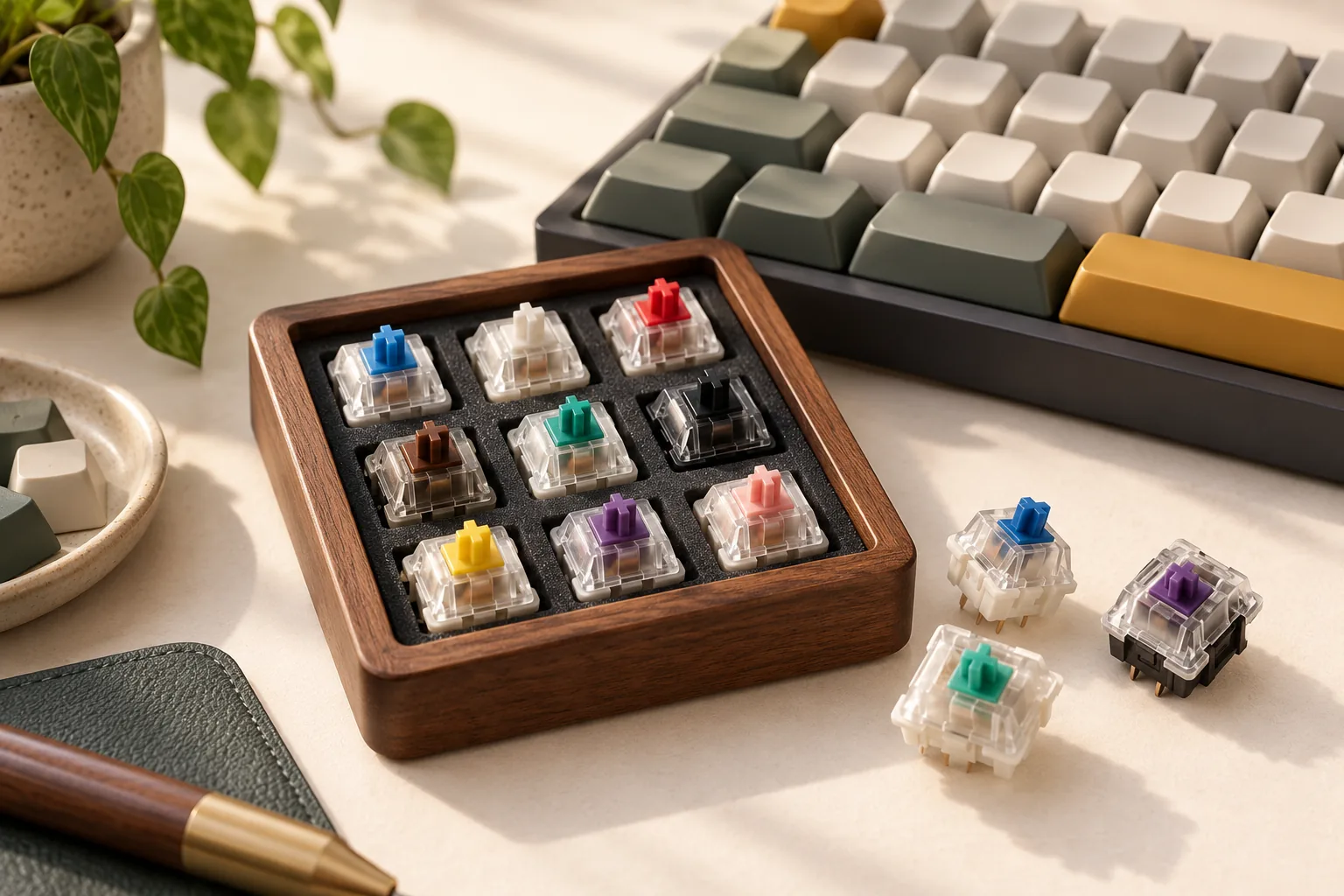
Compare clicky mechanical switches by mechanism, force, and fit. Use a practical desk audition to choose feedback and sound that work for your space.
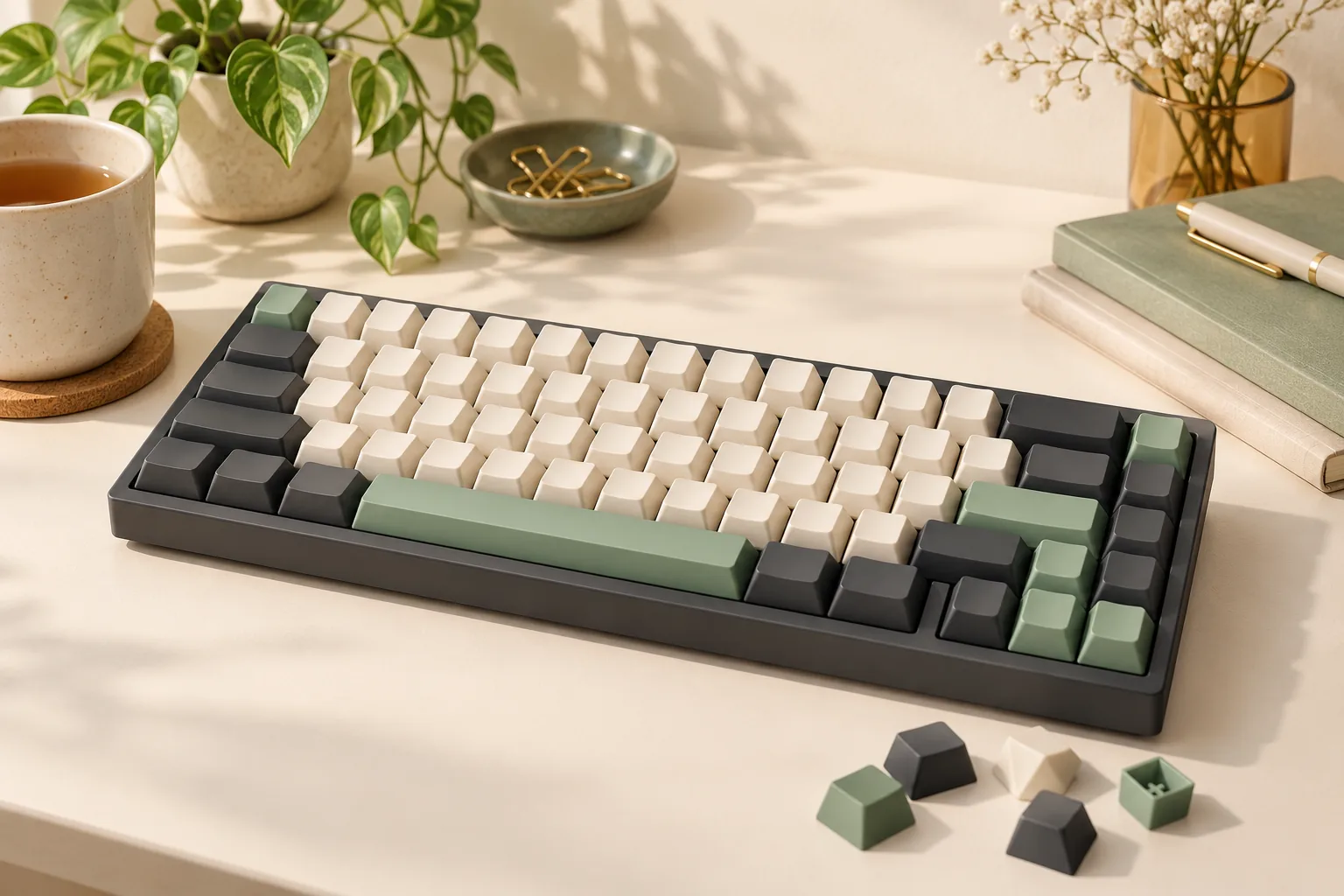
Choose a cute mechanical keyboard: compare documented themes, check licensing and exact editions, and confirm that your order includes a complete board.
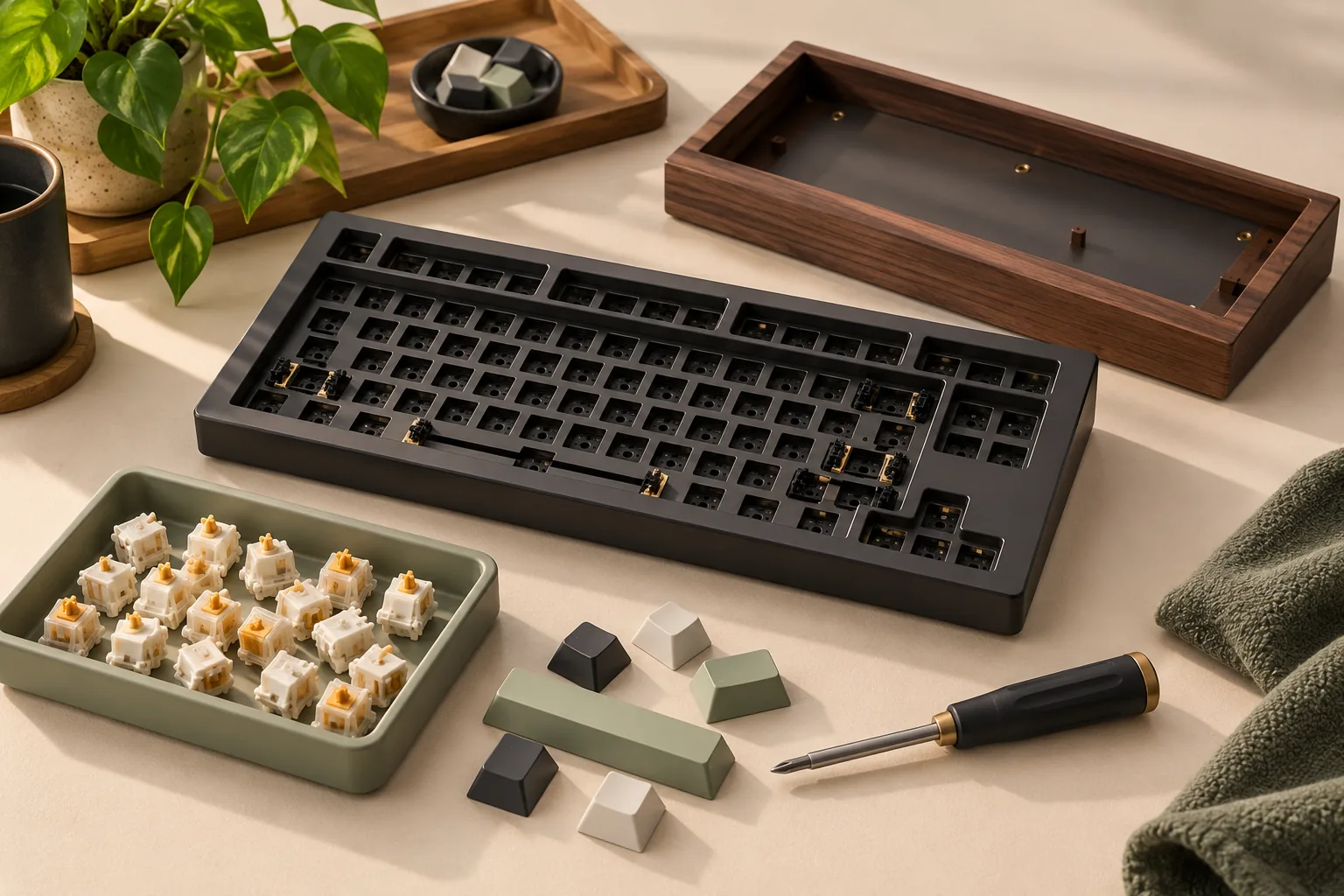
Shopping for a Drop mechanical keyboard? Distinguish complete boards, barebones kits, and themed accessories, then check which parts you still need to buy.
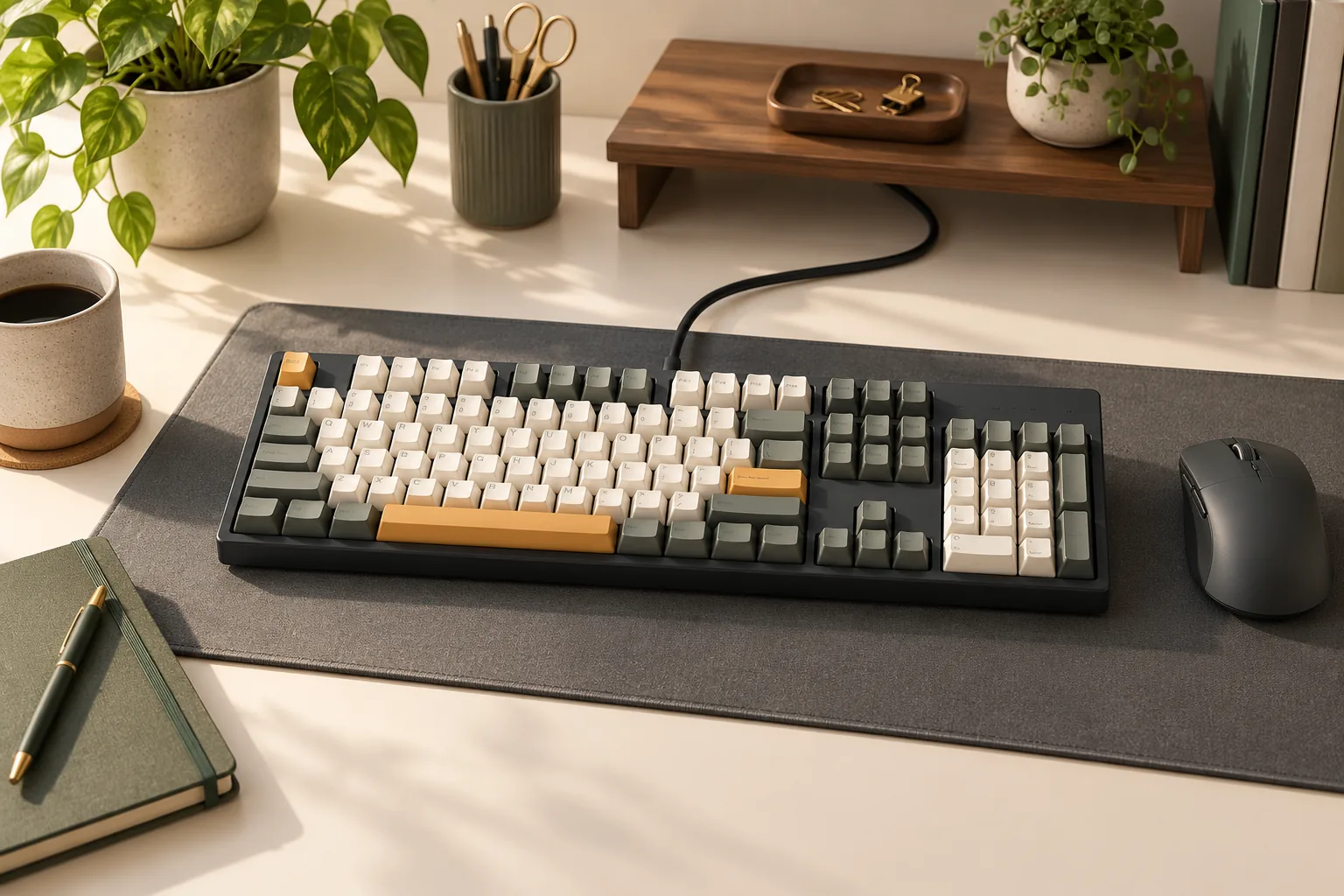
Choose a Ducky mechanical keyboard by matching model codes, regional layouts, switches, keycaps, and controls. Use the checklist before choosing a listing.
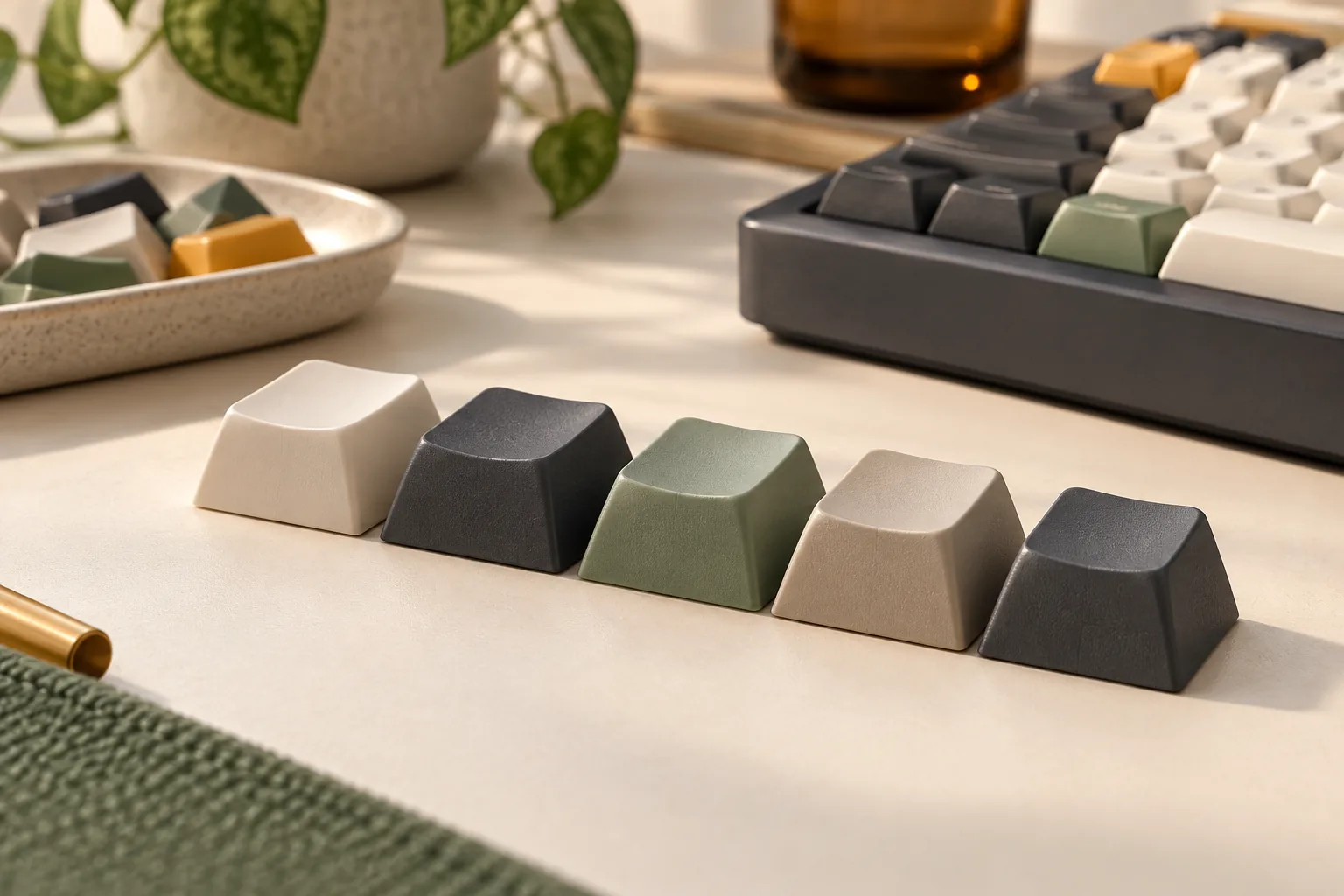
Choose an XDA keycap set with the right legends, widths, mount, and special keys. Use this practical worksheet to check layout coverage before ordering.
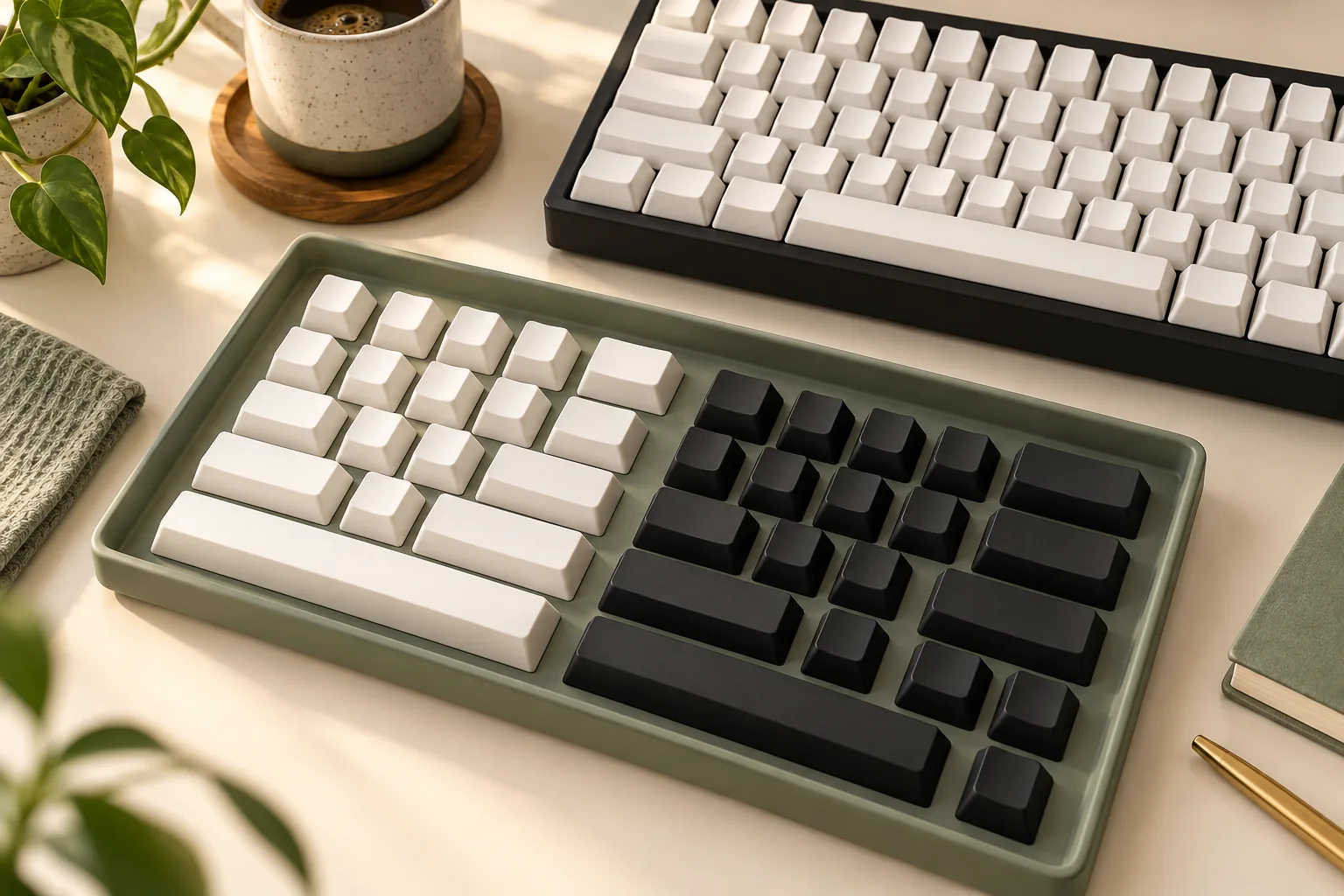
Planning a black keyboard with white keycaps? Compare BoW, WoB, and tuxedo arrangements, then check stems, rows, key sizes, and lighting before choosing a set.
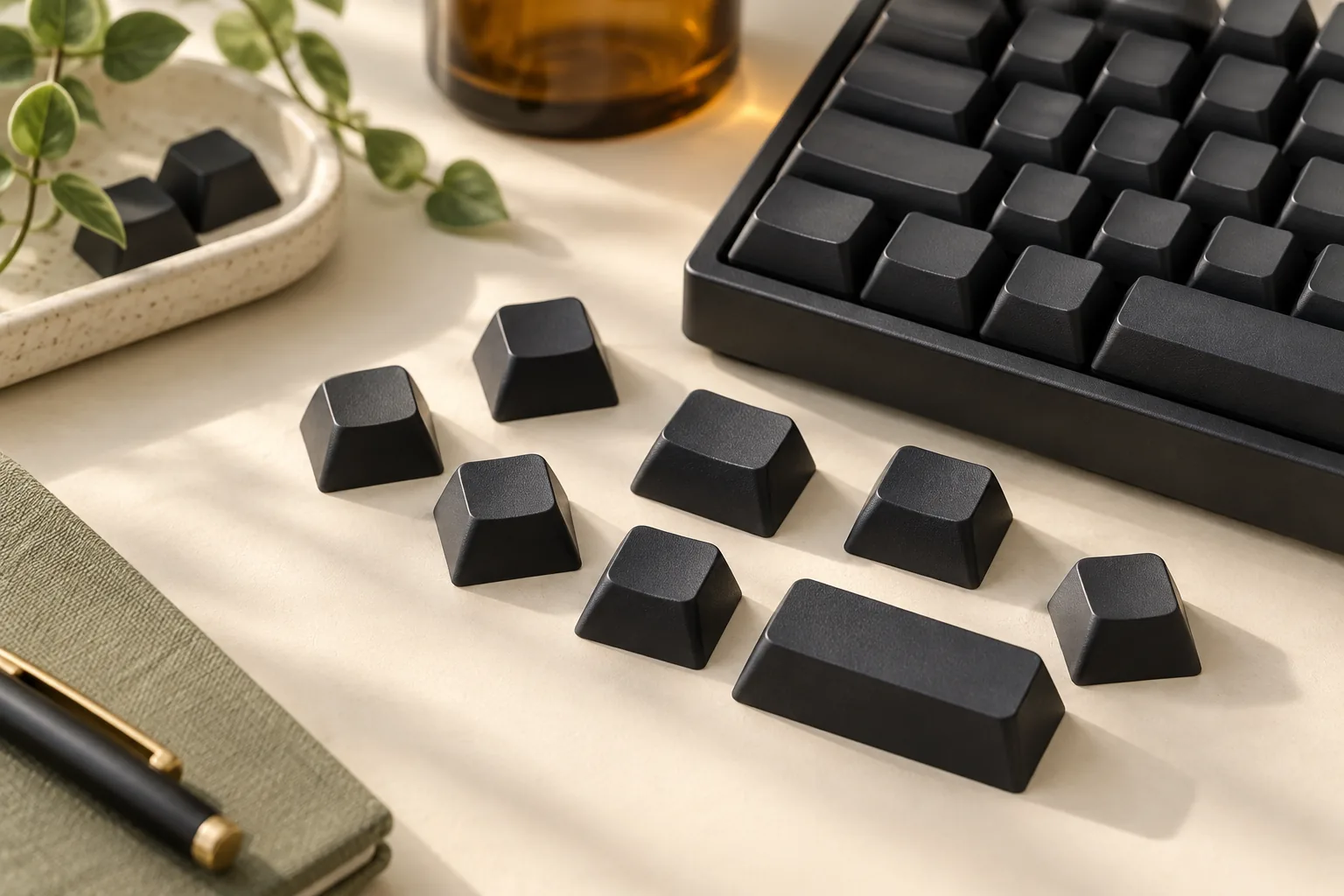
Buying black blank keycaps? Check no-legends status, PBT material, row positions, and keyboard coverage with a practical worksheet before choosing your set.
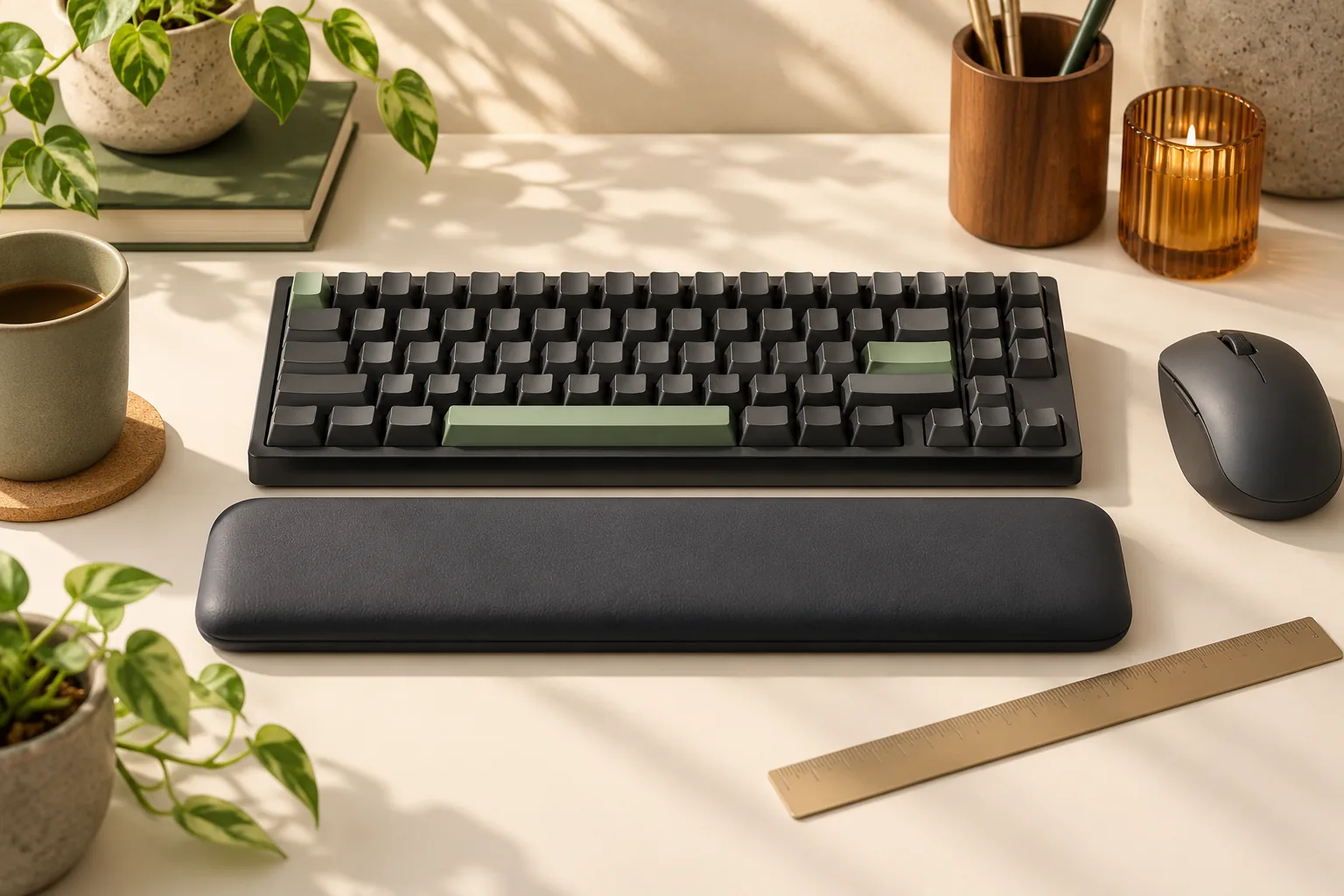
Choose the best keyboard wrist rest for your desk. Compare palm support, height, materials, and movement, then use a practical checklist before buying.
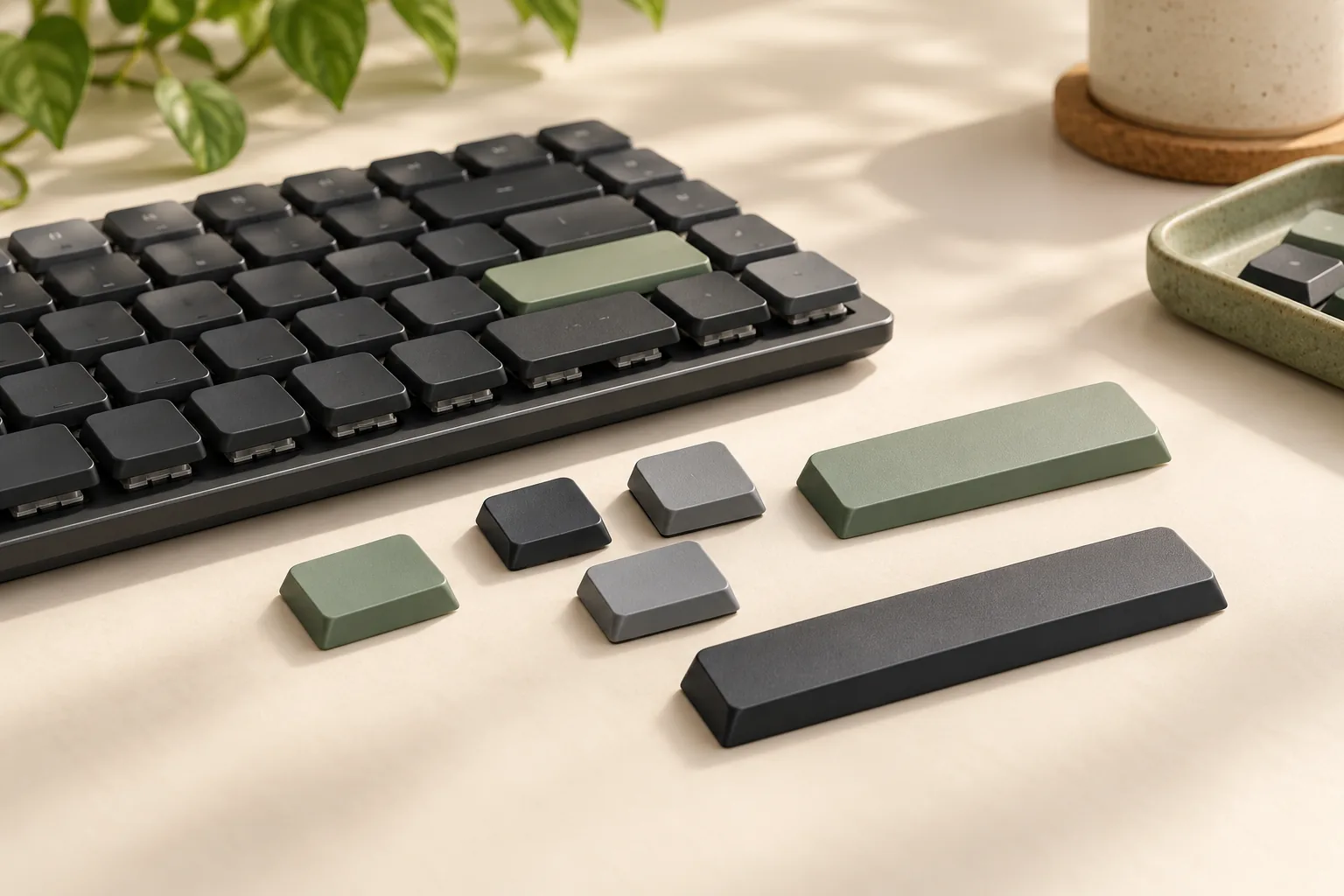
Buying Keychron K3 keycaps? Check the keyboard version, switch option, stabilizers, spacebar, and ANSI layout before choosing a complete replacement set.