
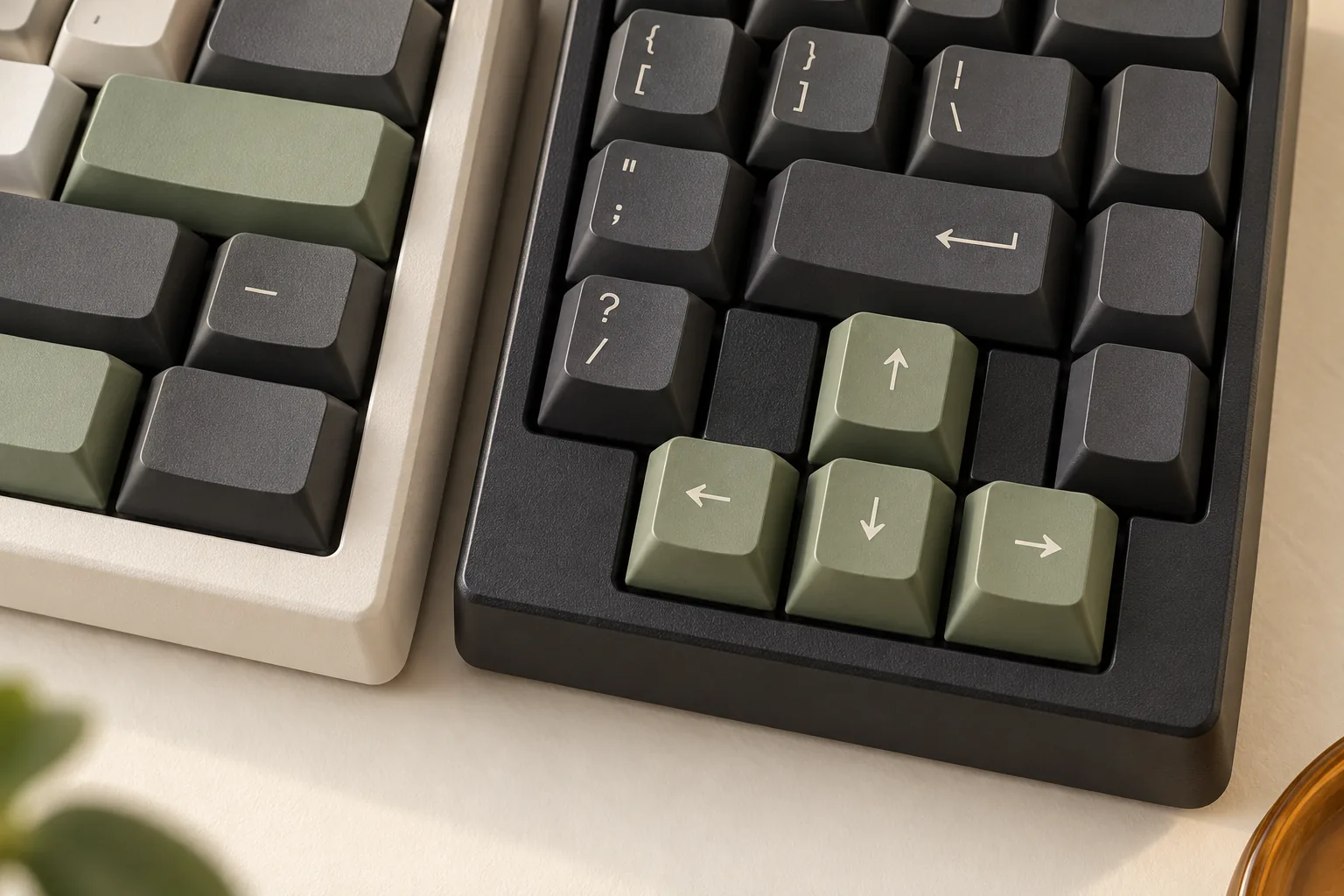
60% vs 65% Mechanical Keyboards: Arrows, Layers, and Gaming
Choosing a 60% mechanical keyboard or a 65% model? Compare arrow keys, documented Fn shortcuts, and gaming bindings with a practical buying checklist.
Category Archive
Compare mechanical keyboards, switch types, layouts, keycaps, acoustics, and upgrade paths for work, gaming, and custom builds.
160 ARTICLES
Choosing a 60% mechanical keyboard or a 65% model? Compare arrow keys, documented Fn shortcuts, and gaming bindings with a practical buying checklist.
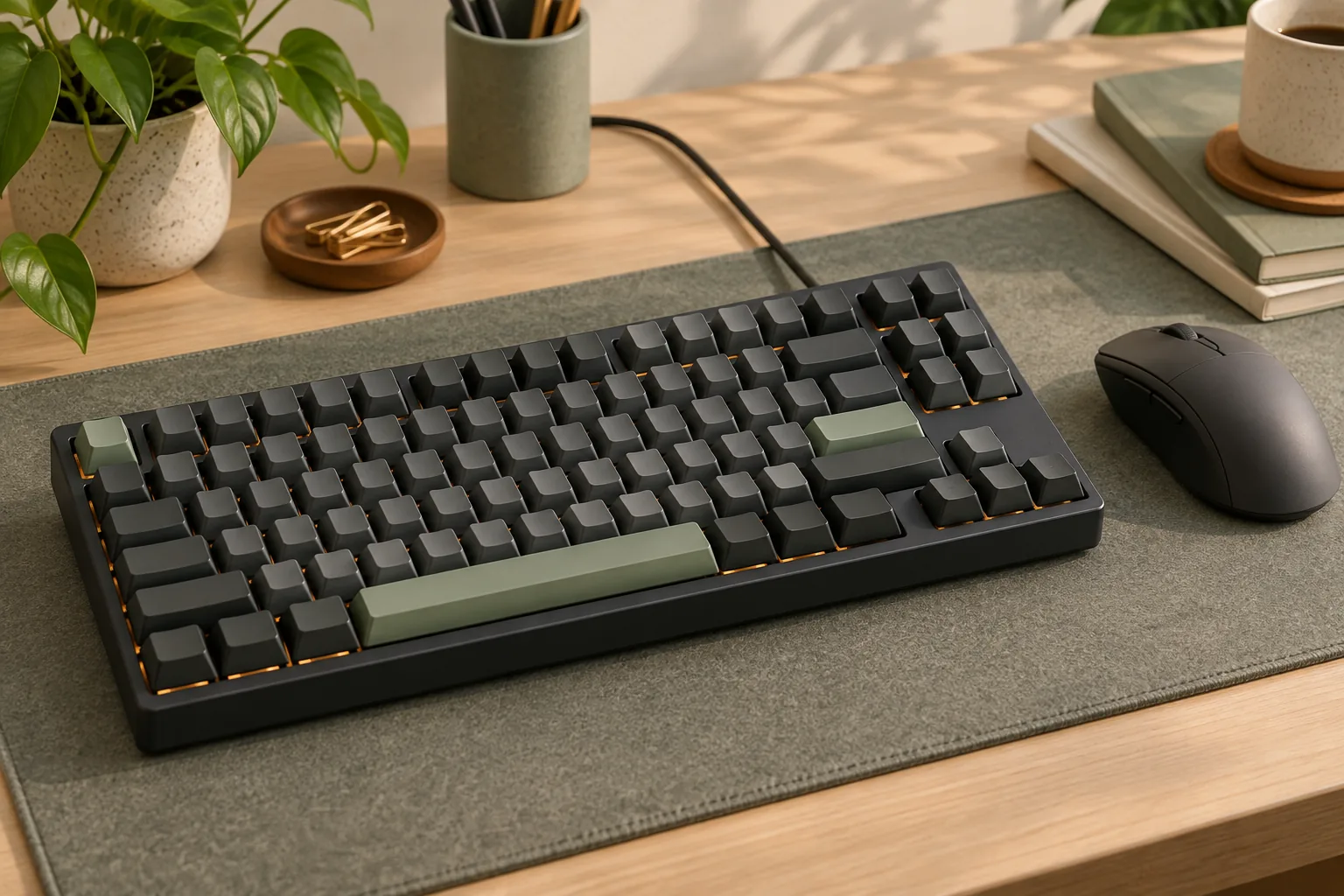
Choosing a 75% mechanical gaming keyboard? Check F-keys, navigation layers, reserved game bindings, and keycap coverage with this practical buying checklist.
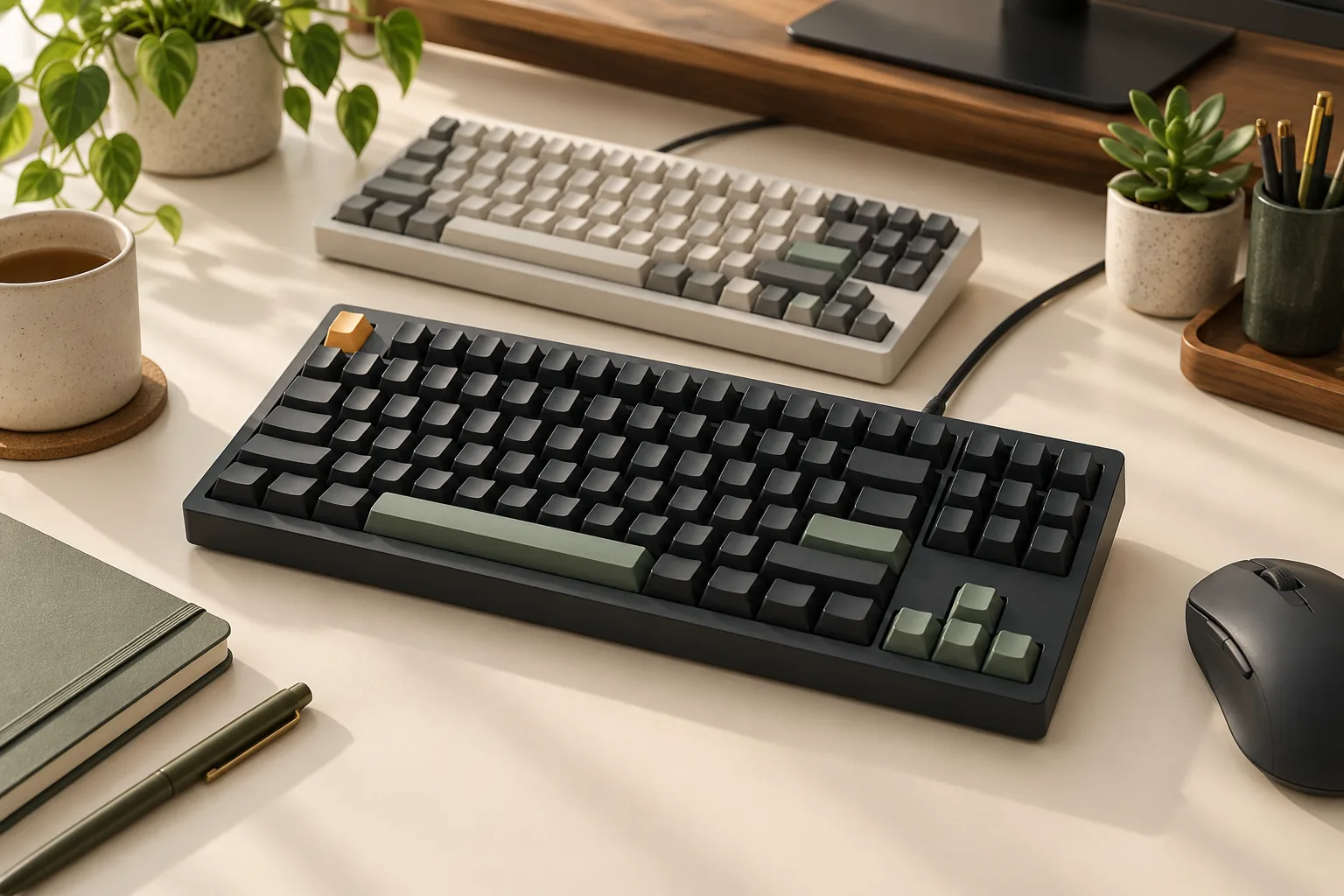
Choose an analog mechanical keyboard by checking actuation, Rapid Trigger, controller output, OS support, and game input handling. Use our buying worksheet.
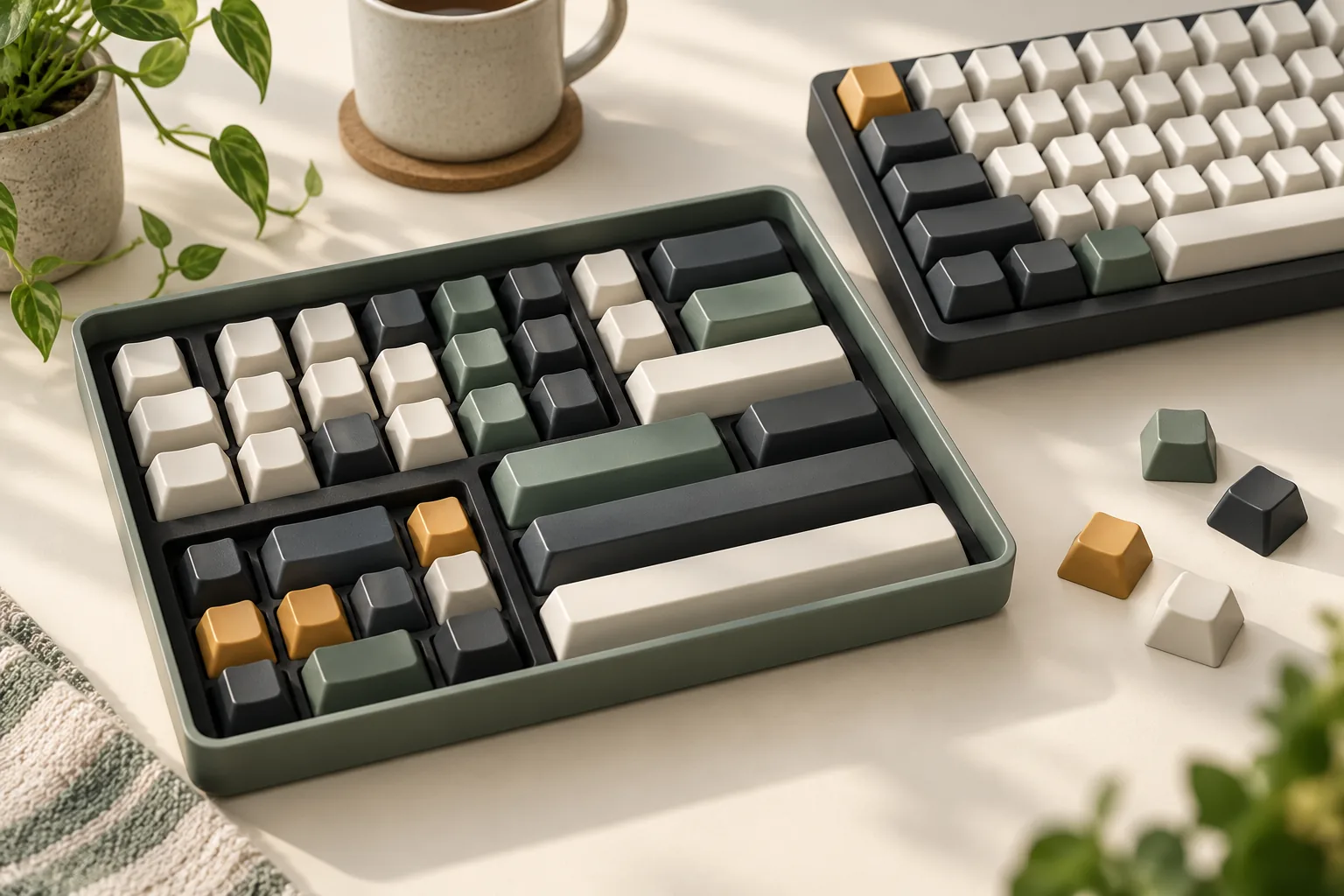
Are Cherry MX keycaps universal? Check switch stems, stabilizers, layout coverage, and clearance with a practical worksheet before choosing a replacement set.
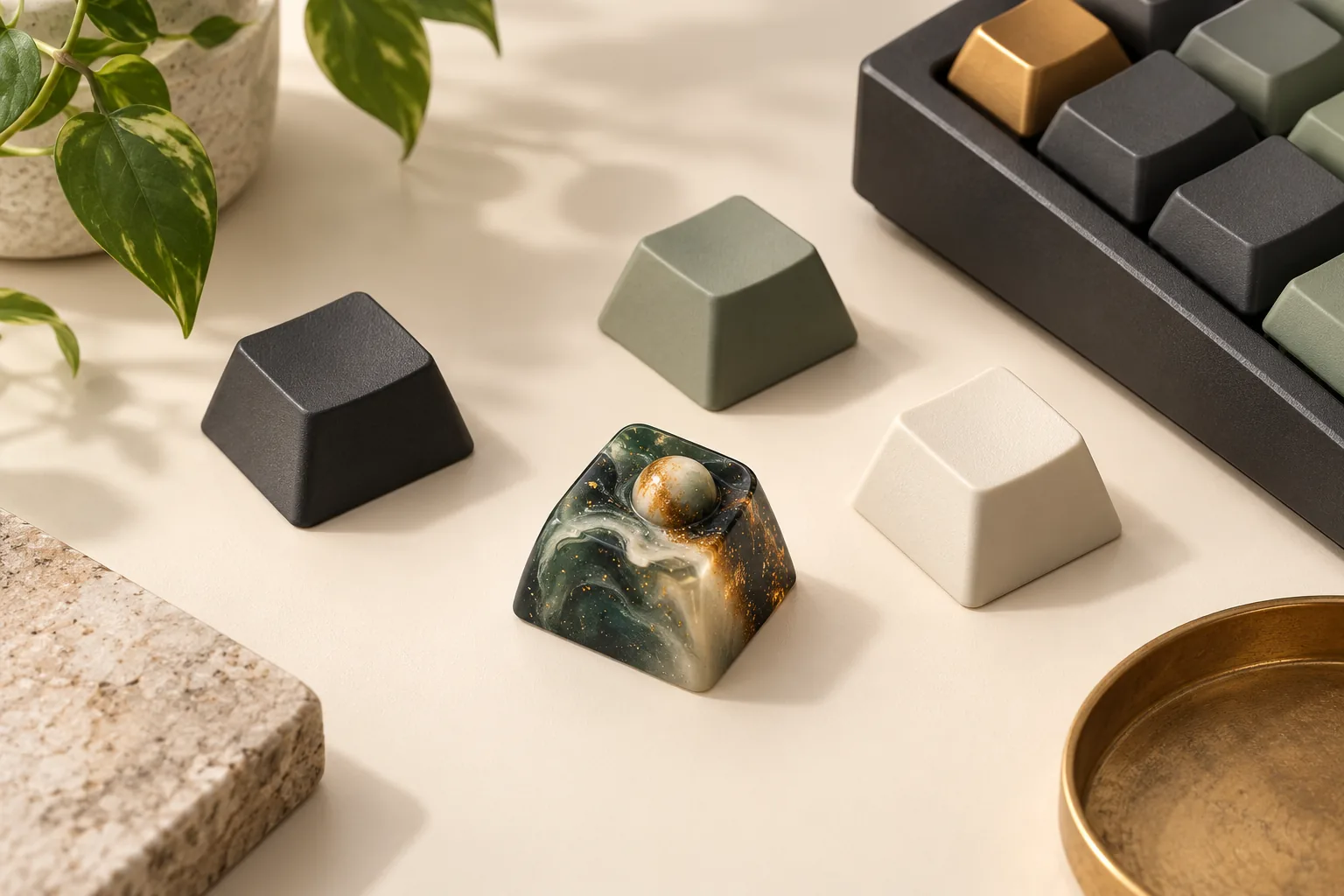
Choose artisan keycaps with a practical fit worksheet. Compare sculpted and galaxy resin examples, verify maker markings, and check seller terms before buying.
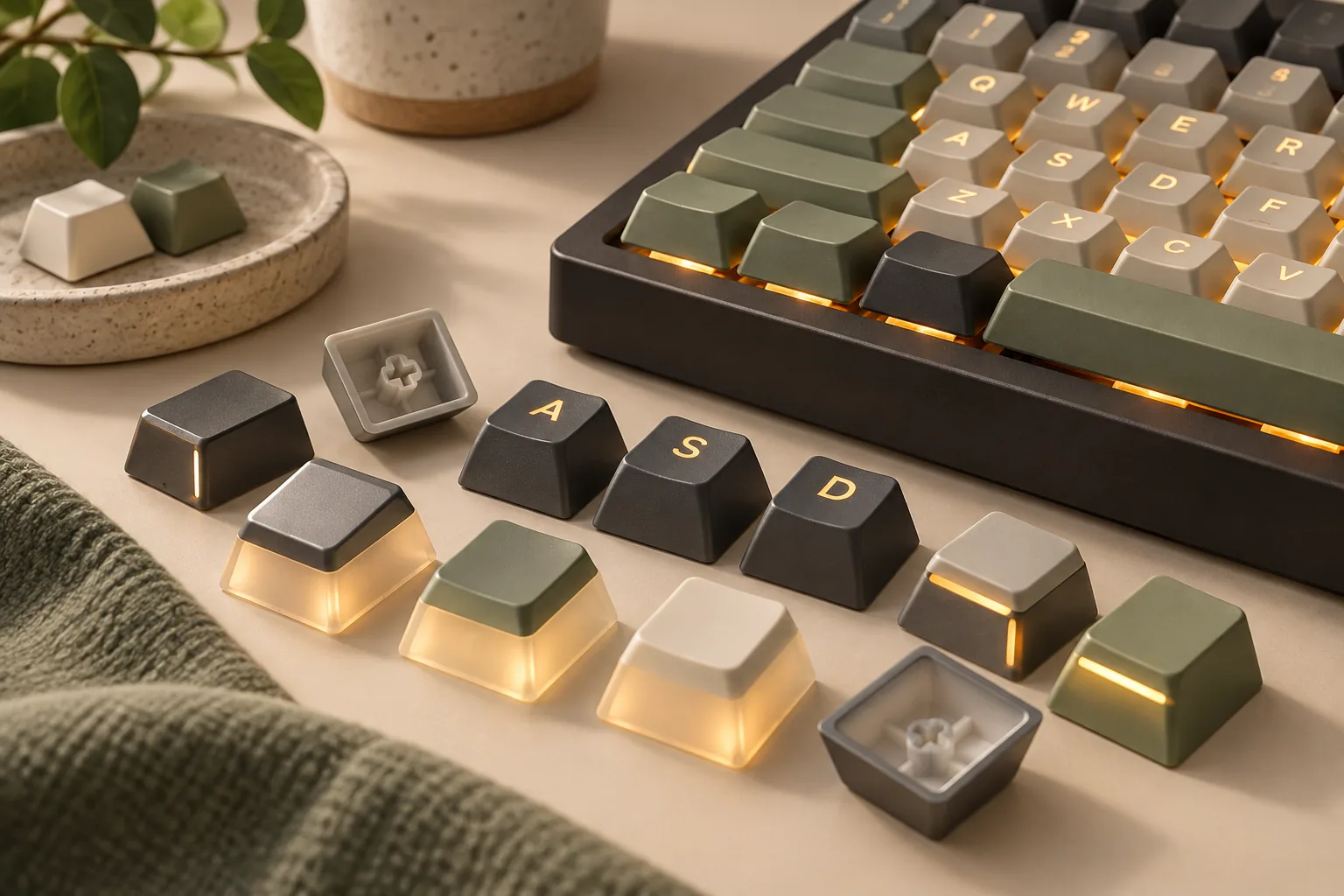
Compare backlit keycaps with top legends, side legends, and pudding walls. Check PBT claims, LED placement, missing keys, and fit before choosing your set.
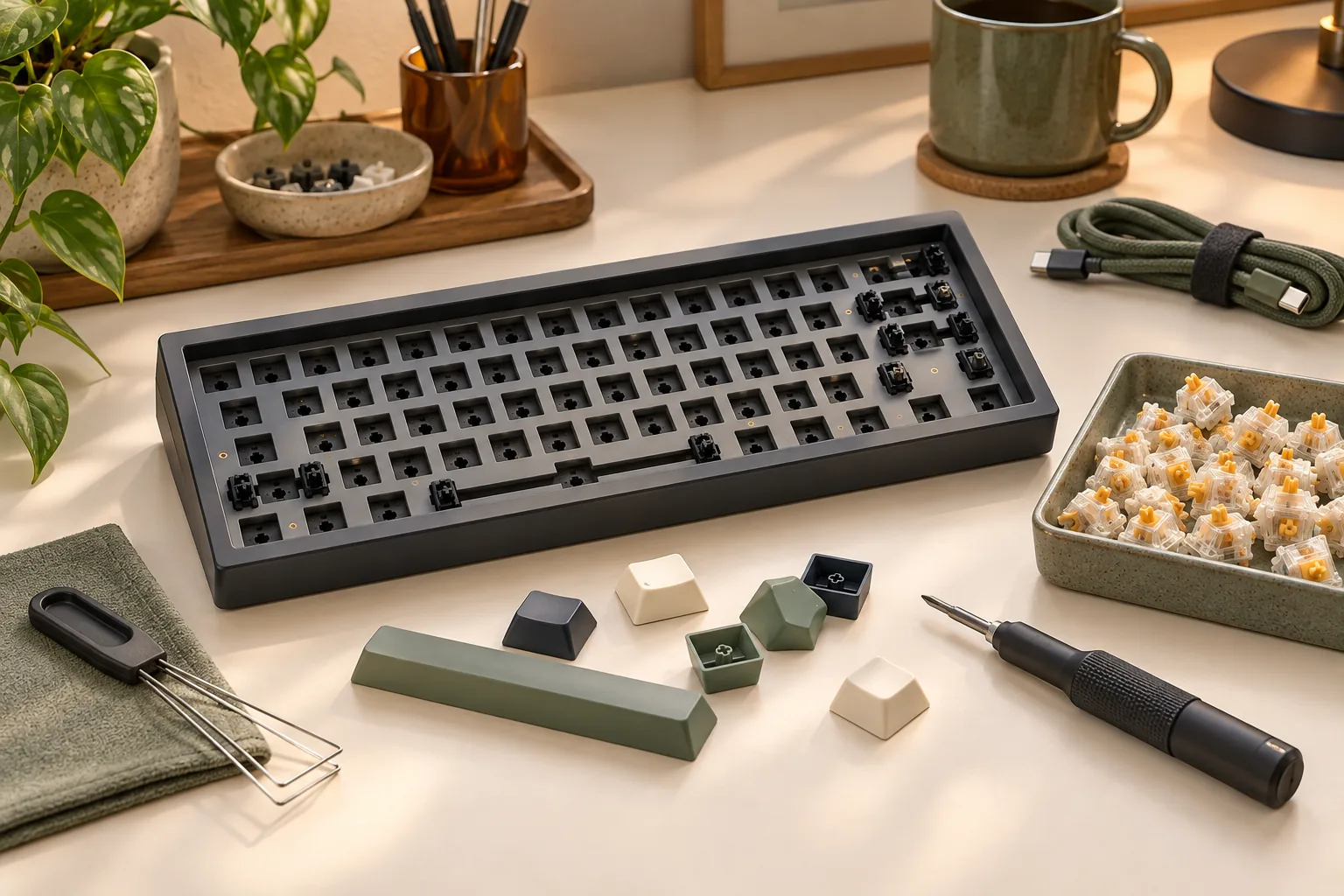
Find the best barebones keyboard for your build. Check included parts, exact switch and keycap compatibility, and total completion cost before ordering.
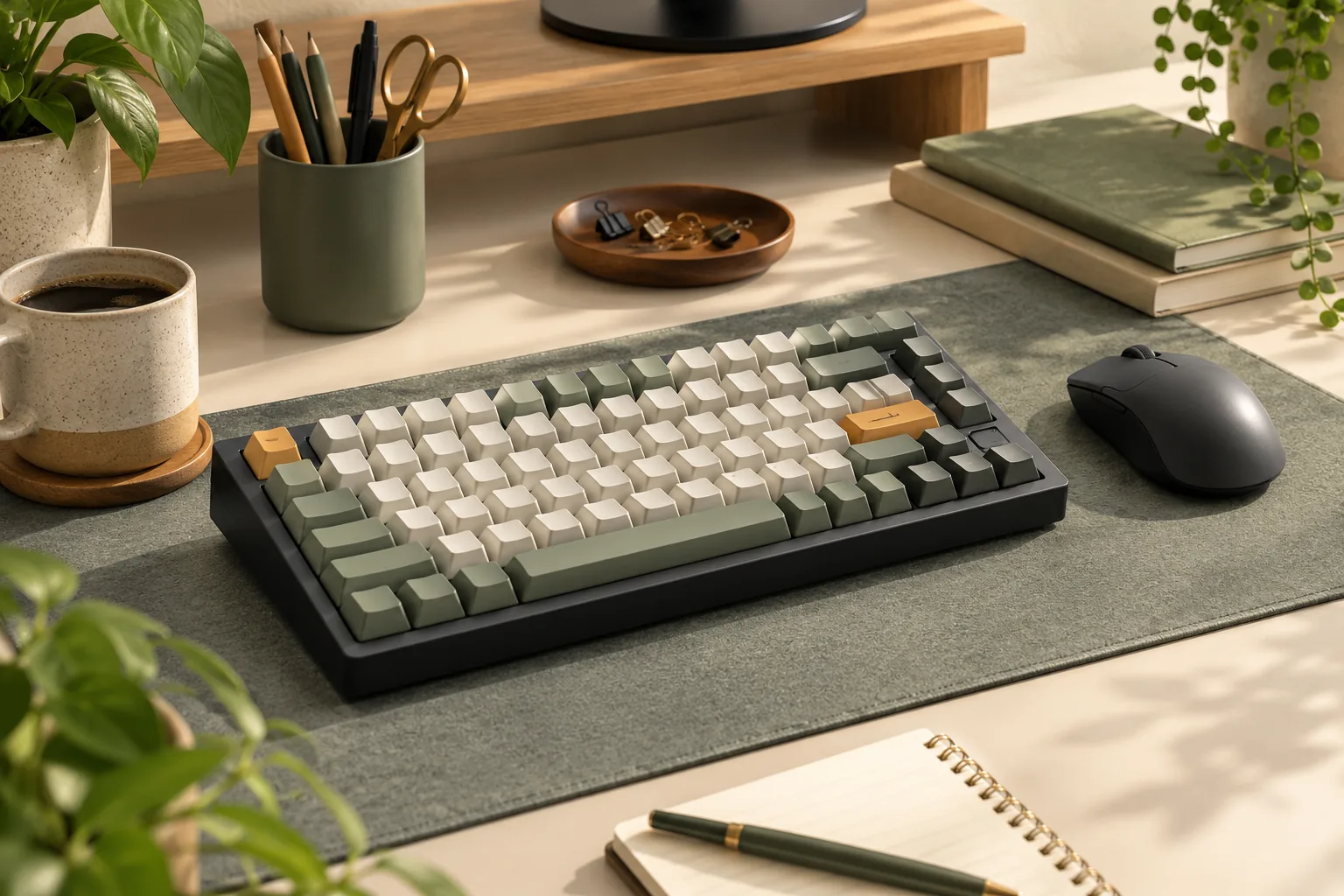
Choose the best mechanical keyboard for your tasks, essential keys, connections, and budget. Compare documented examples and clarify what soft means before buying.
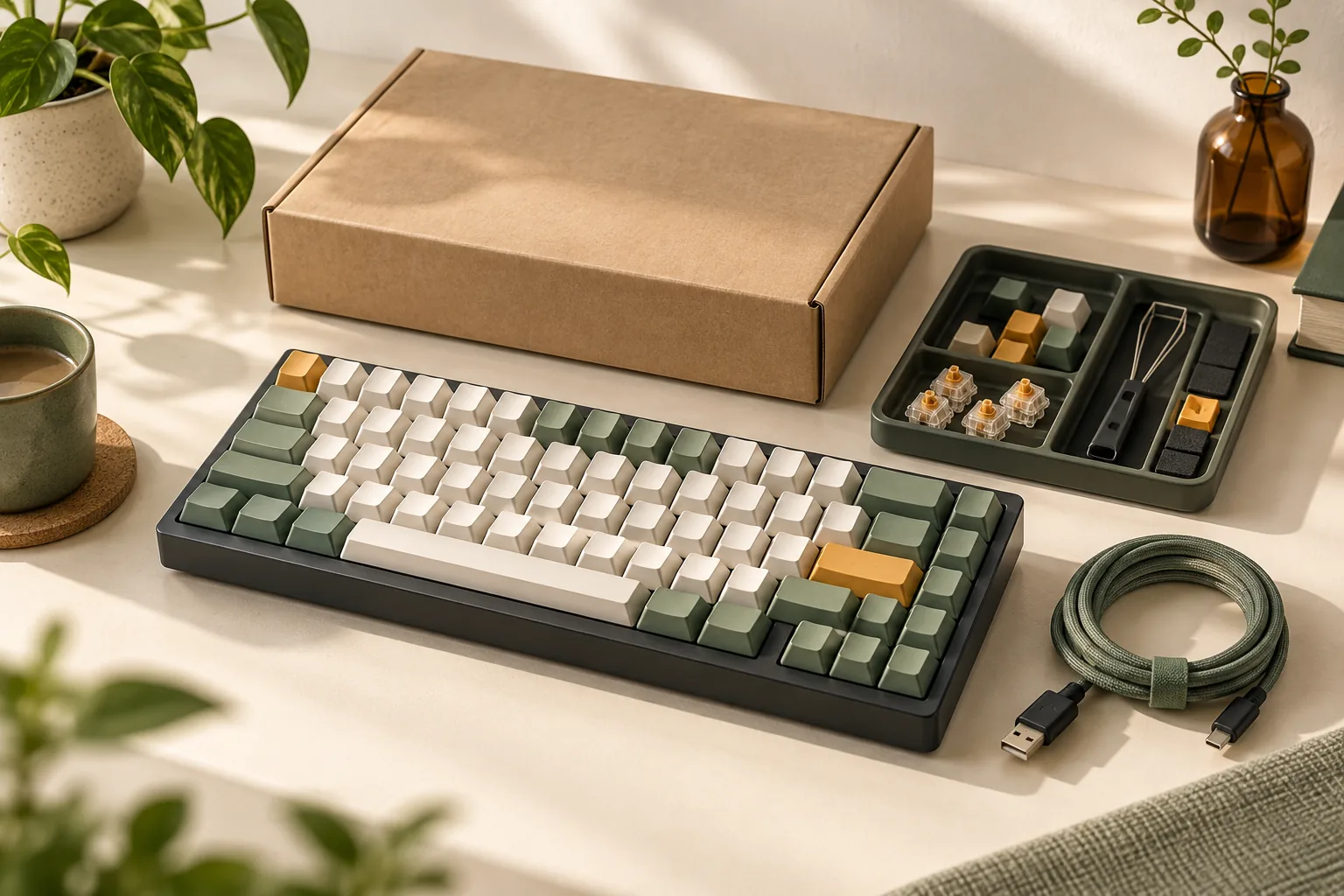
Choose the best budget mechanical keyboard for a $50, $60, or $100 limit. Compare layout, gaming needs, wireless requirements, and total cost.
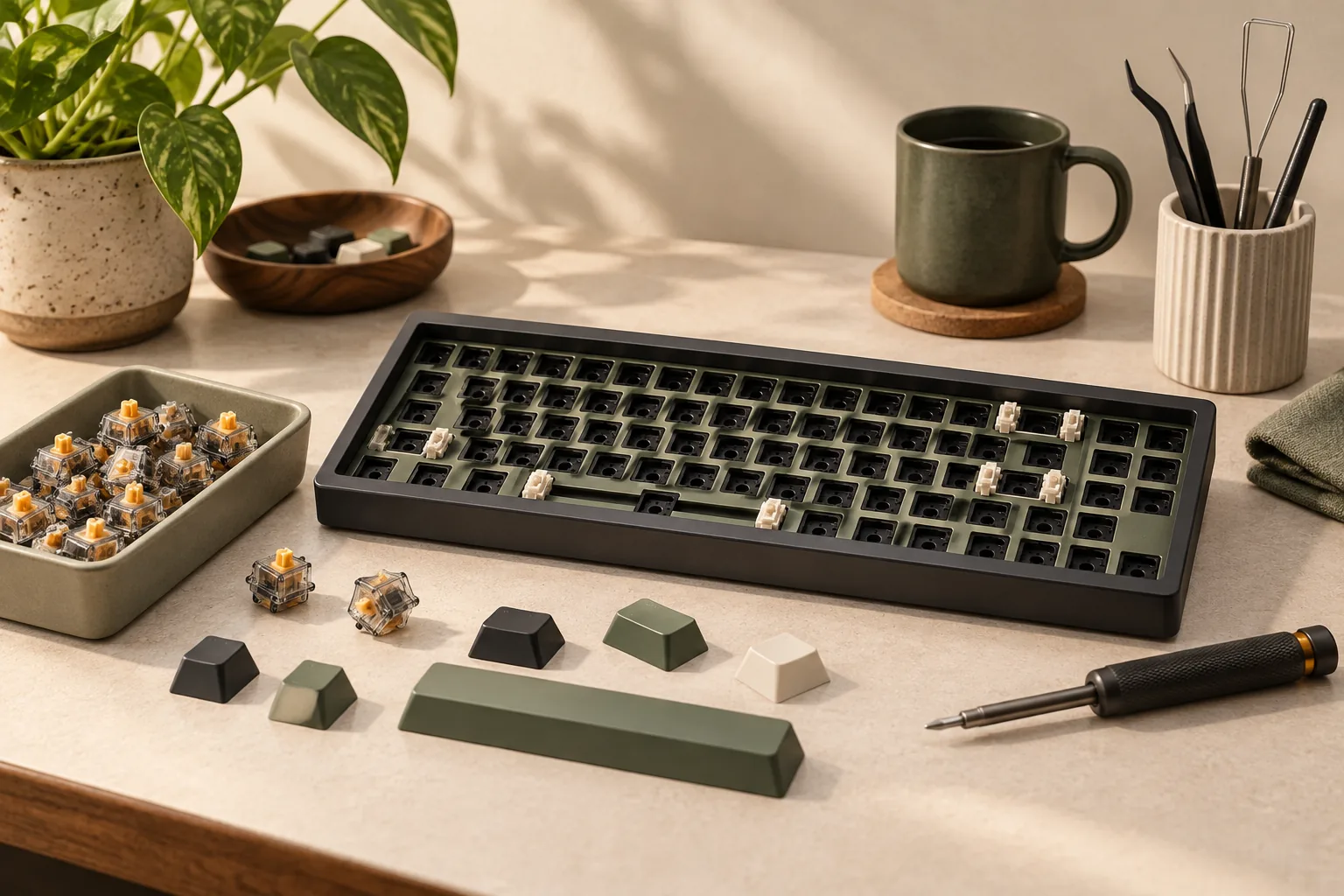
Learn how to build a mechanical keyboard with a complete parts checklist, hot-swap and soldered routes, compatibility checks, and staged tests. Start here.