
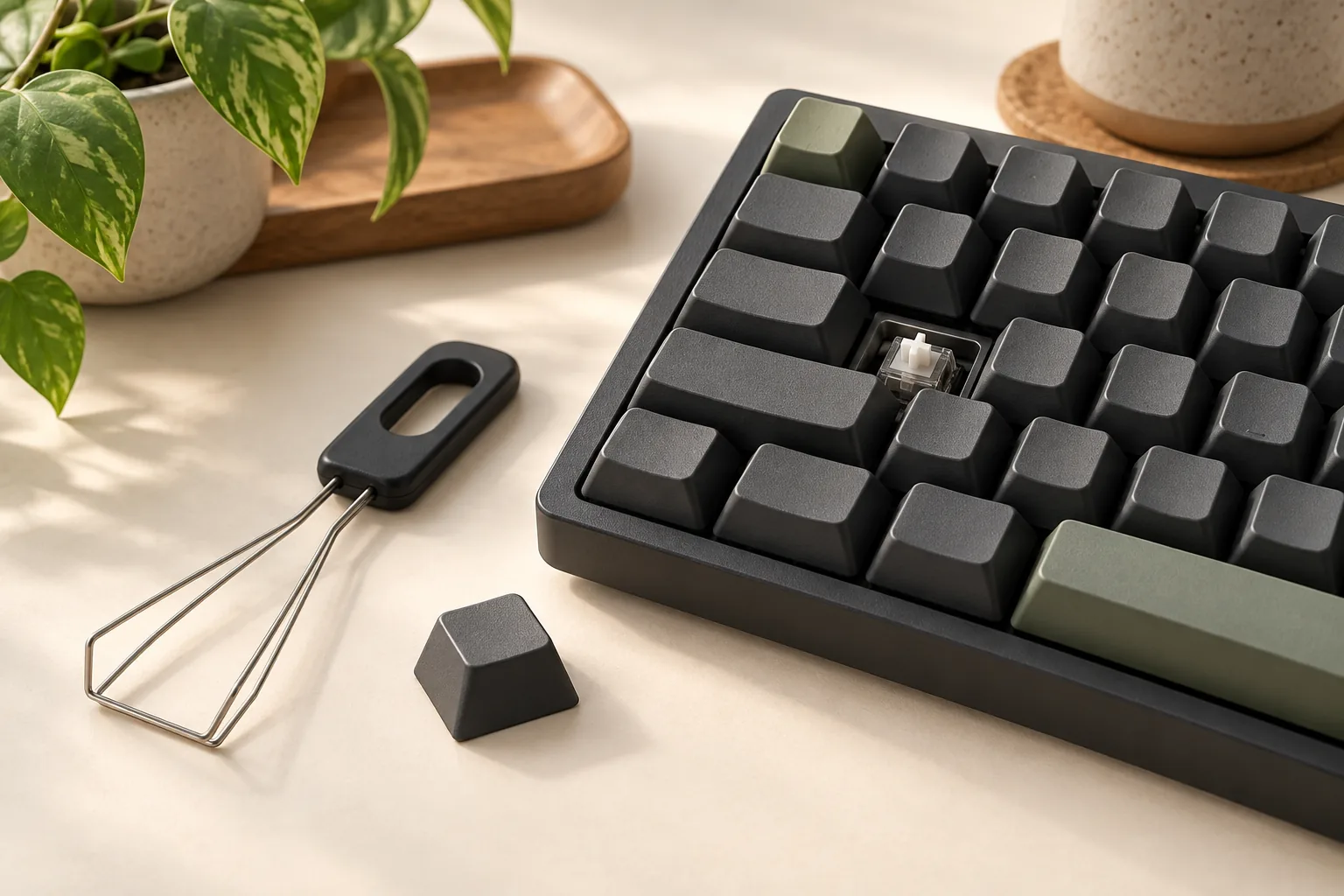
Individual Keycaps: Replacement Rows, Sizes, and Sources
Find individual keycaps by matching row, width, mounting, and appearance. Use a replacement worksheet, compare documented singles, and check terms before buying.
Category Archive
Choose your Logitech MX Mechanical keyboard by numpad, switch type, Mac layout, and wireless setup. Compare three models and check accessories before buying.
Find individual keycaps by matching row, width, mounting, and appearance. Use a replacement worksheet, compare documented singles, and check terms before buying.
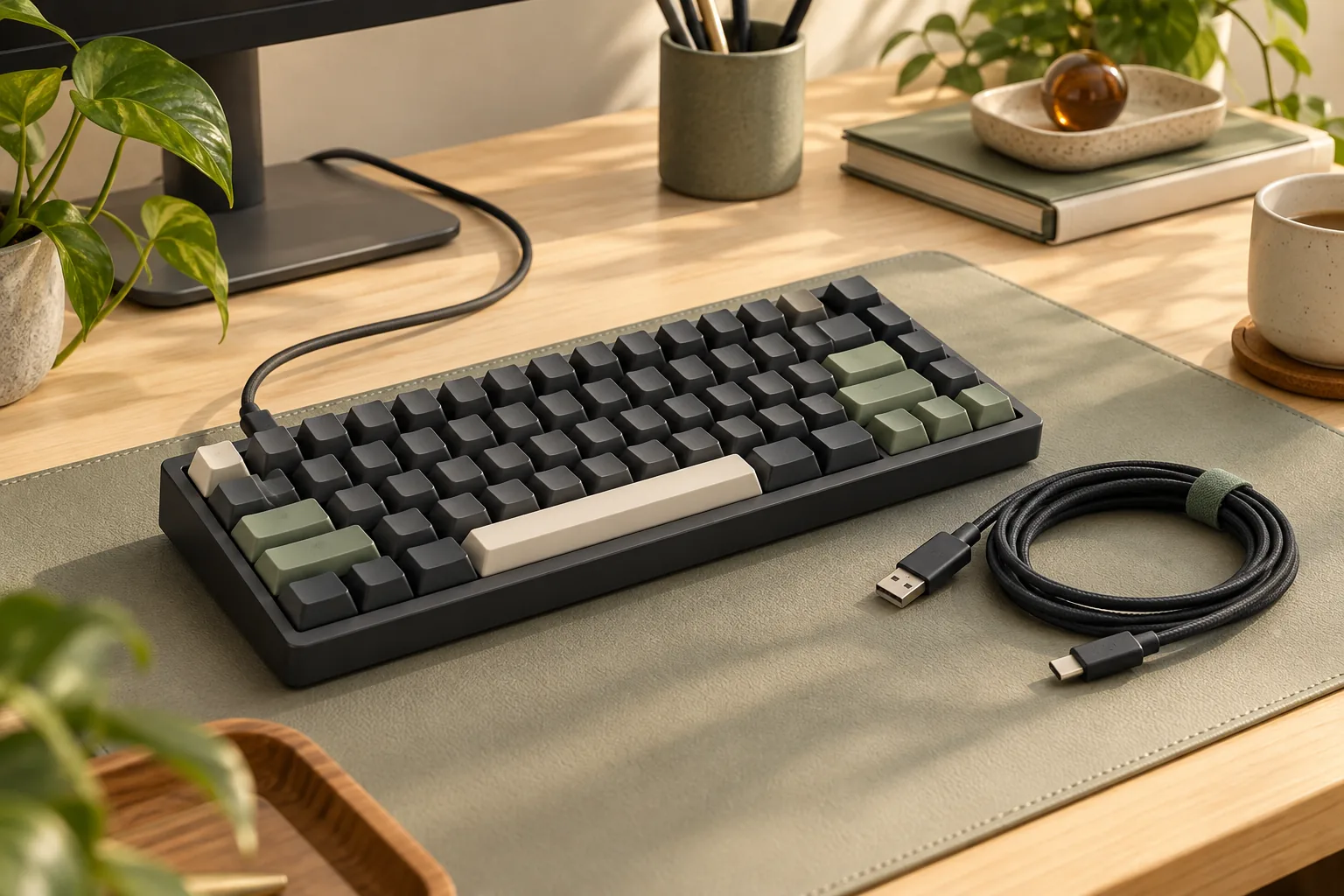
Choose a keyboard cable with matching plugs, documented data support, and enough usable length. Use the compatibility worksheet to check your setup before buying.
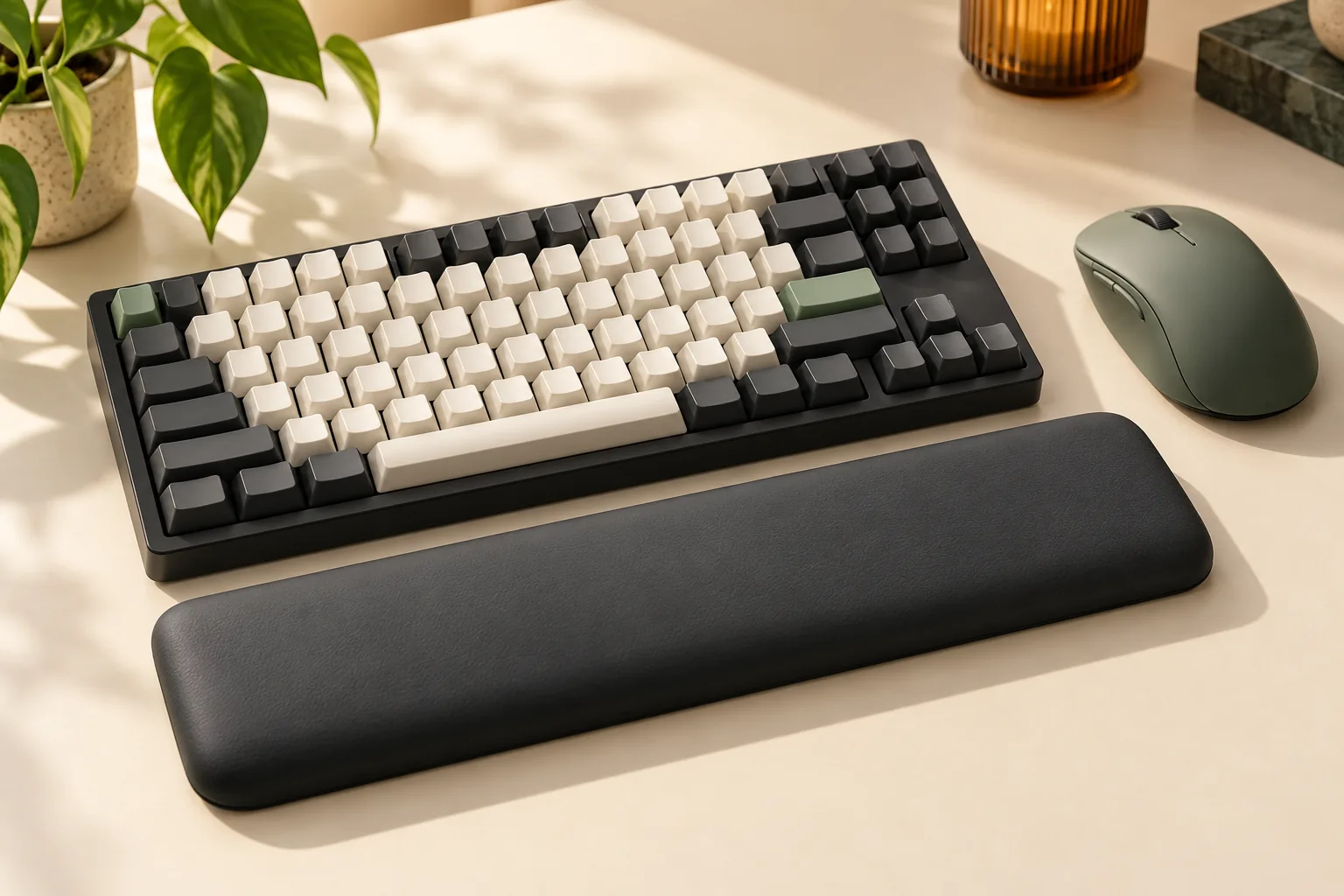
Choose a 75% keyboard wrist rest or a 60%, 65%, or full-size option by comparing actual width, height, and desk space. Use the measurement worksheet before buying.
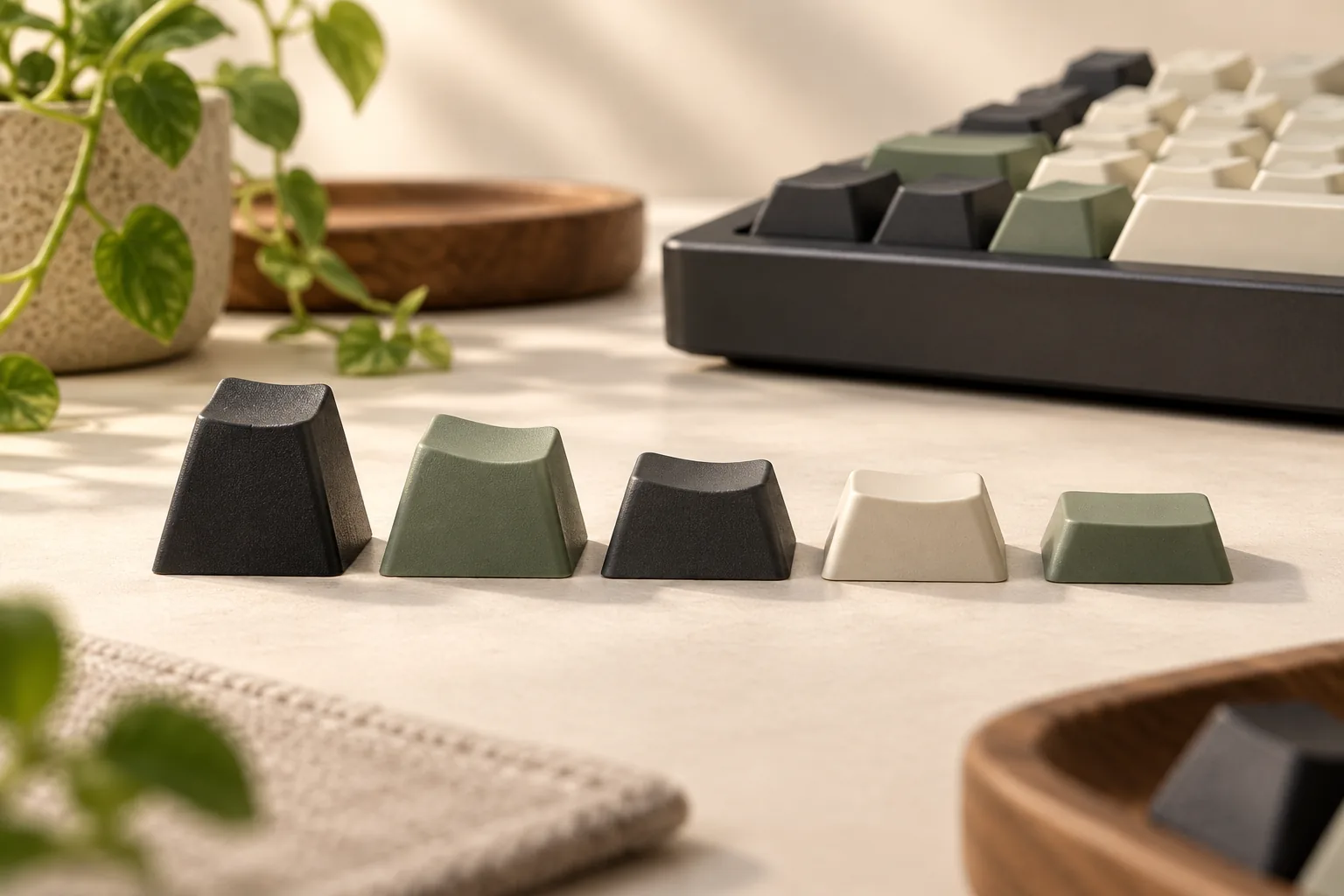
Compare Cherry, OEM, DSA, XDA, and SA keycap profiles by height and row shape. Use the fit worksheet to check key sizes, kit coverage, and clearance.
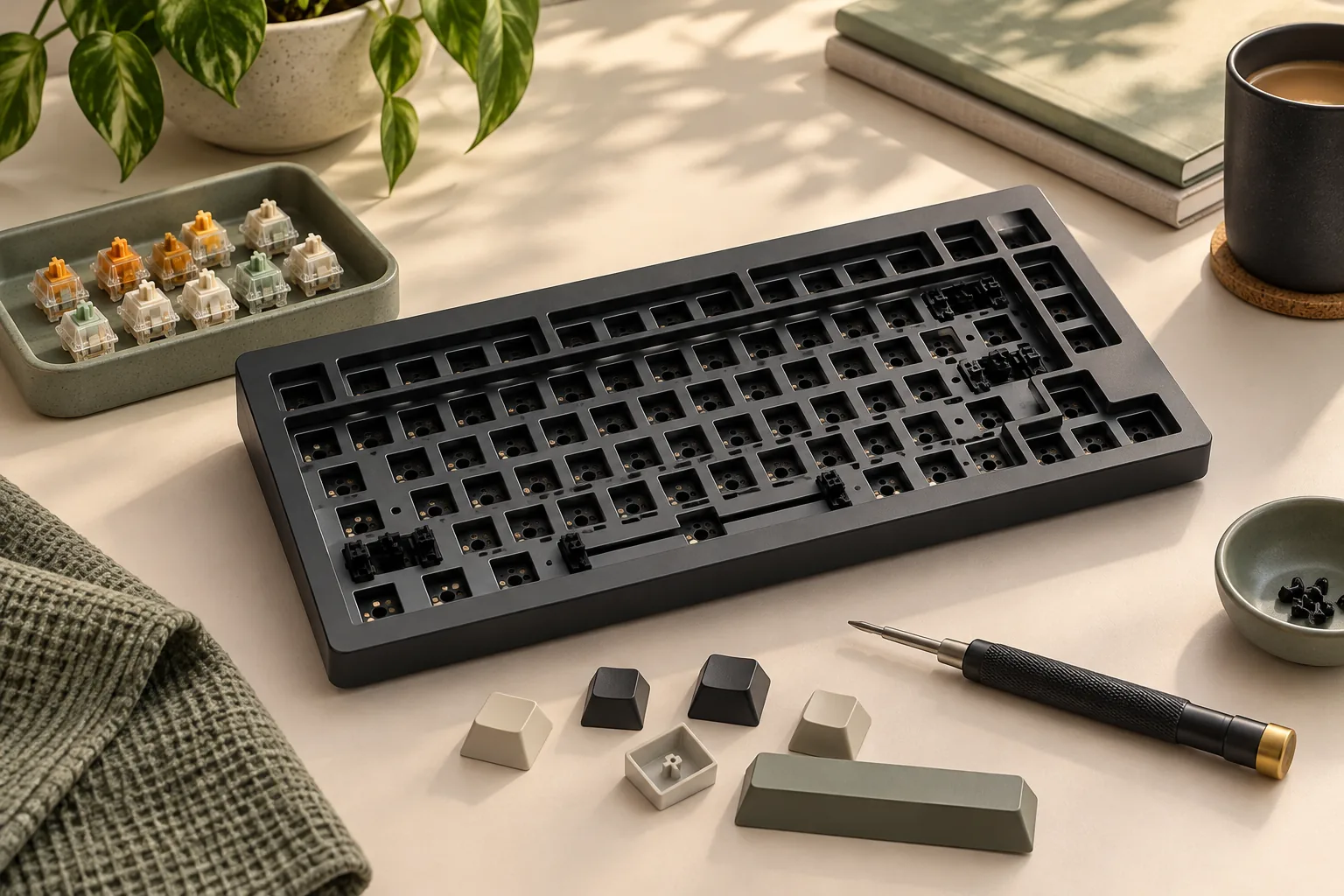
Choose a Keychron barebones keyboard by comparing V1, V1 Max, and Q1 Max configurations, checking parts and software, and calculating your finished build cost.
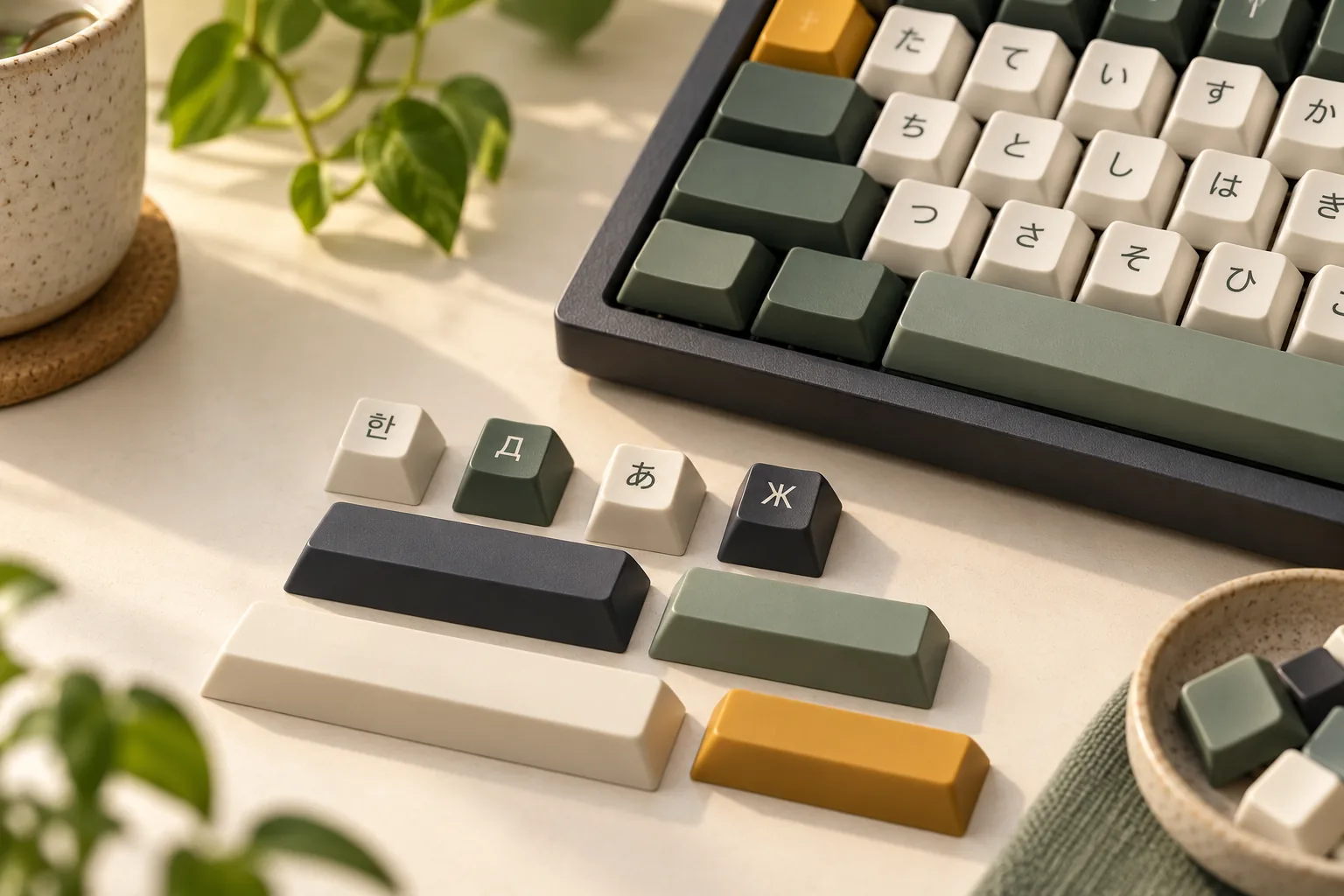
Choose Korean keycaps, Cyrillic legends, or Japanese designs with checks for software layouts, readable artwork, and physical kit coverage. Use the checklist.
Choose your Logitech MX Mechanical keyboard by numpad, switch type, Mac layout, and wireless setup. Compare three models and check accessories before buying.
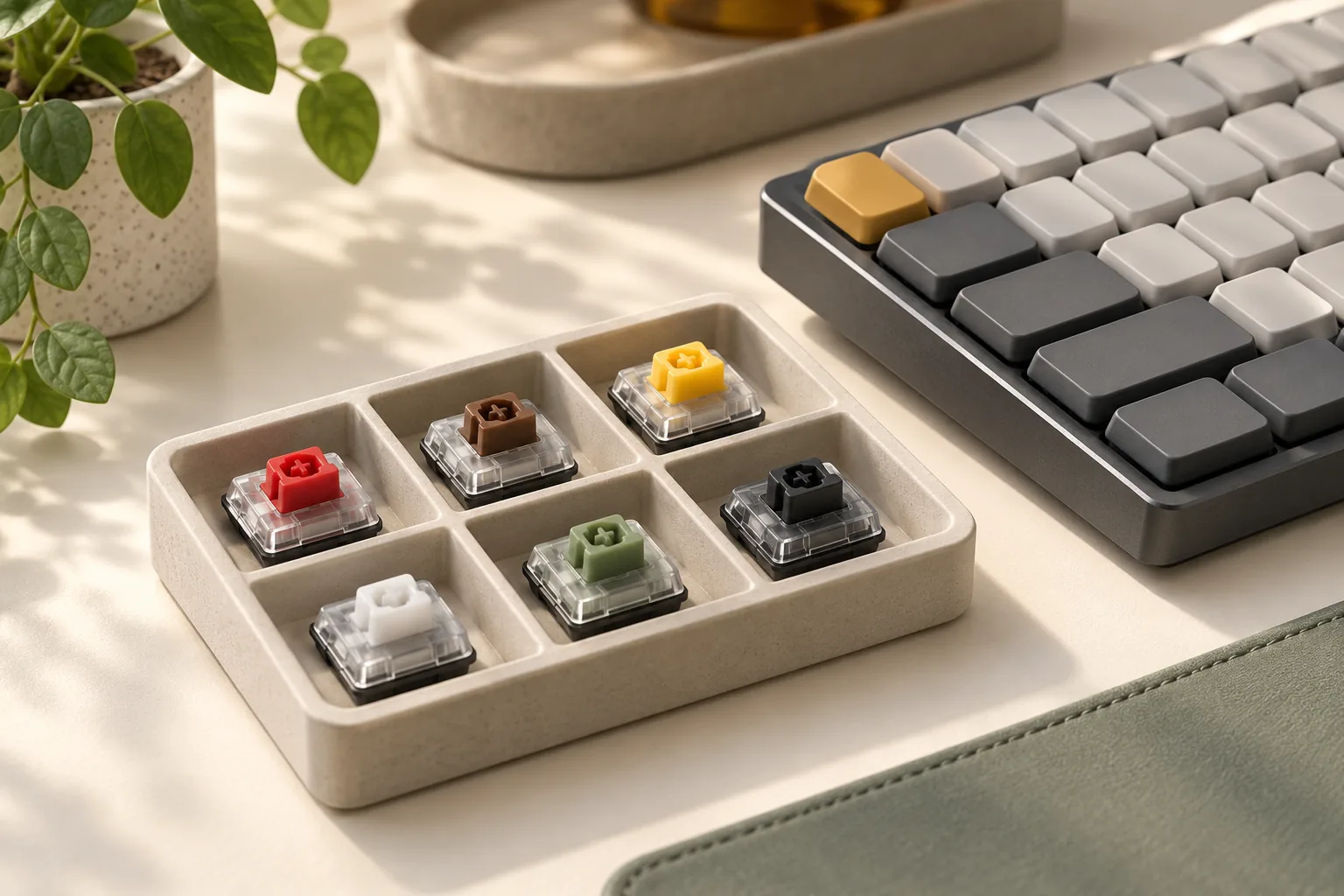
Compare low profile keyboard switches by platform, generation, and tactile specs. Check PCB, plate, keycap, and stabilizer fit before choosing a replacement.
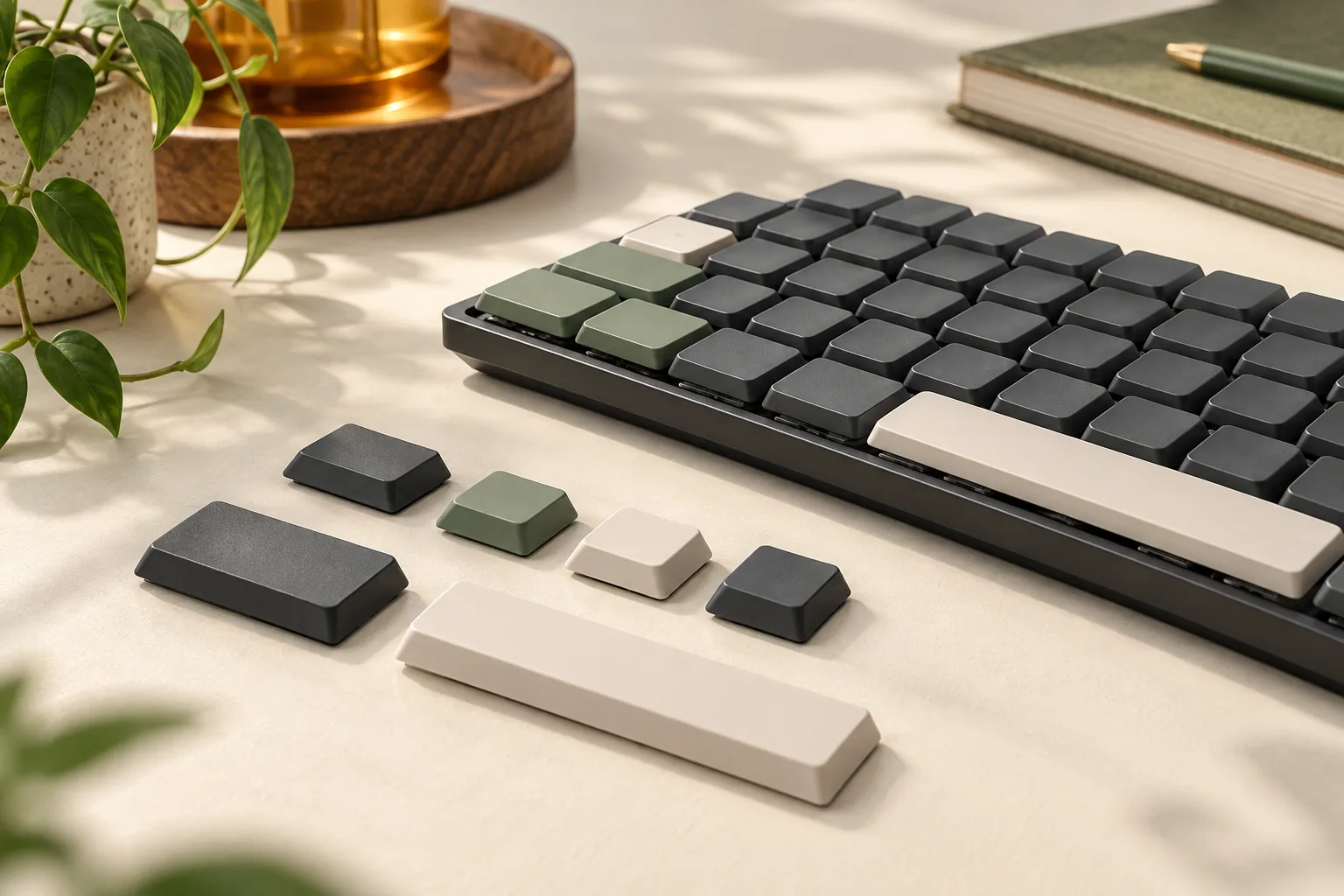
Choose low profile keycaps by matching switch mounts, keyboard generations, stabilizers, and key sizes. Compare shine-through options and use the fit worksheet.
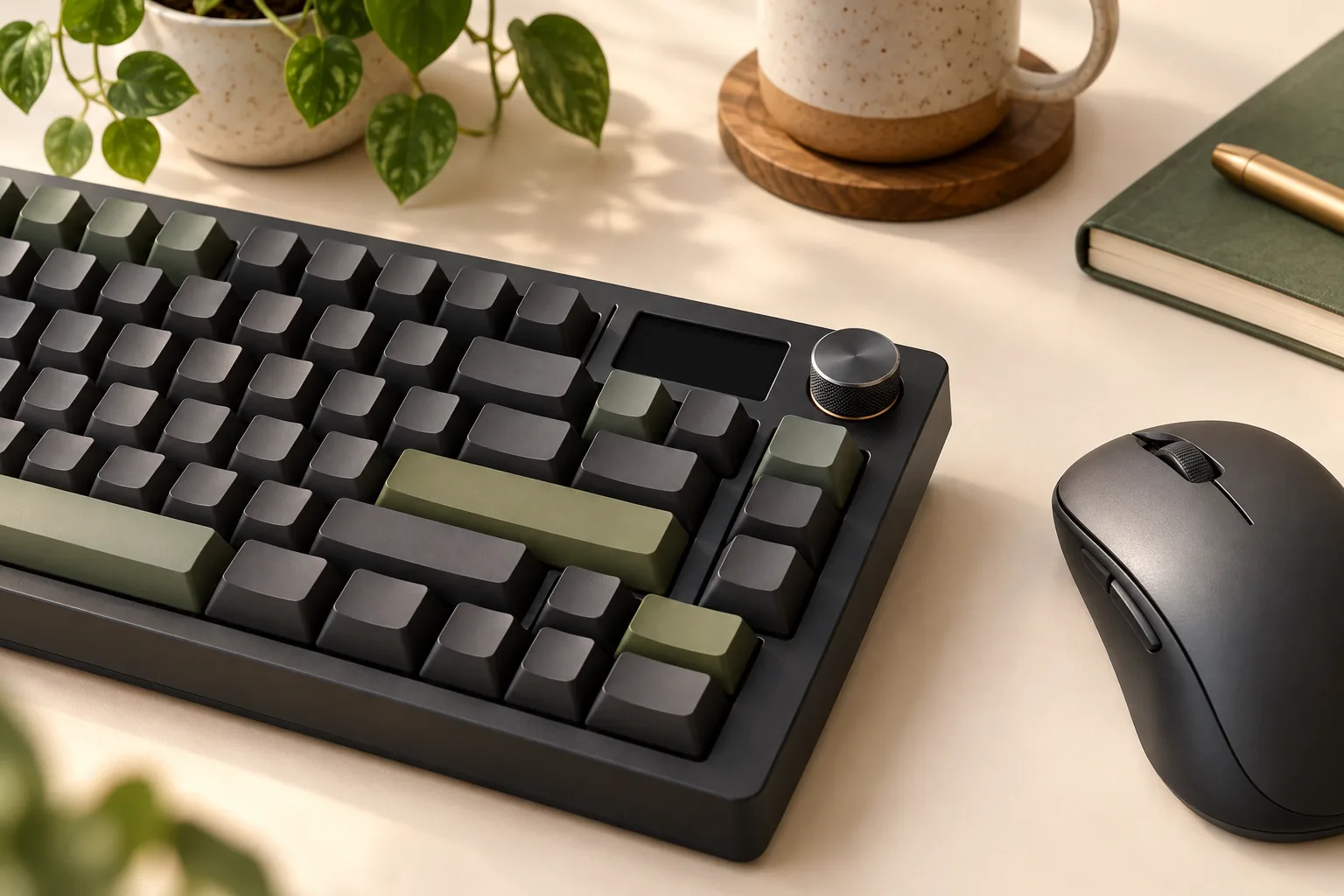
Buying a mechanical keyboard with knob controls? Compare dial tasks, LCD widgets, macro keys, and software requirements before choosing your exact model.