
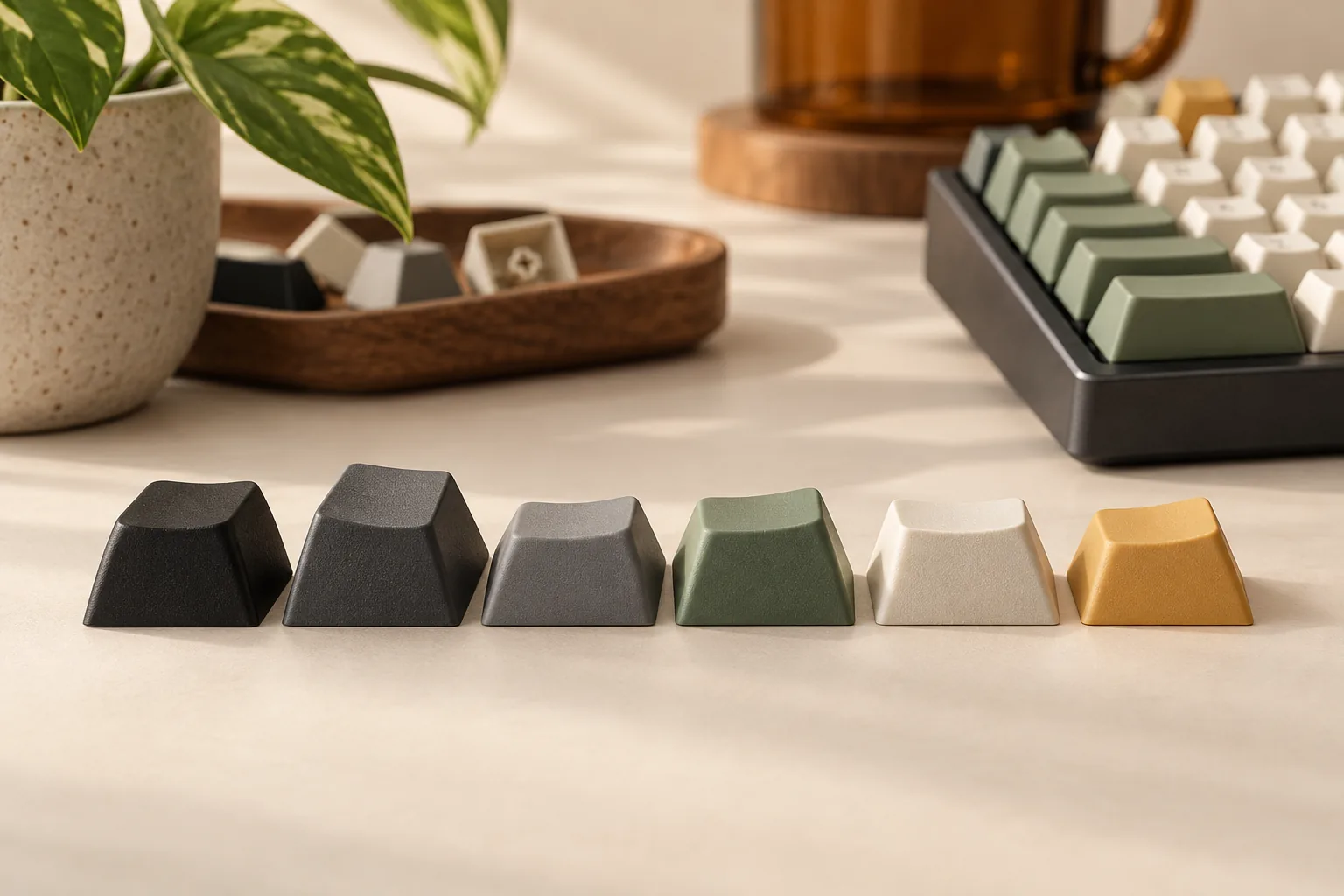
PBT Keycaps: Choosing Profiles, Legends, and Set Coverage
Choose PBT keycaps by legend process, profile, and exact kit coverage. Compare documented examples and use a key-by-key worksheet before ordering.
Category Archive
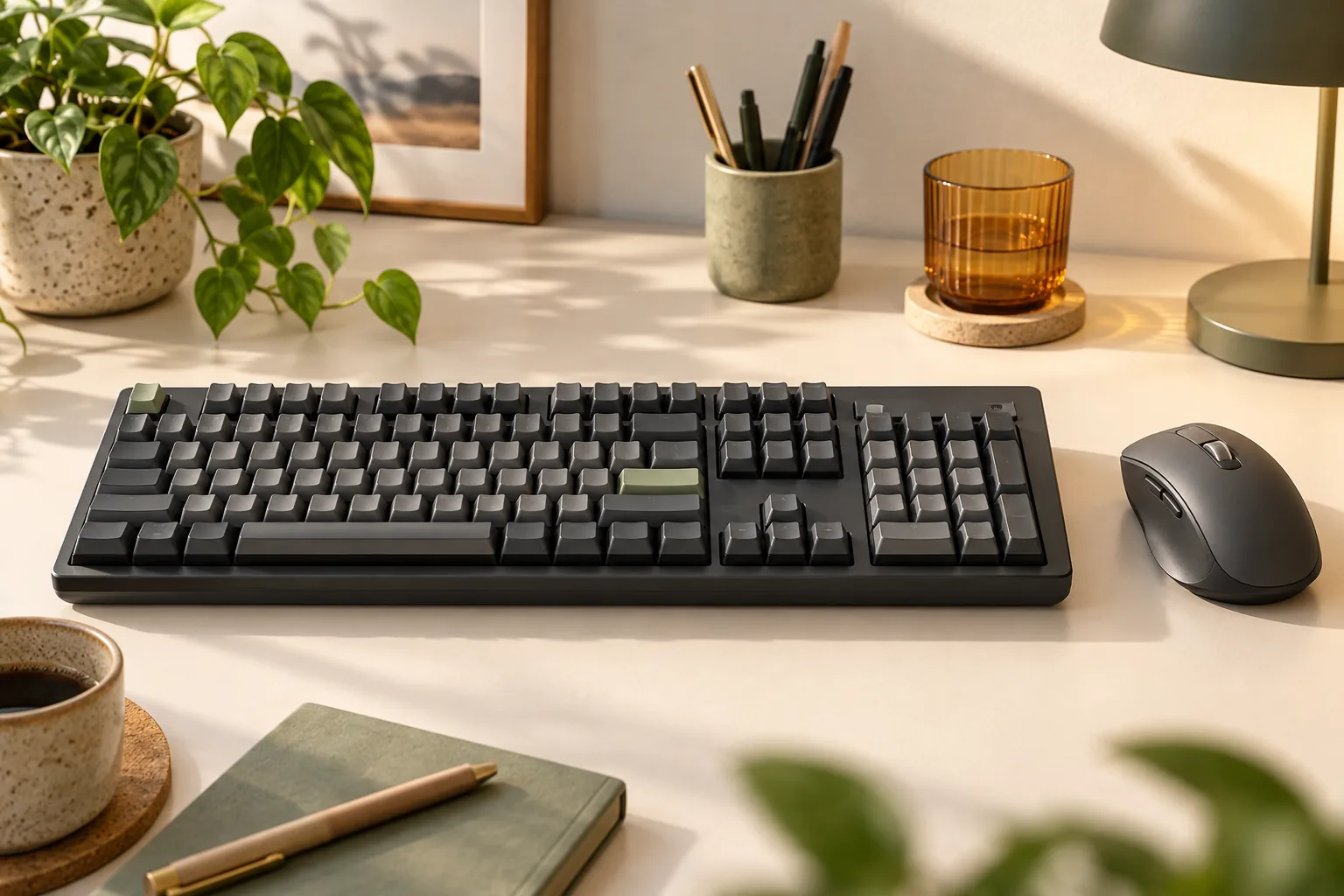
Choose your Logitech MX Mechanical keyboard by numpad, switch type, Mac layout, and wireless setup. Compare three models and check accessories before buying.
Choose PBT keycaps by legend process, profile, and exact kit coverage. Compare documented examples and use a key-by-key worksheet before ordering.
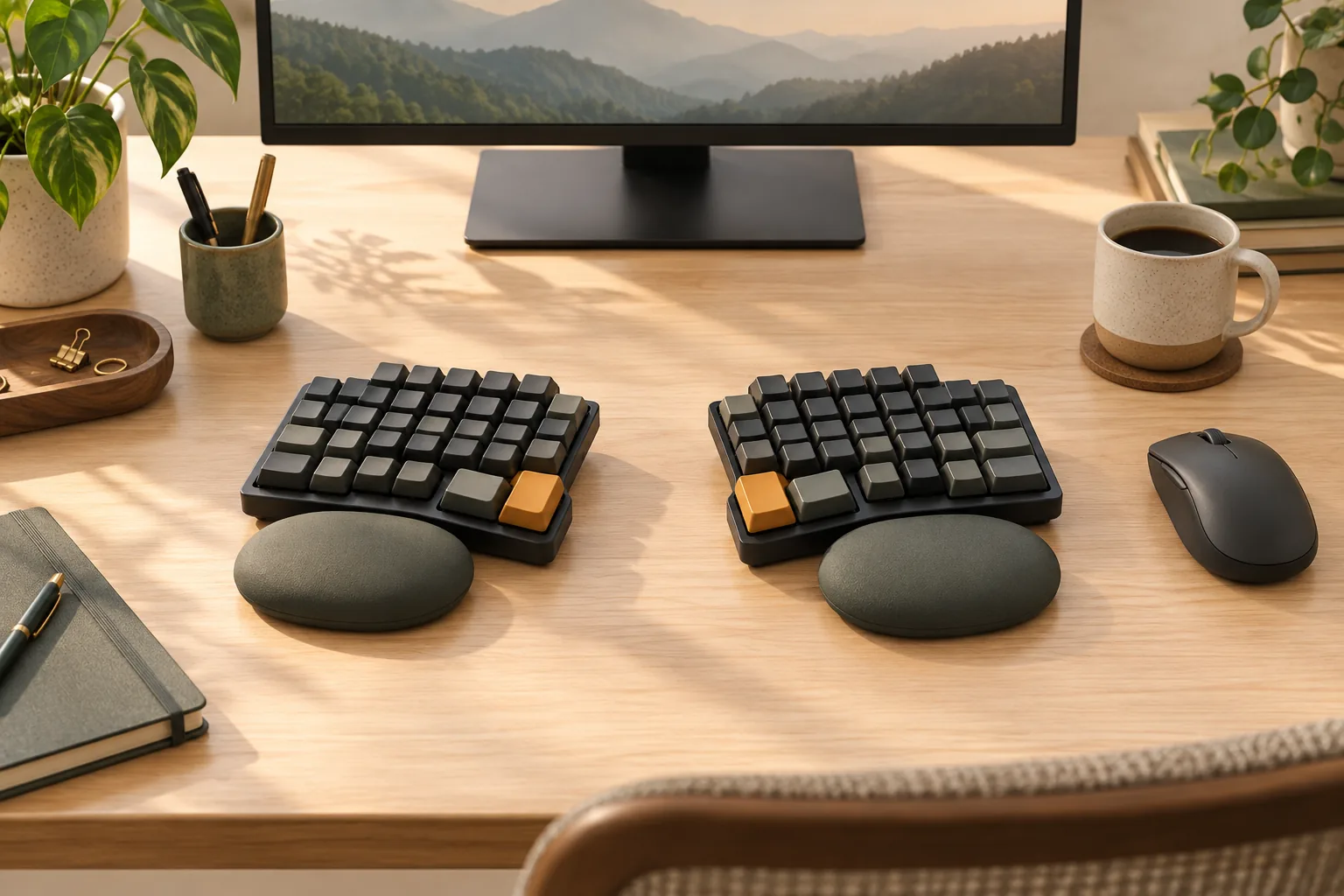
Choose the best split mechanical keyboard for your setup. Compare thumb reach, layers, low-profile parts, wired links, and wireless options before buying.
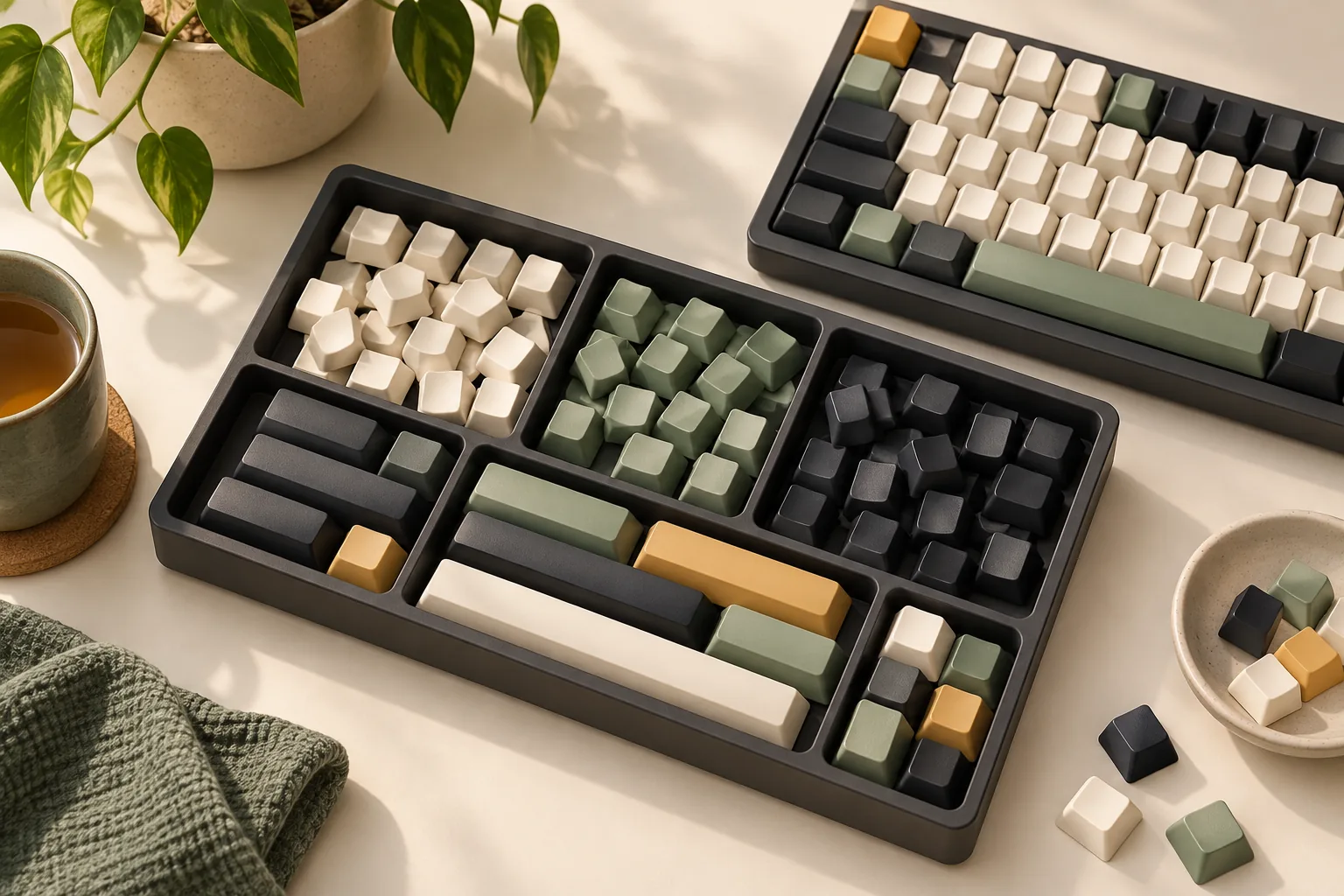
Decide where to buy keycaps by comparing retail, custom orders, preorders, and resale. Check Temu listings, kit coverage, and return terms before paying.
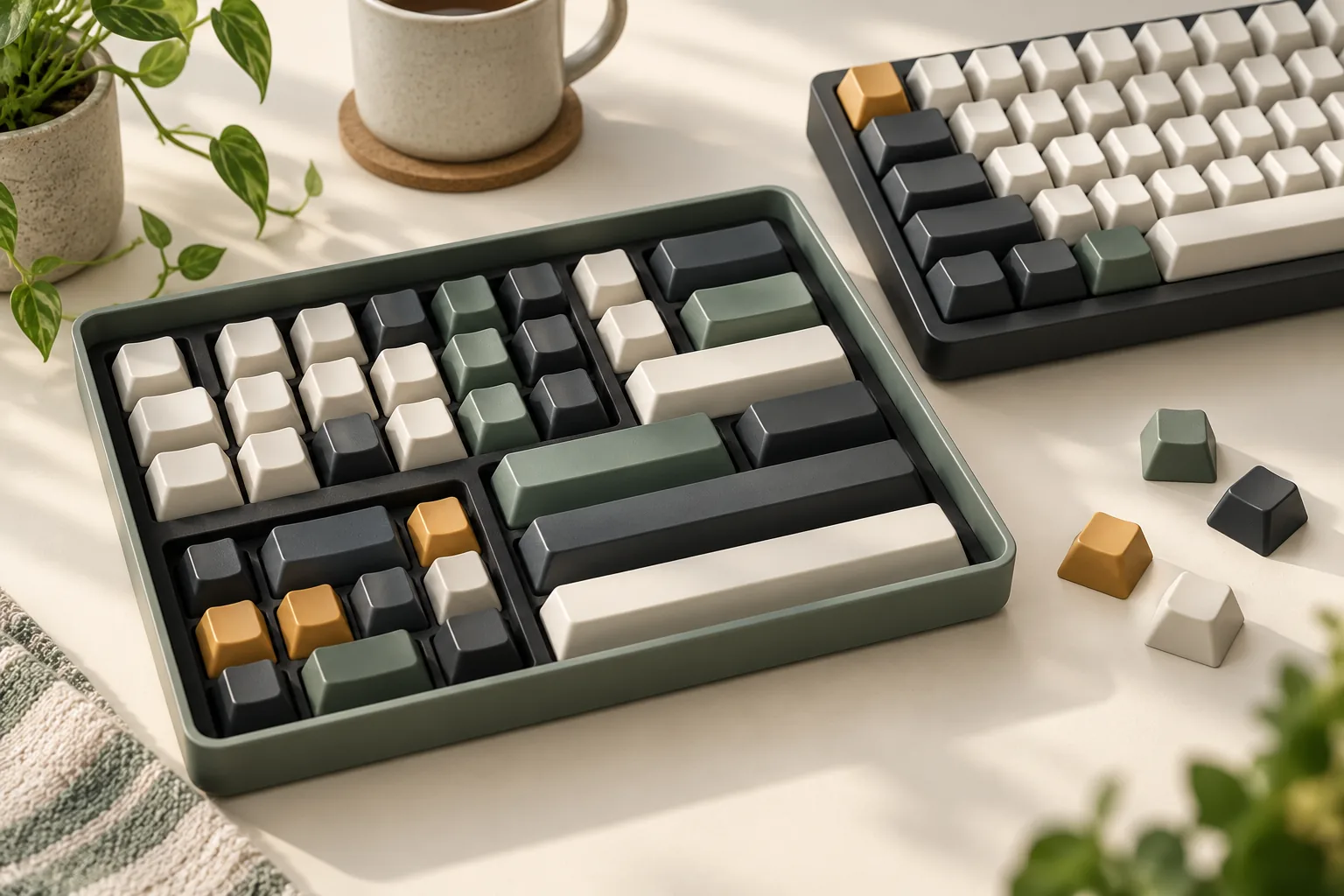
Are Cherry MX keycaps universal? Check switch stems, stabilizers, layout coverage, and clearance with a practical worksheet before choosing a replacement set.
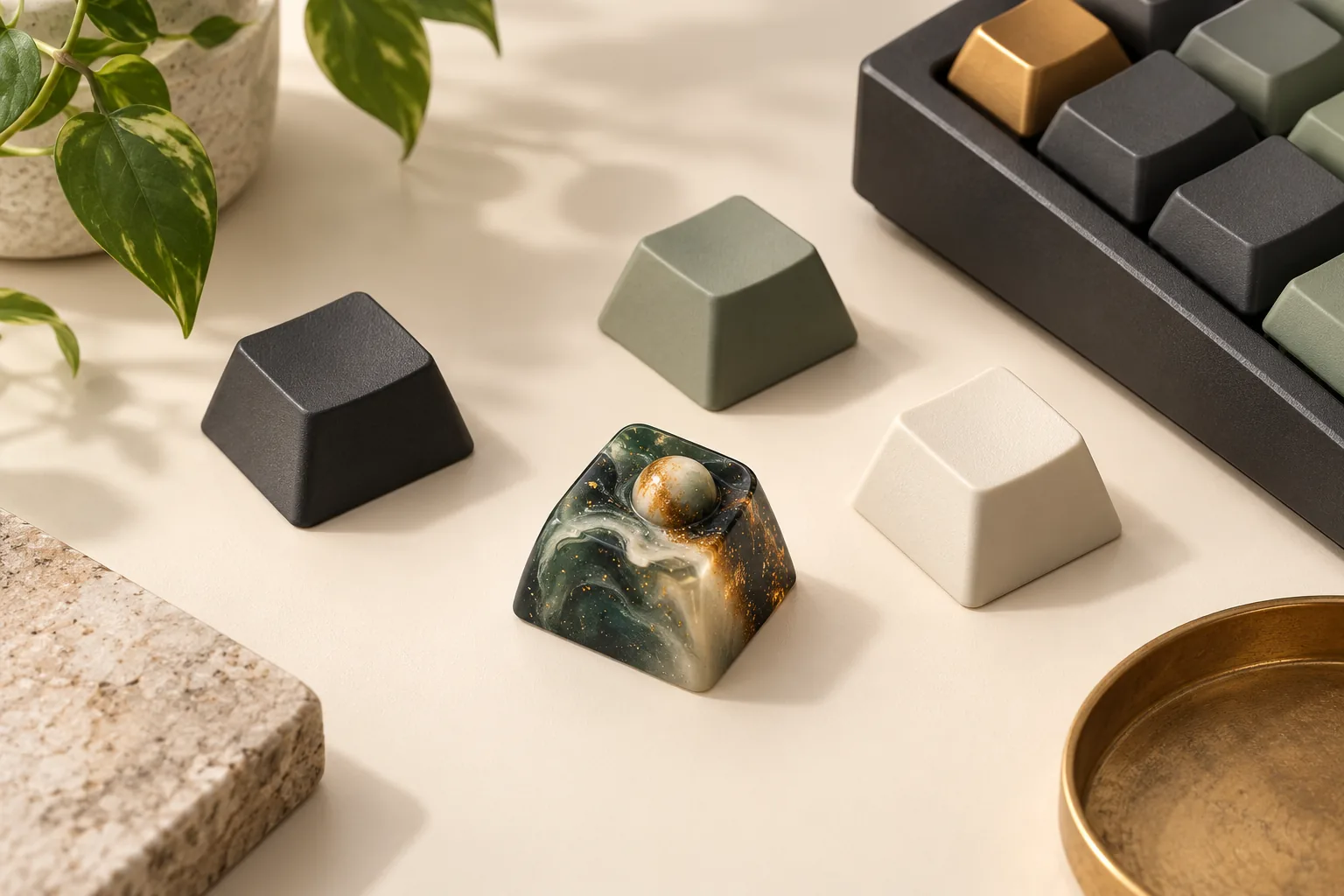
Choose artisan keycaps with a practical fit worksheet. Compare sculpted and galaxy resin examples, verify maker markings, and check seller terms before buying.
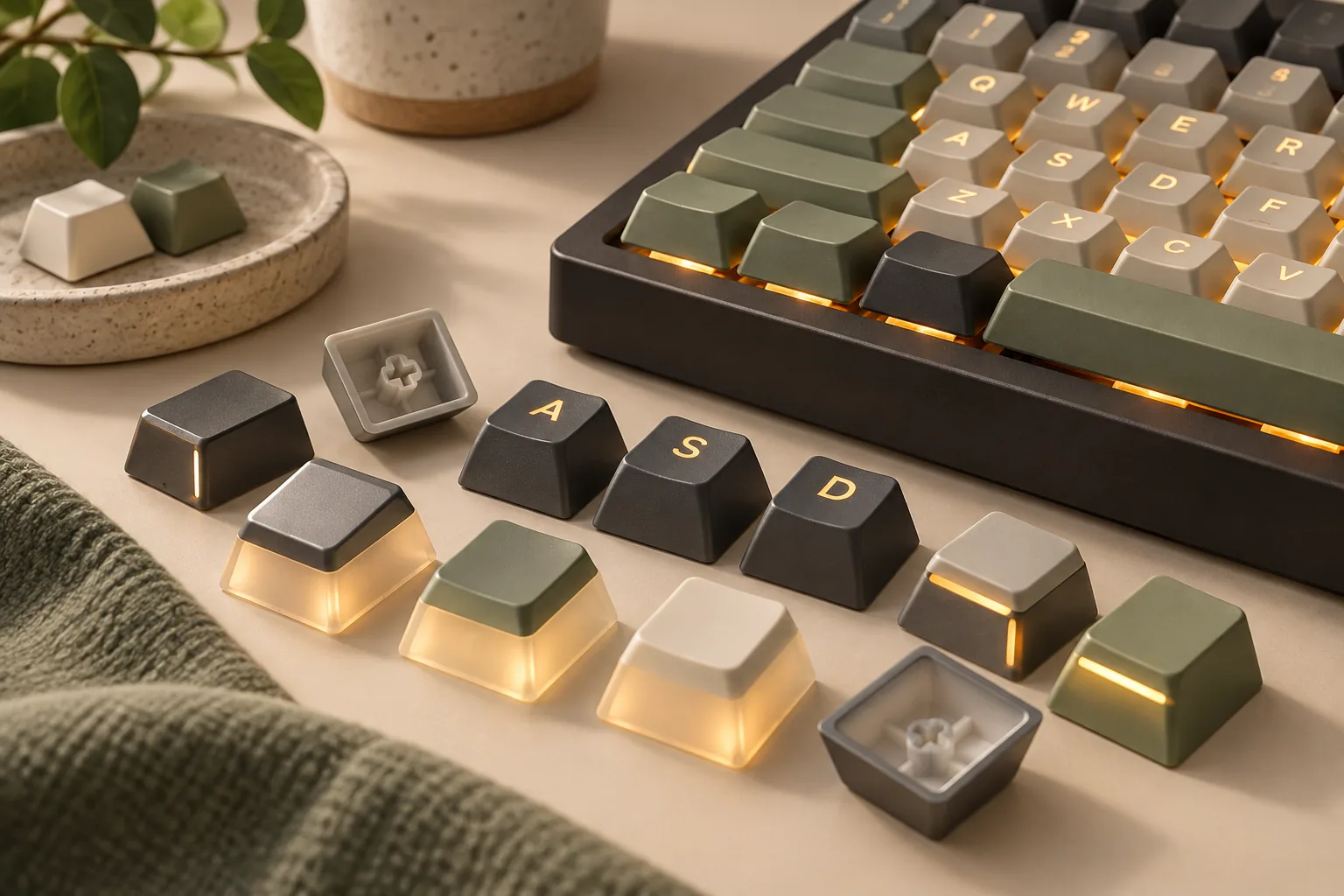
Compare backlit keycaps with top legends, side legends, and pudding walls. Check PBT claims, LED placement, missing keys, and fit before choosing your set.
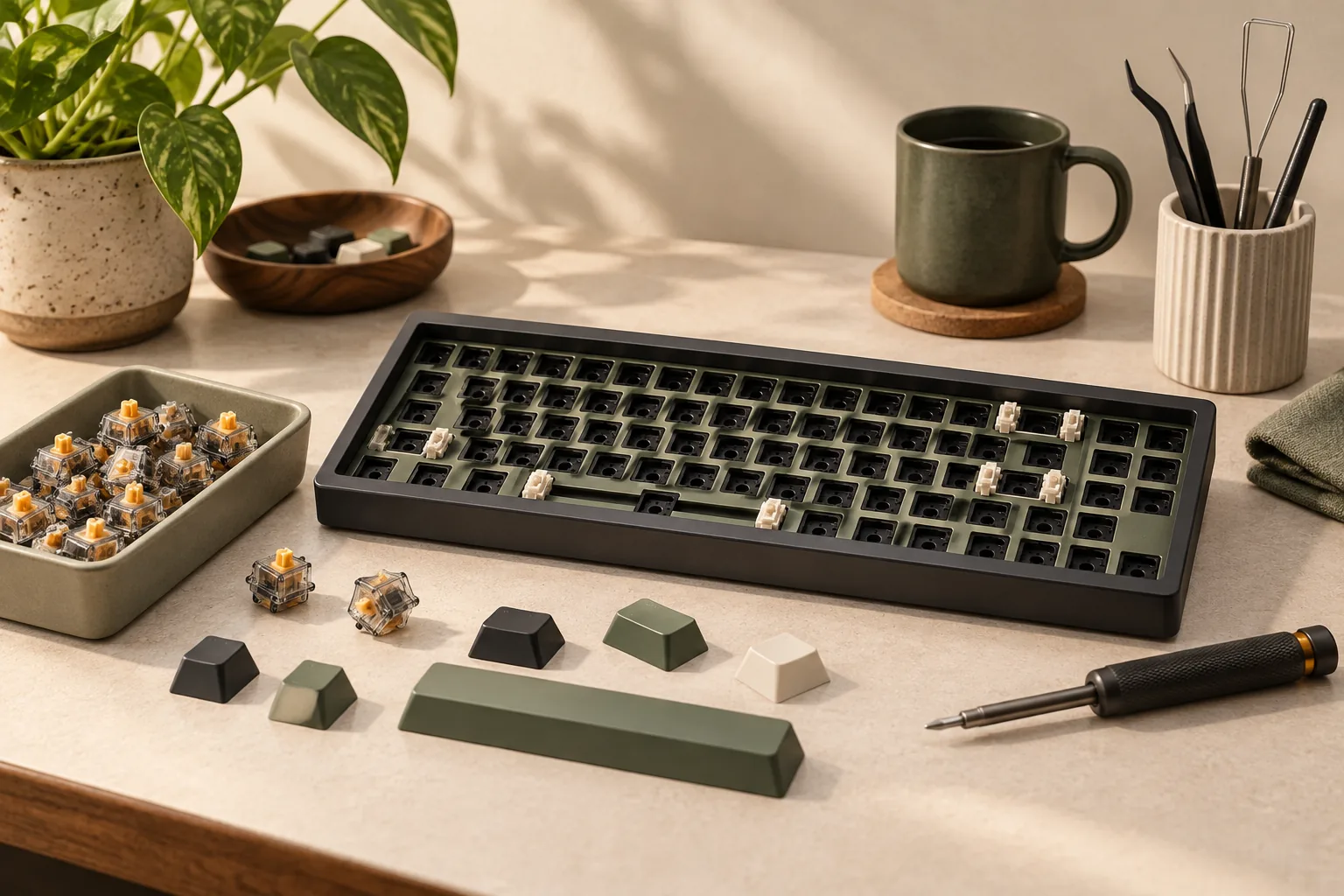
Learn how to build a mechanical keyboard with a complete parts checklist, hot-swap and soldered routes, compatibility checks, and staged tests. Start here.
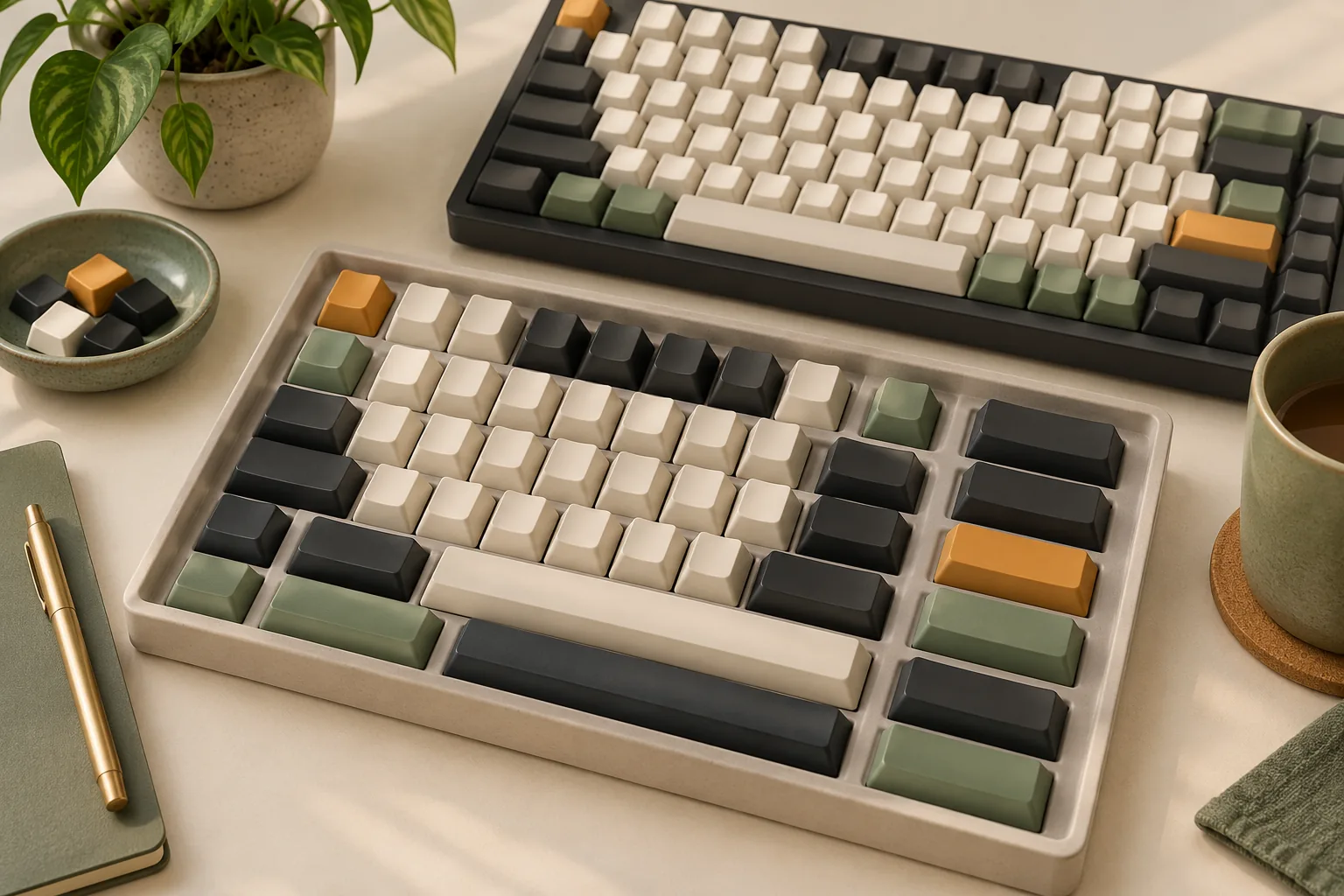
Order custom keycaps for mechanical keyboard projects: compare printing and shine-through options, check artwork files, and confirm kit coverage before paying.
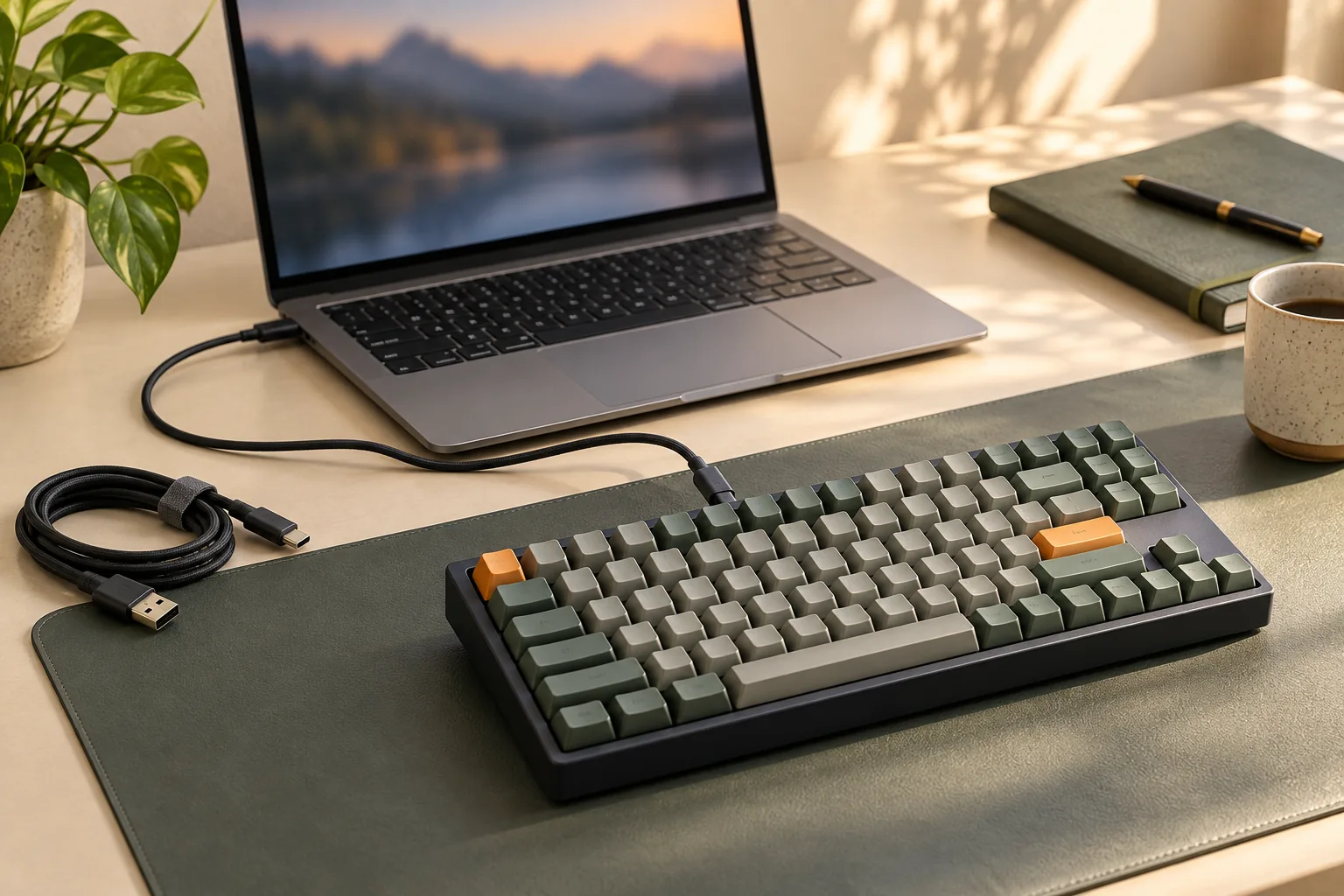
Fix mechanical keyboard problems with connection checks, Windows settings, and model-specific repair limits. Use the fault log before replacing parts.
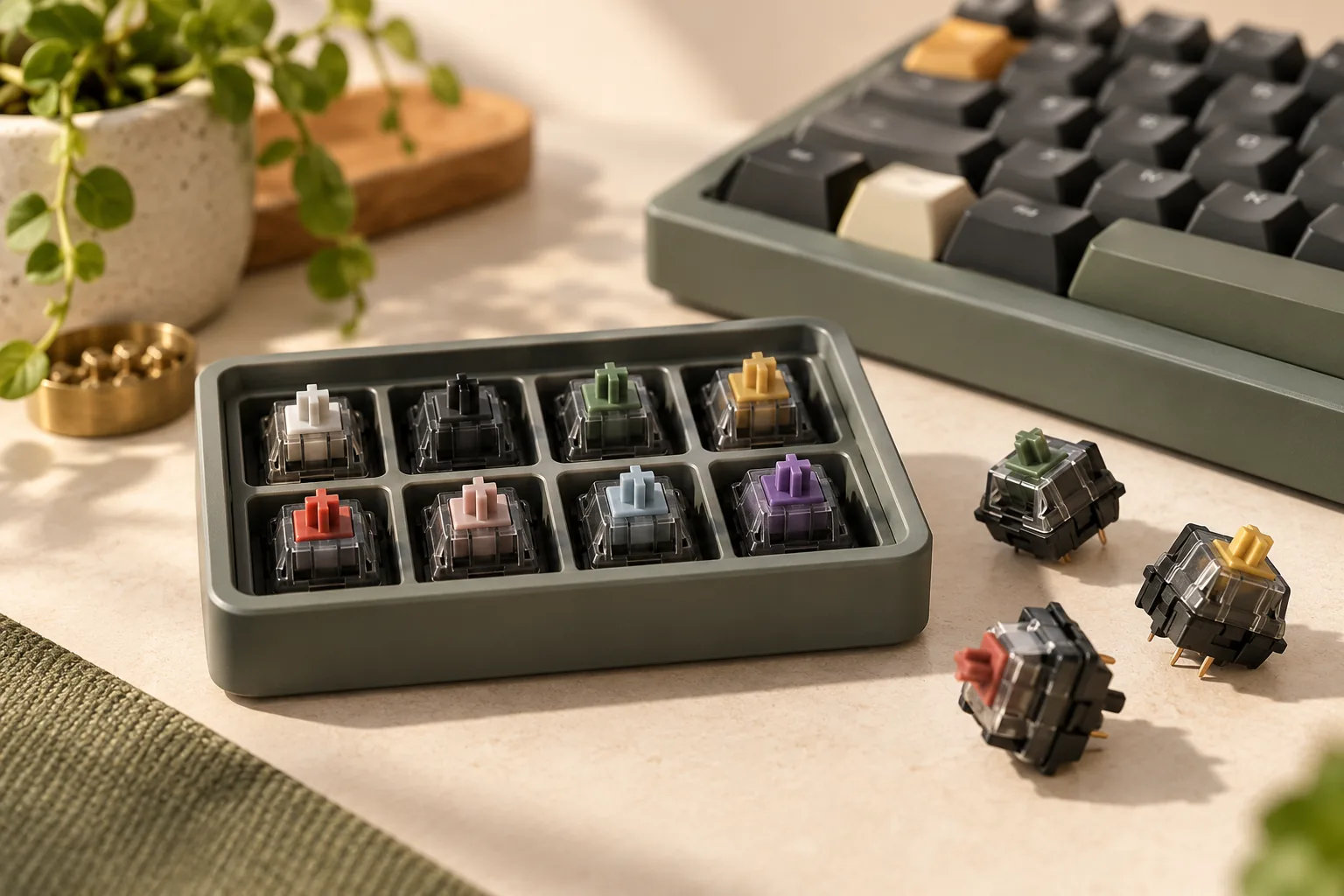
Choosing heavy linear switches? Compare starting, operating, and bottom-out force, then use a practical sample worksheet to find the resistance you prefer.