
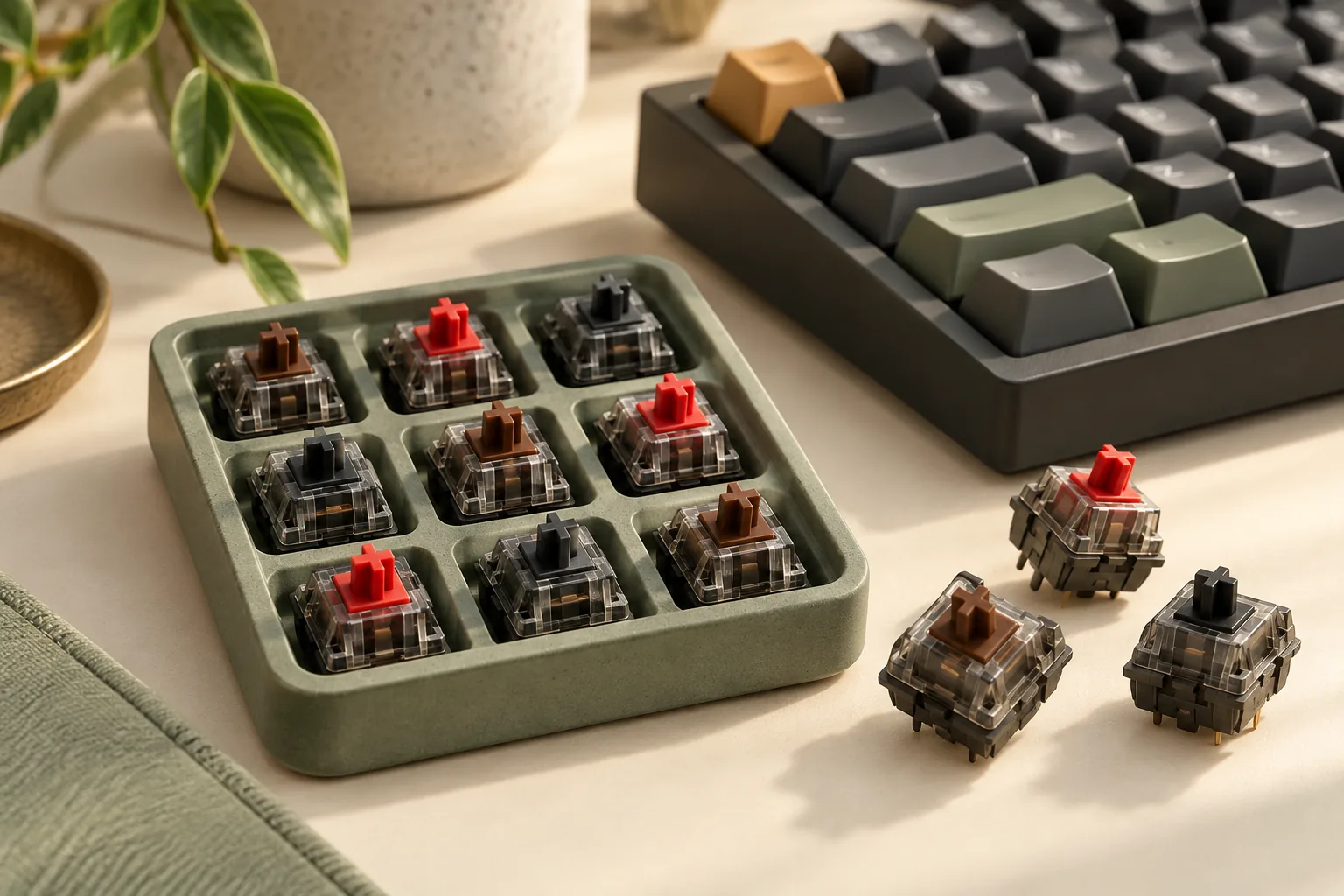
Cherry Brown Keyboard Switches vs. Red and Black
Compare Cherry Brown keyboard switches with MX2A Red and Black. Understand feedback, force specifications, generation differences, and what to check before buying.
Category Archive
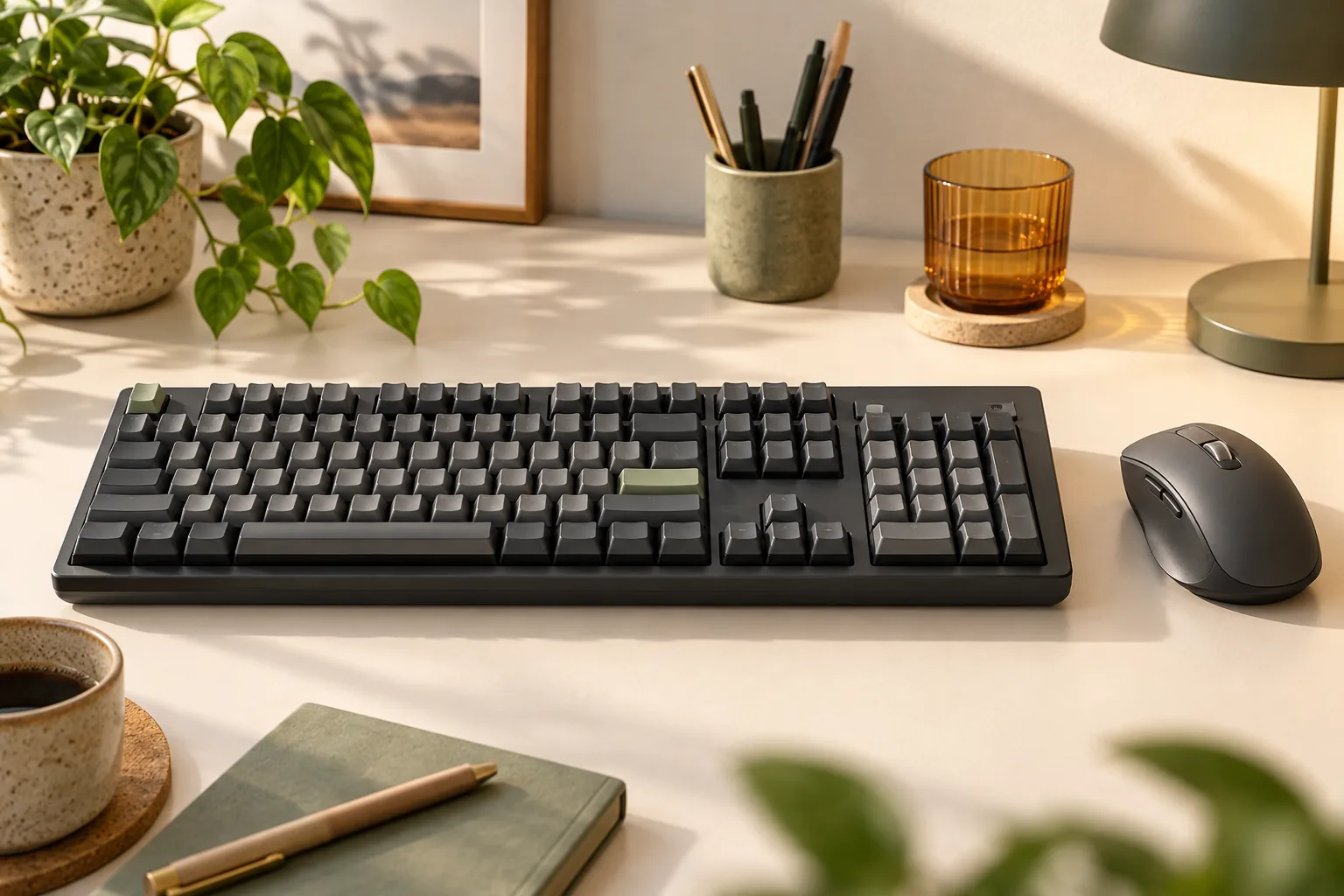
Choose your Logitech MX Mechanical keyboard by numpad, switch type, Mac layout, and wireless setup. Compare three models and check accessories before buying.
Compare Cherry Brown keyboard switches with MX2A Red and Black. Understand feedback, force specifications, generation differences, and what to check before buying.
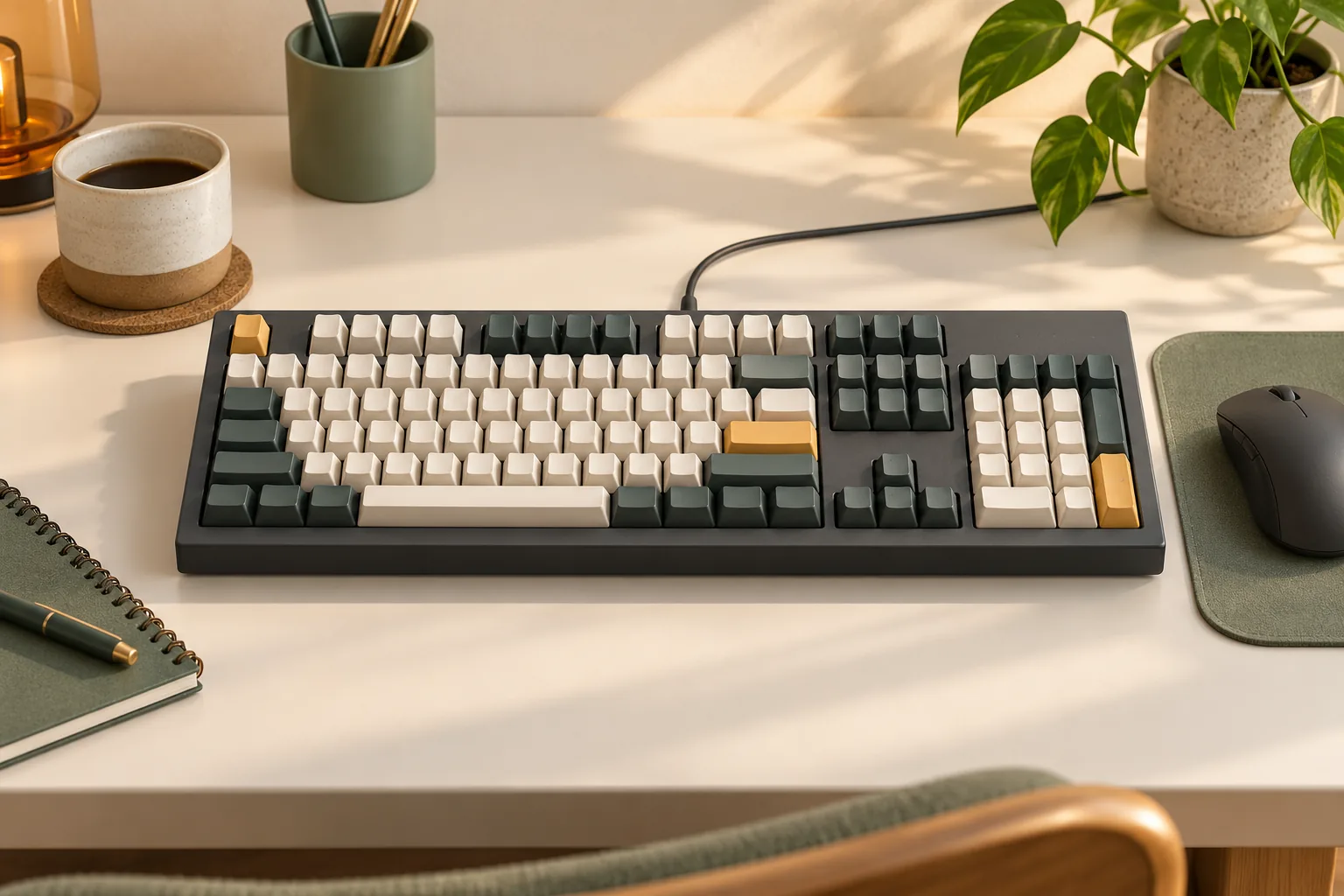
Find a mechanical keyboard with Cherry MX switches by matching exact part numbers, switch labels, generation, and US layout. Use the verification checklist.
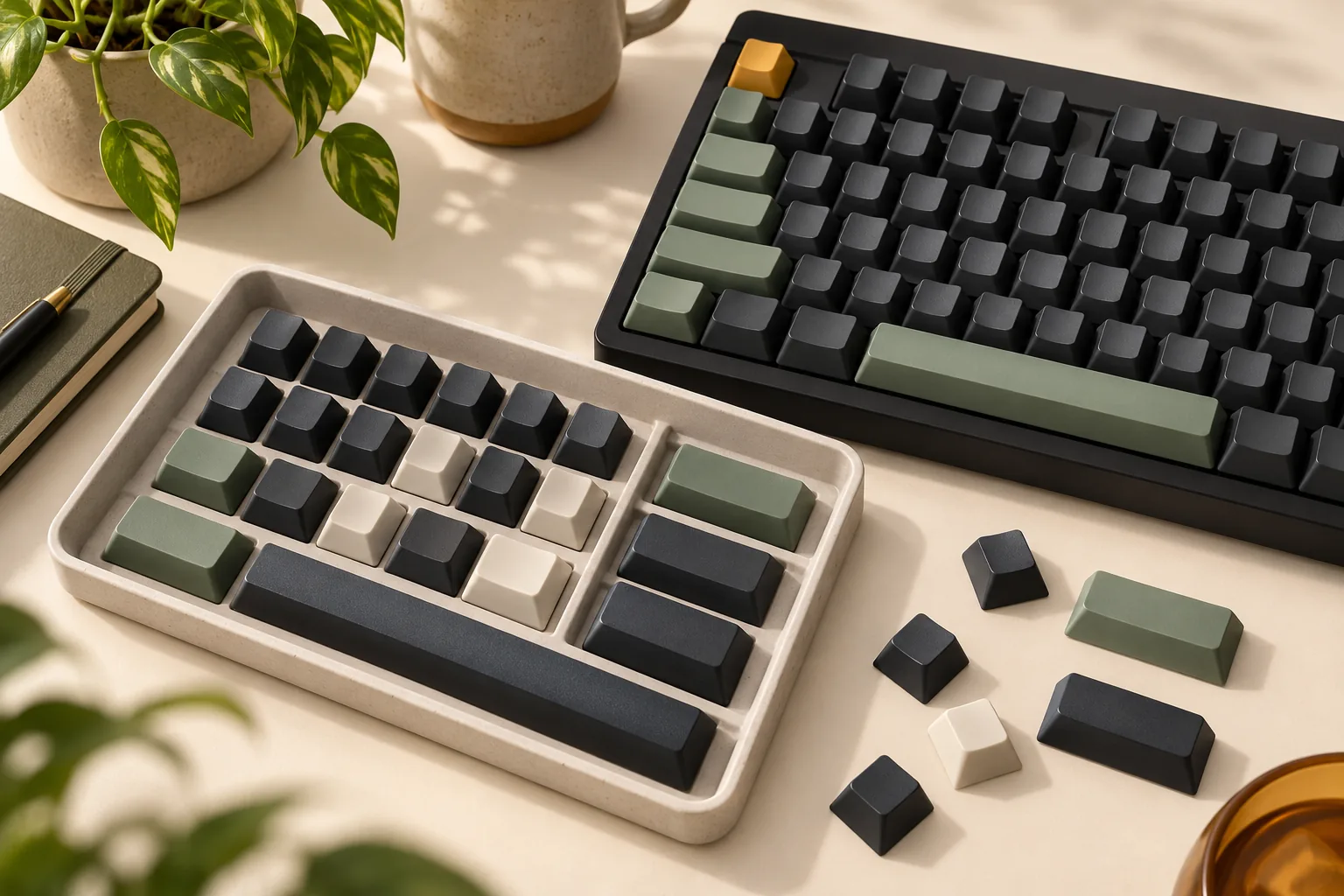
Find Corsair replacement keycaps by exact K70 model and layout. Compare legacy, PRO, and PRO MINI options, then check bottom-row coverage before you buy.
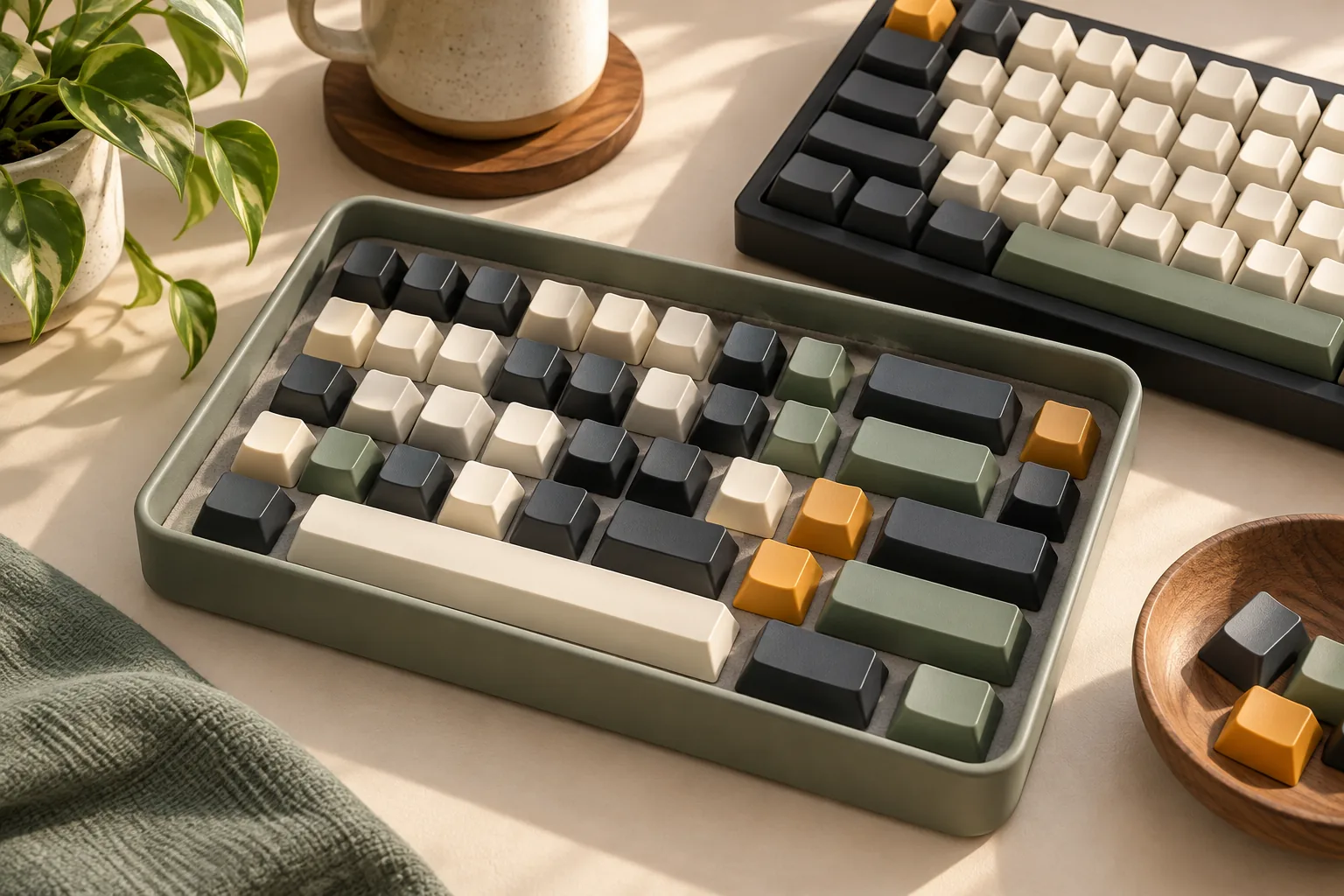
Learn how doubleshot keycaps are made, compare documented ABS and PBT examples, and check lighting, legends, and keyboard fit before choosing your next set.
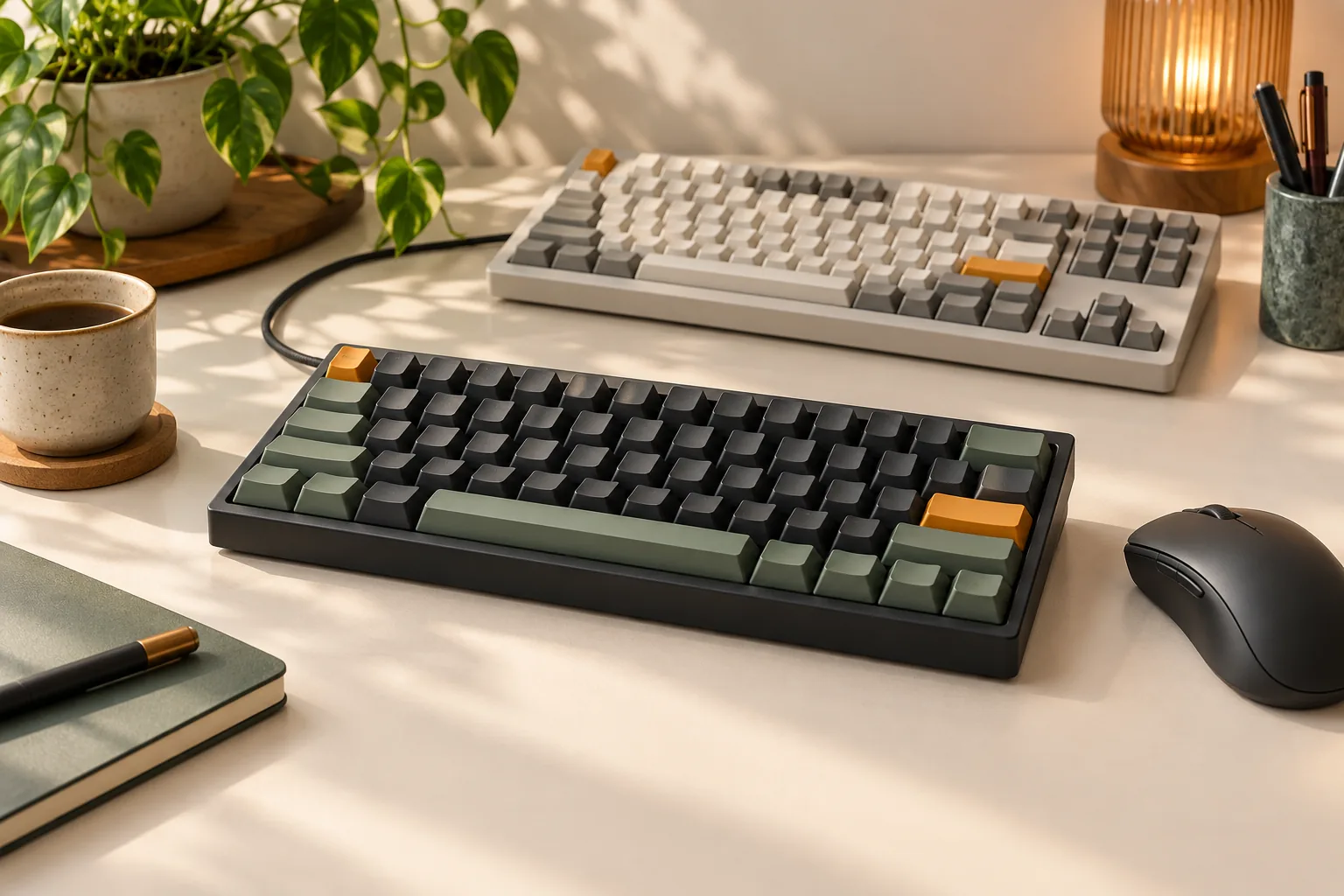
Hall Effect vs mechanical keyboard: compare gaming controls, typing feel, setup needs, and compatibility checks. Use this checklist to choose your next board.
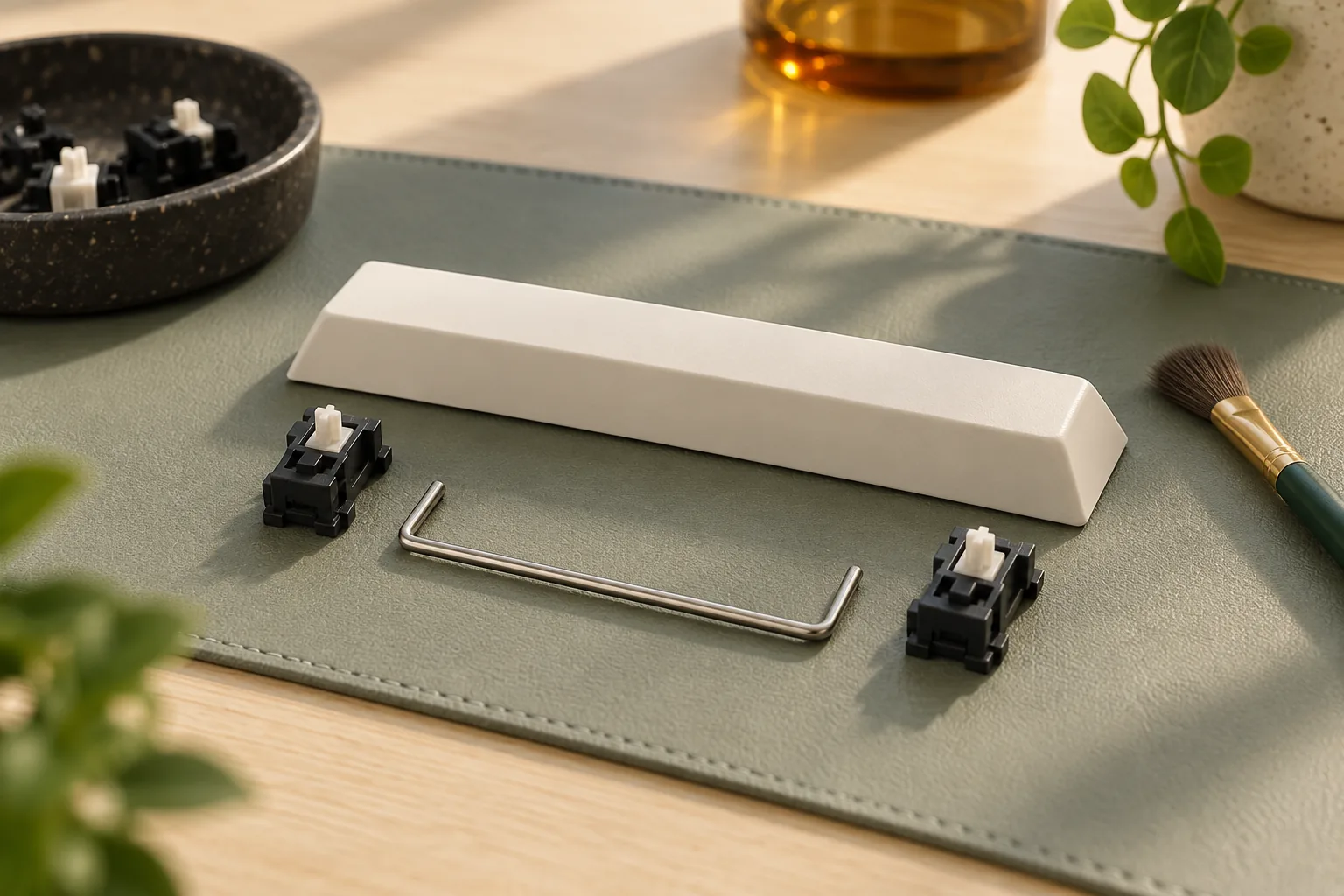
Find the best keyboard stabilizers for your board. Compare mount support, wire sizes, and kit contents, then decide whether to tune or replace your parts.
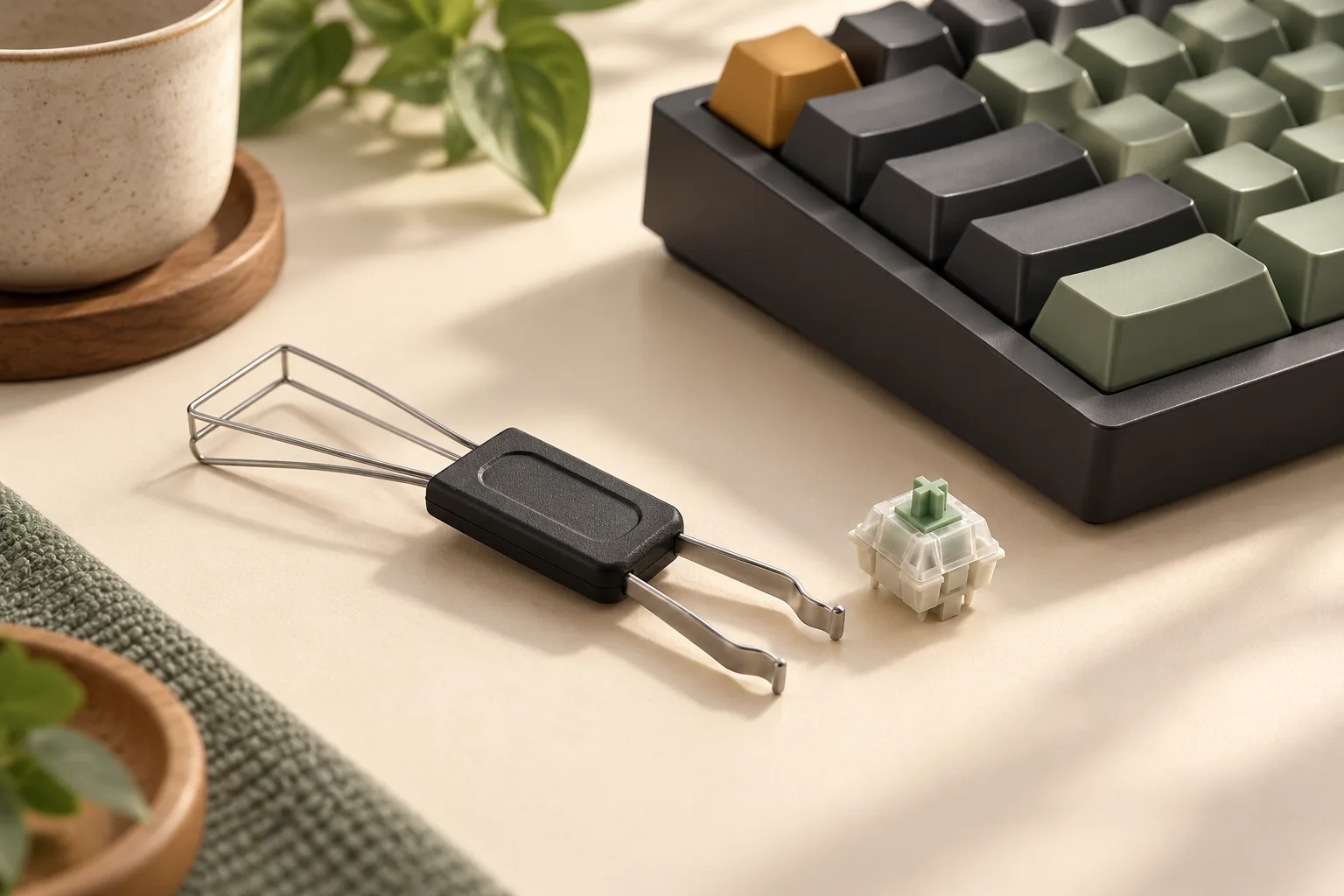
Choose a switch puller tool for your confirmed hot-swap keyboard. Check retaining-tab access, follow controlled removal steps, and know when to stop.
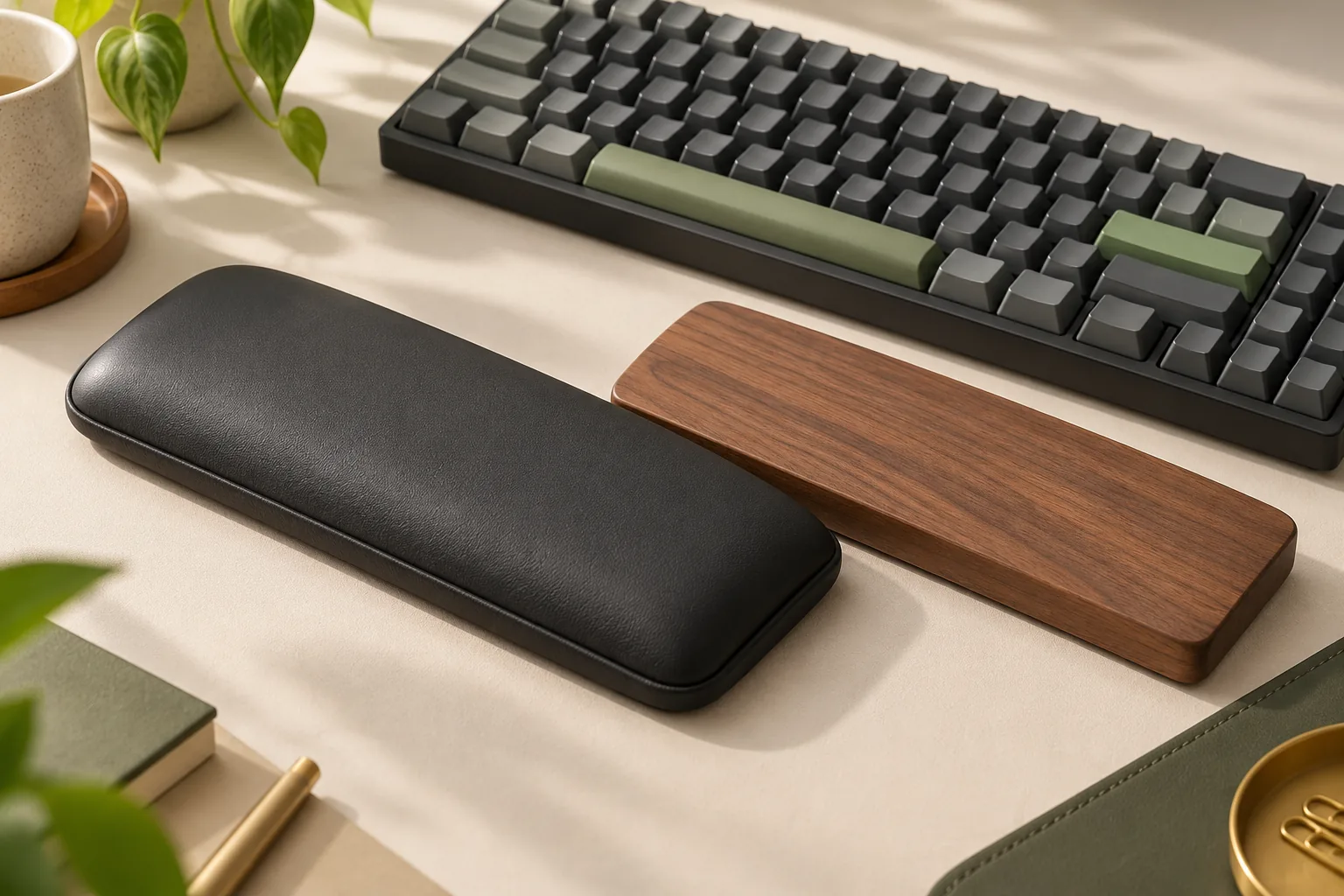
Compare a memory foam keyboard wrist rest with cloth-covered foam, wood, and leatherette. Check surface care, white finishes, and keyboard fit before buying.
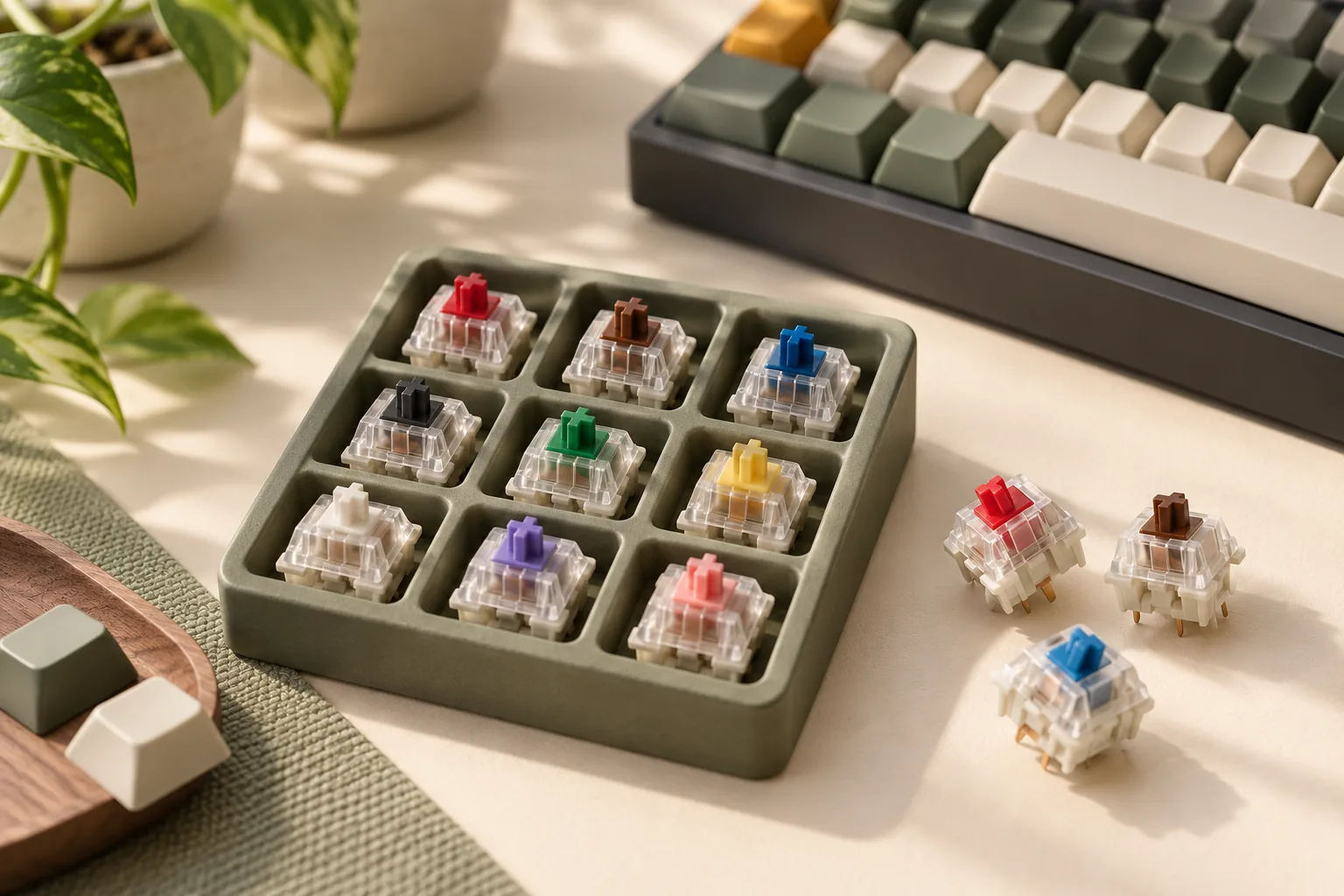
Compare linear vs tactile vs clicky switches by feel, intentional click, and sound. Use exact switch examples and a practical worksheet to choose what suits you.
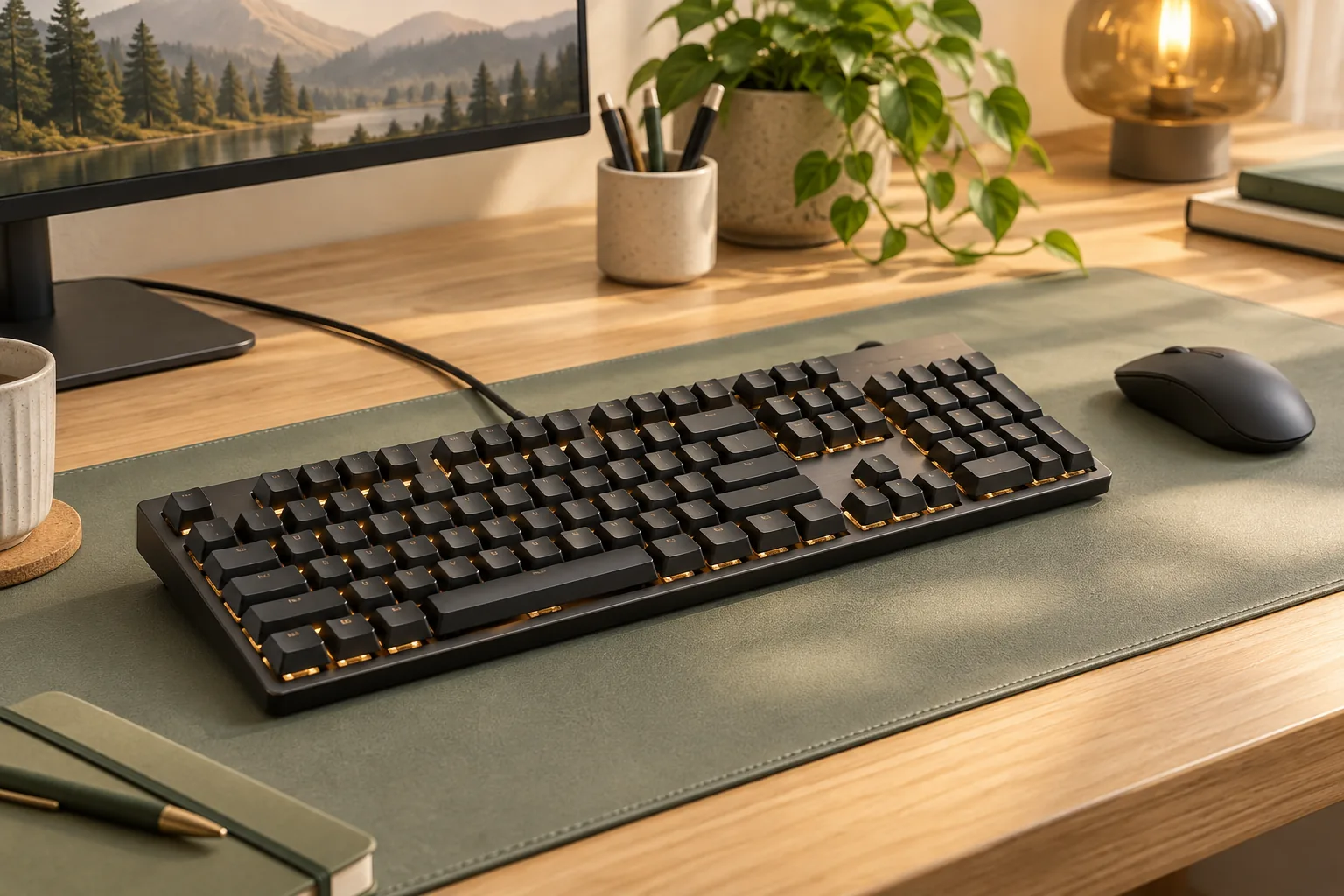
Logitech G915 X LIGHTSPEED wireless mechanical gaming keyboard vs G815: compare connections, controls, and replacement-part checks before choosing.